
1940s European Railway Station
A cinematic historical photography prompt of an elegant woman at a 1940s European railway station, with steam and vintage details.
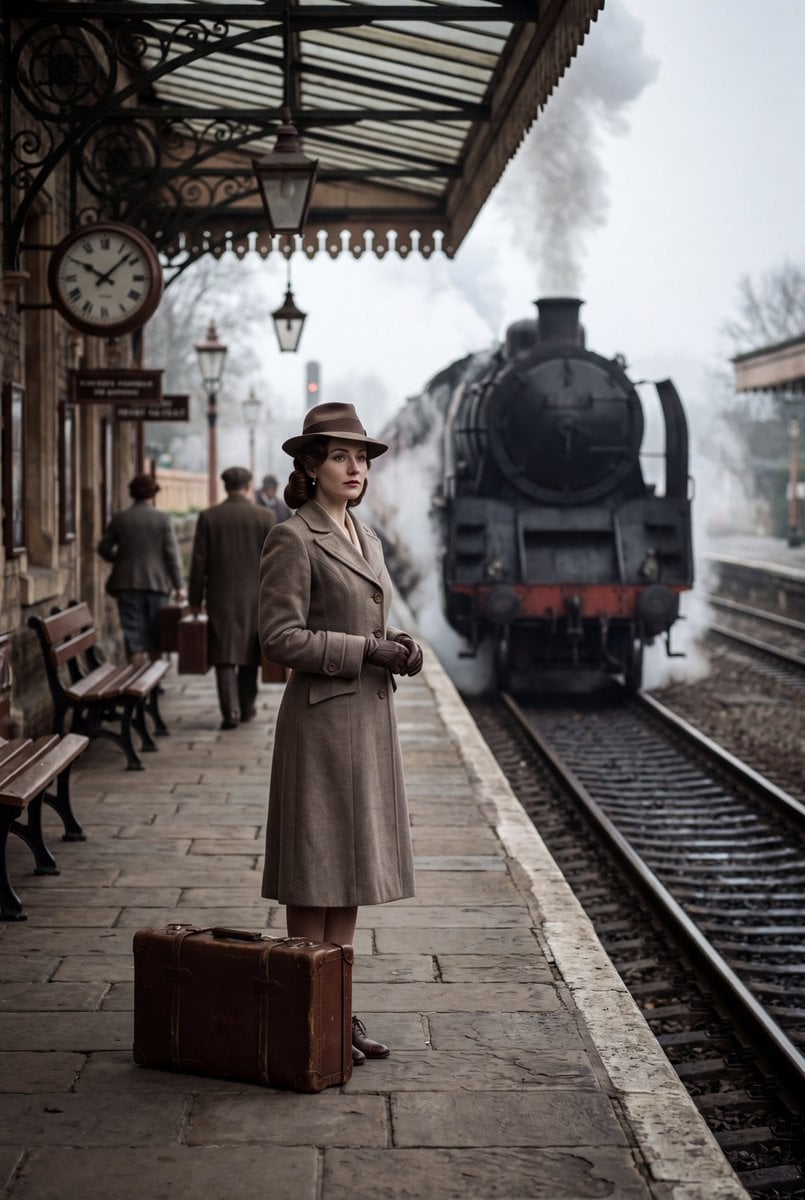
- Prompt included
- Model and format preset
- Free template
The prompt behind this image
Copy the exact prompt behind 1940s European Railway Station, or open it in the studio and make it yours.
Create an ultra photorealistic cinematic historical photograph in a 2:3 portrait aspect ratio, set inside a {argument name="location" default="European railway station"} during the {argument name="time period" default="1940s"}. A mysterious {argument name="character" default="elegant woman"} stands alone on an old railway platform, waiting beside a vintage suitcase. She wears authentic 1940s clothing with a sophisticated tailored coat, gloves, classic hairstyle, and period appropriate accessories. Steam rises from a vintage locomotive in the background while passengers move naturally through the station. Old clocks, railway signs, luggage, wooden benches, architectural details, and period accurate clothing should make the environment feel historically authentic. Create a strong cinematic composition with the woman as the central focal point and the railway tracks leading deep into the background. Moody overcast daylight mixed with soft station lighting, realistic steam, atmospheric depth, natural skin texture, authentic fabric details, subtle film grain, vintage photographic characteristics, cinematic shadows, restrained color grading, premium historical photography, extremely realistic, 8K detail. No modern objects, no modern clothing, no futuristic elements, no cyberpunk, no neon lights, no text overlays, no logos, no watermark. Aspect ratio: 2:3.
How to use 1940s European Railway Station in 3 steps
- 1
Open
The prompt is already in the box next to the preview, with the template's model and format selected.
- 2…a portrait of your subject in softgolden-hour light, 85mm…
Personalize
Edit the subject and creative details for your destination.
- 3Generate
Generate
Press Generate — your image is created in PicX Studio, so you can compare it with the original and refine one variable at a time.
More like this
Templates with the same subject, style or setup. Open one to see its prompt.

Before We said Goodbye
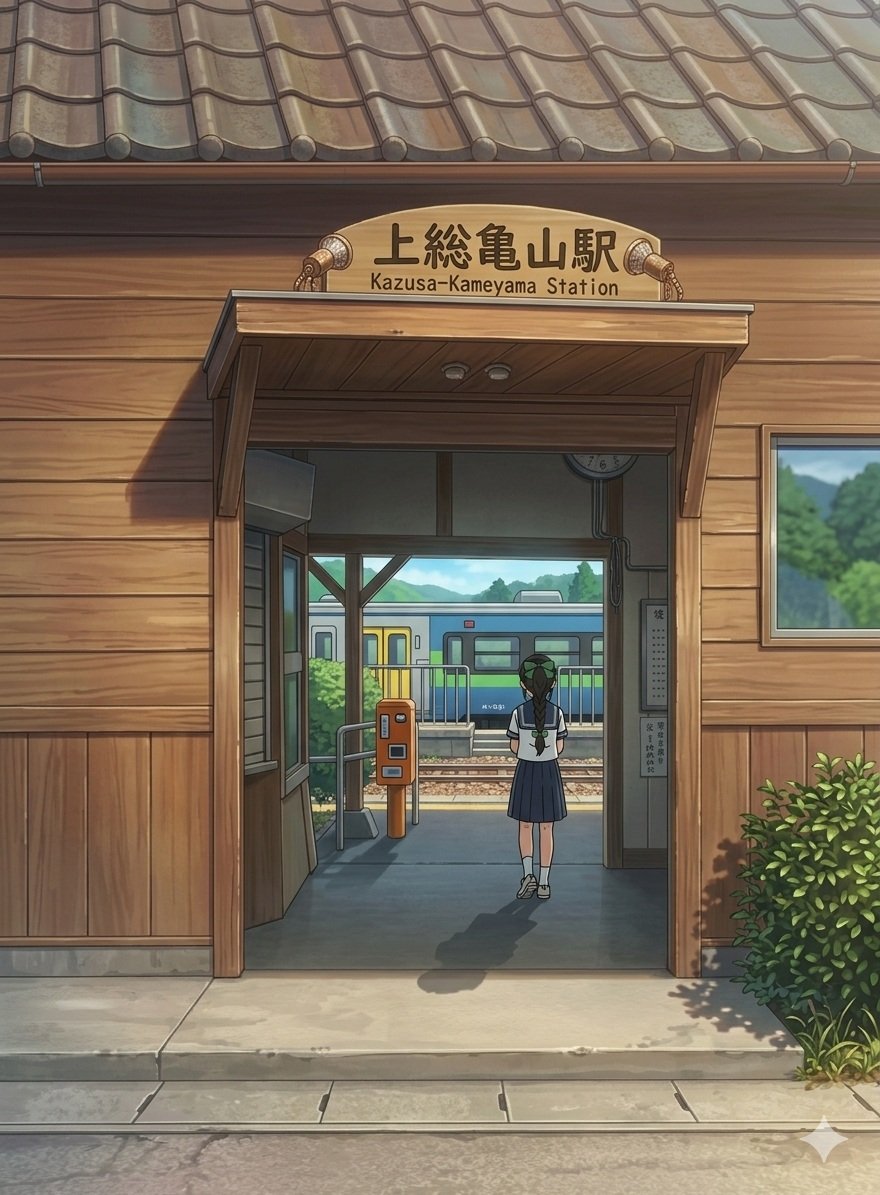
Anime Railway Station Transformation
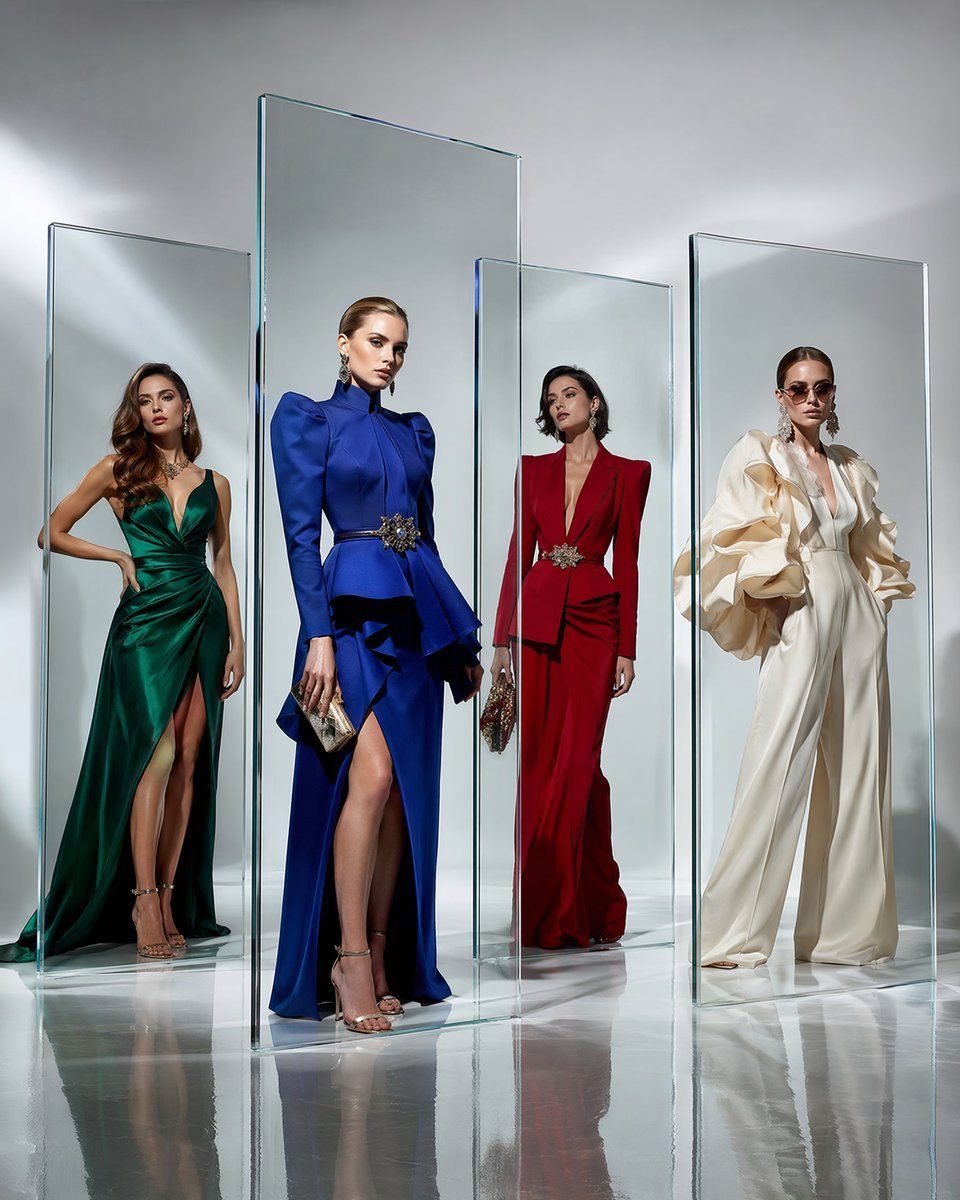
Crystal Panel European Couture Fashion Composite

Parisian Outdoor Café Silver-Hair Portrait
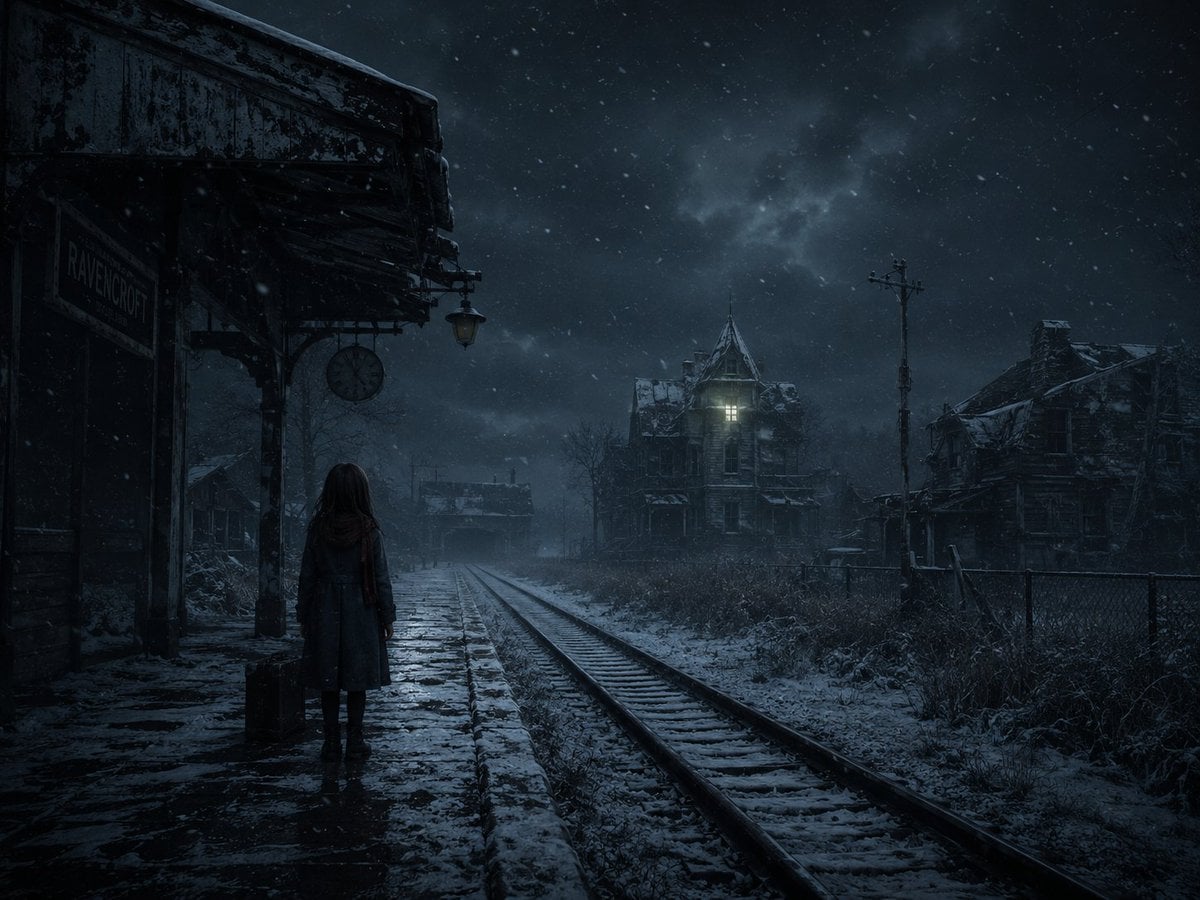
Snowy Gothic Abandoned Railway Station
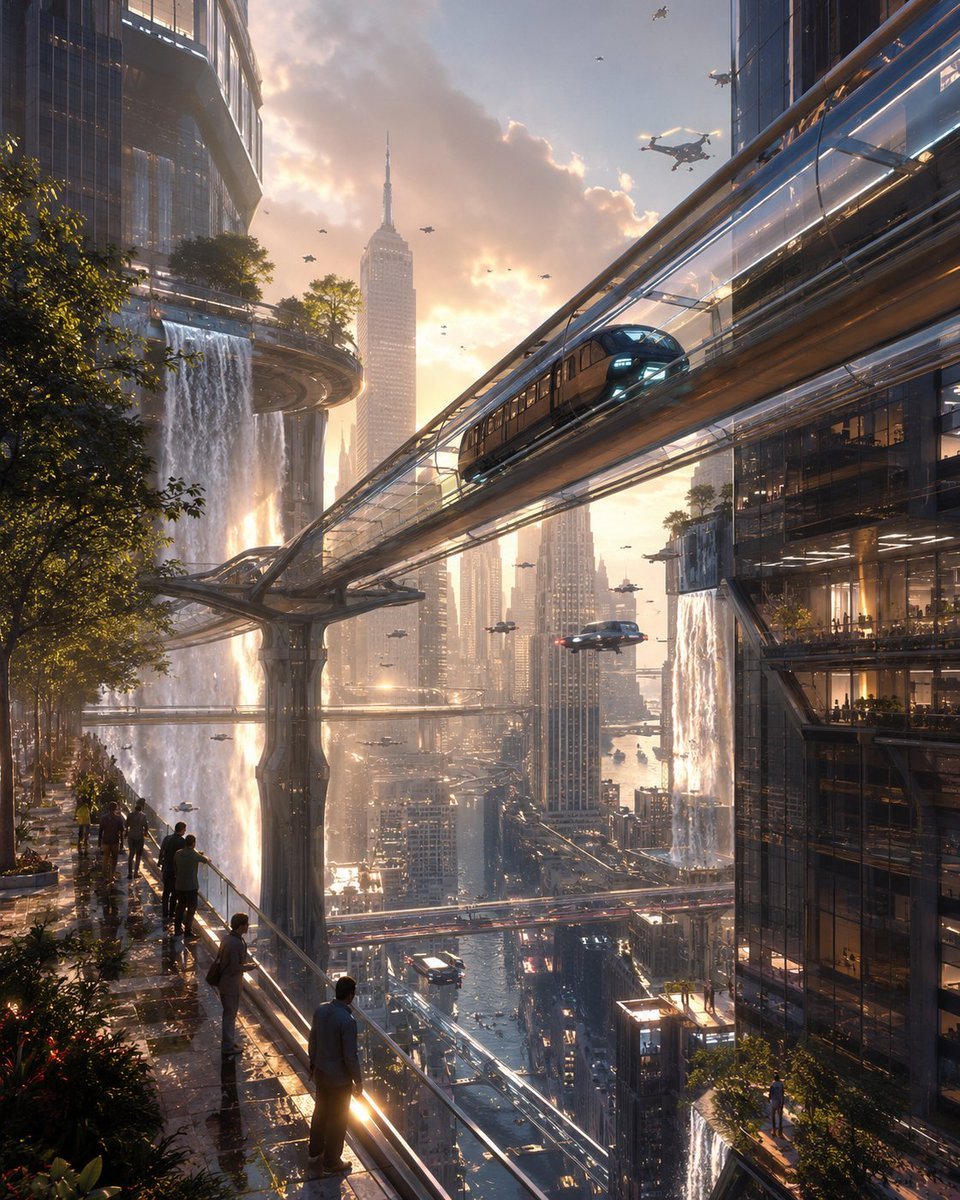
Sky Railway 2099 Concept

Elegant European Street Portrait
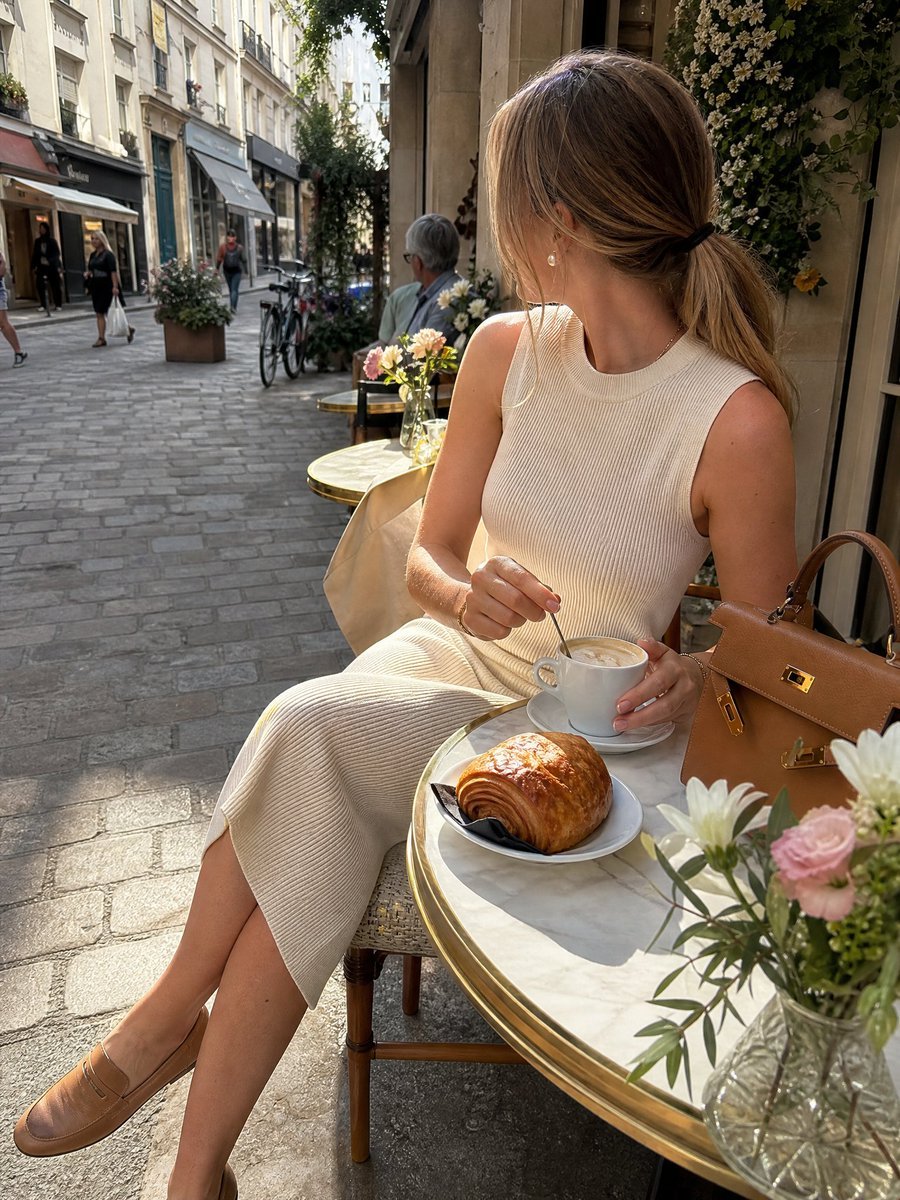
European Cafe Lifestyle Photography
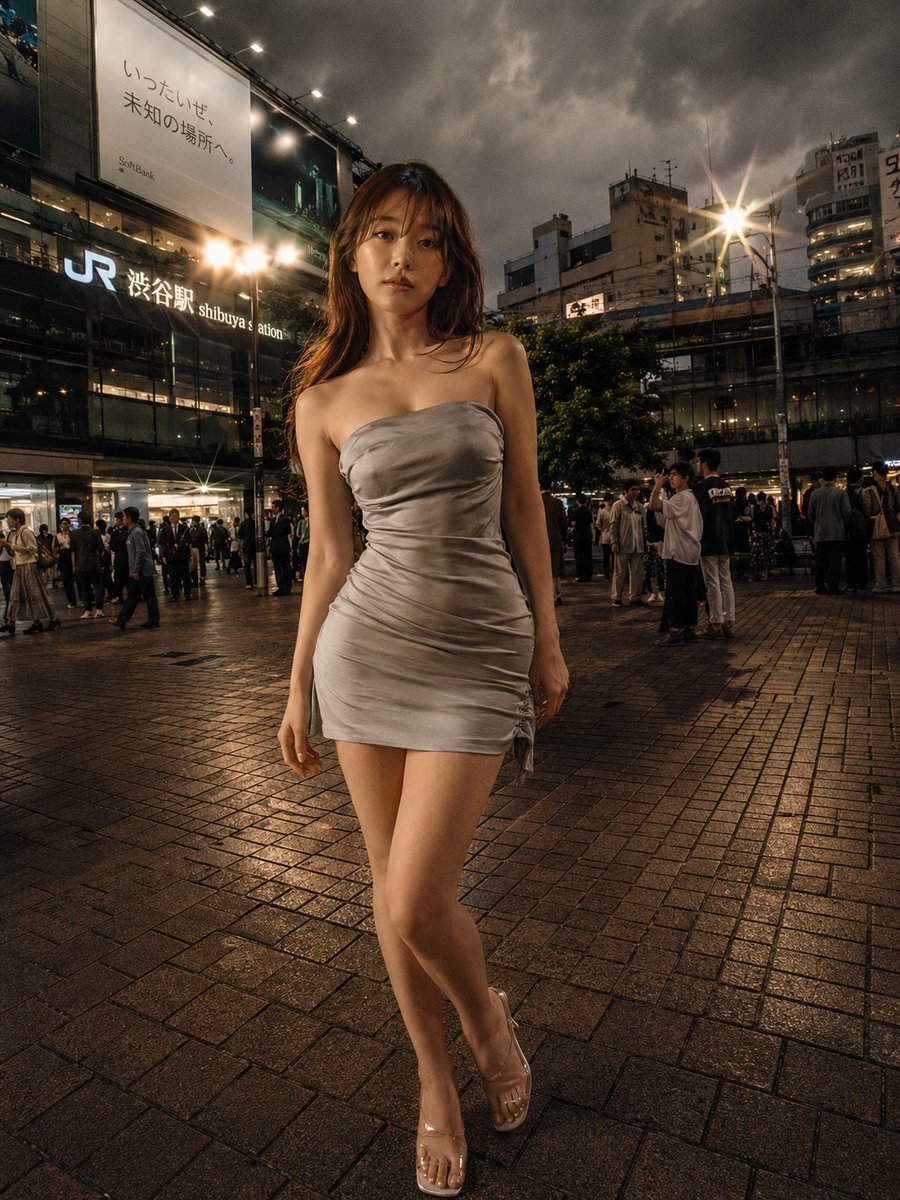
Night Fashion Portrait at Shibuya Station
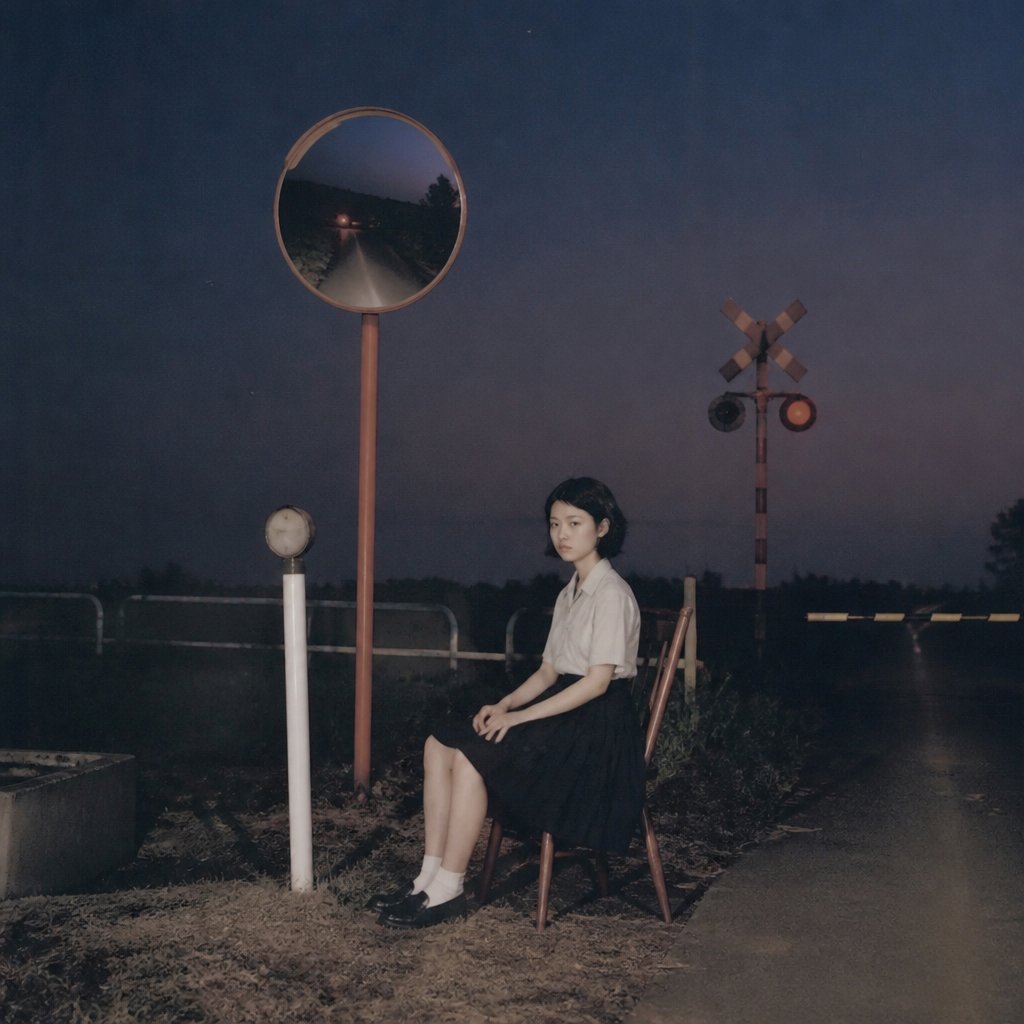
Lonely Night Railway Crossing Attendant

European Luxury Street Style Portrait
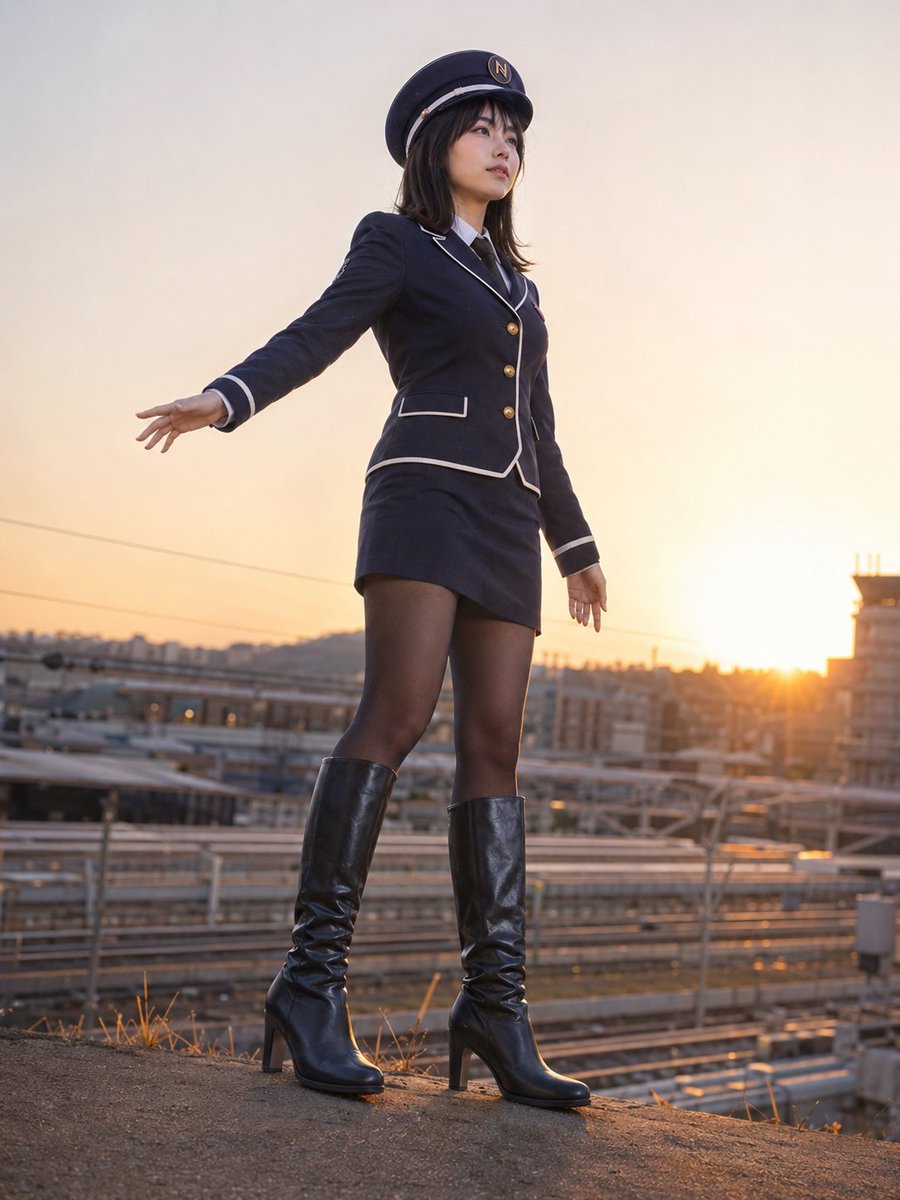
Photorealistic Railway Uniform Portrait
Make it yours
1940s European Railway Station works as-is. These are the safest ways to change it without losing the look.
Change one field
Copy a single group, rewrite it, and generate again so you can see what that field is doing.
Keep the frame, change the subject
Hold the composition and light of 1940s European Railway Station, then swap wardrobe, props or the person for a new take.
| If the result… | Why | Fix |
|---|---|---|
| The result drifts from the preview | Too many fields changed at once. | Reuse 1940s European Railway Station as-is first, then change one group — subject, light, or setting. |
| The model over-stylizes the scene | The prose prompt leaves finish and camera underspecified. | Add one camera or lighting sentence and stay on GPT Image 2. |
More GPT Image 2 templates
Other prompts made for GPT Image 2.

Six VTuber Japanese Logo Sheet

Realistic Portrait of Woman and Deer

The Vista Modular Condo Poster

AI Model Routing Comparison Infographic

2.5D Anime Art Board

Isometric Productivity Desk Scene

New York Double Exposure Poster

Four-Panel AI Landscape Comparison

Japanese Tatami Lifestyle Magazine Cover

NESCAFÉ Coffee Map Poster
More image prompts
Fresh picks from across the catalog.
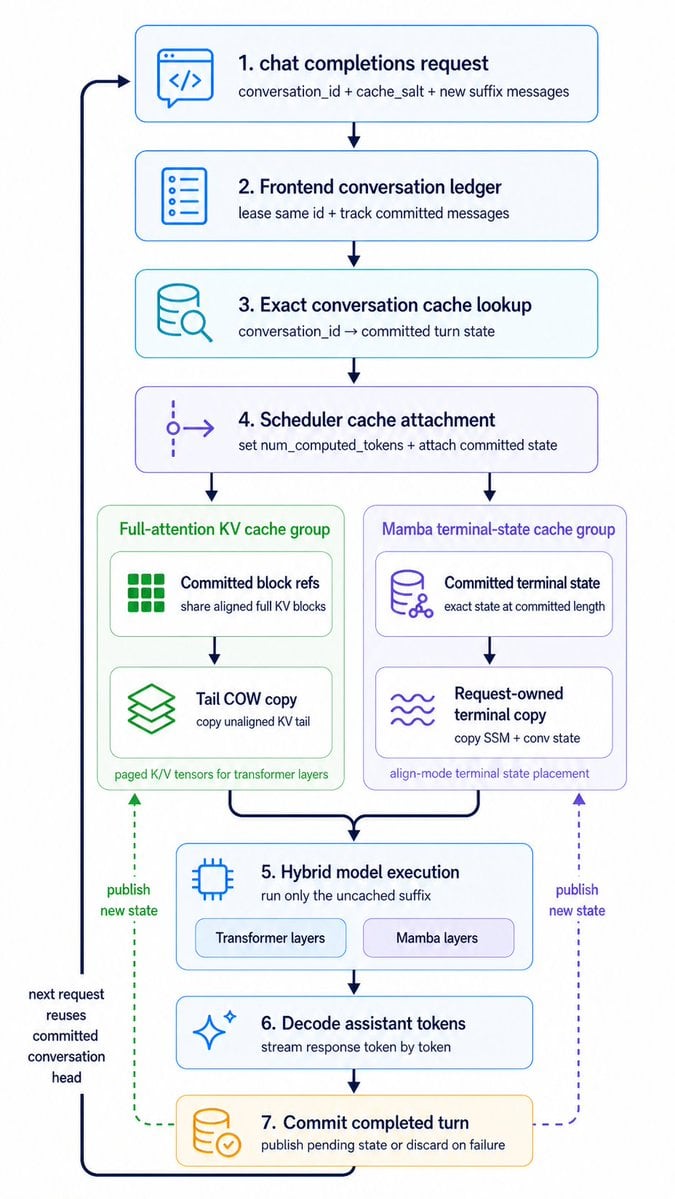
Hybrid Cache Execution Flowchart
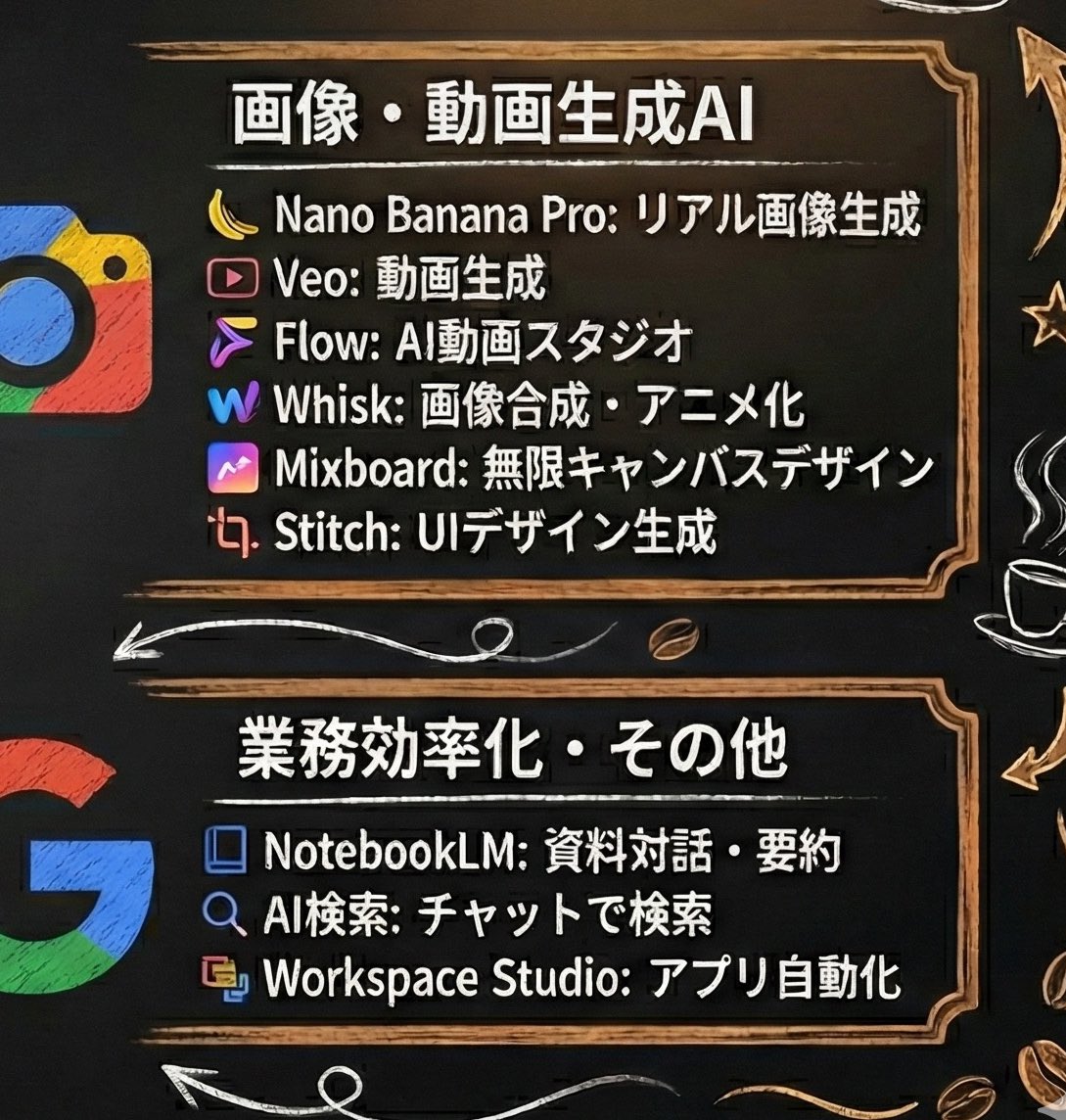
Generating Starbucks Pop-up Style Image
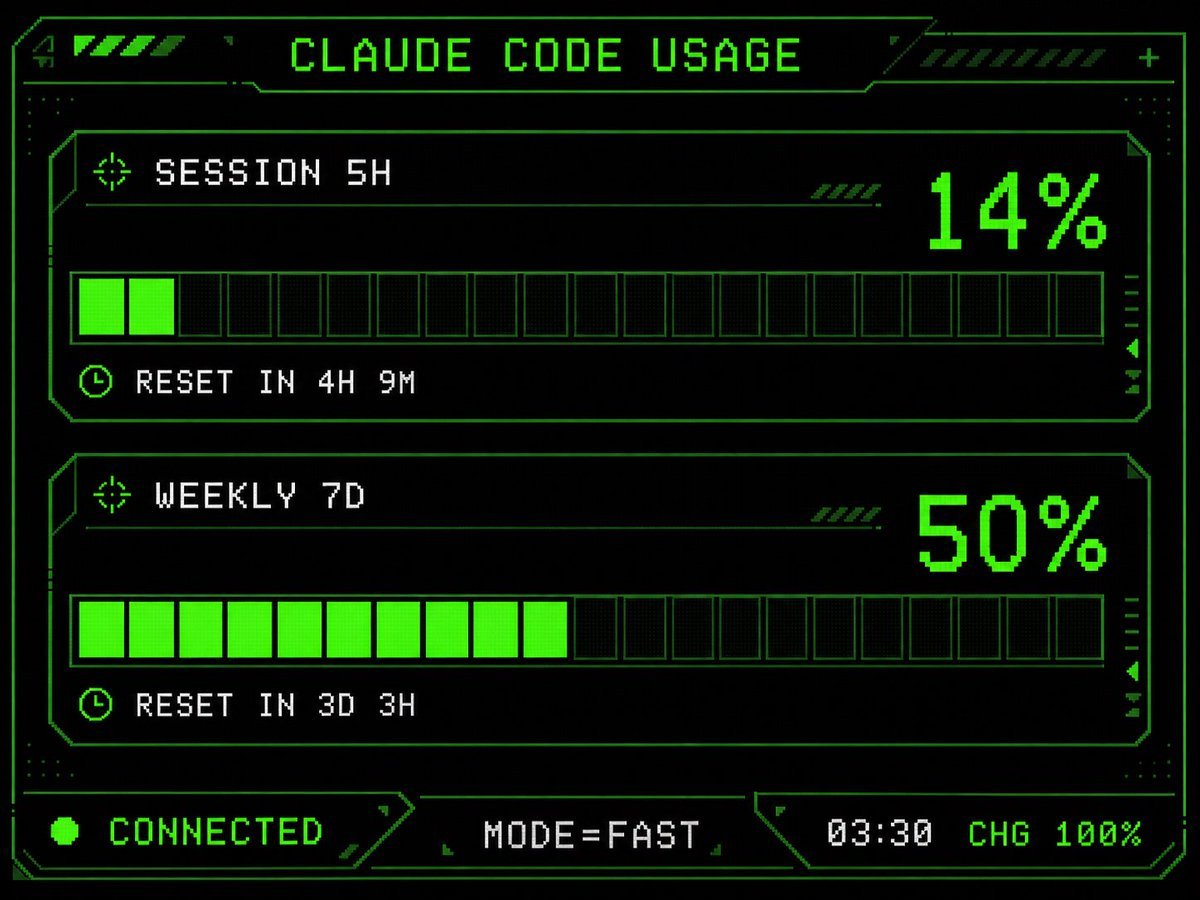
Retro HUD Claude Usage Gauge
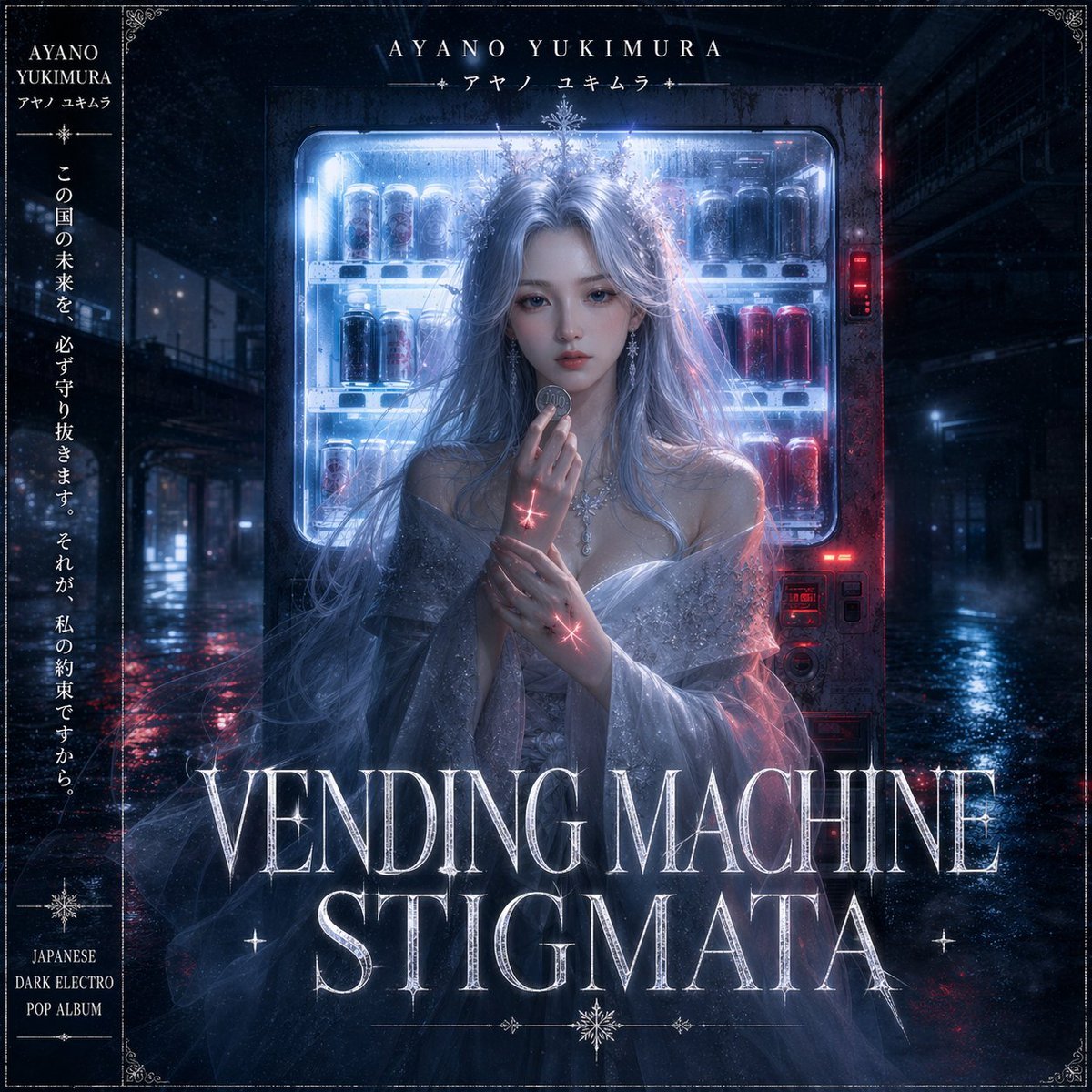
Dark Electro Album Cover

Product Render Config: Chocolate Wafer Hazelnut Edition
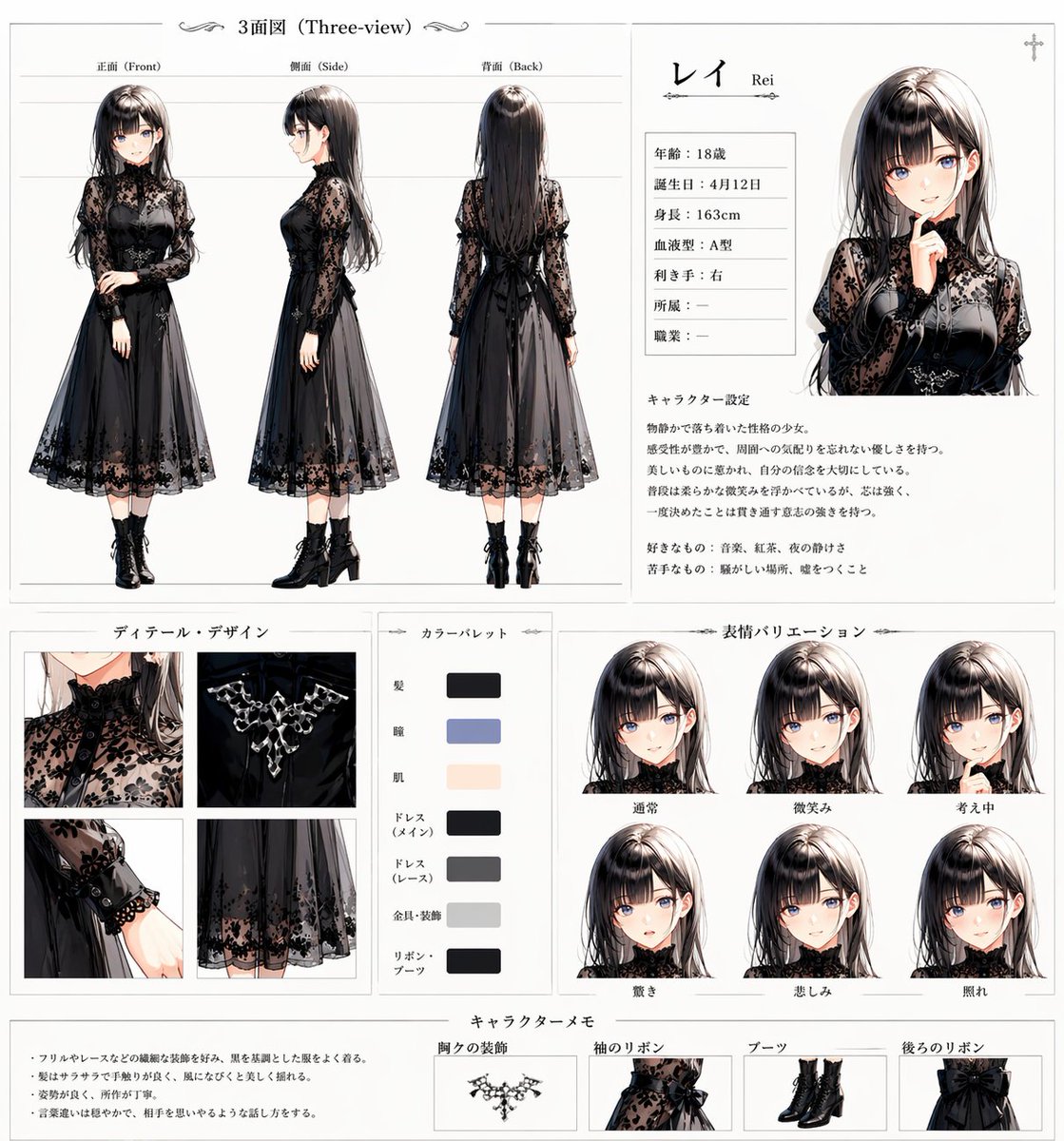
Gothic Anime Character Sheet
Image Inpainting/Filling Missing White Space
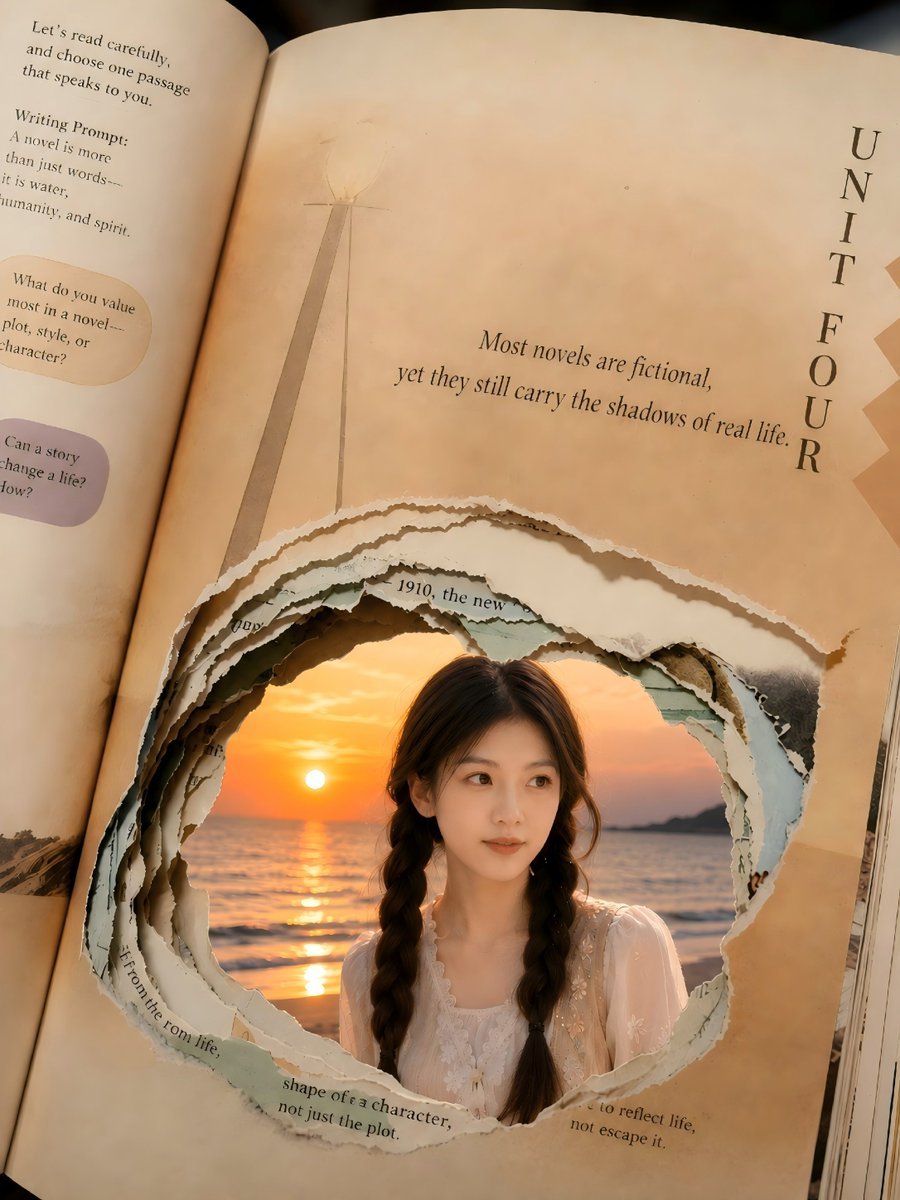
Torn Book Portal Portrait
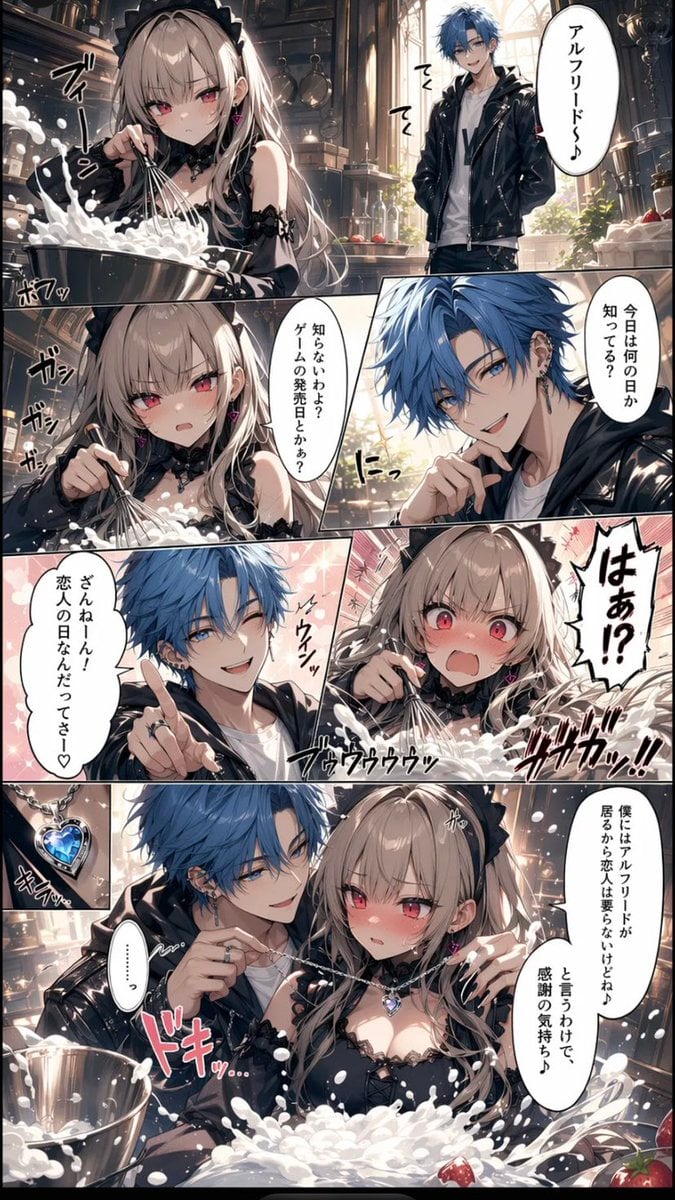
Romance Manga Kitchen Pendant Scene
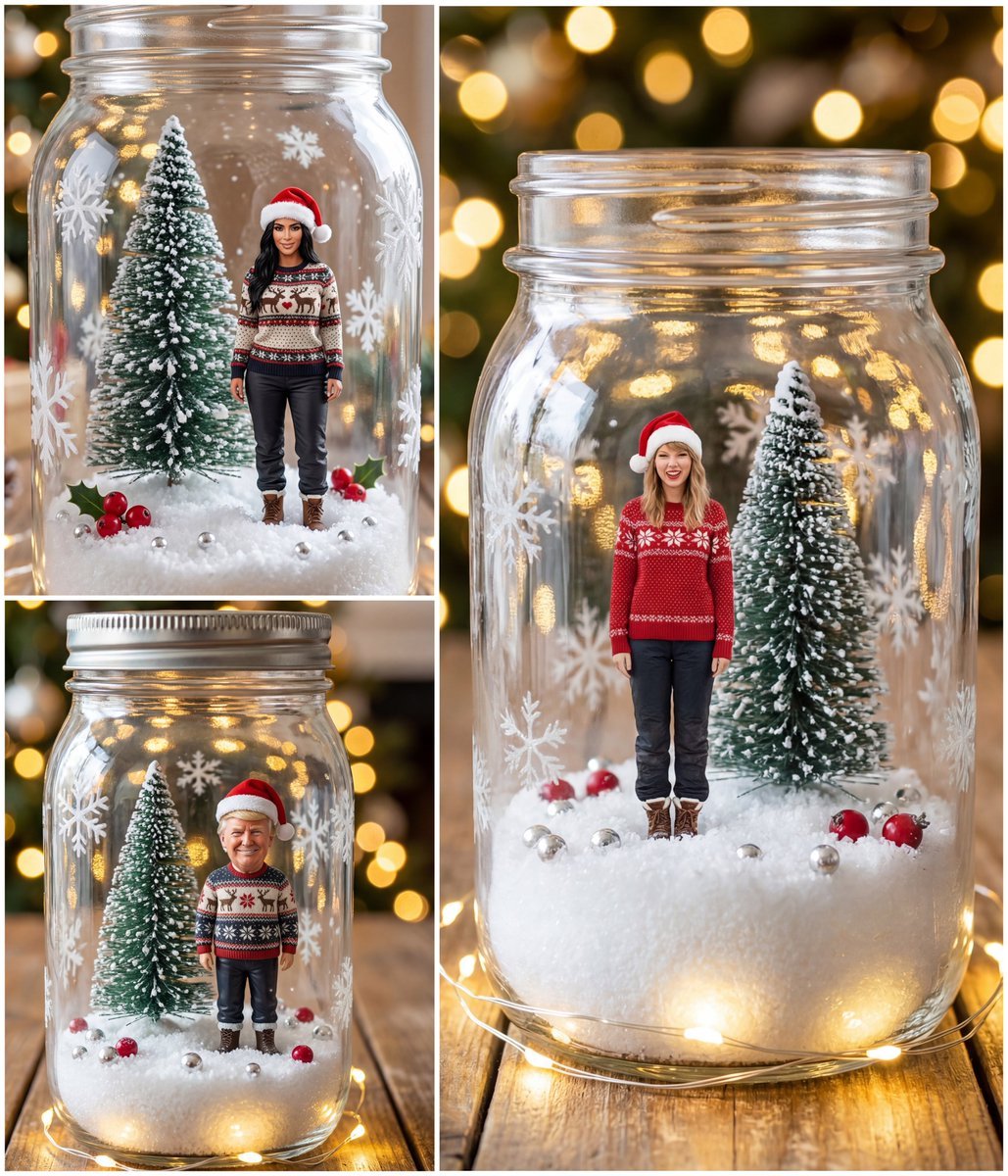
Tiny Christmas Character Trapped in a Mason Jar Snow Globe
Browse template categories
1940s European Railway Station questions
How do I use the 1940s European Railway Station template?
Add your photo if the template asks for one, edit the prompt if you like — the template's model and format are already selected — and press Generate. Your version opens in PicX Studio.
Can I customize the 1940s European Railway Station template?
Yes. You can change the subject, setting, lighting, mood, format, and available model controls before creating your image.
Is the 1940s European Railway Station template free?
Opening and editing this template is free. Generating uses credits, shown on the Generate button when you are signed in.
Which AI model should I use?
Start with GPT Image 2, which is the model associated with this template. You can compare another compatible model for a different finish.
Looking for something else? Browse all templates.

Your photo, any look
Thousands of ready templates for every top image and video model, from one credit balance.