
Dunhuang Rhythms Exhibition Poster
Creates a dense archival museum poster blending Dunhuang mural fragments, Chinese calligraphy, exhibition details, and editorial collage typography.
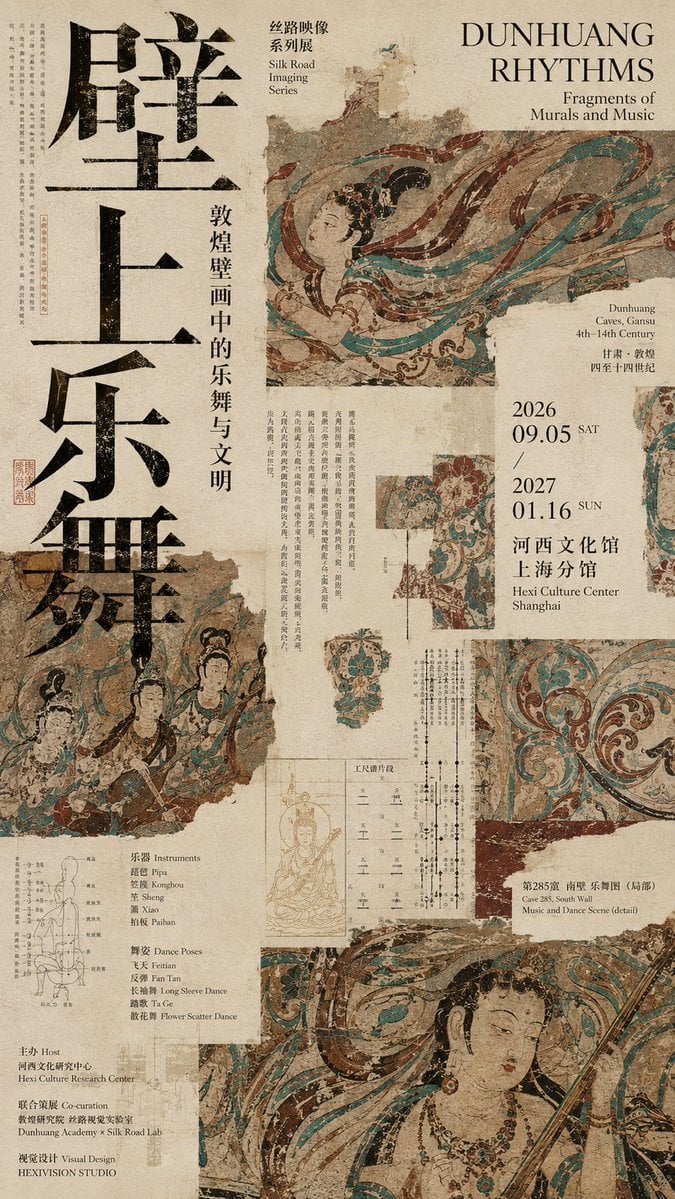
- Prompt included
- Model and format preset
- Free template
The prompt behind this image
Copy the exact prompt behind Dunhuang Rhythms Exhibition Poster, or open it in the studio and make it yours.
Goal: Create a dense editorial cultural-exhibition poster about {argument name="exhibition title" default="Dunhuang Rhythms"}, combining Dunhuang mural fragments, music-and-dance archive typography, and layered museum ephemera. Canvas: Tall vertical poster, approximately 2:3 ratio, aged warm beige rice-paper background with visible grain, stains, torn edges, faded ink, and pasted-collage seams. Overall mood is scholarly, archaeological, and highly designed, with intentional clutter but a strong grid. Layout: Use an asymmetric high-density collage. On the far left, place four enormous stacked black Chinese calligraphy characters reading 「壁上乐舞」, occupying nearly the full height, distressed and ink-textured. Beside the large characters, add a narrow vertical Chinese subtitle reading 「敦煌壁画中的乐舞与文明」. At the top center-left, add a small bilingual series label: 「丝路映像 系列展」 with “Silk Road Imaging Series” underneath. At the top right, place the main English title in elegant serif capitals: “DUNHUANG RHYTHMS”, with the smaller subtitle “Fragments of Murals and Music” below. Main imagery: Use exactly 6 visible mural/image fragments, all in faded Dunhuang cave-painting colors of turquoise, cinnabar red, ochre, black, and parchment beige: 1) a large upper-right flying apsara musician fragment with flowing ribbons crossing diagonally; 2) a lower-left torn fragment showing three mural musicians or dancers; 3) a mid-right small rectangular fragment of a standing dancer; 4) a mid-lower ornate floral scroll pattern fragment; 5) a large bottom-right close-up of a female bodhisattva or apsara face with jewelry and flowing ribbons; 6) a right-edge partial vertical mural strip cropped off the page. Make the fragments look like scanned ancient wall paintings with cracks, missing plaster, chipped edges, and uneven opacity. Information blocks: Add many thin vertical Chinese text columns like museum notes and archival captions around the collage, especially along the far left margin, middle columns, and lower center. Include exactly 4 primary info panels: 1) a right-side date and venue panel with “2026 09.05 SAT / 2027 01.16 SUN”, Chinese venue text, and “Hexi Culture Center Shanghai”; 2) a lower-left educational panel listing “Instruments” and “Dance Poses” with a small line drawing of an instrument; 3) a bottom-left organizer/credits panel with Host, Co-operation, and Visual Design lines; 4) a lower-right cave caption panel reading “Cave 285, South Wall Music and Dance Scene (detail)” with Chinese above it. Typography and style: Mix oversized rough black Chinese brush type, refined Western serif uppercase, small Chinese Song/Ming-style vertical text, and tiny English museum captions. Use black, dark brown, muted red stamp ink, and occasional faded grid marks. Add small red seal stamps, thin archival diagrams, faint measurement lines, and marginal annotations. The design should feel like a contemporary museum poster, editorial magazine spread, and historical archive board fused together. Constraints: Preserve a clear exhibition-poster hierarchy despite the dense collage. Do not make it modern glossy; keep everything matte, aged, weathered, and printed on textured paper. Use no photorealistic people outside the mural fragments, no 3D effects, no bright neon colors, and no empty clean white background. The most prominent readable texts should be 「壁上乐舞」, {argument name="Chinese subtitle" default="敦煌壁画中的乐舞与文明"}, “DUNHUANG RHYTHMS”, and the date range {argument name="exhibition dates" default="2026 09.05 / 2027 01.16"}.
How to use Dunhuang Rhythms Exhibition Poster in 3 steps
- 1Upload ImagePNG, JPG or paste
Add your photo
Upload the photo the template builds on. The prompt, model and format are already set.
- 2…a portrait of your subject in softgolden-hour light, 85mm…
Personalize
Edit the subject and creative details for your destination.
- 3Generate
Generate
Press Generate — your image is created in PicX Studio, so you can compare it with the original and refine one variable at a time.
More like this
Templates with the same subject, style or setup. Open one to see its prompt.

Japan Travel Brochure Poster

Cartoon TV Show Poster Pack

Trendy Cafe Drink Promo Poster

Urban Fashion Editorial Collage Streetwear Poster

Premium Fashion Editorial Cover Layout System

Polo Ralph Lauren Luxury American Heritage Fashion Campaign

Monochrome Halftone Editorial Fashion Poster

Retro Mirror Luxury Fashion Campaign Poster

Luxury Fashion Campaign Typography Poster System

Premium Fashion Editorial Campaign Poster System

Ultra-Stylized High-Fashion Streetwear Poster

Urban Fashion Editorial Collage Poster
Make it yours
Dunhuang Rhythms Exhibition Poster works as-is. These are the safest ways to change it without losing the look.
Change one field
Copy a single group, rewrite it, and generate again so you can see what that field is doing.
Keep the frame, change the subject
Hold the composition and light of Dunhuang Rhythms Exhibition Poster, then swap wardrobe, props or the person for a new take.
| If the result… | Why | Fix |
|---|---|---|
| The result drifts from the preview | Too many fields changed at once. | Reuse Dunhuang Rhythms Exhibition Poster as-is first, then change one group — subject, light, or setting. |
| The model over-stylizes the scene | The prose prompt leaves finish and camera underspecified. | Add one camera or lighting sentence and stay on GPT Image 2. |
More GPT Image 2 templates
Other prompts made for GPT Image 2.

Six VTuber Japanese Logo Sheet

Realistic Portrait of Woman and Deer

The Vista Modular Condo Poster

AI Model Routing Comparison Infographic

2.5D Anime Art Board

Isometric Productivity Desk Scene

New York Double Exposure Poster

Four-Panel AI Landscape Comparison

Japanese Tatami Lifestyle Magazine Cover

NESCAFÉ Coffee Map Poster
More image prompts
Fresh picks from across the catalog.
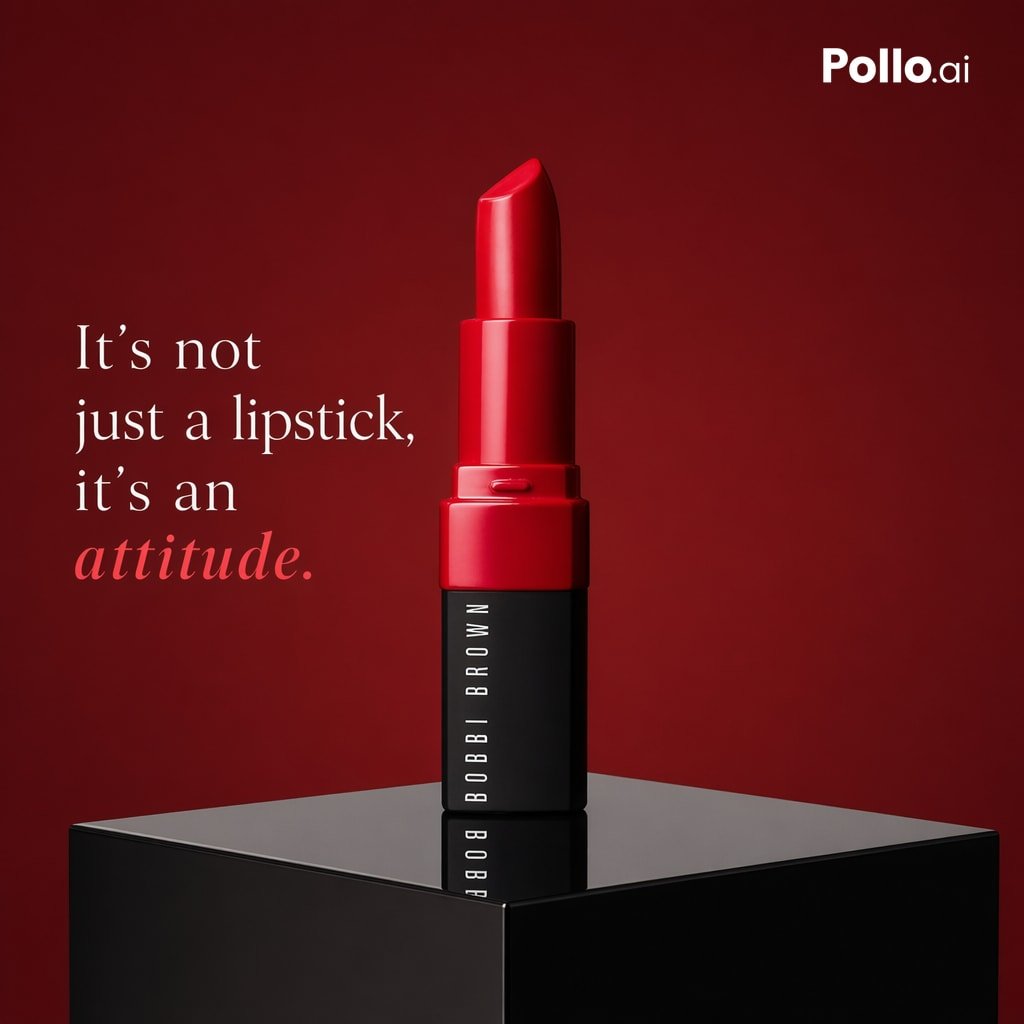
Luxury Red Lipstick Ad Poster
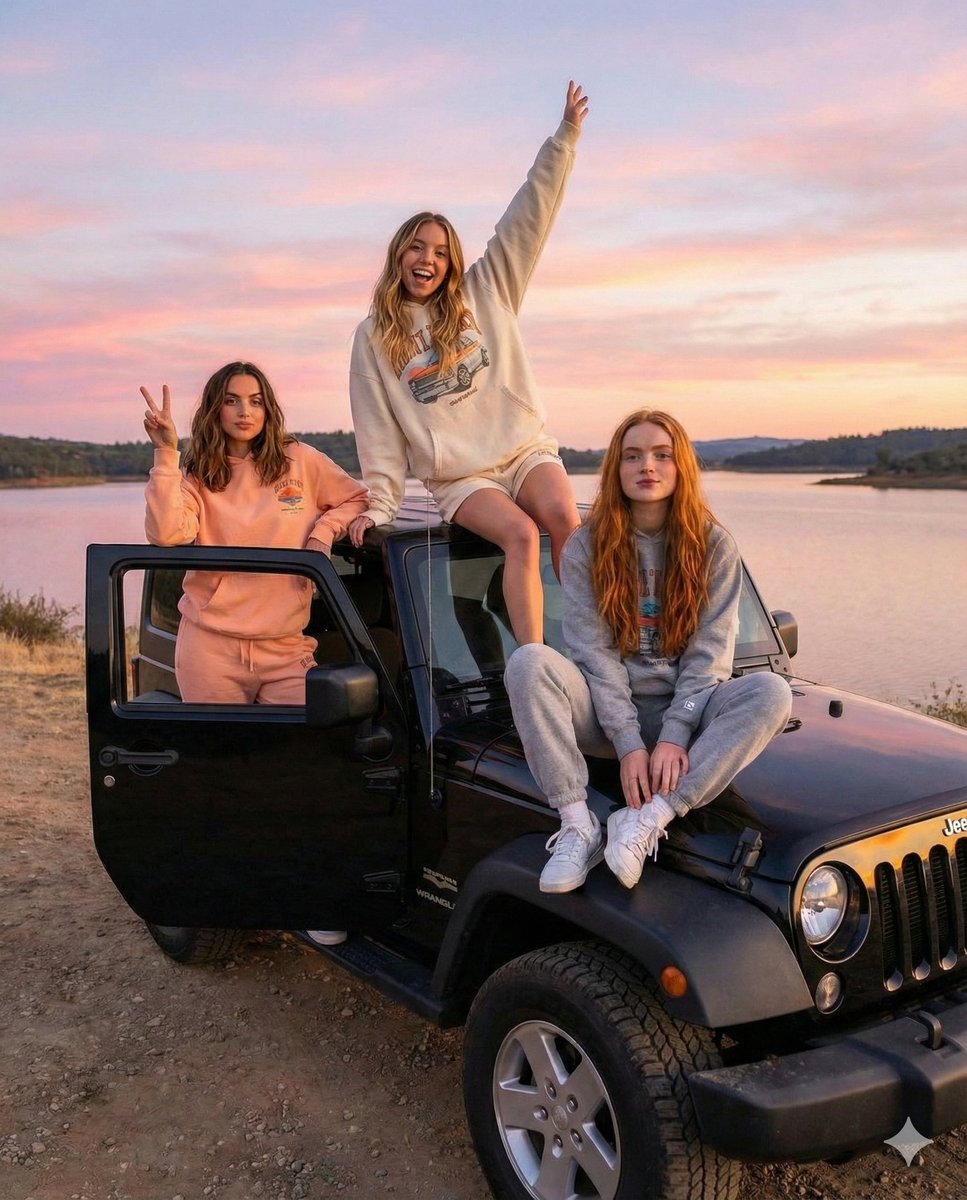
Road Trip Aesthetic with Three Subjects and Jeep
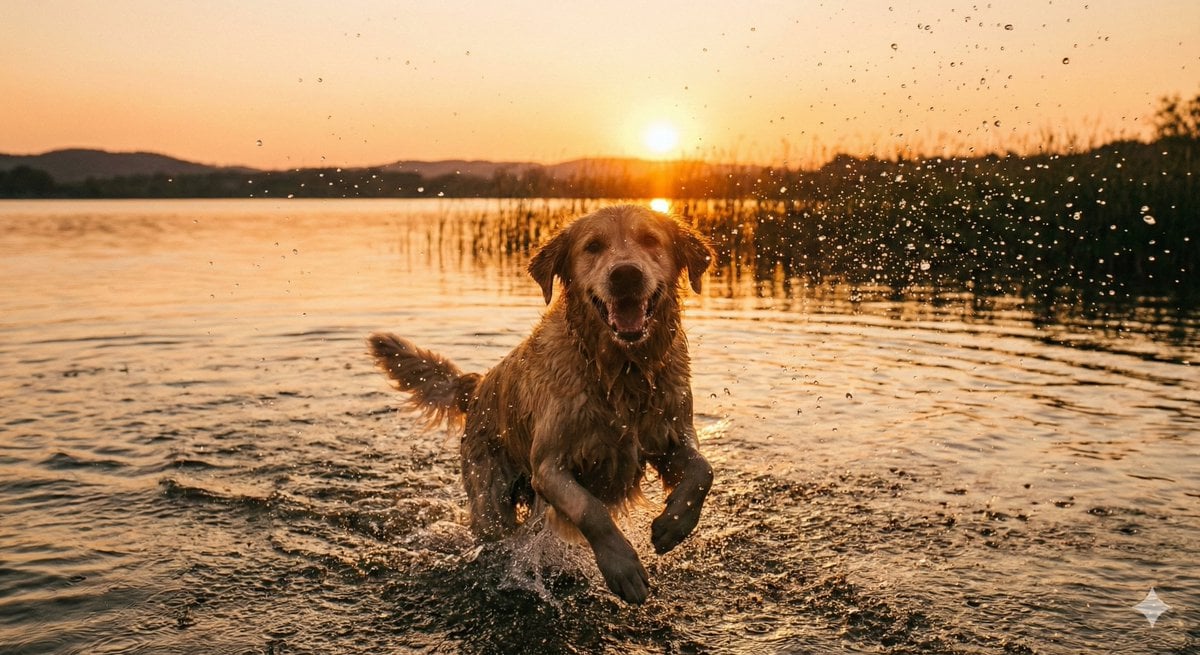
Cinematic Pure Joy Splashing Prompt
Merl iOS Personalization Screenshot

Multi-Frame Lifestyle Portrait Prompt for Nano Banana Pro
Ultra-Realistic Urban Portrait of a Young Man
Minimalist Nike Fashion Advertisement
Structured nightlife fashion photography prompt
Elegant Satin Portrait Transformation
Photoreal Istanbul Romance with Identity Lock
Browse template categories
Dunhuang Rhythms Exhibition Poster questions
How do I use the Dunhuang Rhythms Exhibition Poster template?
Add your photo if the template asks for one, edit the prompt if you like — the template's model and format are already selected — and press Generate. Your version opens in PicX Studio.
Can I customize the Dunhuang Rhythms Exhibition Poster template?
Yes. You can change the subject, setting, lighting, mood, format, and available model controls before creating your image.
Is the Dunhuang Rhythms Exhibition Poster template free?
Opening and editing this template is free. Generating uses credits, shown on the Generate button when you are signed in.
Which AI model should I use?
Start with GPT Image 2, which is the model associated with this template. You can compare another compatible model for a different finish.
Looking for something else? Browse all templates.

Your photo, any look
Thousands of ready templates for every top image and video model, from one credit balance.