
Alcohol Marker Travel Poster Prompt
A comprehensive prompt for generating vertical travel posters with a mid-century alcohol marker aesthetic, featuring customizable city names and landmarks.
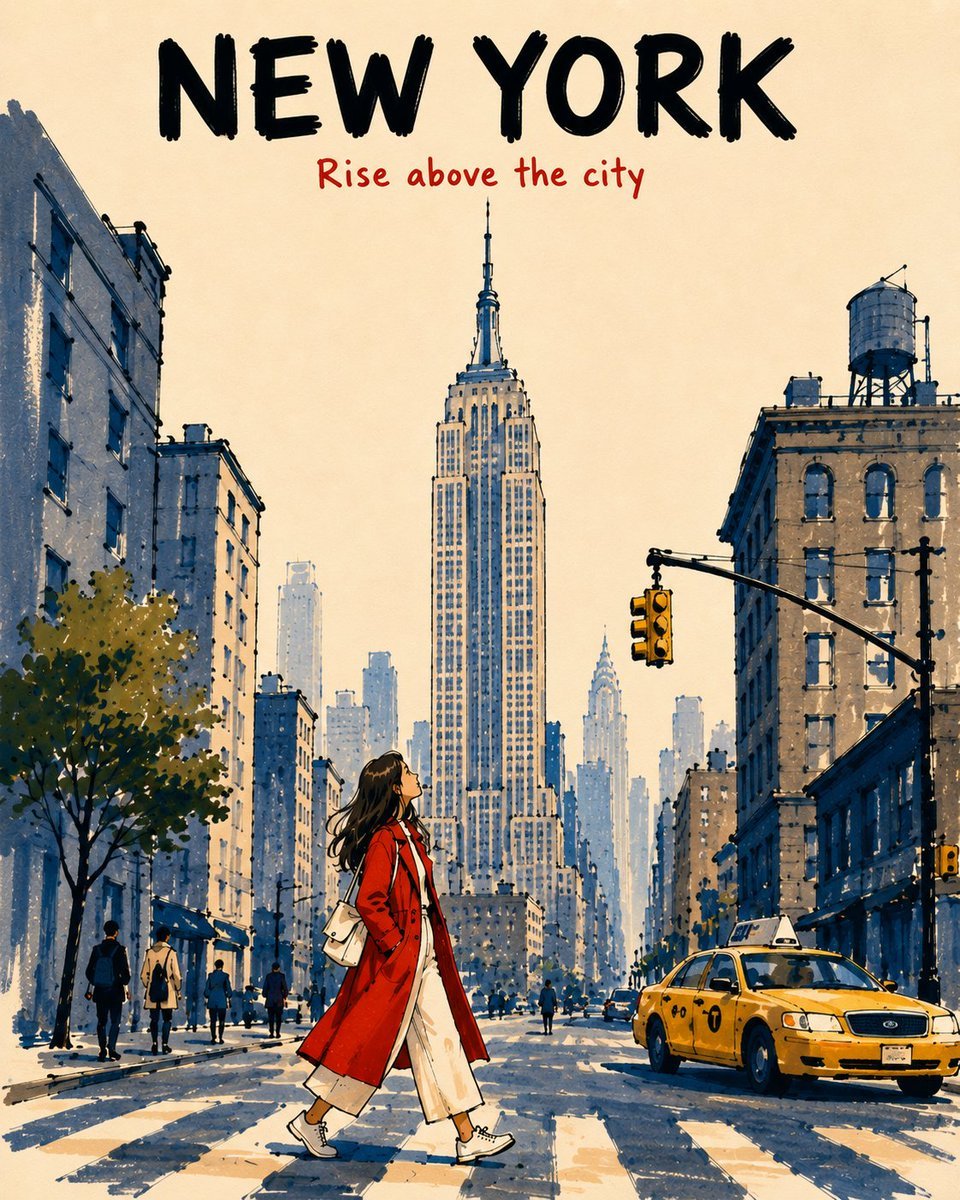
- Prompt included
- Model and format preset
- Free template
The prompt behind this image
Copy the exact prompt behind Alcohol Marker Travel Poster Prompt, or open it in the studio and make it yours.
[DESTINATION] = {argument name="city name" default="[CITY NAME]"} [LANDMARK] = {argument name="primary landmark" default="[PRIMARY LANDMARK]"} Create a vertical 4:5 alcohol-marker travel poster of [LANDMARK] in [DESTINATION], viewed from a low pedestrian viewpoint. Make it feel like an affectionate, imperfect travel memory, not a photorealistic rendering, postcard, map, landmark collage, or cinematic panorama. TYPOGRAPHY Keep the top 14–16% open warm ivory paper. At the top center, write exactly: “[CITY NAME]” — large, bold black marker capitals. Below it: “[SHORT TRAVEL PHRASE]” — smaller vermilion-red handwritten marker lettering. Keep both lines highly legible and separate from the landmark. No additional text. SCENE Place [LANDMARK] prominently in the upper-center, preserving its most recognizable silhouette and defining features while simplifying unnecessary detail. Reduce surrounding architecture to 2–3 broad building masses. Add one simple local vehicle, a few tiny pedestrians, and a young female traveler walking across the lower-center foreground while looking upward. Dress her in a vivid vermilion-red coat over cream clothing, with natural warm-peach skin tones. Make her warm colors contrast against the cool slate-blue and pale blue-gray architecture. DEPTH & MARKER STYLE Foreground: saturated colors, 2–3 overlapping marker passes, visible chisel-tip strokes, darker shadow overlaps, and thick broken black contours. Midground: medium-density slate-blue / blue-gray marker strokes, 1–2 passes, moderately thick broken outlines. Background: progressively reduce saturation, density, contrast, detail, and contour weight. Use pale blue-gray single-pass strokes with thin, incomplete outlines that gently merge into the ivory sky. Use broad vertical strokes for buildings and short directional strokes for streets. Leave approximately 40% of the warm ivory paper exposed. STYLE CONSTRAINTS Keep the illustration simplified, tactile, graphic, airy, nostalgic, and slightly imperfect, with only major architectural forms and a few window suggestions. Avoid: photorealism, repetitive window grids, dense skyline detail, realistic reflections, uniform outlines, digital gradients, watercolor effects, black-filled shadows, excessive detail, clutter, or extra typography. Overall: sophisticated mid-century-inspired travel-book illustration recreated with expressive alcohol markers, with strong foreground-to-background atmospheric perspective and an unmistakable sense of place.
How to use Alcohol Marker Travel Poster Prompt in 3 steps
- 1
Open
The prompt is already in the box next to the preview, with the template's model and format selected.
- 2…a portrait of your subject in softgolden-hour light, 85mm…
Personalize
Edit the subject and creative details for your destination.
- 3Generate
Generate
Press Generate — your image is created in PicX Studio, so you can compare it with the original and refine one variable at a time.
More like this
Templates with the same subject, style or setup. Open one to see its prompt.

Japan Travel Brochure Poster

Clay Miniature Landmark Travel Diorama
Minimalist Marker Travel Poster
Minimalist Marker Pen NYC Travel Poster

City Posters by Nano Banana Pro

Cartoon TV Show Poster Pack

Trendy Cafe Drink Promo Poster

Urban Fashion Editorial Collage Streetwear Poster

Premium Fashion Editorial Cover Layout System

Polo Ralph Lauren Luxury American Heritage Fashion Campaign

Monochrome Halftone Editorial Fashion Poster

Retro Mirror Luxury Fashion Campaign Poster
Make it yours
Alcohol Marker Travel Poster Prompt works as-is. These are the safest ways to change it without losing the look.
Change one field
Copy a single group, rewrite it, and generate again so you can see what that field is doing.
Keep the frame, change the subject
Hold the composition and light of Alcohol Marker Travel Poster Prompt, then swap wardrobe, props or the person for a new take.
| If the result… | Why | Fix |
|---|---|---|
| The result drifts from the preview | Too many fields changed at once. | Reuse Alcohol Marker Travel Poster Prompt as-is first, then change one group — subject, light, or setting. |
| The model over-stylizes the scene | The prose prompt leaves finish and camera underspecified. | Add one camera or lighting sentence and stay on GPT Image 2. |
More GPT Image 2 templates
Other prompts made for GPT Image 2.

Six VTuber Japanese Logo Sheet

Realistic Portrait of Woman and Deer

The Vista Modular Condo Poster

AI Model Routing Comparison Infographic

2.5D Anime Art Board

Isometric Productivity Desk Scene

New York Double Exposure Poster

Four-Panel AI Landscape Comparison

Japanese Tatami Lifestyle Magazine Cover

NESCAFÉ Coffee Map Poster
More image prompts
Fresh picks from across the catalog.
Technical Architectural Blueprint of a Smash Burger
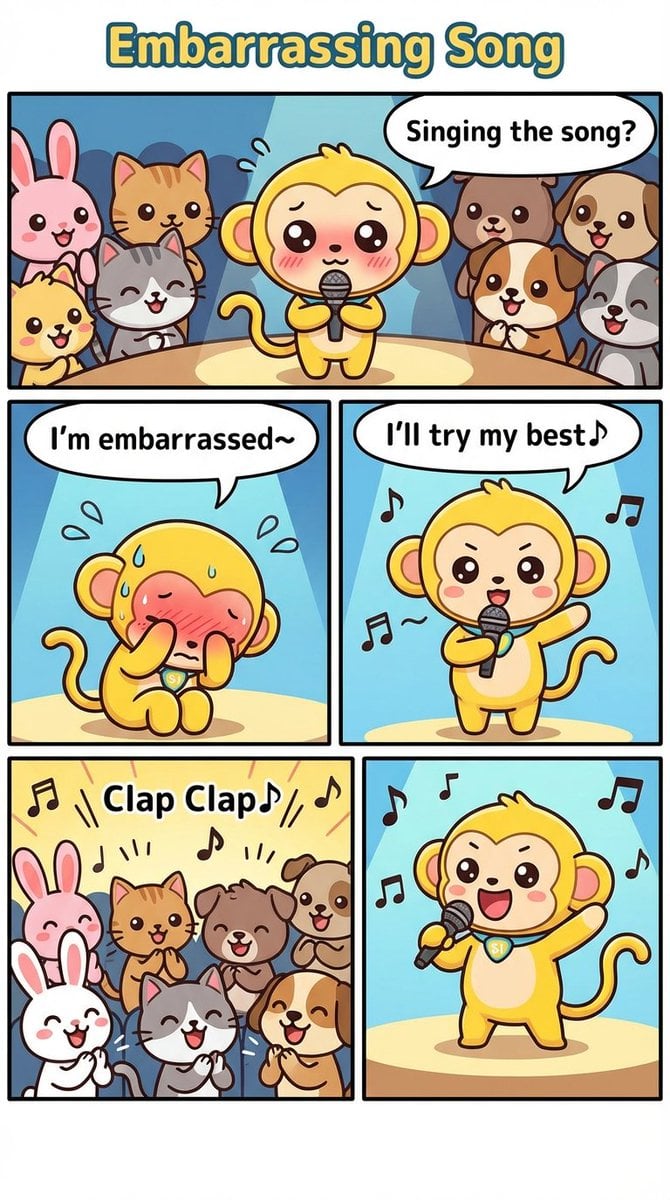
Nano Monkey's Adventure Manga Generation
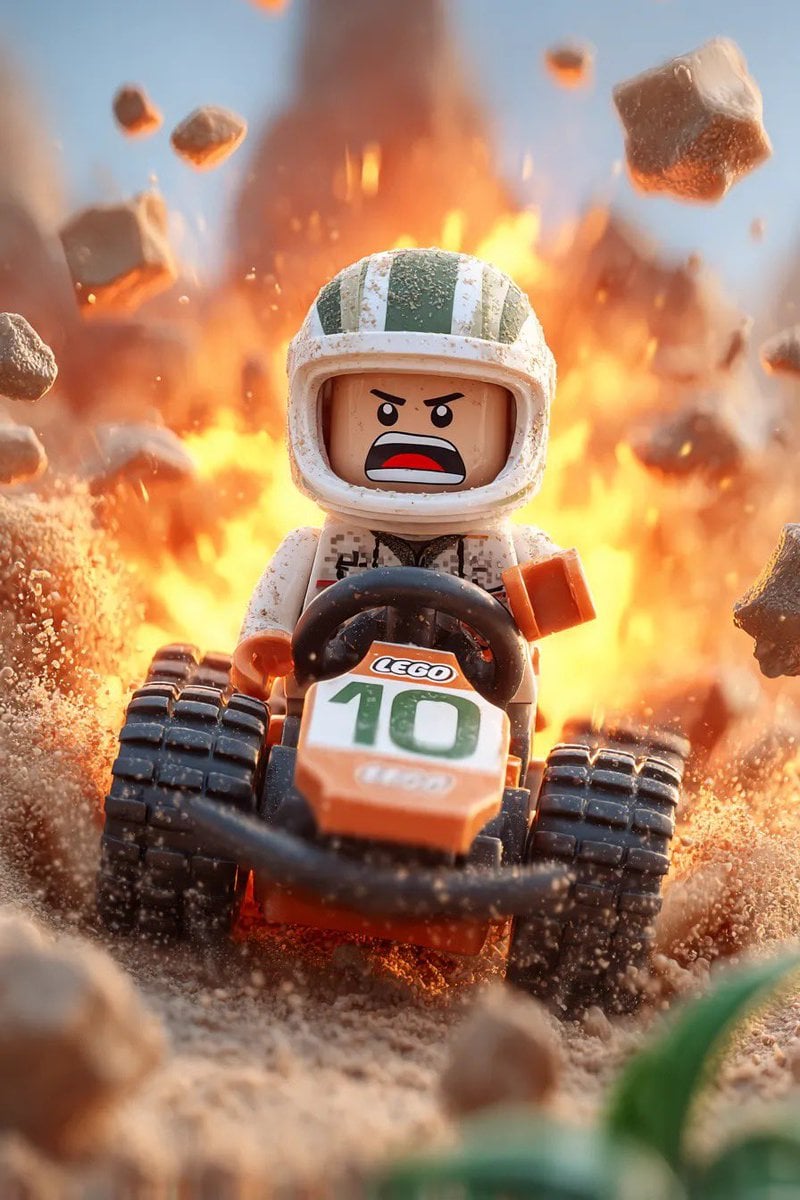
Lego Racer on Exploding Volcano Slope
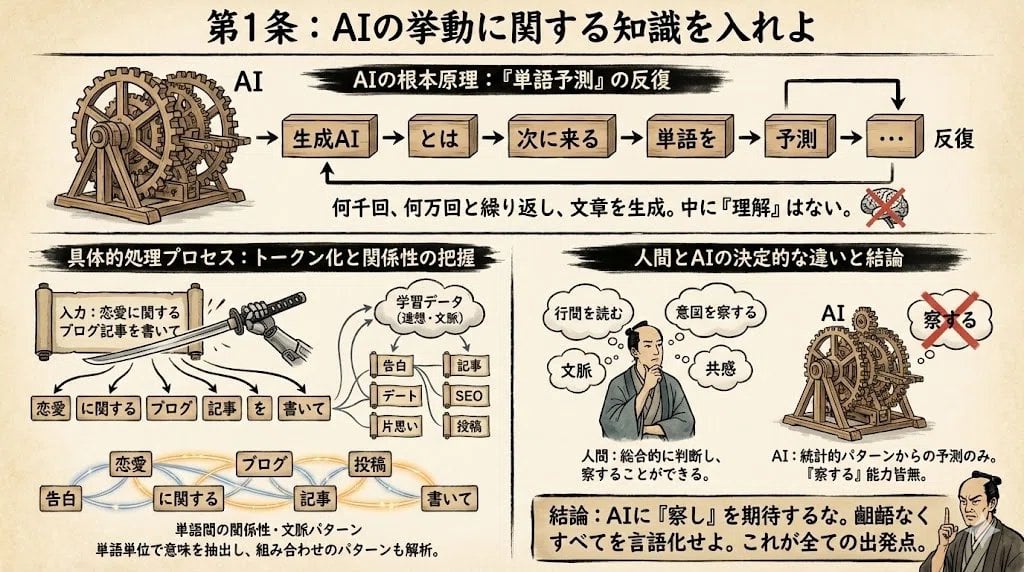
Infographic from reference info with classic Japanese font
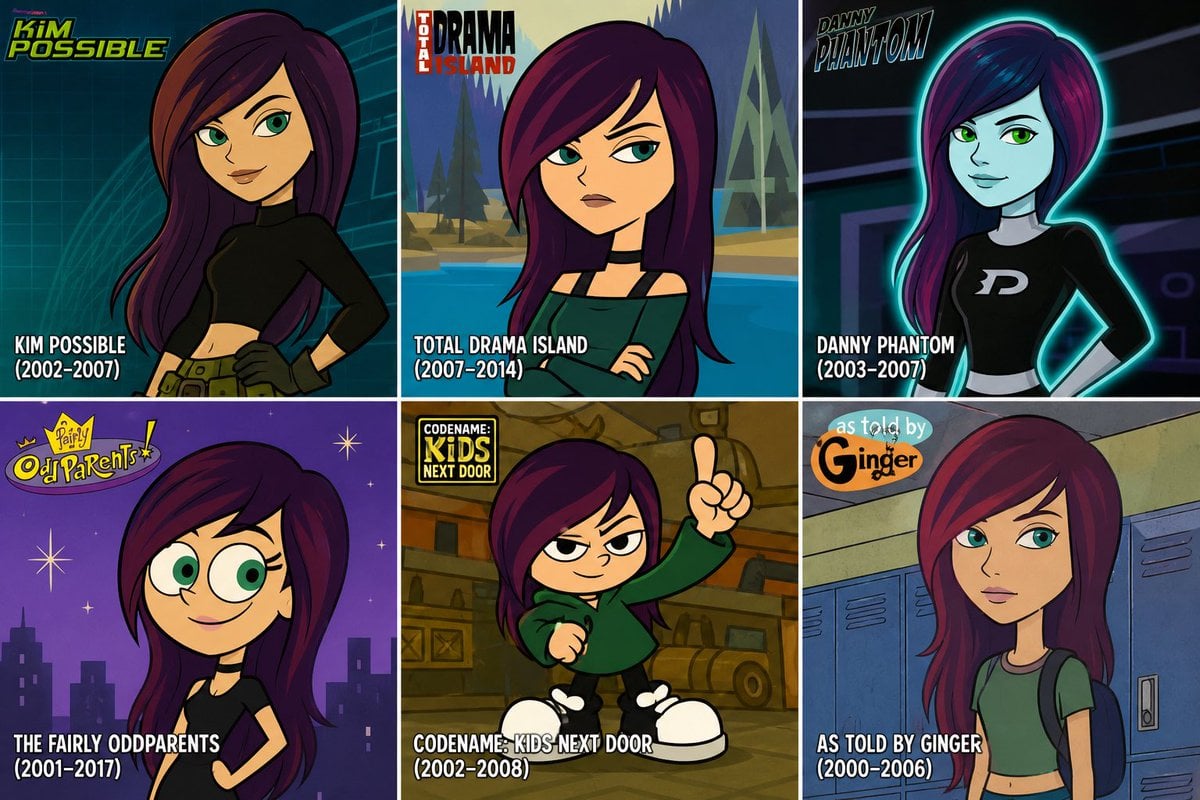
2000s Cartoon Character Transformation
Degree Panorama Generation Formula

Gpt2 Youtube Thumbnail Cyberpunk Ai Tools Comparison Poster
Anime Sushi Bar Transformation
Invisible Character Scene Generation
Photorealistic Portrait Prompt (Young Woman)
Browse template categories
Alcohol Marker Travel Poster Prompt questions
How do I use the Alcohol Marker Travel Poster Prompt template?
Add your photo if the template asks for one, edit the prompt if you like — the template's model and format are already selected — and press Generate. Your version opens in PicX Studio.
Can I customize the Alcohol Marker Travel Poster Prompt template?
Yes. You can change the subject, setting, lighting, mood, format, and available model controls before creating your image.
Is the Alcohol Marker Travel Poster Prompt template free?
Opening and editing this template is free. Generating uses credits, shown on the Generate button when you are signed in.
Which AI model should I use?
Start with GPT Image 2, which is the model associated with this template. You can compare another compatible model for a different finish.
Looking for something else? Browse all templates.

Your photo, any look
Thousands of ready templates for every top image and video model, from one credit balance.