How do I use the Hanbok Transformation Studio Portrait template?
Choose the primary action to open PicX Studio with the available template settings. Review the model and format, personalize the creative direction, and generate when ready.
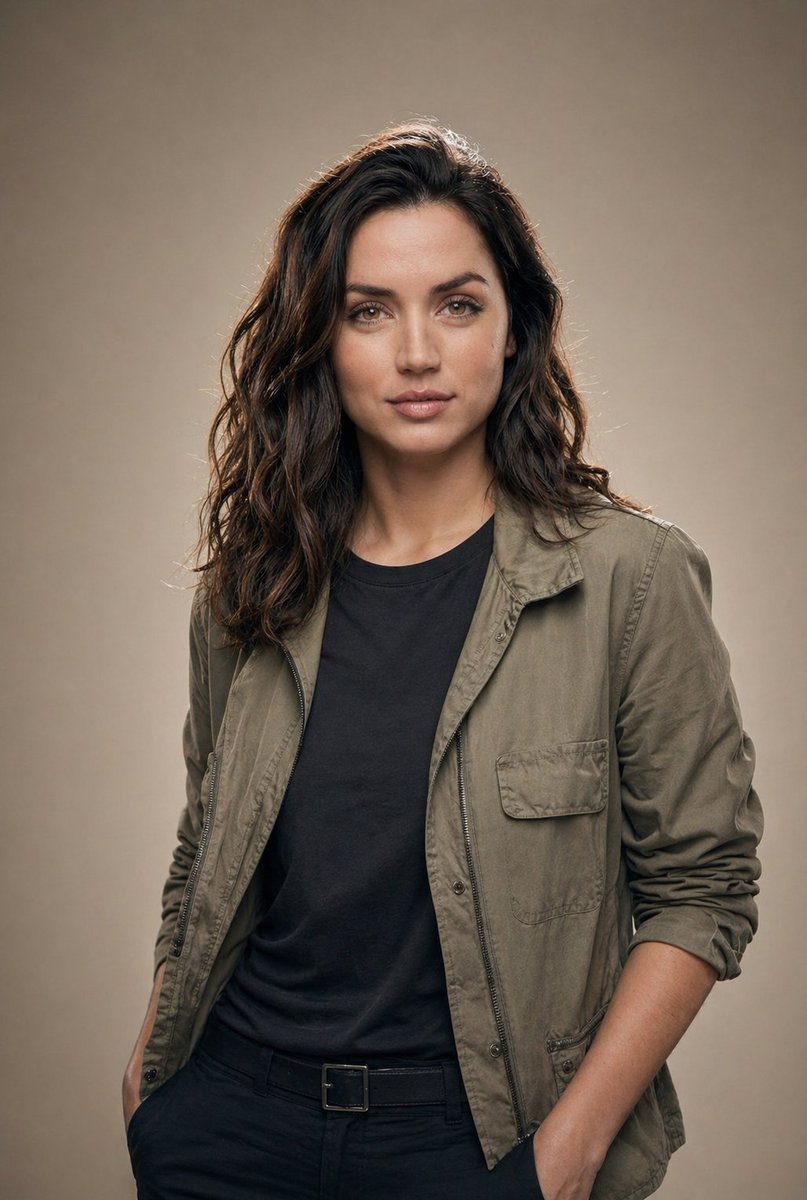
A high-fashion studio portrait prompt where a traditional hanbok transforms into exploding pigment clouds.
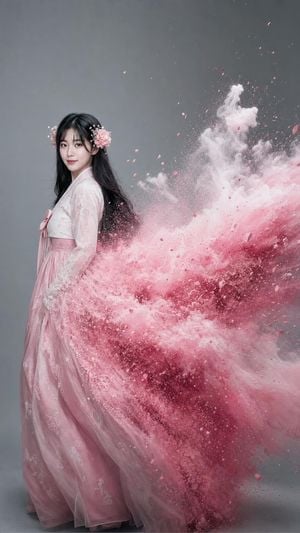
Create an ultra-photorealistic {argument name="nationality" default="Korean"} high-fashion studio portrait, full body, wearing an elegant {argument name="color" default="pastel pink"} hanbok, long black hair with delicate flower ornaments on both sides. The hanbok physically transforms into enormous dense {argument name="element" default="pastel pink pigment clouds"} exploding dramatically toward the right side. Preserve my exact face and identity. Medium grey studio background, cinematic softbox lighting, high-speed fashion photography, extreme detail, photorealistic, vertical 9:16."
Choose the primary action to open PicX Studio with the available template settings. Review the model and format, personalize the creative direction, and generate when ready.
Yes. You can change the subject, setting, lighting, mood, format, and available model controls before creating your image.
This template is free to open and customize. Generation usage is shown in PicX Studio before you create.
Start with GPT Image 2, which is the model associated with this template. You can compare another compatible model for a different finish.
Follow a topic to a crawlable collection of related PicX Studio templates.