
Surreal Ink Pen Drawing Style
A prompt for generating surreal, stylized ink pen illustrations with irregular lines and simplified character designs, suitable for quirky and artistic results.
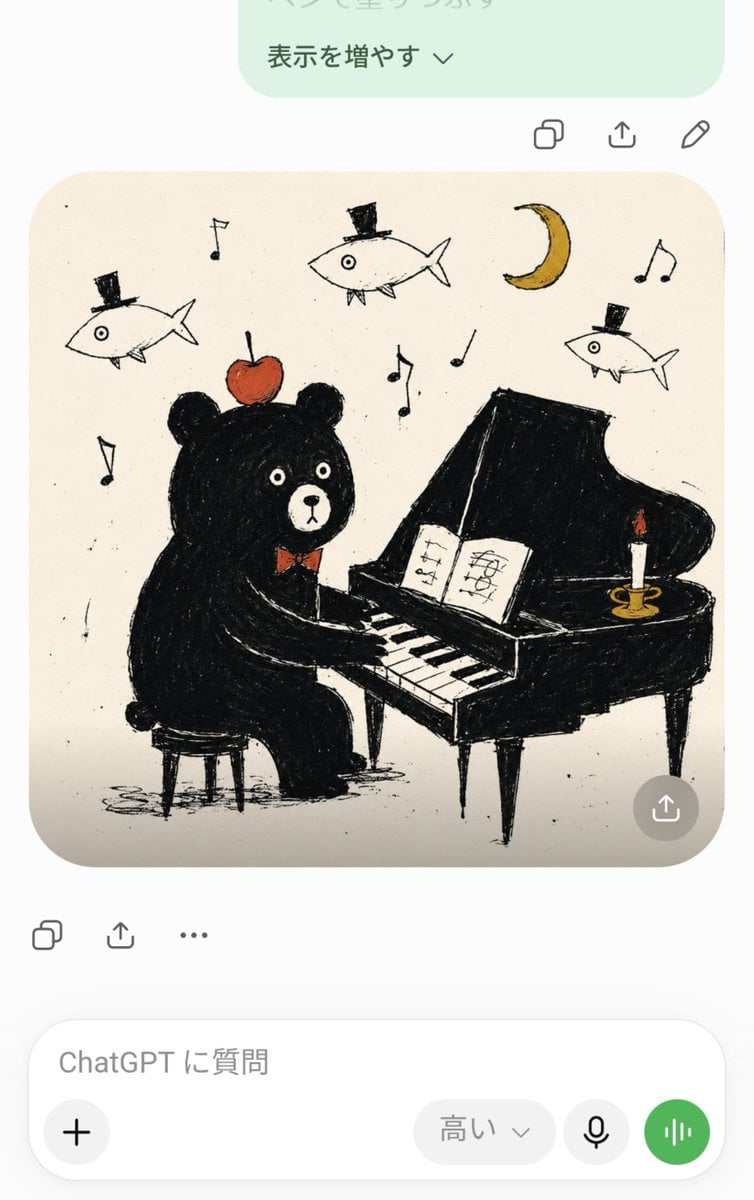
- Prompt included
- Model and format preset
- Free template
The prompt behind this image
Copy the exact prompt behind Surreal Ink Pen Drawing Style, or open it in the studio and make it yours.
【{argument name="テーマ" default="イラストの内容やテーマをここに"}】 綺麗ではない歪な線、少し震えるようなでもしっかりした線のインクペンで描いたようなイラスト 線の太さは均一にしない デフォルメされていて、単純なシルエット、色の濃いところはペンで塗りつぶす かなりシュール、chaos、ちょっとぶっ飛んでる、グロいものはなるべく避けて Temperatureは1.2 素朴で単純化されたキャラクターデザイン、解剖学を捨てた、記号的な身体、短く簡略化された手足、わざと少し不器用に描いた情報量の少ないシルエット 色は5色以内でまとめて使いすぎない 参照画像がある場合は、完全にコピーするのではなく、特徴や雰囲気を残しつつ単純な形にデフォルメする。
How to use Surreal Ink Pen Drawing Style in 3 steps
- 1Upload ImagePNG, JPG or paste
Add your photo
Upload the photo the template builds on. The prompt, model and format are already set.
- 2…a portrait of your subject in softgolden-hour light, 85mm…
Personalize
Edit the subject and creative details for your destination.
- 3Generate
Generate
Press Generate — your image is created in PicX Studio, so you can compare it with the original and refine one variable at a time.
More like this
Templates with the same subject, style or setup. Open one to see its prompt.
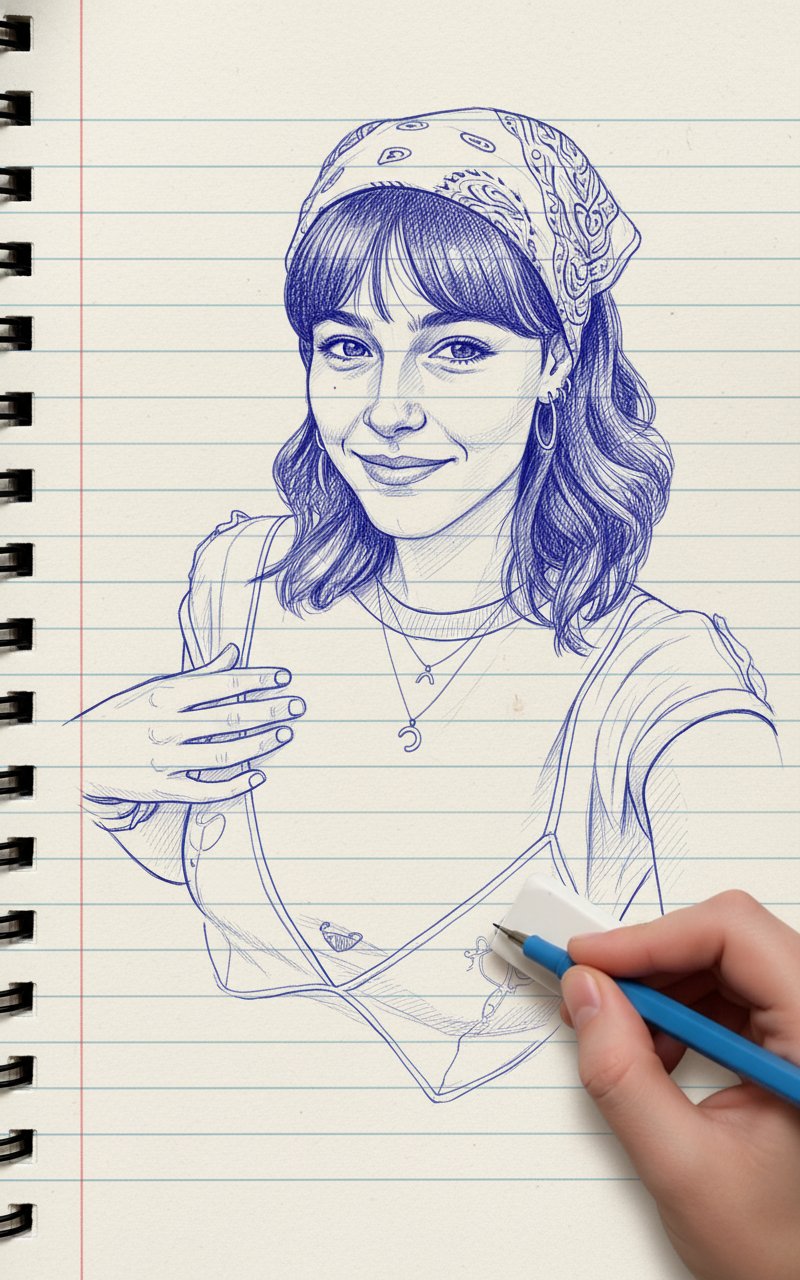
Blue Pencil Sketching
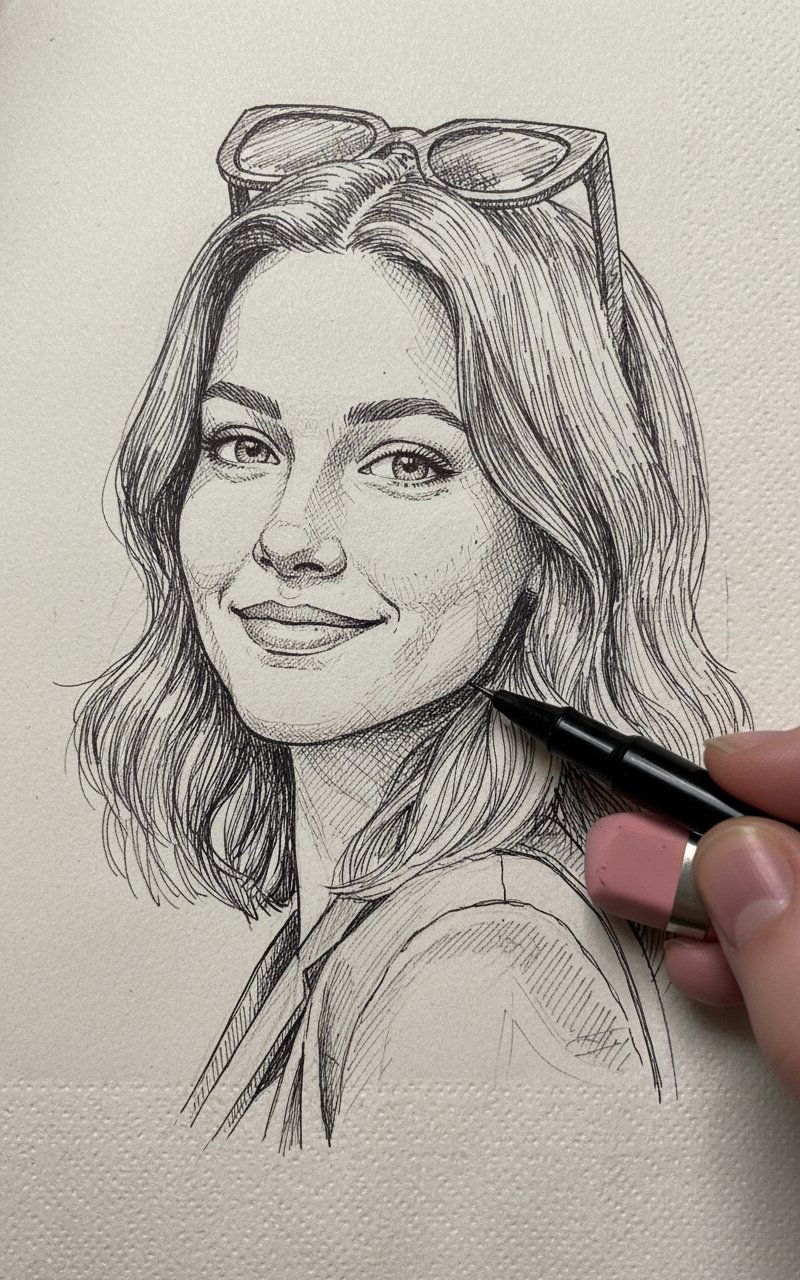
Pencil Sketch

Surreal Cat Astronaut — Humanoid Face Freefall
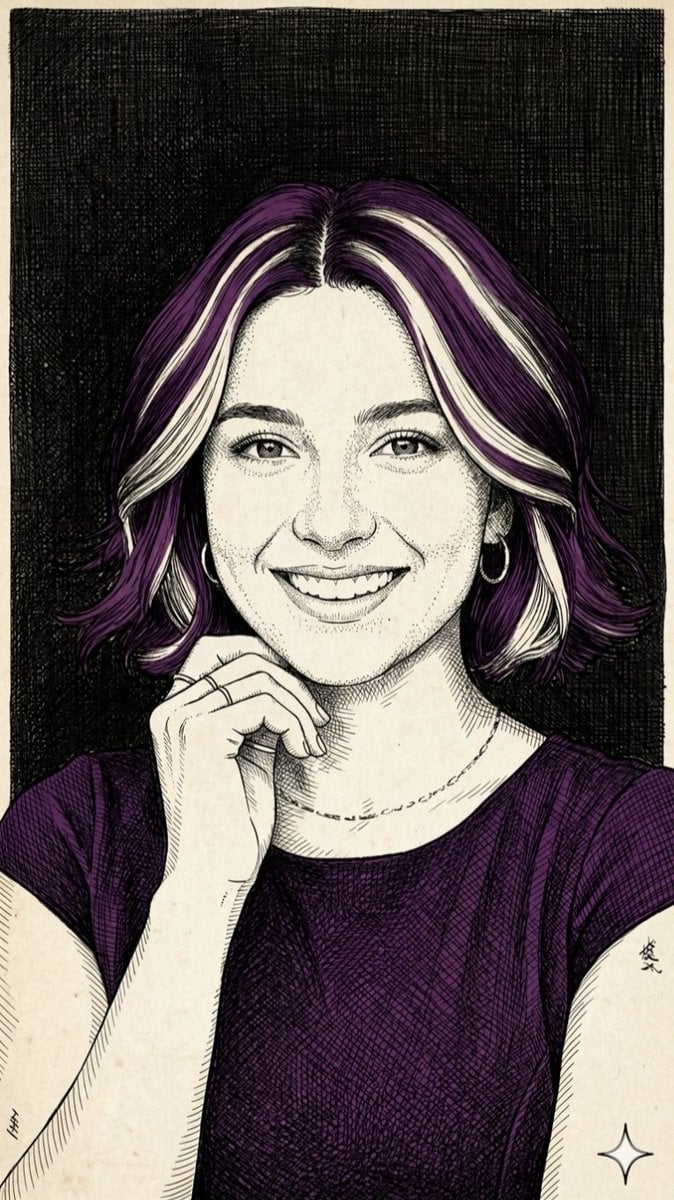
Pen-and-Ink Cross-Hatching Illustration
Surreal Ink Fluid Portrait Art
Surreal Ink Fluid Portrait
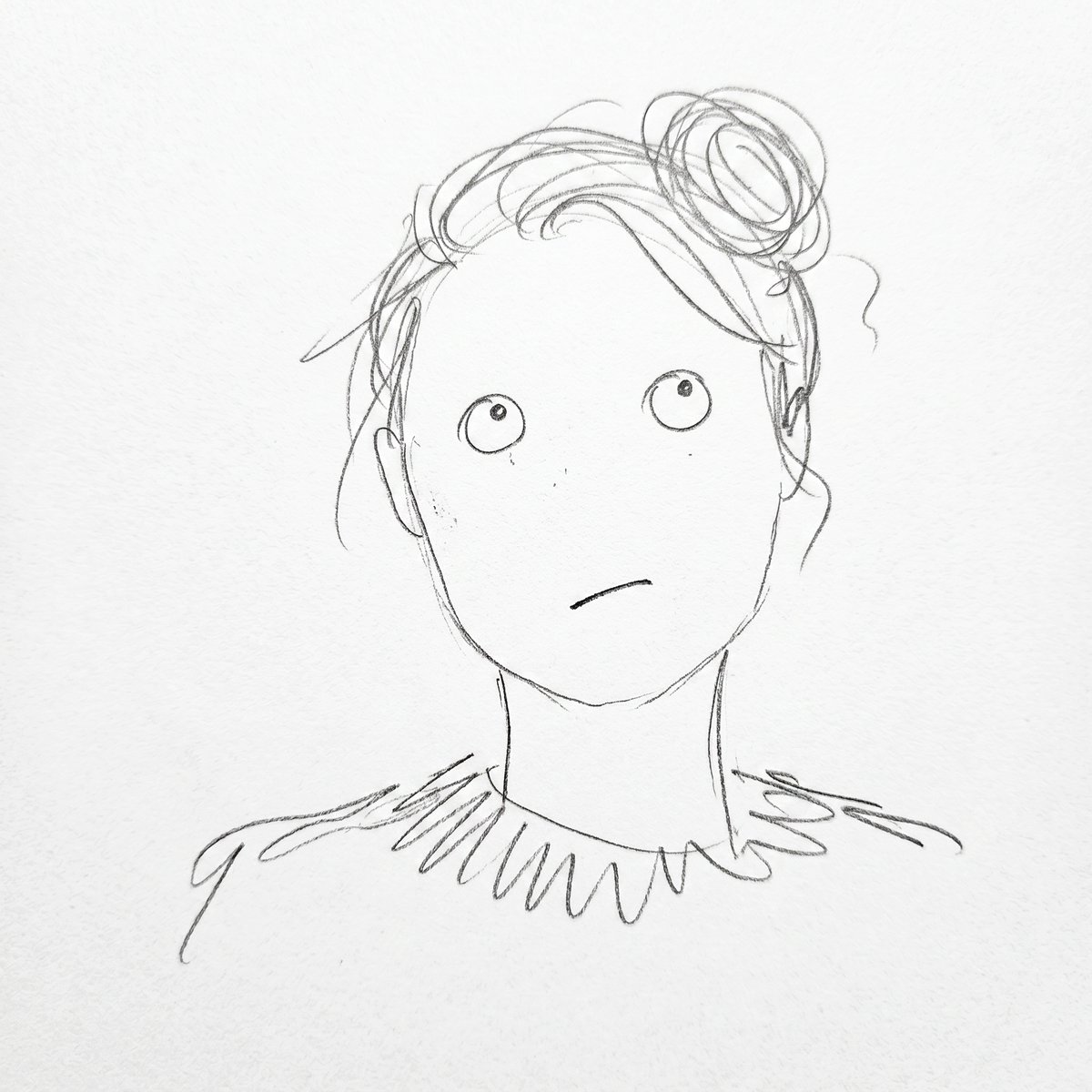
Minimalist Abstract Pencil Drawing
Charcoal and Pencil Couple Drawings

Fountain Pen Ink Splash
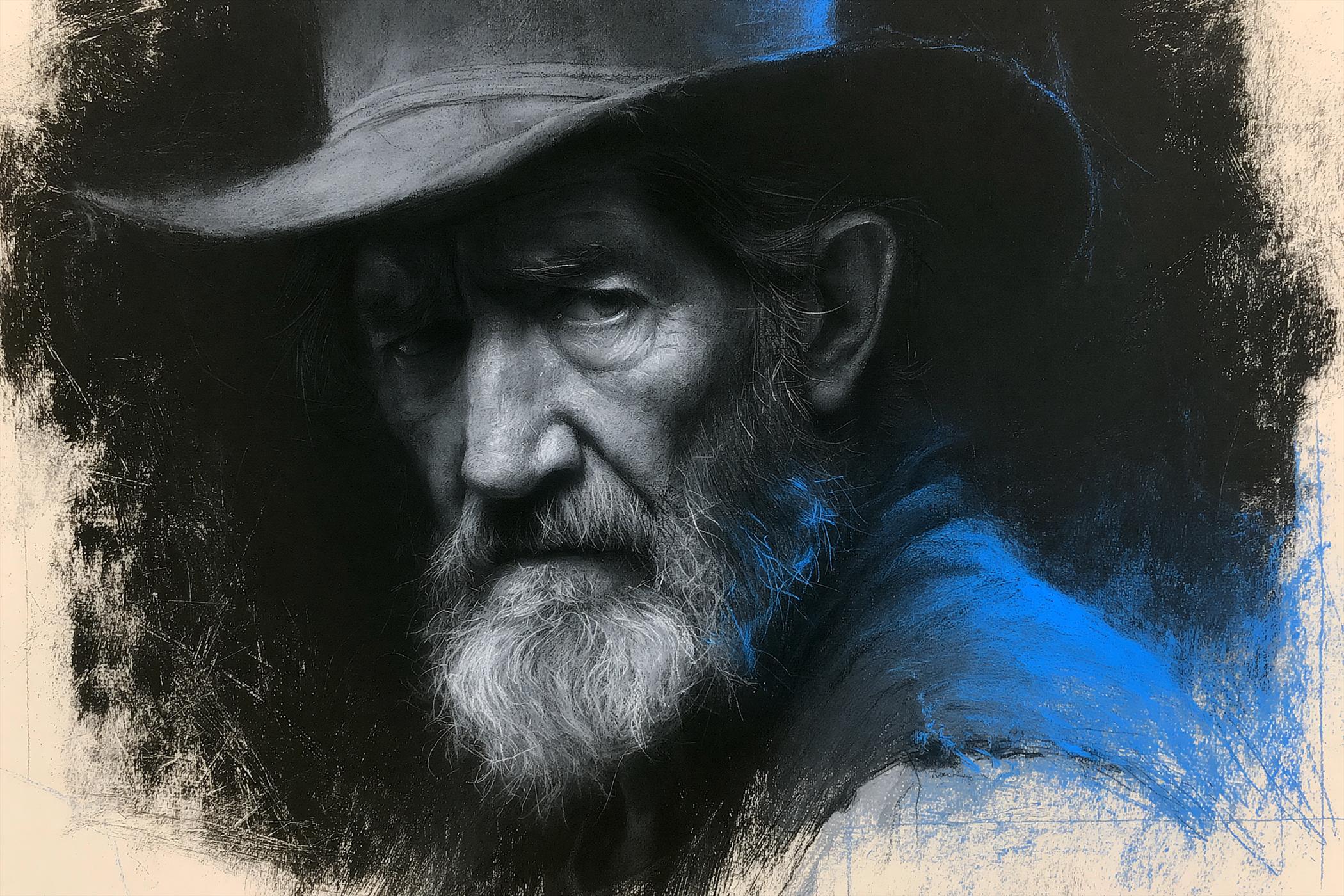
Charcoal Chiaroscuro Portraiture

Bold Red Contrast Fashion Editorial Newspaper Room

Stylized Fashion Portrait Bold Color Contrast Editorial
Make it yours
Surreal Ink Pen Drawing Style works as-is. These are the safest ways to change it without losing the look.
Change one field
Copy a single group, rewrite it, and generate again so you can see what that field is doing.
Keep the frame, change the subject
Hold the composition and light of Surreal Ink Pen Drawing Style, then swap wardrobe, props or the person for a new take.
| If the result… | Why | Fix |
|---|---|---|
| The result drifts from the preview | Too many fields changed at once. | Reuse Surreal Ink Pen Drawing Style as-is first, then change one group — subject, light, or setting. |
| The model over-stylizes the scene | The prose prompt leaves finish and camera underspecified. | Add one camera or lighting sentence and stay on GPT Image 2. |
More GPT Image 2 templates
Other prompts made for GPT Image 2.

Six VTuber Japanese Logo Sheet

Realistic Portrait of Woman and Deer

The Vista Modular Condo Poster

AI Model Routing Comparison Infographic

2.5D Anime Art Board

Isometric Productivity Desk Scene

New York Double Exposure Poster

Four-Panel AI Landscape Comparison

Japanese Tatami Lifestyle Magazine Cover

NESCAFÉ Coffee Map Poster
More image prompts
Fresh picks from across the catalog.
Giant Pharmaceutical Capsule with White House Miniature
Miniature Fantasy Village in a Glass Bottle
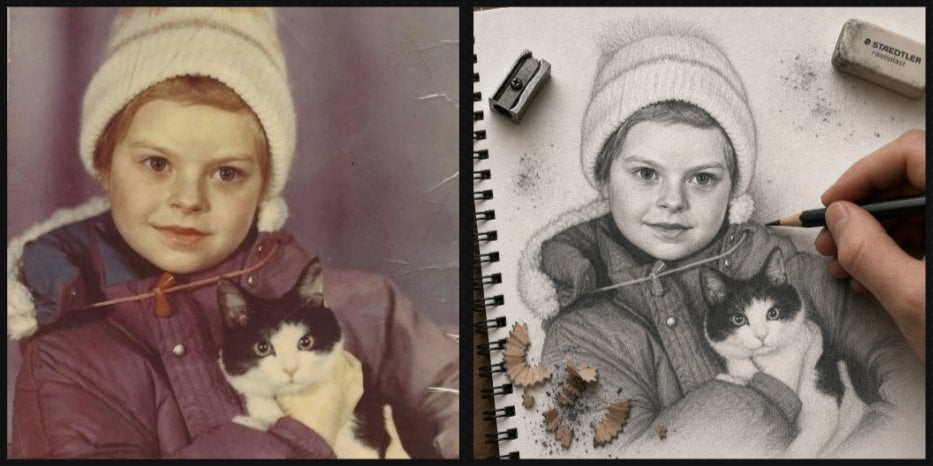
Vintage Photo to Graphite Sketch
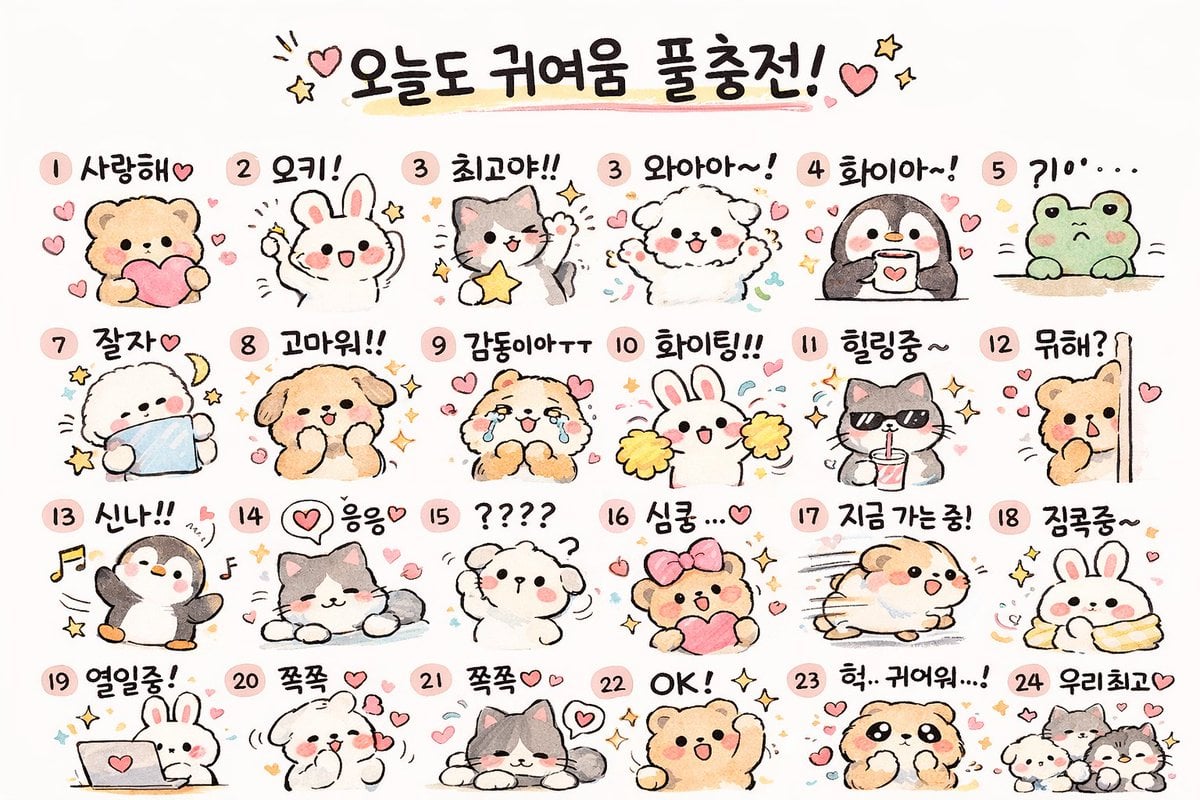
Kawaii Animal Sticker Sheet Generator
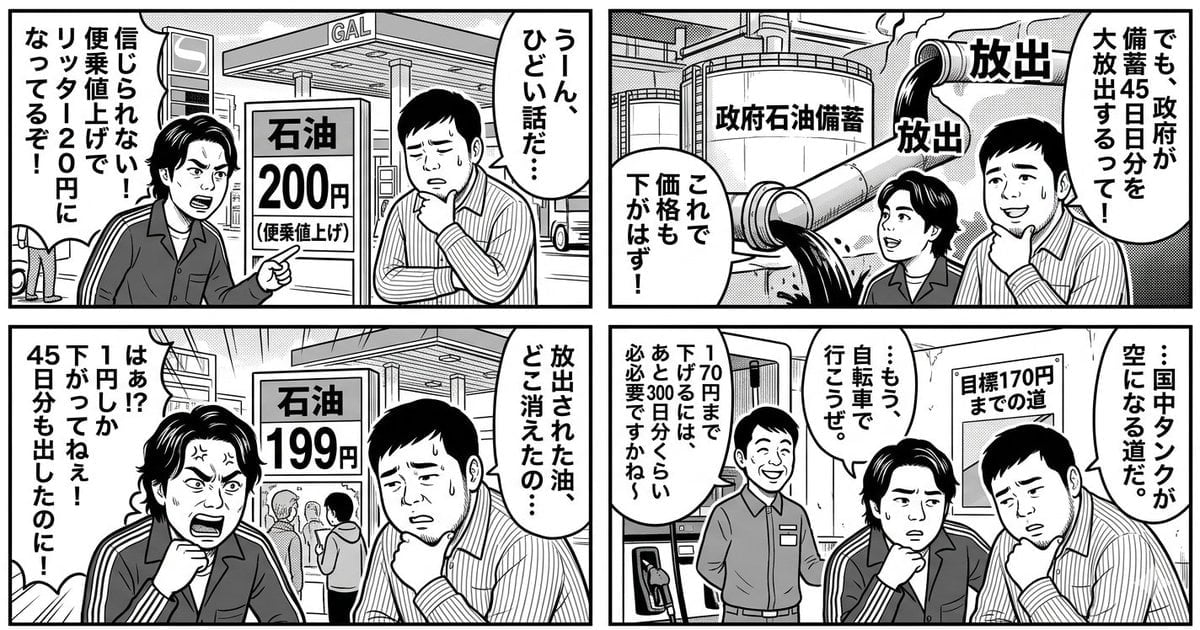
Panel Manga: The Long Road to 170 Yen Gasoline Price
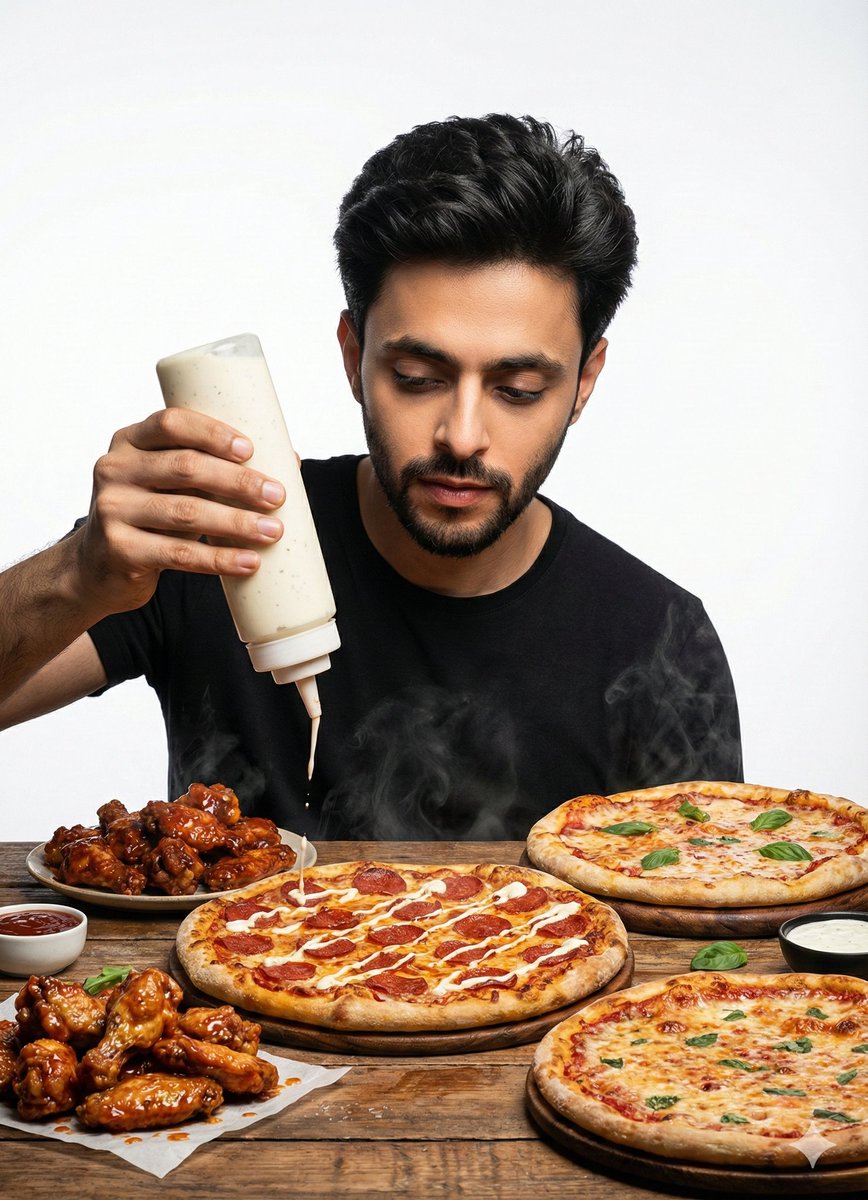
Billboard Food Commercial Flat Lay
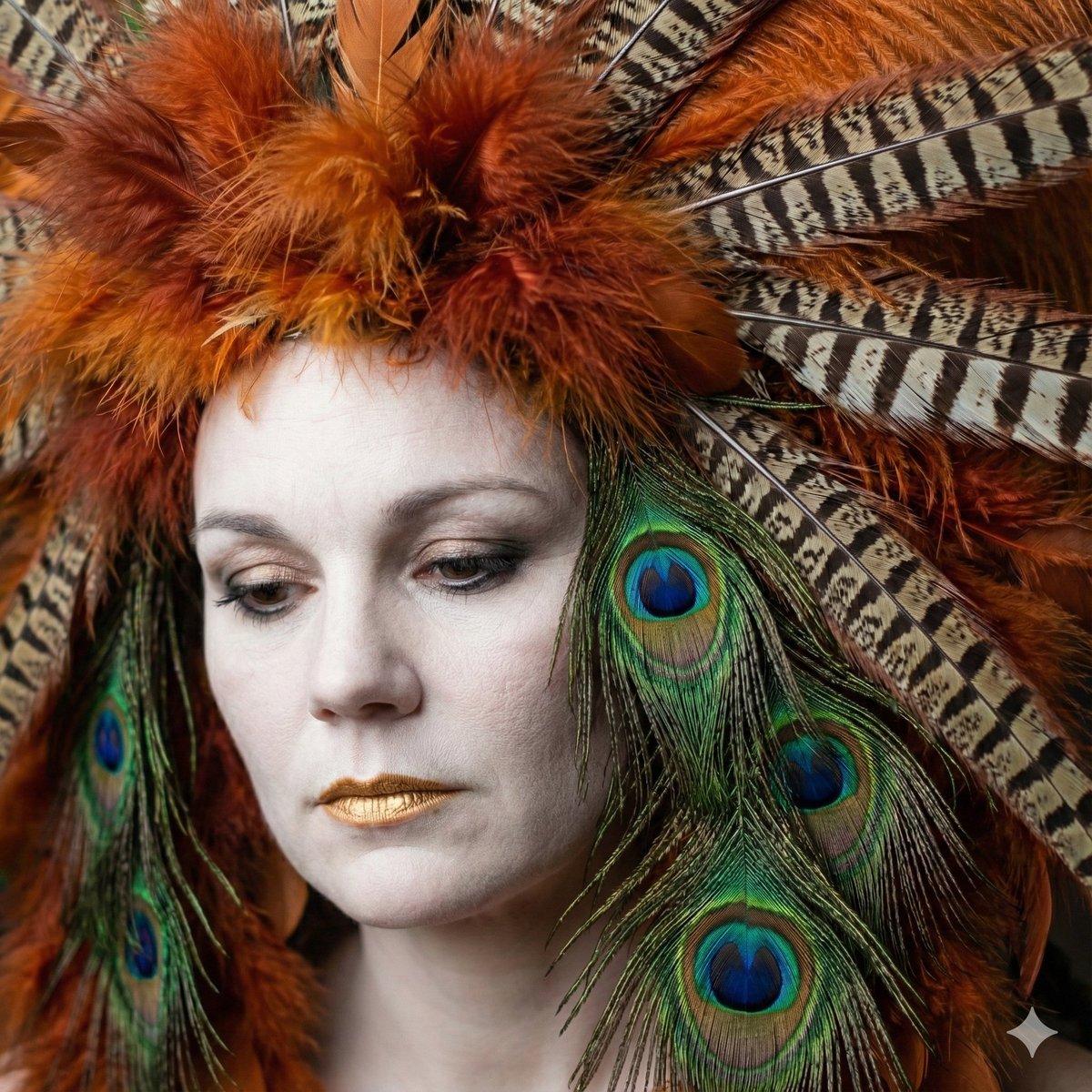
Avant-Garde Feather Headdress Portrait
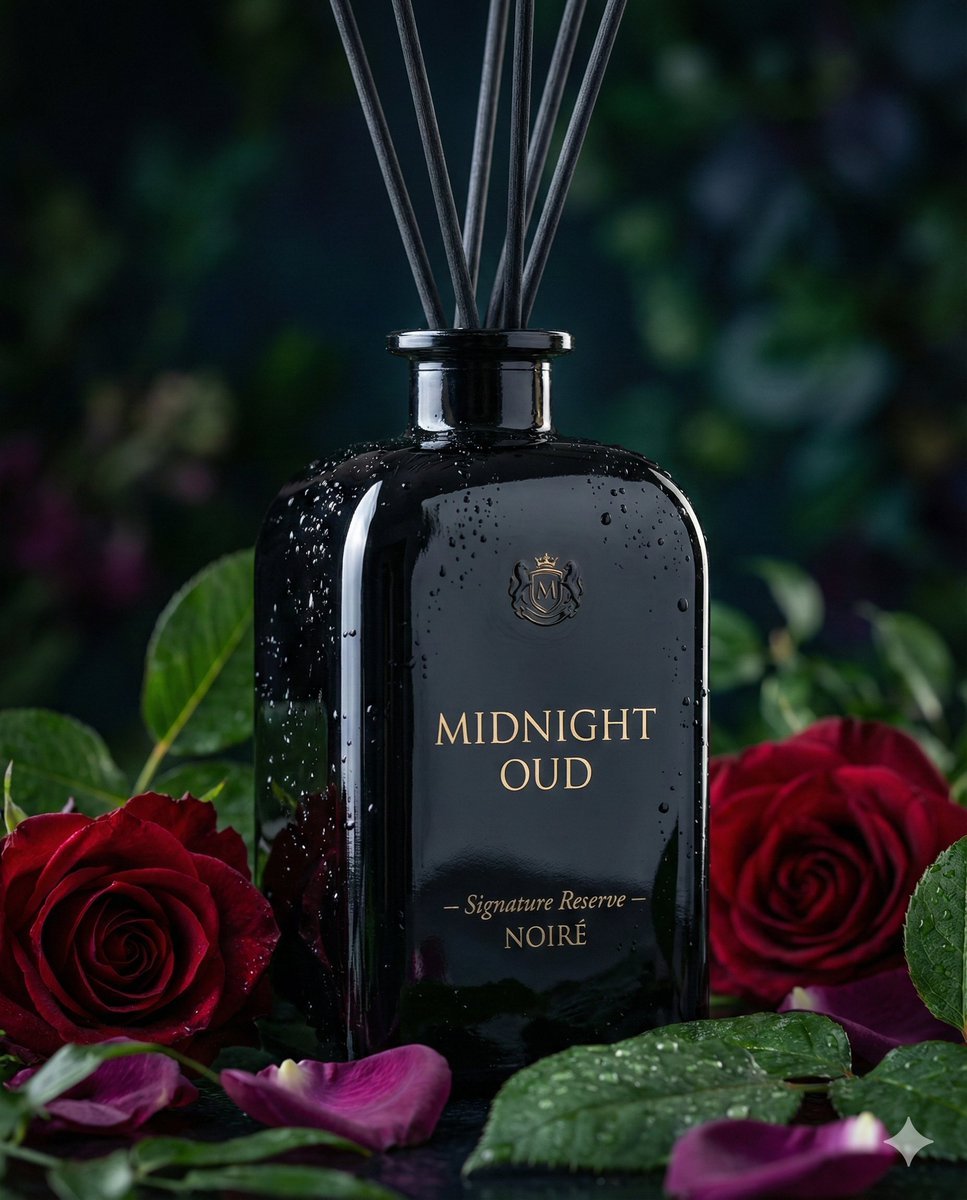
Luxury Reed Diffuser Product Photography Prompt
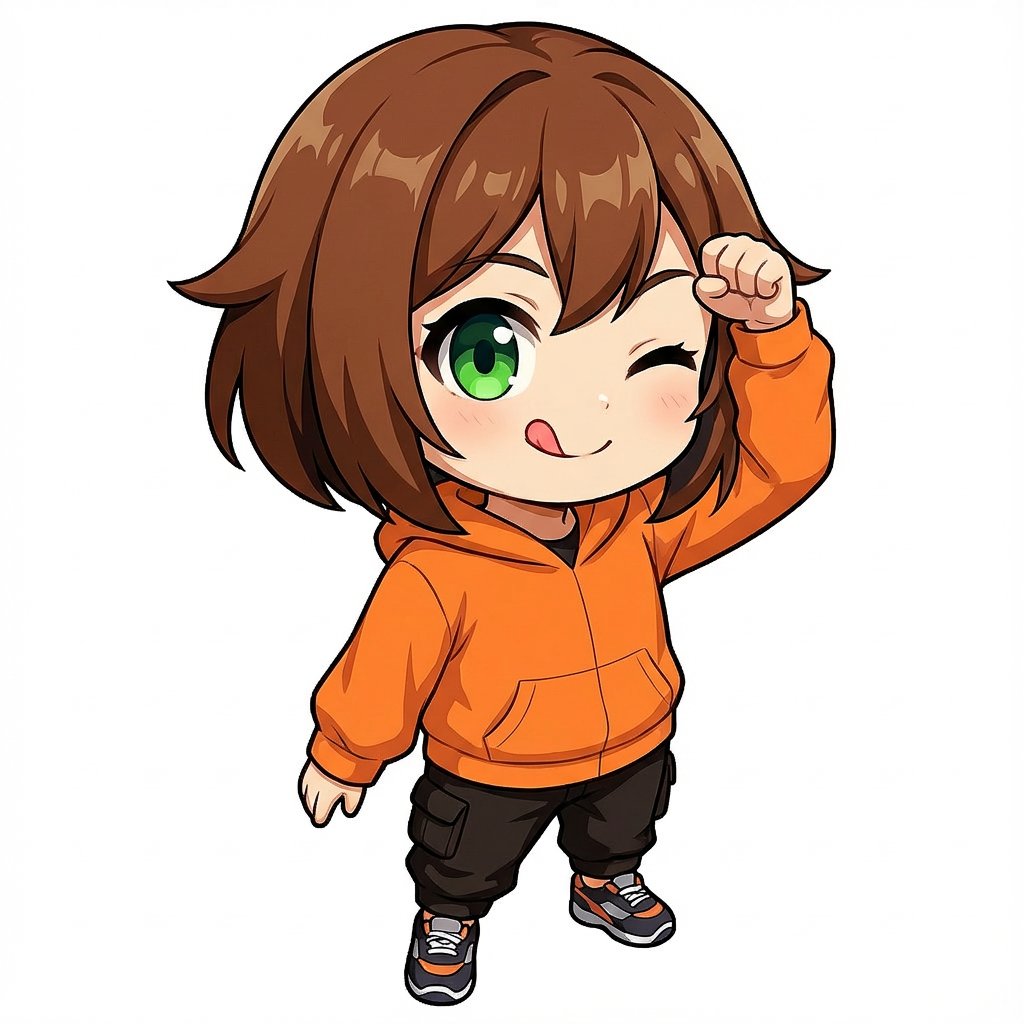
Chibi Character 'Tehepero' Pose Generation Prompt
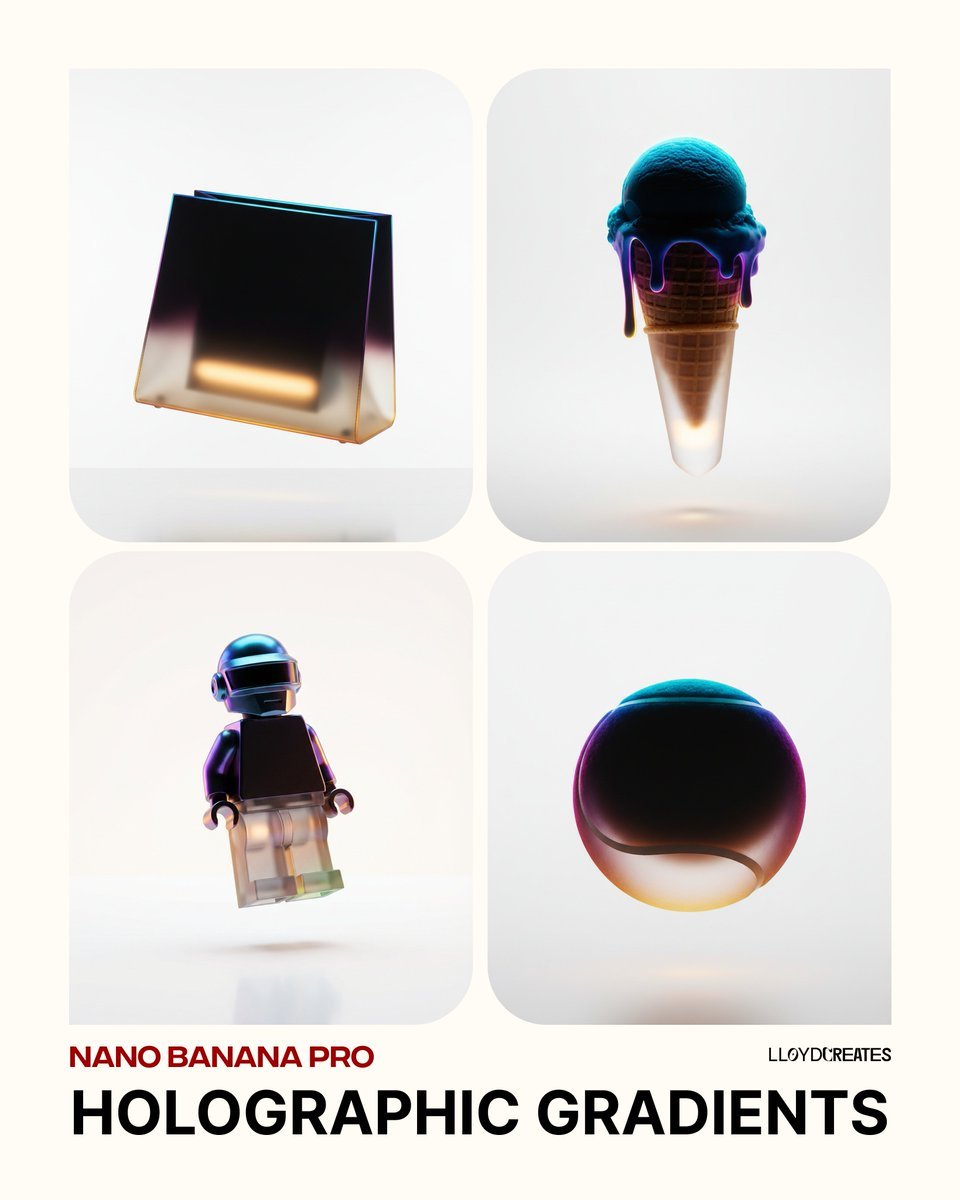
Holographic Gradient Object Prompt
Browse template categories
Surreal Ink Pen Drawing Style questions
How do I use the Surreal Ink Pen Drawing Style template?
Add your photo if the template asks for one, edit the prompt if you like — the template's model and format are already selected — and press Generate. Your version opens in PicX Studio.
Can I customize the Surreal Ink Pen Drawing Style template?
Yes. You can change the subject, setting, lighting, mood, format, and available model controls before creating your image.
Is the Surreal Ink Pen Drawing Style template free?
Opening and editing this template is free. Generating uses credits, shown on the Generate button when you are signed in.
Which AI model should I use?
Start with GPT Image 2, which is the model associated with this template. You can compare another compatible model for a different finish.
Looking for something else? Browse all templates.

Your photo, any look
Thousands of ready templates for every top image and video model, from one credit balance.