
Yibo Racing Motion Fan Poster
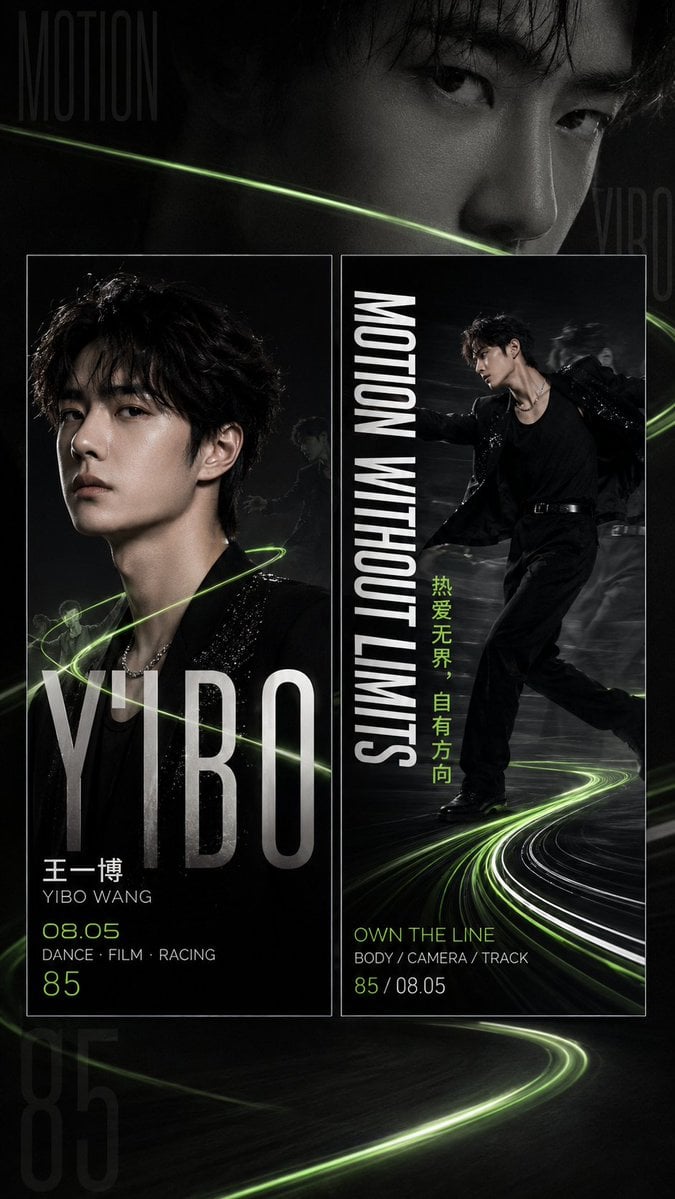
A vertical celebrity fan-support editorial poster with dark monochrome portraits, neon green racing motion trails, and bold magazine typography.
- Prompt included
- Model and format preset
- Free template
The prompt behind this image
Copy the exact prompt behind Yibo Racing Motion Fan Poster, or open it in the studio and make it yours.
Goal: Create a 9:16 vertical celebrity fan-support editorial poster for {argument name="character name" default="Yibo Wang"}, with a dark racing-and-dance concept, black and silver photography, neon green motion trails, and a high-fashion magazine layout. Canvas: Vertical 9:16 poster, 675×1200 style composition, full-bleed black background with smoky film grain, glossy shadows, and subtle motion blur. Use a dramatic monochrome palette with metallic silver typography and fluorescent lime-green accents. Layout: Build exactly 3 main portrait zones: 1) a large cropped close-up face filling the top half as the background, eyes sharp and intense, mostly black-and-white; 2) a left rectangular bordered card containing a bust portrait facing forward, black sequined jacket, neon green light ribbon wrapping around the shoulders; 3) a right rectangular bordered card containing a full-body action pose in black stagewear, moving like a dancer or racer, with blurred duplicates behind him and curved track-light trails sweeping across the floor. Place the two bordered cards side by side in the lower-middle area, with thin white outlines. Add oversized ghost typography in the background: “MOTION” at upper left, “YIBO” faintly at upper right, and a huge translucent “85” near the bottom left. Text content: Use bold condensed sans-serif editorial typography. On the left card, add huge vertical-impact silver text “YIBO” across the bottom. Under it place Chinese name “王一博”, then “YIBO WANG”, then birth number “08.05”, then “DANCE · FILM · RACING”, then large “85”. On the right card, add large vertical white text “MOTION WITHOUT LIMITS” along the left side of the card. Add the vertical lime-green Chinese slogan {argument name="Chinese slogan" default="热爱无界,自有方向"} near the center-right. At the bottom of the right card add lime text “OWN THE LINE”, then small text “BODY / CAMERA / TRACK”, then “85 / 08.05”. Subject details: The celebrity should be a handsome young East Asian male with tousled black hair, pale skin, sharp jawline, calm confident expression, and dark eyes. Outfit is all black: sleek blazer or sequined performance jacket, black shirt, black trousers, belt, and subtle silver chain necklace. Lighting is cinematic and directional, highlighting cheekbones and fabric texture. Visual concept: Represent {argument name="visual concept" default="motion trajectory and racing track energy"} with thin neon green arcs crossing the poster from left to right and spiraling around the subject, plus white and green long-exposure track lines on the floor. Overall mood: powerful, restrained, futuristic, athletic, fan-banner ready, luxury editorial. Constraints: Use exactly 2 bordered lower cards and 1 large background face portrait. Keep all text legible and aligned like a professional fan-support hand banner. Avoid extra logos, watermarks, random text, or additional people except faint motion-blur silhouettes inside the action card.
How to use Yibo Racing Motion Fan Poster in 3 steps
- 1Upload ImagePNG, JPG or paste
Add your photo
Upload the photo the template builds on. The prompt, model and format are already set.
- 2…a portrait of your subject in softgolden-hour light, 85mm…
Personalize
Edit the subject and creative details for your destination.
- 3Generate
Generate
Press Generate — your image is created in PicX Studio, so you can compare it with the original and refine one variable at a time.
More like this
Templates with the same subject, style or setup. Open one to see its prompt.

Japan Neon Speed City Racing Poster
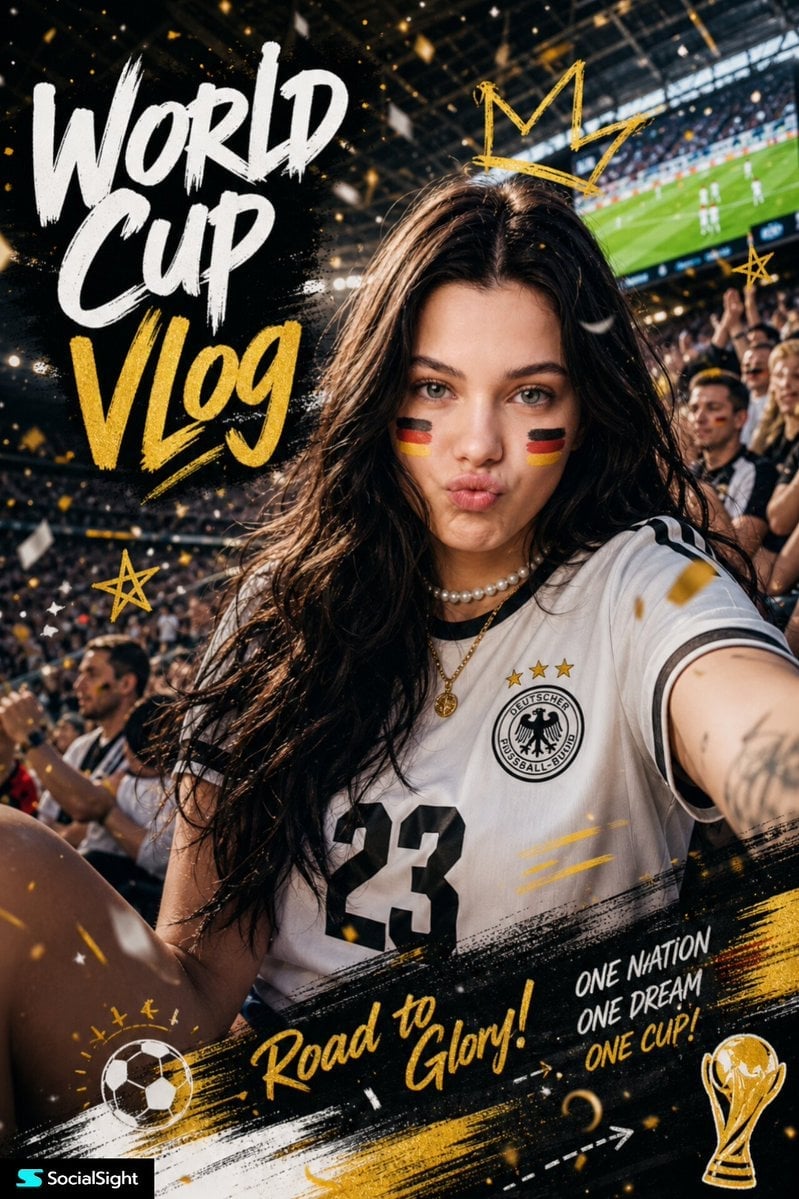
Fifa Stadium Fan Portrait Poster

Panning Motion Soccer Kick Poster

Japan Travel Brochure Poster
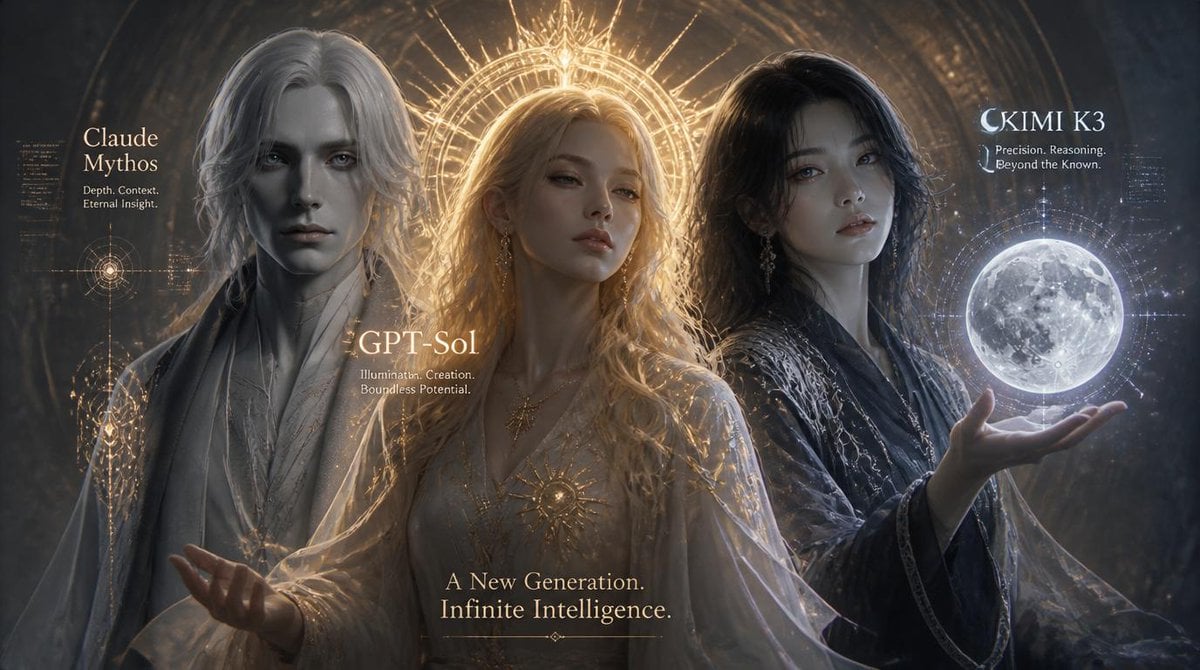
Three AI Deities Fantasy Poster
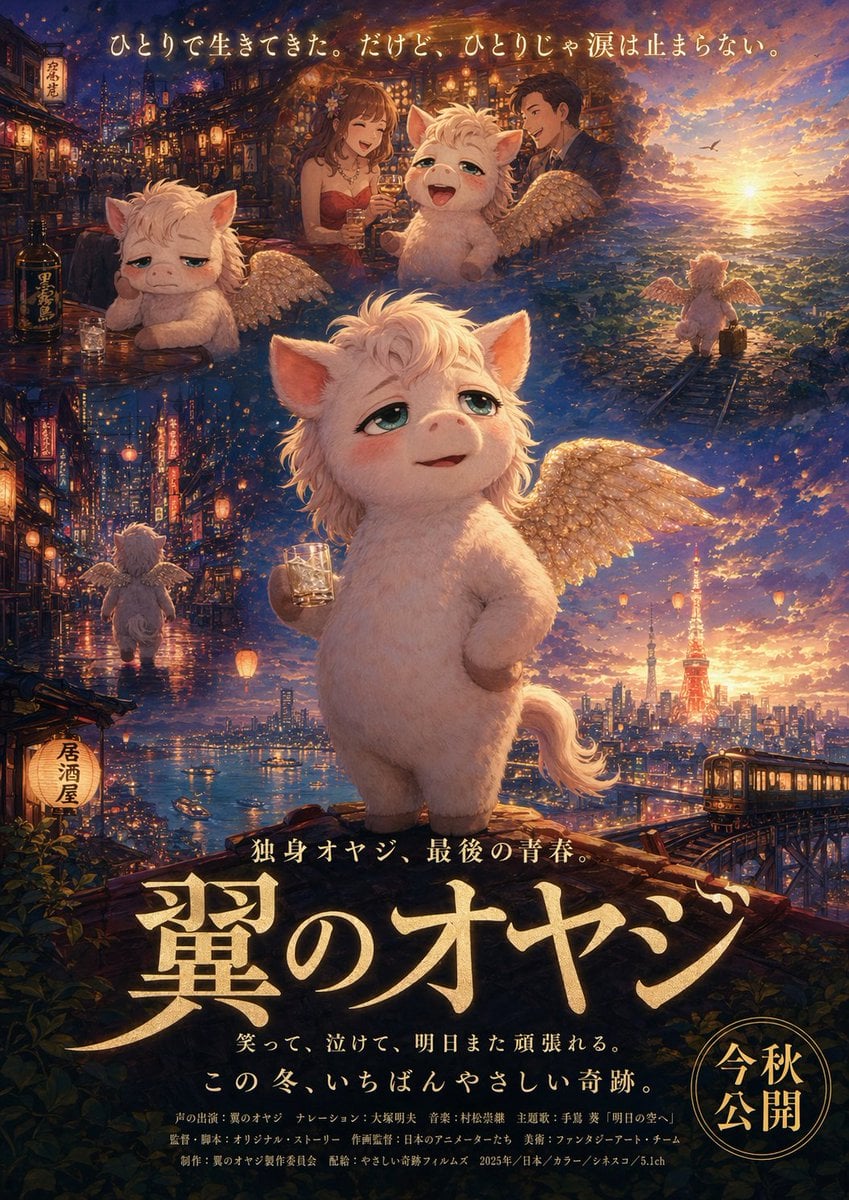
Japanese Fantasy Winged Pig Film Poster
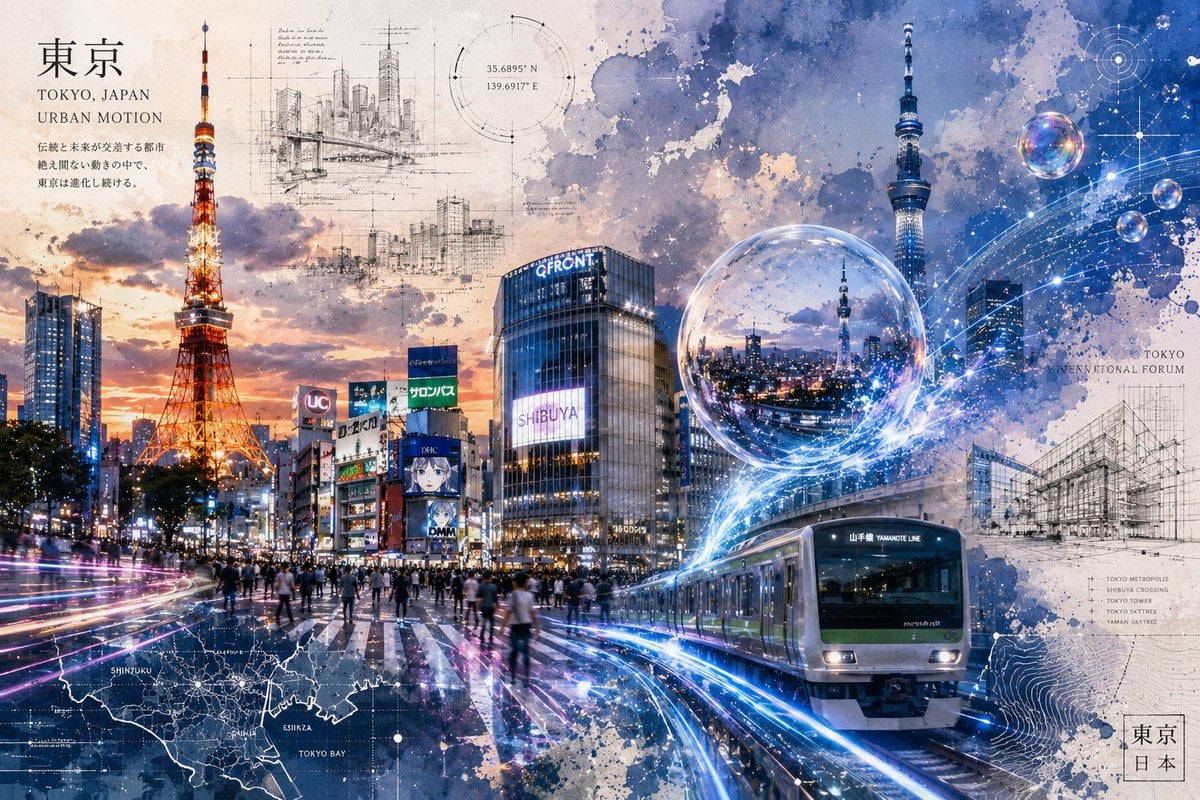
Tokyo Urban Motion Poster
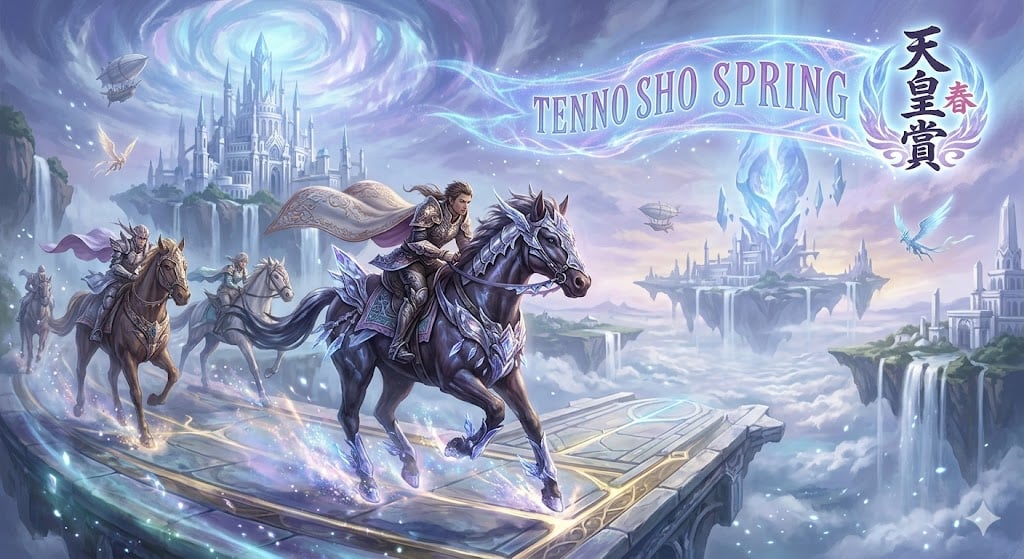
Fantasy Style Horse Racing

Cartoon TV Show Poster Pack

Trendy Cafe Drink Promo Poster

Urban Fashion Editorial Collage Streetwear Poster

Monochrome Hypebeast Street Fashion Editorial Motion
Make it yours
Yibo Racing Motion Fan Poster works as-is. These are the safest ways to change it without losing the look.
Change one field
Copy a single group, rewrite it, and generate again so you can see what that field is doing.
Keep the frame, change the subject
Hold the composition and light of Yibo Racing Motion Fan Poster, then swap wardrobe, props or the person for a new take.
| If the result… | Why | Fix |
|---|---|---|
| The result drifts from the preview | Too many fields changed at once. | Reuse Yibo Racing Motion Fan Poster as-is first, then change one group — subject, light, or setting. |
| The model over-stylizes the scene | The prose prompt leaves finish and camera underspecified. | Add one camera or lighting sentence and stay on GPT Image 2. |
More GPT Image 2 templates
Other prompts made for GPT Image 2.

Six VTuber Japanese Logo Sheet

Realistic Portrait of Woman and Deer

The Vista Modular Condo Poster

AI Model Routing Comparison Infographic

2.5D Anime Art Board

Isometric Productivity Desk Scene

New York Double Exposure Poster

Four-Panel AI Landscape Comparison

Japanese Tatami Lifestyle Magazine Cover

NESCAFÉ Coffee Map Poster
More image prompts
Fresh picks from across the catalog.
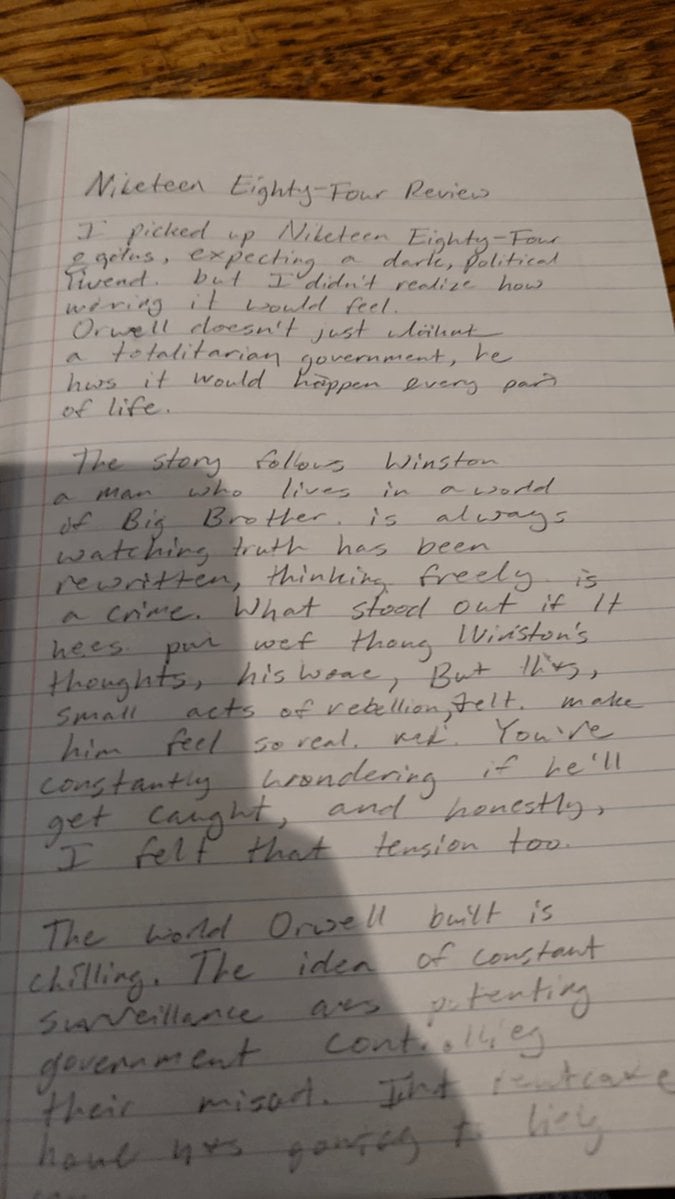
Messy Handwritten Notebook Photo
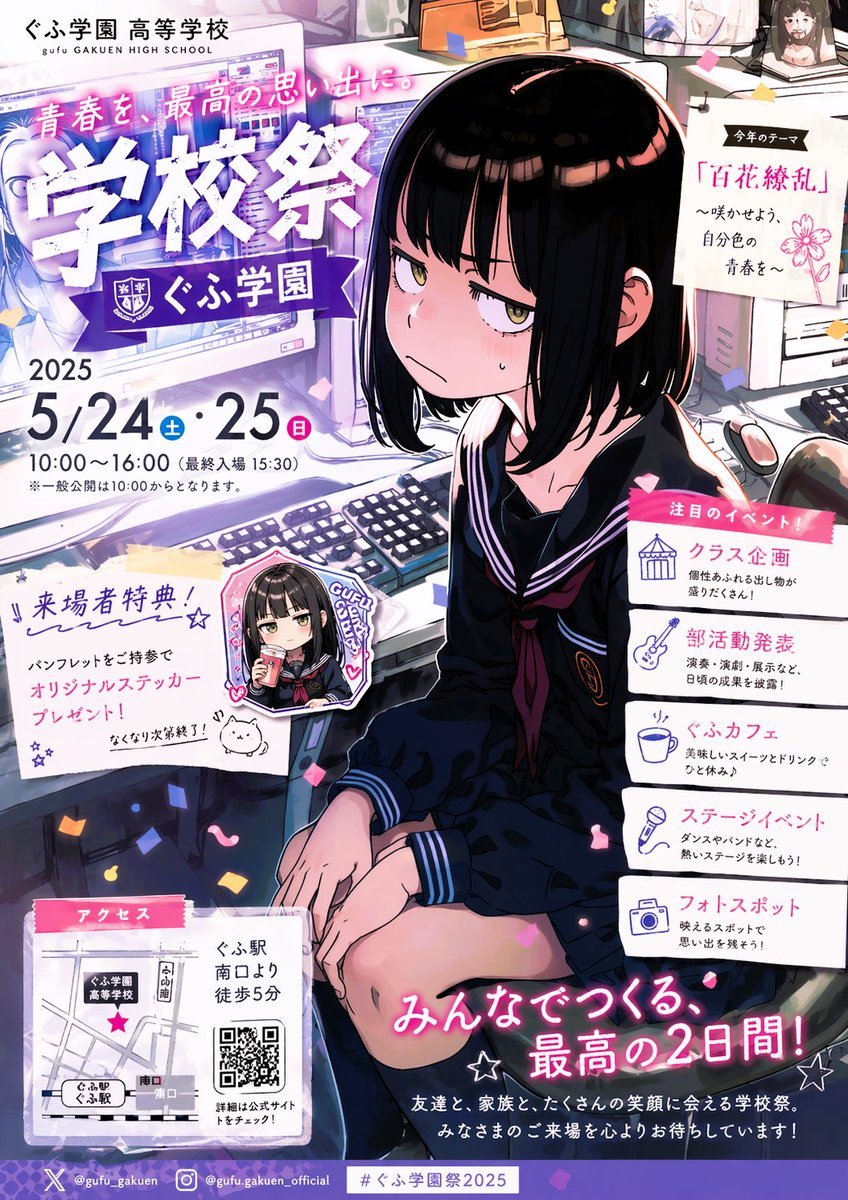
Anime School Festival Flyer Poster
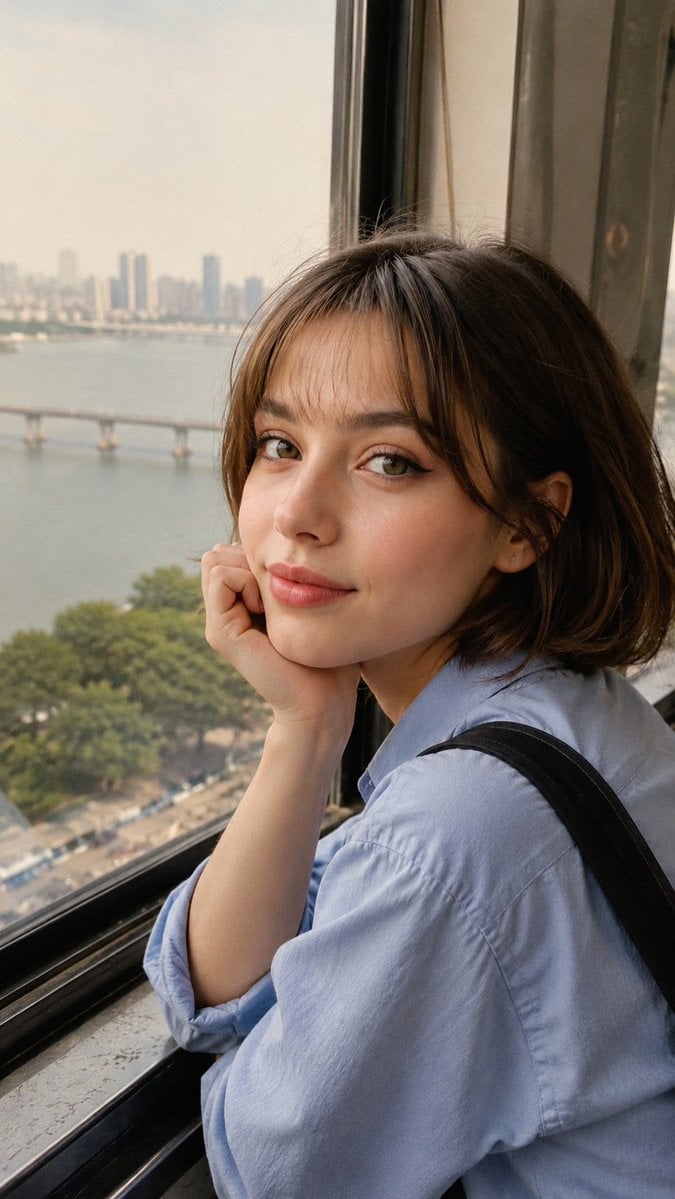
Candid Travel Portrait in Seoul
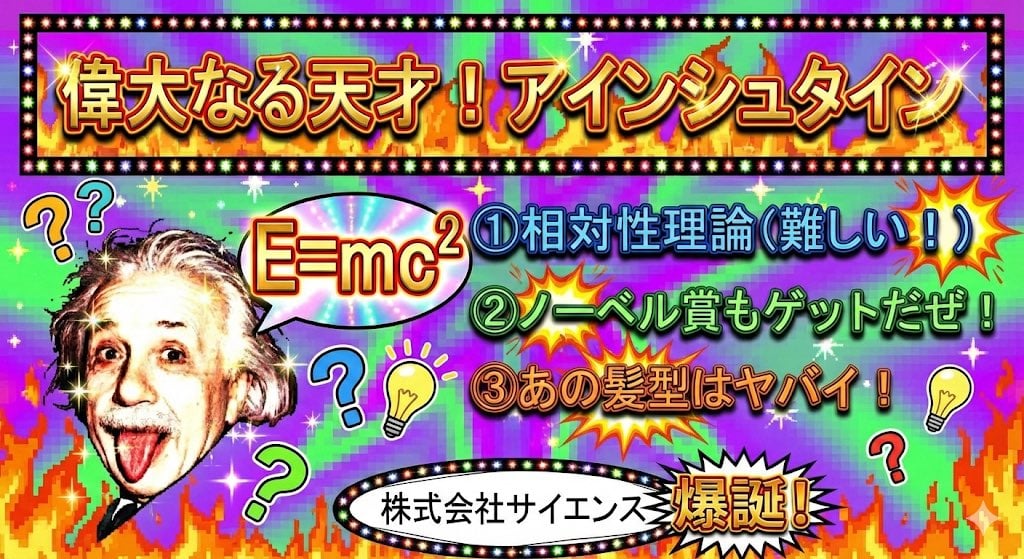
Ugly slide introducing Einstein
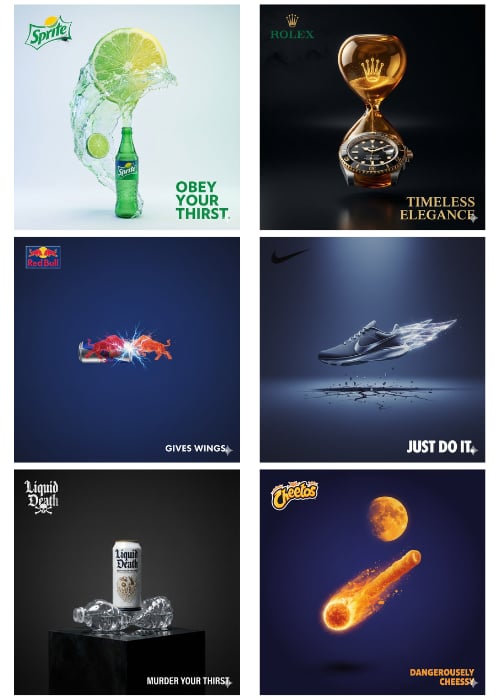
1Wrd Ad Generator

World Cup Tunnel Champion
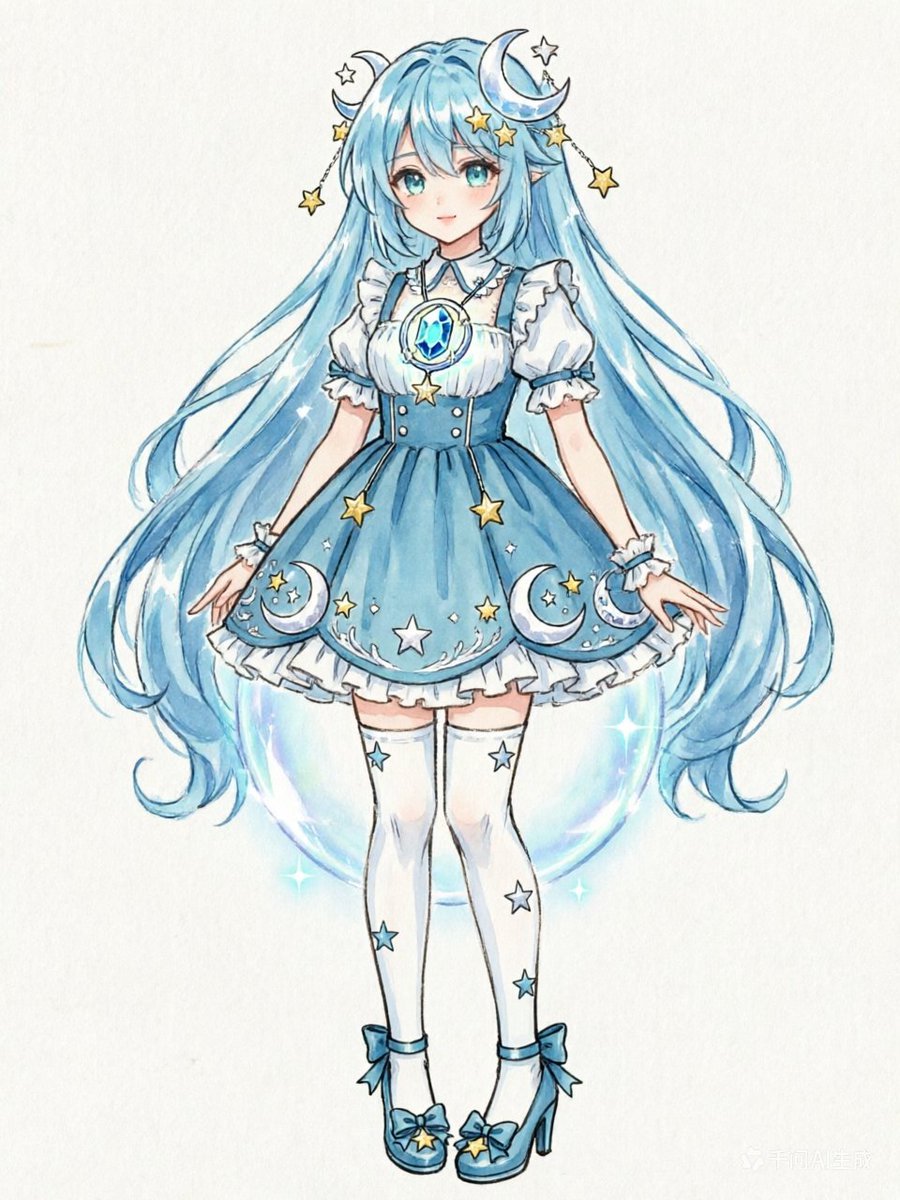
Blue Celestial Anime Girl Design
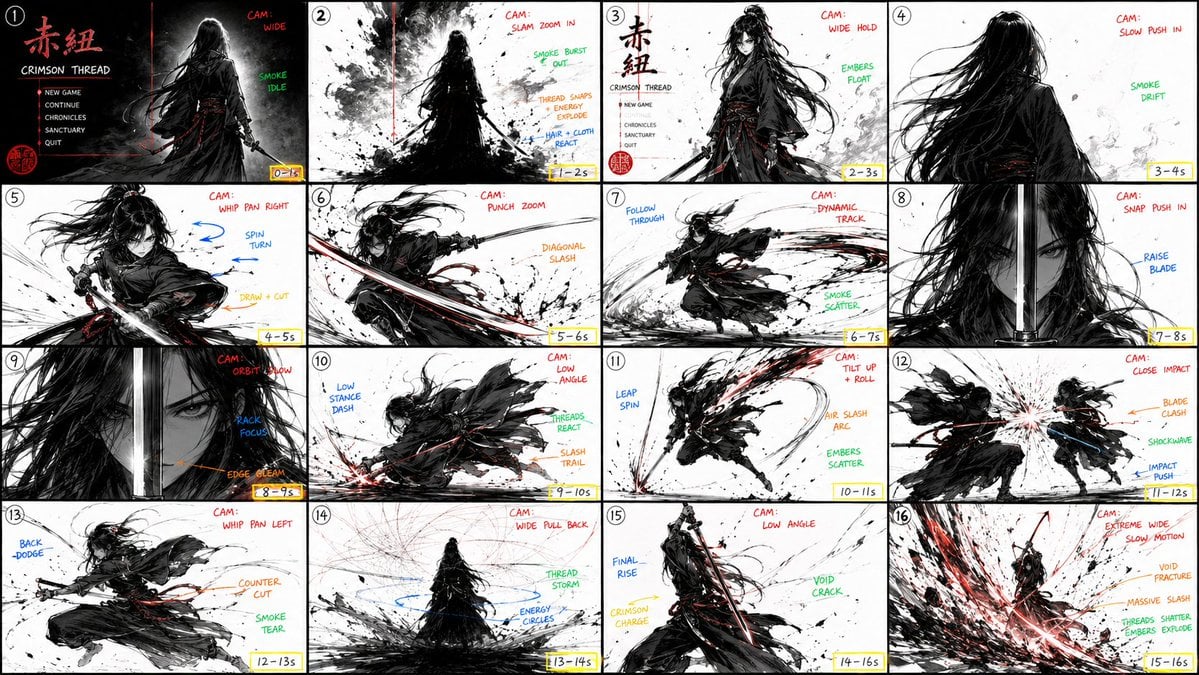
StoryBoard Prompt : Create a hyper-cinematic 16:9
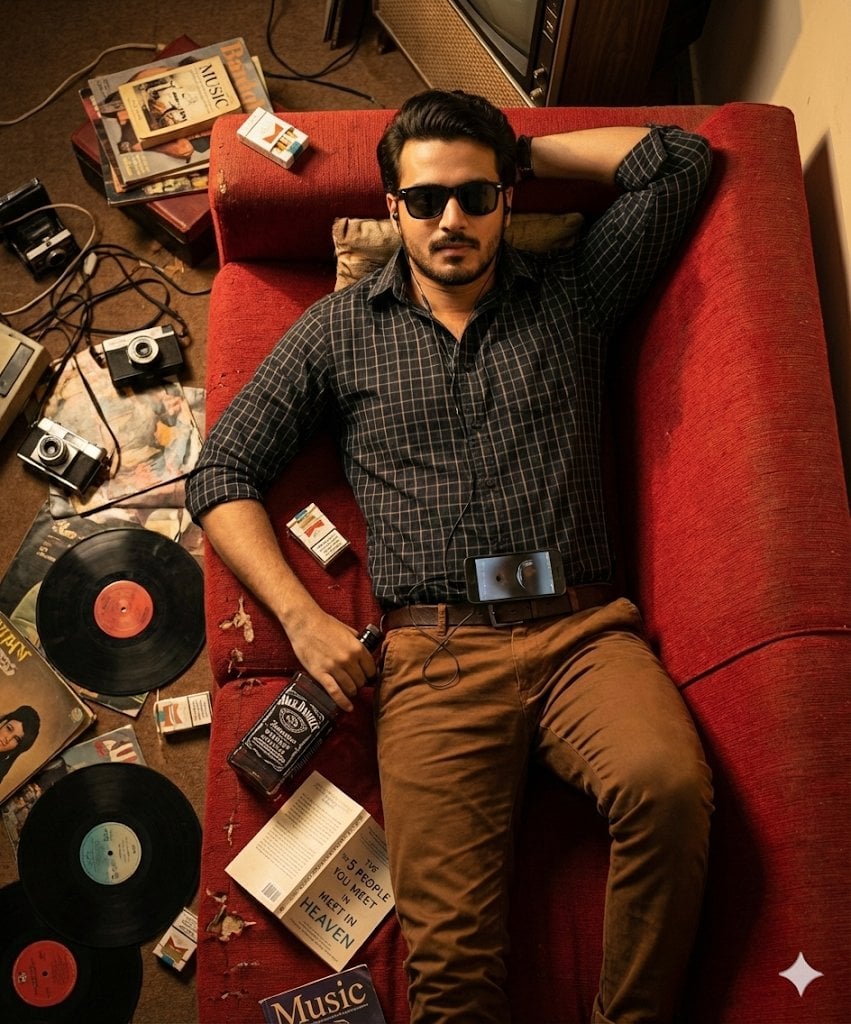
Cinematic Overhead Portrait of a Man on a Red Couch
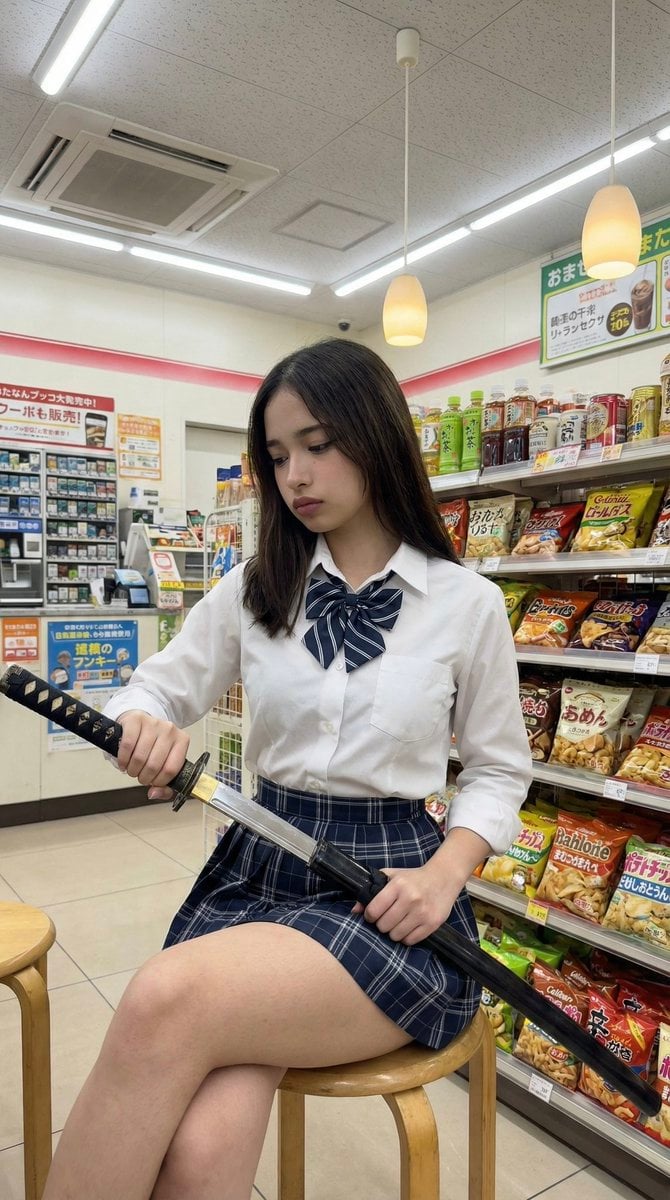
Japanese Konbini Portrait with Katana
Browse template categories
Yibo Racing Motion Fan Poster questions
How do I use the Yibo Racing Motion Fan Poster template?
Add your photo if the template asks for one, edit the prompt if you like — the template's model and format are already selected — and press Generate. Your version opens in PicX Studio.
Can I customize the Yibo Racing Motion Fan Poster template?
Yes. You can change the subject, setting, lighting, mood, format, and available model controls before creating your image.
Is the Yibo Racing Motion Fan Poster template free?
Opening and editing this template is free. Generating uses credits, shown on the Generate button when you are signed in.
Which AI model should I use?
Start with GPT Image 2, which is the model associated with this template. You can compare another compatible model for a different finish.
Looking for something else? Browse all templates.

Your photo, any look
Thousands of ready templates for every top image and video model, from one credit balance.