
Bloom in Silence Portrait Poster
Generates a photorealistic new Chinese-style editorial portrait poster with magnolia blossoms, qipao styling, and elegant magazine-cover typography.
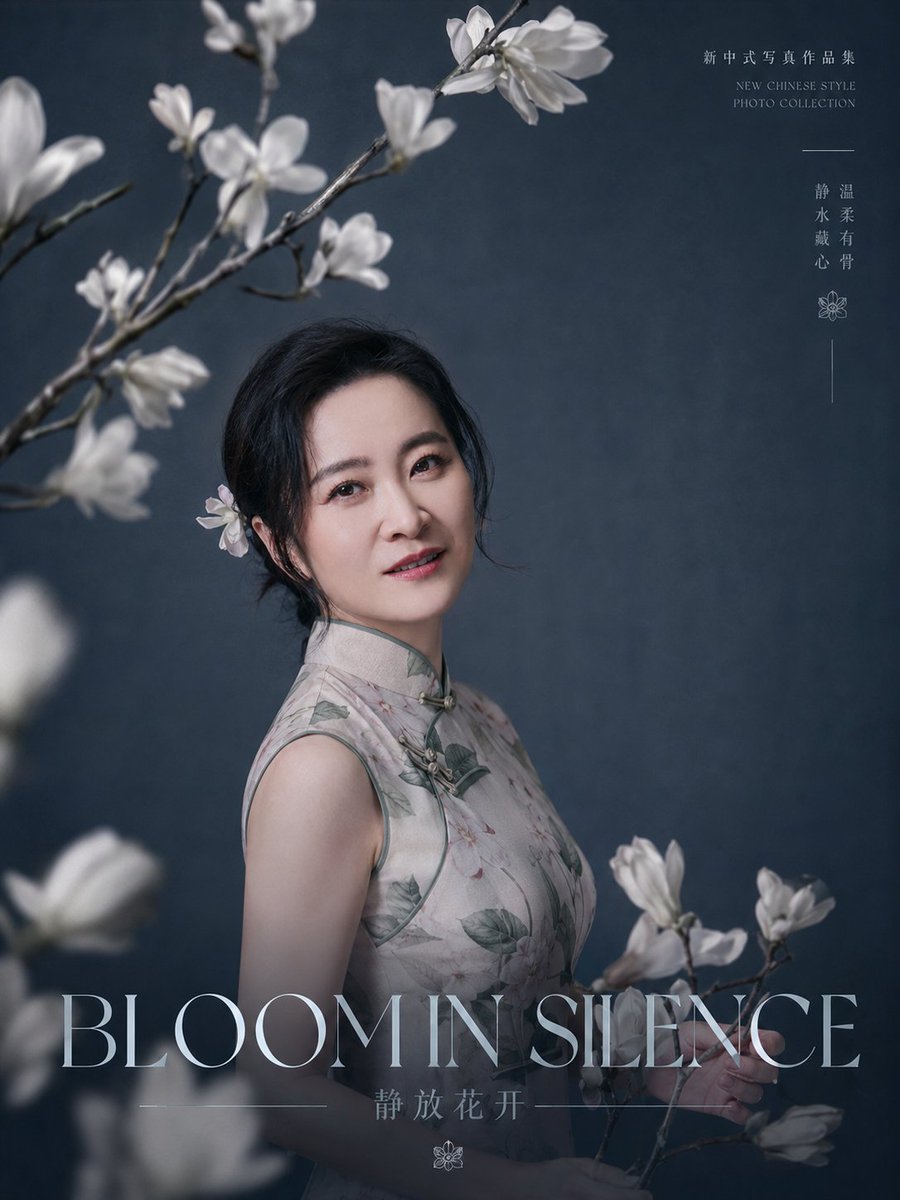
- Prompt included
- Model and format preset
- Free template
The prompt behind this image
Copy the exact prompt behind Bloom in Silence Portrait Poster, or open it in the studio and make it yours.
Create a refined editorial portrait poster for a new Chinese-style photo collection. A graceful middle-aged East Asian woman with {argument name="facial features" default="soft oval face, bright almond eyes, natural brows, gentle smile, fair skin, elegant mature beauty"} stands slightly left of center, turned three-quarters toward the camera, looking directly at the viewer with a calm, warm expression. She wears a sleeveless pale gray-beige qipao/cheongsam with subtle botanical print, muted green piping, and traditional frog closures at the collar and chest. Her {argument name="hairstyle" default="black hair loosely pinned in a low updo with a white magnolia flower tucked behind one ear"} is elegant and slightly wispy. Surround her with white magnolia blossoms: count 5 visible flower clusters on branches, including 2 soft blurred foreground clusters at the lower left and left edge, 2 sharp upper-left branching clusters arching across the top, and 1 branch held near the lower right. Use a dark blue-gray textured studio backdrop, cinematic soft side lighting, shallow depth of field, delicate haze, realistic skin texture, high-end portrait photography, quiet poetic Chinese aesthetic, muted cool tones, fine art magazine cover composition. Add large elegant thin serif title text across the bottom reading {argument name="main title" default="BLOOM IN SILENCE"}; beneath it add smaller Chinese text reading {argument name="subtitle text" default="静放花开"} with thin horizontal divider lines and a small floral icon. In the upper right, add small refined vertical typography: Chinese text “新中式写真作品集”, below it small English text “NEW CHINESE STYLE PHOTO COLLECTION”, a short horizontal line, then vertical Chinese words “静温 / 水柔 / 戴有 / 心骨”, followed by a small flower icon and a thin vertical line. Keep typography pale gray-white, minimal and airy. Portrait orientation 3:4, luxury editorial poster, photorealistic, no watermark, no extra people, no modern props.
How to use Bloom in Silence Portrait Poster in 3 steps
- 1Upload ImagePNG, JPG or paste
Add your photo
Upload the photo the template builds on. The prompt, model and format are already set.
- 2…a portrait of your subject in softgolden-hour light, 85mm…
Personalize
Edit the subject and creative details for your destination.
- 3Generate
Generate
Press Generate — your image is created in PicX Studio, so you can compare it with the original and refine one variable at a time.
More like this
Templates with the same subject, style or setup. Open one to see its prompt.

Found Photograph: Us, 1970

80s Couple Studio Portrait

80s Bollywood Star

80s Golden Hour Cinema

Me in 1985

1985 Studio Portrait
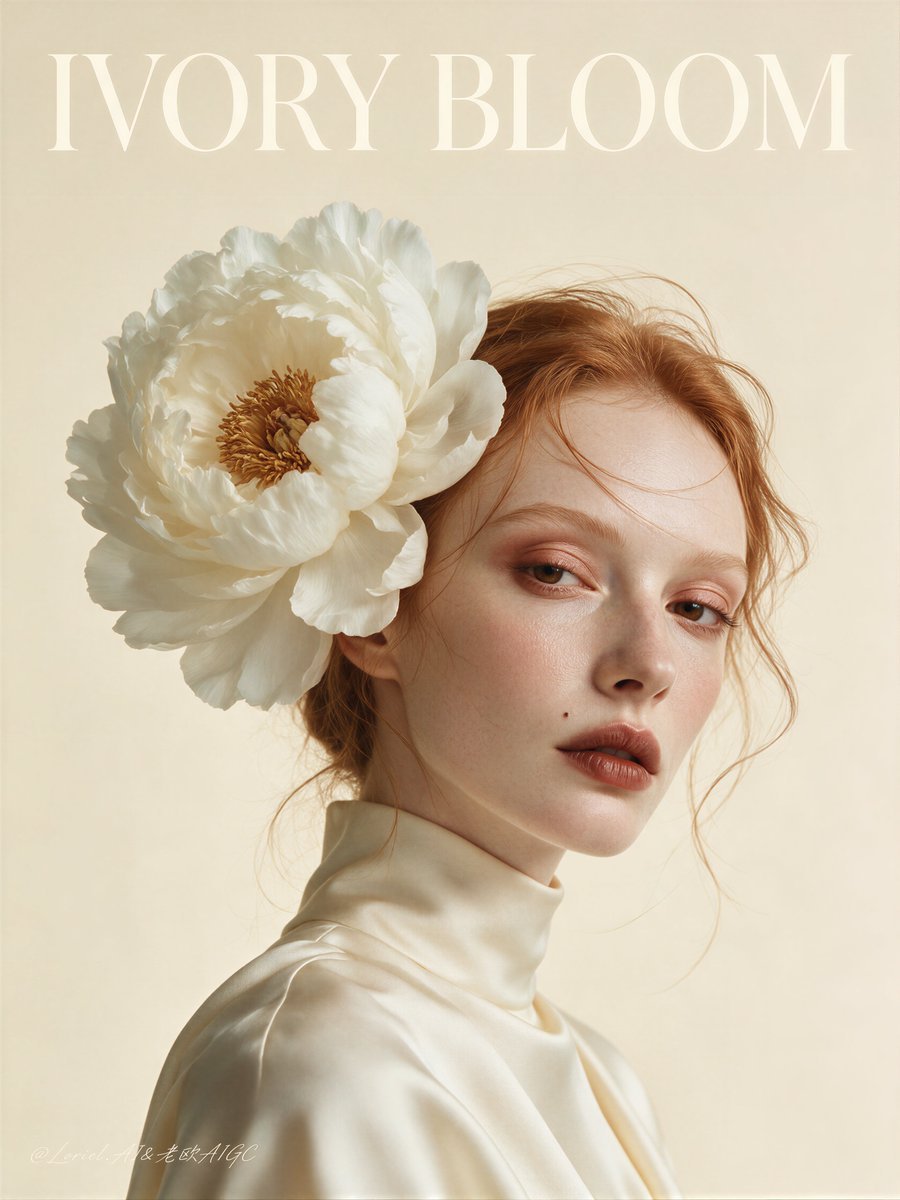
Ivory Bloom Luxury Fashion Poster

Hyper-Realistic Minecraft POV Portrait

Japan Travel Brochure Poster
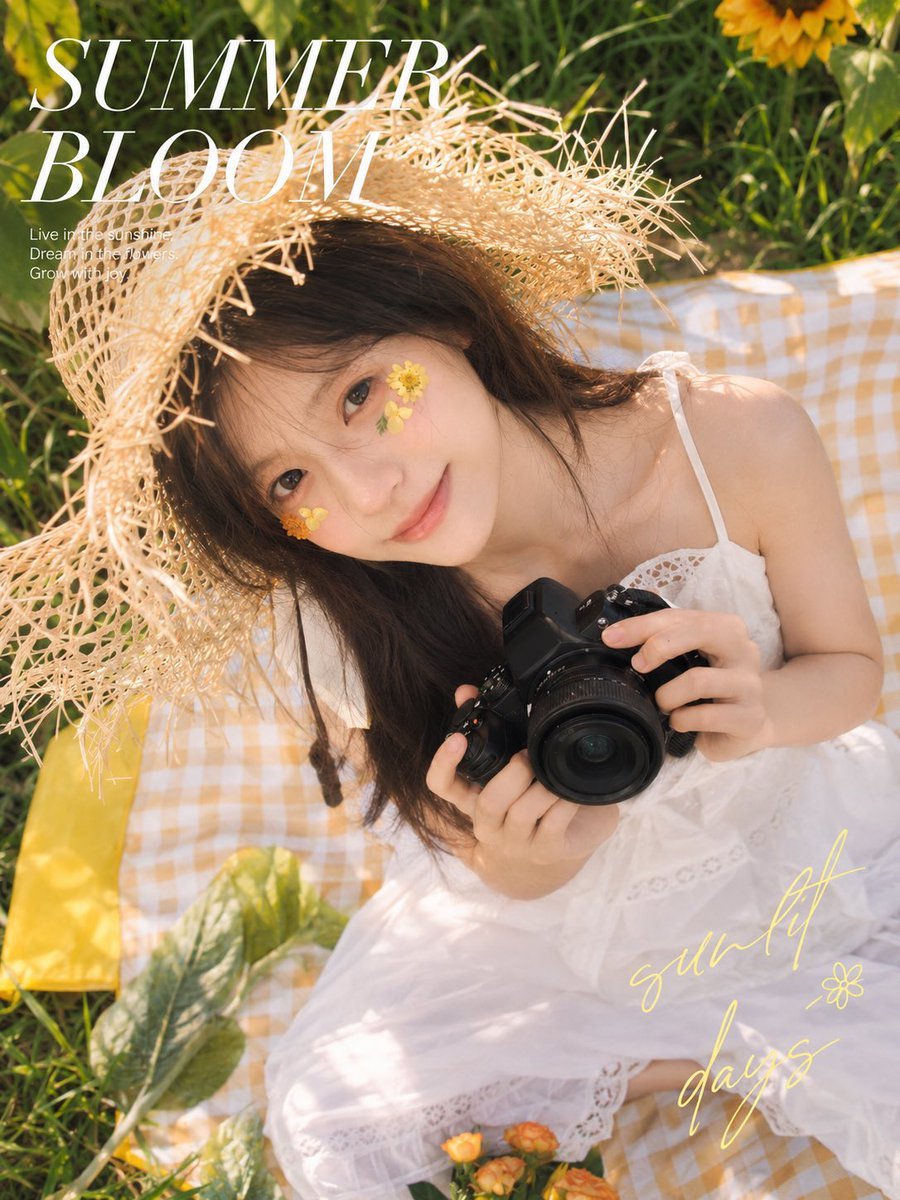
Summer Bloom Picnic Portrait

Rooftop Fisheye — Cat-Ear Balaclava at Golden Hour
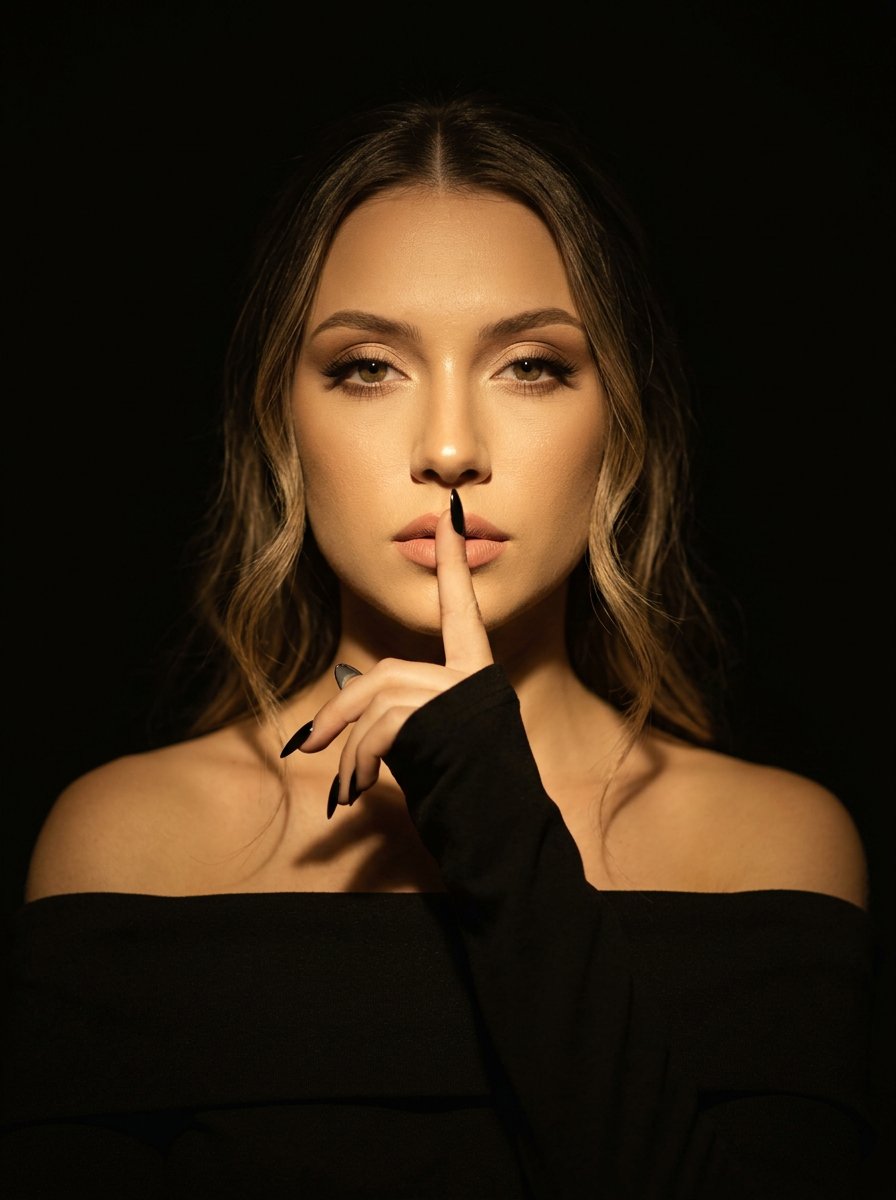
Cinematic Dark Studio Silence Portrait
Make it yours
Bloom in Silence Portrait Poster works as-is. These are the safest ways to change it without losing the look.
Change one field
Copy a single group, rewrite it, and generate again so you can see what that field is doing.
Keep the frame, change the subject
Hold the composition and light of Bloom in Silence Portrait Poster, then swap wardrobe, props or the person for a new take.
| If the result… | Why | Fix |
|---|---|---|
| The result drifts from the preview | Too many fields changed at once. | Reuse Bloom in Silence Portrait Poster as-is first, then change one group — subject, light, or setting. |
| The model over-stylizes the scene | The prose prompt leaves finish and camera underspecified. | Add one camera or lighting sentence and stay on GPT Image 2. |
More GPT Image 2 templates
Other prompts made for GPT Image 2.

Six VTuber Japanese Logo Sheet

Realistic Portrait of Woman and Deer

The Vista Modular Condo Poster

AI Model Routing Comparison Infographic

2.5D Anime Art Board

Isometric Productivity Desk Scene

New York Double Exposure Poster

Four-Panel AI Landscape Comparison

Japanese Tatami Lifestyle Magazine Cover

NESCAFÉ Coffee Map Poster
More image prompts
Fresh picks from across the catalog.
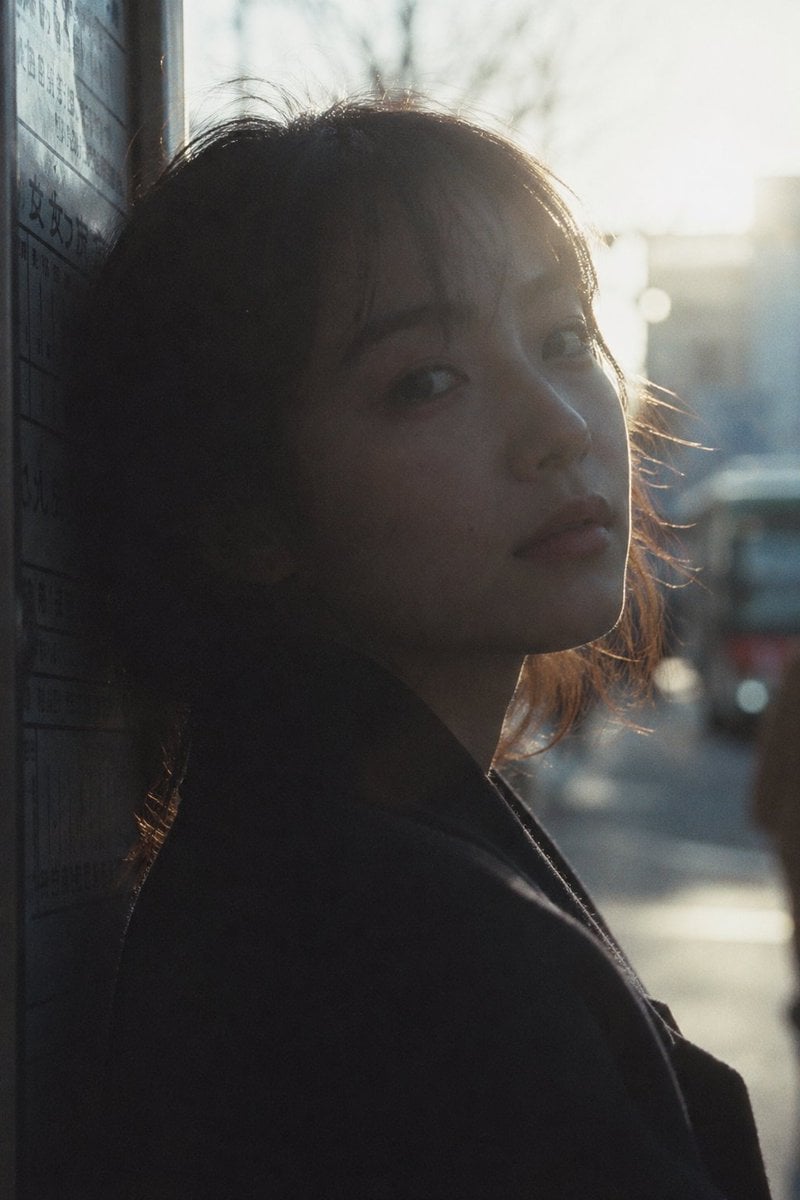
Cinematic Urban Silhouette Portrait
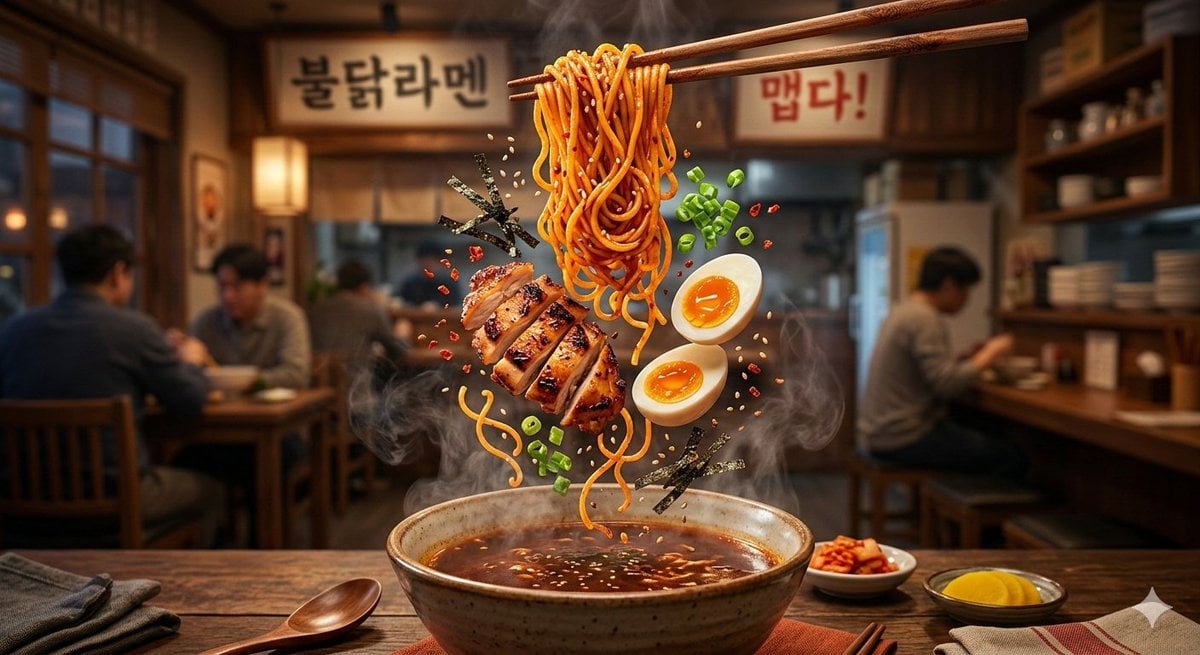
Cinematic Food Commercial Shot of Deconstructed Buldak Ramen

Zootopia 2 Promotional Selfie
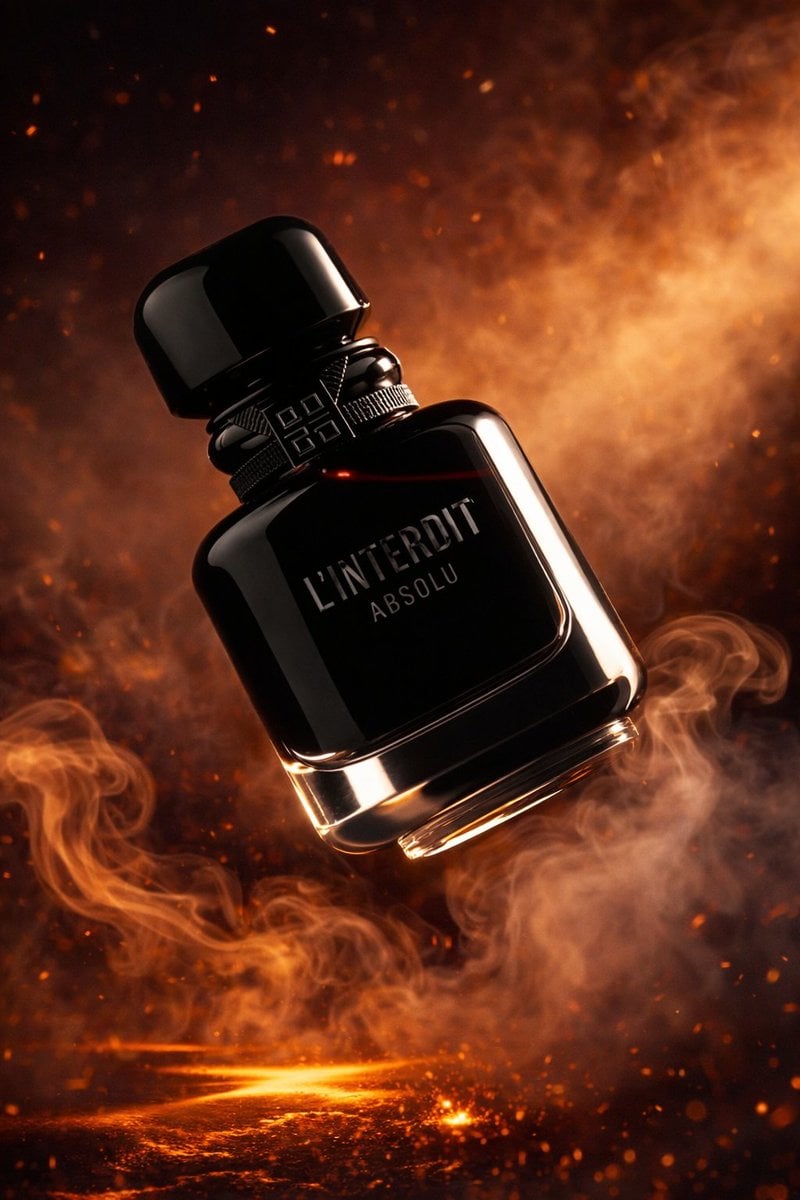
Luxury Perfume Bottle Product Shot
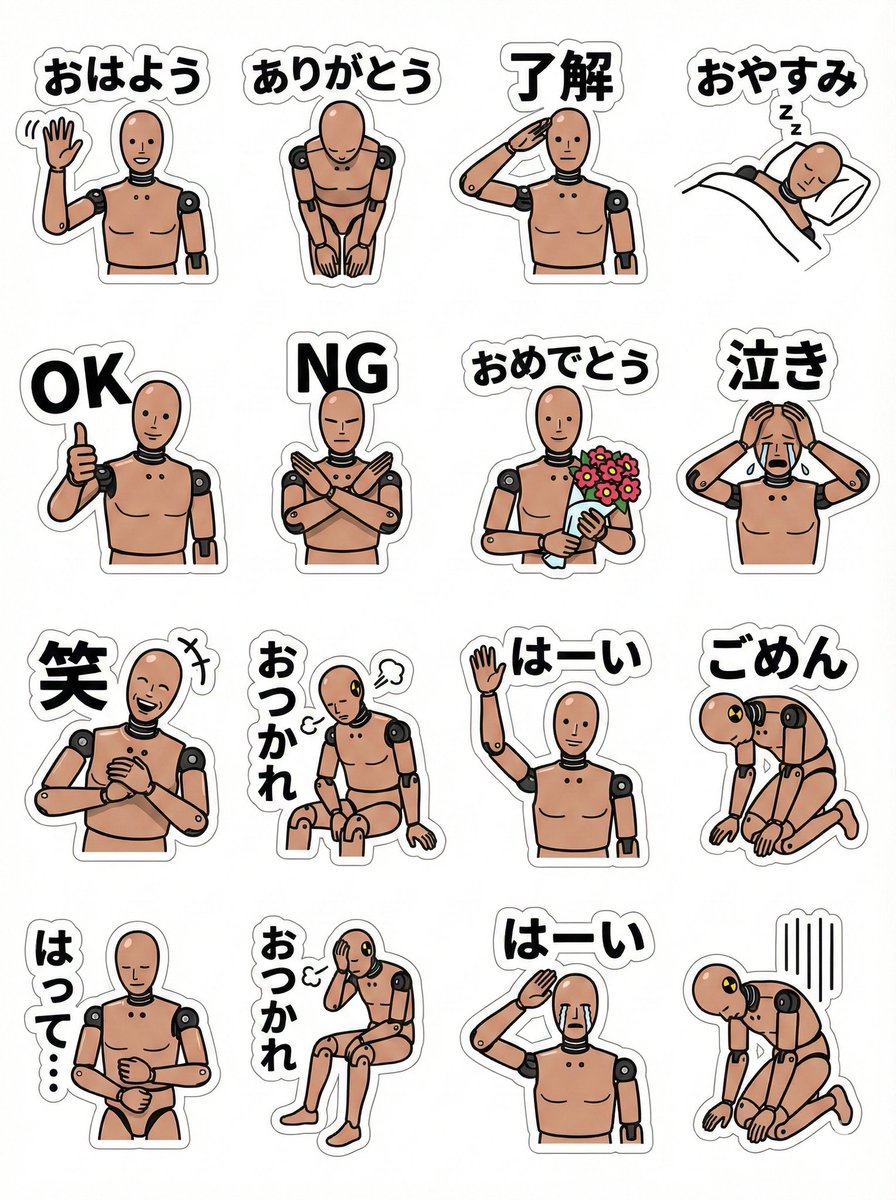
LINE sticker sheet for standing doll character (Japanese)
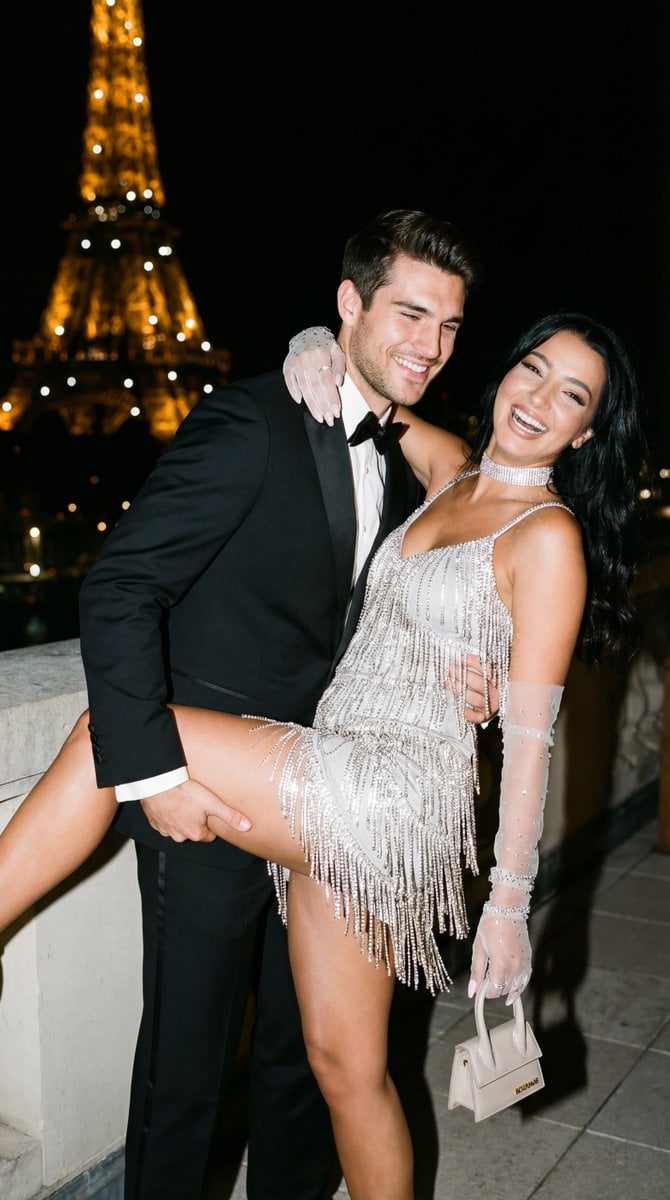
Cinematic Flash Editorial Couple Portrait in Paris
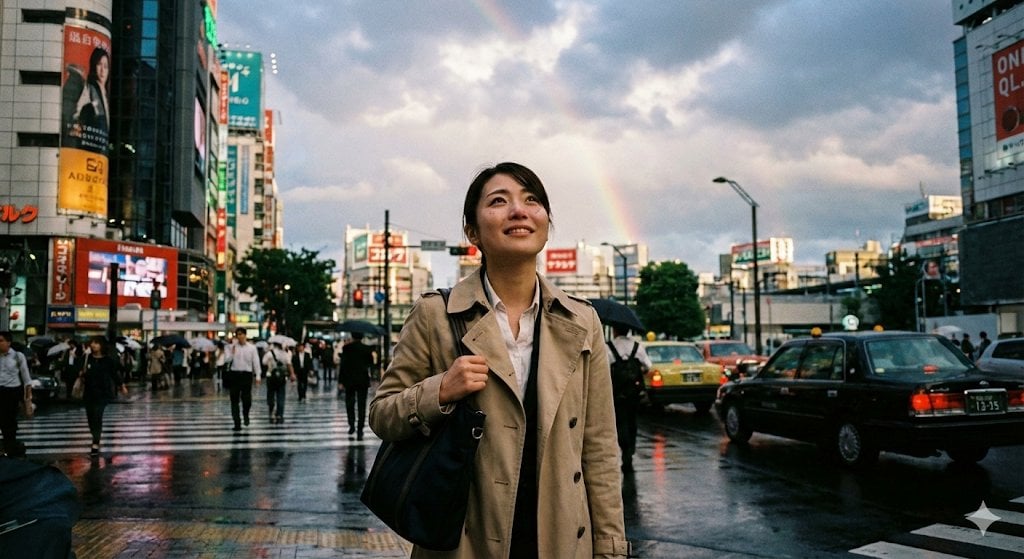
Emotional Snapshot of a Woman in Rainy Tokyo

Crayon Drawing Style Redraw

Character Stepping Out of a Sketchbook (Surreal Photo)
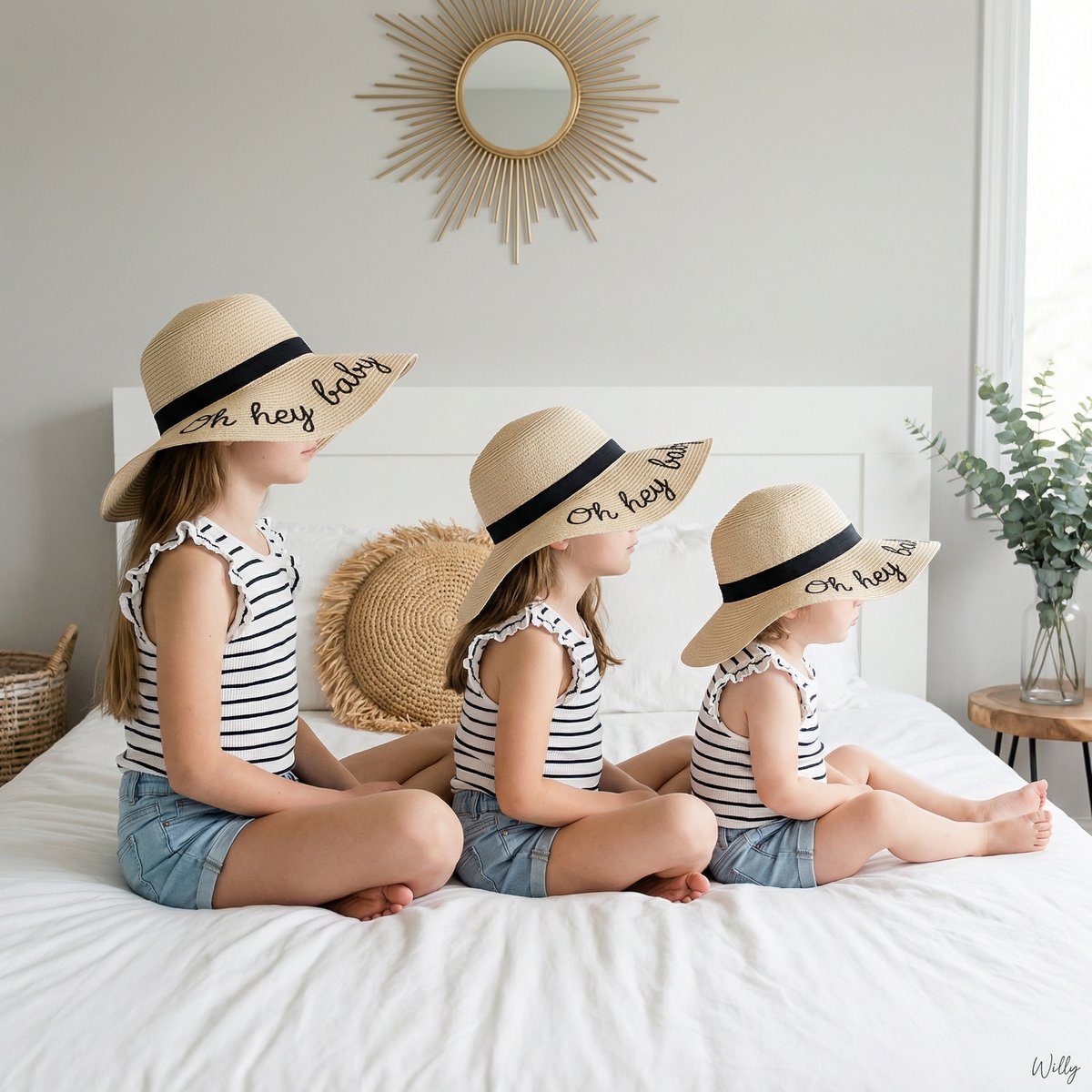
Bohemian Sisters Portrait with Floppy Hats and Signature
Browse template categories
Bloom in Silence Portrait Poster questions
How do I use the Bloom in Silence Portrait Poster template?
Add your photo if the template asks for one, edit the prompt if you like — the template's model and format are already selected — and press Generate. Your version opens in PicX Studio.
Can I customize the Bloom in Silence Portrait Poster template?
Yes. You can change the subject, setting, lighting, mood, format, and available model controls before creating your image.
Is the Bloom in Silence Portrait Poster template free?
Opening and editing this template is free. Generating uses credits, shown on the Generate button when you are signed in.
Which AI model should I use?
Start with GPT Image 2, which is the model associated with this template. You can compare another compatible model for a different finish.
Looking for something else? Browse all templates.

Your photo, any look
Thousands of ready templates for every top image and video model, from one credit balance.