
Retro 90s Urban Album Art
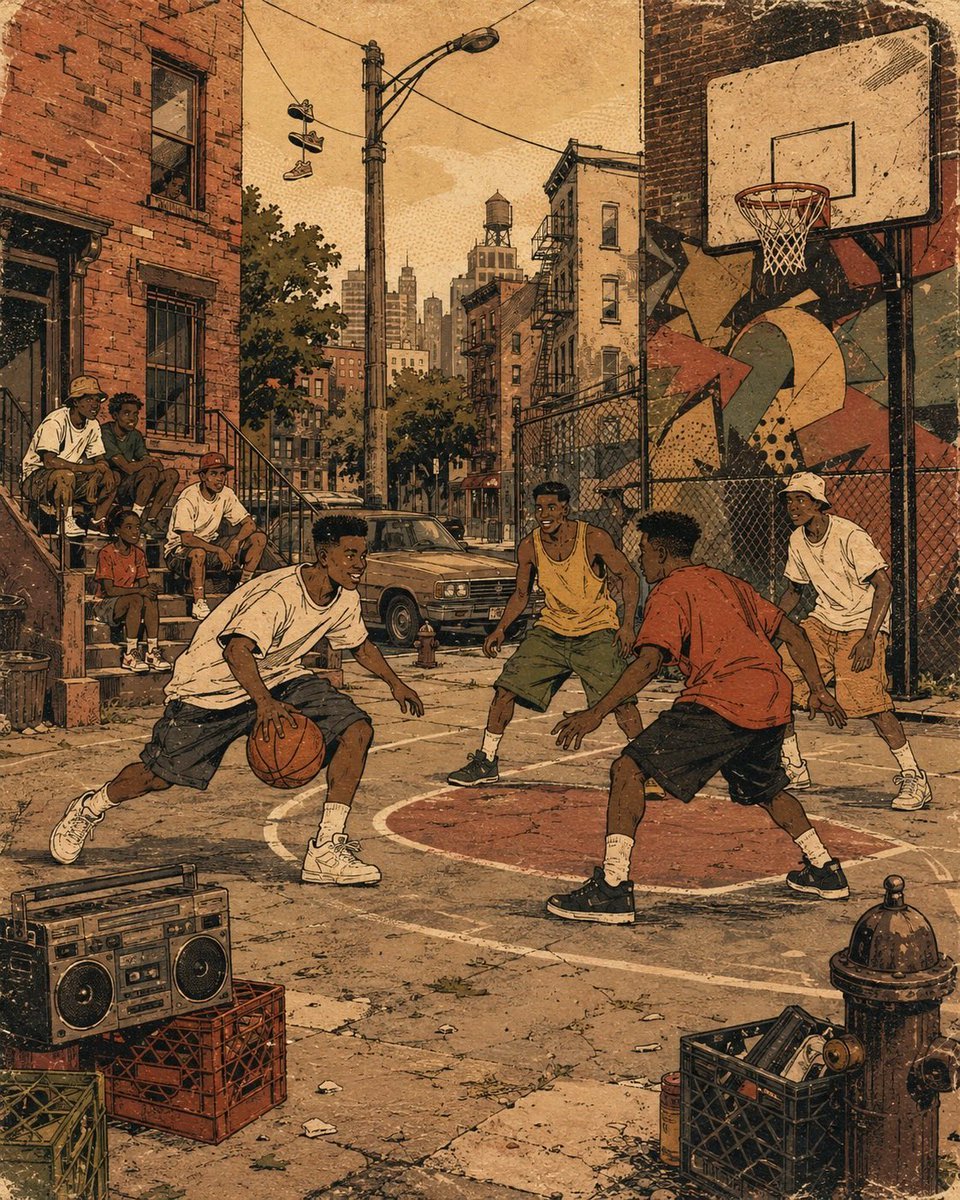
A stylized prompt for creating nostalgic 1990s-themed urban illustrations, mimicking screen-print and vinyl-record-sleeve aesthetics with flat colors and halftone shading.
- Prompt included
- Model and format preset
- Free template
The prompt behind this image
Copy the exact prompt behind Retro 90s Urban Album Art, or open it in the studio and make it yours.
Create a 4:5 vertical retro urban album-art illustration built around {argument name="city block theme" default="neighborhood environment"}. Show {argument name="subject" default="a pedestrian"} naturally interacting within a nostalgic 1990s neighborhood environment. Fill the street with {argument name="street details" default="storefronts, sidewalks, and utility poles"}, arranged as believable foreground, middle-ground, and background elements without making the composition cluttered. Use a broad city-block composition from slightly above pedestrian eye level, with strong perspective carrying the viewer through storefronts, sidewalks, brick buildings, stoops, parked objects, utility poles, and distant architecture. Give the figures simplified cartoon-like anatomy, confident poses, expressive gestures, thick black contour lines, rhythmic motion marks, and playful hand-drawn graphic symbols. Render the scene in {argument name="color palette" default="flat color areas"} using imperfect ink registration, faded halftone shading, rough screen-print edges, paper fibers, tiny scratches, dusty grain, and subtle vintage vinyl-record-sleeve wear. Add loose graffiti-inspired abstract shapes and energetic marks, but no readable tags or random lettering. The atmosphere should feel nostalgic, combining neighborhood storytelling, vintage hip-hop visual culture, analog-print character, and handmade editorial illustration. Keep the artwork original rather than reproducing any specific artist’s identifiable composition. No logos, trademarks, signatures, watermarks, readable brand names, unintended text, borders, grids, collage panels, or photorealism.
How to use Retro 90s Urban Album Art in 3 steps
- 1
Open
The prompt is already in the box next to the preview, with the template's model and format selected.
- 2…a portrait of your subject in softgolden-hour light, 85mm…
Personalize
Edit the subject and creative details for your destination.
- 3Generate
Generate
Press Generate — your image is created in PicX Studio, so you can compare it with the original and refine one variable at a time.
More like this
Templates with the same subject, style or setup. Open one to see its prompt.












Make it yours
Retro 90s Urban Album Art works as-is. These are the safest ways to change it without losing the look.
Change one field
Copy a single group, rewrite it, and generate again so you can see what that field is doing.
Keep the frame, change the subject
Hold the composition and light of Retro 90s Urban Album Art, then swap wardrobe, props or the person for a new take.
| If the result… | Why | Fix |
|---|---|---|
| The result drifts from the preview | Too many fields changed at once. | Reuse Retro 90s Urban Album Art as-is first, then change one group — subject, light, or setting. |
| The model over-stylizes the scene | The prose prompt leaves finish and camera underspecified. | Add one camera or lighting sentence and stay on GPT Image 2. |
More GPT Image 2 templates
Other prompts made for GPT Image 2.

Six VTuber Japanese Logo Sheet

Realistic Portrait of Woman and Deer

The Vista Modular Condo Poster

AI Model Routing Comparison Infographic

2.5D Anime Art Board

Isometric Productivity Desk Scene

New York Double Exposure Poster

Four-Panel AI Landscape Comparison

Japanese Tatami Lifestyle Magazine Cover

NESCAFÉ Coffee Map Poster
More image prompts
Fresh picks from across the catalog.
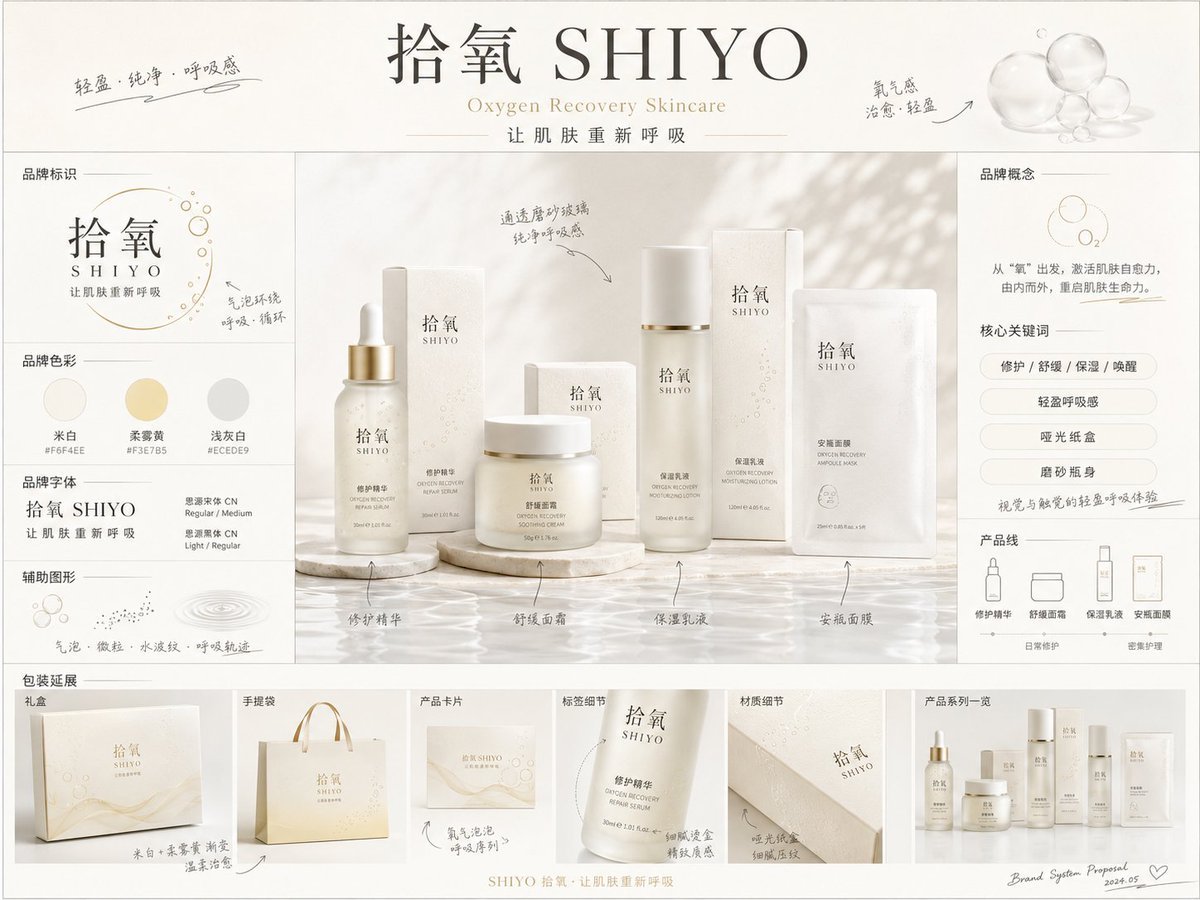
《品牌概念提案板》提示词: 请生成一张【画幅比例】的高完成度「品牌全案概念提案板 / Brand
style and use case copy paste and generate instan... (IMAGE-NANO_BANANA)
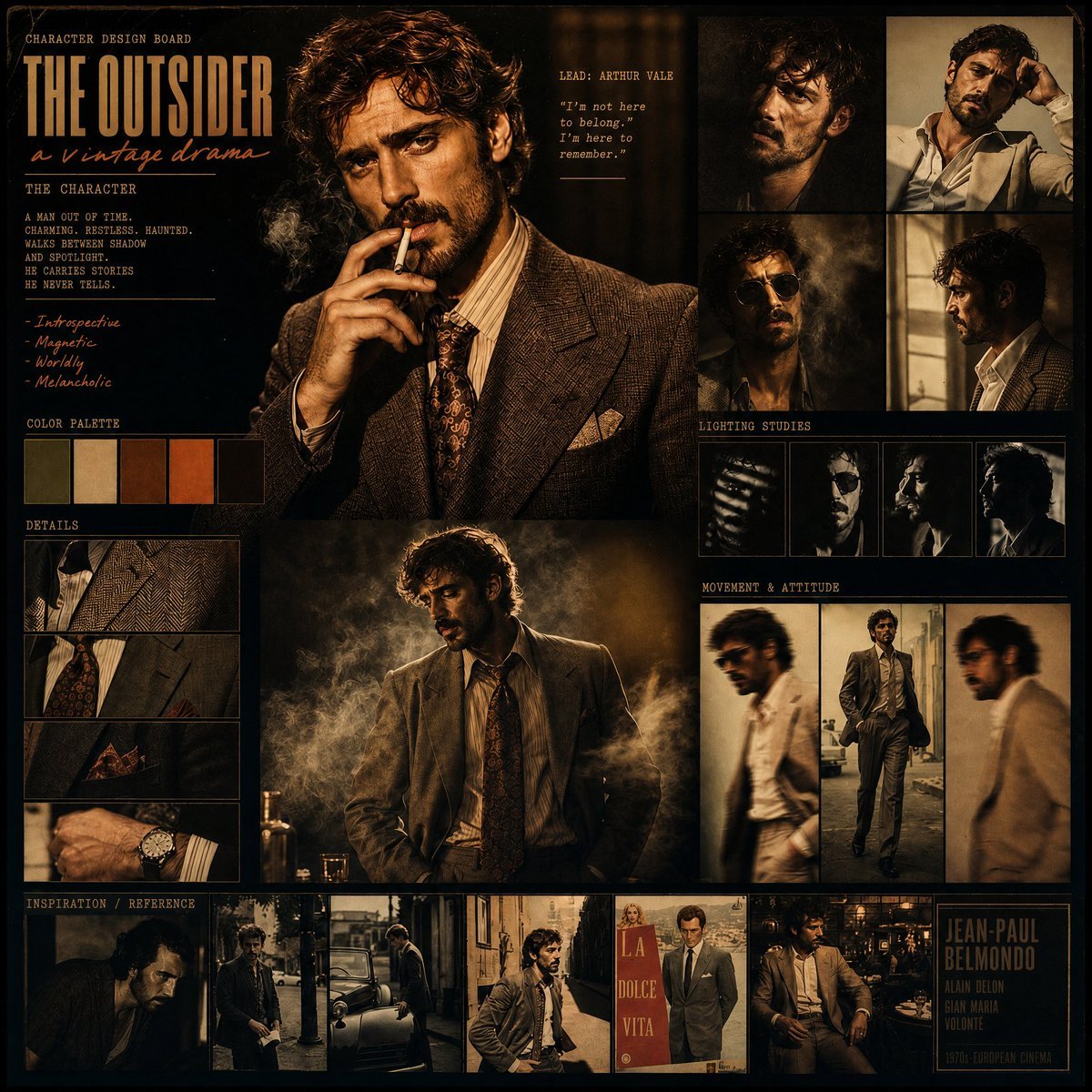
Vintage Drama Character Board
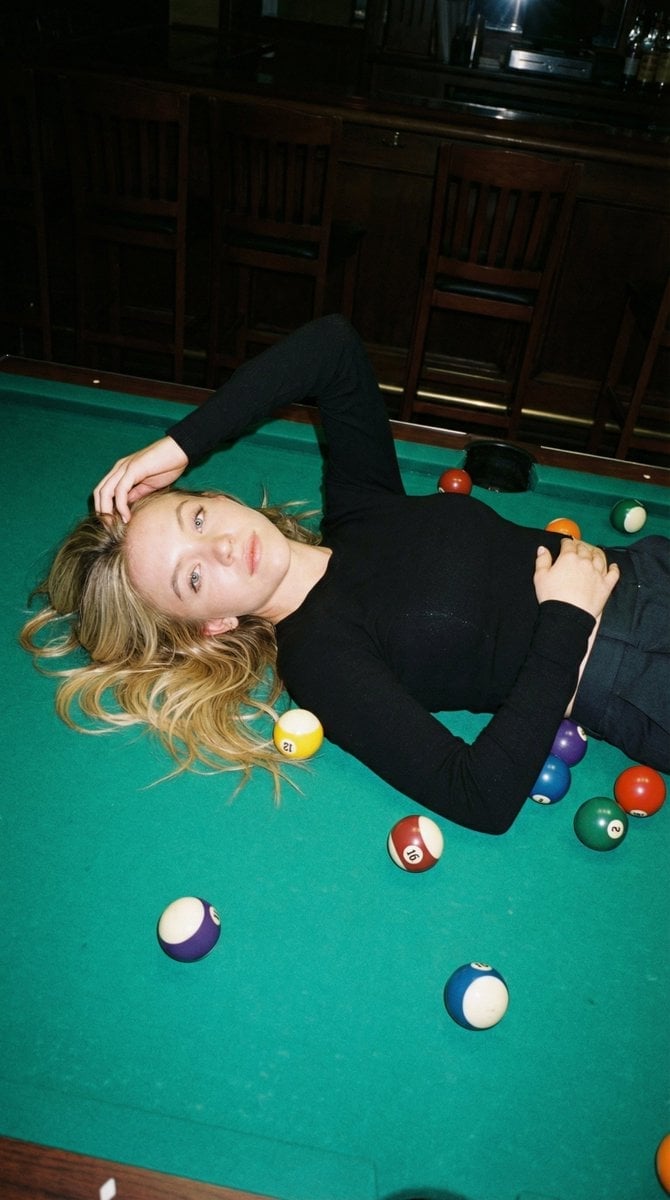
Editorial Nightlife Candid on a Billiards Table
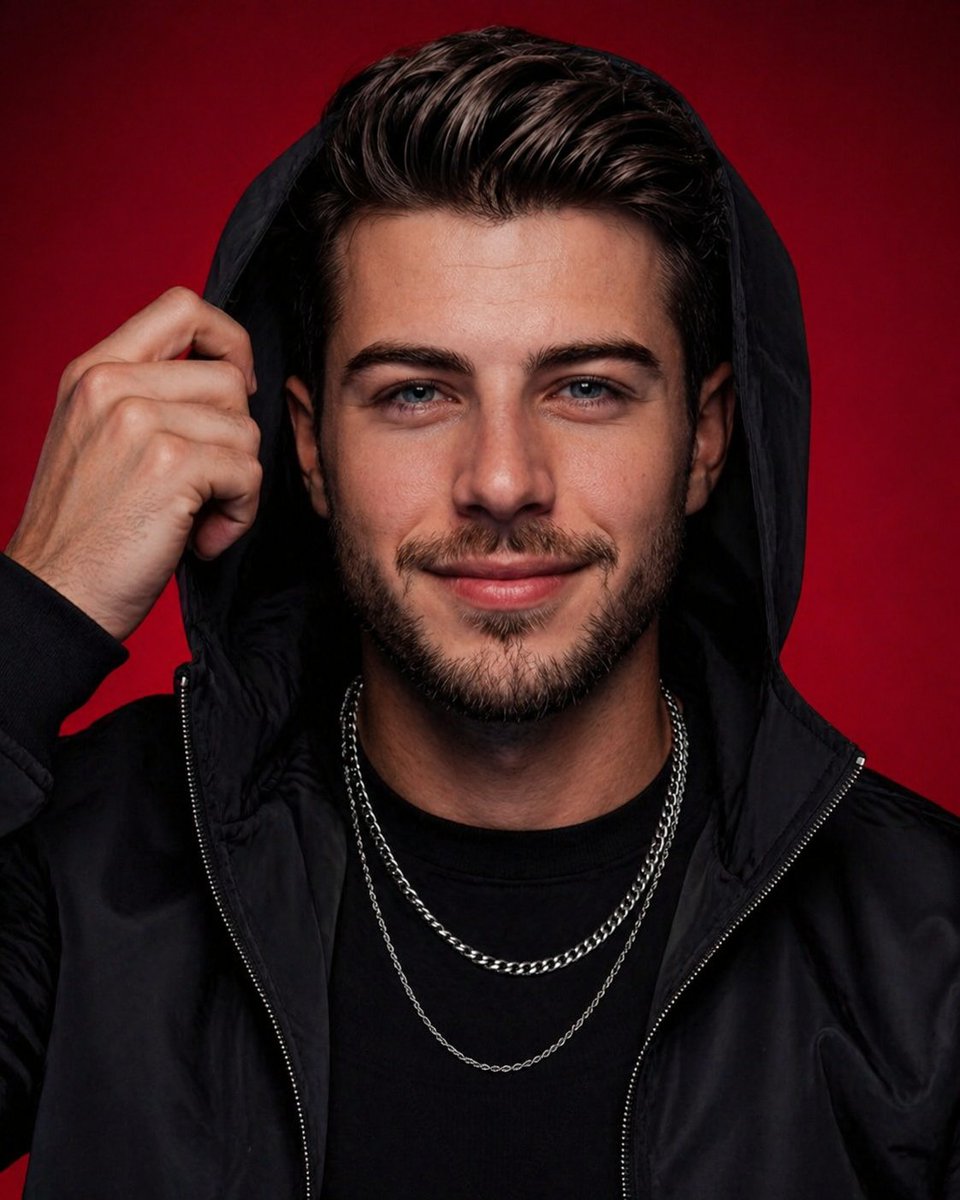
High-End Studio Male Portrait
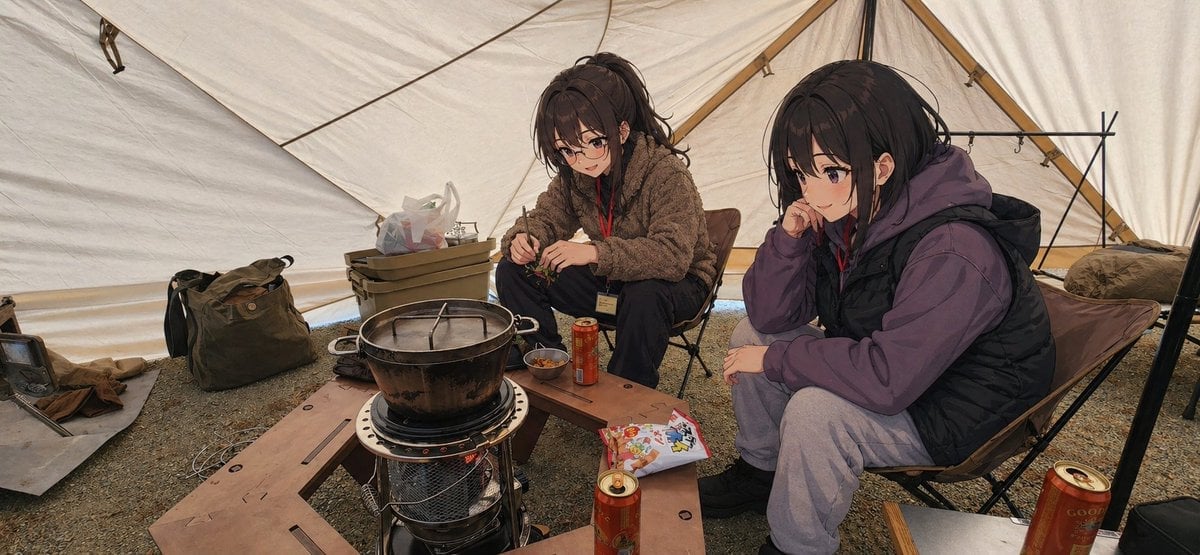
Anime Campers in a Winter Tent
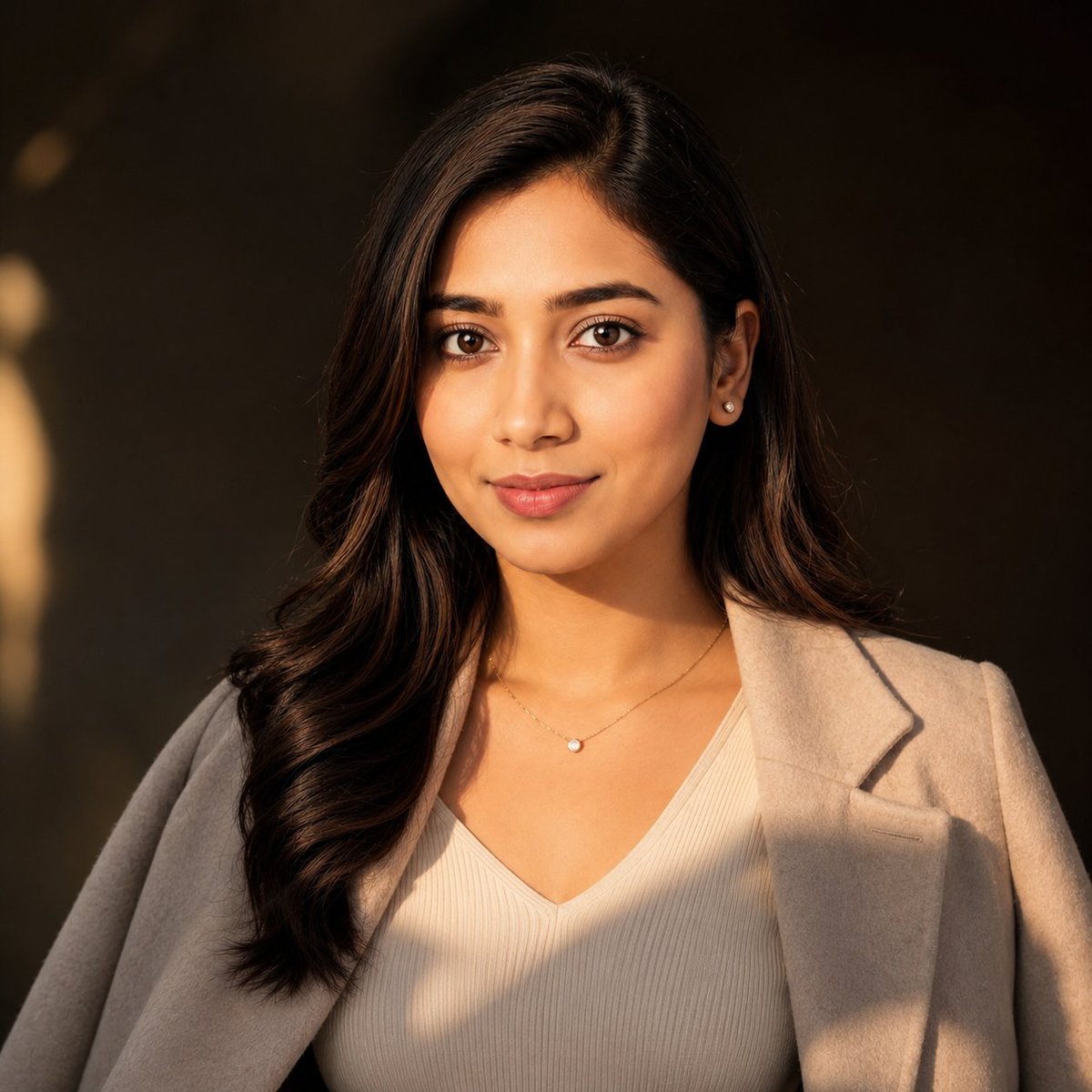
East Asian Woman Cinematic Portrait
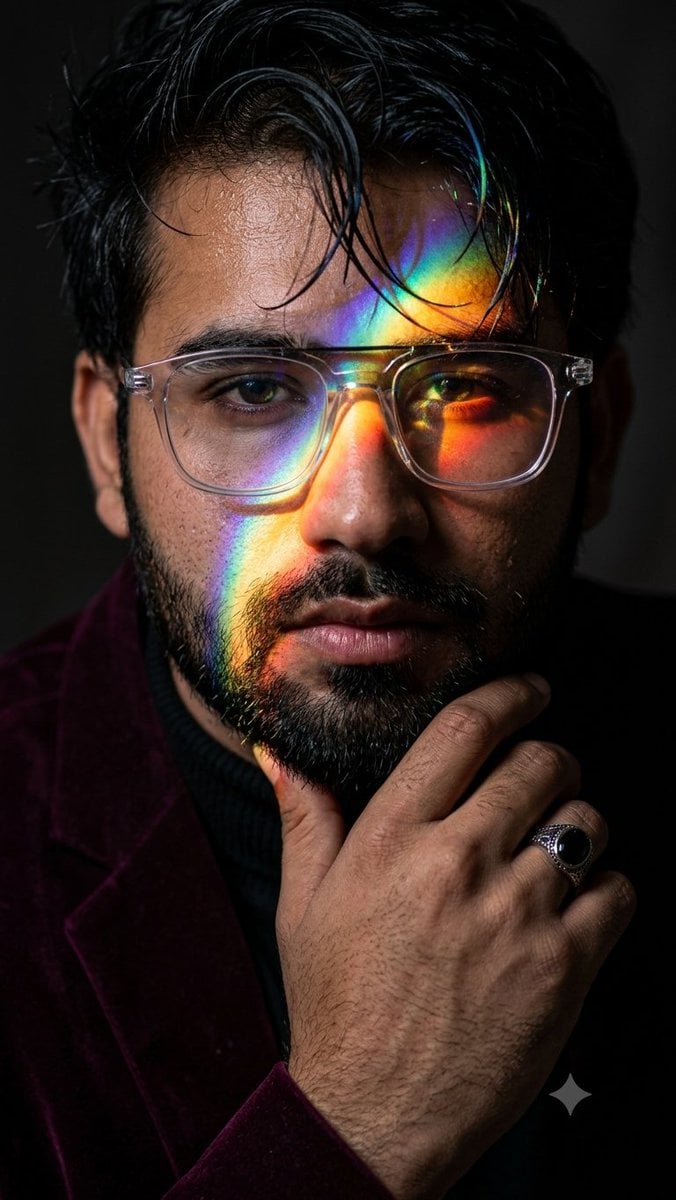
Prismatic Rainbow Light High Fashion Portrait
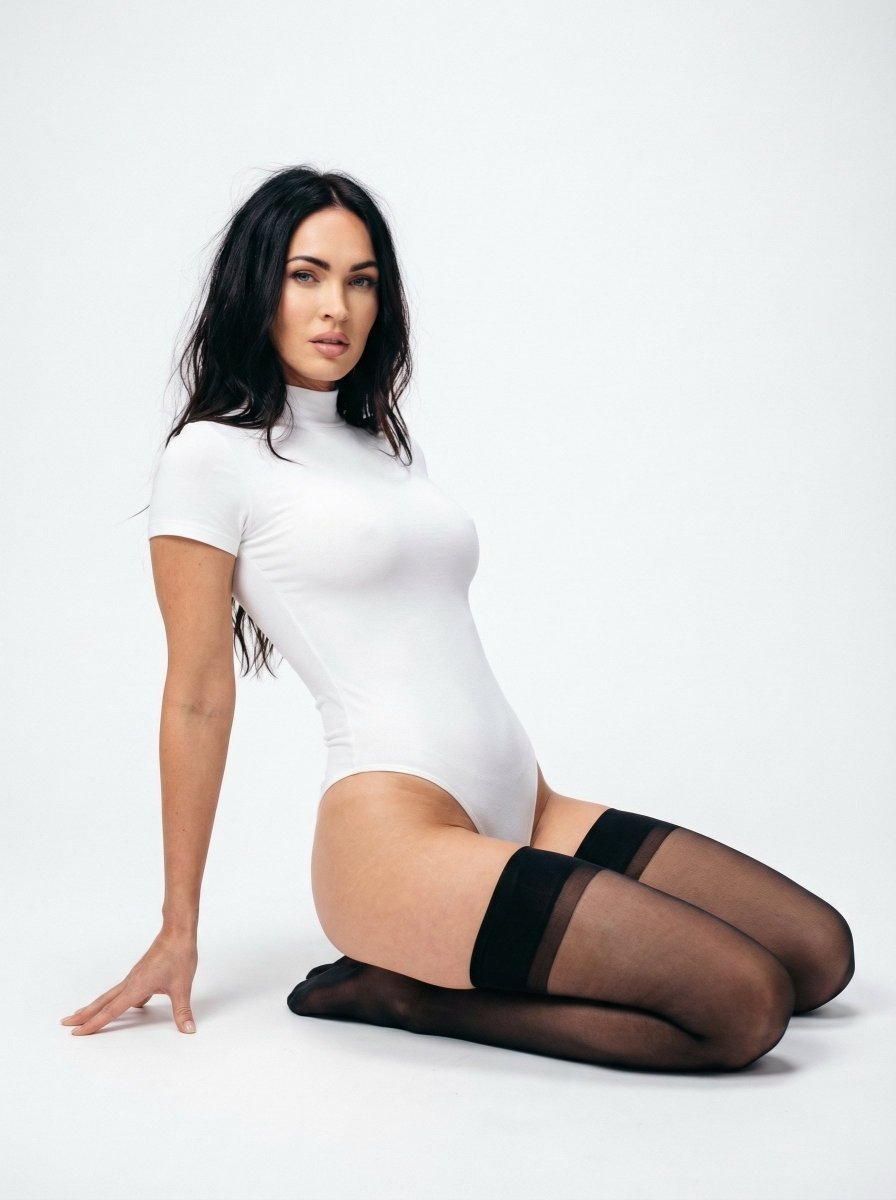
Ultra Realistic Studio Portrait Prompt for Nano Banana Pro
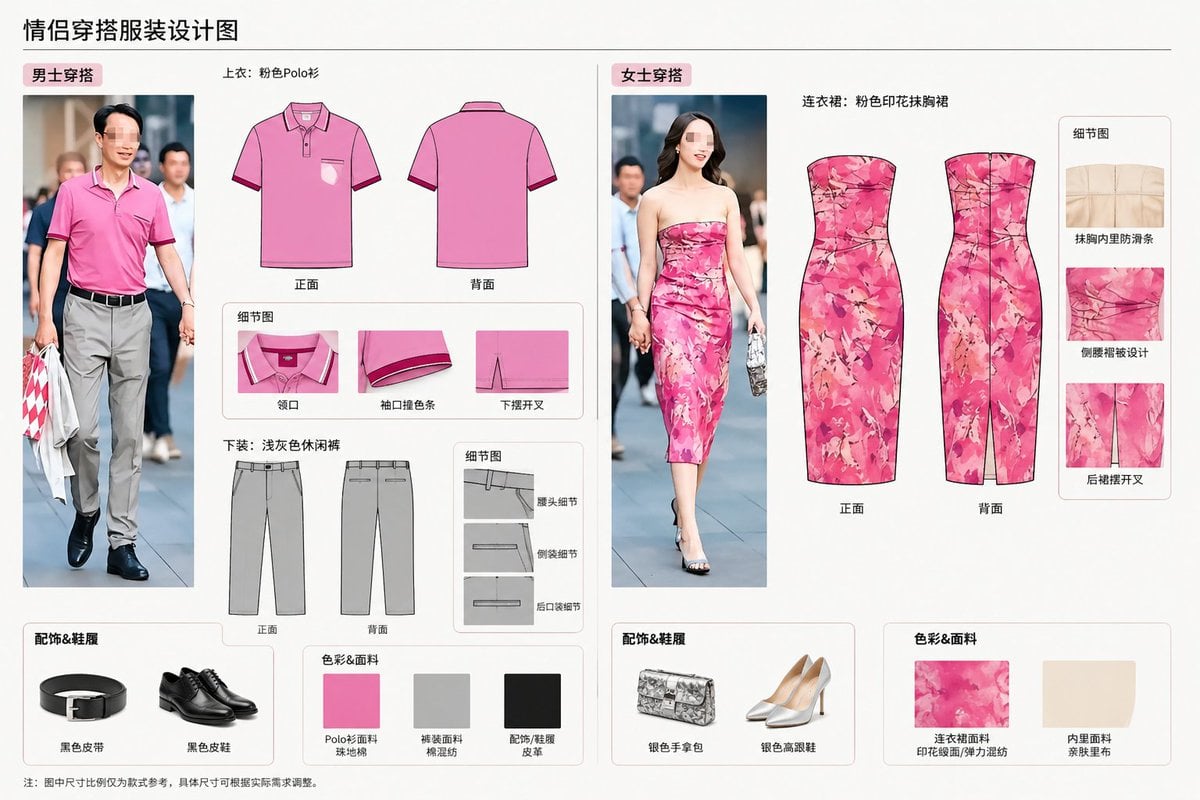
Real-World Clothing Deconstruction
Browse template categories
Retro 90s Urban Album Art questions
How do I use the Retro 90s Urban Album Art template?
Add your photo if the template asks for one, edit the prompt if you like — the template's model and format are already selected — and press Generate. Your version opens in PicX Studio.
Can I customize the Retro 90s Urban Album Art template?
Yes. You can change the subject, setting, lighting, mood, format, and available model controls before creating your image.
Is the Retro 90s Urban Album Art template free?
Opening and editing this template is free. Generating uses credits, shown on the Generate button when you are signed in.
Which AI model should I use?
Start with GPT Image 2, which is the model associated with this template. You can compare another compatible model for a different finish.
Looking for something else? Browse all templates.

Your photo, any look
Thousands of ready templates for every top image and video model, from one credit balance.