
Man in Red Poppy Field
A dramatic, melancholic portrait of a man in a field of vibrant red poppies at sunset with atmospheric smoke.

- Prompt included
- Model and format preset
- Free template
The prompt behind this image
Copy the exact prompt behind Man in Red Poppy Field, or open it in the studio and make it yours.
Cinematic, ultra-realistic portrait of a young man use image for face standing in a vast field of vibrant {argument name="flowers" default="red poppies"} at sunset, shown in left-facing side profile. He has dark hair, subtle stubble, and a calm, serious expression. He wears a {argument name="clothing" default="white nike tshirt"} with denim jeans. Thick atmospheric smoke and mist drift around the field and partially obscure the lower body. Dramatic storm clouds fill the sky, with an intense fiery {argument name="colors" default="red-orange sunset"} glowing along the horizon, contrasted by cool cyan-blue light and haze on the right side. Moody, melancholic, dramatic atmosphere, strong cinematic lighting, deep shadows, volumetric fog, shallow depth of field, foreground poppies softly blurred, highly detailed face and fabric texture, realistic skin, natural proportions, editorial fashion photography, dark teal and burnt-orange color grading, anamorphic cinematic aesthetic, 85mm lens, f/1.8, HDR, photorealistic, vertical composition, 4:5 aspect ratio.
How to use Man in Red Poppy Field in 3 steps
- 1Upload ImagePNG, JPG or paste
Add your photo
Upload the photo the template builds on. The prompt, model and format are already set.
- 2…a portrait of your subject in softgolden-hour light, 85mm…
Personalize
Edit the subject and creative details for your destination.
- 3Generate
Generate
Press Generate — your image is created in PicX Studio, so you can compare it with the original and refine one variable at a time.
More like this
Templates with the same subject, style or setup. Open one to see its prompt.
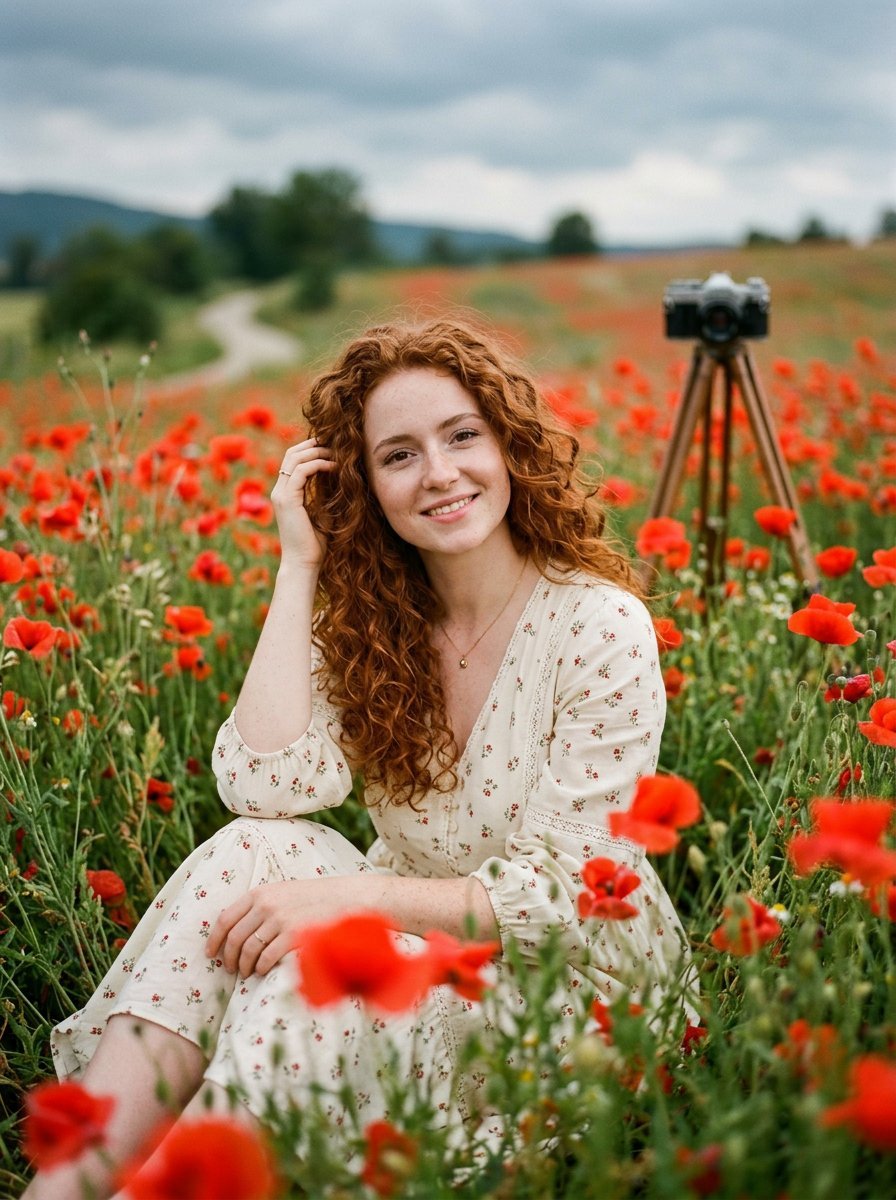
Redheaded Woman in Poppy Field

Cinematic Poppy Field Portrait
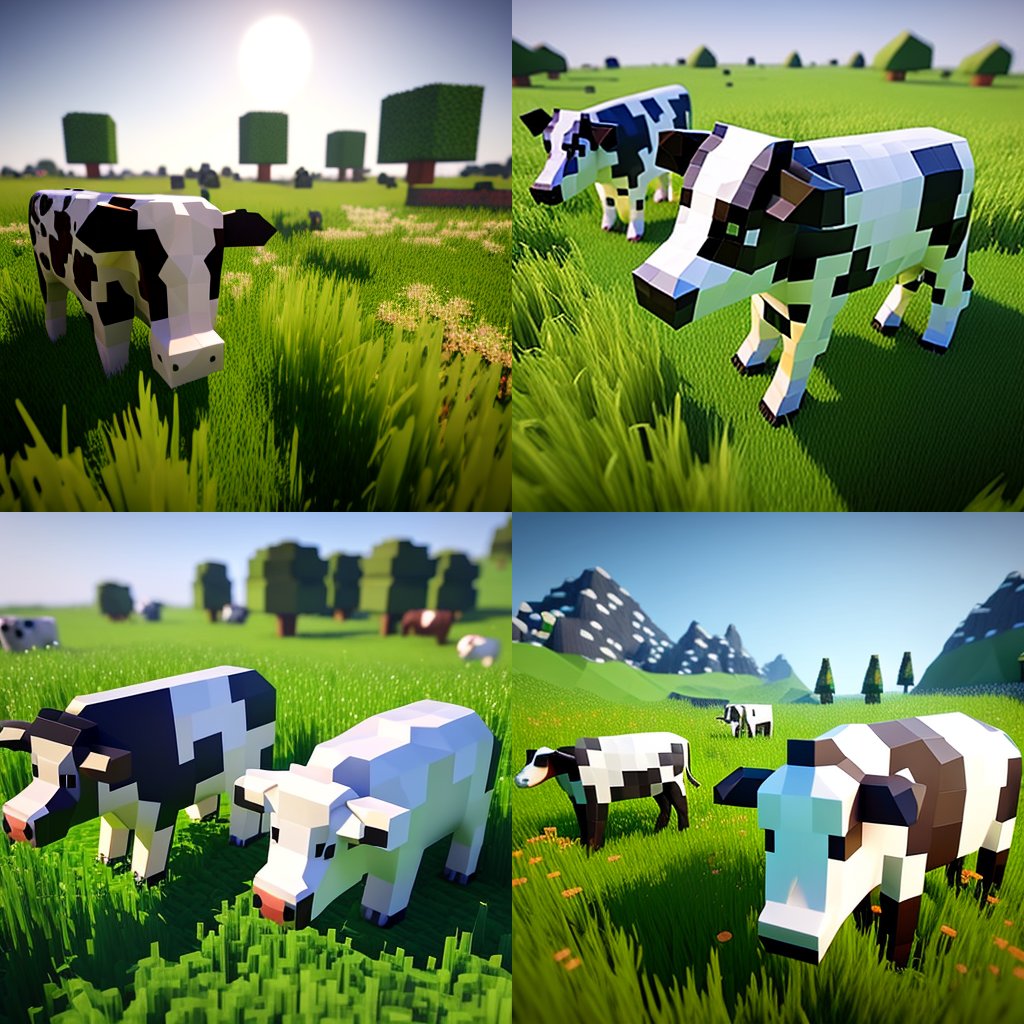
Hyper-Realistic Minecraft Cows Grazing
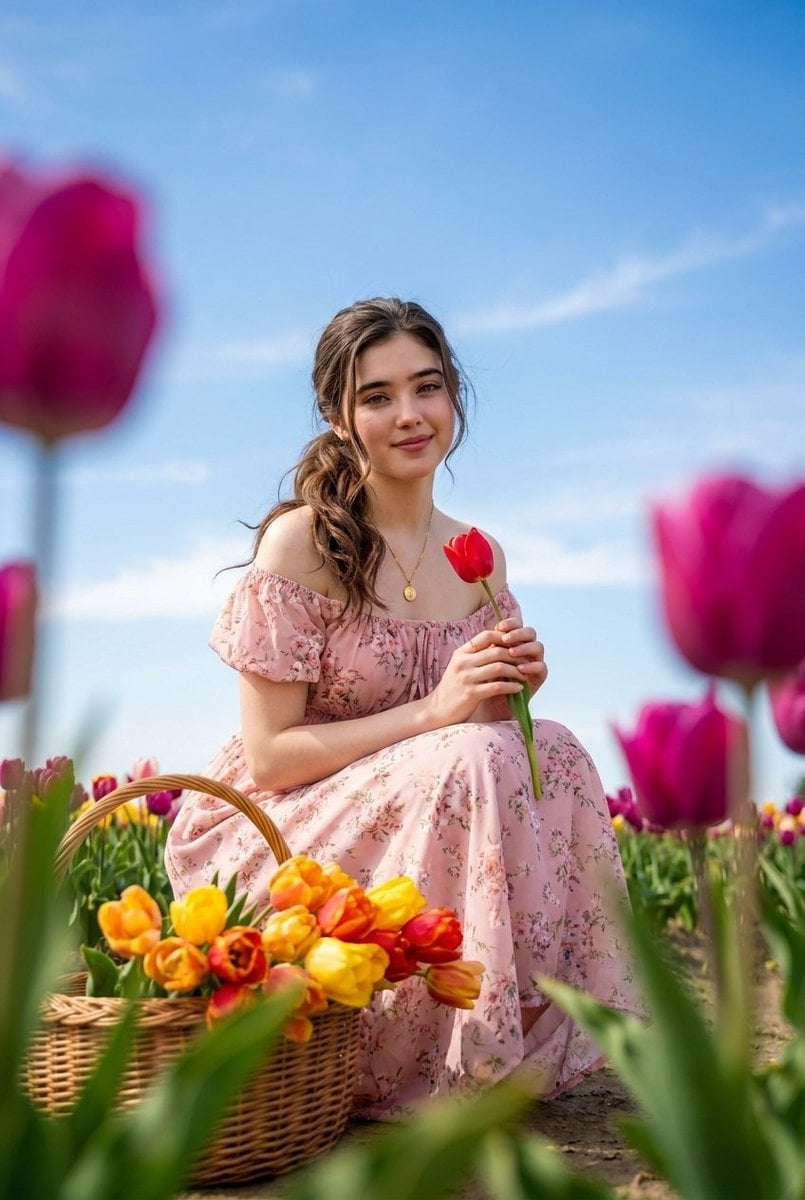
Brunette Woman in Tulip Field Portrait
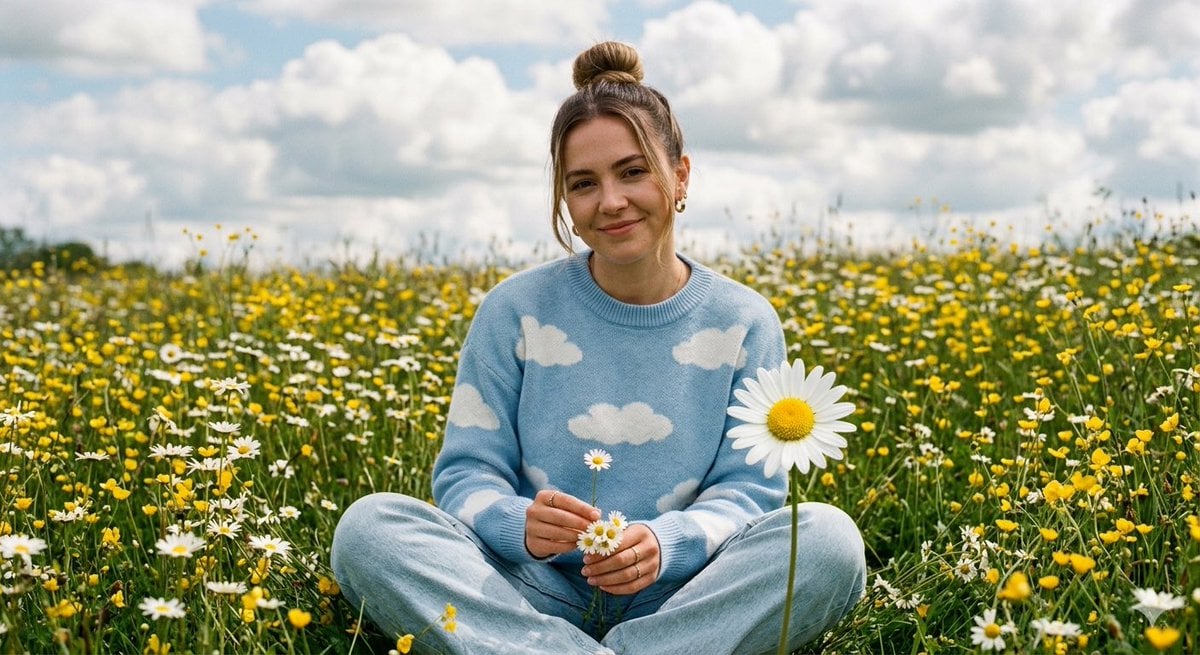
Dreamy Woman in Wildflower Field

Bold Red Contrast Fashion Editorial Newspaper Room

Panning Motion Soccer Kick Poster
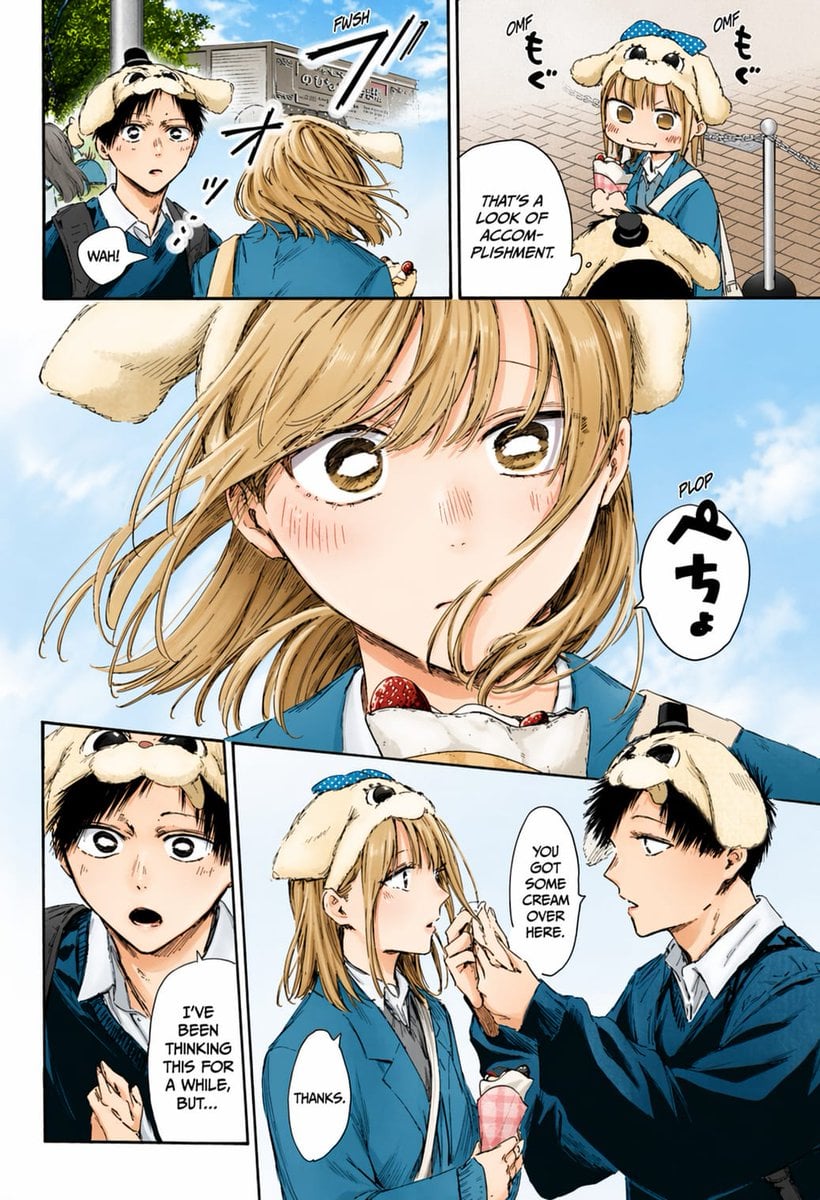
Colored Manga Romance Comedy Page

Colored Shonen Manga Battle Page

Censored Man on Crimson Throne
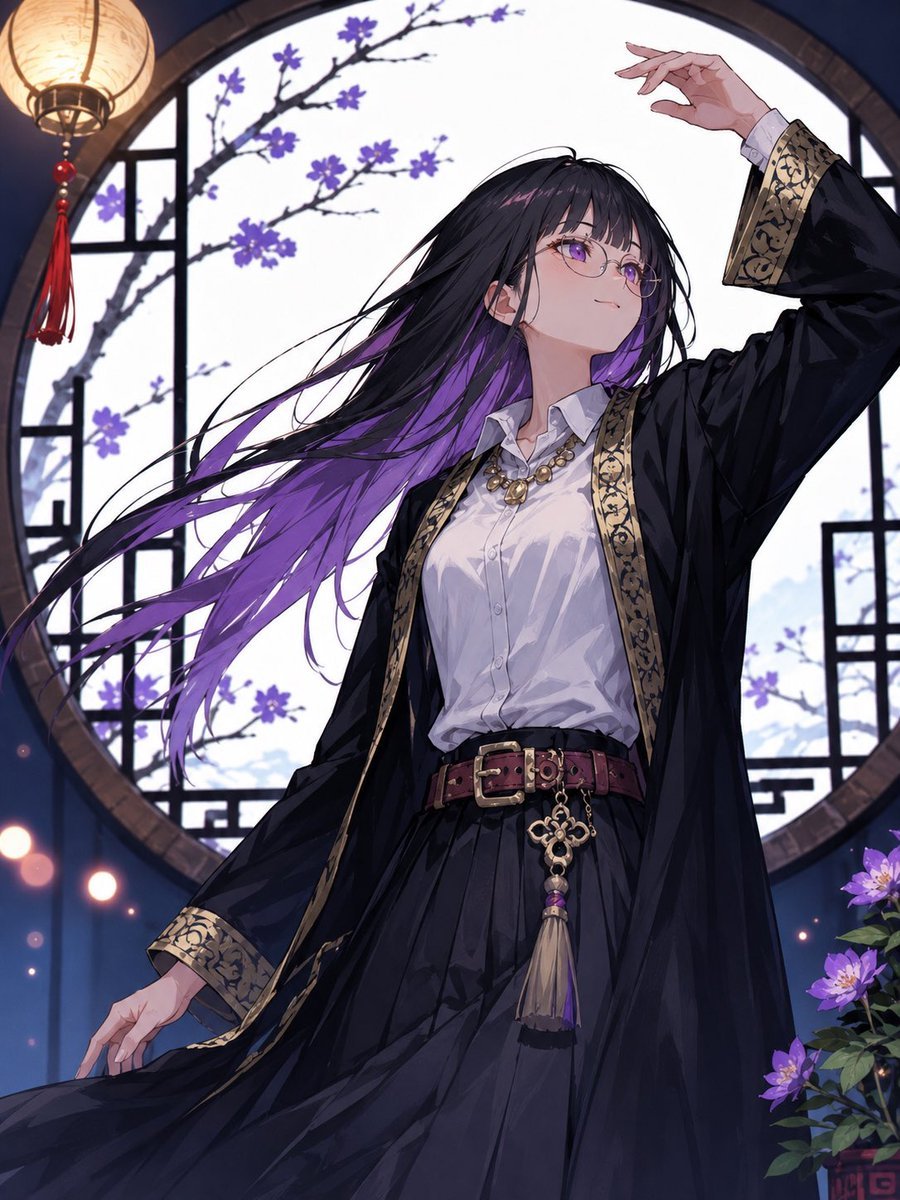
Mysterious Purple-Haired Anime Woman

Dancer Character - Four View Reference Sheet
Make it yours
Man in Red Poppy Field works as-is. These are the safest ways to change it without losing the look.
Change one field
Copy a single group, rewrite it, and generate again so you can see what that field is doing.
Keep the frame, change the subject
Hold the composition and light of Man in Red Poppy Field, then swap wardrobe, props or the person for a new take.
| If the result… | Why | Fix |
|---|---|---|
| The result drifts from the preview | Too many fields changed at once. | Reuse Man in Red Poppy Field as-is first, then change one group — subject, light, or setting. |
| The model over-stylizes the scene | The prose prompt leaves finish and camera underspecified. | Add one camera or lighting sentence and stay on GPT Image 2. |
More GPT Image 2 templates
Other prompts made for GPT Image 2.

Six VTuber Japanese Logo Sheet

The Vista Modular Condo Poster

AI Model Routing Comparison Infographic

2.5D Anime Art Board

Isometric Productivity Desk Scene

New York Double Exposure Poster

Four-Panel AI Landscape Comparison

Japanese Tatami Lifestyle Magazine Cover

NESCAFÉ Coffee Map Poster

Brutalist Cogito Chinese Typography Poster
More image prompts
Fresh picks from across the catalog.
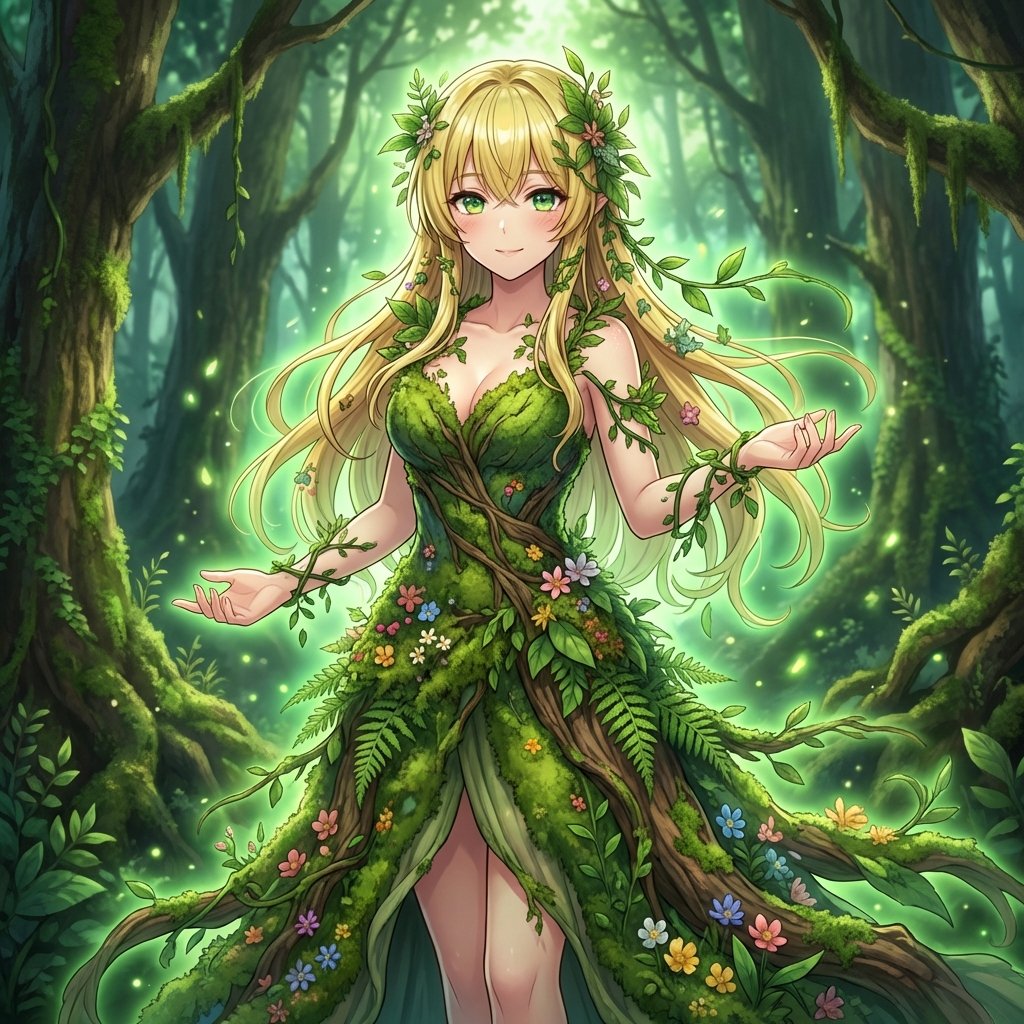
AI Transformation to Dryad
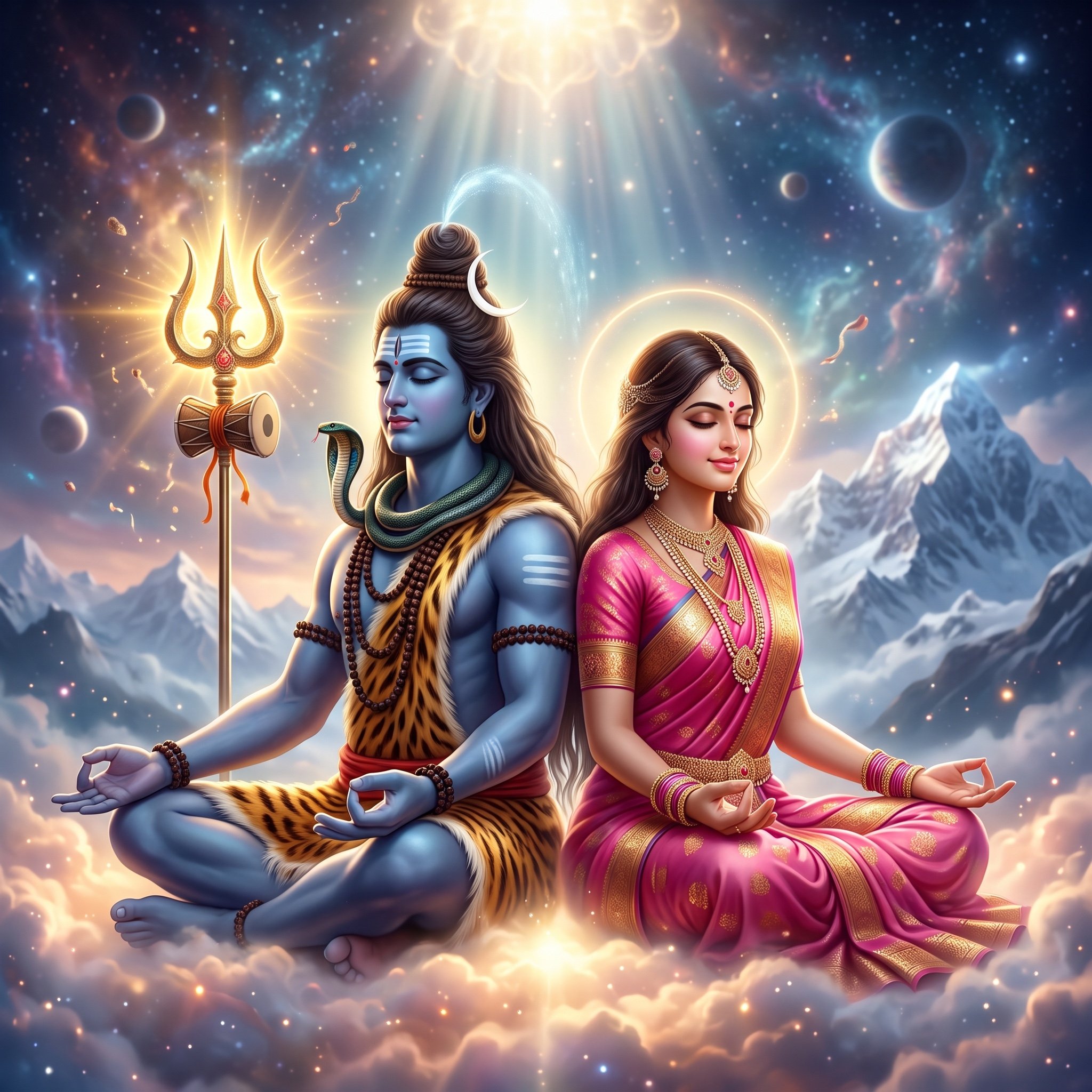
Divine Artwork of Lord Shiva and Goddess Parvati
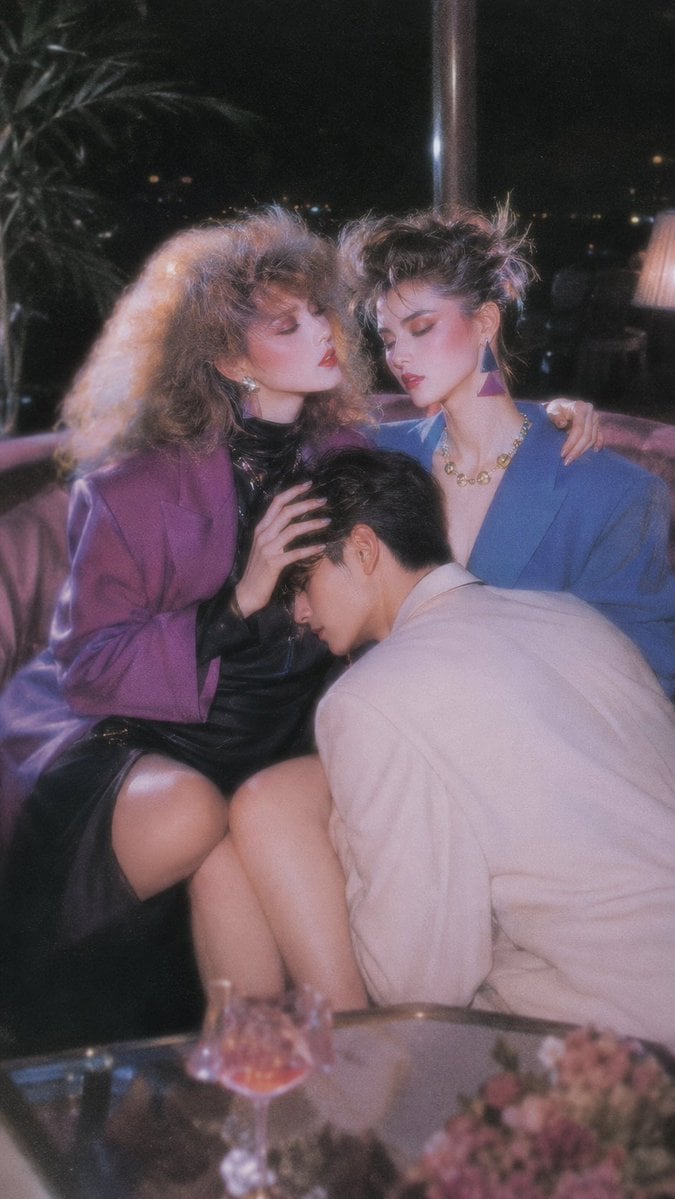
Retro Nightlife Flash Wallpaper
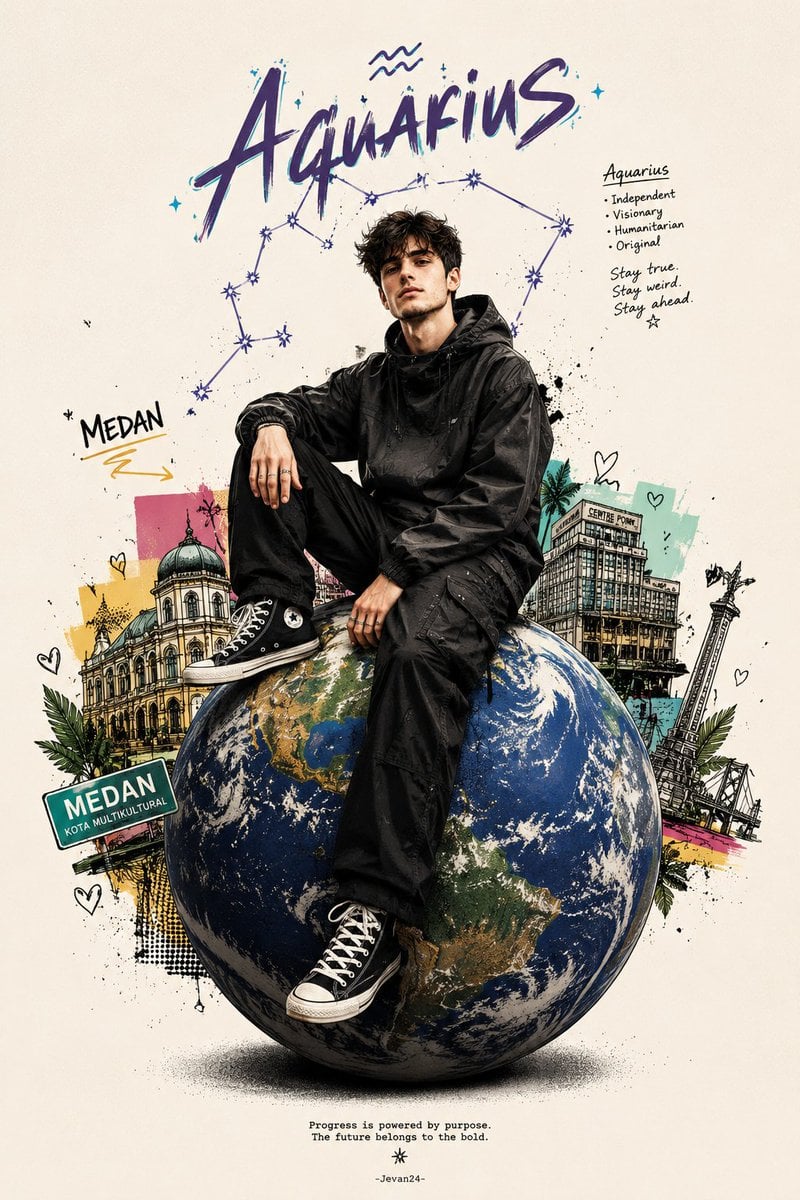
Zodiac Globe and City Doodles Poster
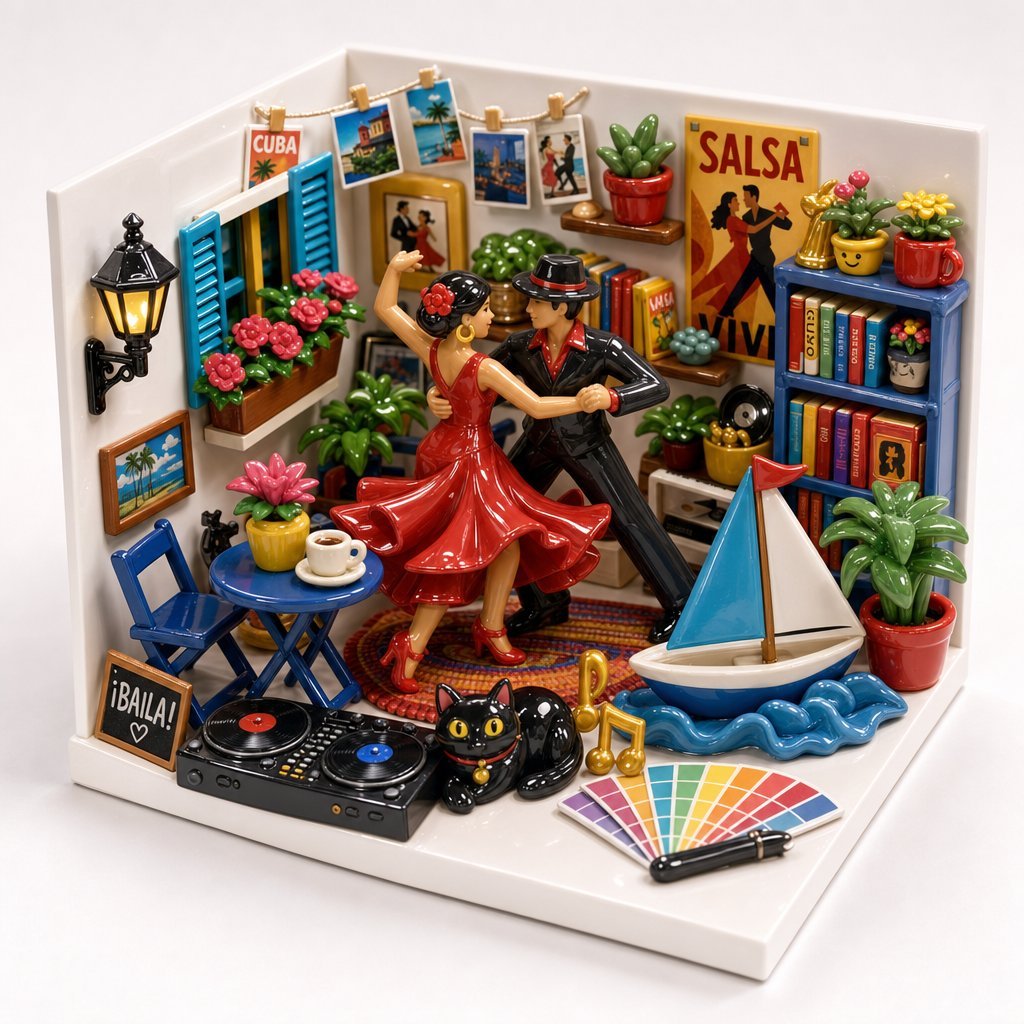
Miniature Salsa Box Garden Diorama
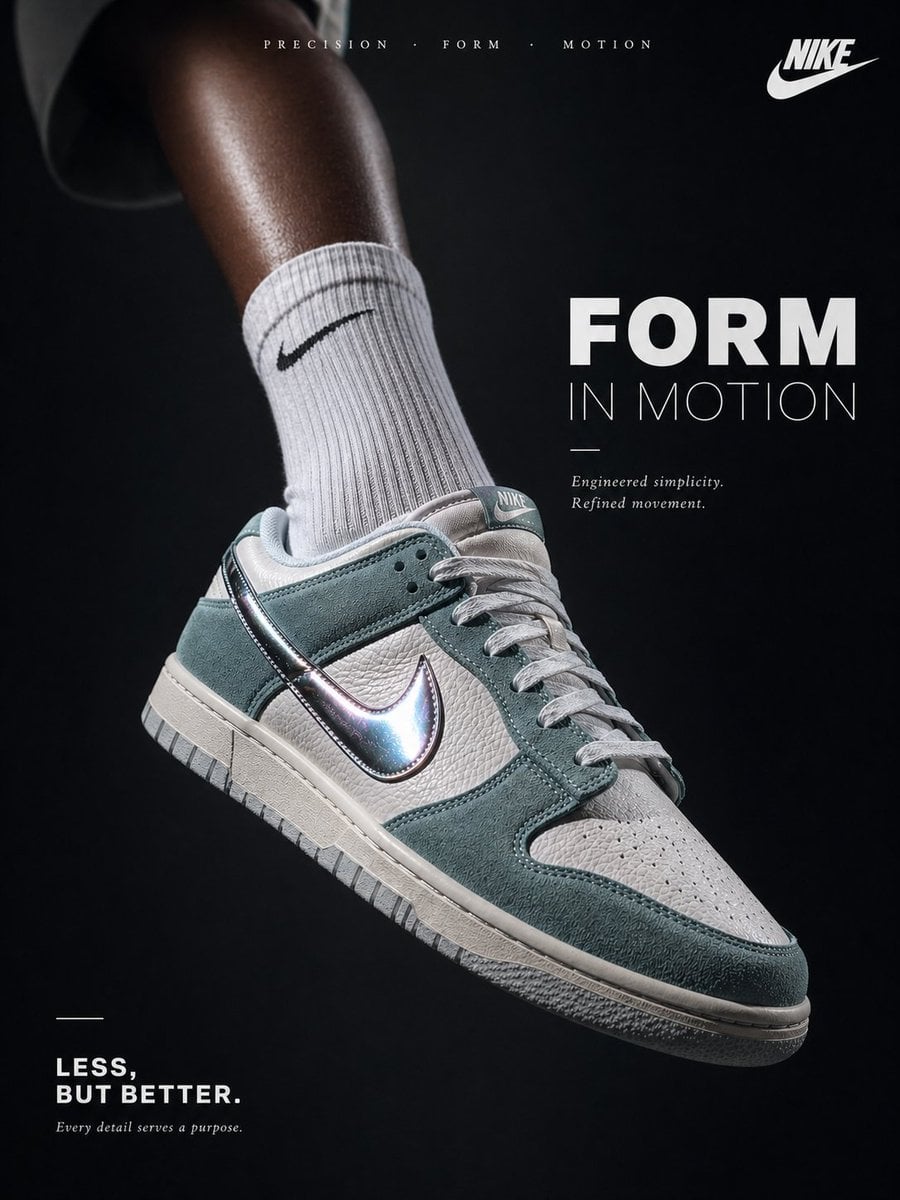
Luxury Minimalist Footwear Ad
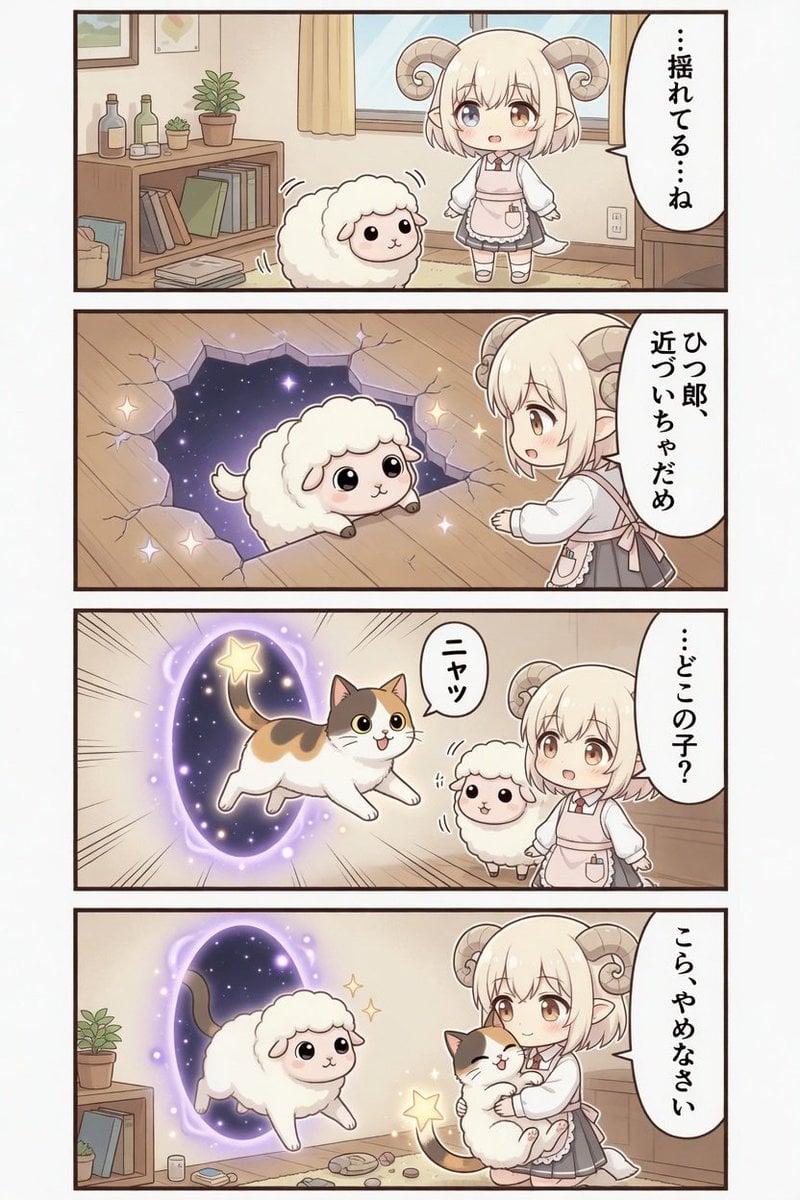
Kawaii Sheep Girl Portal Comic
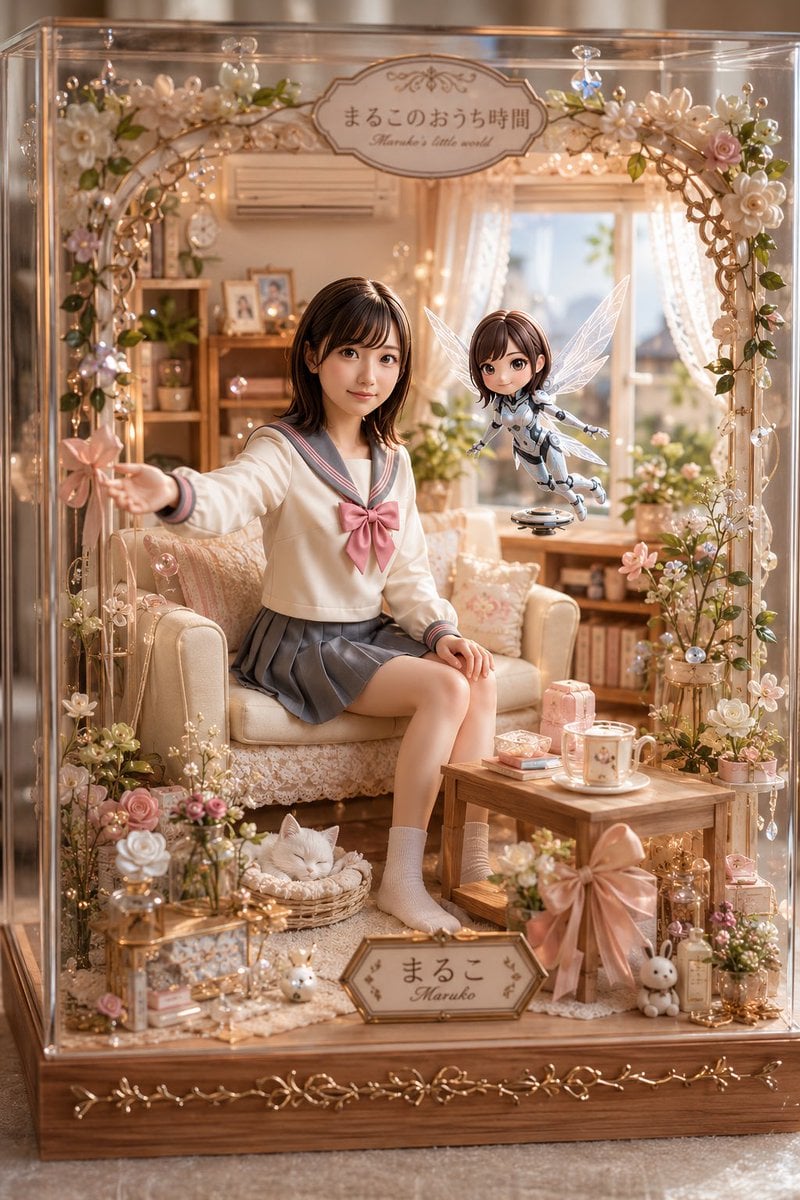
Kawaii Glass Dollhouse Diorama

3D Anime Watercolor Style Transfer
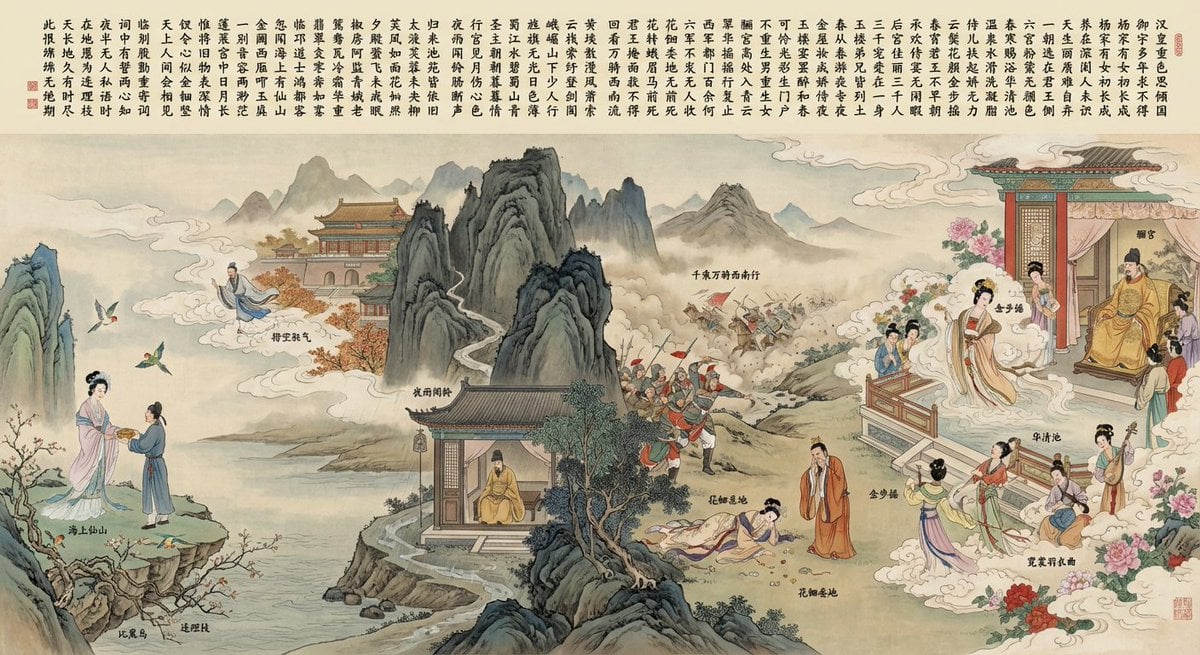
Illustration based on “Song of Everlasting Regret”
Browse template categories
Man in Red Poppy Field questions
How do I use the Man in Red Poppy Field template?
Add your photo if the template asks for one, edit the prompt if you like — the template's model and format are already selected — and press Generate. Your version opens in PicX Studio.
Can I customize the Man in Red Poppy Field template?
Yes. You can change the subject, setting, lighting, mood, format, and available model controls before creating your image.
Is the Man in Red Poppy Field template free?
Opening and editing this template is free. Generating uses credits, shown on the Generate button when you are signed in.
Which AI model should I use?
Start with GPT Image 2, which is the model associated with this template. You can compare another compatible model for a different finish.
Looking for something else? Browse all templates.

Your photo, any look
Thousands of ready templates for every top image and video model, from one credit balance.