
Anime Cafe Street Selfie
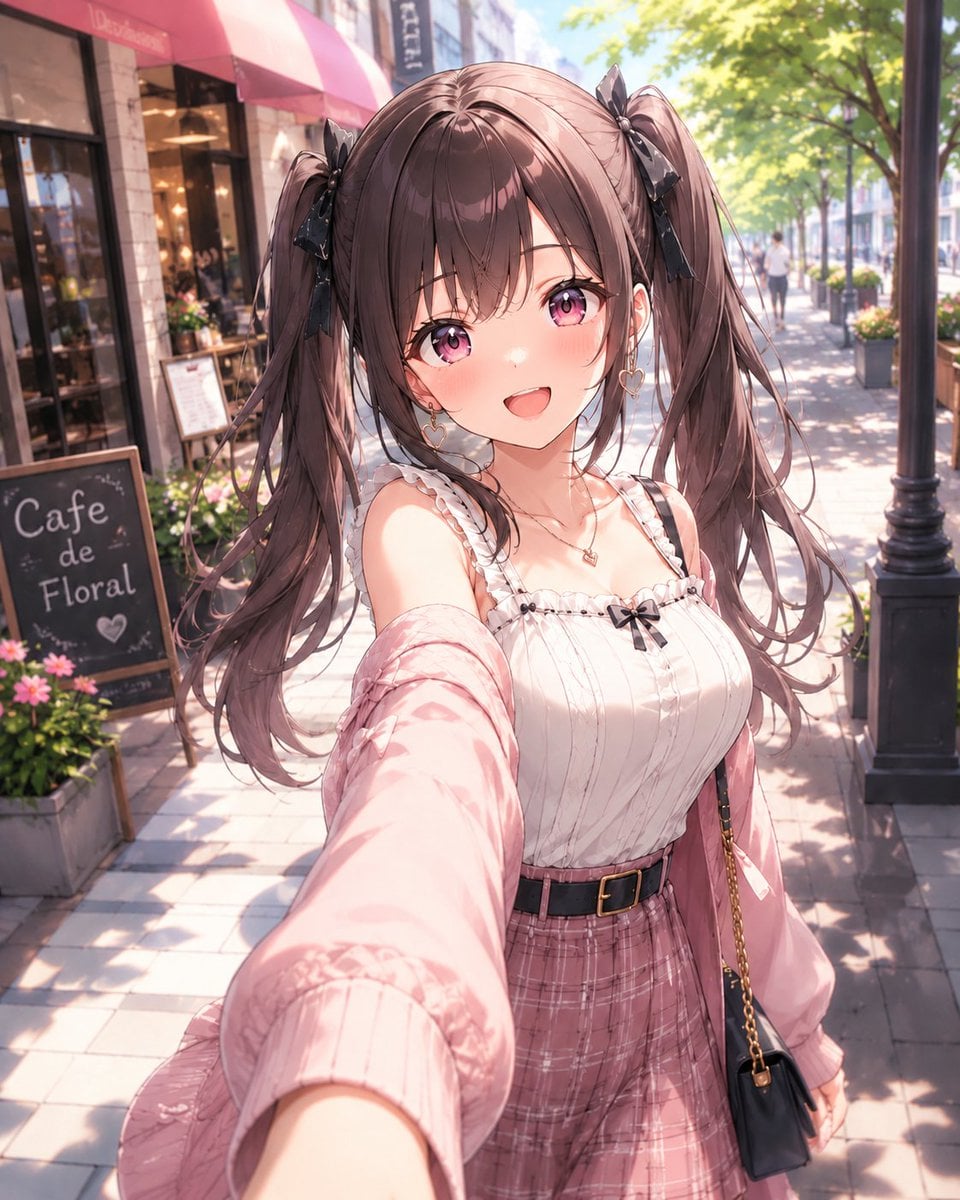
A polished anime-style prompt for generating a cheerful twin-tailed girl taking a sunny cafe-street selfie.
- Prompt included
- Model and format preset
- Free template
The prompt behind this image
Copy the exact prompt behind Anime Cafe Street Selfie, or open it in the studio and make it yours.
Create a bright, high-detail Japanese anime style selfie portrait of a cheerful young woman on a sunny European-style cafe street. The camera is held at arm’s length from a slightly high, wide-angle perspective, with her extended arm dominating the lower foreground and her face centered close to the viewer. She has {argument name="hair color" default="soft chocolate brown"} hair in long twin ponytails tied with black ribbon bows, wispy bangs, loose flowing strands, large sparkling {argument name="eye color" default="pink-purple"} eyes, rosy cheeks, and an open happy smile. Dress her in a feminine casual outfit: a white ribbed camisole with frilled straps and a small black bow at the neckline, a pale pink oversized cardigan slipping off one shoulder, a dusty pink plaid high-waisted skirt, a black belt with a gold buckle, delicate heart earrings, a small necklace, and a small black shoulder bag with a gold chain. Place her on a sunlit sidewalk lined with leafy green trees, a black streetlamp, storefront windows, flower planters, and a cafe with a pink awning; include one chalkboard sign on the left that reads {argument name="cafe sign text" default="Cafe de Floral"}. Use warm morning light, soft bokeh background pedestrians, dappled tree shadows on the pavement, glossy anime rendering, delicate linework, pastel colors, detailed hair highlights, and a romantic slice-of-life mood. Vertical portrait composition, 4:5 aspect ratio, crisp character focus with softly blurred background, no watermark, no extra text besides the cafe sign.
How to use Anime Cafe Street Selfie in 3 steps
- 1Upload ImagePNG, JPG or paste
Add your photo
Upload the photo the template builds on. The prompt, model and format are already set.
- 2…a portrait of your subject in softgolden-hour light, 85mm…
Personalize
Edit the subject and creative details for your destination.
- 3Generate
Generate
Press Generate — your image is created in PicX Studio, so you can compare it with the original and refine one variable at a time.
More like this
Templates with the same subject, style or setup. Open one to see its prompt.

Giant Forced Perspective Street Product Selfie

Two Tickets, One Night

Meet Me When It Rains

Two Hearts. One Scooter.

1986 Street Couple

1985 Street Scene
Urban Street Style Cafe Portrait

Rooftop Fisheye — Cat-Ear Balaclava at Golden Hour

Felt & Knit 3D Character — Photo-Exact Face, Pixar-Quality Plush Figurine

Surreal Cat Astronaut — Humanoid Face Freefall
Street Style Selfie with Doodles
East Asian Street Style Cafe Photography
Make it yours
Anime Cafe Street Selfie works as-is. These are the safest ways to change it without losing the look.
Change one field
Copy a single group, rewrite it, and generate again so you can see what that field is doing.
Keep the frame, change the subject
Hold the composition and light of Anime Cafe Street Selfie, then swap wardrobe, props or the person for a new take.
| If the result… | Why | Fix |
|---|---|---|
| The result drifts from the preview | Too many fields changed at once. | Reuse Anime Cafe Street Selfie as-is first, then change one group — subject, light, or setting. |
| The model over-stylizes the scene | The prose prompt leaves finish and camera underspecified. | Add one camera or lighting sentence and stay on GPT Image 2. |
More GPT Image 2 templates
Other prompts made for GPT Image 2.

Six VTuber Japanese Logo Sheet

Realistic Portrait of Woman and Deer

The Vista Modular Condo Poster

AI Model Routing Comparison Infographic

2.5D Anime Art Board

Isometric Productivity Desk Scene

New York Double Exposure Poster

Four-Panel AI Landscape Comparison

Japanese Tatami Lifestyle Magazine Cover

NESCAFÉ Coffee Map Poster
More image prompts
Fresh picks from across the catalog.
Pixar Style Character Storyboard
Grungy Flash Mirror Selfie with Tattoos
Architectural Illustrator Presentation Board Template
Generating Images from Song Titles: Japanese Constitution
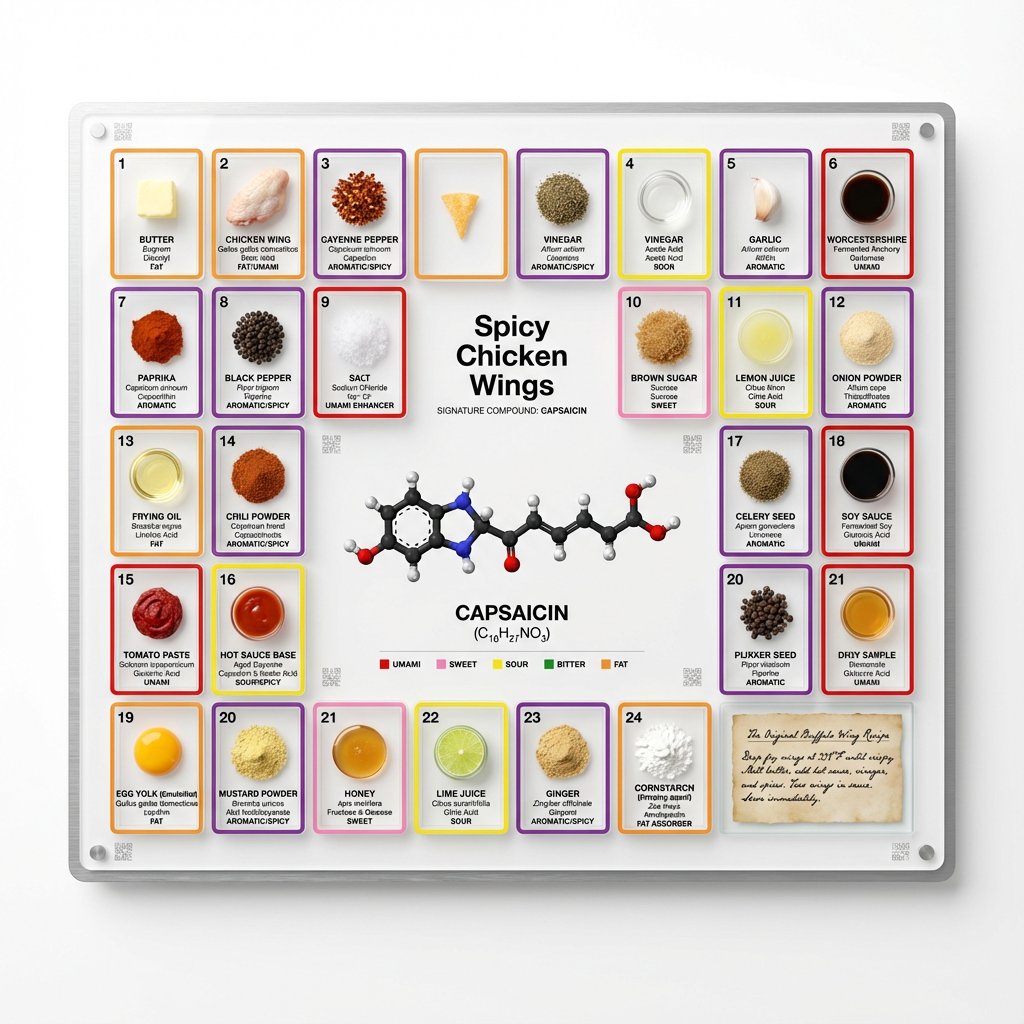
Food Analysis Periodic Table Display Board
Golden Hour Bus Stop Candid
Minimalist Fashion Portrait Prompt for Google Gemini Nano Banana Pro
Futuristic Sportswear Fashion in Crystal Palace
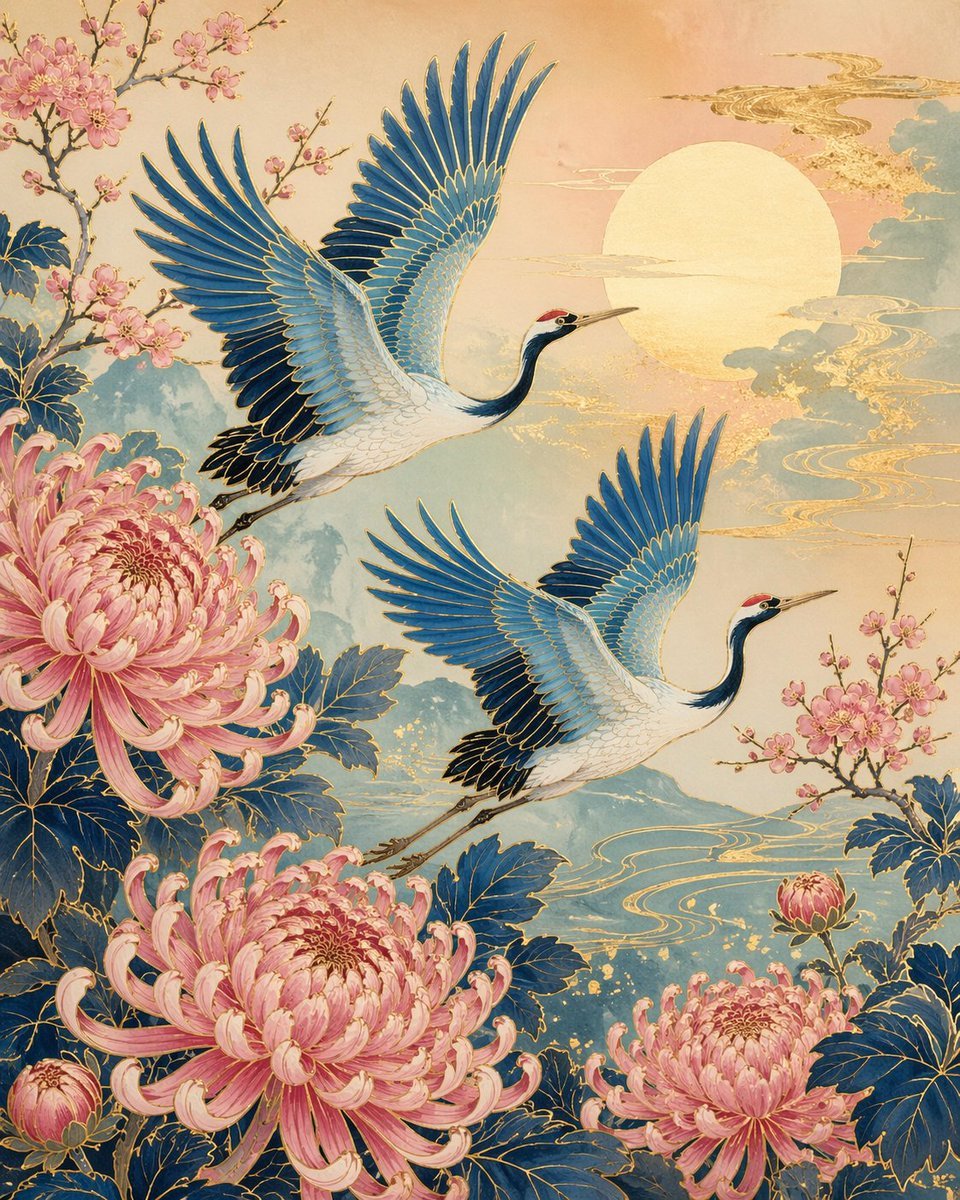
Japanese Crane and Chrysanthemum Art
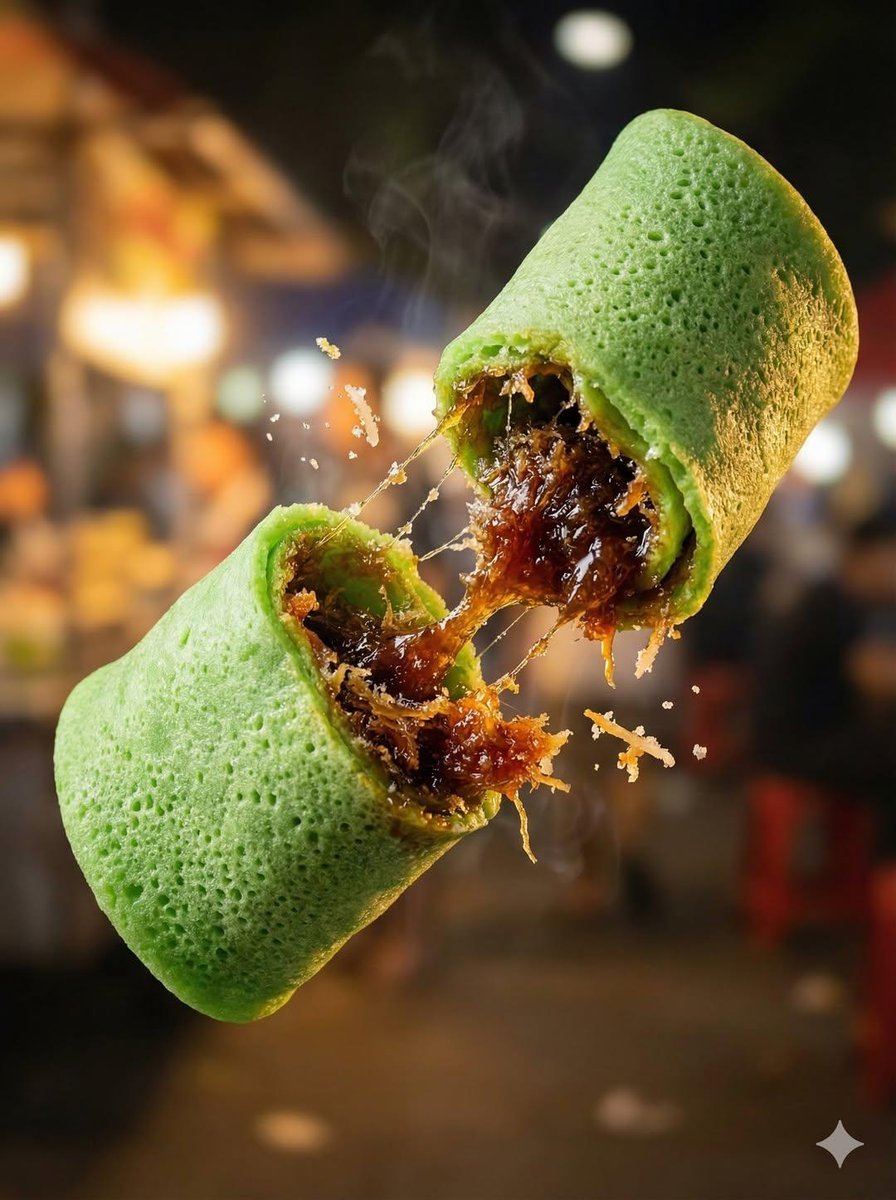
Macro Food Photography of Floating Street Food
Browse template categories
Anime Cafe Street Selfie questions
How do I use the Anime Cafe Street Selfie template?
Add your photo if the template asks for one, edit the prompt if you like — the template's model and format are already selected — and press Generate. Your version opens in PicX Studio.
Can I customize the Anime Cafe Street Selfie template?
Yes. You can change the subject, setting, lighting, mood, format, and available model controls before creating your image.
Is the Anime Cafe Street Selfie template free?
Opening and editing this template is free. Generating uses credits, shown on the Generate button when you are signed in.
Which AI model should I use?
Start with GPT Image 2, which is the model associated with this template. You can compare another compatible model for a different finish.
Looking for something else? Browse all templates.

Your photo, any look
Thousands of ready templates for every top image and video model, from one credit balance.