How do I use the Luxury Studio Fashion Portrait template?
Choose the primary action to open PicX Studio with the available template settings. Review the model and format, personalize the creative direction, and generate when ready.
High-fashion photography prompt for a studio portrait against a matte black background, focusing on elegant lighting and sophisticated monochromatic style.
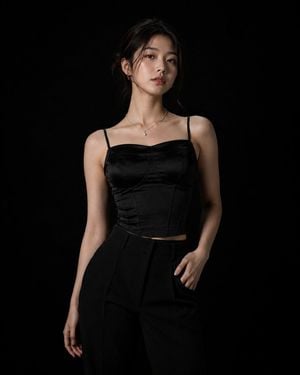
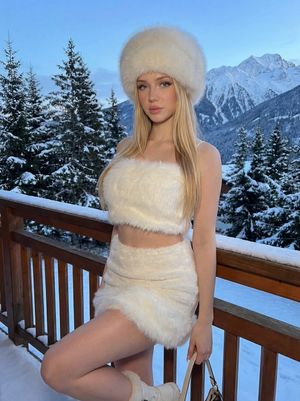
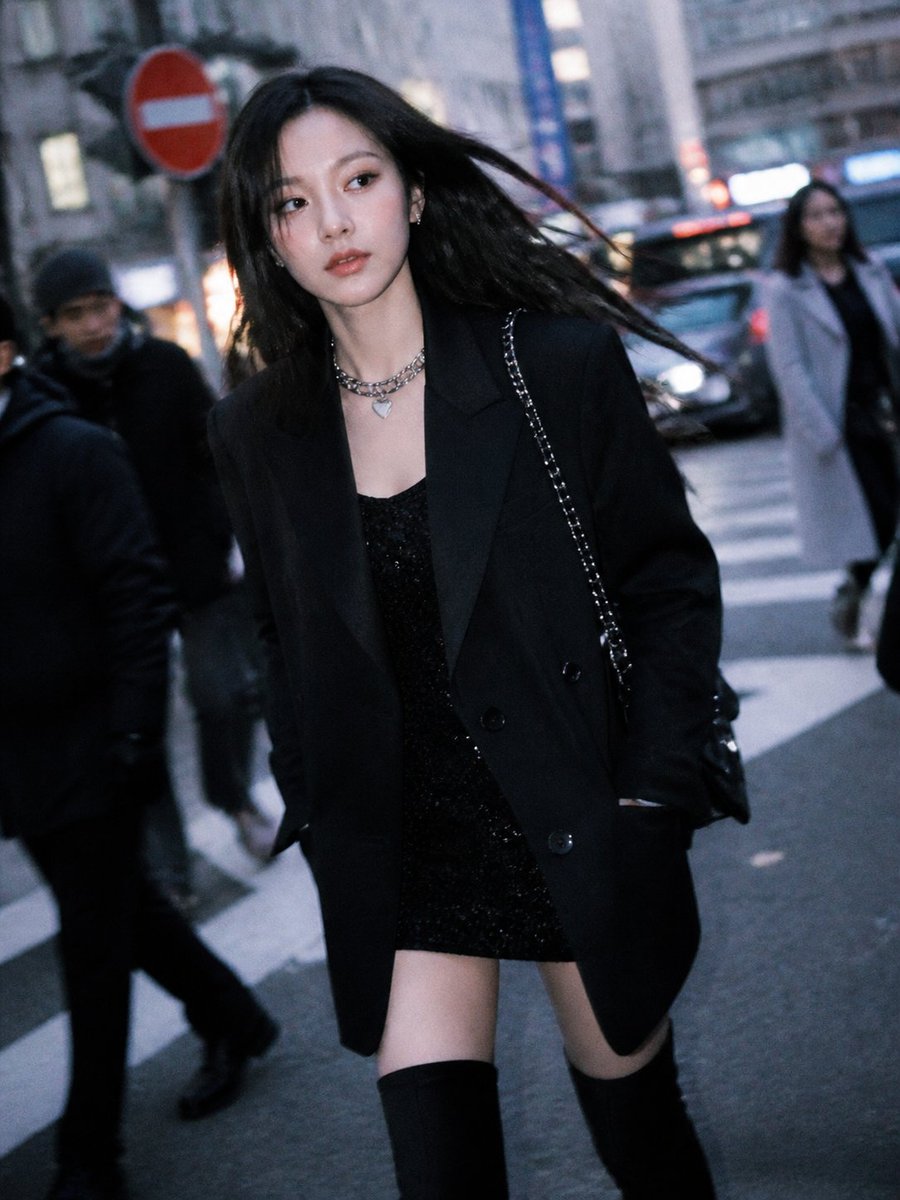
Photorealistic high-fashion studio photoshoot of a beautiful young {argument name="ethnicity" default="Korean"} woman in her {argument name="age" default="early 20s"}, standing confidently against a completely seamless matte black background. The lighting is extremely minimal and intentional, using a single soft directional key light to illuminate only her face, hair, and silhouette while the rest of the studio falls naturally into deep shadow. She is the sole focus of the frame. She wears an {argument name="outfit" default="elegant black satin corset-style top with tailored black trousers"} suited to a luxury fashion editorial. The outfit is sophisticated, alluring, and refined rather than overly revealing. Her hair is styled in a sleek, slightly undone low bun with a few natural strands framing her face. She poses with effortless confidence: upright posture, shoulders relaxed, one hand resting naturally near her waist and the other hanging loosely, chin slightly raised, direct eye contact with the camera, subtle confident expression. Strong but graceful body language. Ultra-realistic skin texture, natural facial features, detailed individual hair strands, realistic fabric texture, subtle highlights and shadows, cinematic contrast, premium luxury fashion magazine aesthetic, sophisticated monochromatic composition, shallow depth of field, professional studio photography, 85mm portrait lens, f/2.0, crisp focus on the eyes and face, soft falloff into darkness, subtle film grain, high-end editorial retouching, photorealistic, 8K detail, vertical 4:5 composition.
Choose the primary action to open PicX Studio with the available template settings. Review the model and format, personalize the creative direction, and generate when ready.
Yes. You can change the subject, setting, lighting, mood, format, and available model controls before creating your image.
This template is free to open and customize. Generation usage is shown in PicX Studio before you create.
Start with GPT Image 2, which is the model associated with this template. You can compare another compatible model for a different finish.
Follow a topic to a crawlable collection of related PicX Studio templates.