How do I use the Golden Hour Studio Portrait template?
Choose the primary action to open PicX Studio with the available template settings. Review the model and format, personalize the creative direction, and generate when ready.
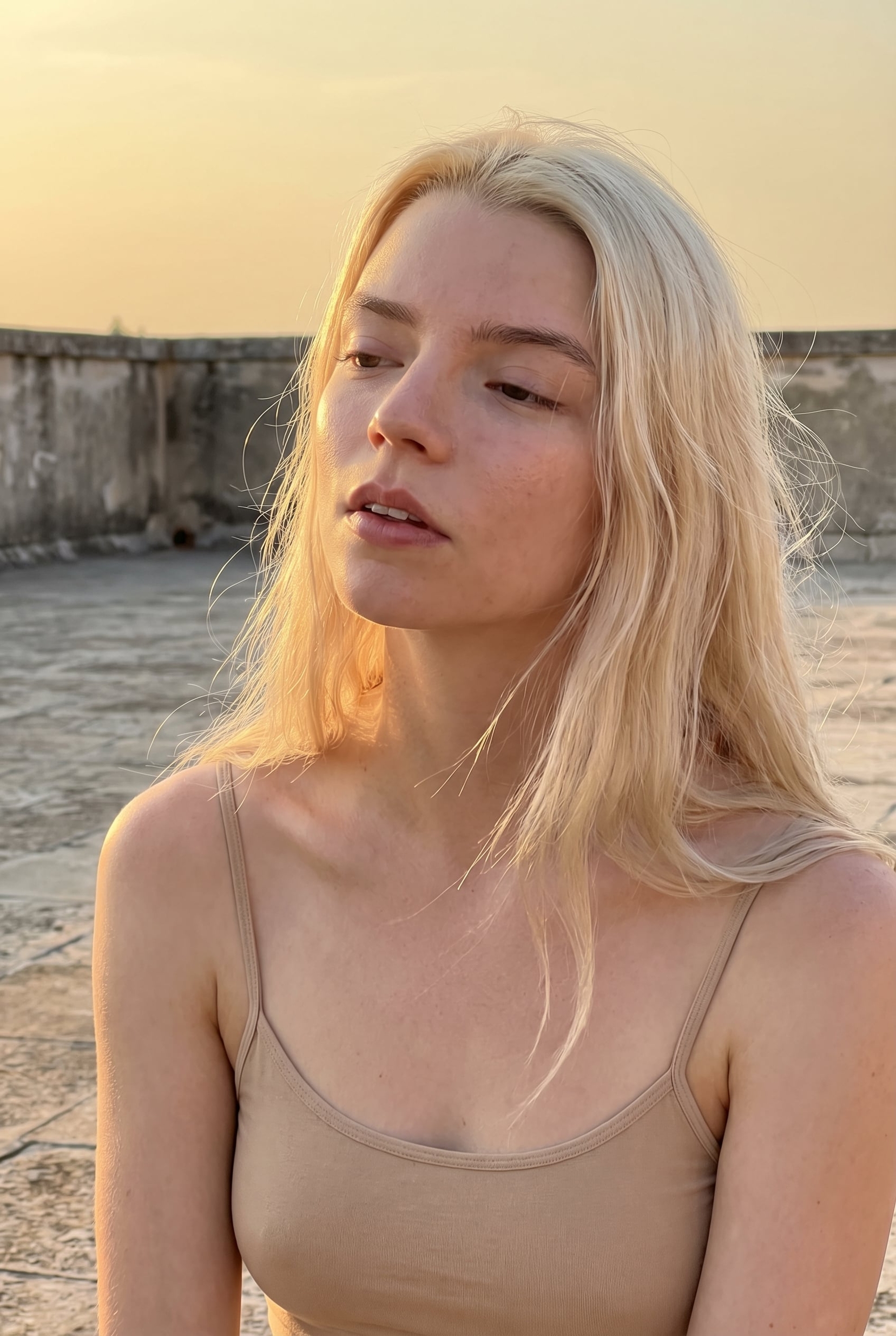
An elegant studio portrait prompt featuring a East Asian subject with copper clothing and cinematic golden lighting.
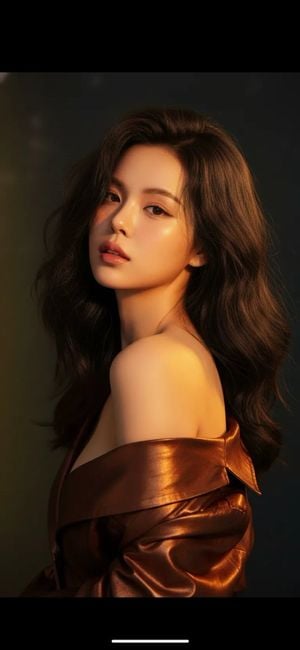
Cinematic studio portrait of a {argument name="subject" default="young East Asian woman"} with luminous warm-toned skin, {argument name="hair style" default="voluminous wavy dark hair"}, and understated bronze makeup, gazing calmly toward the camera in a refined three-quarter pose. Wrapped in a {argument name="outfit" default="glossy copper jacket"} slipping from one shoulder, she is lit by soft golden highlights against a deep, blurred background for an elegant, editorial finish.
Choose the primary action to open PicX Studio with the available template settings. Review the model and format, personalize the creative direction, and generate when ready.
Yes. You can change the subject, setting, lighting, mood, format, and available model controls before creating your image.
This template is free to open and customize. Generation usage is shown in PicX Studio before you create.
Start with GPT Image 2, which is the model associated with this template. You can compare another compatible model for a different finish.
Follow a topic to a crawlable collection of related PicX Studio templates.