How do I use the Surreal Fashion Illustration Portrait template?
Choose the primary action to open PicX Studio with the available template settings. Review the model and format, personalize the creative direction, and generate when ready.
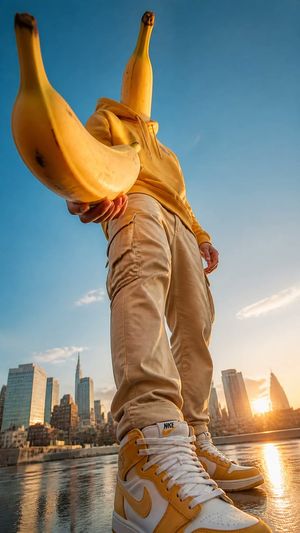
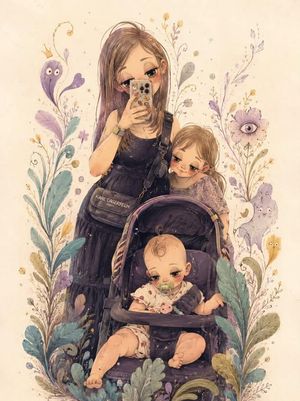
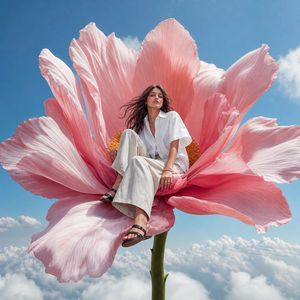
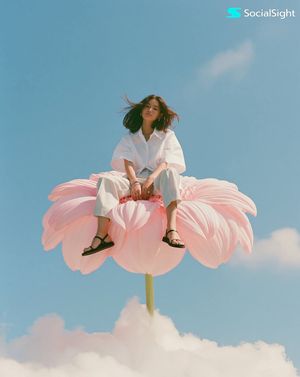
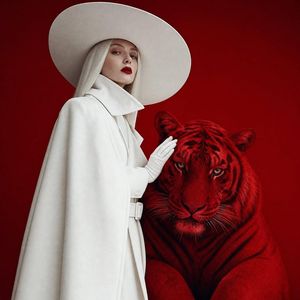
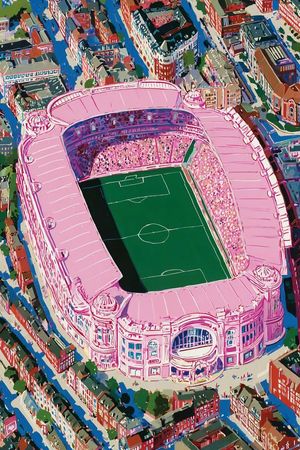
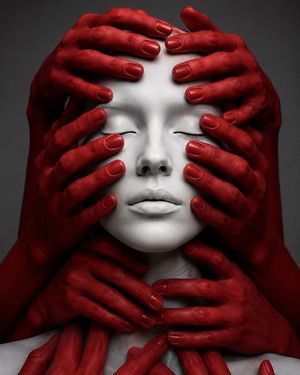
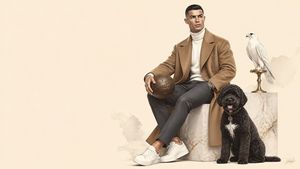
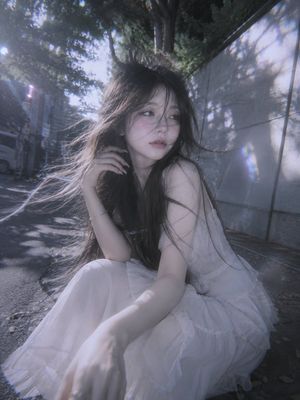
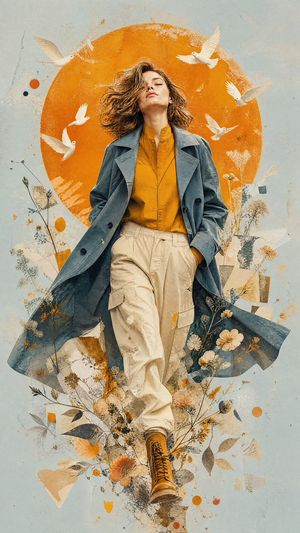
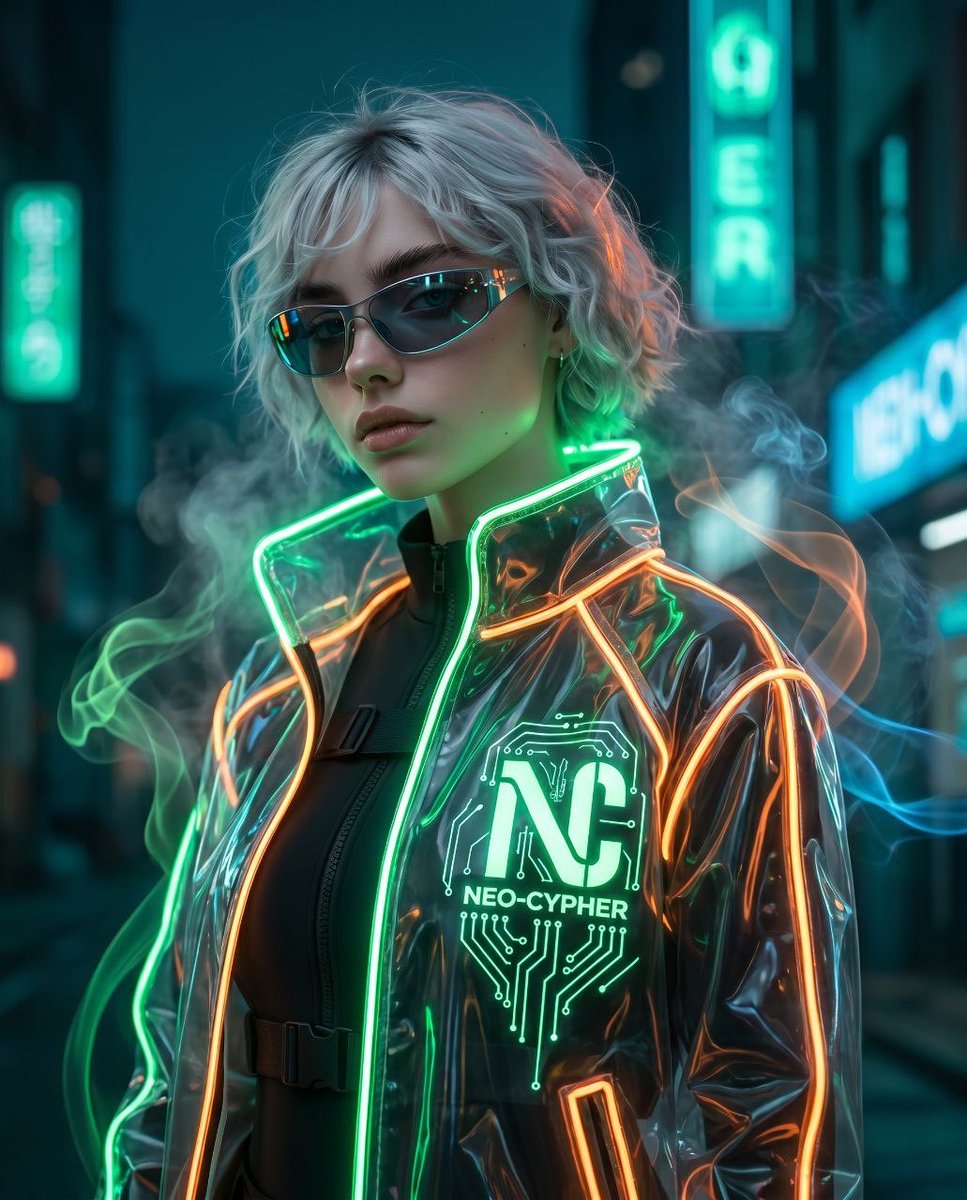
A stylized 3D editorial illustration prompt for generating surreal fashion portraits with toy-like proportions and painterly textures.
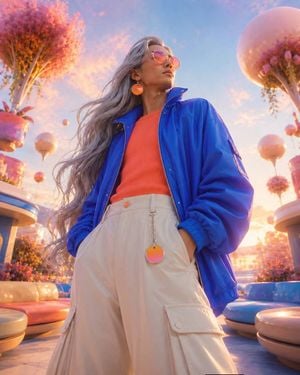
Low-angle surreal fashion portrait of {argument name="character" default="[CHARACTER]"} with {argument name="hair style" default="[HAIR]"}, wearing {argument name="clothing" default="[CLOTHING]"} with [ACCESSORY], standing in [SCENERY], smooth sculptural forms with no contour lines, rounded toy-like proportions, bold [PALETTE] color blocking, soft painterly surface texture, glossy highlights, dramatic backlight, clean sky glow, simplified cinematic background, confident [MOOD] expression, vertical centered composition, stylized editorial 3D illustration, aspect ratio 4:5
Choose the primary action to open PicX Studio with the available template settings. Review the model and format, personalize the creative direction, and generate when ready.
Yes. You can change the subject, setting, lighting, mood, format, and available model controls before creating your image.
This template is free to open and customize. Generation usage is shown in PicX Studio before you create.
Start with GPT Image 2, which is the model associated with this template. You can compare another compatible model for a different finish.
Follow a topic to a crawlable collection of related PicX Studio templates.