How do I use the Golden Hour Car Portrait template?
Choose the primary action to open PicX Studio with the available template settings. Review the model and format, personalize the creative direction, and generate when ready.
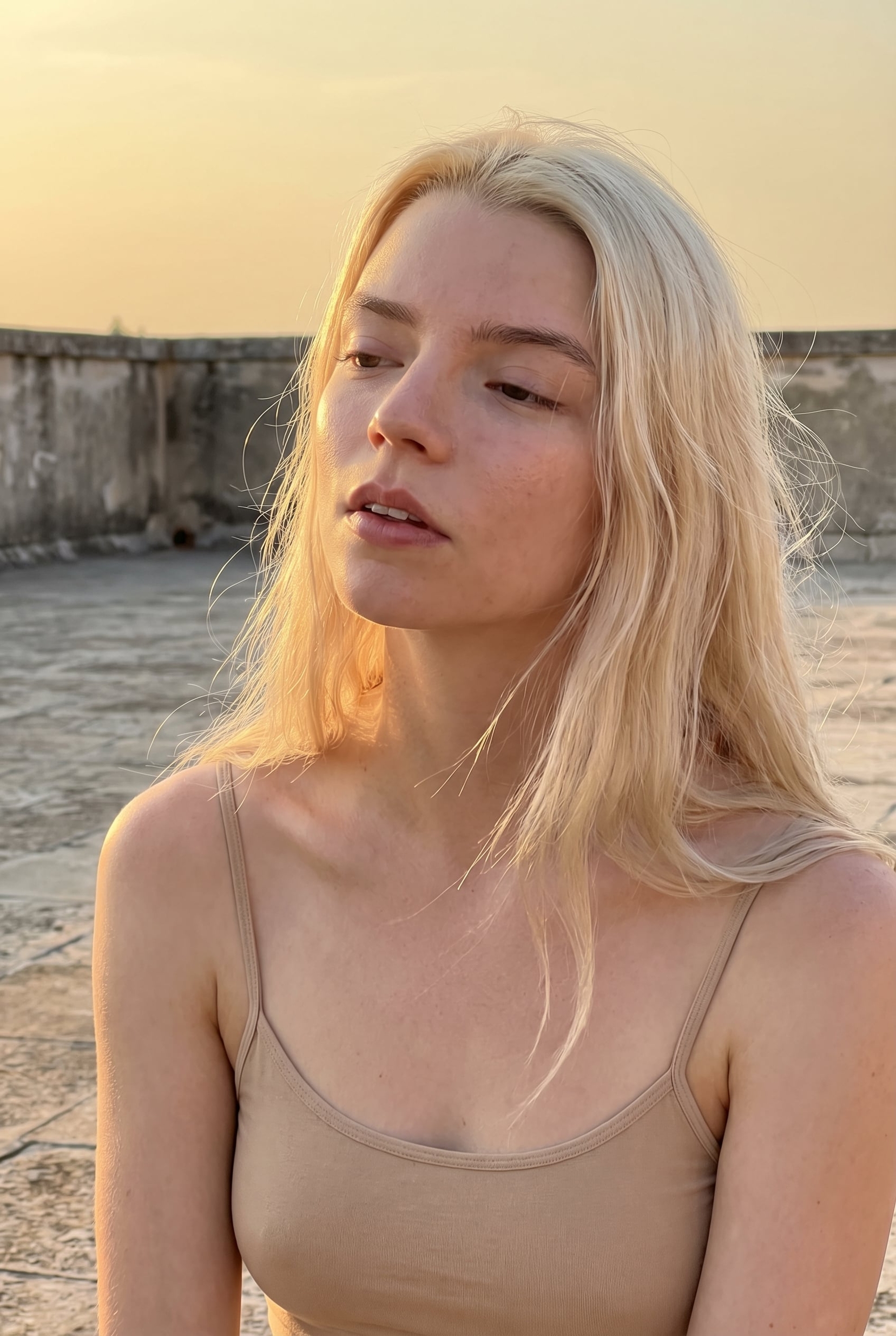
A luxury fashion editorial portrait prompt of a woman inside a car during golden hour, emphasizing dramatic lighting and intimate eye contact.
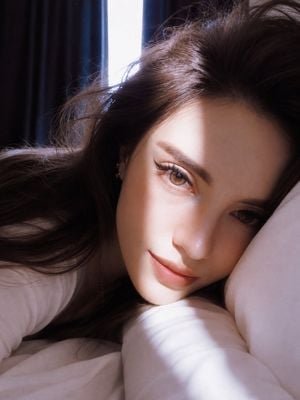
An ultra-realistic, close-up portrait of a stunning young woman seated inside a car during golden hour. She has long, silky dark brown hair with soft natural waves framing her face, luminous porcelain skin with a flawless complexion, striking large {argument name="eye color" default="light aqua-green"} eyes with intricate iris detail, long curled eyelashes enhanced with subtle mascara, naturally shaped dark eyebrows, a small straight nose, and full matte {argument name="lip color" default="dusty-rose"} lips. Her expression is calm, soft, and captivating as she looks directly into the camera, creating an intimate eye-contact effect. Warm golden sunlight streams through the car window, casting dramatic diagonal bands of light and shadow across her face, emphasizing her eyes and facial contours. The shallow depth of field softly blurs the car interior, keeping the focus entirely on her face. The lighting creates a cinematic, high-end editorial atmosphere with natural highlights and gentle contrast. Captured with an 85mm portrait lens at f/1.4, ultra-sharp focus on the eyes, soft creamy bokeh, HDR, realistic skin texture, subtle makeup, photorealistic, 8K resolution, luxury fashion editorial style, cinematic color grading, premium smartphone photography aesthetic, highly detailed, stop-scrolling composition, viral-quality social media portrait. Aspect ratio 3:4
Choose the primary action to open PicX Studio with the available template settings. Review the model and format, personalize the creative direction, and generate when ready.
Yes. You can change the subject, setting, lighting, mood, format, and available model controls before creating your image.
This template is free to open and customize. Generation usage is shown in PicX Studio before you create.
Start with GPT Image 2, which is the model associated with this template. You can compare another compatible model for a different finish.
Follow a topic to a crawlable collection of related PicX Studio templates.