
Surreal Fantasy Floating Window Portrait
A comprehensive prompt for a cinematic surreal fantasy portrait of a woman leaning through a weathered floating window above the clouds, focusing on facial consistency and sunset lighting.
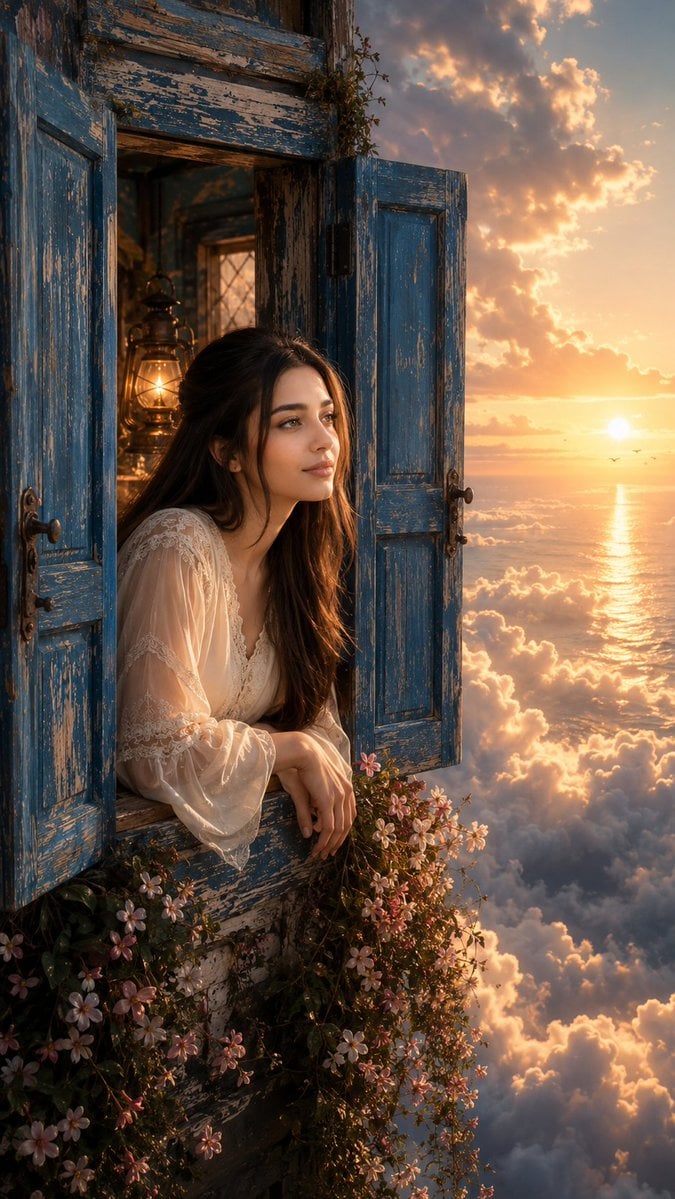
- Prompt included
- Model and format preset
- Free template
The prompt behind this image
Copy the exact prompt behind Surreal Fantasy Floating Window Portrait, or open it in the studio and make it yours.
Ultra-realistic IMAX-level Netflix-style cinematic surreal fantasy portrait, 9:16 vertical composition, use the uploaded image as the primary facial reference with maximum face consistency. Create a young adult woman leaning naturally through an old weathered {argument name="window color" default="blue"} wooden window suspended high above a vast sea of clouds, wearing a flowing elegant {argument name="outfit" default="ivory-white lace-trimmed blouse"} with soft translucent sleeves. Scene: an isolated rustic window frame floating among massive soft clouds, both {argument name="window color" default="blue"} wooden shutters fully opened outward, heavily weathered paint with peeling textures, aged wood grain and rustic iron hinges; a warm vintage lantern glowing inside the window, while dense clusters of {argument name="flower colors" default="pink and white"} flowering vines grow across the lower sill and cascade freely downward into the clouds. Pose: her upper body leans gently forward through the open window, torso angled slightly sideways rather than facing the camera, shoulders turned naturally toward the right, one forearm resting comfortably on the wooden sill, the other arm relaxed beside it, head rotated slightly toward the glowing sunset with her face shown in a clear three-quarter side view, chin subtly raised, neck naturally elongated, hair falling freely over one shoulder and moving softly in the high-altitude breeze. Facial expression: peaceful, dreamy and contemplative, eyes gazing toward the distant horizon, relaxed eyebrows, softly parted lips, subtle sense of wonder and quiet emotion. Background: endless layered clouds surrounding the floating window, distant ocean far below visible through gaps in the clouds, enormous billowing cloud formations extending toward the horizon, dramatic sunset positioned on the right side of the frame, glowing sun just above the distant ocean horizon with a long golden reflection across the water. Lighting: warm golden sunset light entering from the right, illuminating the woman's side profile, hair edges, flowers and {argument name="window color" default="blue"} shutters with rich amber highlights, soft cool blue ambient light filling the opposite side, warm interior lantern glow behind her creating a subtle secondary illumination, volumetric sunlight filtering through the clouds, luminous atmospheric haze, strong depth between foreground window, woman, clouds and distant ocean. Her skin has a fair natural skin tone with a natural neutral-warm undertone, soft healthy glow, visible skin texture, fine pores, consistent face and body tone, photorealistic. Rich cobalt-{argument name="window color" default="blue"} weathered shutters, warm amber sunset, soft peach and coral clouds, delicate {argument name="flower colors" default="pink-white"} flowers, cinematic contrast, realistic wood and fabric texture, natural hair strands, atmospheric perspective, 35mm cinematic lens, deep environmental composition, premium fantasy-film aesthetic, extremely detailed, photorealistic 8K HDR, no text, no logo, no watermark.
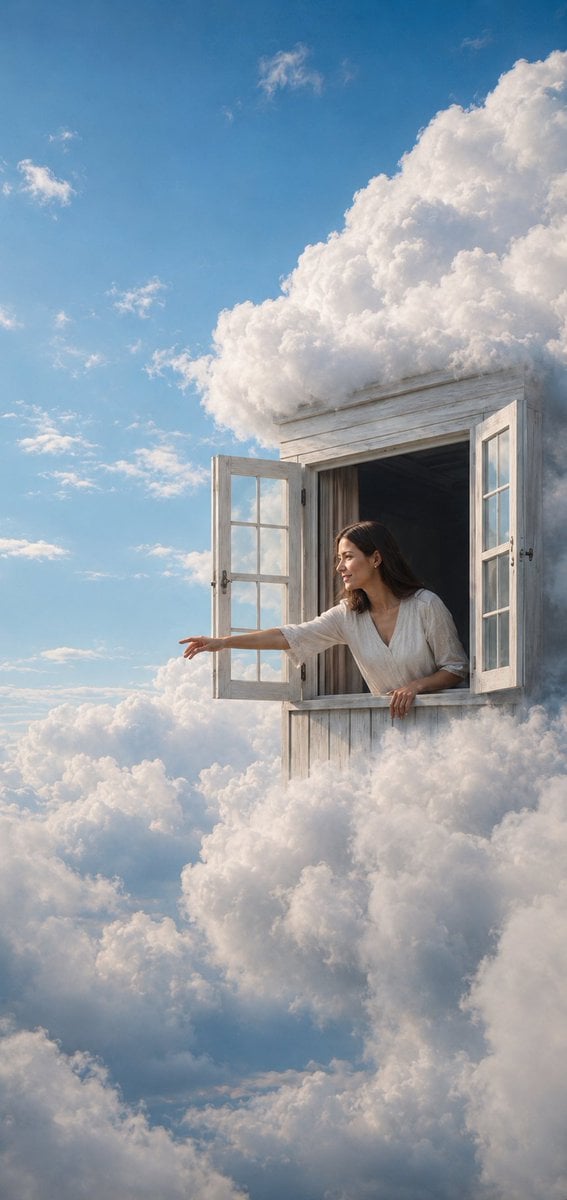
Reference images included
Surreal Fantasy Floating Window Portrait needs input media to work. They load alongside the prompt when you open it in the studio.
How to use Surreal Fantasy Floating Window Portrait in 3 steps
- 1Upload ImagePNG, JPG or paste
Add your photo
Upload the photo the template builds on. The prompt, model and format are already set.
- 2…a portrait of your subject in softgolden-hour light, 85mm…
Personalize
Edit the subject and creative details for your destination.
- 3Generate
Generate
Press Generate — your image is created in PicX Studio, so you can compare it with the original and refine one variable at a time.
More like this
Templates with the same subject, style or setup. Open one to see its prompt.

Rainy Café Window Moody Portrait
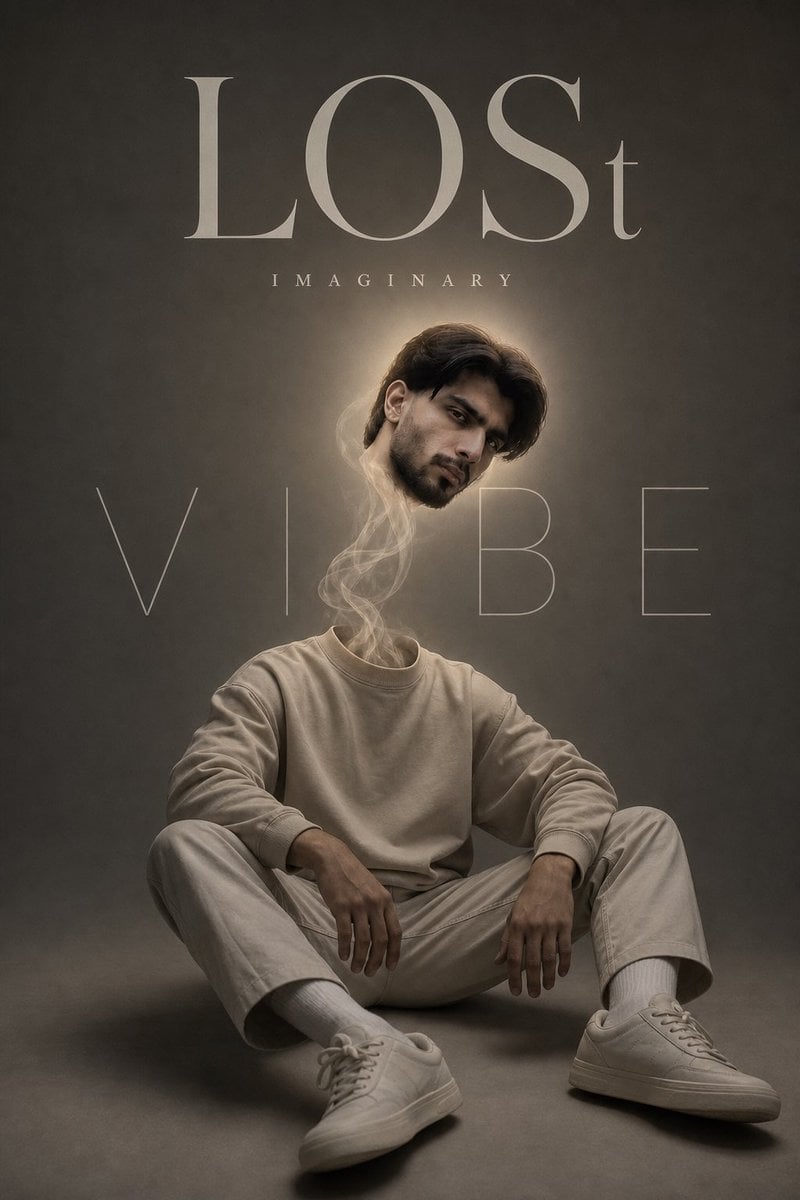
Surreal Floating Head Cinematic Portrait

Found Photograph: Us, 1970

80s Couple Studio Portrait

80s Bollywood Star

80s Golden Hour Cinema

Me in 1985

1985 Studio Portrait

Hyper-Realistic Minecraft POV Portrait
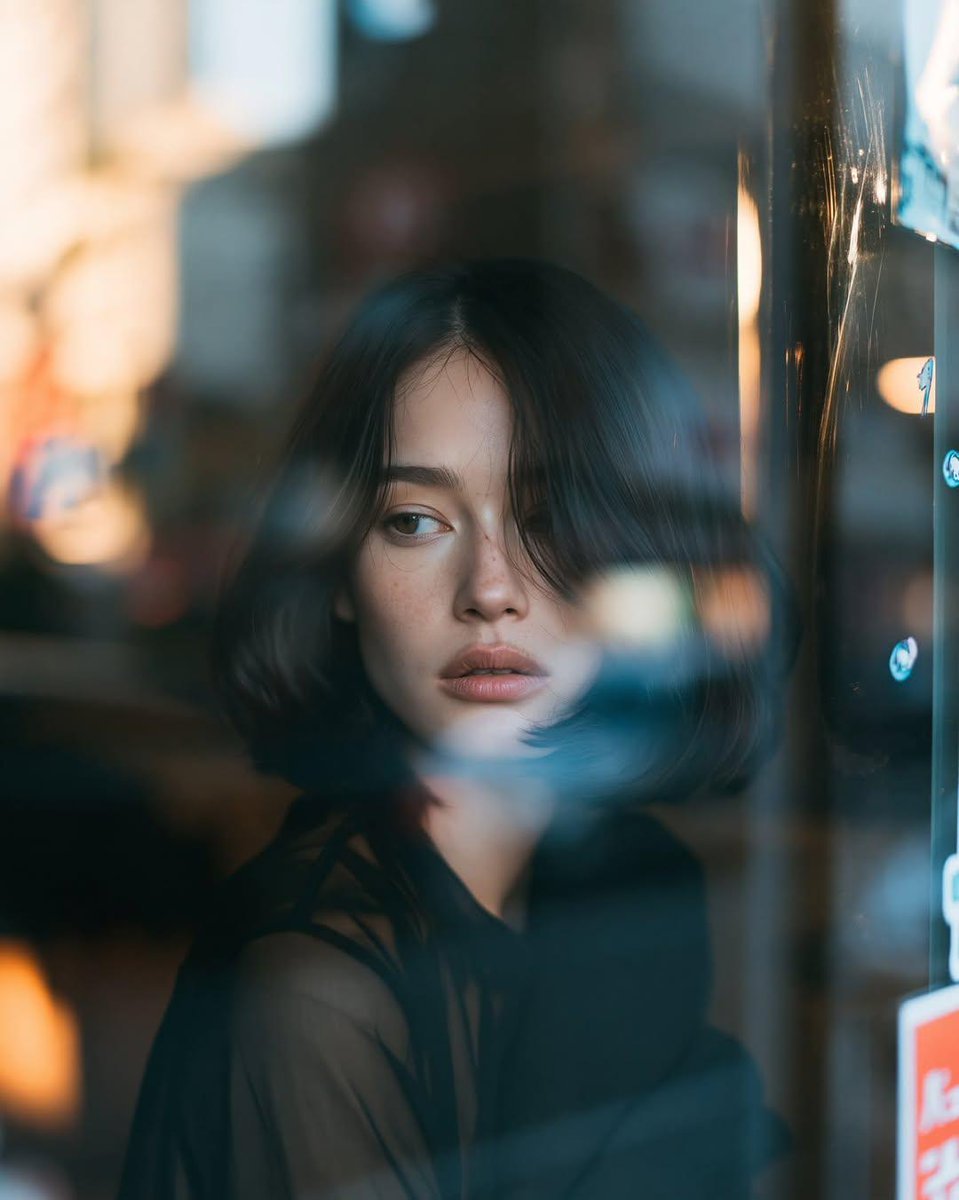
Reflective Urban Cafe Window Portrait
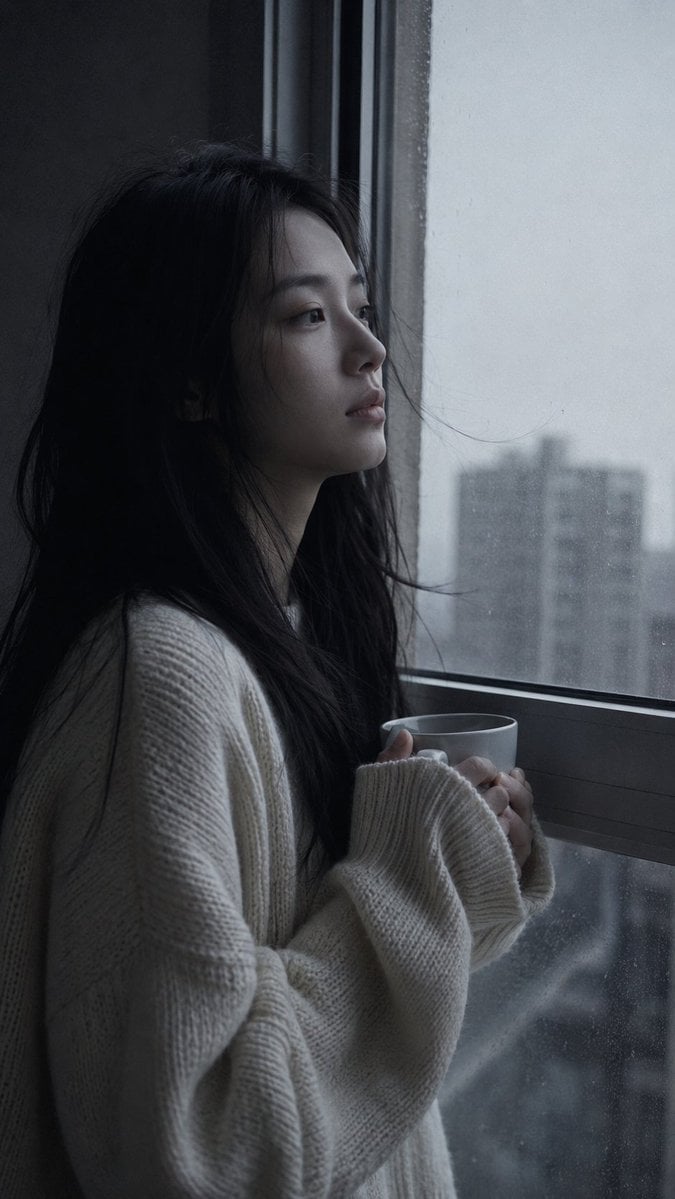
Melancholic Pre-dawn Window Portrait

Rooftop Fisheye — Cat-Ear Balaclava at Golden Hour
Make it yours
Surreal Fantasy Floating Window Portrait works as-is. These are the safest ways to change it without losing the look.
Change one field
Copy a single group, rewrite it, and generate again so you can see what that field is doing.
Keep the frame, change the subject
Hold the composition and light of Surreal Fantasy Floating Window Portrait, then swap wardrobe, props or the person for a new take.
| If the result… | Why | Fix |
|---|---|---|
| The result drifts from the preview | Too many fields changed at once. | Reuse Surreal Fantasy Floating Window Portrait as-is first, then change one group — subject, light, or setting. |
| The model over-stylizes the scene | The prose prompt leaves finish and camera underspecified. | Add one camera or lighting sentence and stay on GPT Image 2. |
More GPT Image 2 templates
Other prompts made for GPT Image 2.

Six VTuber Japanese Logo Sheet

Realistic Portrait of Woman and Deer

The Vista Modular Condo Poster

AI Model Routing Comparison Infographic

2.5D Anime Art Board

Isometric Productivity Desk Scene

New York Double Exposure Poster

Four-Panel AI Landscape Comparison

Japanese Tatami Lifestyle Magazine Cover

NESCAFÉ Coffee Map Poster
More image prompts
Fresh picks from across the catalog.
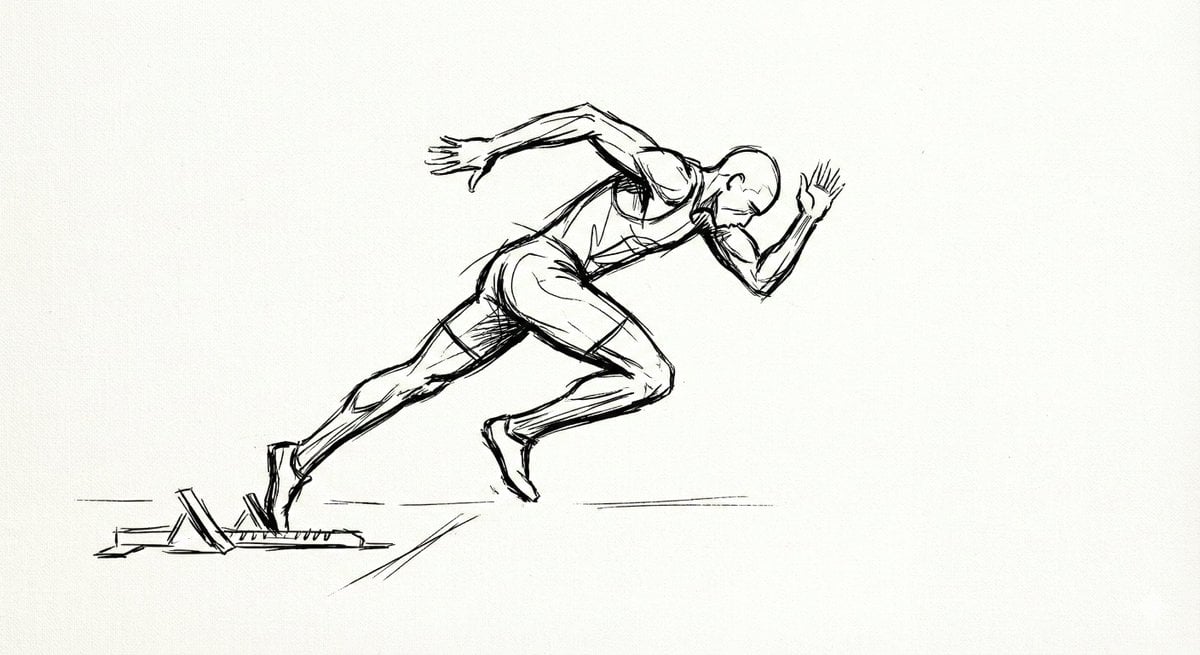
Minimal Ink Gesture Sketch Image Generation Prompt
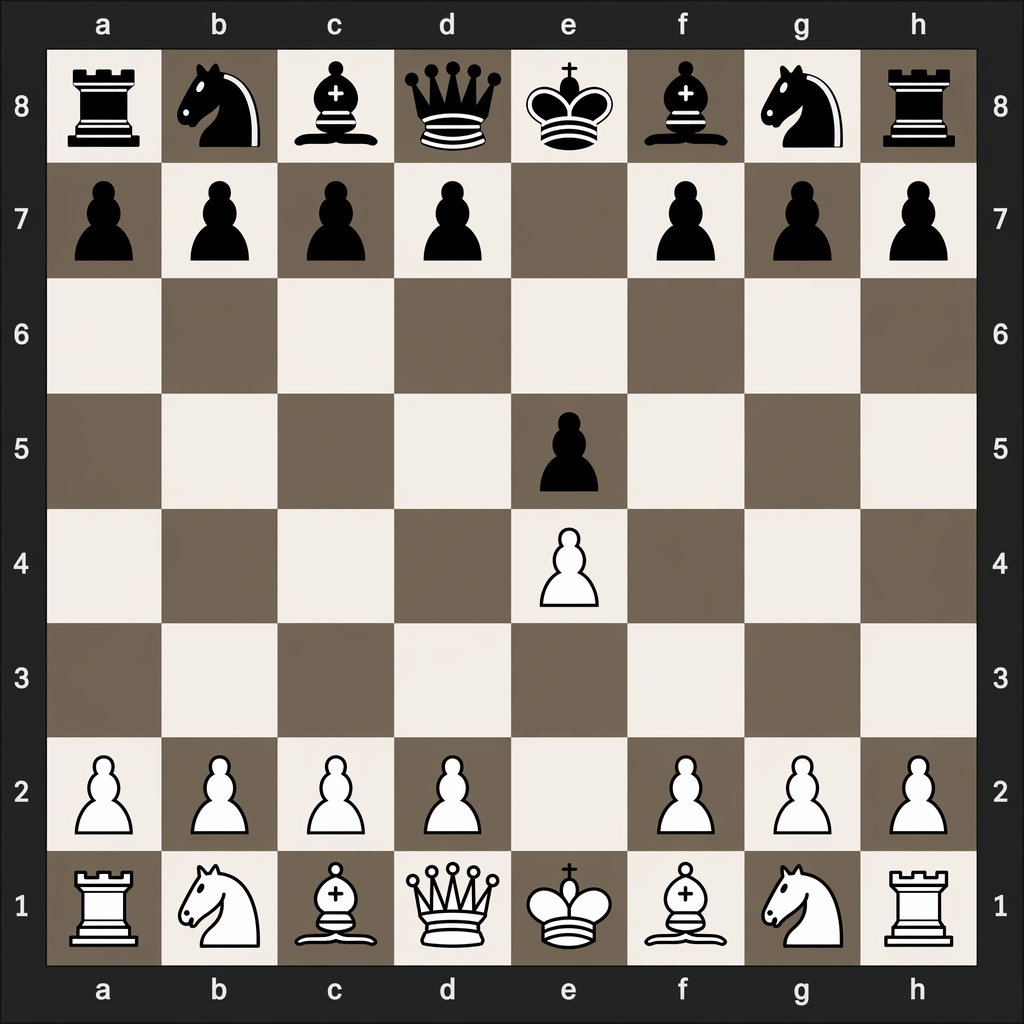
Digital Chessboard After 1.e4 e5
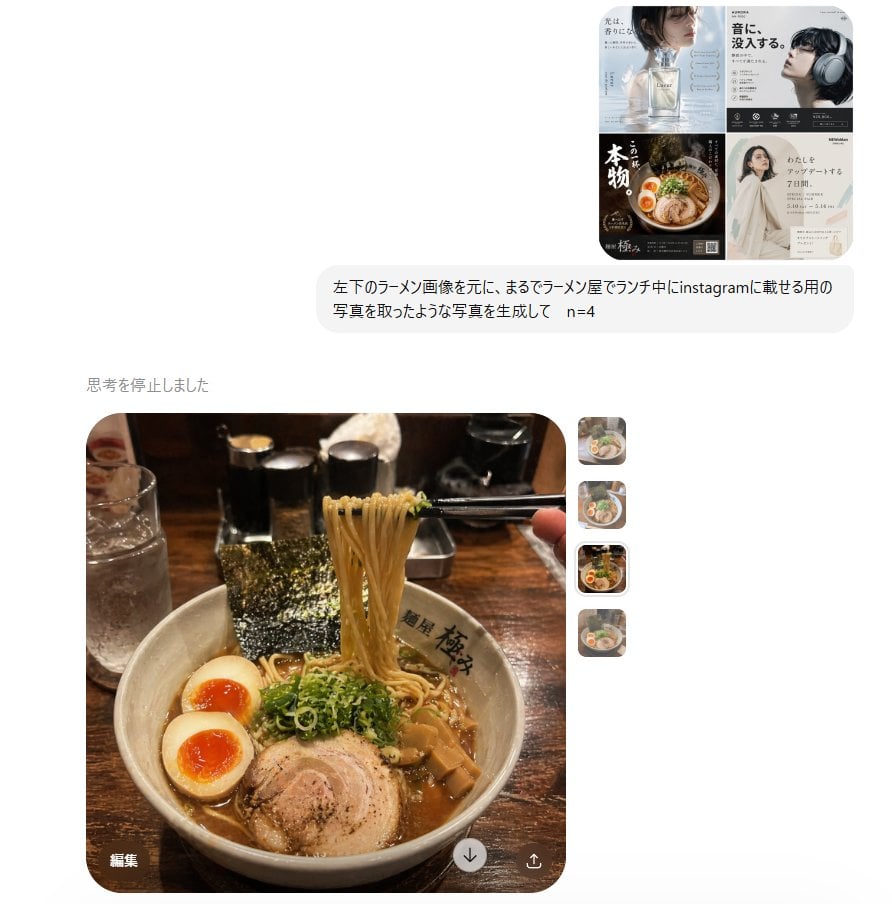
Instagram Style Ramen Photography

Cute Anime Girl in Oil Pastel
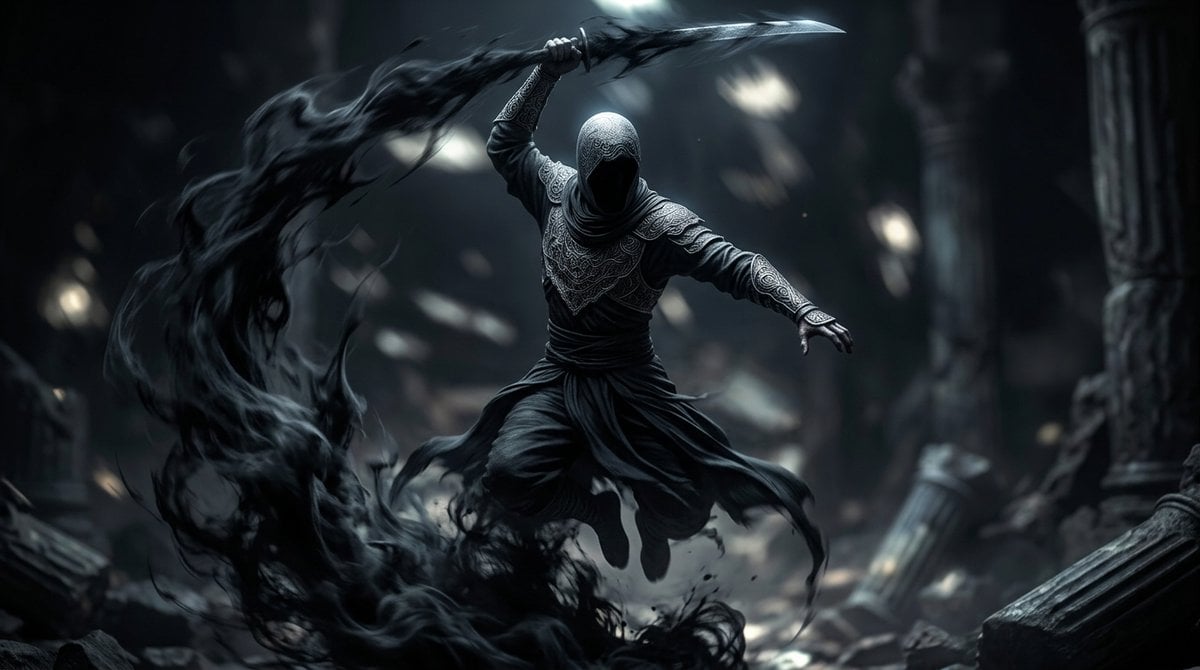
Shadow Assassin in Ruined Temple
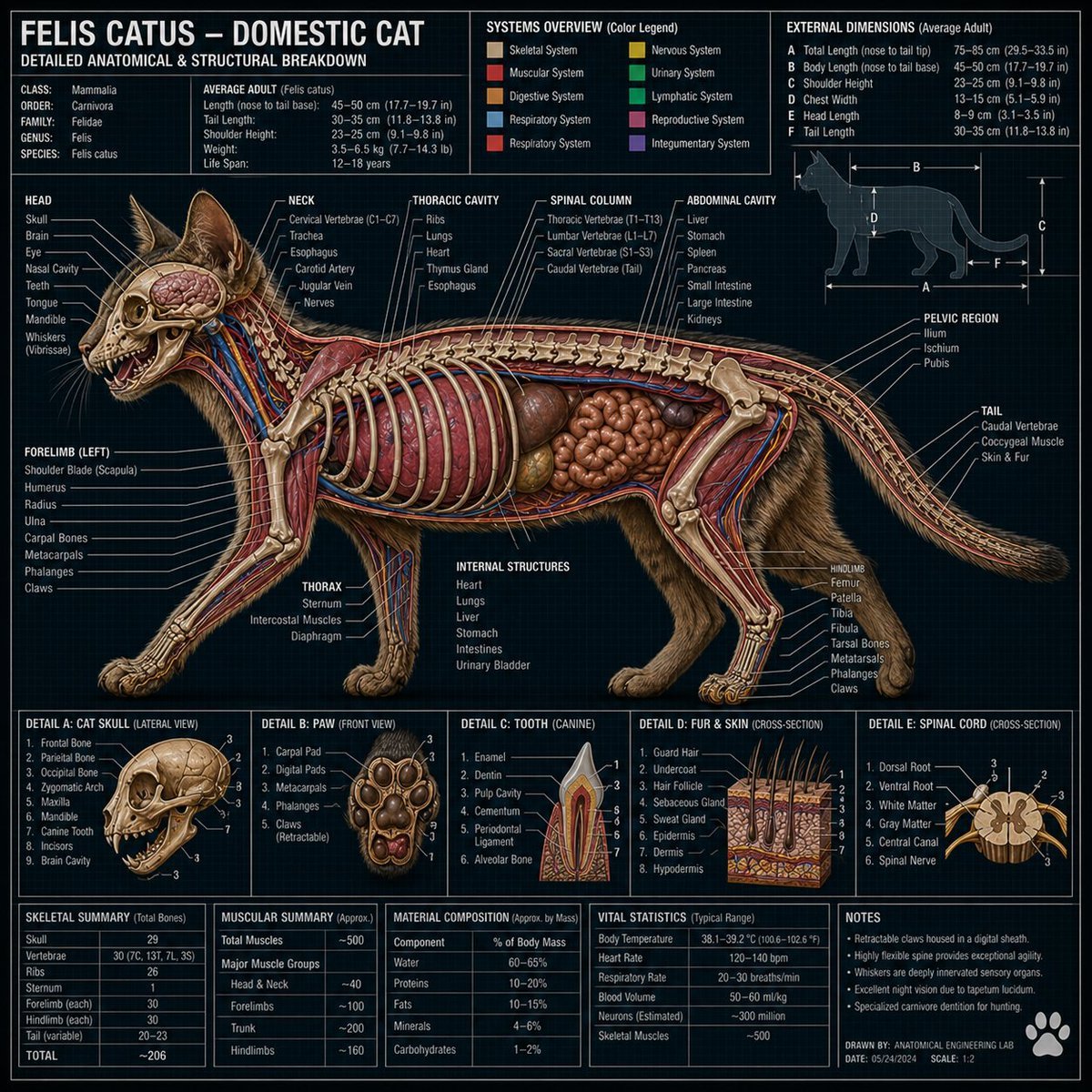
Technical Cross-Section Diagram
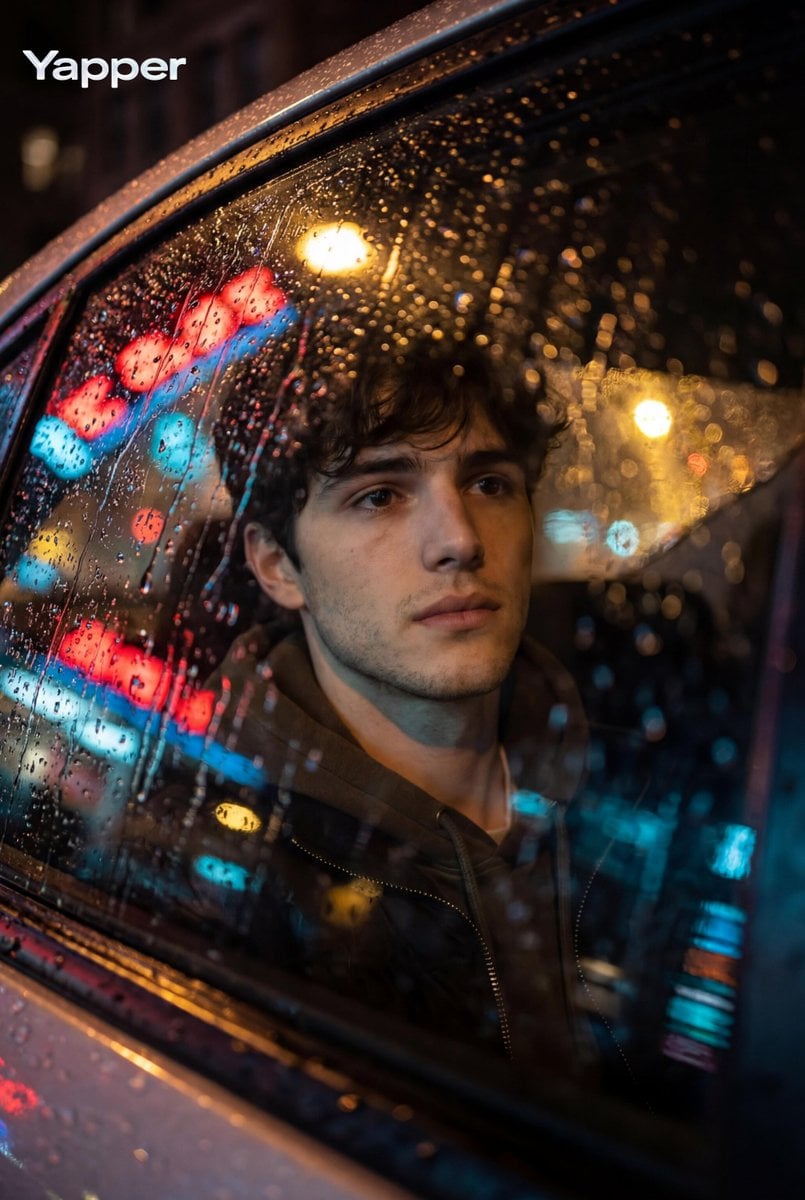
Cinematic Photo Inside a Car at Night with Rain
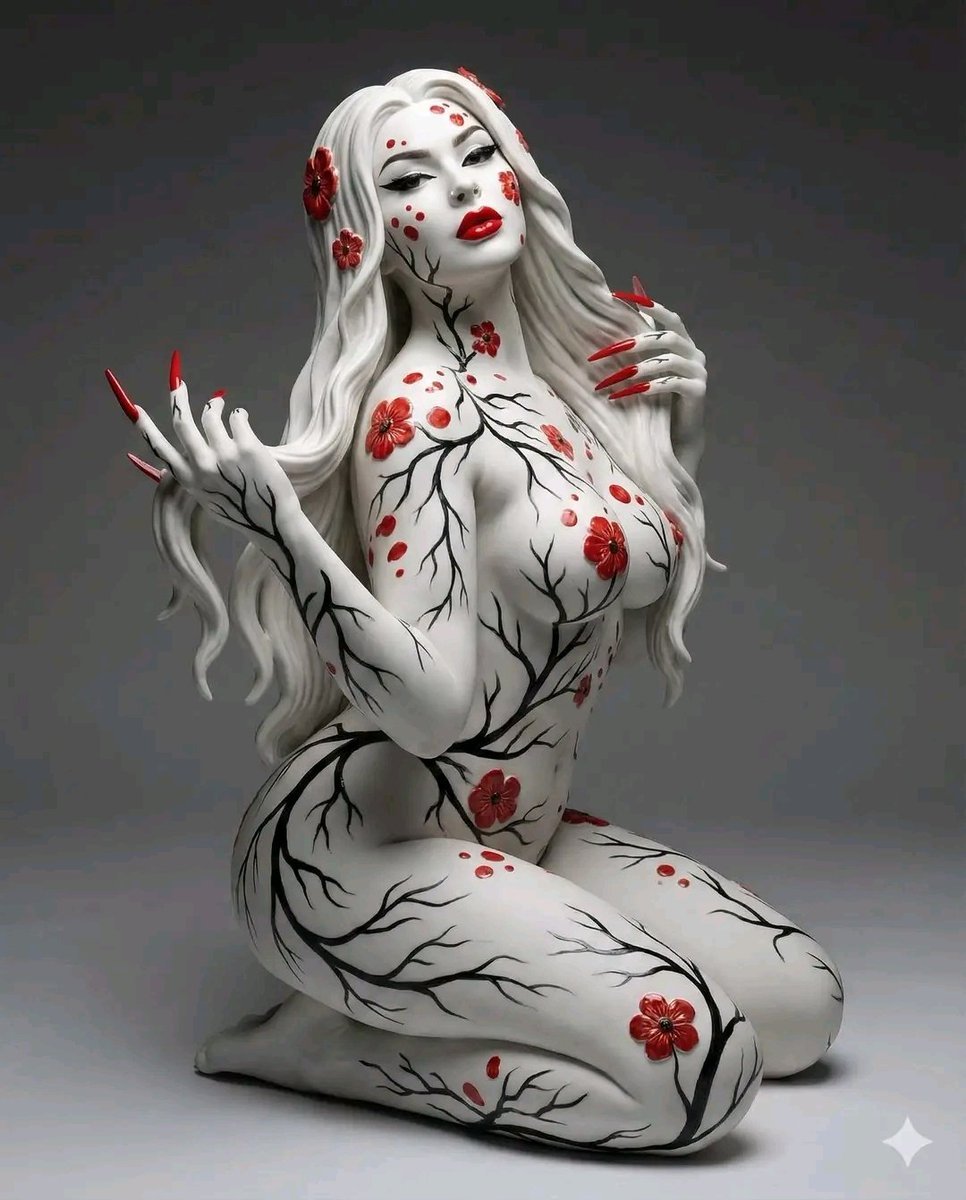
Surreal Porcelain Flora Figure Prompt
Annotated Chinese BBQ Food Poster
Moody Portrait with Dripping Candles
Browse template categories
Surreal Fantasy Floating Window Portrait questions
How do I use the Surreal Fantasy Floating Window Portrait template?
Add your photo if the template asks for one, edit the prompt if you like — the template's model and format are already selected — and press Generate. Your version opens in PicX Studio.
Can I customize the Surreal Fantasy Floating Window Portrait template?
Yes. You can change the subject, setting, lighting, mood, format, and available model controls before creating your image.
Is the Surreal Fantasy Floating Window Portrait template free?
Opening and editing this template is free. Generating uses credits, shown on the Generate button when you are signed in.
Which AI model should I use?
Start with GPT Image 2, which is the model associated with this template. You can compare another compatible model for a different finish.
Looking for something else? Browse all templates.

Your photo, any look
Thousands of ready templates for every top image and video model, from one credit balance.