
Vintage Magazine Red Cover Art
A 1980s-inspired fashion editorial portrait featuring a subject with a retro telephone against a grainy red background.
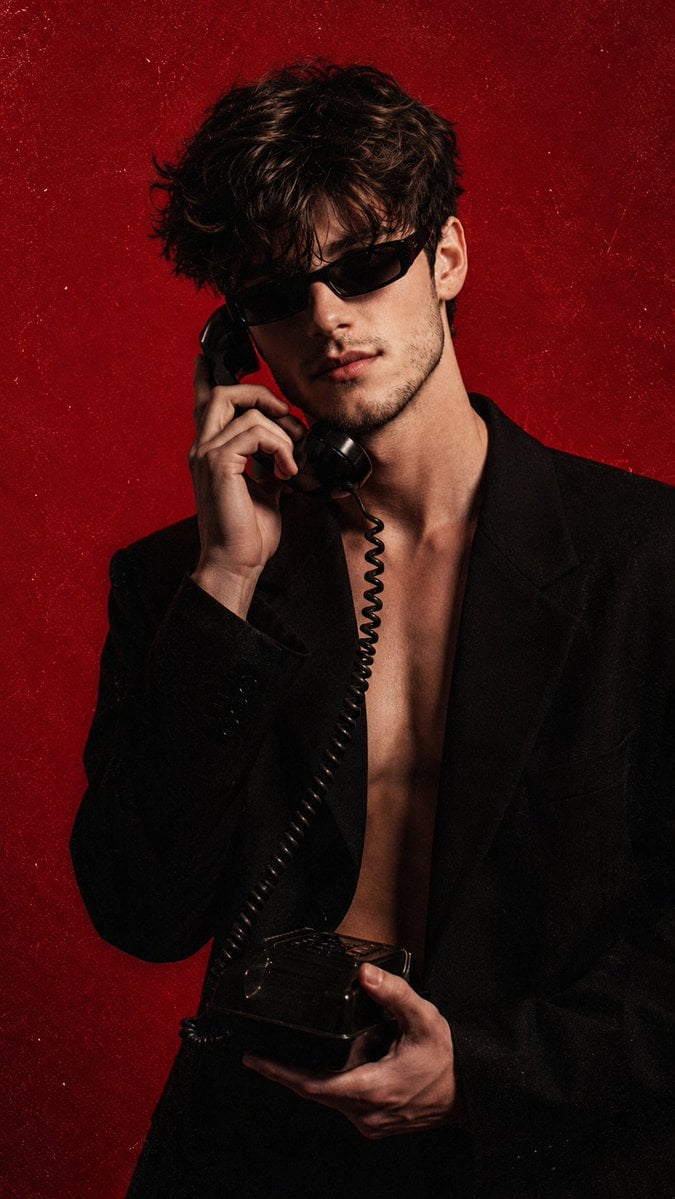
- Prompt included
- Model and format preset
- Free template
The prompt behind this image
Copy the exact prompt behind Vintage Magazine Red Cover Art, or open it in the studio and make it yours.
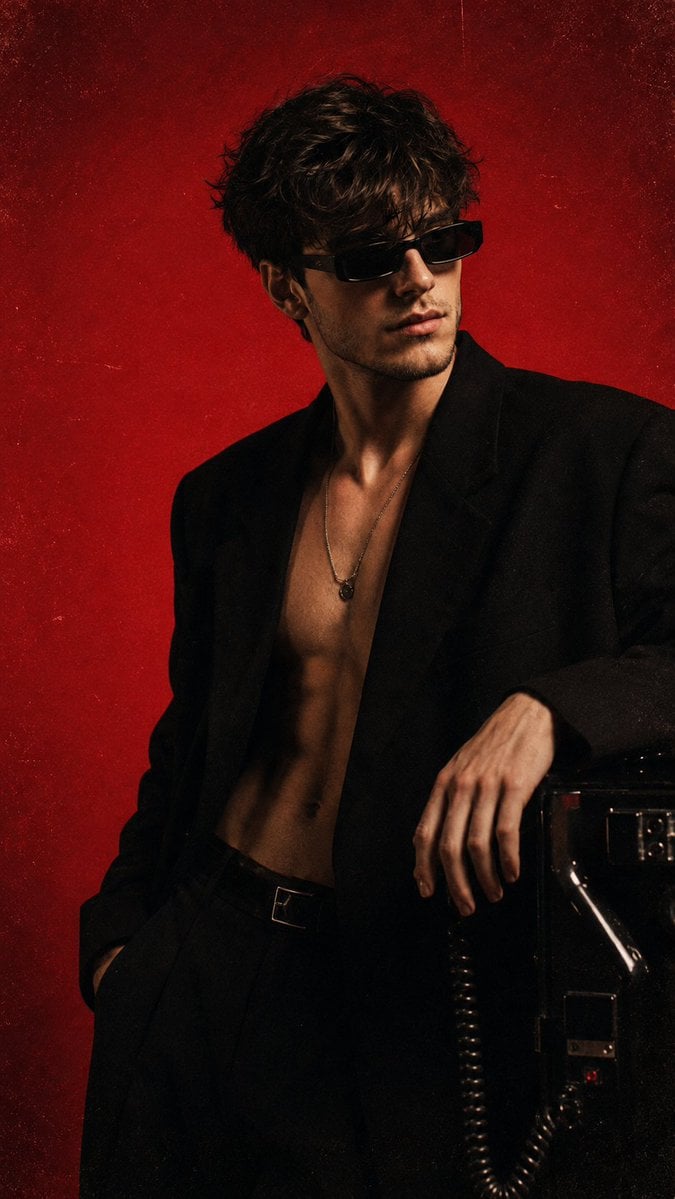
A vertical studio portrait in a 9:16 format. The shot is framed approximately from the waist up, with a slight camera tilt or dynamic diagonal composition. The main subject is centered, slightly shifted to the right, with his body turned slightly toward the viewer. The background is {argument name="background color" default="solid, rich red"} with a grainy texture, creating the feeling of a vintage magazine cover or music poster. Use the person from the attached reference as the main character. Accurately preserve his facial features. Maintain his distinctive look: a mysterious, confident, slightly detached expression, with his eyes partially hidden behind narrow dark sunglasses. The subject stands in a relaxed yet expressive pose. His head is slightly tilted forward and to the side, as if he is carefully listening to a phone conversation. He holds a {argument name="prop" default="telephone receiver"} to his ear with one hand and the other part of the phone with the other hand. The pose should feel casual, fashionable, and cinematic. The subject wears a black oversized blazer or jacket with a deep neckline, worn over bare skin or with no visible shirt. The look is minimalist and dark, contrasting strongly with the bright background. He wears narrow black vintage-style sunglasses. In his hand is a wired telephone receiver with a coiled cable. A coiled telephone cord is clearly visible, connecting the receiver to the device. The subject's hair is wet or heavily textured, messy, and voluminous. The lighting emphasizes the face, lips, and part of the neck, while the clothing almost blends into the deep shadows. The background should be rich and slightly rough, with vintage film noise. Fashion editorial photography inspired by the 1980s and 1990s, with the look of a glossy magazine, music cover, or art poster. High contrast, deep shadows, visible grain, and a subtle film texture. Visual style: {argument name="visual style" default="retro-futurism, fashion portrait, analog photography, dramatic studio lighting"}. The atmosphere should be mysterious, bold, and stylish. The image should convey a sense of nighttime urban culture, music, fashion, and a secret telephone conversation. The subject looks charismatic, confident, slightly dangerous, and cinematic. A highly detailed image with pronounced film grain, deep shadows, and a vivid red background. Sharp focus on the face, sunglasses, hands, and retro telephone device. Preserve the vintage texture while keeping the image high-quality, expressive, and suitable for a fashion/editorial photoshoot.
Reference images included
Vintage Magazine Red Cover Art needs input media to work. They load alongside the prompt when you open it in the studio.
How to use Vintage Magazine Red Cover Art in 3 steps
- 1Upload ImagePNG, JPG or paste
Add your photo
Upload the photo the template builds on. The prompt, model and format are already set.
- 2…a portrait of your subject in softgolden-hour light, 85mm…
Personalize
Edit the subject and creative details for your destination.
- 3Generate
Generate
Press Generate — your image is created in PicX Studio, so you can compare it with the original and refine one variable at a time.
More like this
Templates with the same subject, style or setup. Open one to see its prompt.











Make it yours
Vintage Magazine Red Cover Art works as-is. These are the safest ways to change it without losing the look.
Change one field
Copy a single group, rewrite it, and generate again so you can see what that field is doing.
Keep the frame, change the subject
Hold the composition and light of Vintage Magazine Red Cover Art, then swap wardrobe, props or the person for a new take.
| If the result… | Why | Fix |
|---|---|---|
| The result drifts from the preview | Too many fields changed at once. | Reuse Vintage Magazine Red Cover Art as-is first, then change one group — subject, light, or setting. |
| The model over-stylizes the scene | The prose prompt leaves finish and camera underspecified. | Add one camera or lighting sentence and stay on GPT Image 2. |
More GPT Image 2 templates
Other prompts made for GPT Image 2.

Six VTuber Japanese Logo Sheet

Realistic Portrait of Woman and Deer

The Vista Modular Condo Poster

AI Model Routing Comparison Infographic

2.5D Anime Art Board

Isometric Productivity Desk Scene

New York Double Exposure Poster

Four-Panel AI Landscape Comparison

Japanese Tatami Lifestyle Magazine Cover

NESCAFÉ Coffee Map Poster
More image prompts
Fresh picks from across the catalog.
Romantic Pastel Illustration with Strict Identity Lock
Ultra-Realistic Close-Up Portrait
Japanese Cinematic Couple Portrait
Nano Banana Pro prompt for a 3D, cute, cartoon character
Editorial Magazine Cover Portrait
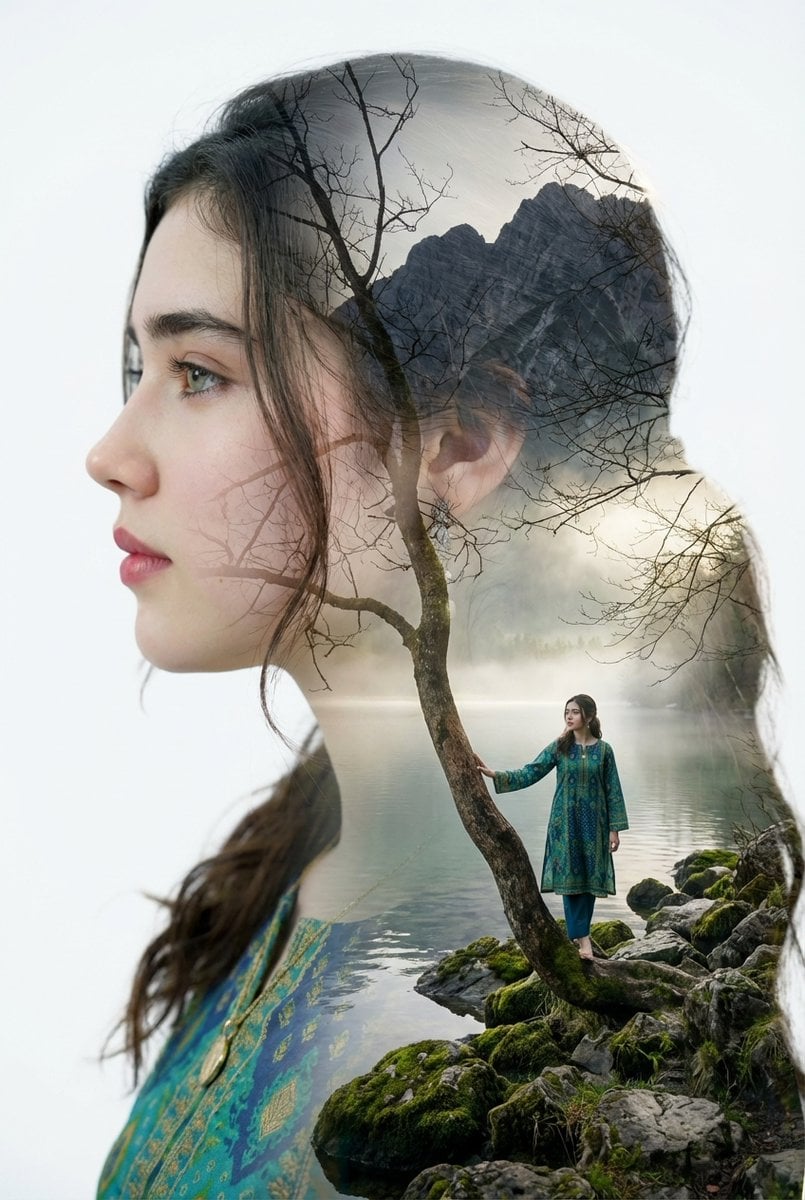
Double Exposure Portrait with Tree Branches and Landscape
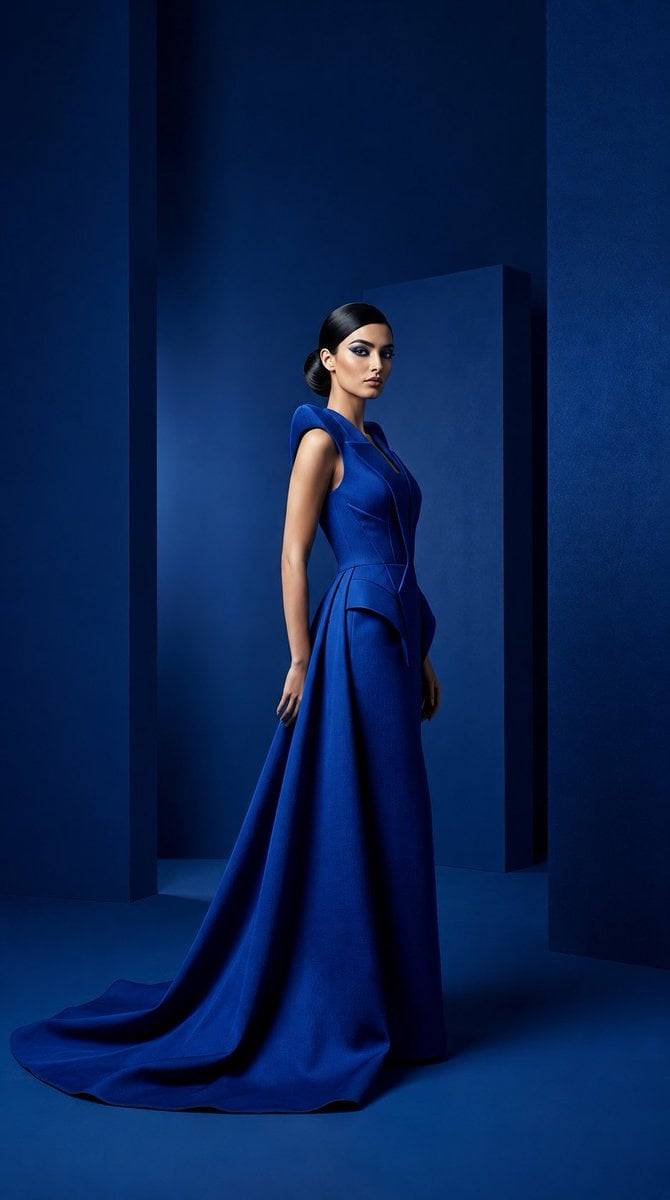
Cobalt Couture Editorial Portrait
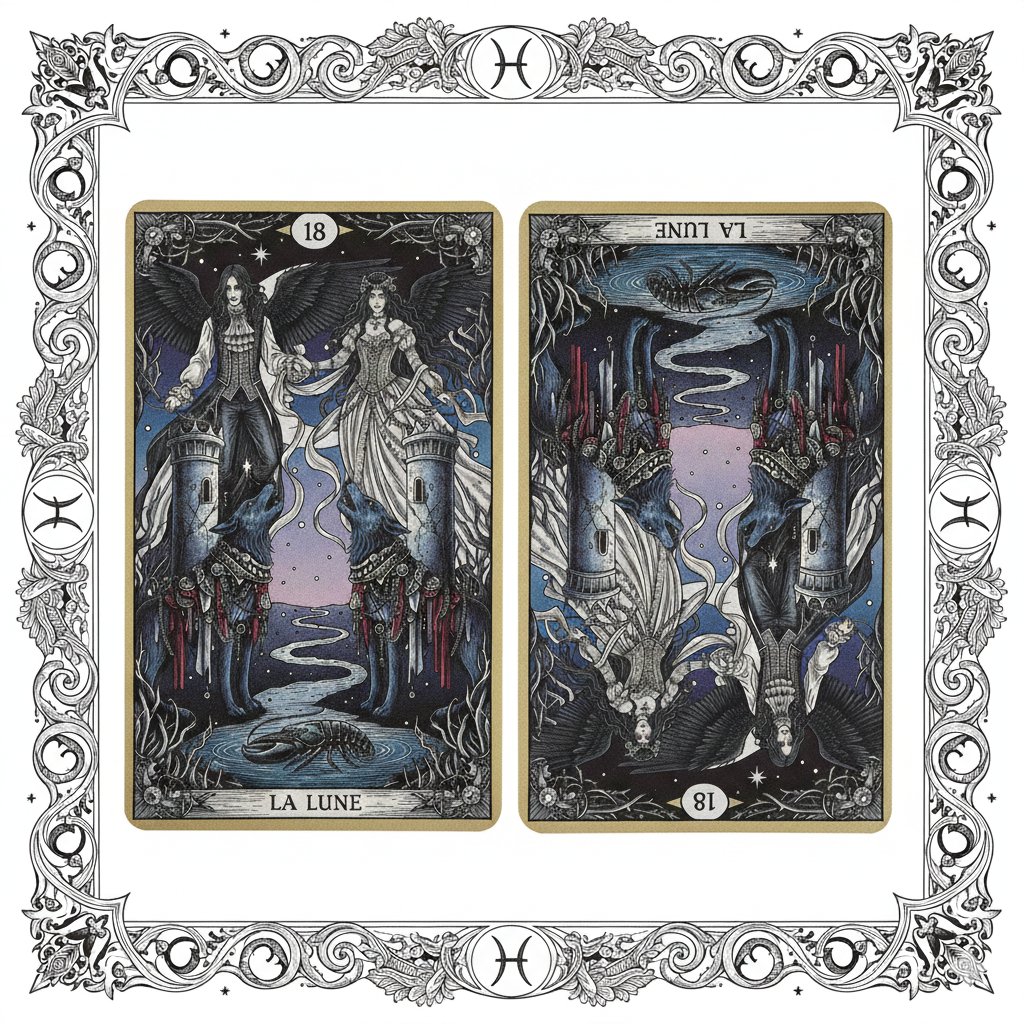
Nano Banana Pro Prompt: Tarot Card 18 (The Moon) with Mális Mizer and Pisces
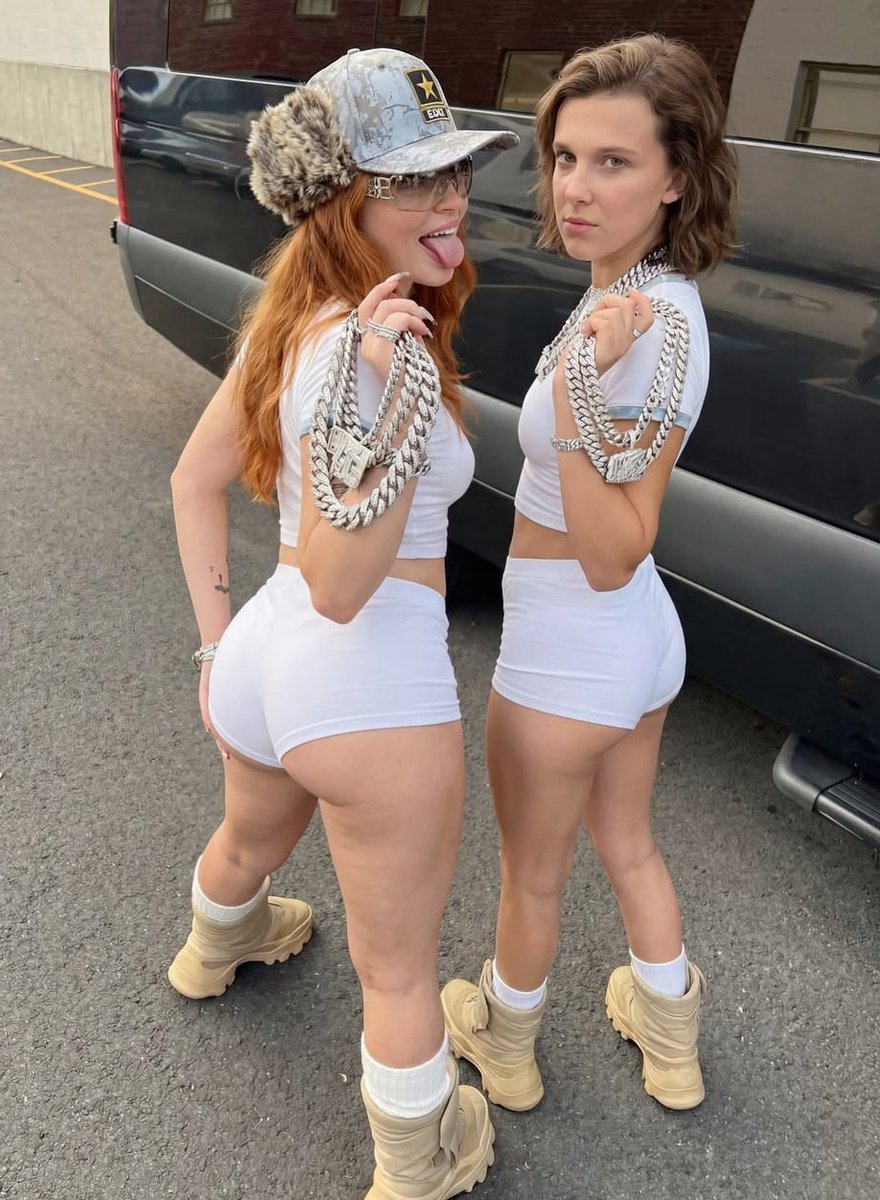
Early 2000s Hip-Hop Fashion Portrait Prompts

Mystic Astrologer at Cosmic Table
Browse template categories
Vintage Magazine Red Cover Art questions
How do I use the Vintage Magazine Red Cover Art template?
Add your photo if the template asks for one, edit the prompt if you like — the template's model and format are already selected — and press Generate. Your version opens in PicX Studio.
Can I customize the Vintage Magazine Red Cover Art template?
Yes. You can change the subject, setting, lighting, mood, format, and available model controls before creating your image.
Is the Vintage Magazine Red Cover Art template free?
Opening and editing this template is free. Generating uses credits, shown on the Generate button when you are signed in.
Which AI model should I use?
Start with GPT Image 2, which is the model associated with this template. You can compare another compatible model for a different finish.
Looking for something else? Browse all templates.

Your photo, any look
Thousands of ready templates for every top image and video model, from one credit balance.