
Panel Anime Manga Storyboard
A detailed prompt for creating a cohesive 4-panel anime manga sequence featuring consistent characters and a narrative about decorating a sword together.
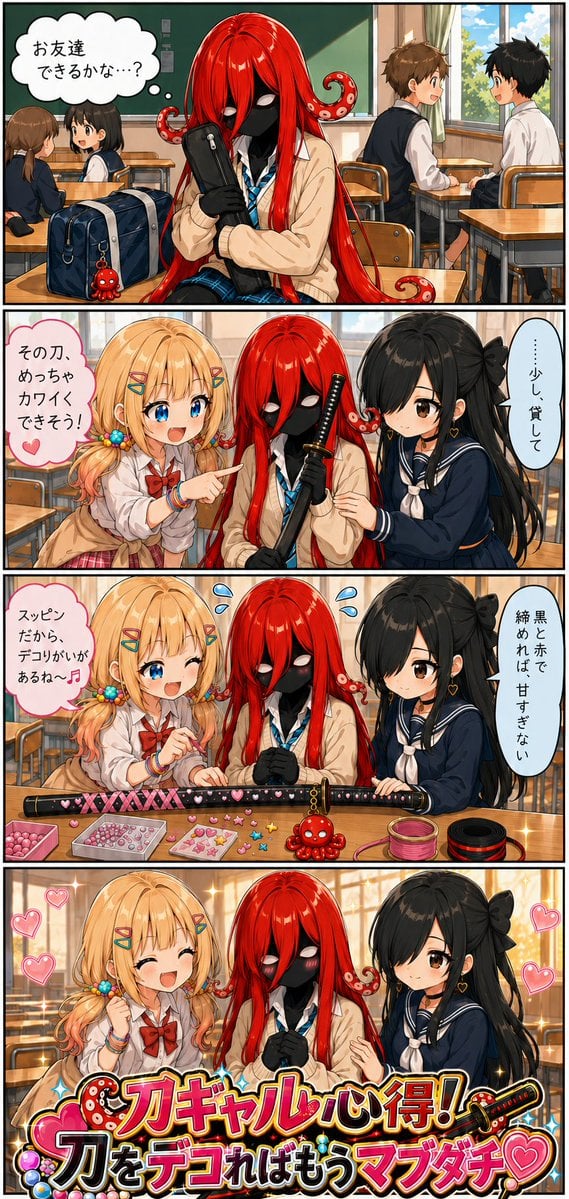
- Prompt included
- Model and format preset
- Free template
The prompt behind this image
Copy the exact prompt behind Panel Anime Manga Storyboard, or open it in the studio and make it yours.
画像①:{argument name="主要キャラクター" default="アザティーちゃん(金髪)&美門ちゃん(黒髪・片目隠れ)"}の資料 画像②:{argument name="ゲストキャラ" default="学園へ入学するゲストキャラ"}の資料 顔・髪・瞳・肌・衣装・体型・固有特徴を忠実に維持し、縦長カラー4コマを生成。別人化・特徴の追加や消失は禁止。均一でクリーンなアニメ塗り、自然な5本指、正確な日本語。 【性格】 アザティー:明るいデコ好きギャル。ピンクの丸いPOP文字。 美門:物静かで器用。細い明朝体風文字。 ゲスト:画像②から性格を読み取る。喋れない設定なら台詞を与えず、心の声と仕草のみ。 【刀の基準】 刀の形、鞘、柄、鍔、配色、素材、装飾は画像②を参照。 ・画像②の刀が装飾済みの場合 1・2コマ目では装飾だけを外した“素の状態”で描く。刀本体の形・色・柄・鍔は変えない。3コマ目で2人が装飾を施し、画像②と同じ完成デザインにする。 ・画像②の刀がシンプルで未装飾の場合 1・2コマ目では画像②のまま描き、3コマ目でキャラに似合う装飾を新しく加える。 ・画像②に刀がない場合 ゲストに似合うシンプルな鞘入りの刀を自動生成し、3コマ目で装飾する。 2・3コマ目は必ず同一の刀。長さ、鞘、柄、鍔を統一し、刃は見せない。 【1コマ目】 入学初日の教室。ゲストが小さく座り、刀ケースを抱える。周囲の生徒は談笑中。 心の声「お友達できるかな…?」 【2コマ目】 左にアザティー、中央にゲスト、右に美門。ゲストはケースから出した素の刀を持つ。 アザティー「その刀、めっちゃカワイくできそう!」 美門「……少し、貸して」 【3コマ目】 机で同じ刀を{argument name="作業" default="デコる"}。アザティーはリボン、ハート、ラインストーン、美門は黒赤の組紐を担当。装飾済みの刀が参照にある場合は、その完成デザインを正確に再現する。ゲストは中央で汗マーク💦を出して見守る。 アザティー「スッピンだから、デコりがいがあるね~🎶」 美門「黒と赤で締めれば、甘すぎない」 ゲストをモチーフにした小さなマスコットキーホルダーを、短い金色チェーンで鞘へ接続。机上の玩具に見せない。 【4コマ目】 夕日の教室。左に笑顔のアザティー、中央に喜ぶゲスト、右に微笑む美門。3人が仲良く寄り添う。無表情系のキャラは頬の赤みや仕草で喜びを表現。実物の刀は描かない。 画面下部に、3人の色や特徴、ハート、ビーズ、黒リボンなどを組み合わせたPOPな友情Textロゴを配置。 「刀ギャル心得! 刀をデコればもうマブダチ♡」 太い白黒アウトラインと金縁のステッカー風。顔を隠さず、文字を正確に描く。 吹き出しのしっぽは正しい話者へ向ける。キャラ・衣装・刀・小物を全コマで統一。余分な台詞、文字化け、巨大な刀、透かし、色ムラは禁止。
How to use Panel Anime Manga Storyboard in 3 steps
- 1Upload ImagePNG, JPG or paste
Add your photo
Upload the photo the template builds on. The prompt, model and format are already set.
- 2…a portrait of your subject in softgolden-hour light, 85mm…
Personalize
Edit the subject and creative details for your destination.
- 3Generate
Generate
Press Generate — your image is created in PicX Studio, so you can compare it with the original and refine one variable at a time.
More like this
Templates with the same subject, style or setup. Open one to see its prompt.

Four-Panel Anime Face Comparison
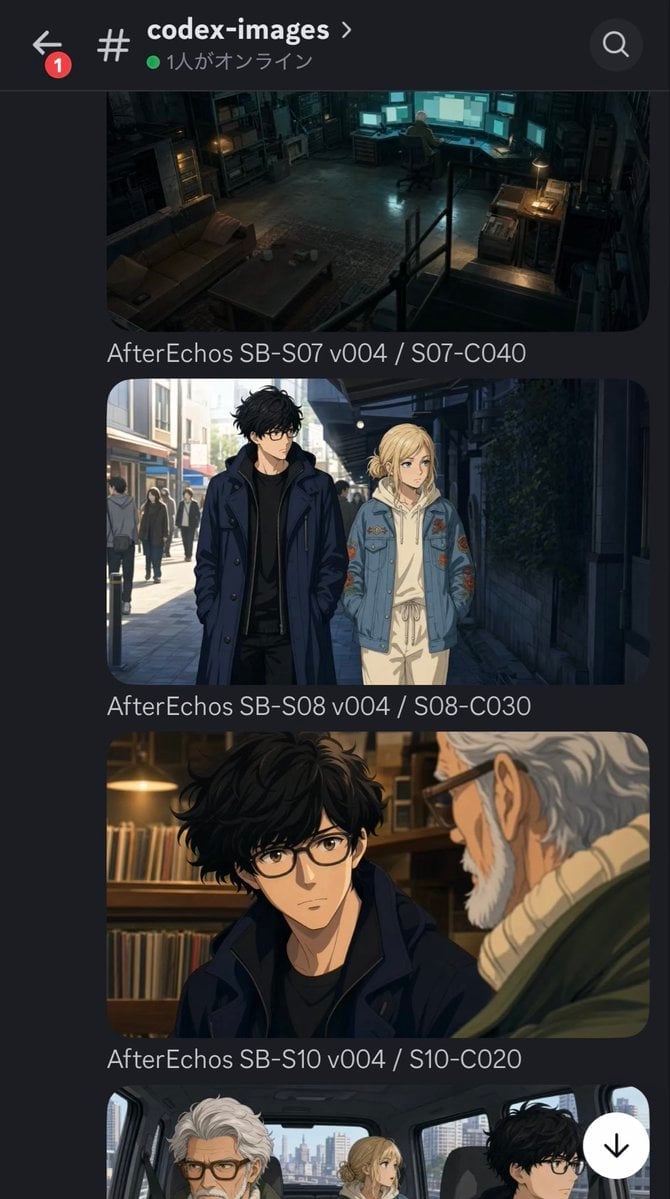
Discord Anime Storyboard Feed
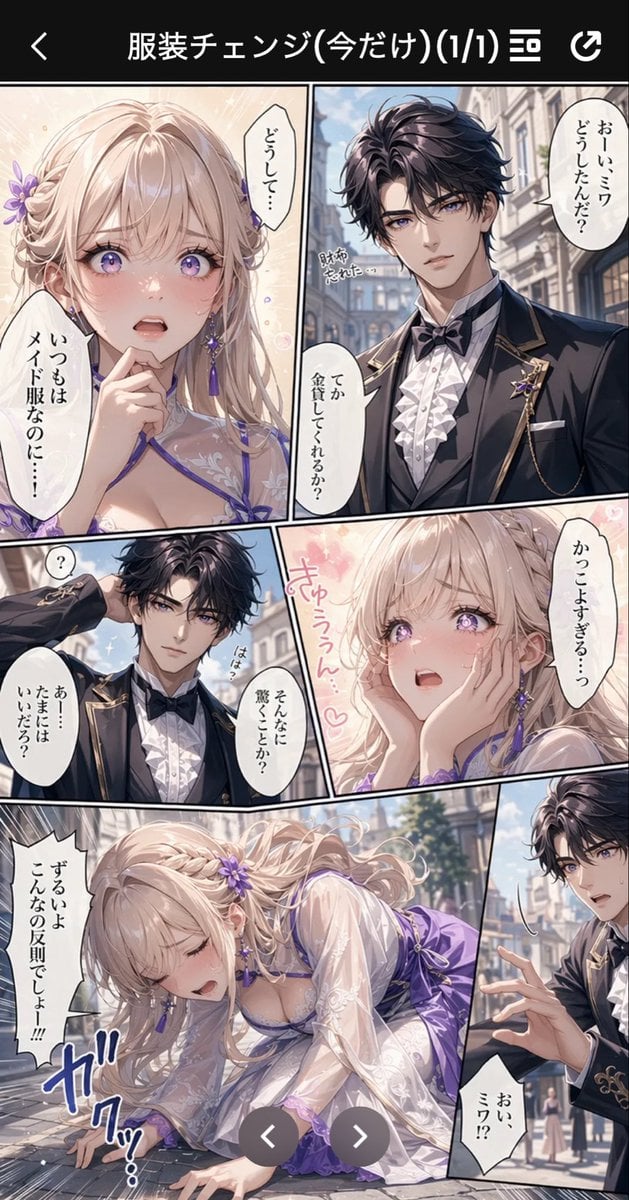
Anime Butler Date Manga Screenshot
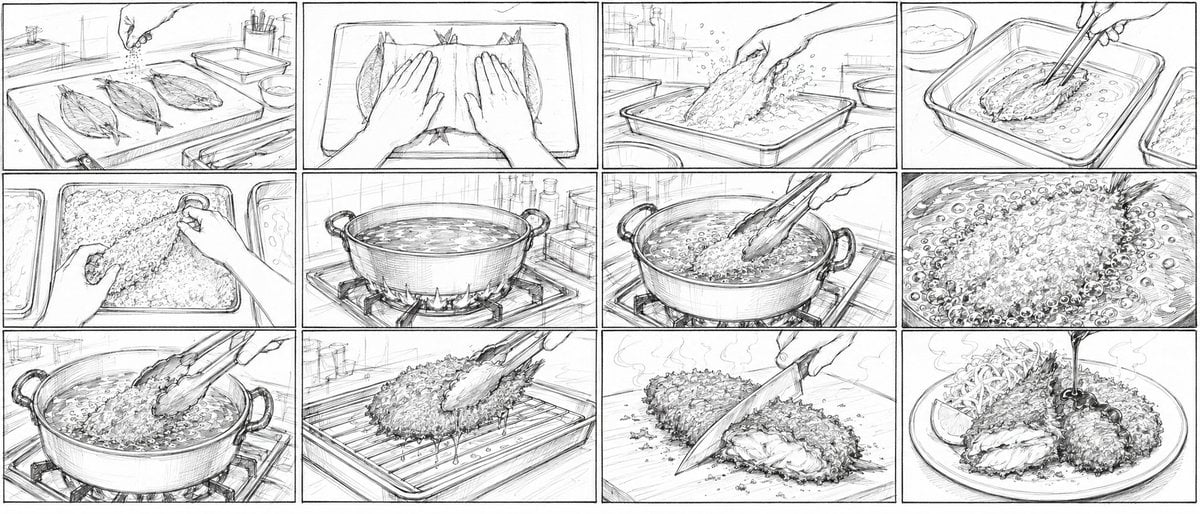
Aji Fry Anime Cooking Storyboard
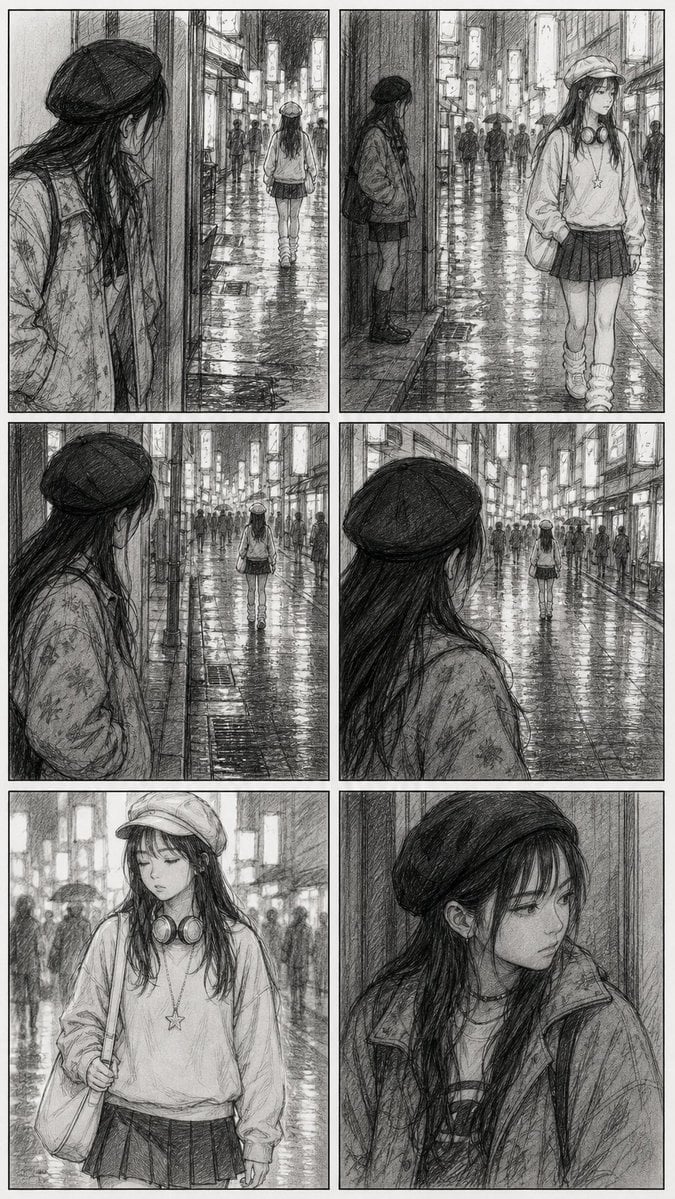
Rainy City Manga Storyboard
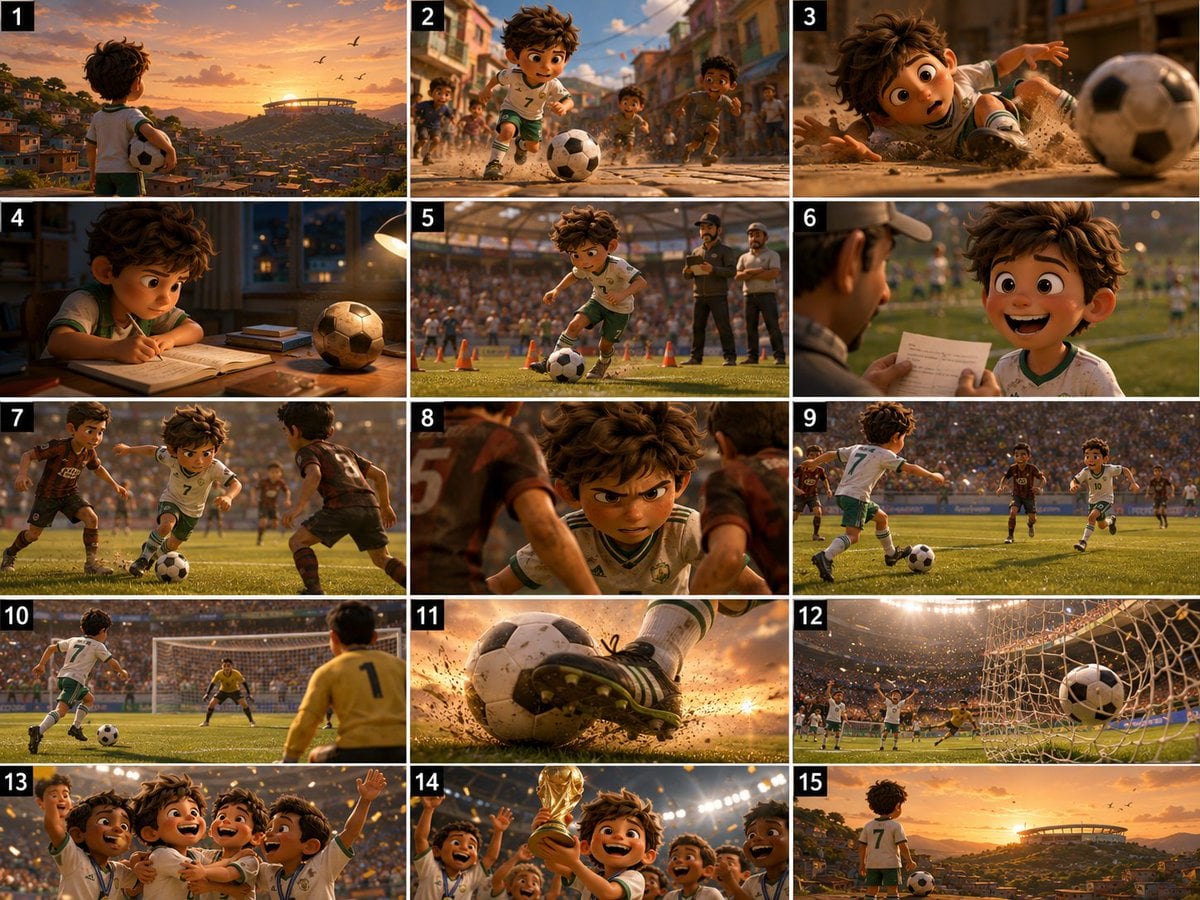
Panel Football Boy Storyboard

Seven-Panel Cyberpunk Manga Alley

Cel 2D Finale Fireworks

Cel 2D Garden Maze

Cel 2D Rooftop Concert

Cel 2D Bicycle Coast

Cel 2D Castle Gate
Make it yours
Panel Anime Manga Storyboard works as-is. These are the safest ways to change it without losing the look.
Change one field
Copy a single group, rewrite it, and generate again so you can see what that field is doing.
Keep the frame, change the subject
Hold the composition and light of 4-Panel Anime Manga Storyboard, then swap wardrobe, props or the person for a new take.
| If the result… | Why | Fix |
|---|---|---|
| The result drifts from the preview | Too many fields changed at once. | Reuse 4-Panel Anime Manga Storyboard as-is first, then change one group — subject, light, or setting. |
| The model over-stylizes the scene | The prose prompt leaves finish and camera underspecified. | Add one camera or lighting sentence and stay on GPT Image 2. |
More GPT Image 2 templates
Other prompts made for GPT Image 2.

Six VTuber Japanese Logo Sheet

Realistic Portrait of Woman and Deer

The Vista Modular Condo Poster

AI Model Routing Comparison Infographic

2.5D Anime Art Board

Isometric Productivity Desk Scene

New York Double Exposure Poster

Four-Panel AI Landscape Comparison

Japanese Tatami Lifestyle Magazine Cover

NESCAFÉ Coffee Map Poster
More image prompts
Fresh picks from across the catalog.
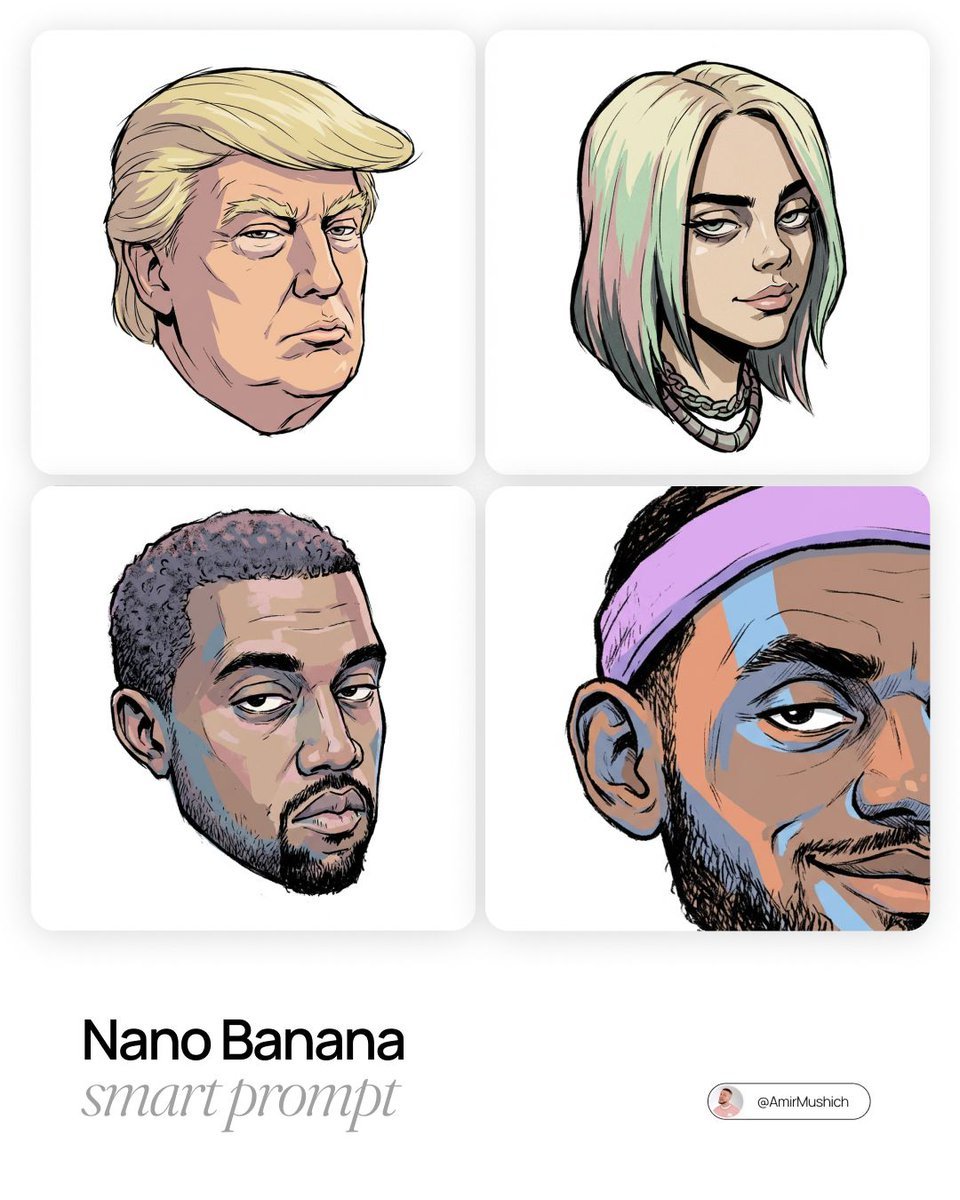
Gorillaz-Styled Illustration Prompt
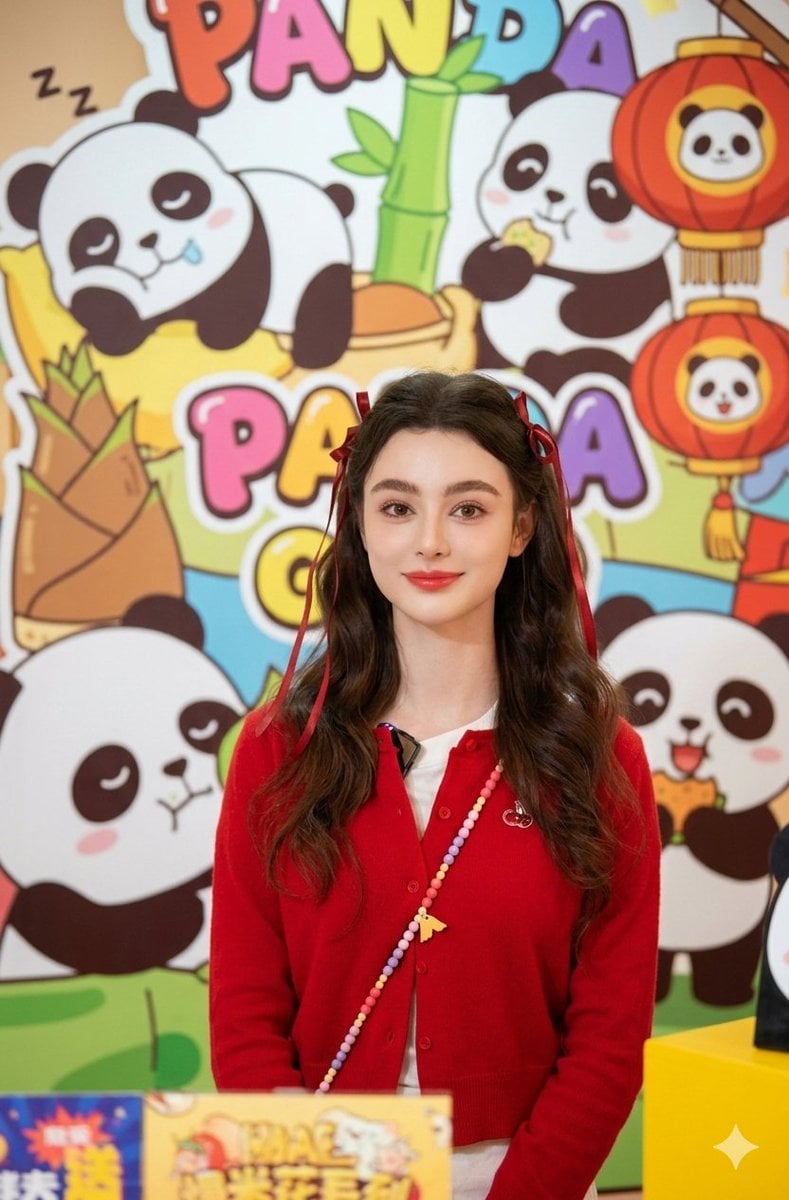
Portrait of Dasha Taran in Kawaii Fashion
Introspective Indoor Portrait with Book Covering Face Prompt
Rimpa Style Decorative Art
Backlit Silver-Haired Model Portrait
Ultra-Realistic Cinematic Male Portrait Prompt
90s Hong Kong Cinema Portrait
Cinematic Black & White Portrait with Face Match
1979 County Fair Photo Generation Prompt
Sun-Drenched Candid Selfie Portrait
Browse template categories
Panel Anime Manga Storyboard questions
How do I use the 4-Panel Anime Manga Storyboard template?
Add your photo if the template asks for one, edit the prompt if you like — the template's model and format are already selected — and press Generate. Your version opens in PicX Studio.
Can I customize the 4-Panel Anime Manga Storyboard template?
Yes. You can change the subject, setting, lighting, mood, format, and available model controls before creating your image.
Is the 4-Panel Anime Manga Storyboard template free?
Opening and editing this template is free. Generating uses credits, shown on the Generate button when you are signed in.
Which AI model should I use?
Start with GPT Image 2, which is the model associated with this template. You can compare another compatible model for a different finish.
Looking for something else? Browse all templates.

Your photo, any look
Thousands of ready templates for every top image and video model, from one credit balance.