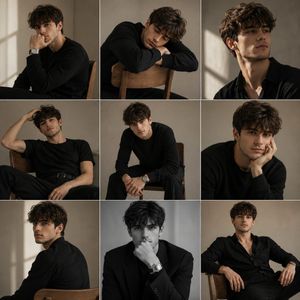
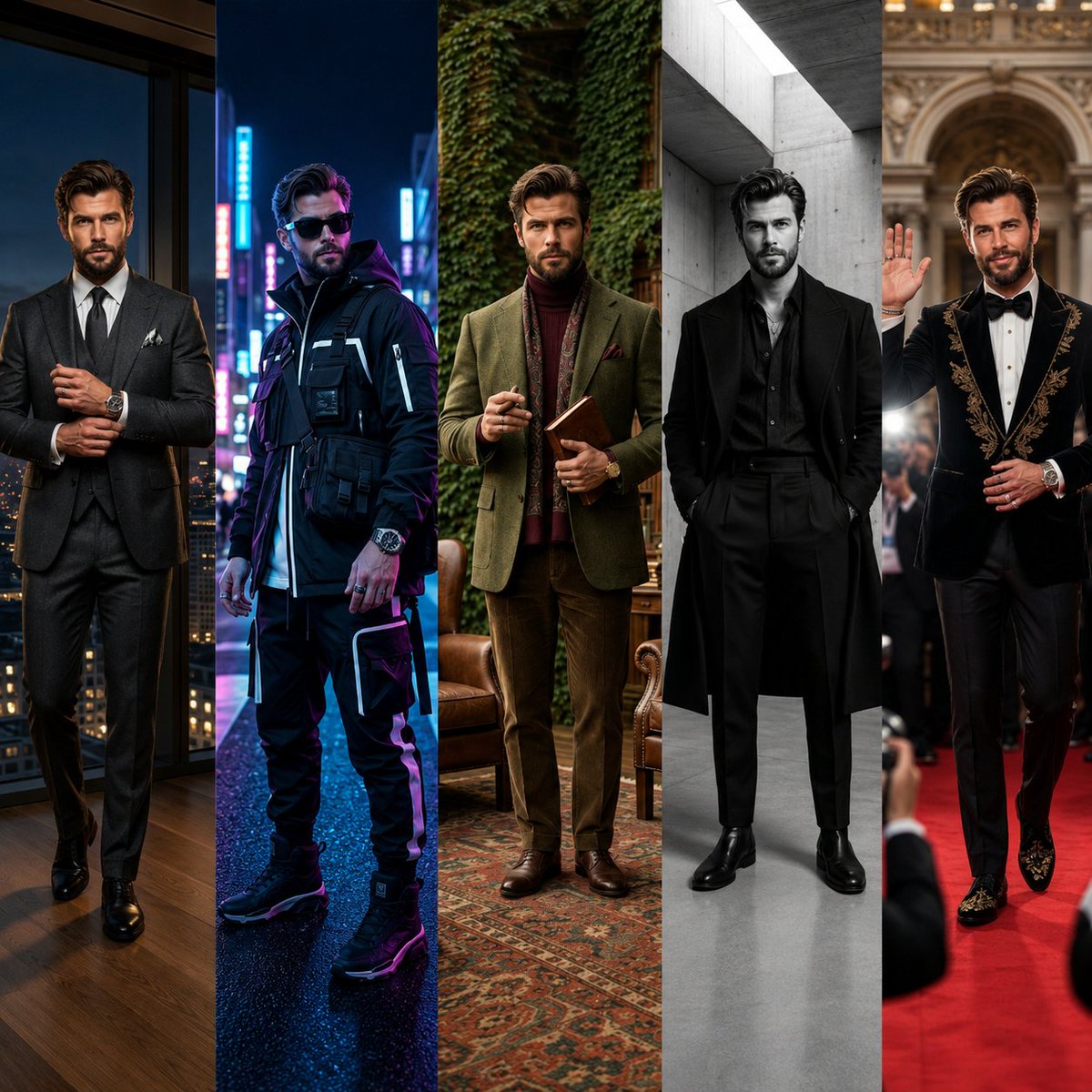
How do I use the Luxury Studio Korean Fashion Portrait template?
Choose the primary action to open PicX Studio with the available template settings. Review the model and format, personalize the creative direction, and generate when ready.
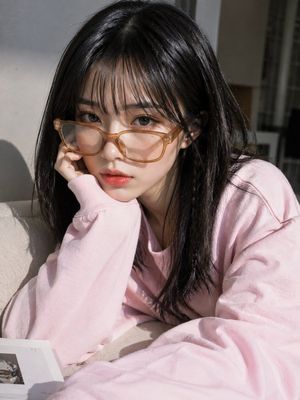
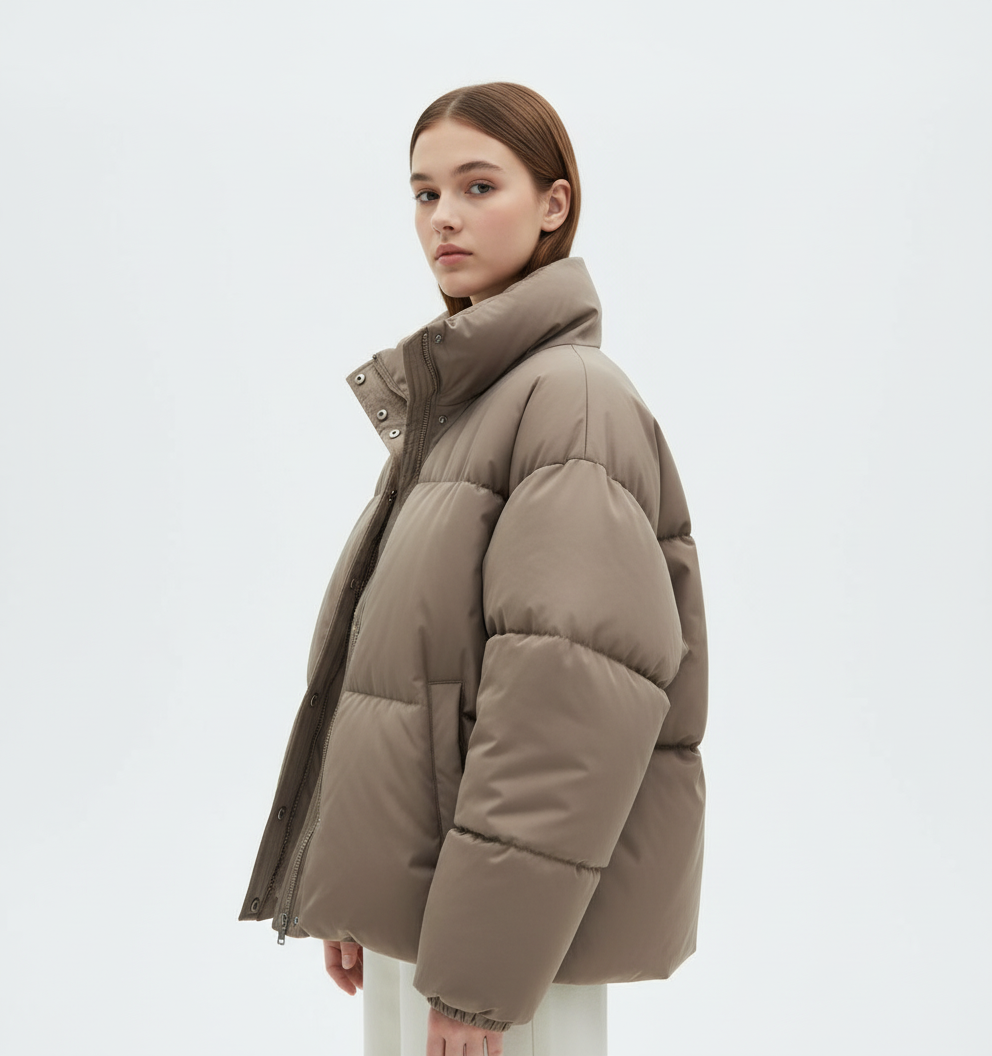
A professional studio photography prompt designed for high-end fashion editorials, featuring an adult Korean woman in sophisticated attire with realistic lighti
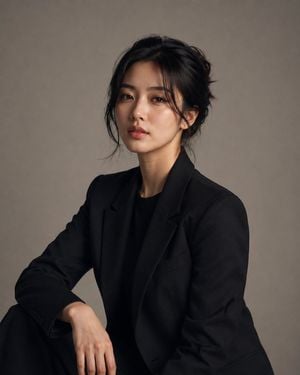
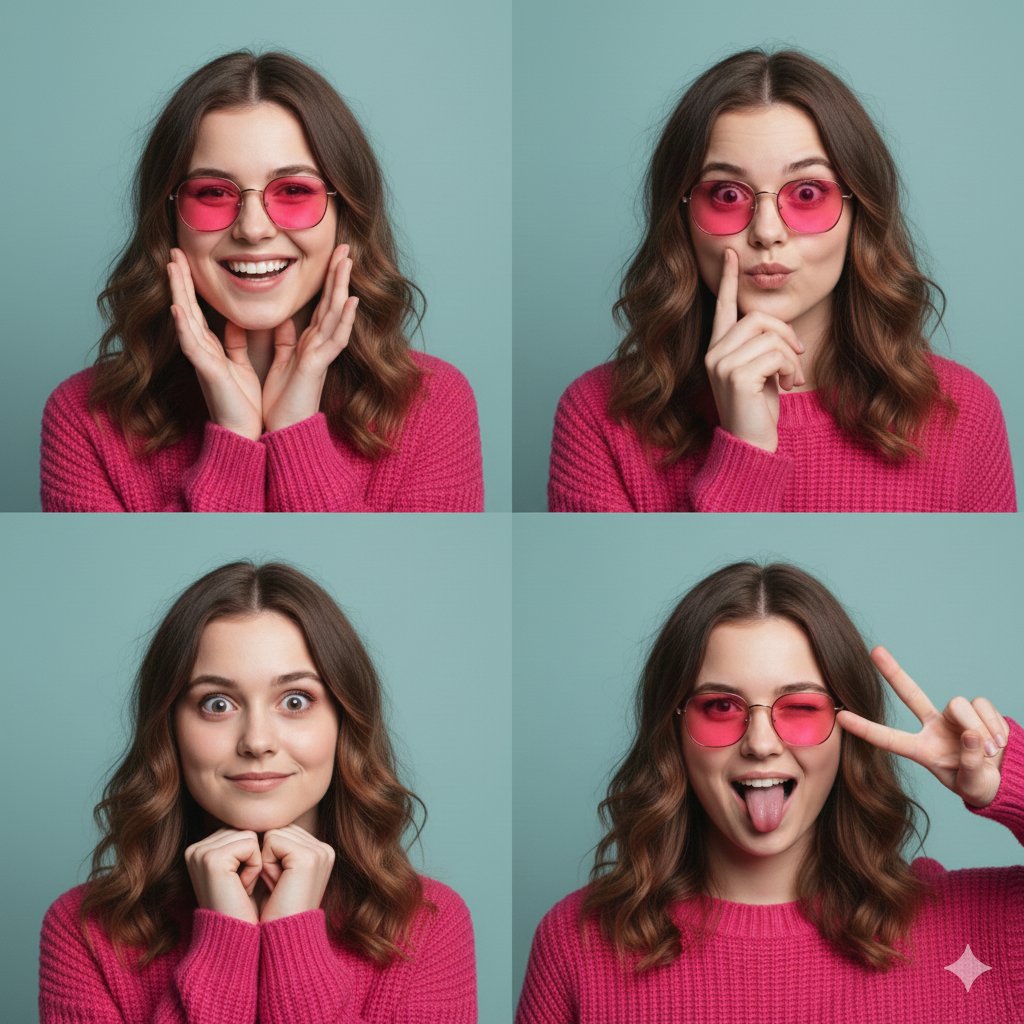
Create a highly photorealistic luxury studio photoshoot of a clearly adult {argument name="ethnicity" default="Korean"} woman, dressed in an {argument name="outfit" default="elegant, sophisticated outfit"} with refined styling and impeccable tailoring. She looks naturally attractive, confident, graceful, and effortlessly charismatic. Use a minimalist professional studio environment with a clean neutral background and very minimal cinematic lighting—a single large soft key light with subtle falloff, gentle shadows, and controlled highlights. Keep the lighting understated and realistic rather than dramatic. Her styling should feel like a high-end fashion editorial: polished natural makeup, softly defined eyes, subtle rosy lips, healthy realistic skin texture, and beautifully styled dark hair. Preserve authentic skin pores, fine facial details, natural asymmetry, and realistic proportions. Pose her naturally with relaxed confidence, using an elegant posture and subtle expression while looking toward the camera. The entire composition should be fully focused on her, with no distracting props, accessories, scenery, or background elements. Shot like a premium professional fashion campaign using a high-end full-frame camera, 85mm portrait lens, shallow but controlled depth of field, precise focus on the eyes, realistic optical rendering, natural skin tones, soft tonal transitions, subtle film grain, and immaculate studio detail. Overall aesthetic: quiet luxury, sophisticated Korean fashion editorial, minimalist studio photography, understated elegance, authentic beauty, premium magazine campaign, realistic photography, natural retouching, no excessive glamour effects, no artificial-looking skin. Aspect ratio: 4:5 vertical.
Choose the primary action to open PicX Studio with the available template settings. Review the model and format, personalize the creative direction, and generate when ready.
Yes. You can change the subject, setting, lighting, mood, format, and available model controls before creating your image.
This template is free to open and customize. Generation usage is shown in PicX Studio before you create.
Start with GPT Image 2, which is the model associated with this template. You can compare another compatible model for a different finish.
Follow a topic to a crawlable collection of related PicX Studio templates.