
Classical European Architectural Portrait
A prompt for generating high-fashion editorial portraits in front of classical European buildings, focusing on identity preservation from a reference image.
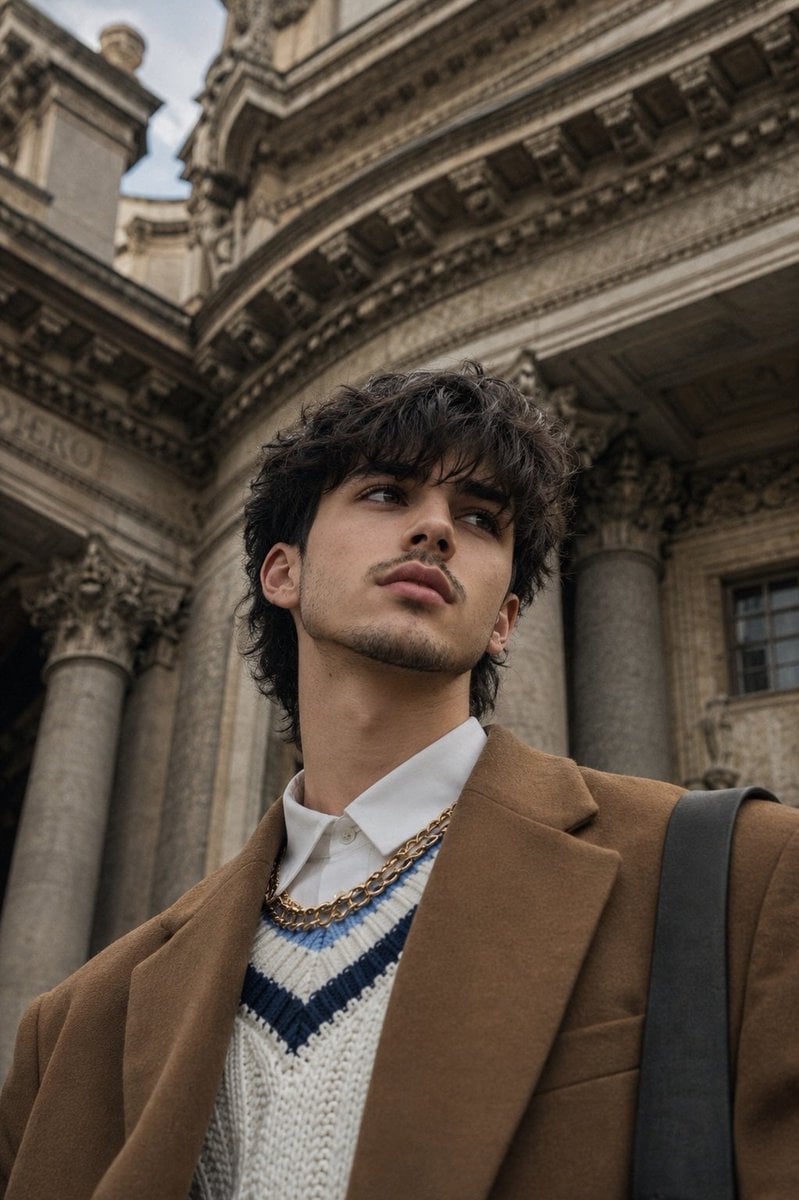
- Prompt included
- Model and format preset
- Free template
The prompt behind this image
Copy the exact prompt behind Classical European Architectural Portrait, or open it in the studio and make it yours.
Use the uploaded reference image as the exact identity reference for the person. Preserve the same facial identity, facial proportions, jawline, nose, lips, eyes, eyebrows, skin texture, hair color, hairstyle, and overall appearance.\n\nCreate a photorealistic cinematic fashion-editorial portrait of the same {argument name="subject" default="young man"} in a different pose. He is standing outdoors in front of a {argument name="location" default="grand classical European architectural building"} with tall weathered stone columns, ornate Corinthian capitals, curved stone details, and an elegant historic facade.\n\nShoot from a low-angle perspective, with the camera positioned slightly below chest level and pointed upward. The subject is turned slightly three-quarters toward the camera, with his head gently tilted upward and to the side, looking away from the lens with a calm, confident, thoughtful expression. Relaxed posture, shoulders naturally angled, one arm partially visible in the foreground.\n\nHe wears a refined contemporary vintage-inspired outfit: {argument name="outfit" default="oversized camel-brown tailored blazer"}, crisp white collared shirt underneath, textured cream knit sweater vest with subtle navy-blue horizontal detailing, layered gold chain necklace, and a dark shoulder bag strap crossing naturally over one shoulder. Minimal accessories, understated luxury, no prominent logos.\n\nMaintain the subject's natural tousled dark brown hair, realistic individual strands, subtle facial hair, natural skin pores and texture, realistic lips and eyes, authentic anatomy.\n\nLighting is soft natural overcast daylight with gentle highlights and muted shadows. Warm-neutral cinematic color grading with subtle beige, brown, cream, olive, and stone-gray tones. Slightly desaturated vintage photography feel, realistic dynamic range, soft atmospheric depth.\n\nUse a 50mm full-frame lens look, low-angle close-to-medium framing, shallow depth of field while keeping the face sharp and the architectural background gradually softer. Authentic smartphone/editorial photography character with slight natural lens distortion from the low angle, realistic perspective, subtle film grain, fine texture, soft highlights, and understated cinematic contrast.\n\nComposition: vertical 2:3 fashion editorial, subject positioned slightly off-center, architectural columns framing him naturally, generous background space above the head, immersive perspective, candid luxury street-style aesthetic.\n\nUltra-realistic, high-detail, professional fashion photography, natural skin, authentic facial identity, realistic fabric texture, realistic stone architecture, cinematic atmosphere, editorial quality.\n\nNegative prompt: different person, altered facial identity, excessive retouching, plastic skin, over-sharpening, distorted face, unnatural eyes, extra fingers, malformed hands, exaggerated muscles, cartoon, CGI, illustration, excessive HDR, oversaturated colors, visible watermark, prominent logos, artificial lighting.
How to use Classical European Architectural Portrait in 3 steps
- 1Upload ImagePNG, JPG or paste
Add your photo
Upload the photo the template builds on. The prompt, model and format are already set.
- 2…a portrait of your subject in softgolden-hour light, 85mm…
Personalize
Edit the subject and creative details for your destination.
- 3Generate
Generate
Press Generate — your image is created in PicX Studio, so you can compare it with the original and refine one variable at a time.
More like this
Templates with the same subject, style or setup. Open one to see its prompt.

Found Photograph: Us, 1970

80s Couple Studio Portrait

80s Bollywood Star

80s Golden Hour Cinema

Me in 1985

1985 Studio Portrait

Hyper-Realistic Minecraft POV Portrait

Rooftop Fisheye — Cat-Ear Balaclava at Golden Hour
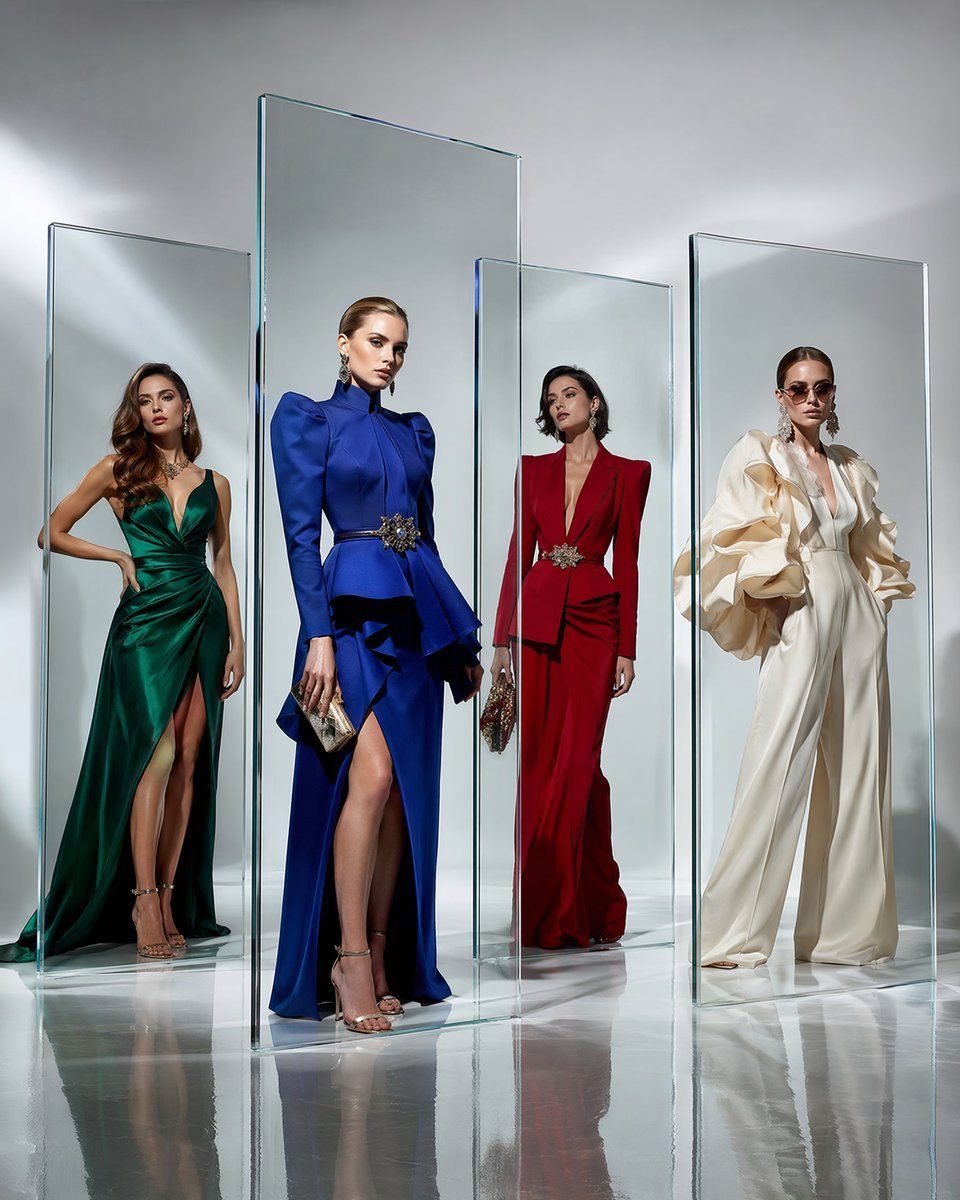
Crystal Panel European Couture Fashion Composite

Rainy Café Window Moody Portrait

untitled

2025 Aesthetic Photography
Make it yours
Classical European Architectural Portrait works as-is. These are the safest ways to change it without losing the look.
Change one field
Copy a single group, rewrite it, and generate again so you can see what that field is doing.
Keep the frame, change the subject
Hold the composition and light of Classical European Architectural Portrait, then swap wardrobe, props or the person for a new take.
| If the result… | Why | Fix |
|---|---|---|
| The result drifts from the preview | Too many fields changed at once. | Reuse Classical European Architectural Portrait as-is first, then change one group — subject, light, or setting. |
| The model over-stylizes the scene | The prose prompt leaves finish and camera underspecified. | Add one camera or lighting sentence and stay on GPT Image 2. |
More GPT Image 2 templates
Other prompts made for GPT Image 2.

Six VTuber Japanese Logo Sheet

Realistic Portrait of Woman and Deer

The Vista Modular Condo Poster

AI Model Routing Comparison Infographic

2.5D Anime Art Board

Isometric Productivity Desk Scene

New York Double Exposure Poster

Four-Panel AI Landscape Comparison

Japanese Tatami Lifestyle Magazine Cover

NESCAFÉ Coffee Map Poster
More image prompts
Fresh picks from across the catalog.

Jazz Theme Anime Key Visual
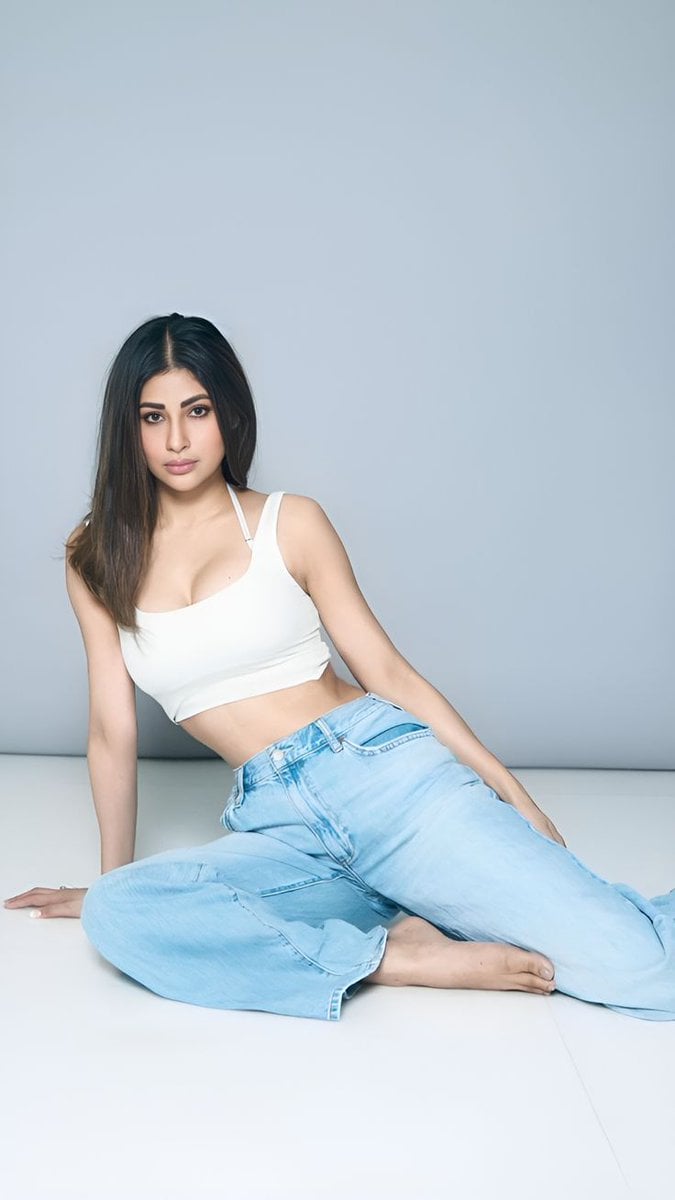
Quiet Luxury Travel Photography on the Amalfi Coast
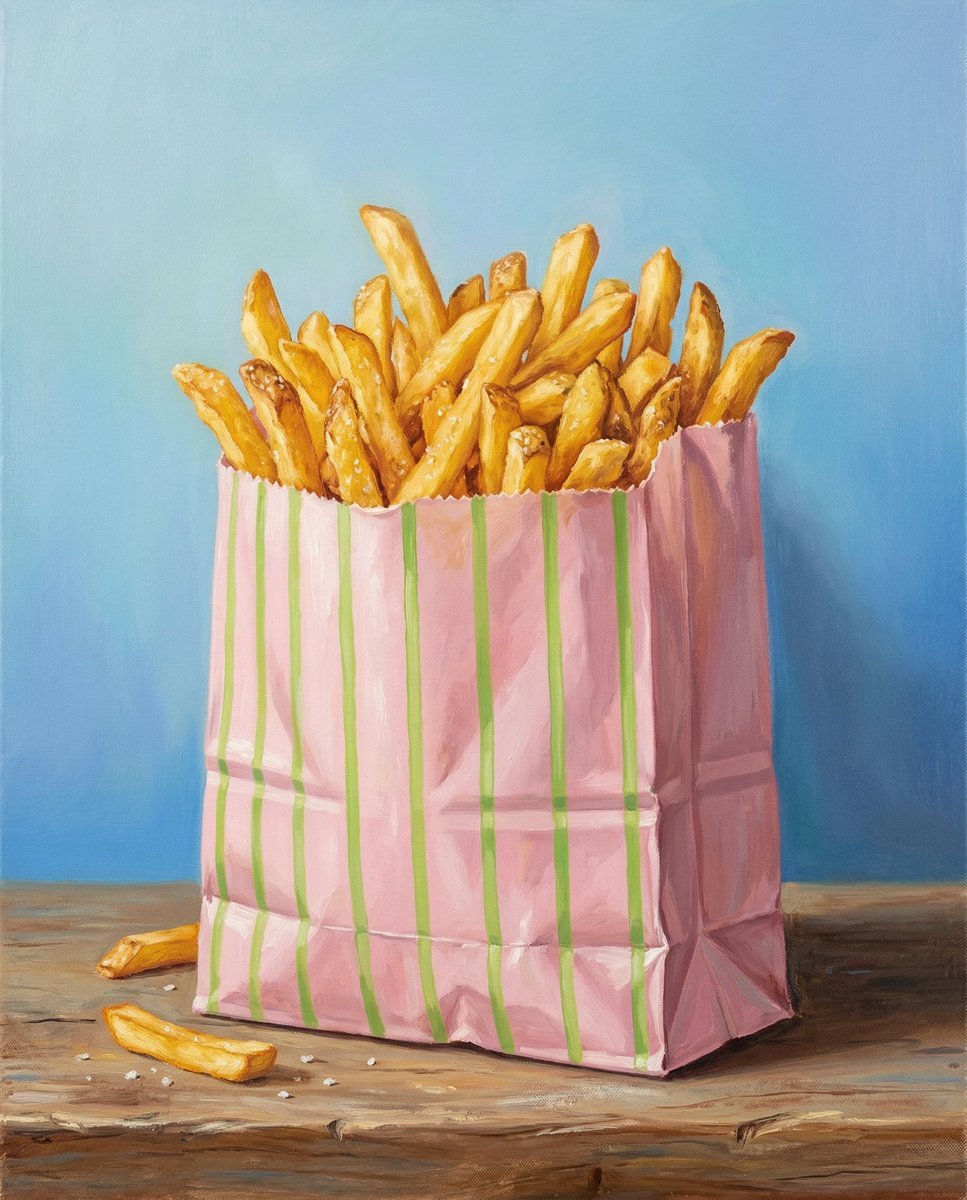
Hand-Painted Still Life of French Fries

Surreal Miniature Egg Art Scene Prompt
Cinematic Cyberpunk Portrait with Split Neon Lighting

Surreal Cinematic Scene: Man Emerging from Phone with Tiny Cartoon Boy
Eye-Level Food Photography Prompt
Golden Hour Portrait of a Smiling Young Woman

Boy Chasing Airplane Contrail

Tech Product Announcement Infographic
Browse template categories
Classical European Architectural Portrait questions
How do I use the Classical European Architectural Portrait template?
Add your photo if the template asks for one, edit the prompt if you like — the template's model and format are already selected — and press Generate. Your version opens in PicX Studio.
Can I customize the Classical European Architectural Portrait template?
Yes. You can change the subject, setting, lighting, mood, format, and available model controls before creating your image.
Is the Classical European Architectural Portrait template free?
Opening and editing this template is free. Generating uses credits, shown on the Generate button when you are signed in.
Which AI model should I use?
Start with GPT Image 2, which is the model associated with this template. You can compare another compatible model for a different finish.
Looking for something else? Browse all templates.

Your photo, any look
Thousands of ready templates for every top image and video model, from one credit balance.