
Moody Monochrome Male Portrait
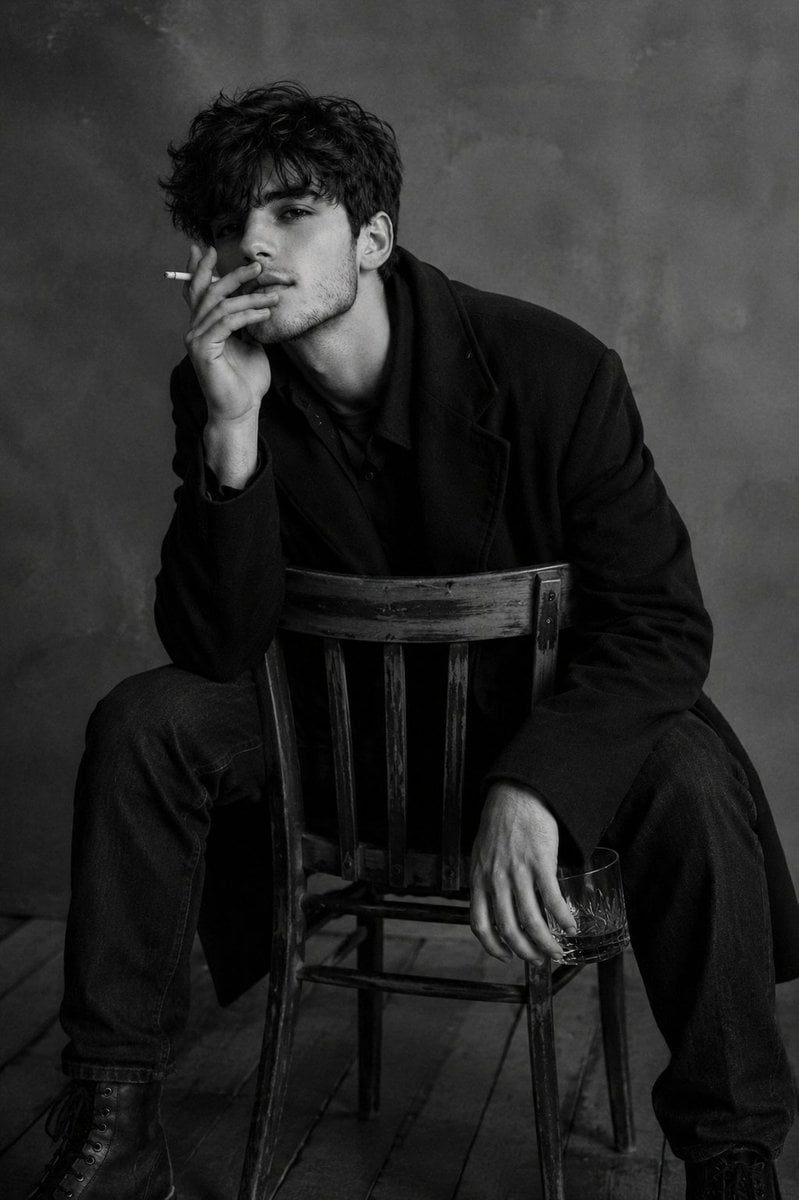
An intimate black-and-white studio portrait of a man sitting backward on a wooden chair, featuring high contrast and a melancholic gaze.
- Prompt included
- Model and format preset
- Free template
The prompt behind this image
Copy the exact prompt behind Moody Monochrome Male Portrait, or open it in the studio and make it yours.
Scene Description and Camera Angle An intimate indoor portrait of a man sitting on a wooden chair turned backward, with the backrest facing the camera. The camera angle is slightly low and from the side, positioned at the subject's chest level or slightly below, creating an intimate, observational feel. The composition is tight, with the man occupying most of the frame. The background is minimalist and gray, with no distracting details. Main Subject Use the person from the {argument name="reference image" default="attached reference image"}. Preserve his natural facial asymmetry, skin texture, eye shape, lip line, and distinctive tense, melancholic gaze. Pose The subject sits low, leaning slightly forward. One hand is raised toward his face, holding a cigarette between his fingers. His other hand hangs relaxed and holds a small glass. His posture is closed, thoughtful, slightly tired, with a sense of inner tension and silence. Clothing and Accessories A dark long coat or heavy wool jacket, dark shirt, dark jeans, and chunky boots. A cigarette in one hand and a transparent glass with a drink in the other. The clothing is restrained, rugged, and minimalist, without bright or distracting details. Additional Details An old, worn wooden chair, a matte gray background, a wooden floor, and subtle image grain. The scene feels like a photography studio or an empty room. Soft side lighting highlights the face, beard, hair, and folds in the clothing. Photography Style Black-and-white fashion/editorial photography with a magazine-shoot aesthetic. Cinematic portrait, natural-looking light, high contrast, soft shadows, subtle film grain, and realistic depth of field. Focus on the face and upper body, with the background slightly blurred. Atmosphere Dark, thoughtful, intimate, and slightly dramatic. A mood of solitude, fatigue, and inner dialogue. The subject looks mature, charismatic, calm, and tense at the same time. Image Quality As if photographed with an {argument name="camera type" default="iPhone 16 Pro"}: highly detailed, realistic dynamic range, natural skin texture, detailed hair, fabric, and wood, natural lighting, and professional portrait processing without plastic-looking skin.
How to use Moody Monochrome Male Portrait in 3 steps
- 1Upload ImagePNG, JPG or paste
Add your photo
Upload the photo the template builds on. The prompt, model and format are already set.
- 2…a portrait of your subject in softgolden-hour light, 85mm…
Personalize
Edit the subject and creative details for your destination.
- 3Generate
Generate
Press Generate — your image is created in PicX Studio, so you can compare it with the original and refine one variable at a time.
More like this
Templates with the same subject, style or setup. Open one to see its prompt.

Rainy Café Window Moody Portrait
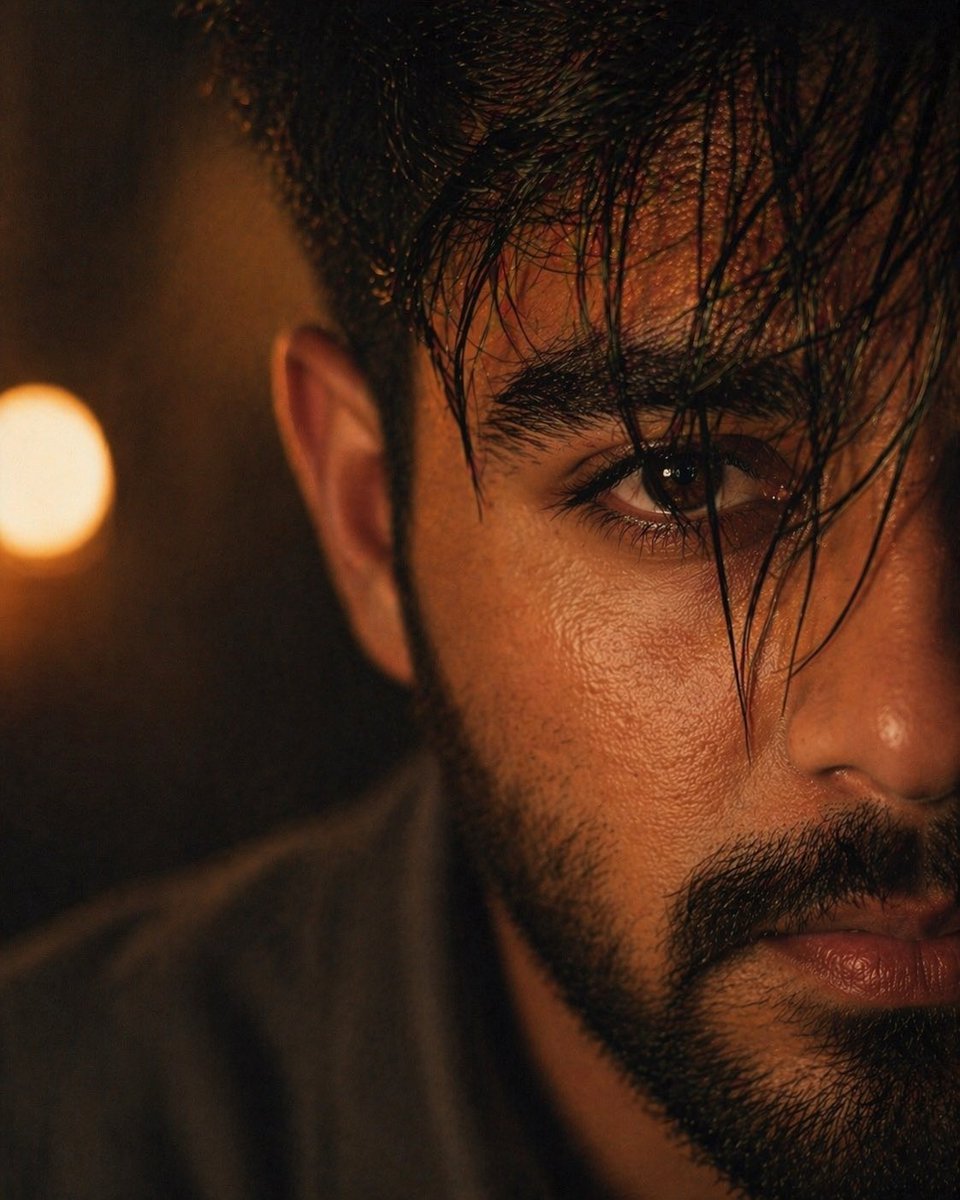
Moody Cinematic Close-up Male Portrait
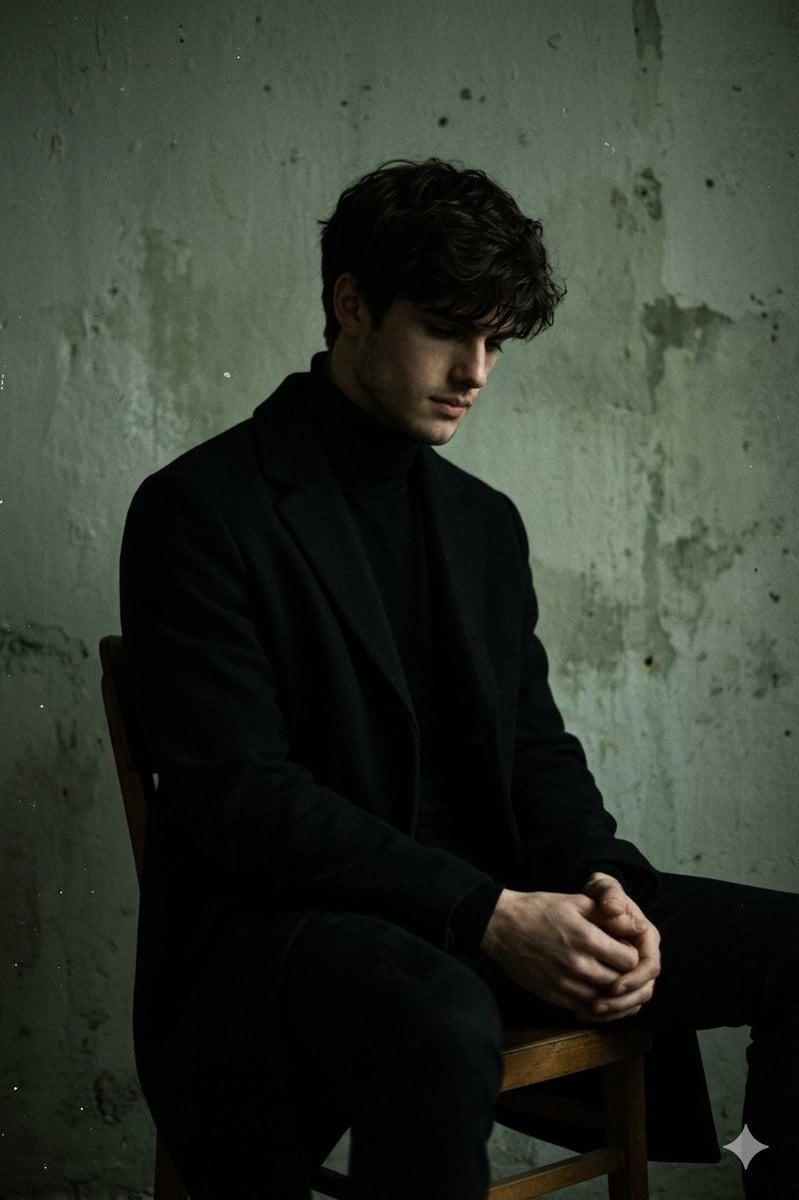
Moody Low-Key Male Portrait
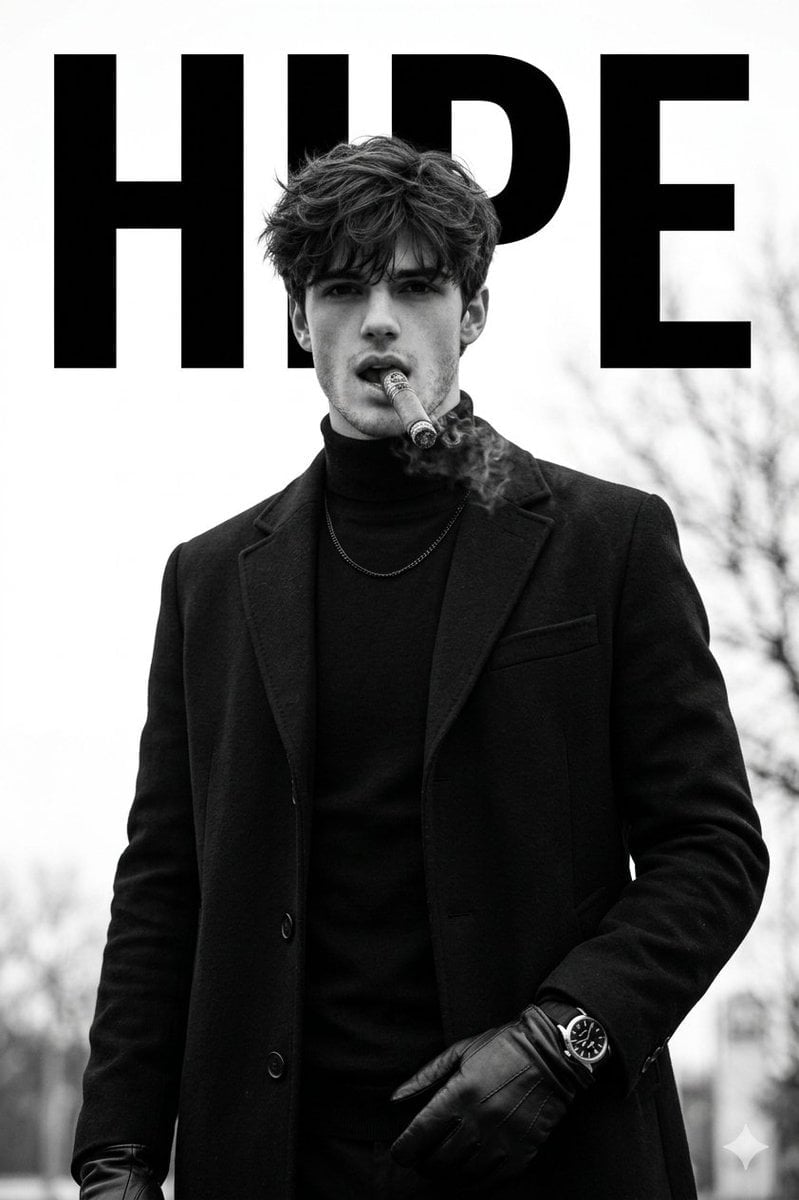
Luxury Monochrome Male Fashion Portrait
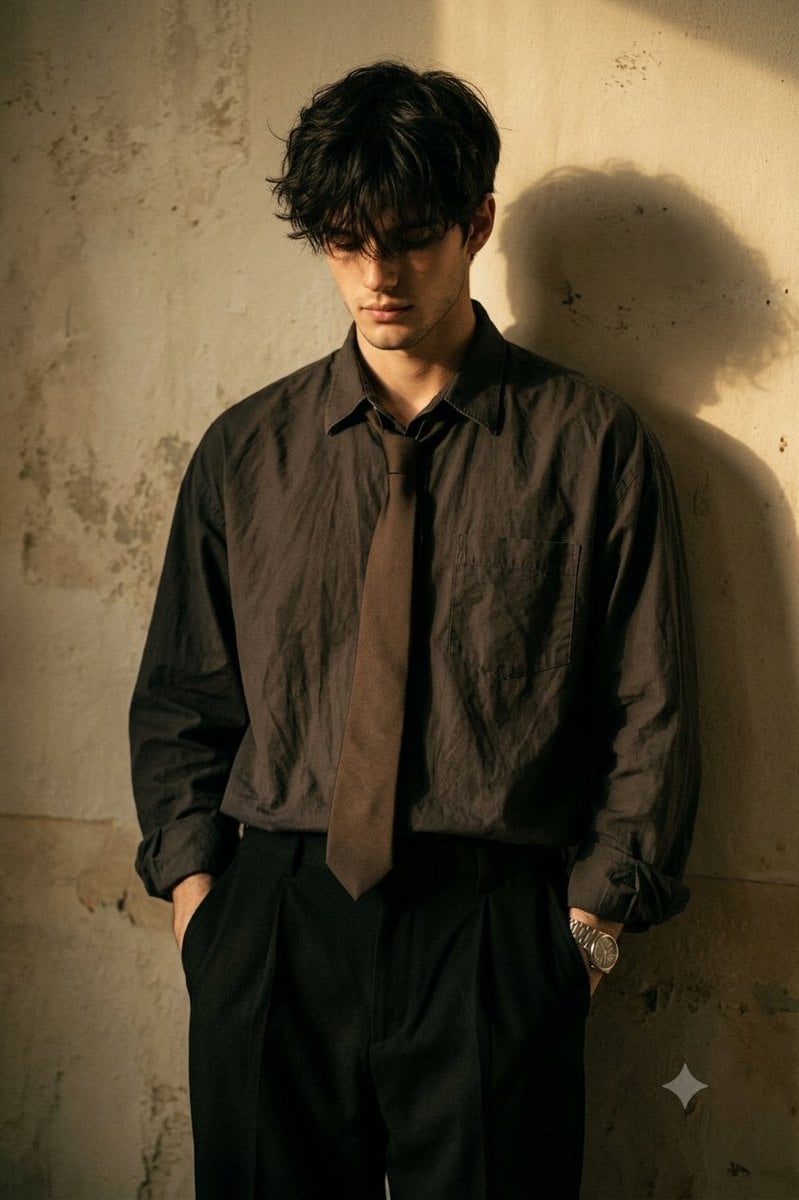
Moody Cinematic Male Portrait
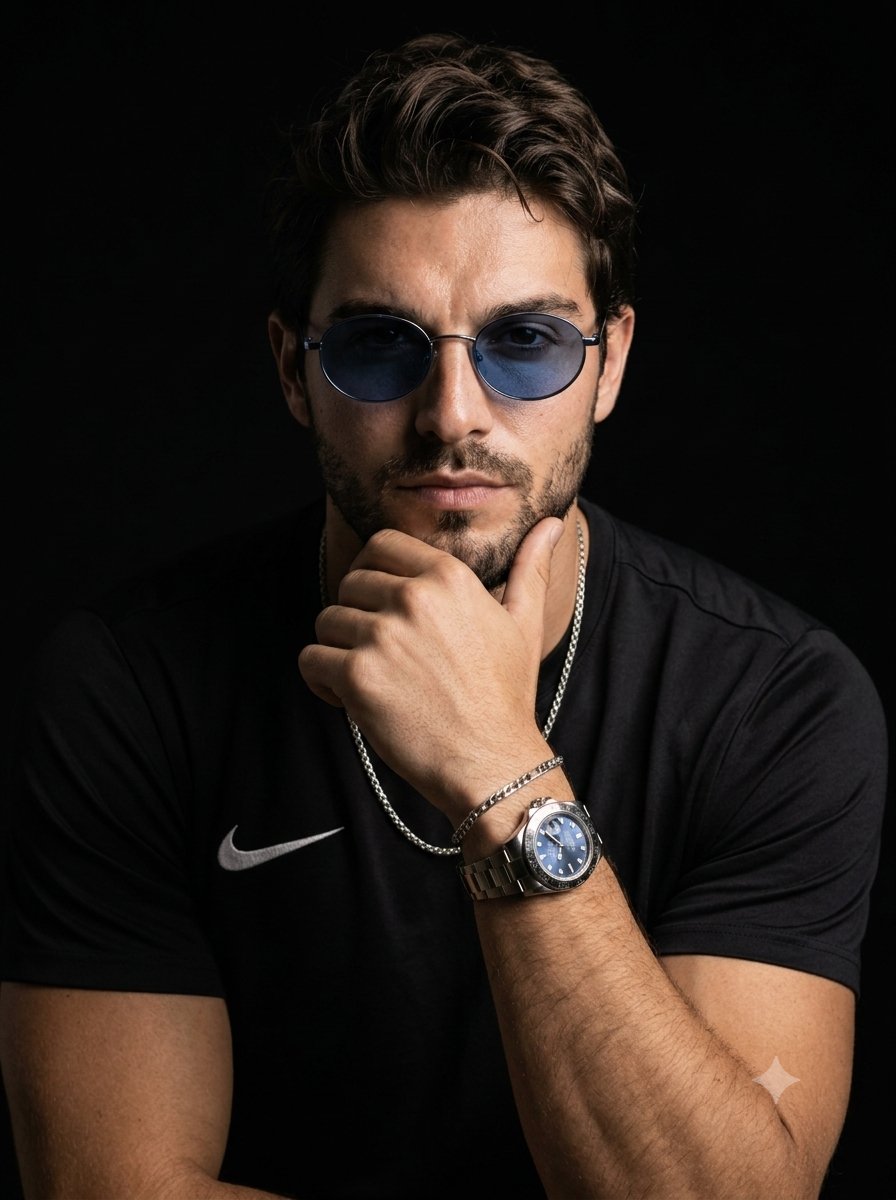
Moody Male Studio Portrait with Sunglasses
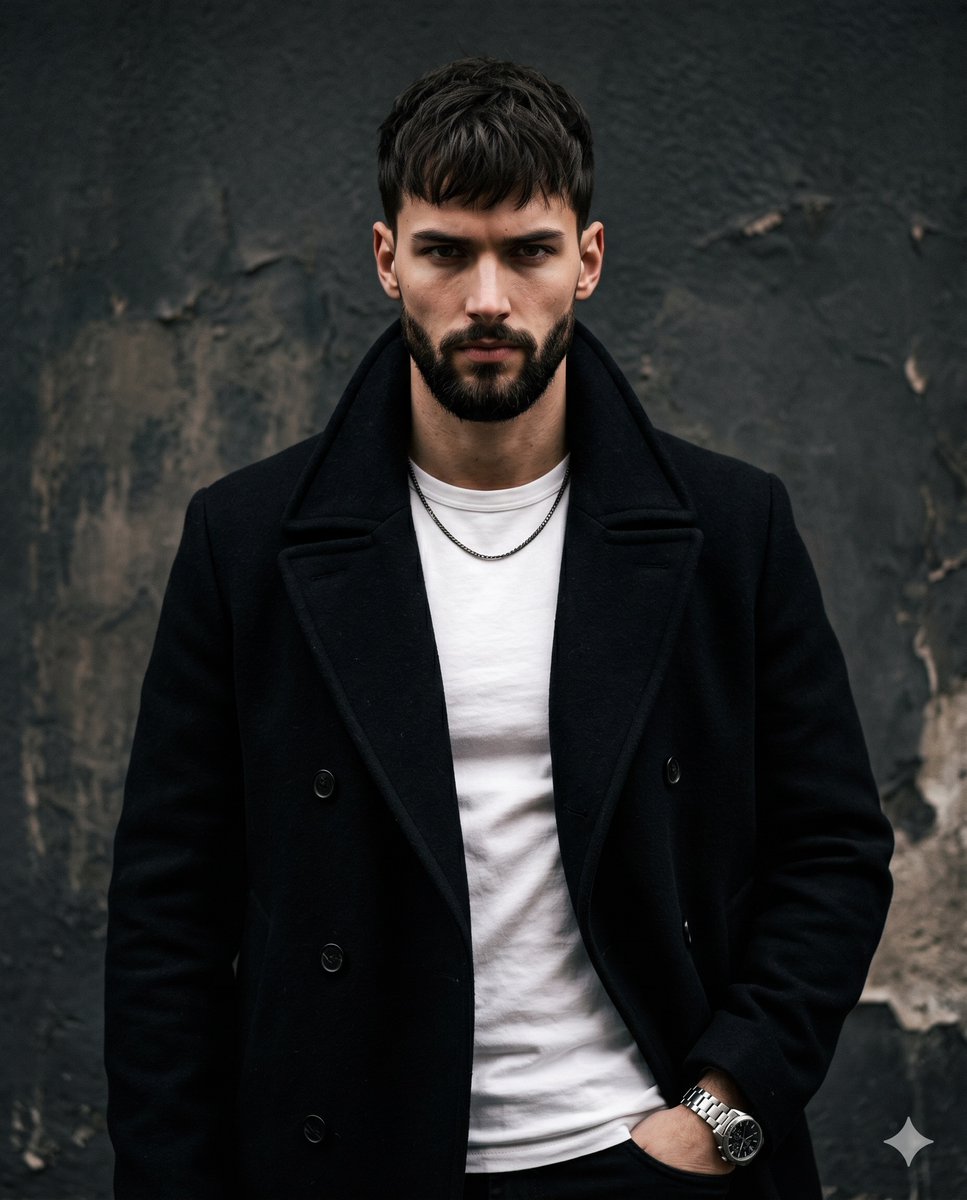
Moody studio male portrait

Found Photograph: Us, 1970

80s Couple Studio Portrait

80s Bollywood Star

80s Golden Hour Cinema

Me in 1985
Make it yours
Moody Monochrome Male Portrait works as-is. These are the safest ways to change it without losing the look.
Change one field
Copy a single group, rewrite it, and generate again so you can see what that field is doing.
Keep the frame, change the subject
Hold the composition and light of Moody Monochrome Male Portrait, then swap wardrobe, props or the person for a new take.
| If the result… | Why | Fix |
|---|---|---|
| The result drifts from the preview | Too many fields changed at once. | Reuse Moody Monochrome Male Portrait as-is first, then change one group — subject, light, or setting. |
| The model over-stylizes the scene | The prose prompt leaves finish and camera underspecified. | Add one camera or lighting sentence and stay on GPT Image 2. |
More GPT Image 2 templates
Other prompts made for GPT Image 2.

Six VTuber Japanese Logo Sheet

Realistic Portrait of Woman and Deer

The Vista Modular Condo Poster

AI Model Routing Comparison Infographic

2.5D Anime Art Board

Isometric Productivity Desk Scene

New York Double Exposure Poster

Four-Panel AI Landscape Comparison

Japanese Tatami Lifestyle Magazine Cover

NESCAFÉ Coffee Map Poster
More image prompts
Fresh picks from across the catalog.
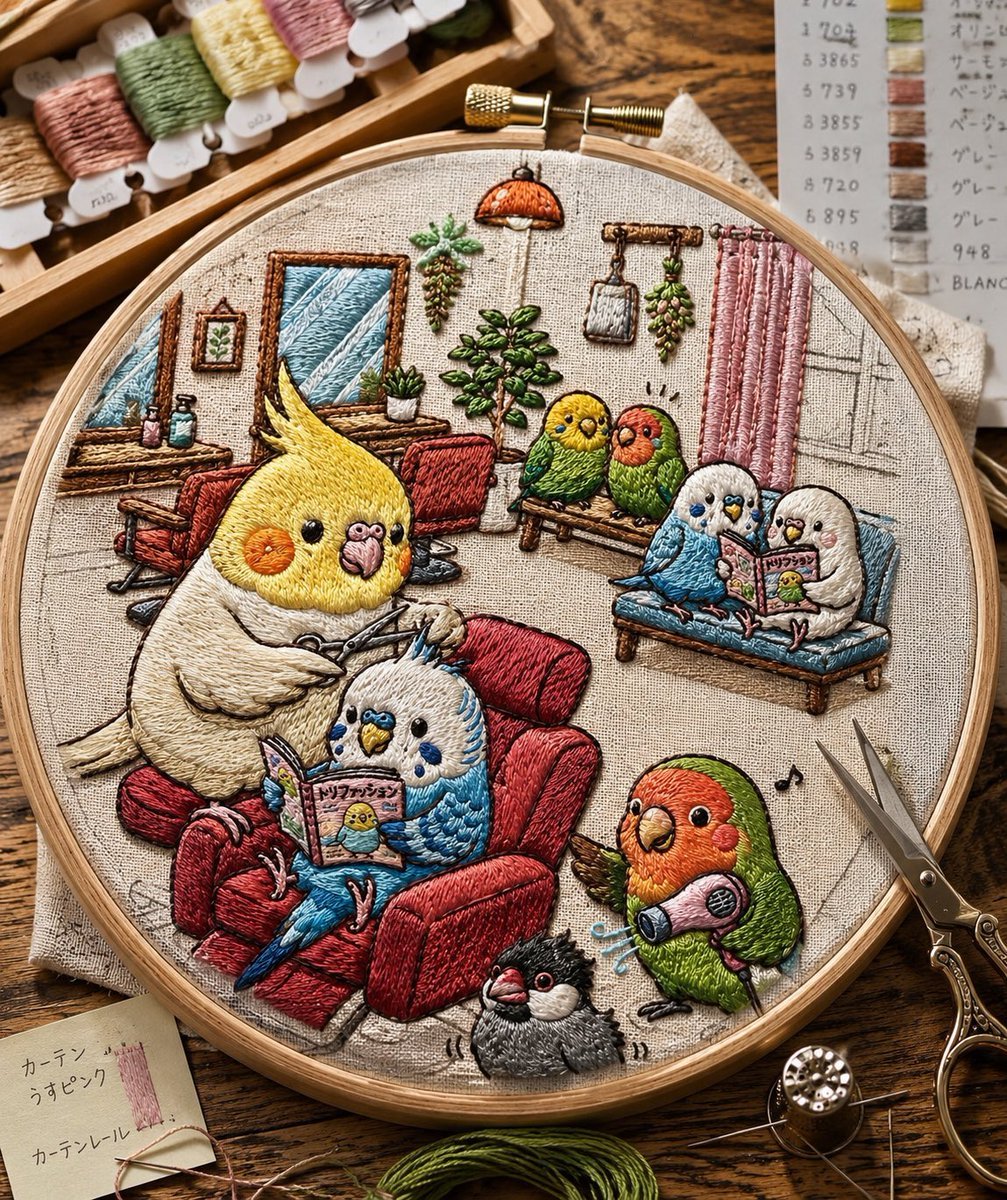
Embroidered Cozy Bird Living Room
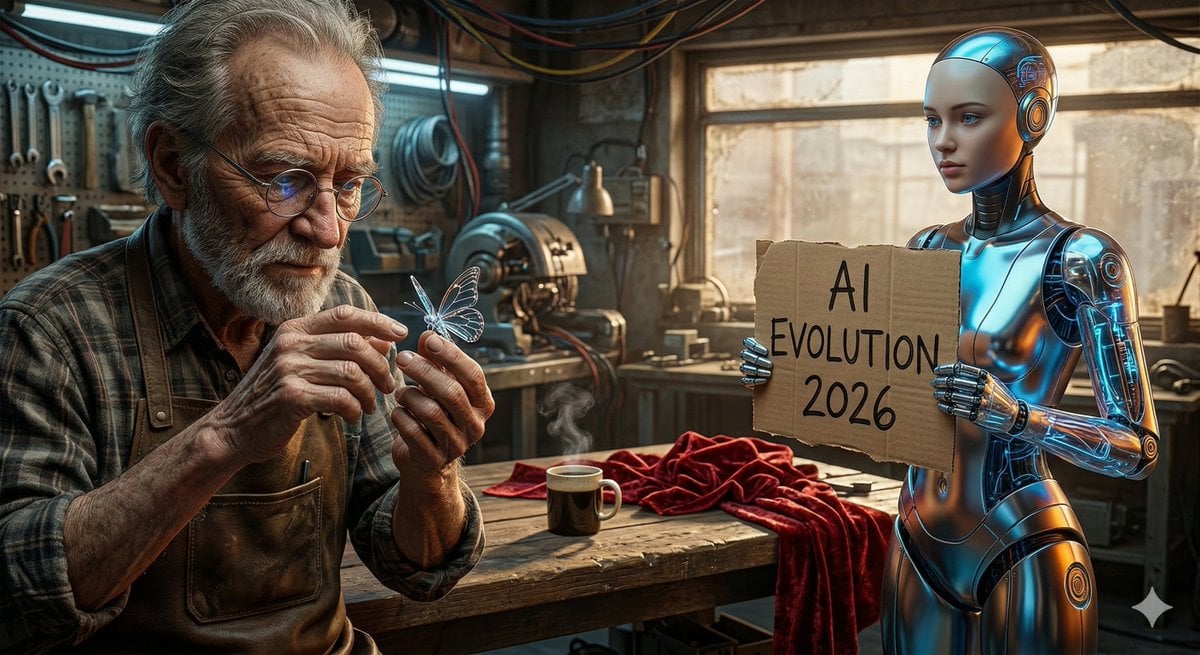
Benchmark Prompt for Nano Banana/Gemini Image Generation
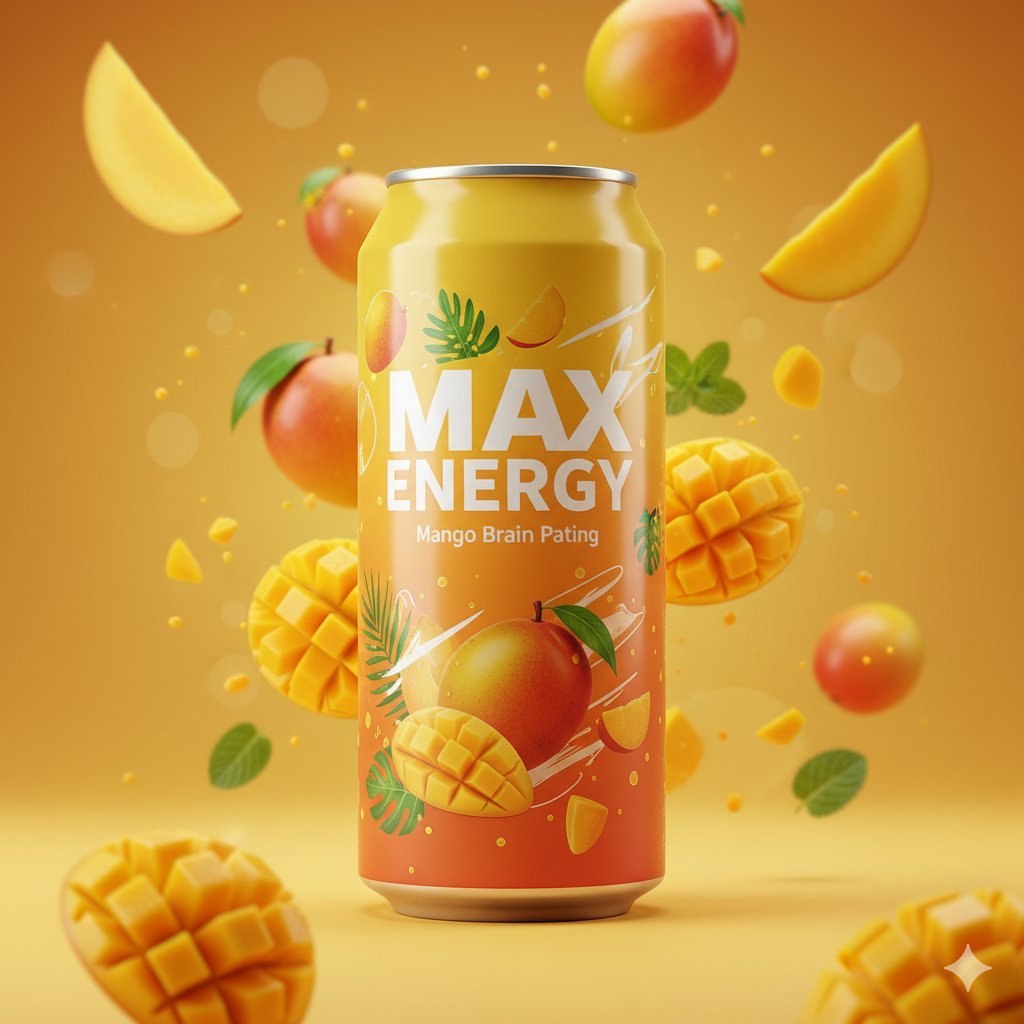
Photorealistic Mango Energy Drink Product Shot Prompt
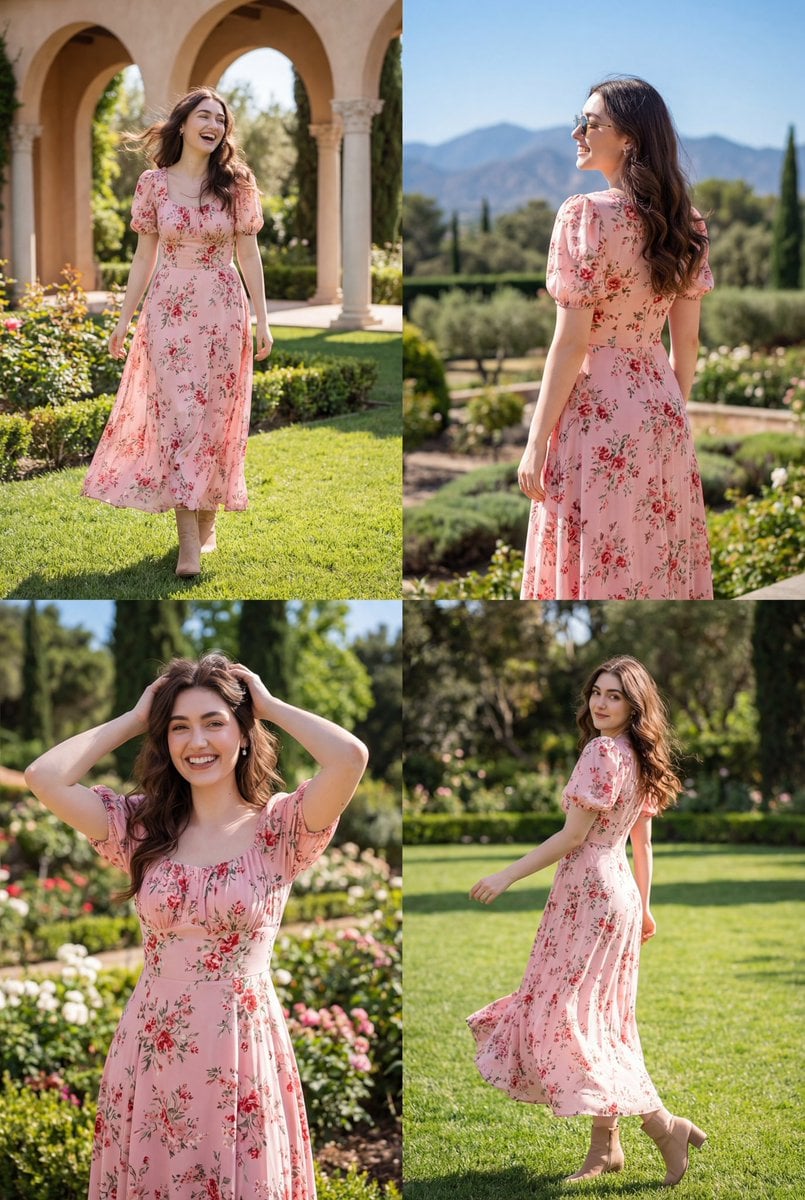
Photorealistic Lifestyle Fashion Collage
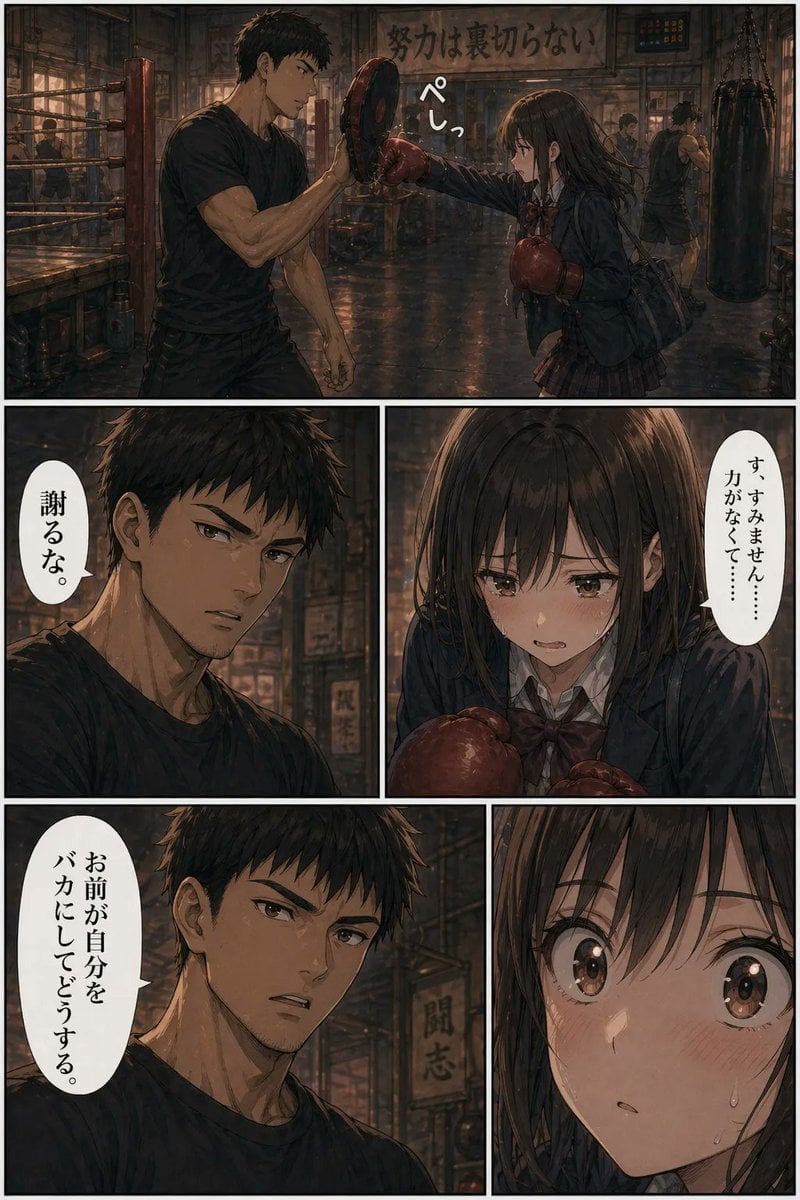
Boxing Gym Manga Page
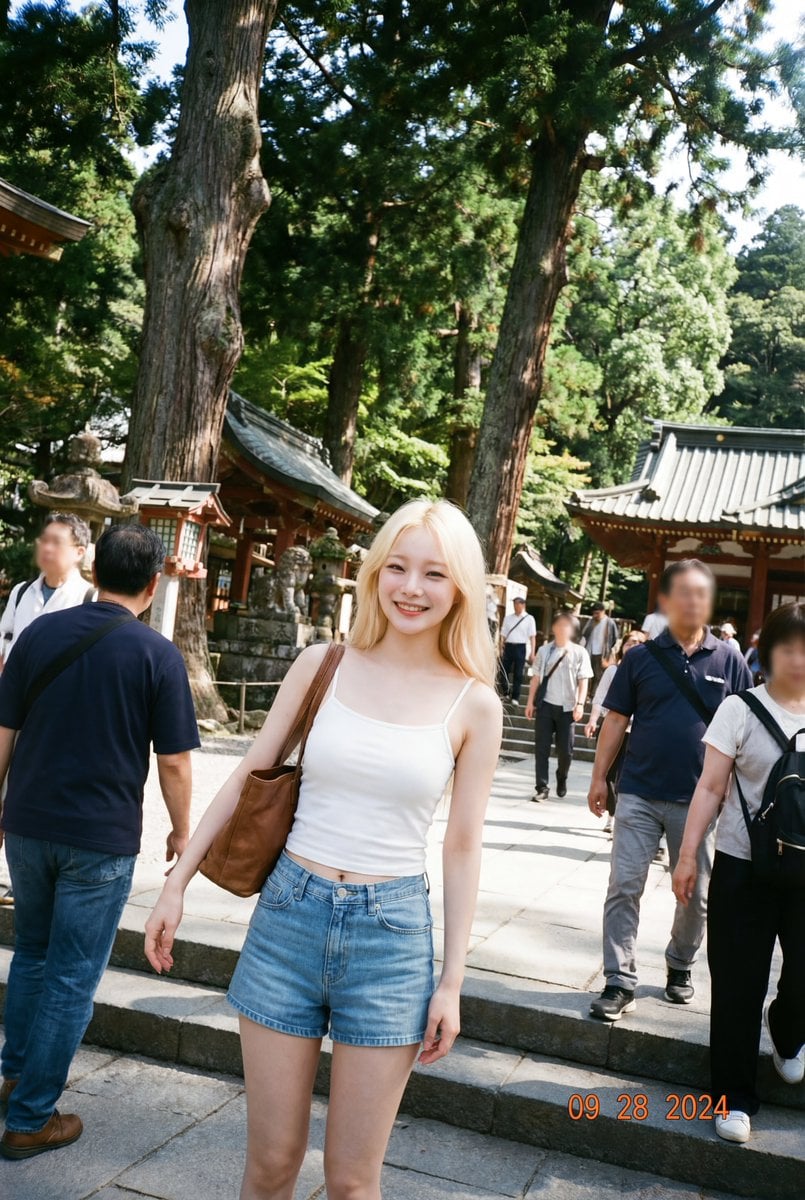
Make photos look bad with specified GPS coordinates
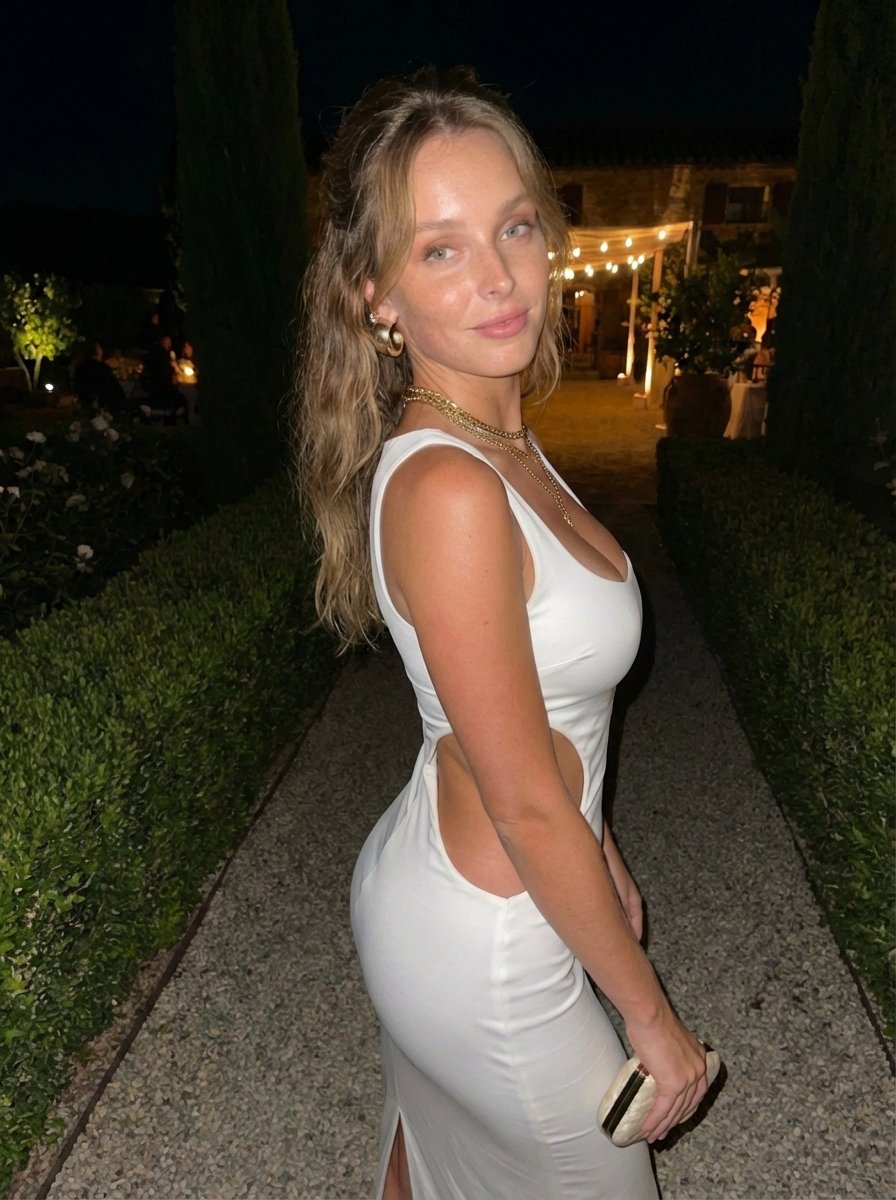
Candid Flash Photo of Woman in Avant-Garde Silk Gown
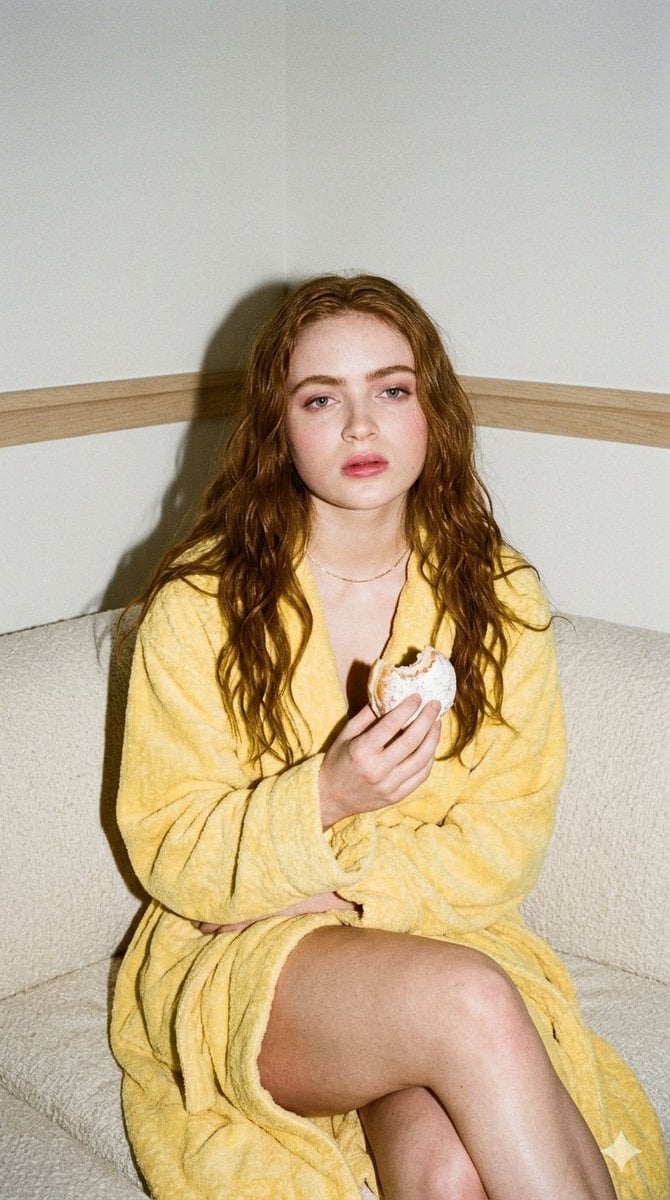
Candid 35mm Film Aesthetic Portrait with Donut Prompt for Gemini Nano Banana Pro
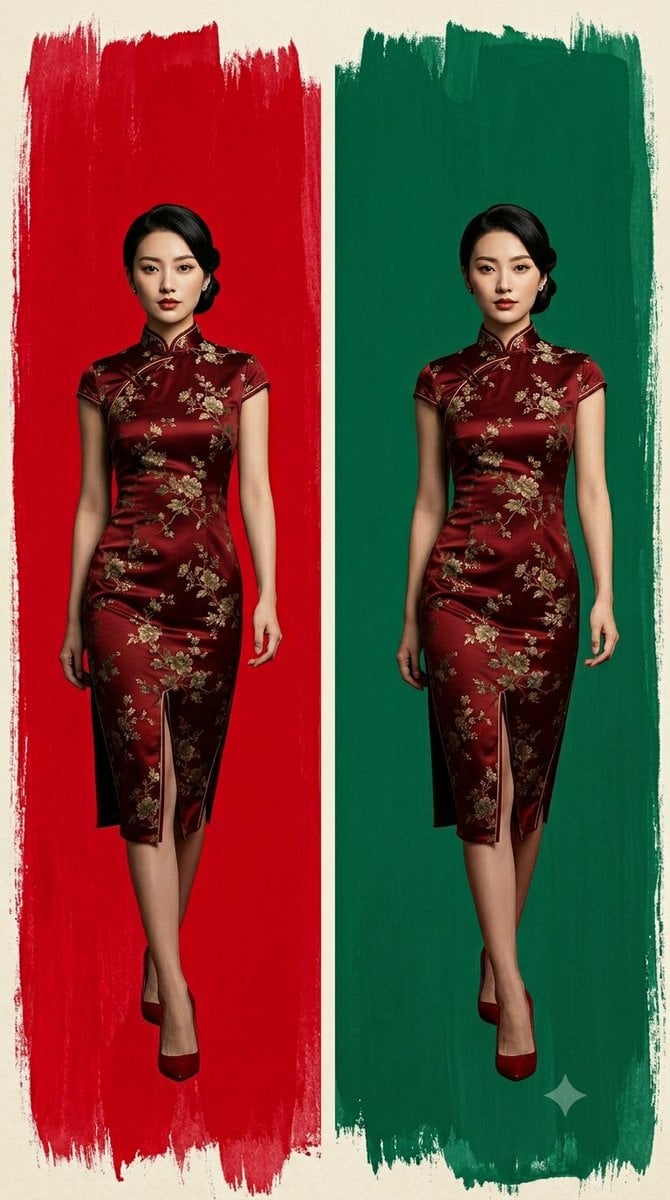
Cheongsam Fashion Diptych
Aesthetic Cozy Cafe Photography
Browse template categories
Moody Monochrome Male Portrait questions
How do I use the Moody Monochrome Male Portrait template?
Add your photo if the template asks for one, edit the prompt if you like — the template's model and format are already selected — and press Generate. Your version opens in PicX Studio.
Can I customize the Moody Monochrome Male Portrait template?
Yes. You can change the subject, setting, lighting, mood, format, and available model controls before creating your image.
Is the Moody Monochrome Male Portrait template free?
Opening and editing this template is free. Generating uses credits, shown on the Generate button when you are signed in.
Which AI model should I use?
Start with GPT Image 2, which is the model associated with this template. You can compare another compatible model for a different finish.
Looking for something else? Browse all templates.

Your photo, any look
Thousands of ready templates for every top image and video model, from one credit balance.