How do I use the Cafe Street Fashion Portrait template?
Choose the primary action to open PicX Studio with the available template settings. Review the model and format, personalize the creative direction, and generate when ready.
A realistic vertical lifestyle photo prompt for creating a young woman in a chic outfit standing outside a cozy city cafe.
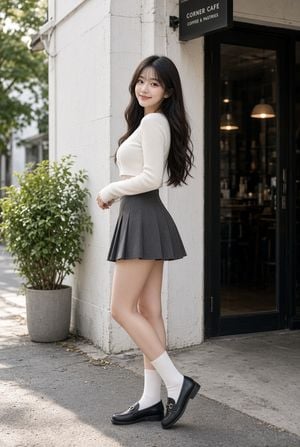
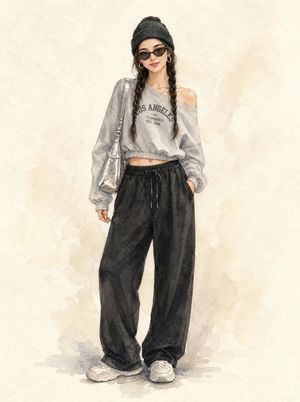
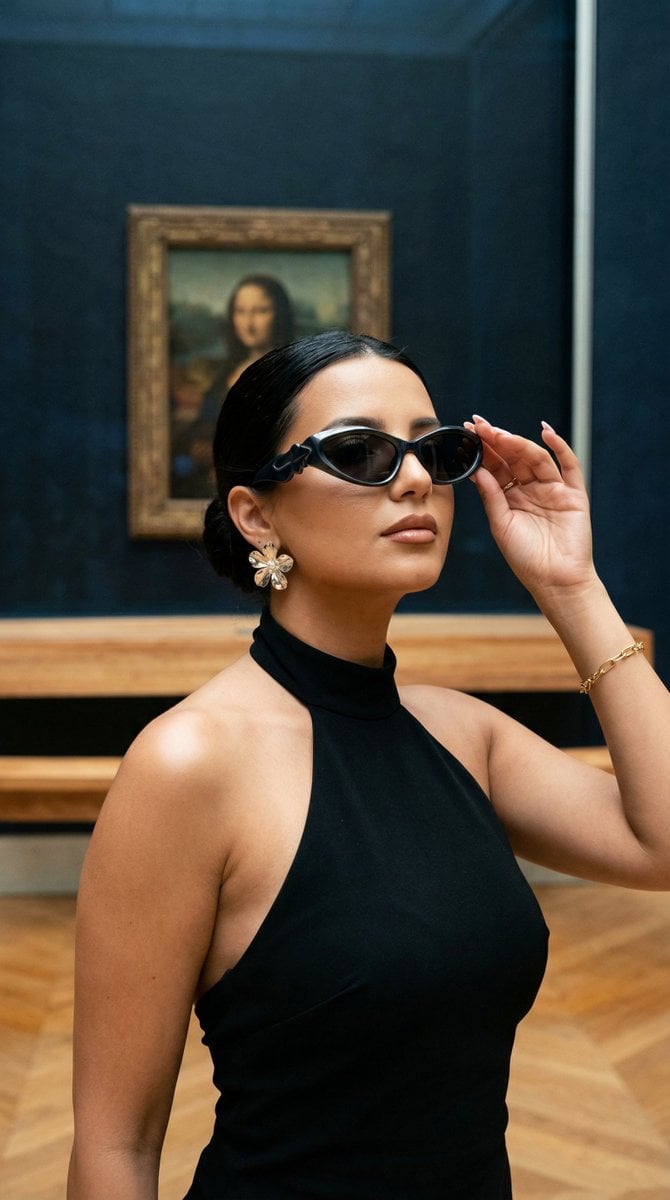
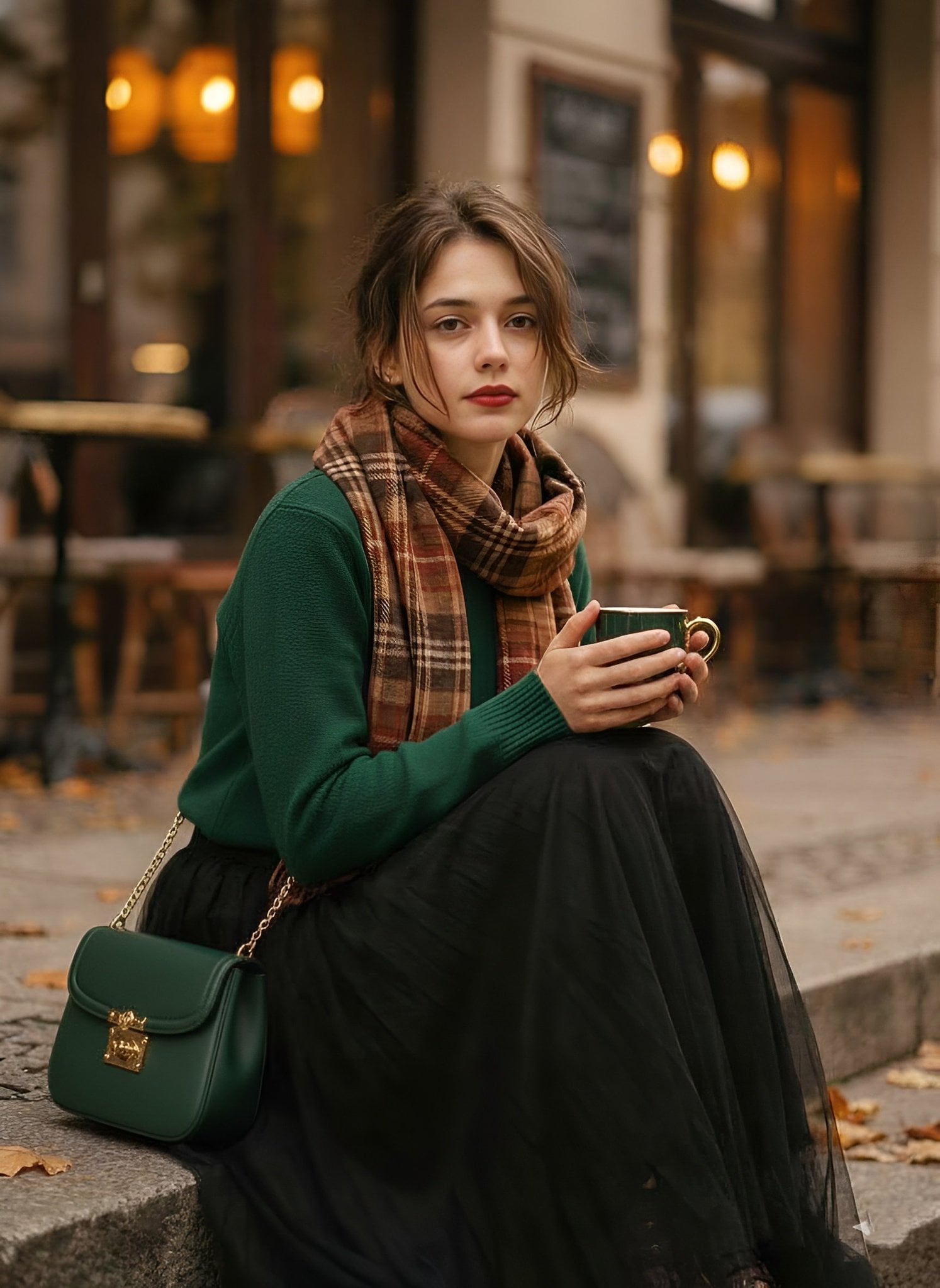
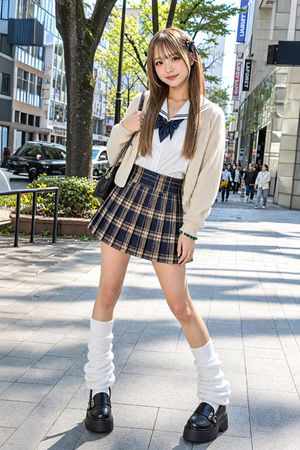
Create a realistic full-body street fashion portrait of a young East Asian woman standing outside a small urban cafe on a quiet sidewalk. She is posed in three-quarter side view with her body turned to the right and her face looking back toward the camera, smiling softly. She has long wavy {argument name="hair color" default="dark brown-black"} hair with airy bangs, natural makeup, fair skin, and a slim silhouette. Outfit: a fitted ribbed {argument name="top color" default="cream white"} long-sleeve cropped sweater, a high-waisted dark gray pleated mini skirt, white mid-calf socks, and black leather loafers with small metal buckle details. Setting: white painted brick exterior wall, black-framed glass cafe entrance on the right, warm pendant lights visible inside, a black rectangular hanging sign above the door reading {argument name="cafe sign text" default="CORNER CAFE / COFFEE & PASTRIES"}, and one potted green shrub in a gray concrete planter on the left. Use soft natural daylight, gentle shadows on the pavement, shallow depth of field, muted modern city tones, crisp fabric texture, realistic skin detail, and an editorial lifestyle photography look. Vertical 2:3 composition, subject centered slightly left, full body visible from head to shoes, no extra people, no watermark, no distorted anatomy.
Choose the primary action to open PicX Studio with the available template settings. Review the model and format, personalize the creative direction, and generate when ready.
Yes. You can change the subject, setting, lighting, mood, format, and available model controls before creating your image.
This template is free to open and customize. Generation usage is shown in PicX Studio before you create.
Start with GPT Image 2, which is the model associated with this template. You can compare another compatible model for a different finish.
Follow a topic to a crawlable collection of related PicX Studio templates.