How do I use the Urban Luxury Male Portrait template?
Choose the primary action to open PicX Studio with the available template settings. Review the model and format, personalize the creative direction, and generate when ready.
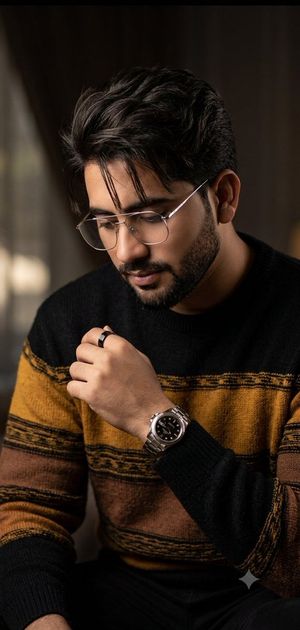
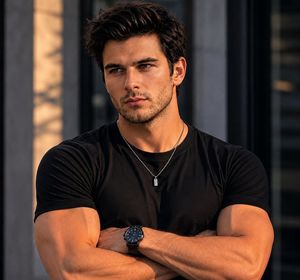
An editorial-style prompt for generating a confident man in luxury attire against a modern marble backdrop, using a low-angle shot for a powerful look.
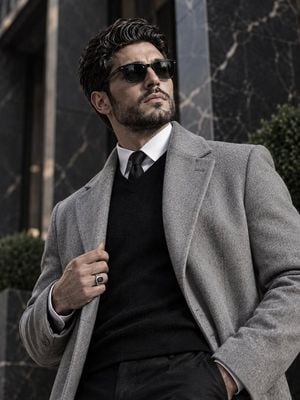
Make A {argument name="subject" default="stylish man"} use image for face reference with a neat beard and slicked-back hair is captured in a low-angle, medium-close outdoor shot. He wears dark sunglasses, a {argument name="outerwear" default="light grey overcoat"} over a black sweater, white shirt, and slim black tie. One hand grips his coat, the other rests in his pocket, showing confidence. A ring is visible on his left hand. The {argument name="background" default="dark, urban marble backdrop"} with light veining and subtle greenery adds a modern, luxurious vibe. Lighting is soft, enhancing textures and contrast.
Choose the primary action to open PicX Studio with the available template settings. Review the model and format, personalize the creative direction, and generate when ready.
Yes. You can change the subject, setting, lighting, mood, format, and available model controls before creating your image.
This template is free to open and customize. Generation usage is shown in PicX Studio before you create.
Start with GPT Image 2, which is the model associated with this template. You can compare another compatible model for a different finish.
Follow a topic to a crawlable collection of related PicX Studio templates.