How do I use the Cinematic Dark Movie Poster template?
Choose the primary action to open PicX Studio with the available template settings. Review the model and format, personalize the creative direction, and generate when ready.
An ultra-realistic cinematic poster prompt that uses reference faces to create a dramatic over-the-shoulder portrait with strong rim lighting.
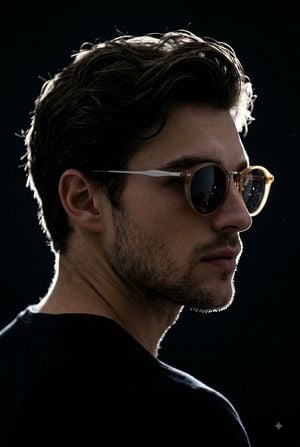
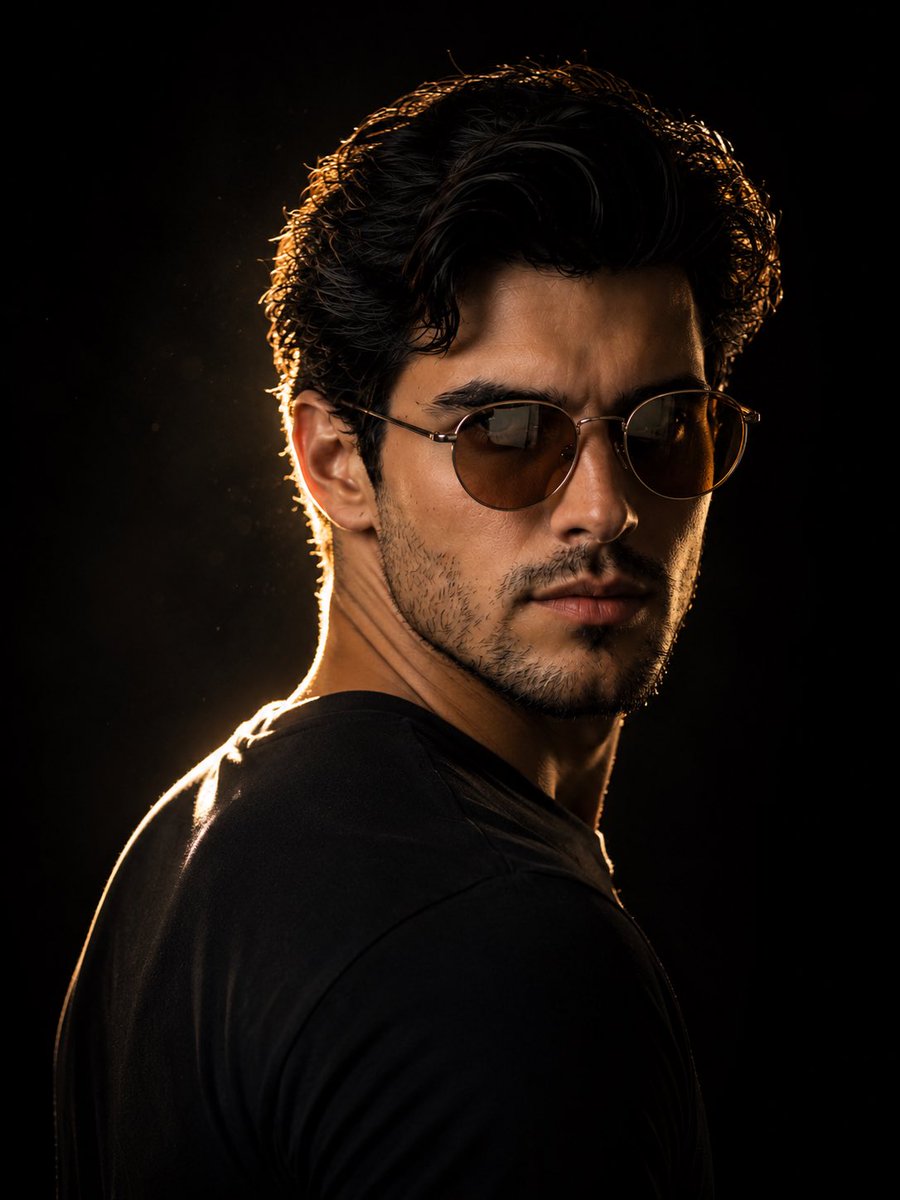
Create an {argument name="poster style" default="ultra-realistic cinematic dark poster"} featuring a dramatic over-the-shoulder pose of a young man, using the same face as the uploaded image. The camera is positioned slightly behind the shoulder, capturing a 90–45-degree side profile facing right. Use {argument name="lighting" default="strong rim lighting"} to outline the messy, textured hair, nose, and sharp jawline. Keep the background deep black, with only the edges of the face subtly glowing against the darkness. The subject wears {argument name="accessories" default="light-brown, round sunglasses with silver rims"}, featuring realistic reflections. Preserve the subject’s natural face shape, skin tone, facial features, and realistic facial skin texture. Overall aesthetic: dark, dramatic, premium cinematic poster, ultra-realistic photography, high contrast, detailed skin texture, atmospheric lighting, sharp facial contours, and sophisticated movie-poster quality.
Cinematic Dark Movie Poster needs input media to work. Open it in the studio and these load alongside the prompt — pick whichever ones your chosen model can take.
Choose the primary action to open PicX Studio with the available template settings. Review the model and format, personalize the creative direction, and generate when ready.
Yes. You can change the subject, setting, lighting, mood, format, and available model controls before creating your image.
This template is free to open and customize. Generation usage is shown in PicX Studio before you create.
Start with GPT Image 2, which is the model associated with this template. You can compare another compatible model for a different finish.
Follow a topic to a crawlable collection of related PicX Studio templates.