
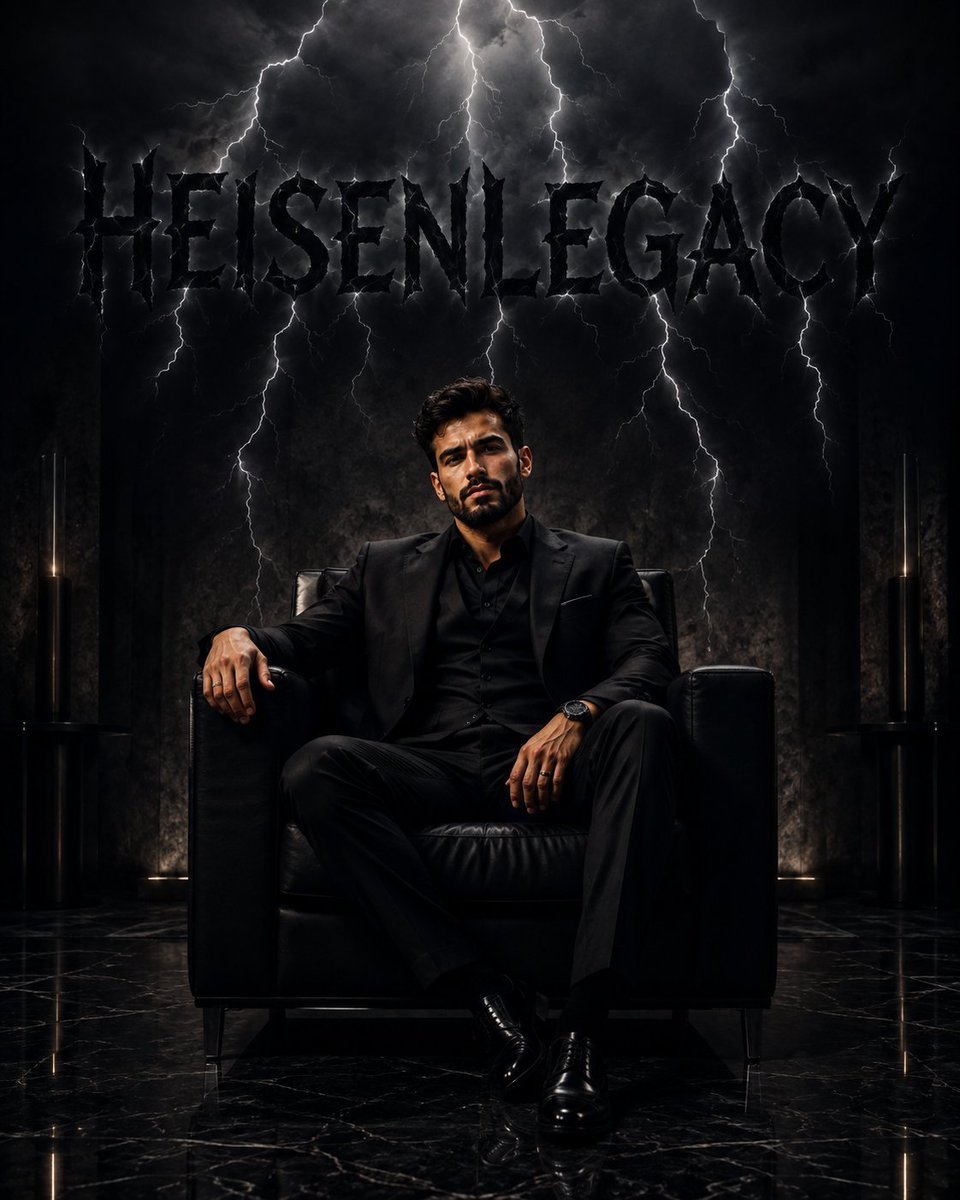
Cinematic Luxury Portrait with Typography
A high-end cinematic portrait prompt for GPT Image 2 featuring a subject in luxury attire with supernatural lightning forming custom text in the background.
- Prompt included
- Model and format preset
- Free template
The prompt behind this image
Copy the exact prompt behind Cinematic Luxury Portrait with Typography, or open it in the studio and make it yours.
Ultra-realistic cinematic luxury portrait, 8K HDR, hyper-detailed. A {argument name="subject" default="handsome young man with thick textured dark brown hair, sharp jawline, light stubble, and intense confident eyes"} sits elegantly on a luxurious matte-black executive chair in a dark, sophisticated environment. He wears a {argument name="clothing" default="perfectly tailored all-black three-piece suit, black silk shirt, black trousers, and polished black dress shoes"}. His posture is powerful and relaxed, with one arm resting on the chair and the other resting naturally on his thigh. Above him, dramatic dark-black lightning bolts descend from the ceiling, creating an intense supernatural atmosphere. The lightning forms the word “{argument name="text" default="HEISENLEGACY"}” in large, sharp, futuristic typography, appearing to emerge from the storm above him. The letters are deep black, almost shadow-like, with subtle electric highlights and glowing edges, clearly readable against the dark background. Dark black-and-charcoal color palette, smoky atmosphere, subtle reflections on black marble flooring, volumetric lighting, dramatic rim light around the man's silhouette, high-fashion editorial aesthetic, mysterious billionaire energy, powerful commanding presence, deep shadows, cinematic contrast, photorealistic skin texture, realistic fabric details, shallow depth of field, symmetrical composition, low-angle camera perspective, centered subject, premium luxury campaign photography, dark fantasy × modern corporate aesthetic.
How to use Cinematic Luxury Portrait with Typography in 3 steps
- 1
Open
The prompt is already in the box next to the preview, with the template's model and format selected.
- 2…a portrait of your subject in softgolden-hour light, 85mm…
Personalize
Edit the subject and creative details for your destination.
- 3Generate
Generate
Press Generate — your image is created in PicX Studio, so you can compare it with the original and refine one variable at a time.
More like this
Templates with the same subject, style or setup. Open one to see its prompt.
Typography Mask Editorial Fashion Poster
Luxury Fashion Campaign Typography Poster System

Found Photograph: Us, 1970

80s Couple Studio Portrait

80s Bollywood Star

80s Golden Hour Cinema

Me in 1985

1985 Studio Portrait

Hyper-Realistic Minecraft POV Portrait
Luxury ABKR Portrait Poster
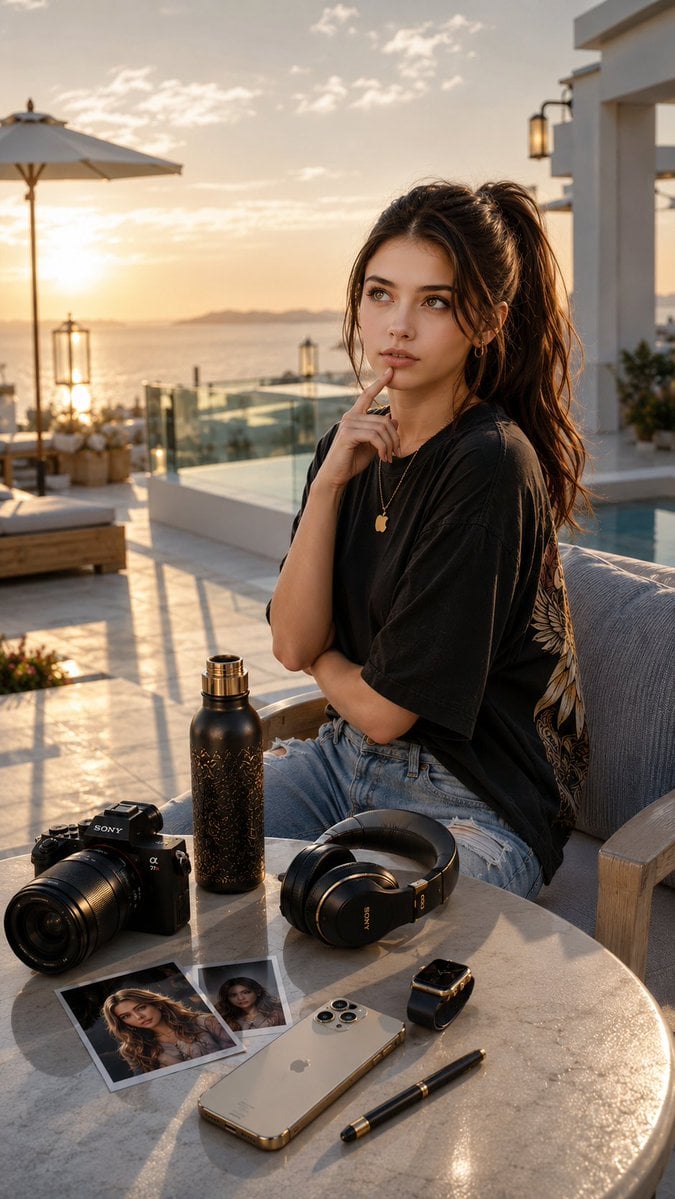
Cinematic Luxury Terrace Portrait
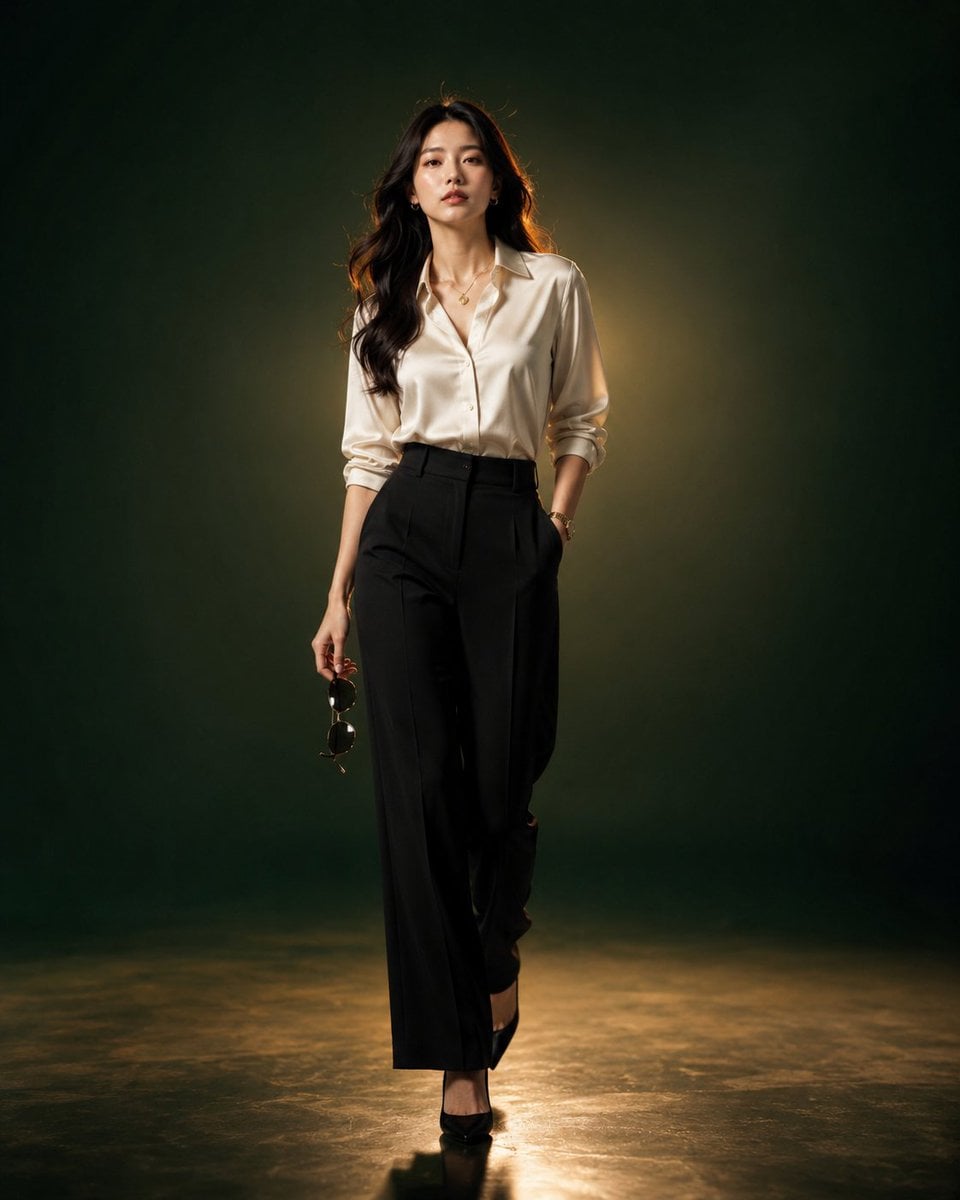
Luxury Fashion Editorial Portrait
Make it yours
Cinematic Luxury Portrait with Typography works as-is. These are the safest ways to change it without losing the look.
Change one field
Copy a single group, rewrite it, and generate again so you can see what that field is doing.
Keep the frame, change the subject
Hold the composition and light of Cinematic Luxury Portrait with Typography, then swap wardrobe, props or the person for a new take.
| If the result… | Why | Fix |
|---|---|---|
| The result drifts from the preview | Too many fields changed at once. | Reuse Cinematic Luxury Portrait with Typography as-is first, then change one group — subject, light, or setting. |
| The model over-stylizes the scene | The prose prompt leaves finish and camera underspecified. | Add one camera or lighting sentence and stay on GPT Image 2. |
More GPT Image 2 templates
Other prompts made for GPT Image 2.

Six VTuber Japanese Logo Sheet

Realistic Portrait of Woman and Deer

The Vista Modular Condo Poster

AI Model Routing Comparison Infographic

2.5D Anime Art Board

Isometric Productivity Desk Scene

New York Double Exposure Poster

Four-Panel AI Landscape Comparison

Japanese Tatami Lifestyle Magazine Cover

NESCAFÉ Coffee Map Poster
More image prompts
Fresh picks from across the catalog.

Retro Pixel Space Shooter HUD
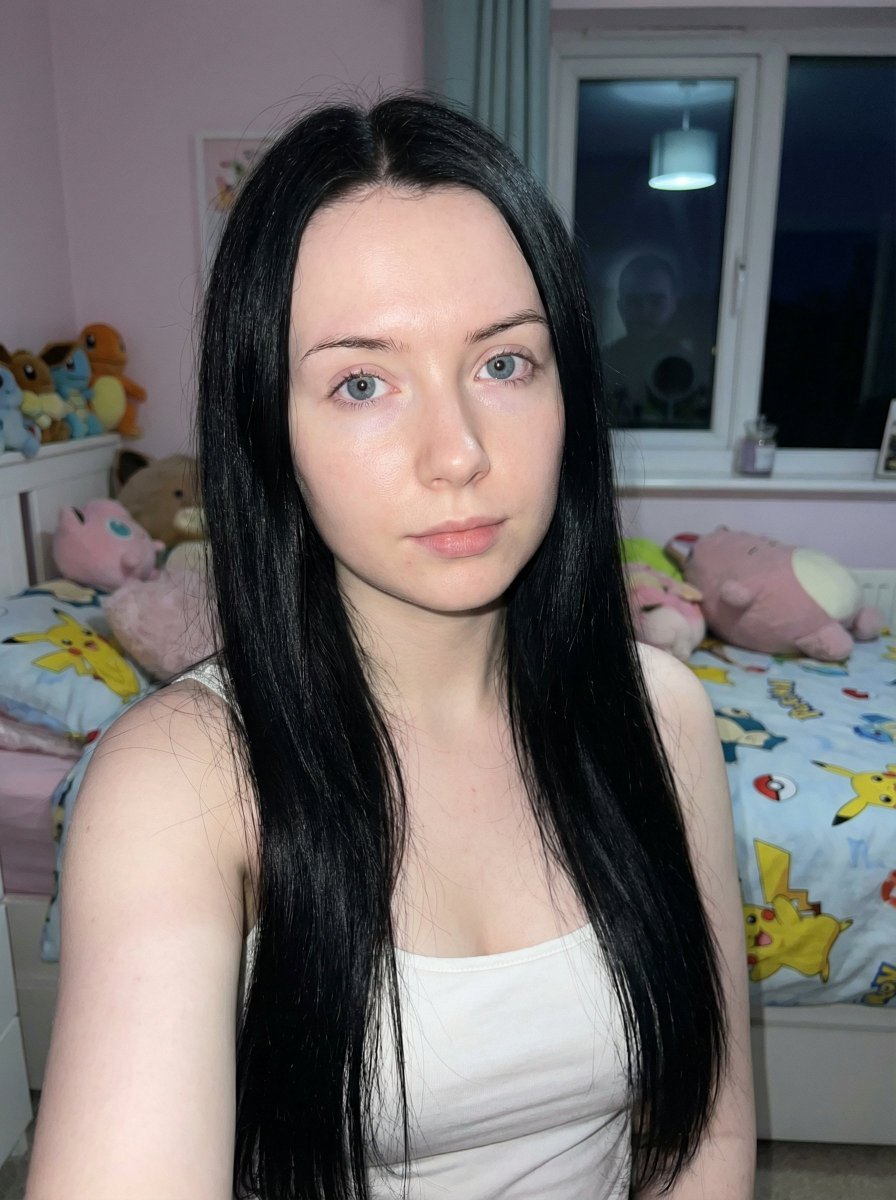
Psychological Horror Selfie with Distant Anomaly
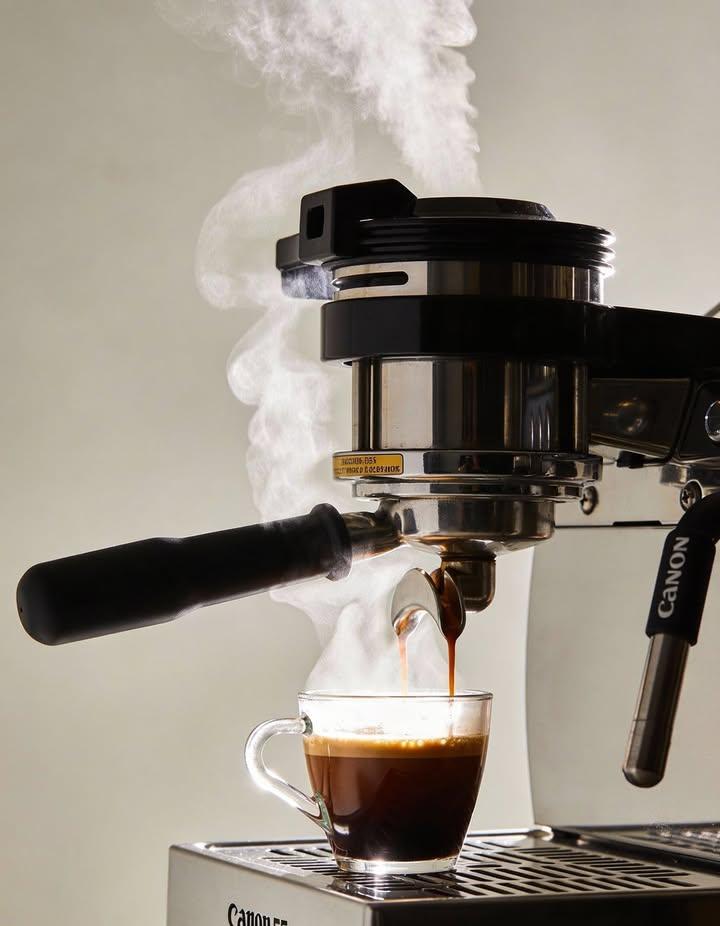
Ultra-realistic Commercial Espresso Photography
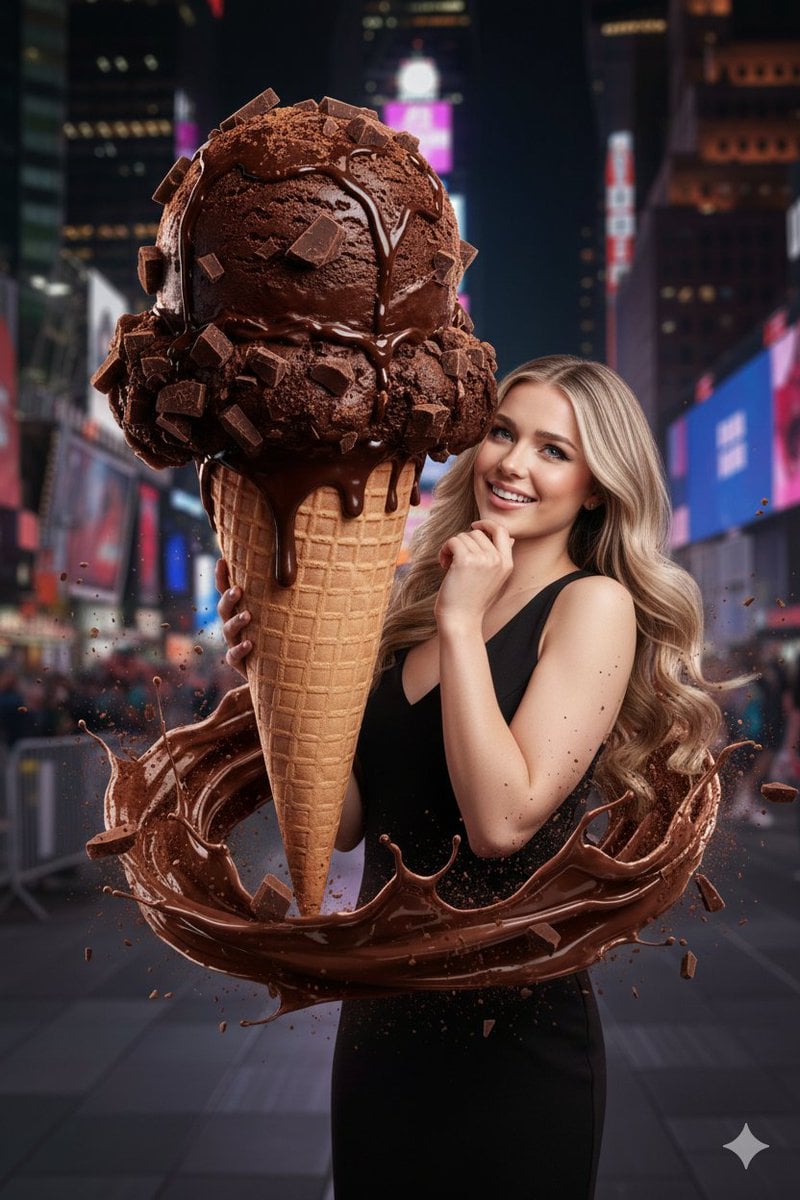
Hyperrealistic Chocolate Ice Cream Commercial Prompt

panel Japanese gag manga about Nanami eating ramen
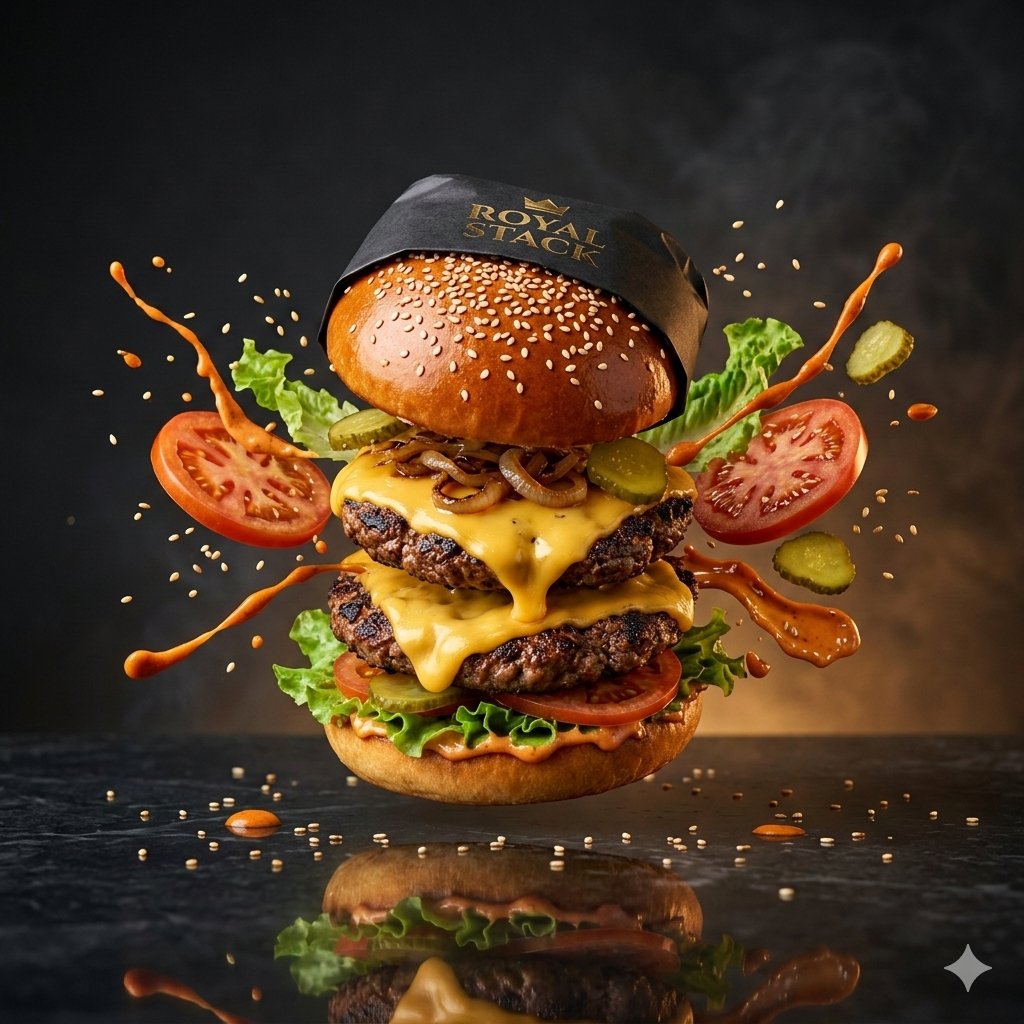
High-Speed Commercial Luxury Burger Photography
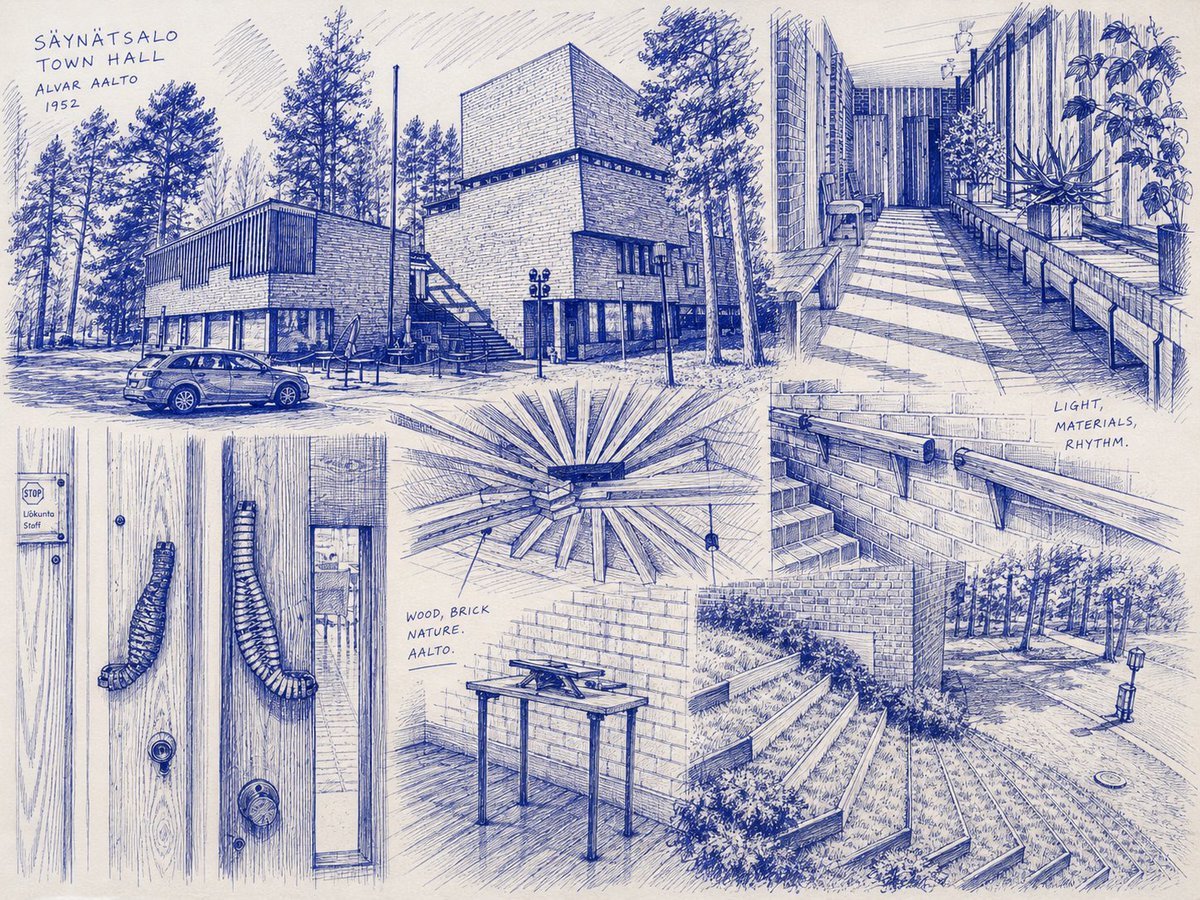
Säynätsalo Town Hall Sketchbook
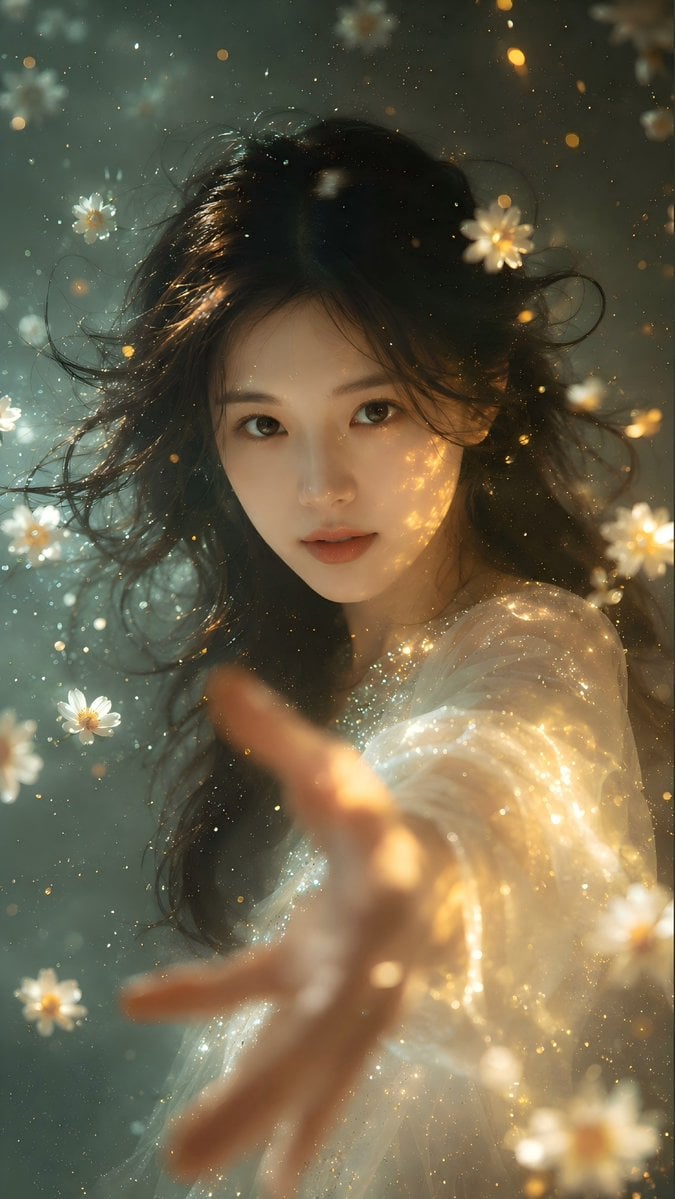
Identity Preserving Portrait Generation
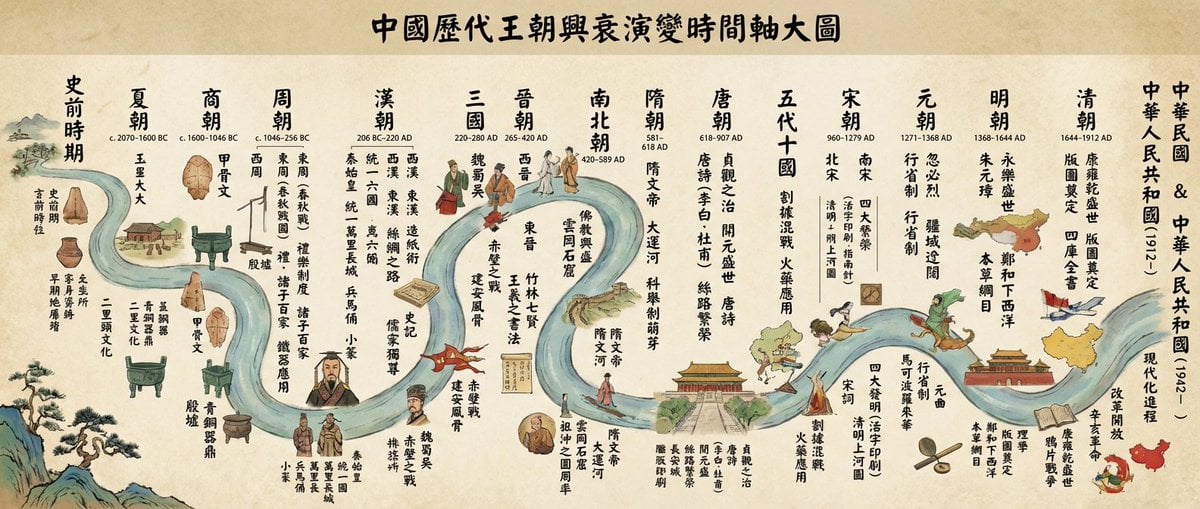
Chinese dynasties infographic timeline in traditional Chinese
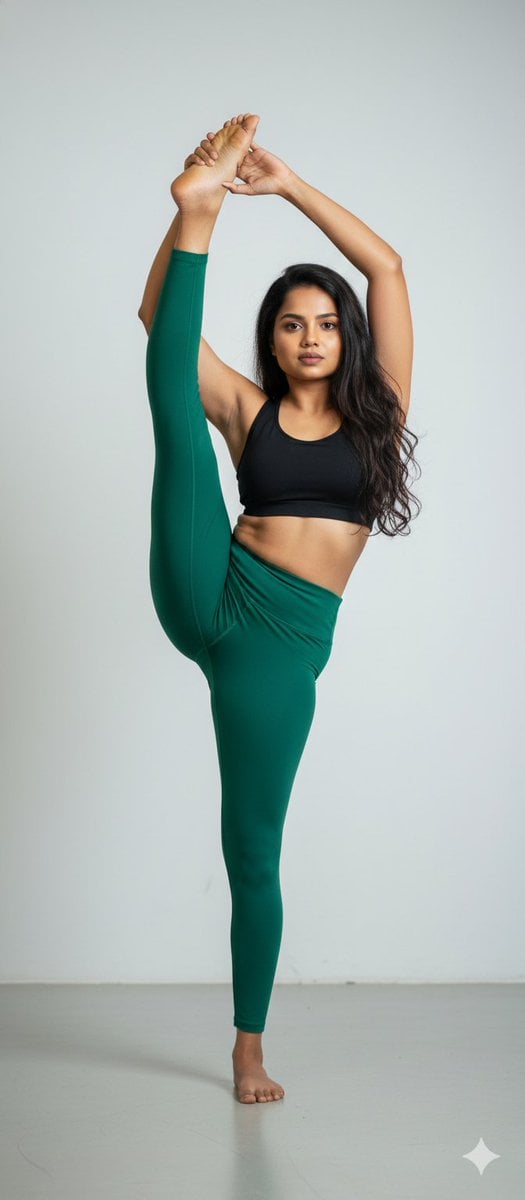
Stunning Photo Prompt for Gemini Nano Banana
Browse template categories
Cinematic Luxury Portrait with Typography questions
How do I use the Cinematic Luxury Portrait with Typography template?
Add your photo if the template asks for one, edit the prompt if you like — the template's model and format are already selected — and press Generate. Your version opens in PicX Studio.
Can I customize the Cinematic Luxury Portrait with Typography template?
Yes. You can change the subject, setting, lighting, mood, format, and available model controls before creating your image.
Is the Cinematic Luxury Portrait with Typography template free?
Opening and editing this template is free. Generating uses credits, shown on the Generate button when you are signed in.
Which AI model should I use?
Start with GPT Image 2, which is the model associated with this template. You can compare another compatible model for a different finish.
Looking for something else? Browse all templates.

Your photo, any look
Thousands of ready templates for every top image and video model, from one credit balance.