
Elegant Autumn Kimono Man by the Sea
A vertical anime-style full-body portrait of a graceful blond man in traditional autumn kimono attire on a seaside veranda with maple leaves.
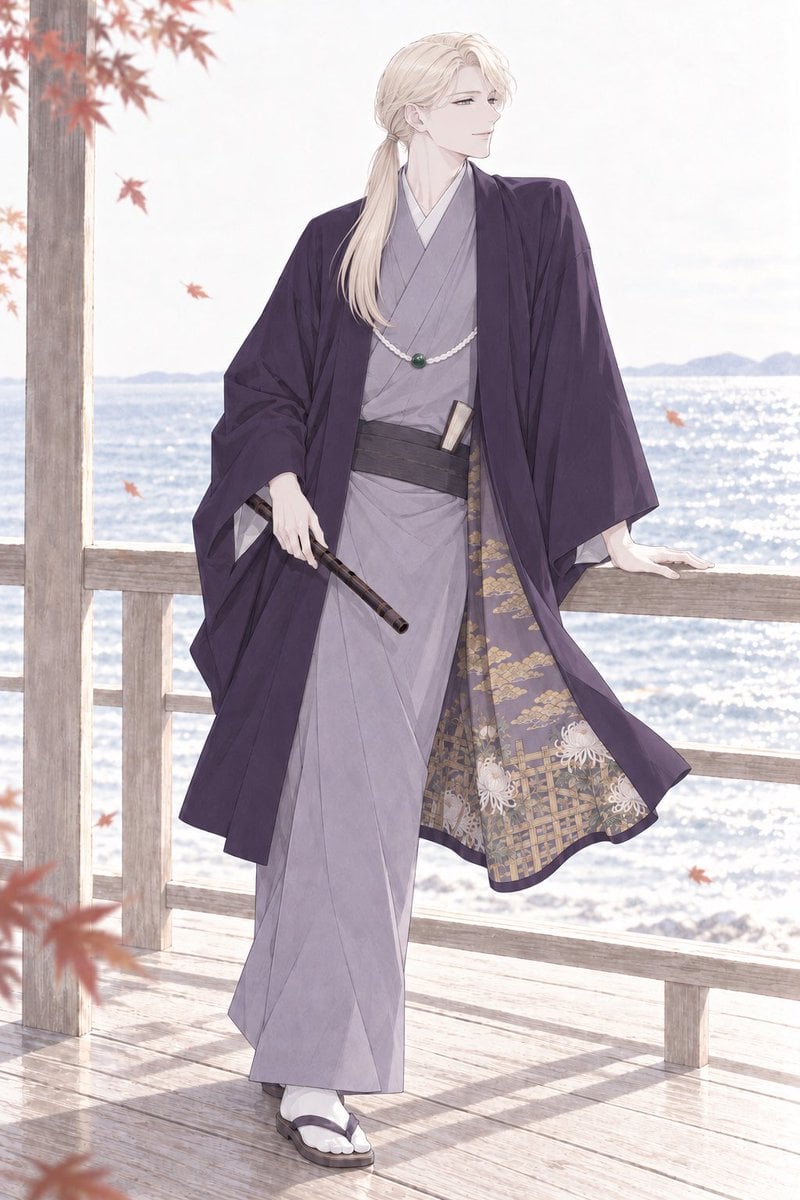
- Prompt included
- Model and format preset
- Free template
The prompt behind this image
Copy the exact prompt behind Elegant Autumn Kimono Man by the Sea, or open it in the studio and make it yours.
Create a refined full-body anime illustration of an elegant young adult man with long pale blond hair tied in a low ponytail, fair skin, narrow calm eyes, and a gentle confident smile, standing on a sunlit wooden seaside veranda in autumn. He wears {argument name="outfit" default="a traditional Japanese autumn kimono ensemble: a light gray layered kimono, black obi sash, dark deep-purple haori coat with wide sleeves, patterned inner lining showing gold geometric motifs and white chrysanthemum flowers"}. Add exactly 4 visible accessories: a white beaded necklace with one green pendant, a sheathed short sword tucked into the obi, a dark bamboo flute held loosely in his right hand, and white tabi socks with dark geta sandals. Pose him leaning casually against a pale wooden railing with his left hand resting on it, body angled slightly forward, head turned to the right as if looking toward the ocean. Set the background as a bright sparkling sea with distant low mountains, soft hazy sky, and a wooden pavilion structure with vertical posts and railings. Add exactly 8 visible red-orange maple leaves: two clusters framing the top left, one leaf near the upper center-left, two leaves drifting around the torso area, one near the right ocean area, one blurred leaf at the bottom left, and one small leaf near the lower right. Use a delicate shoujo / josei anime style with thin clean linework, soft watercolor-like shading, pastel whites and lavender grays, high-key backlighting, airy atmosphere, elegant fabric folds, and subtle motion in the haori hem. Vertical portrait composition, full body visible from head to sandals, no text, no watermark, no modern objects.
How to use Elegant Autumn Kimono Man by the Sea in 3 steps
- 1Upload ImagePNG, JPG or paste
Add your photo
Upload the photo the template builds on. The prompt, model and format are already set.
- 2…a portrait of your subject in softgolden-hour light, 85mm…
Personalize
Edit the subject and creative details for your destination.
- 3Generate
Generate
Press Generate — your image is created in PicX Studio, so you can compare it with the original and refine one variable at a time.
More like this
Templates with the same subject, style or setup. Open one to see its prompt.
Manor Window Seat Rain
Elegant Pastry Shop Kimono Man

Sealing Wax Letter Desk

Opera Glasses Velvet Seat

Manor Garden Topiary Path
Typewriter Manuscript Desk
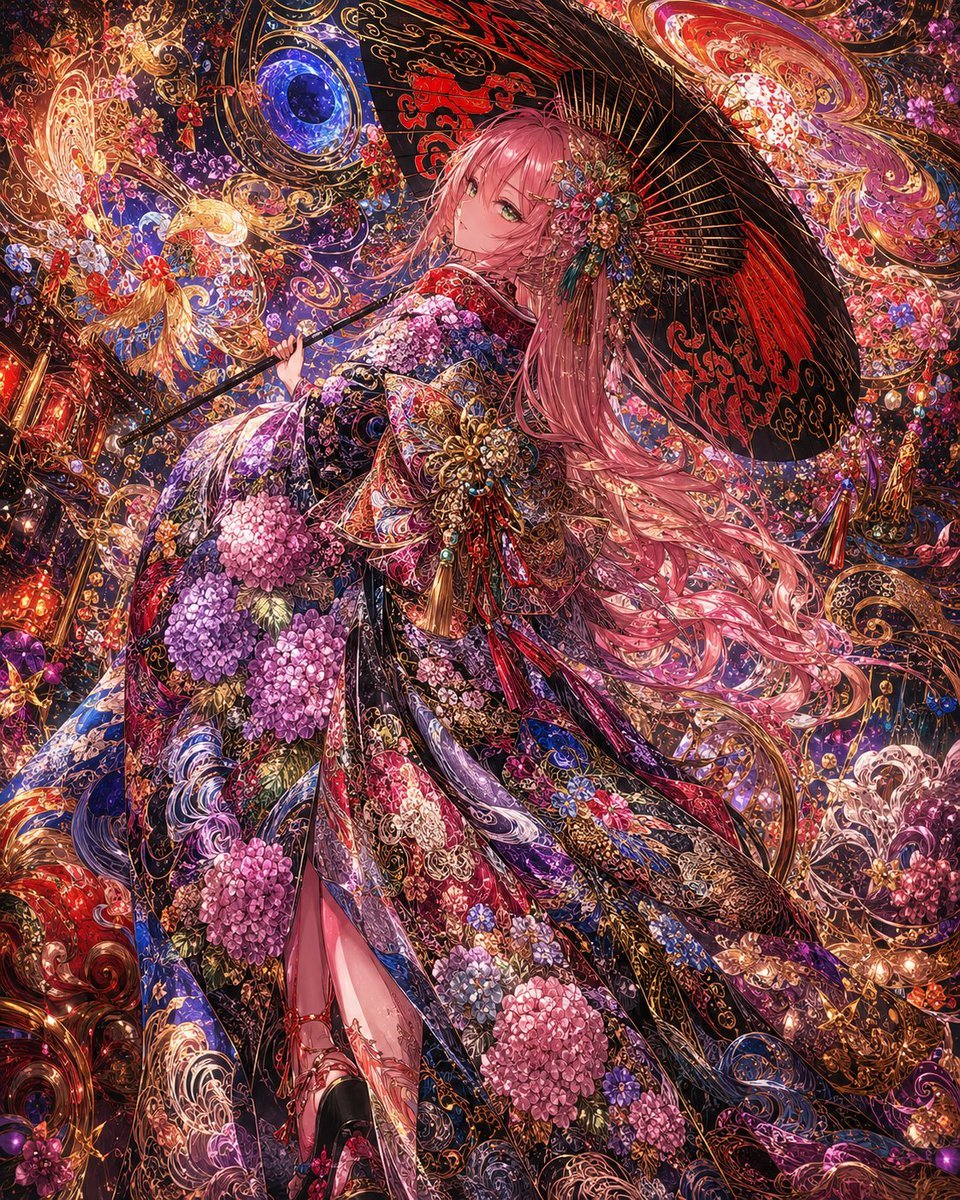
Ornate Kimono Anime Woman
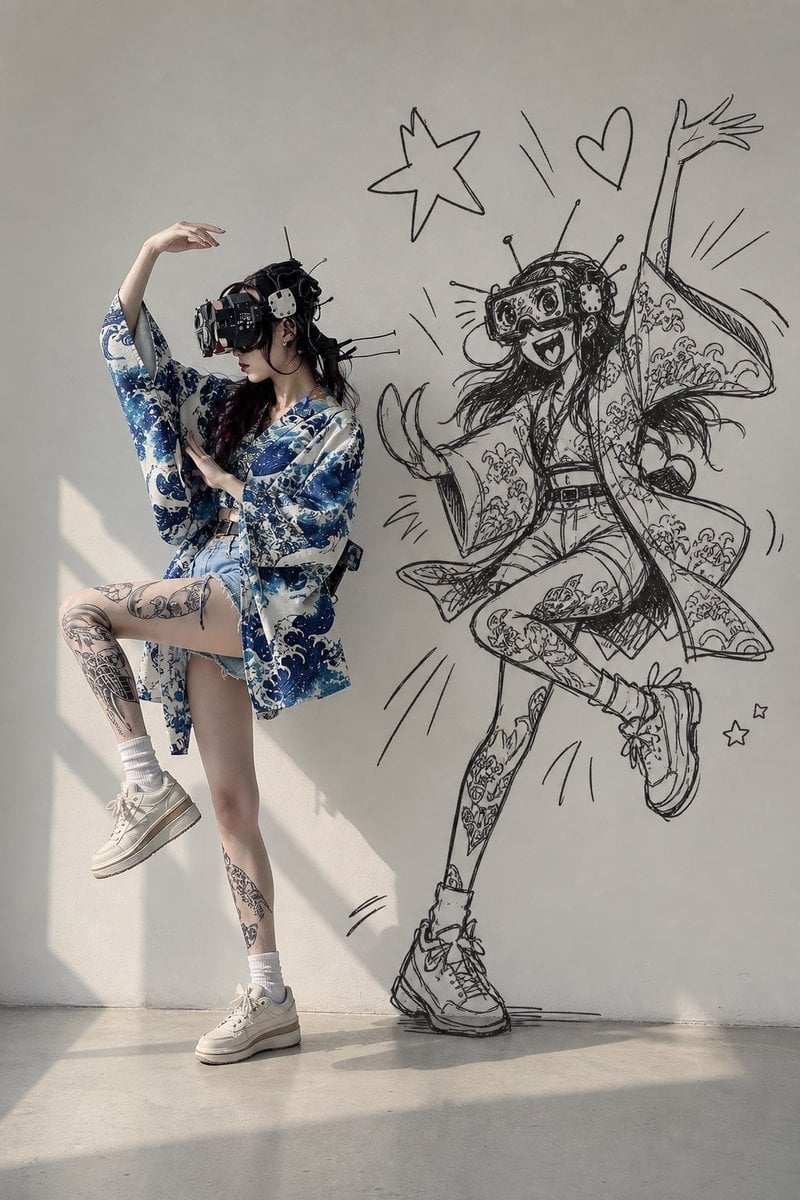
VR Kimono Fashion With Manga Wall Art

Sunny Seaside Anime Manga Page
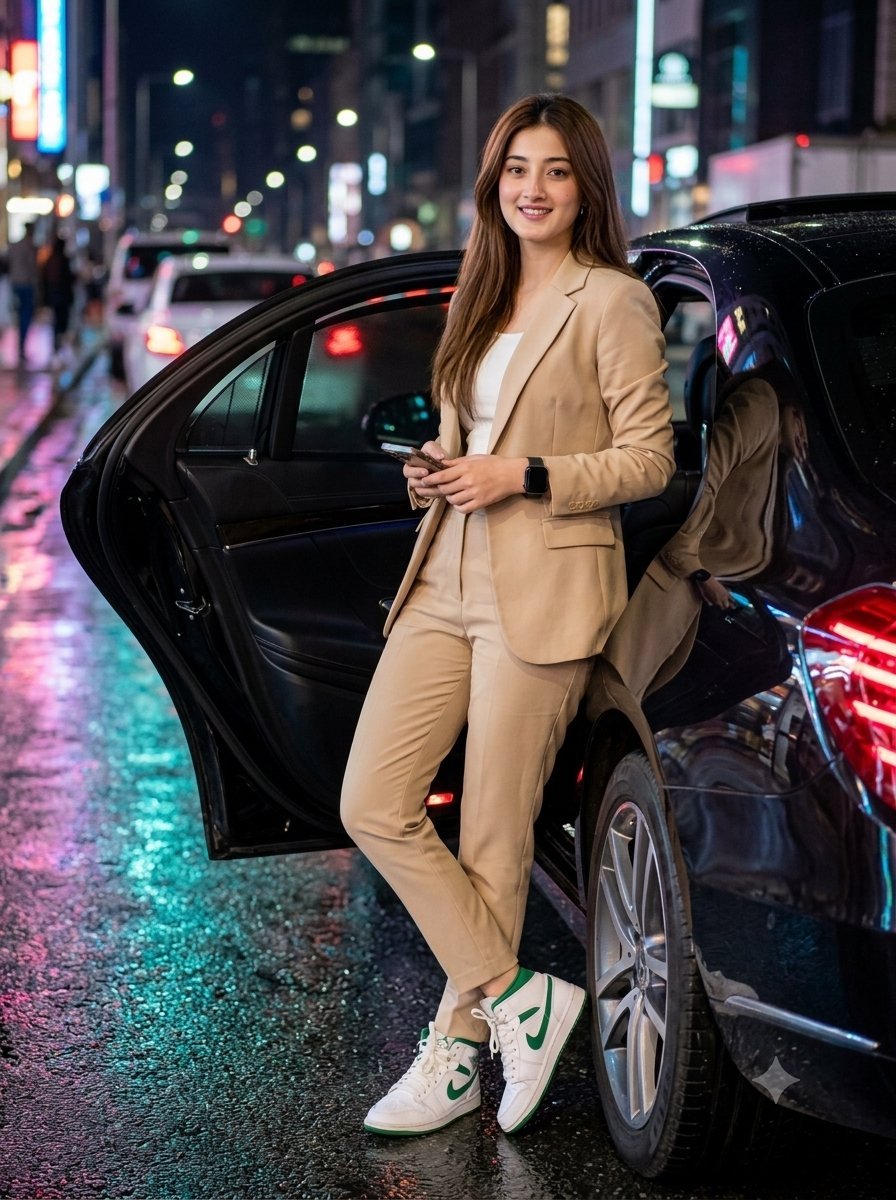
Elegant Woman with Luxury Sedan at Night
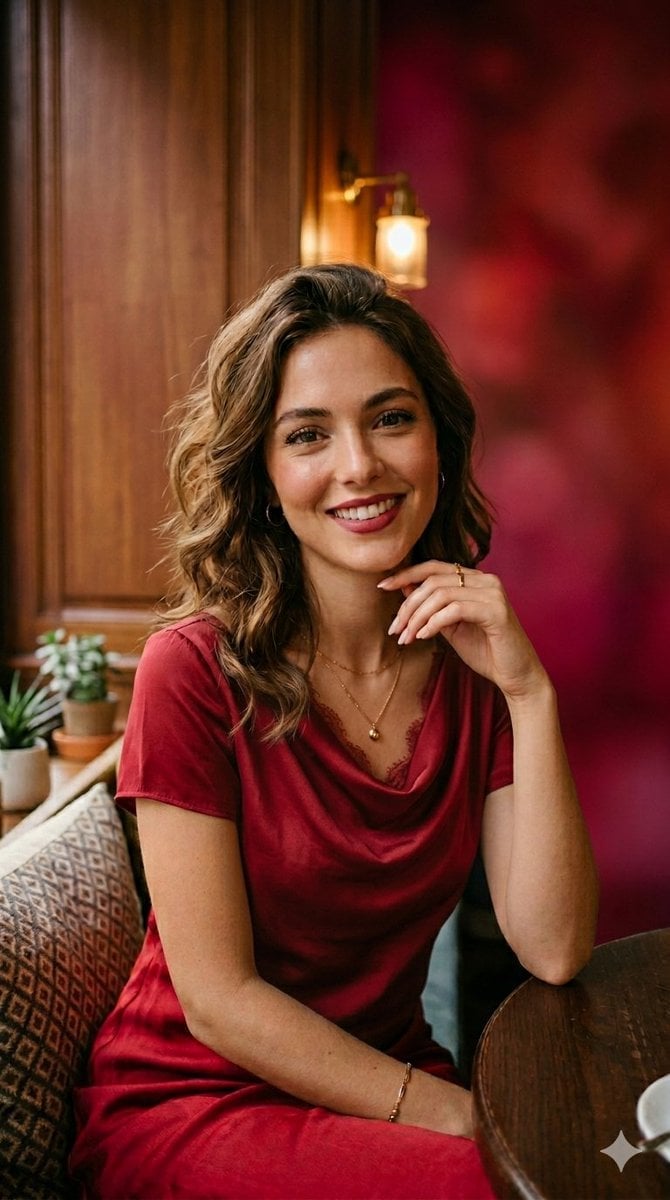
Elegant Woman in Red Satin in Cozy Cafe

Ballroom Floor Reflections
Make it yours
Elegant Autumn Kimono Man by the Sea works as-is. These are the safest ways to change it without losing the look.
Change one field
Copy a single group, rewrite it, and generate again so you can see what that field is doing.
Keep the frame, change the subject
Hold the composition and light of Elegant Autumn Kimono Man by the Sea, then swap wardrobe, props or the person for a new take.
| If the result… | Why | Fix |
|---|---|---|
| The result drifts from the preview | Too many fields changed at once. | Reuse Elegant Autumn Kimono Man by the Sea as-is first, then change one group — subject, light, or setting. |
| The model over-stylizes the scene | The prose prompt leaves finish and camera underspecified. | Add one camera or lighting sentence and stay on GPT Image 2. |
More GPT Image 2 templates
Other prompts made for GPT Image 2.

Six VTuber Japanese Logo Sheet

Realistic Portrait of Woman and Deer

The Vista Modular Condo Poster

AI Model Routing Comparison Infographic

2.5D Anime Art Board

Isometric Productivity Desk Scene

New York Double Exposure Poster

Four-Panel AI Landscape Comparison

Japanese Tatami Lifestyle Magazine Cover

NESCAFÉ Coffee Map Poster
More image prompts
Fresh picks from across the catalog.
Commercial Headphone Campaign - Seedance 2.0

Spherical Character Meme Template
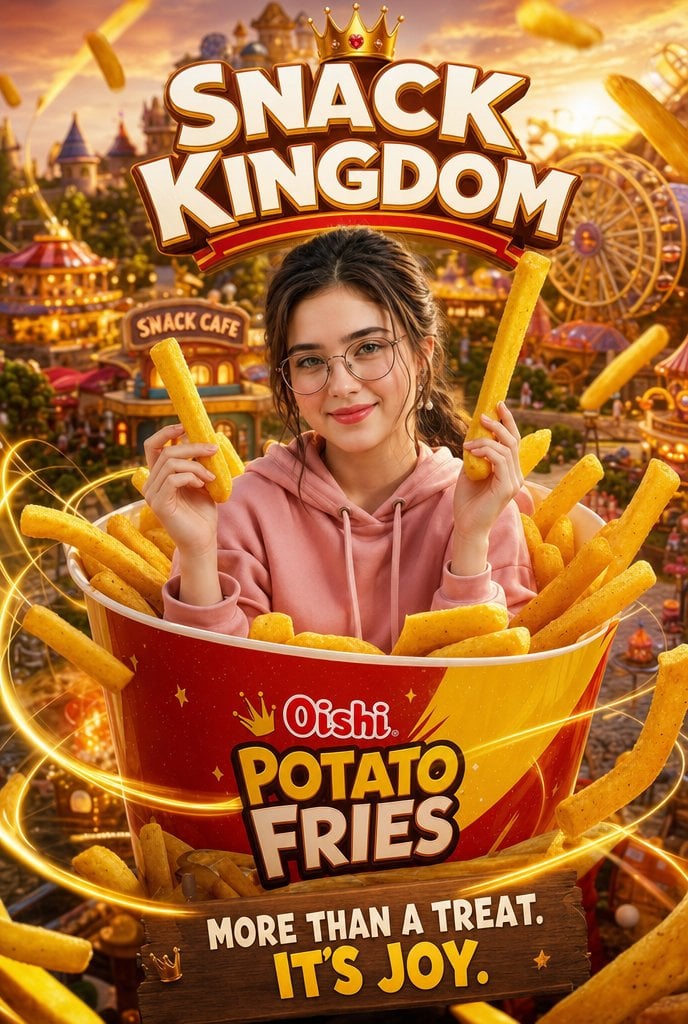
Snack Kingdom Potato Fries Ad
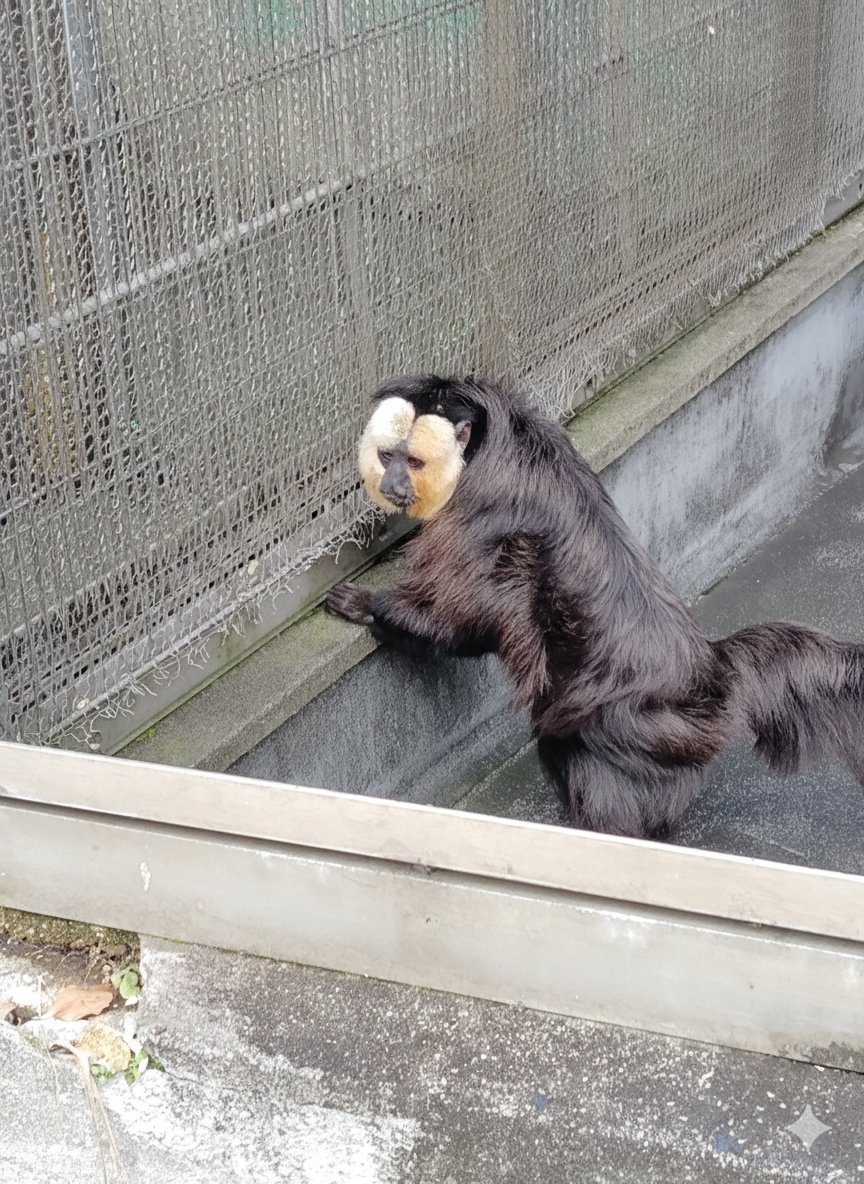
Image Editing with Nano Banana: Removing a Fence
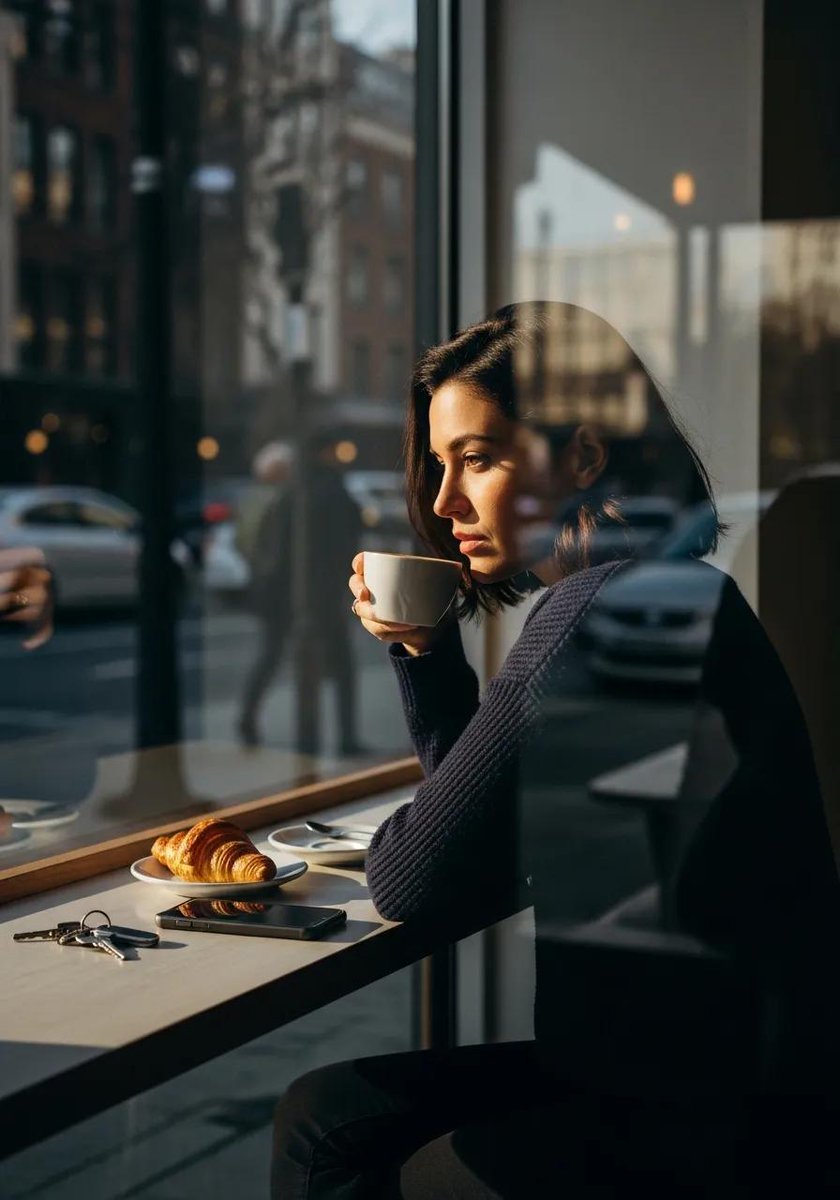
Ultra-realistic cinematic lifestyle photograph of a reflective woman in an urban café

Hyper-Realistic 3D Architectural Exhibition Booth Visualization
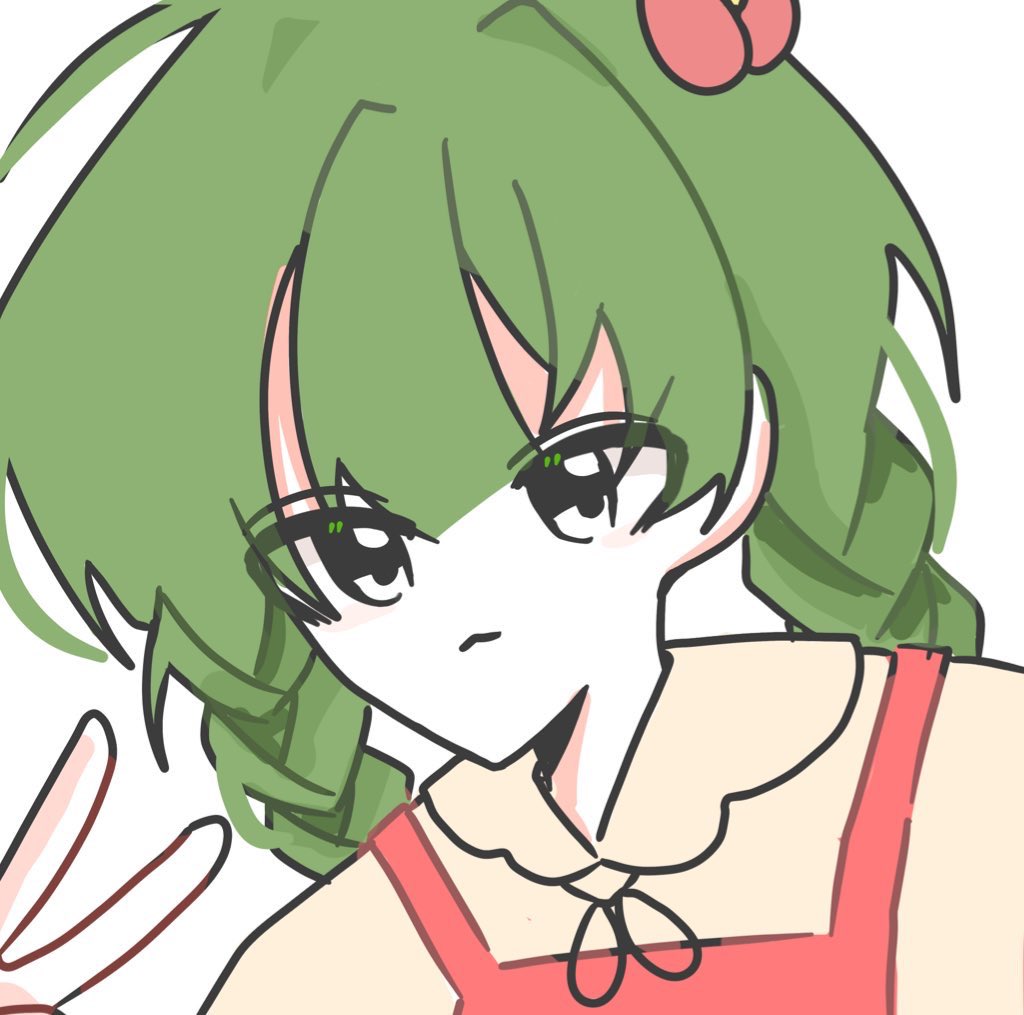
ASCII Art of a Figure with a Small House
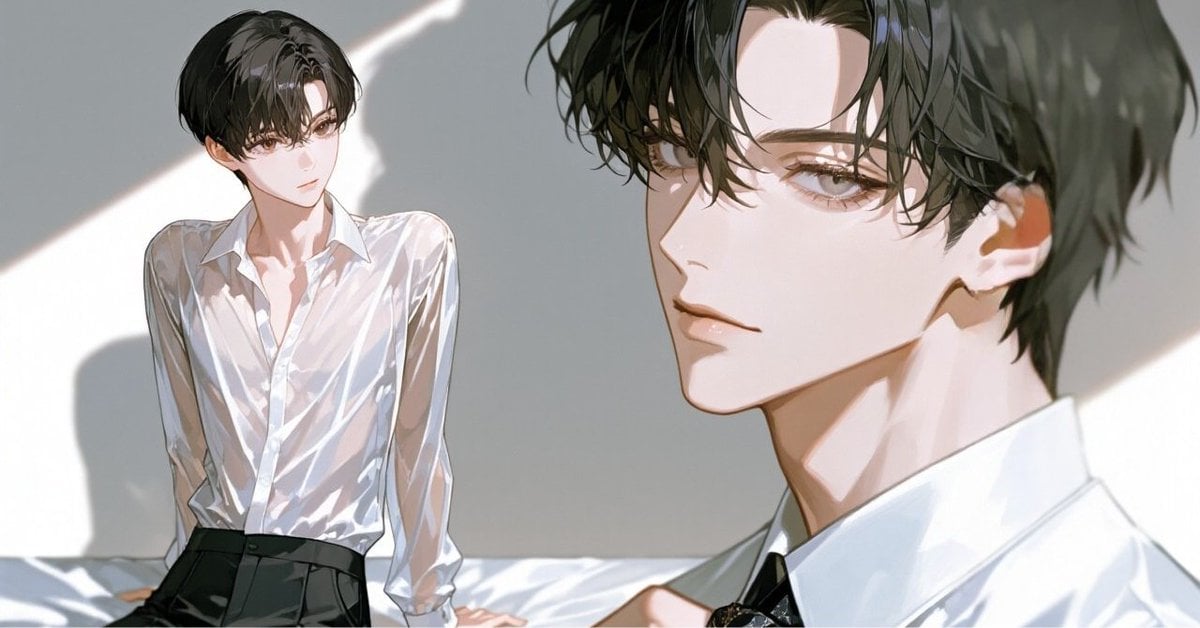
Anime Style Keyframe Prompt for Music Video Scene Generation
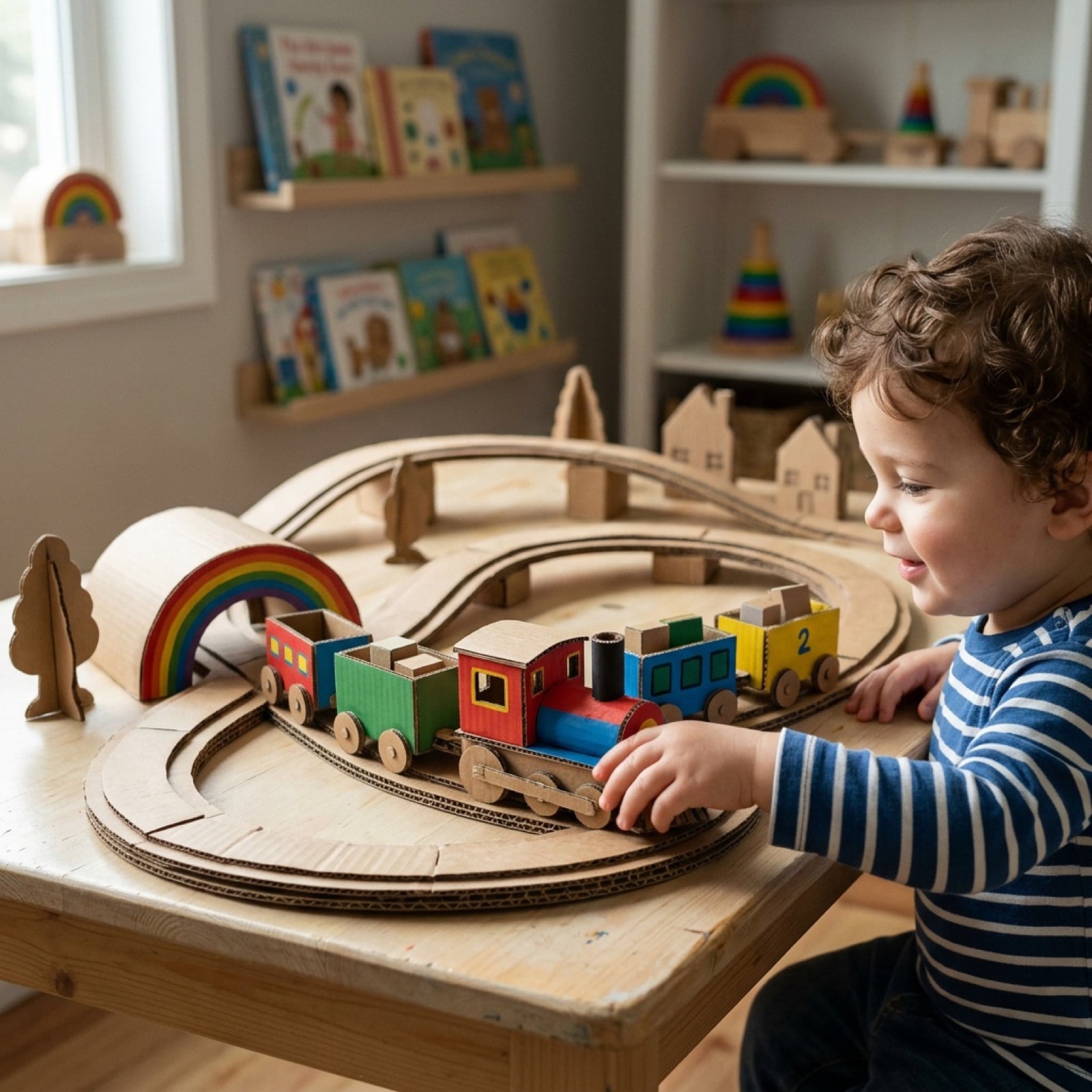
Cardboard Box DIY Toy Creation
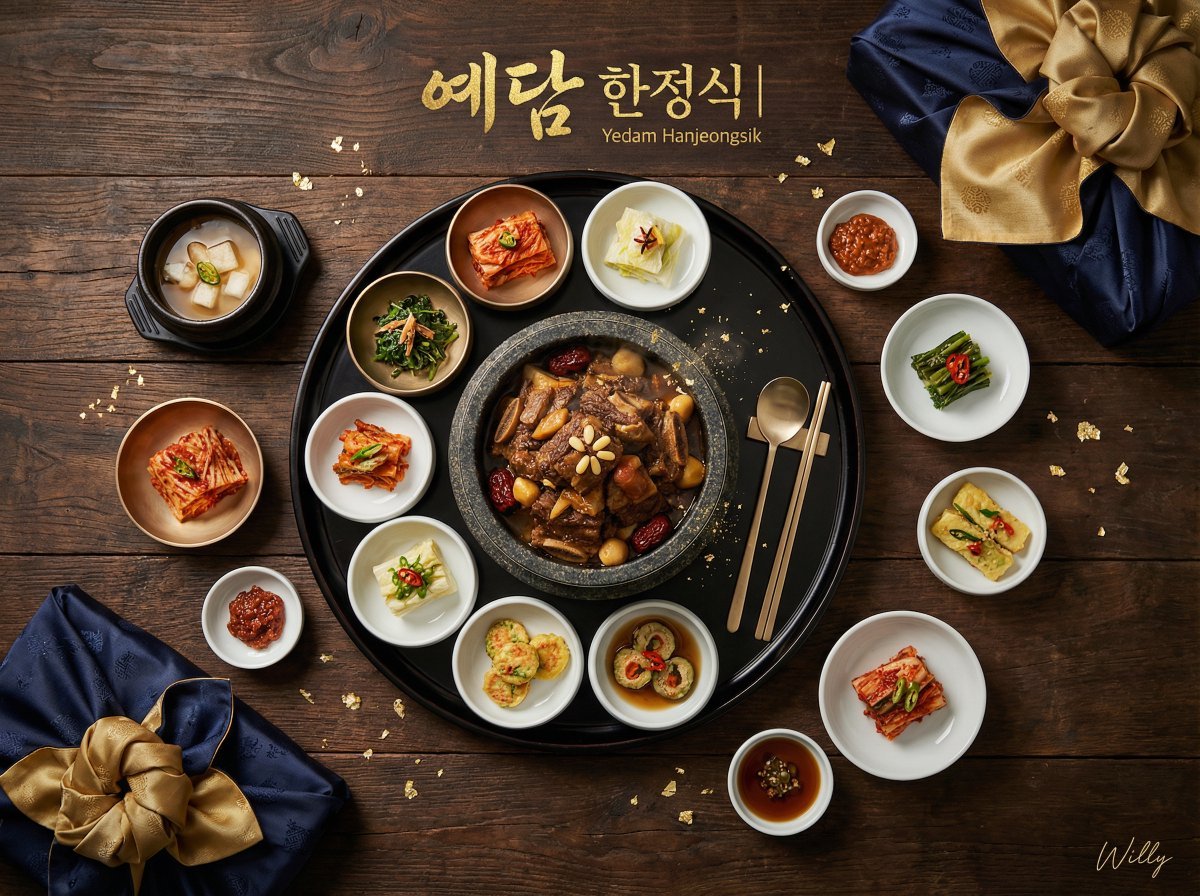
Luxury Korean Hanjeongsik Food Advertisement Prompt
Browse template categories
Elegant Autumn Kimono Man by the Sea questions
How do I use the Elegant Autumn Kimono Man by the Sea template?
Add your photo if the template asks for one, edit the prompt if you like — the template's model and format are already selected — and press Generate. Your version opens in PicX Studio.
Can I customize the Elegant Autumn Kimono Man by the Sea template?
Yes. You can change the subject, setting, lighting, mood, format, and available model controls before creating your image.
Is the Elegant Autumn Kimono Man by the Sea template free?
Opening and editing this template is free. Generating uses credits, shown on the Generate button when you are signed in.
Which AI model should I use?
Start with GPT Image 2, which is the model associated with this template. You can compare another compatible model for a different finish.
Looking for something else? Browse all templates.

Your photo, any look
Thousands of ready templates for every top image and video model, from one credit balance.