
Hot Air Balloon Vlog Storyboard
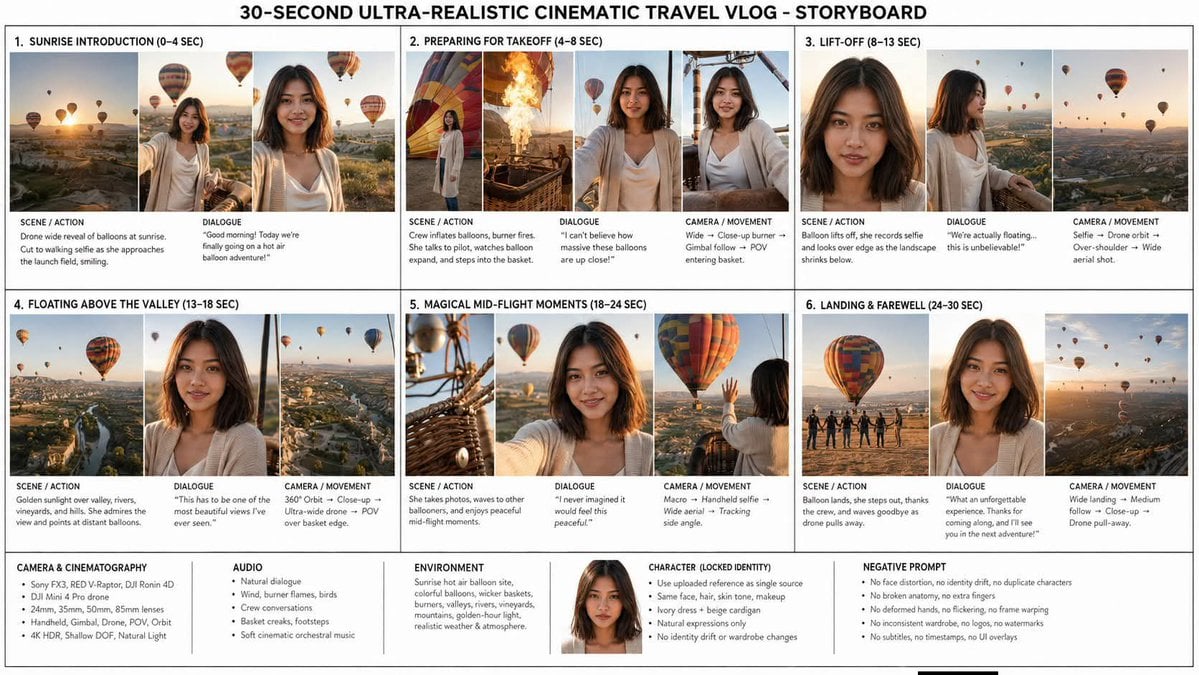
Generates a professional 6-scene cinematic storyboard infographic for a 30-second sunrise hot-air-balloon travel vlog.
- Prompt included
- Model and format preset
- Free template
The prompt behind this image
Copy the exact prompt behind Hot Air Balloon Vlog Storyboard, or open it in the studio and make it yours.
Goal: Create a clean, information-dense storyboard infographic for a travel vlog titled {argument name="headline text" default="30-SECOND ULTRA-REALISTIC CINEMATIC TRAVEL VLOG - STORYBOARD"}, showing a cinematic hot-air-balloon adventure at sunrise with one consistent female protagonist. Canvas: Wide horizontal 16:9 storyboard sheet on a white background with thin black/gray grid lines, like a professional production planning board. Use a bold centered all-caps headline across the top. Arrange the main content in exactly 6 numbered scene cards in a 3-column by 2-row grid, with a lower technical notes strip spanning the full width. Visual style: Photorealistic cinematic travel documentary stills, 4K HDR feel, golden sunrise light, shallow depth of field, realistic skin texture, warm atmospheric haze, natural wind movement, professional camera quality. The setting is a beautiful hot-air-balloon launch site and aerial valley landscape with vineyards, winding rivers, mountains, villages, baskets, burner flames, and many colorful balloons. Main character: Use one female protagonist, {argument name="character name" default="the same young woman throughout"}, with shoulder-length dark brown hair, natural makeup, warm medium skin tone, soft oval face, and a friendly smile. She wears the same {argument name="wardrobe" default="ivory cream dress with a light beige cardigan"} in every image. Preserve her identity consistently in all scenes; no duplicate characters and no face drift. Layout: Each of the 6 scene cards should contain cinematic thumbnail frames along the top and small production notes underneath. Use black uppercase section labels and compact readable text. The thumbnails should alternate between drone-wide landscape views, close-up portrait/selfie shots, basket/burner details, and aerial balloon views. Scene cards: Include exactly 6 numbered storyboard sections: 1. Sunrise Introduction (0–4 sec): three thumbnails showing a sunrise drone-wide view of dozens of balloons, the woman walking toward the launch area, and a close selfie-style smiling portrait with balloons behind her. Notes: Scene/action: drone wide reveal of balloons at sunrise; cut to walking selfie as she approaches the launch field, smiling. Dialogue: {argument name="opening dialogue" default="Good morning! Today we're finally going on a hot air balloon adventure!"} 2. Preparing for Takeoff (4–8 sec): four thumbnails showing colorful balloon fabric inflating, realistic burner flames, the woman watching excitedly beside the balloon, and her near/inside the basket. Notes: crew inflates balloons, burner fires, she talks to pilot, watches balloon expand, and steps into the basket. Dialogue: “I can't believe how massive these balloons are up close!” Camera/movement: wide, close-up burner, gimbal follow, POV entering basket. 3. Lift-Off (8–13 sec): three thumbnails showing a close-up portrait of the woman, a side profile at the basket rail, and a wide aerial landscape with balloons floating. Notes: balloon lifts off, she records selfie and looks over edge as the landscape shrinks below. Dialogue: “We're actually floating... this is unbelievable!” Camera/movement: selfie, drone orbit, over-shoulder, wide aerial shot. 4. Floating Above the Valley (13–18 sec): three thumbnails showing a high aerial valley with river and balloons, a close portrait in the basket, and a POV view over vineyards and villages. Notes: golden sunlight over valley, rivers, vineyards, and hills; she admires the view and points at distant balloons. Dialogue: “This has to be one of the most beautiful views I've ever seen.” Camera/movement: 360° orbit, close-up, ultra-wide drone, POV over basket edge. 5. Magical Mid-Flight Moments (18–24 sec): three thumbnails showing basket ropes/burner hardware in close-up, the woman holding the camera selfie-style, and her waving toward another colorful balloon nearby. Notes: she takes photos, waves to other ballooners, and enjoys peaceful mid-flight moments. Dialogue: “I never imagined it would feel this peaceful.” Camera/movement: macro, handheld selfie, wide aerial, tracking side angle. 6. Landing & Farewell (24–30 sec): three thumbnails showing the balloon landing with crew silhouettes, a smiling farewell portrait, and a final aerial view of balloons in the sunrise haze. Notes: balloon lands, she steps out, thanks the crew, and waves goodbye as the drone pulls away. Dialogue: “What an unforgettable experience. Thanks for coming along, and I'll see you in the next adventure!” Camera/movement: wide landing, medium follow, close-up, drone pull-away. Bottom technical strip: Include exactly 5 labeled information boxes across the bottom plus a small centered character portrait near the identity box. The 5 boxes are: Camera & Cinematography, Audio, Environment, Character (Locked Identity), and Negative Prompt. Fill them with compact bullet-style text: Sony FX3, RED V-Raptor, DJI Ronin 4D, DJI Mini 4 Pro drone, 24mm/35mm/50mm/65mm lenses, handheld/gimbal/drone/POV/orbit, 4K HDR, shallow DOF, natural light; natural dialogue, wind, burner flames, birds, crew conversations, basket creaks, footsteps, soft cinematic orchestral music; sunrise hot-air balloon site, colorful balloons, wicker baskets, burners, valleys, rivers, vineyards, mountains, golden-hour light, realistic weather and atmosphere; use uploaded reference as single source, same face/hair/skin tone/makeup, ivory dress and beige cardigan, natural expressions only, no identity drift or wardrobe changes; no face distortion, no identity drift, no duplicate characters, no broken anatomy, no extra fingers, no deformed hands, no flickering, no frame warping, no inconsistent wardrobe, no logos, no watermarks, no subtitles, no timestamps, no UI overlays. Constraints: The final image must read as a polished production storyboard, not a movie poster. Keep all 6 scene cards visible and numbered, keep the bottom 5 technical boxes, use consistent typography, preserve the same woman and outfit in every thumbnail, and avoid adding extra scenes or extra characters as protagonists.
How to use Hot Air Balloon Vlog Storyboard in 3 steps
- 1Upload ImagePNG, JPG or paste
Add your photo
Upload the photo the template builds on. The prompt, model and format are already set.
- 2…a portrait of your subject in softgolden-hour light, 85mm…
Personalize
Edit the subject and creative details for your destination.
- 3Generate
Generate
Press Generate — your image is created in PicX Studio, so you can compare it with the original and refine one variable at a time.
More like this
Templates with the same subject, style or setup. Open one to see its prompt.
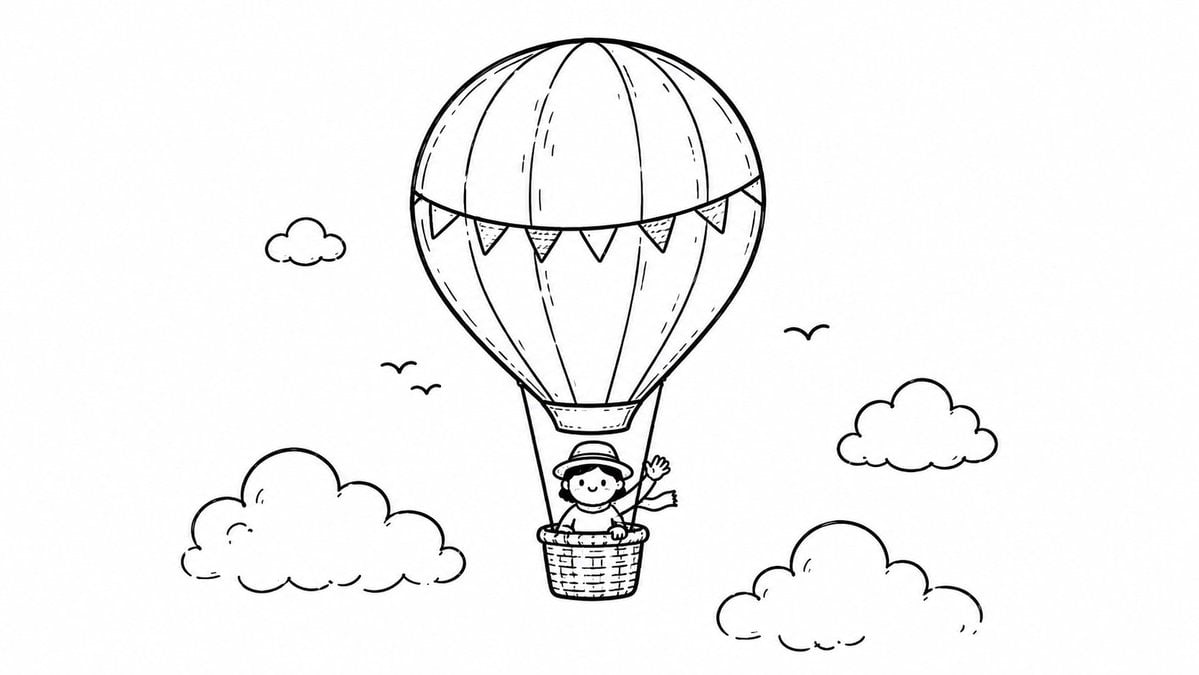
Hot Air Balloon Coloring Page
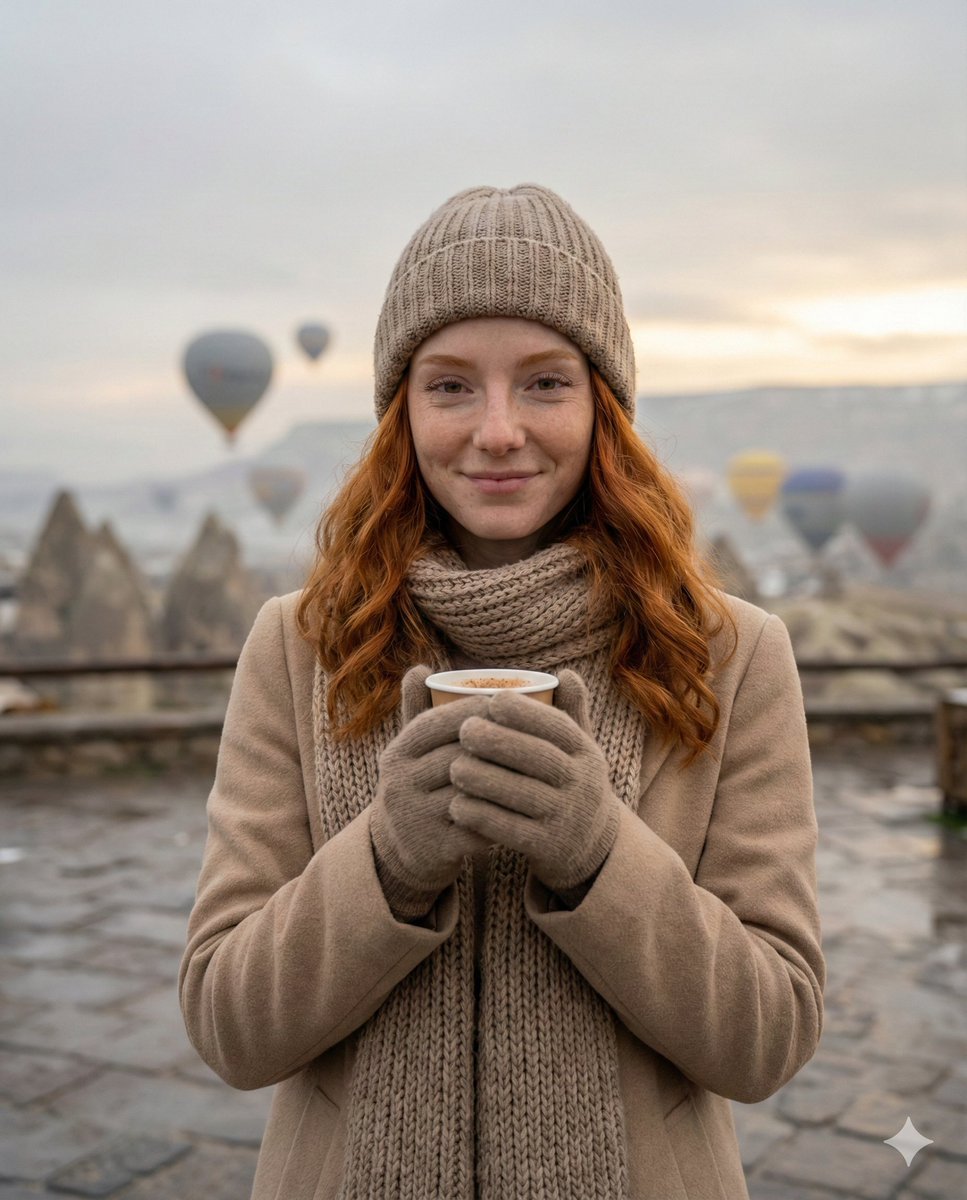
Cozy Winter Travel Photo in Cappadocia with Hot Air Balloons
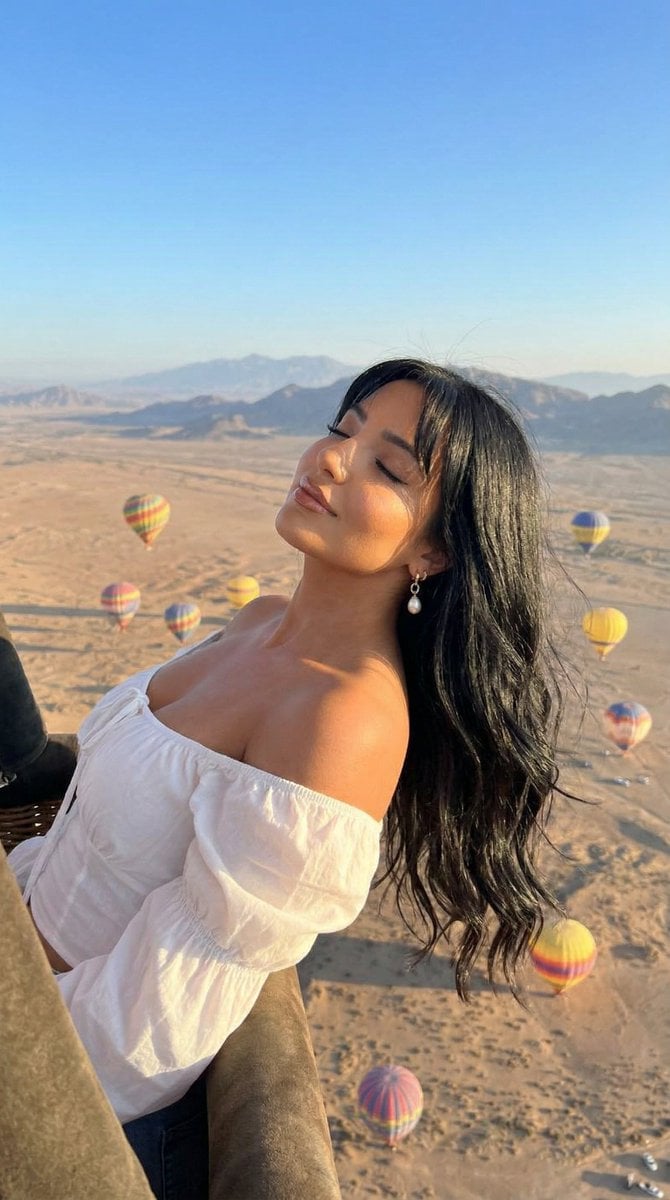
Cinematic Portrait of a Woman in a Hot Air Balloon over a Desert
Classroom Balloon Photo Upscale
Chibi Air Guitar Storyboard
Seedance Viking Vlogger Storyboard Poster

Headphones Lifestyle Nine Panel Grid
Awkward Blurry Nightclub Rainbow Hair Shot
Strawberry Repair Cream Product Shot
Explosive Mid-Air Product Shot
8K Beauty Product Shot with Balloons
Ultra-wide fisheye shot of a woman crouching mid-air
Make it yours
Hot Air Balloon Vlog Storyboard works as-is. These are the safest ways to change it without losing the look.
Change one field
Copy a single group, rewrite it, and generate again so you can see what that field is doing.
Keep the frame, change the subject
Hold the composition and light of Hot Air Balloon Vlog Storyboard, then swap wardrobe, props or the person for a new take.
| If the result… | Why | Fix |
|---|---|---|
| The result drifts from the preview | Too many fields changed at once. | Reuse Hot Air Balloon Vlog Storyboard as-is first, then change one group — subject, light, or setting. |
| The model over-stylizes the scene | The prose prompt leaves finish and camera underspecified. | Add one camera or lighting sentence and stay on GPT Image 2. |
More GPT Image 2 templates
Other prompts made for GPT Image 2.

Six VTuber Japanese Logo Sheet

Realistic Portrait of Woman and Deer

The Vista Modular Condo Poster

AI Model Routing Comparison Infographic

2.5D Anime Art Board

Isometric Productivity Desk Scene

New York Double Exposure Poster

Four-Panel AI Landscape Comparison

Japanese Tatami Lifestyle Magazine Cover

NESCAFÉ Coffee Map Poster
More image prompts
Fresh picks from across the catalog.
Panel Japanese Digital Ad Banner Grid
Animation Style - Framer Motion v2
Cute Bedroom Portrait with Teddy Bear Prompt
Streetwear Fashion Catalog Shoot
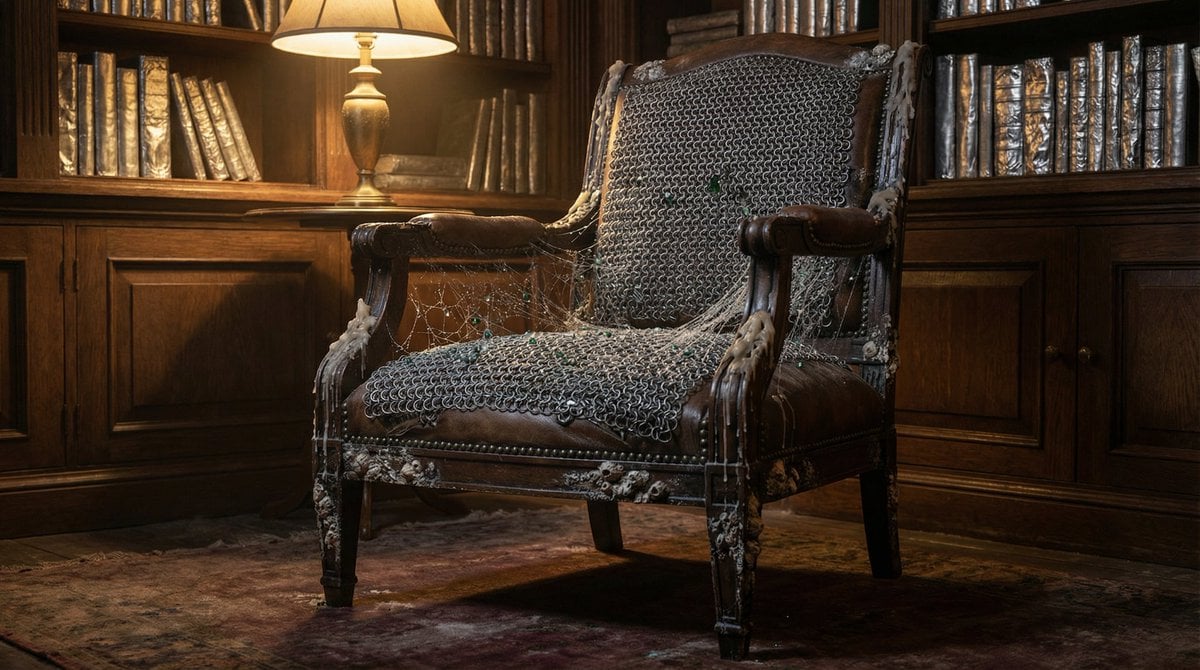
Surreal Library Armchair Generation
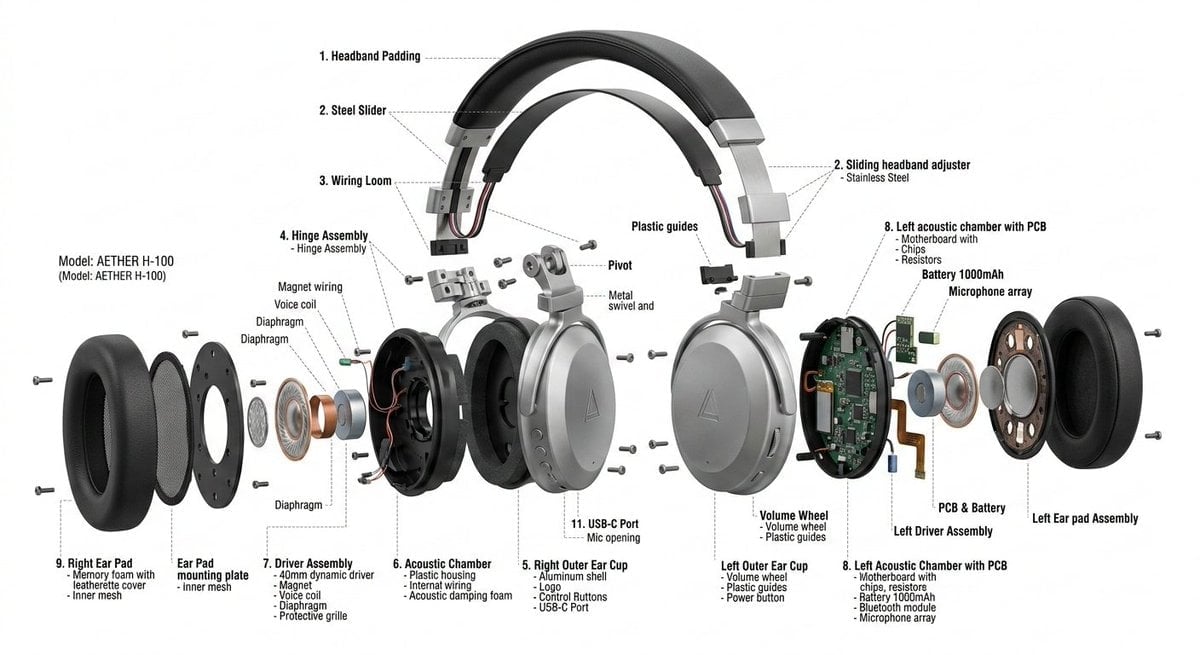
Exploded View Product Design Diagram Prompt
Nano Banana Pro Model Prompt for Visuals
Photorealistic Whimsical Fantasy Character Template
Hyper-Realistic Rear-Oblique Pose Replication Prompt
Luxury Museum Acrylic Case Visual
Browse template categories
Hot Air Balloon Vlog Storyboard questions
How do I use the Hot Air Balloon Vlog Storyboard template?
Add your photo if the template asks for one, edit the prompt if you like — the template's model and format are already selected — and press Generate. Your version opens in PicX Studio.
Can I customize the Hot Air Balloon Vlog Storyboard template?
Yes. You can change the subject, setting, lighting, mood, format, and available model controls before creating your image.
Is the Hot Air Balloon Vlog Storyboard template free?
Opening and editing this template is free. Generating uses credits, shown on the Generate button when you are signed in.
Which AI model should I use?
Start with GPT Image 2, which is the model associated with this template. You can compare another compatible model for a different finish.
Looking for something else? Browse all templates.

Your photo, any look
Thousands of ready templates for every top image and video model, from one credit balance.