
Cinematic Portrait with Sunglasses
A detailed prompt for creating a photorealistic fashion portrait that maintains a specific facial identity while adding stylish sunglasses and an oversized white shirt.
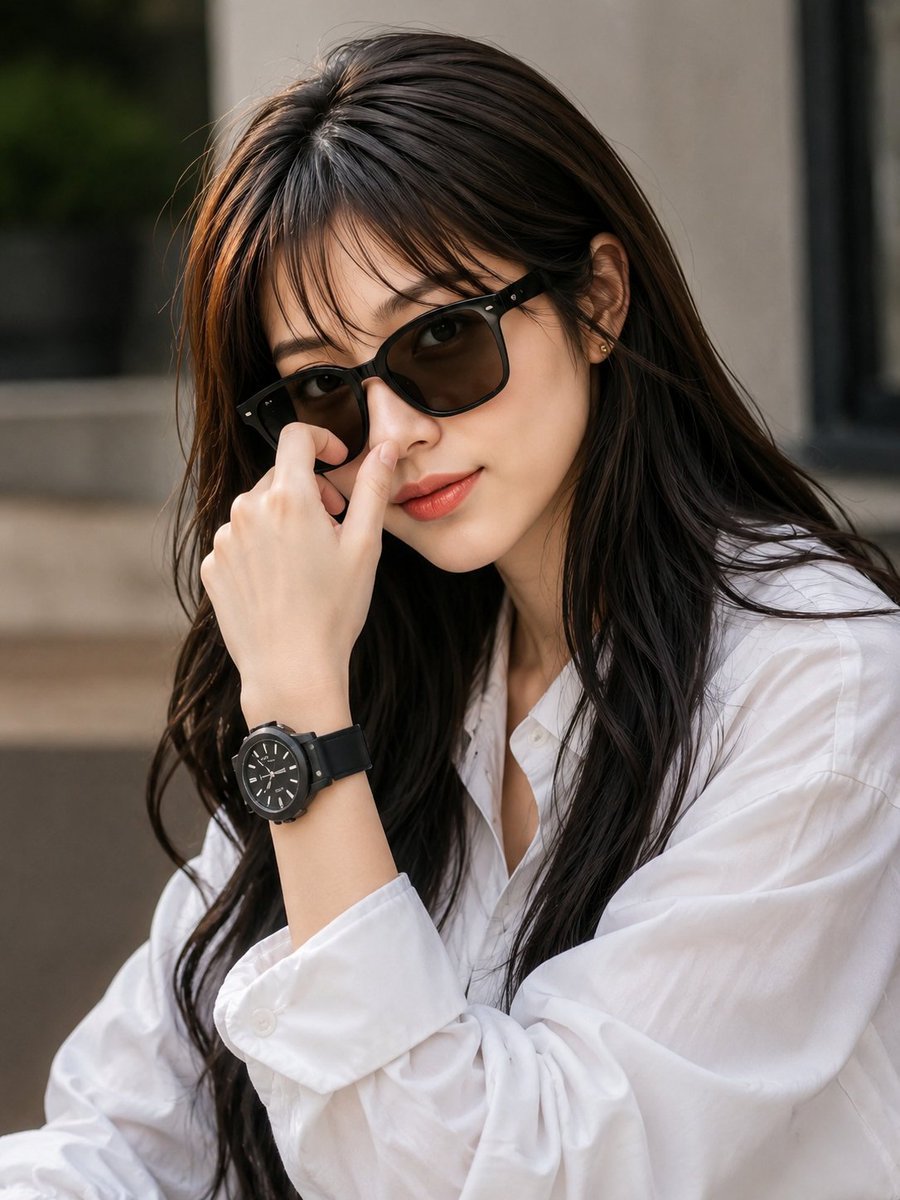
- Prompt included
- Model and format preset
- Free template
The prompt behind this image
Copy the exact prompt behind Cinematic Portrait with Sunglasses, or open it in the studio and make it yours.
Use the uploaded image as the main visual reference. Create a highly photorealistic, stylish cinematic portrait of the same young woman, preserving her overall facial appearance, face shape, skin tone, eyes, eyebrows, nose, lips, and natural proportions as closely as possible. She has long, straight, silky dark-brown to black hair with soft natural volume and wispy curtain bangs falling gently across her forehead. Her hair flows naturally over both shoulders with realistic individual strands and subtle shine. She is wearing {argument name="accessory" default="sleek black rectangular sunglasses"} with dark tinted lenses and a glossy black frame. The sunglasses should fit naturally on her face and remain proportional to her features. She is dressed in a {argument name="clothing" default="crisp white oversized button-up shirt"} with a relaxed, elegant fit. The shirt has realistic fabric folds, a classic collar, visible buttons, and naturally loose sleeves. Pose: close-up three-quarter portrait. Her body is angled slightly away from the camera while her face turns toward the camera. One hand is raised naturally near the bridge of her sunglasses, gently touching or adjusting them with relaxed fingers. Her expression is calm, confident, slightly mysterious, and elegant, with soft natural lips and a subtle neutral smile. Add a {argument name="accessory 2" default="simple black wristwatch"} with a round dial and black strap on the wrist of the raised hand. Background: softly blurred modern indoor/outdoor setting with neutral gray, beige, and muted green tones. Use shallow depth of field and creamy cinematic bokeh so the woman remains the clear focal point. Lighting: soft natural daylight, gentle highlights on her hair and sunglasses, realistic shadows, subtle warm-neutral color grading, cinematic contrast, natural skin texture and visible fine facial details. Photography style: ultra-photorealistic Korean-inspired fashion photography, premium editorial portrait, 85mm lens look, shallow depth of field, crisp focus on the face and sunglasses, realistic skin pores, detailed hair strands, realistic hands and fingers, natural body proportions, high dynamic range, professional composition, 4K/8K detail. Keep the overall mood and composition close to the reference image: long dark hair, curtain bangs, black sunglasses, oversized white shirt, raised hand near the sunglasses, black wristwatch, confident expression, and elegant cinematic aesthetic. Negative prompt: cartoon, anime, illustration, artificial face, plastic skin, excessive makeup, distorted facial features, unnatural eyes, deformed hands, extra fingers, missing fingers, malformed wrist, warped sunglasses, distorted watch, unrealistic hair, bad anatomy, blurry face, oversaturated colors, duplicate person, low resolution, text, watermark, logo.
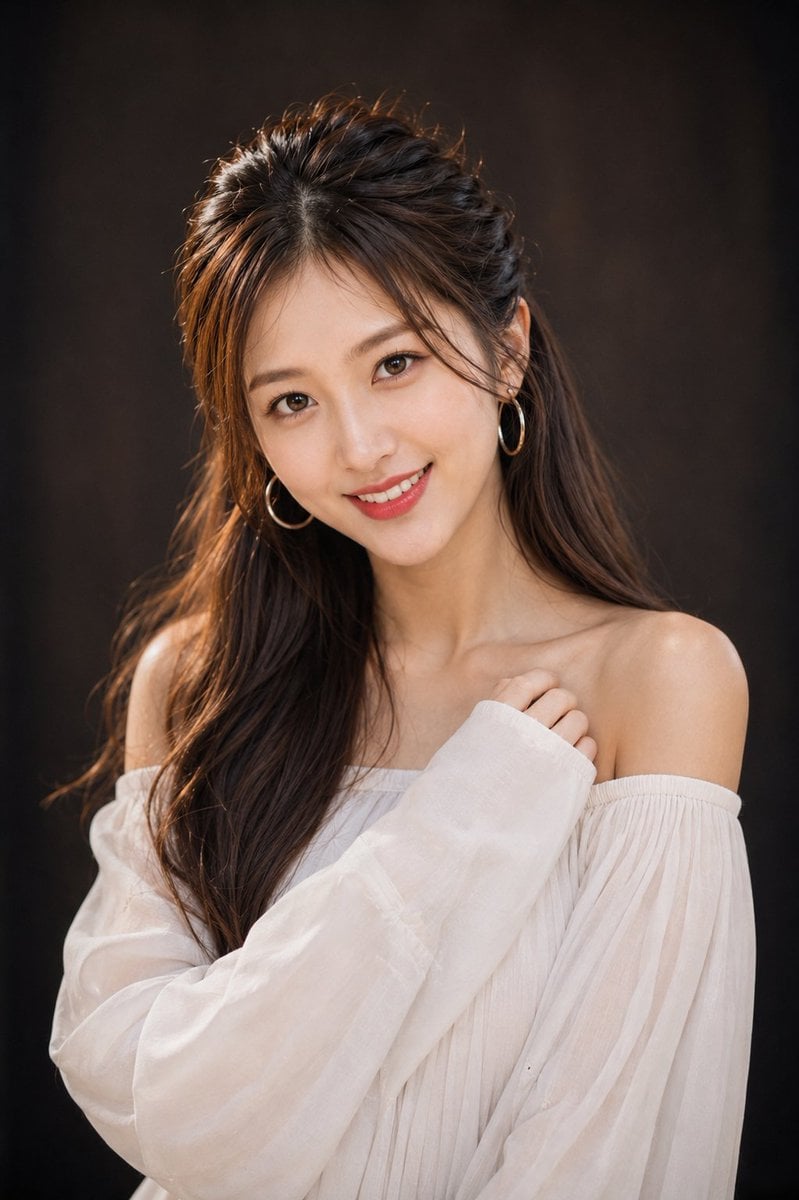
Reference images included
Cinematic Portrait with Sunglasses needs input media to work. They load alongside the prompt when you open it in the studio.
How to use Cinematic Portrait with Sunglasses in 3 steps
- 1Upload ImagePNG, JPG or paste
Add your photo
Upload the photo the template builds on. The prompt, model and format are already set.
- 2…a portrait of your subject in softgolden-hour light, 85mm…
Personalize
Edit the subject and creative details for your destination.
- 3Generate
Generate
Press Generate — your image is created in PicX Studio, so you can compare it with the original and refine one variable at a time.
More like this
Templates with the same subject, style or setup. Open one to see its prompt.
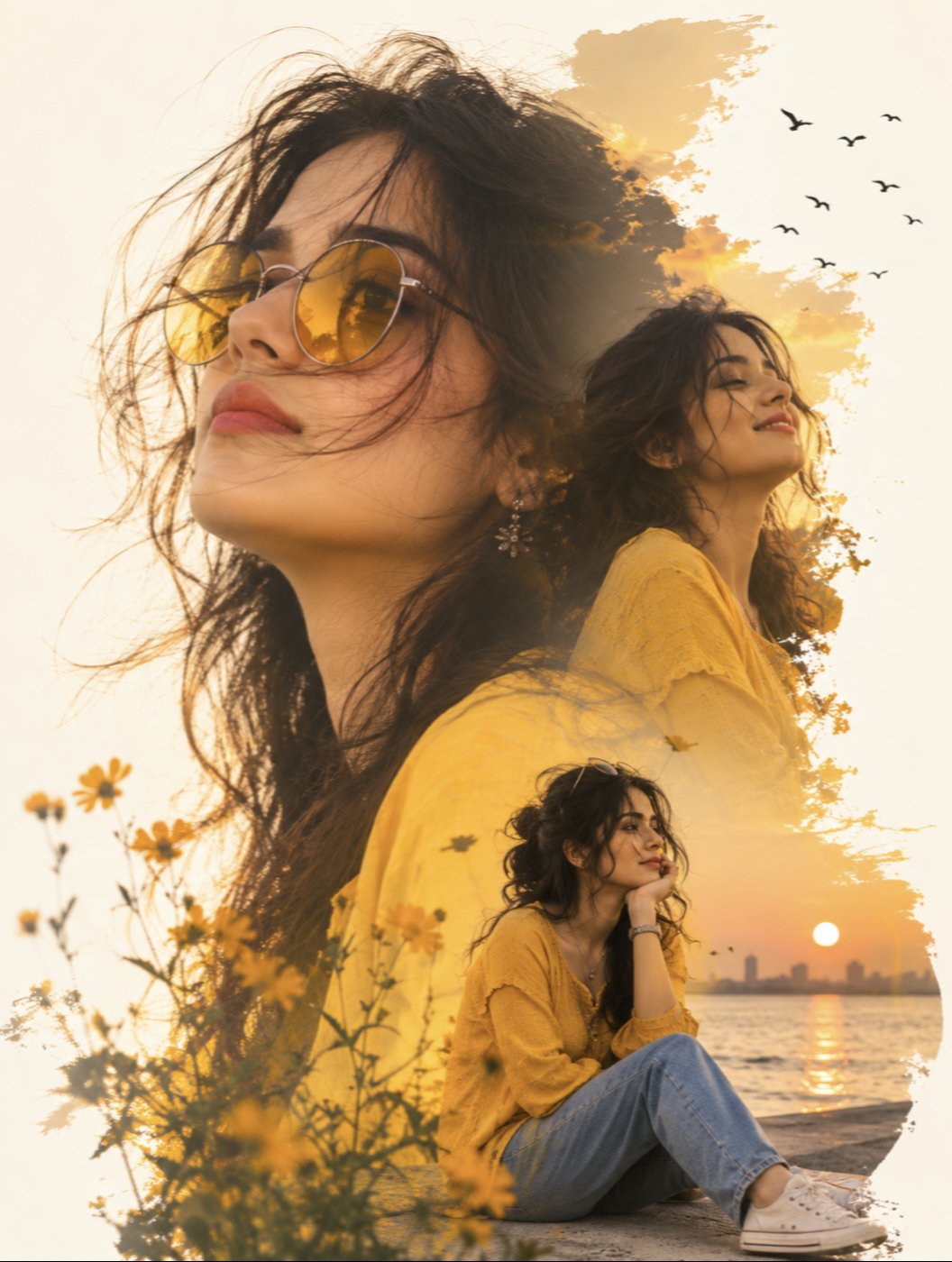
Yellow Sunglasses Double Exposure Sunset

Found Photograph: Us, 1970

80s Couple Studio Portrait

80s Bollywood Star

80s Golden Hour Cinema

Me in 1985

1985 Studio Portrait

Hyper-Realistic Minecraft POV Portrait

Rooftop Fisheye — Cat-Ear Balaclava at Golden Hour

Rainy Café Window Moody Portrait

untitled

2025 Aesthetic Photography
Make it yours
Cinematic Portrait with Sunglasses works as-is. These are the safest ways to change it without losing the look.
Change one field
Copy a single group, rewrite it, and generate again so you can see what that field is doing.
Keep the frame, change the subject
Hold the composition and light of Cinematic Portrait with Sunglasses, then swap wardrobe, props or the person for a new take.
| If the result… | Why | Fix |
|---|---|---|
| The result drifts from the preview | Too many fields changed at once. | Reuse Cinematic Portrait with Sunglasses as-is first, then change one group — subject, light, or setting. |
| The model over-stylizes the scene | The prose prompt leaves finish and camera underspecified. | Add one camera or lighting sentence and stay on GPT Image 2. |
More GPT Image 2 templates
Other prompts made for GPT Image 2.

Six VTuber Japanese Logo Sheet

Realistic Portrait of Woman and Deer

The Vista Modular Condo Poster

AI Model Routing Comparison Infographic

2.5D Anime Art Board

Isometric Productivity Desk Scene

New York Double Exposure Poster

Four-Panel AI Landscape Comparison

Japanese Tatami Lifestyle Magazine Cover

NESCAFÉ Coffee Map Poster
More image prompts
Fresh picks from across the catalog.
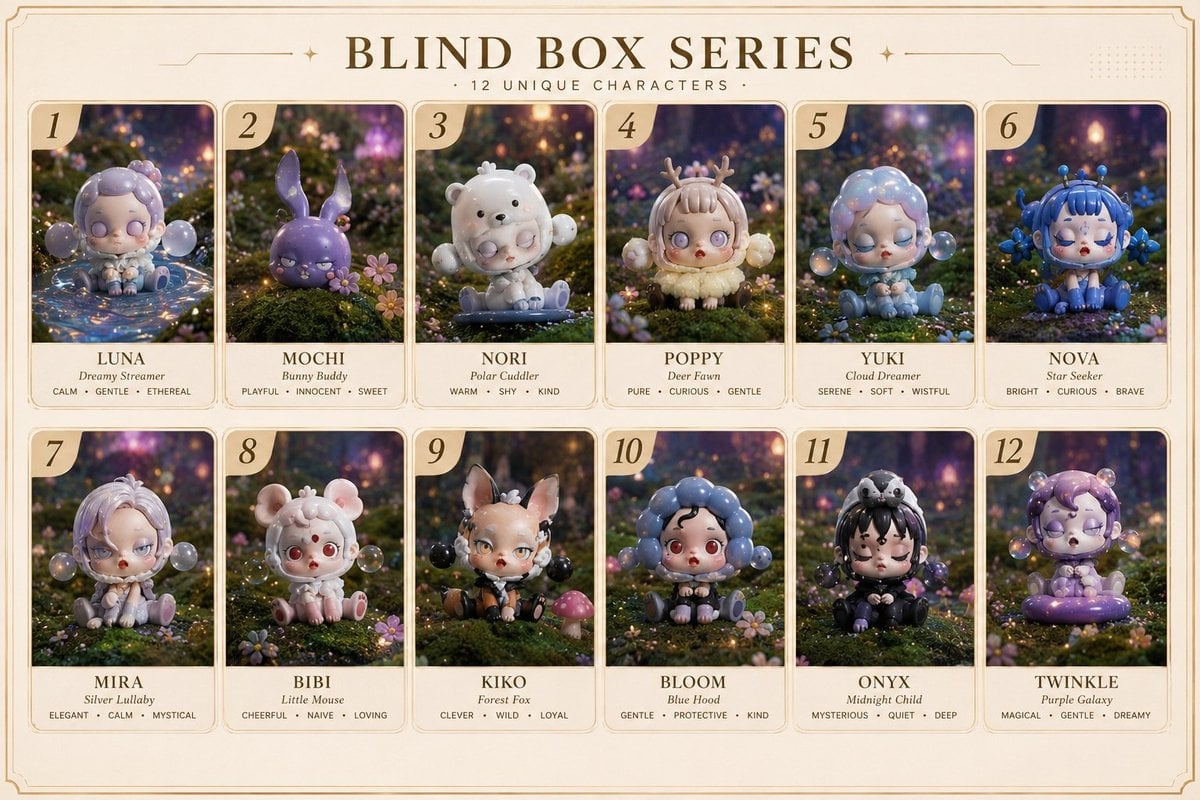
Fantasy Blind Box Character Series Poster

Gpt2 Profile Avatar Monochrome Hermes Inspired Avatar

Black and White Fine-Art Portrait Prompt with Cinematic Contrast
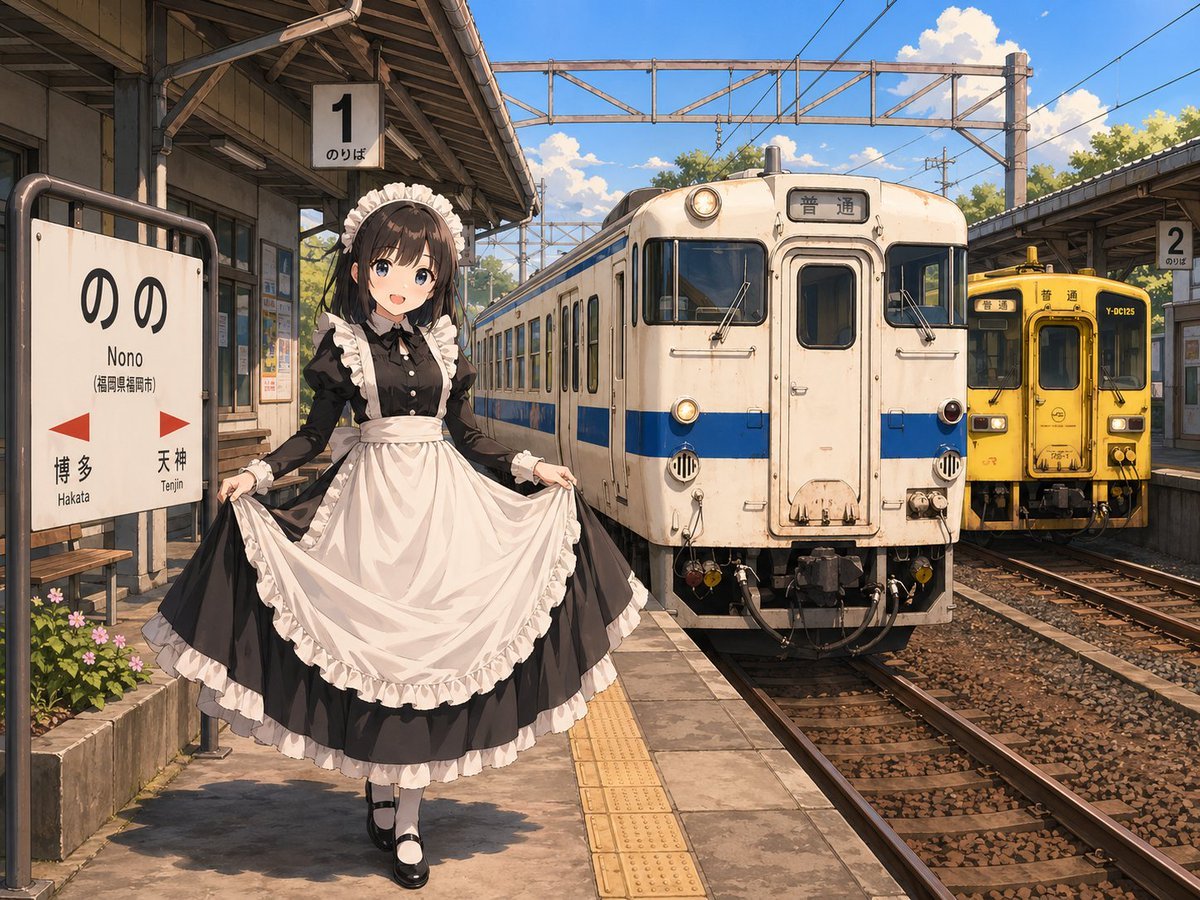
Anime Maid at Rural Train Station
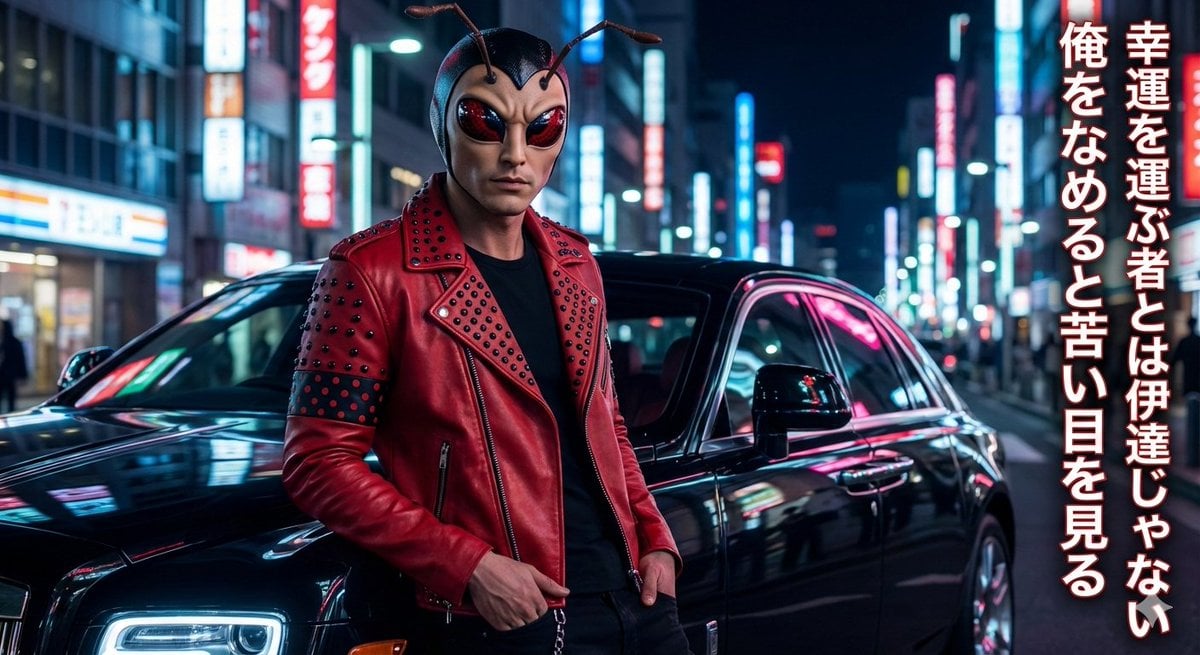
Mushi Tanka (Insect Haiku) Gravure Photo

Hyper-realistic Deconstructed Middle Eastern Cuisine Prompt
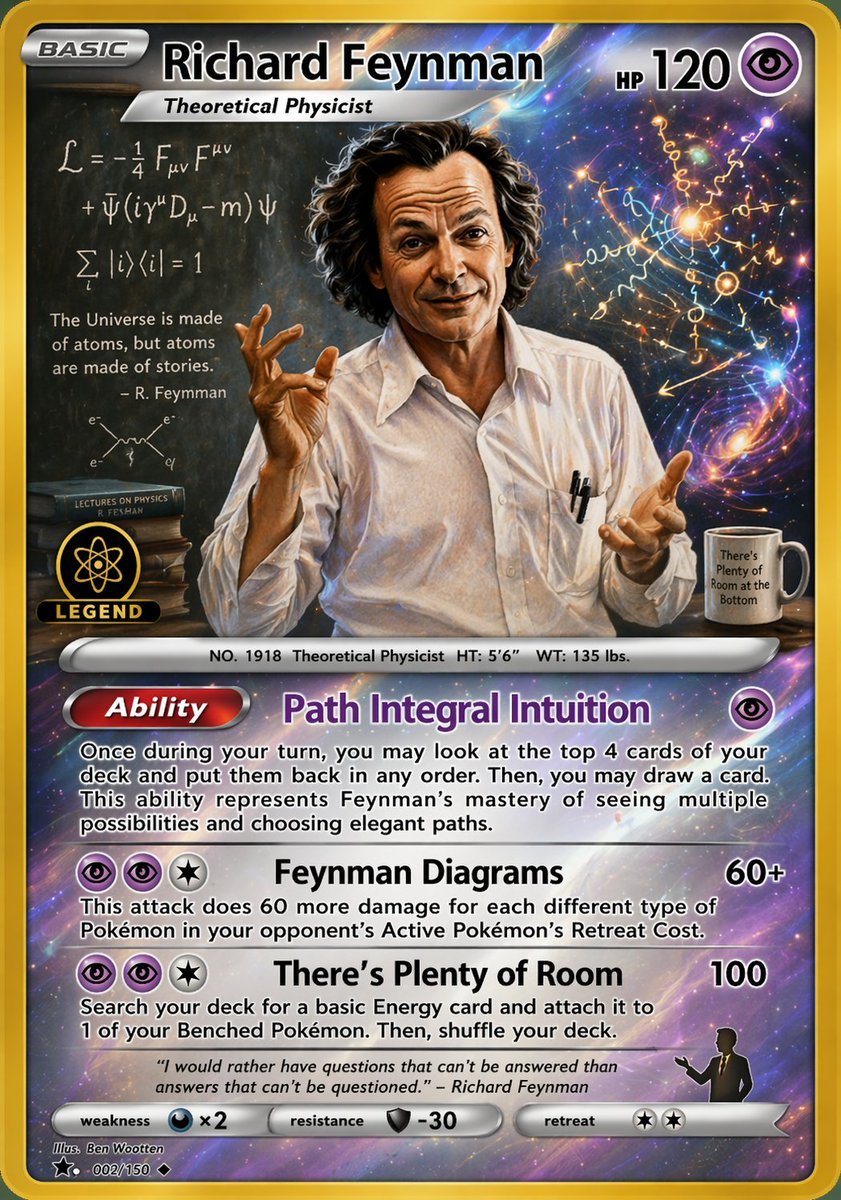
Richard Feynman Psychic Trading Card

Stylized Baba Yaga Hut
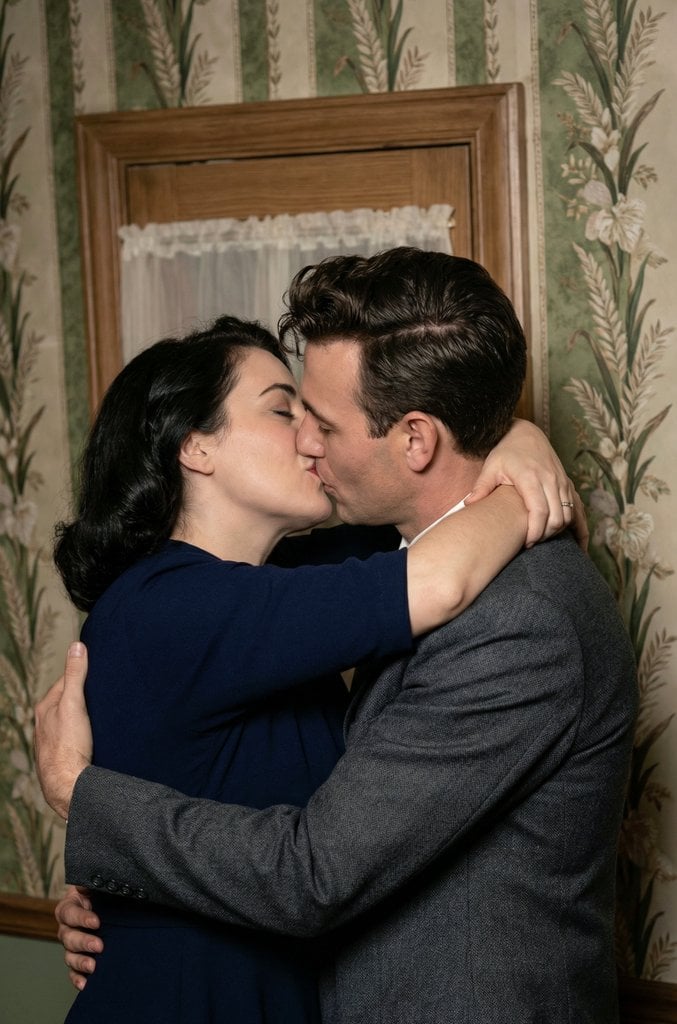
Old Photo Restoration and Upscaling Prompt
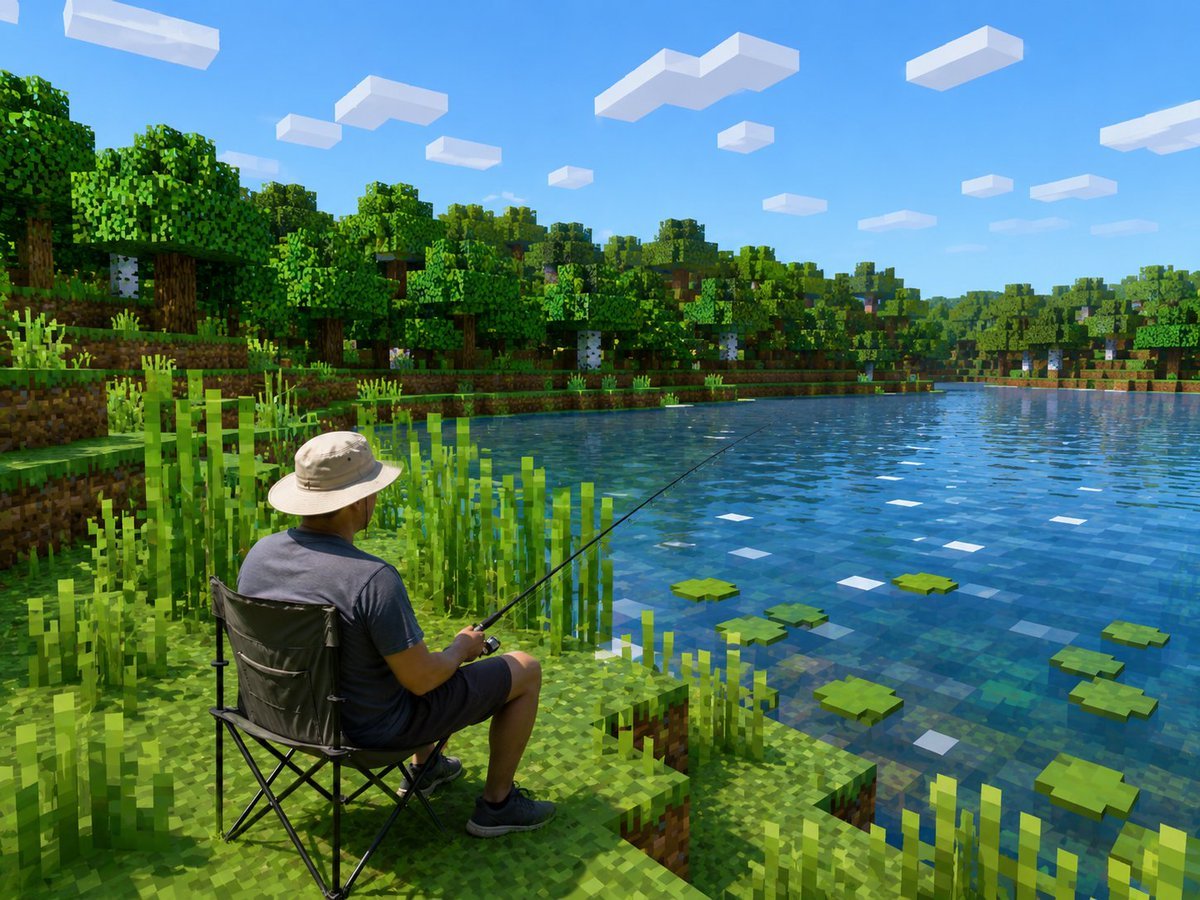
Realistic Fisherman in Minecraft Lake
Browse template categories
Cinematic Portrait with Sunglasses questions
How do I use the Cinematic Portrait with Sunglasses template?
Add your photo if the template asks for one, edit the prompt if you like — the template's model and format are already selected — and press Generate. Your version opens in PicX Studio.
Can I customize the Cinematic Portrait with Sunglasses template?
Yes. You can change the subject, setting, lighting, mood, format, and available model controls before creating your image.
Is the Cinematic Portrait with Sunglasses template free?
Opening and editing this template is free. Generating uses credits, shown on the Generate button when you are signed in.
Which AI model should I use?
Start with GPT Image 2, which is the model associated with this template. You can compare another compatible model for a different finish.
Looking for something else? Browse all templates.

Your photo, any look
Thousands of ready templates for every top image and video model, from one credit balance.