
Miniature Beauty Campaign Photography
A creative beauty advertisement prompt that blends macro portraiture with miniature professional workers meticulously applying makeup.
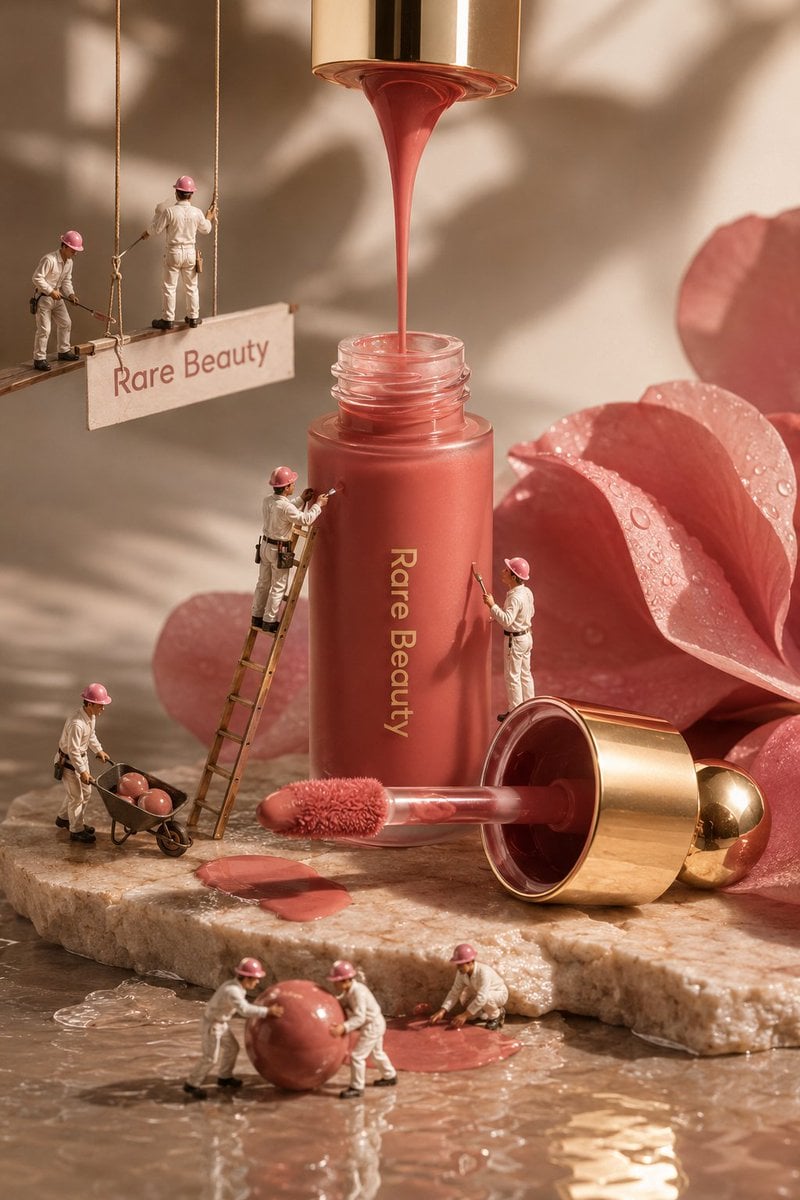
- Prompt included
- Model and format preset
- Free template
The prompt behind this image
Copy the exact prompt behind Miniature Beauty Campaign Photography, or open it in the studio and make it yours.
Create an ultra-realistic, high-end luxury beauty advertisement inspired by premium editorial cosmetics photography. The composition features a close-up macro portrait of a woman’s face filling the background, with natural warm skin tones, realistic pores, subtle freckles, delicate skin texture, glossy hydrated lips, and soft golden studio lighting. Keep the facial appearance elegant, natural, refined, and photorealistic, with a sophisticated beauty-campaign aesthetic. In the foreground, place premium {argument name="makeup type" default="liquid makeup products"} inspired by a modern luxury cosmetic brand. Include a tall {argument name="bottle type" default="frosted glass liquid blush bottle"} standing upright and another matching blush container lying horizontally on the surface. The packaging should have a soft muted {argument name="color" default="rosy-pink/coral"} liquid visible through the frosted glass, clean minimalist typography, and a luxurious metallic gold cap. Place the applicator wand beside the bottle, with a soft fluffy doe-foot applicator carrying a small amount of rosy blush product. Add a creative miniature-world concept: several tiny professional beauty workers dressed in clean white work uniforms, black utility belts, black shoes, and pink protective helmets are climbing thin ropes around the cosmetic products. Some miniature workers should appear carefully painting or applying blush to the giant skin surface with tiny rollers and cosmetic tools, while another worker climbs toward the product bottle, creating the illusion that the cosmetic product is being professionally crafted and applied at a massive scale. The miniature figures should have realistic proportions, detailed clothing, believable poses, tiny equipment, realistic shadows, and physically accurate interaction with the environment. Arrange the products on a smooth warm beige/pink studio surface with subtle reflections and soft shadows. Use a carefully controlled luxury commercial lighting setup: warm diffused key light, gentle rim lighting, soft highlights on the glass and metallic gold cap, realistic reflections, cinematic depth of field, and subtle atmospheric glow. The background should remain minimal, elegant, warm, and uncluttered so the cosmetics and miniature workers remain the main focus. Use a premium beauty campaign composition with a slightly low product angle, macro photography aesthetics, shallow depth of field, realistic bokeh, extremely detailed glass textures, realistic liquid translucency, natural skin texture, accurate material reflections, and professional color grading. Make every element look physically present in the same scene rather than digitally pasted together. Overall mood: luxurious, feminine, creative, playful, premium, sophisticated, and visually striking. The final image should resemble a high-budget international cosmetic advertising campaign combined with imaginative miniature photography. Ultra-photorealistic, 8K detail, cinematic commercial photography, macro lens, realistic skin pores, reali
How to use Miniature Beauty Campaign Photography in 3 steps
- 1
Open
The prompt is already in the box next to the preview, with the template's model and format selected.
- 2…a portrait of your subject in softgolden-hour light, 85mm…
Personalize
Edit the subject and creative details for your destination.
- 3Generate
Generate
Press Generate — your image is created in PicX Studio, so you can compare it with the original and refine one variable at a time.
More like this
Templates with the same subject, style or setup. Open one to see its prompt.
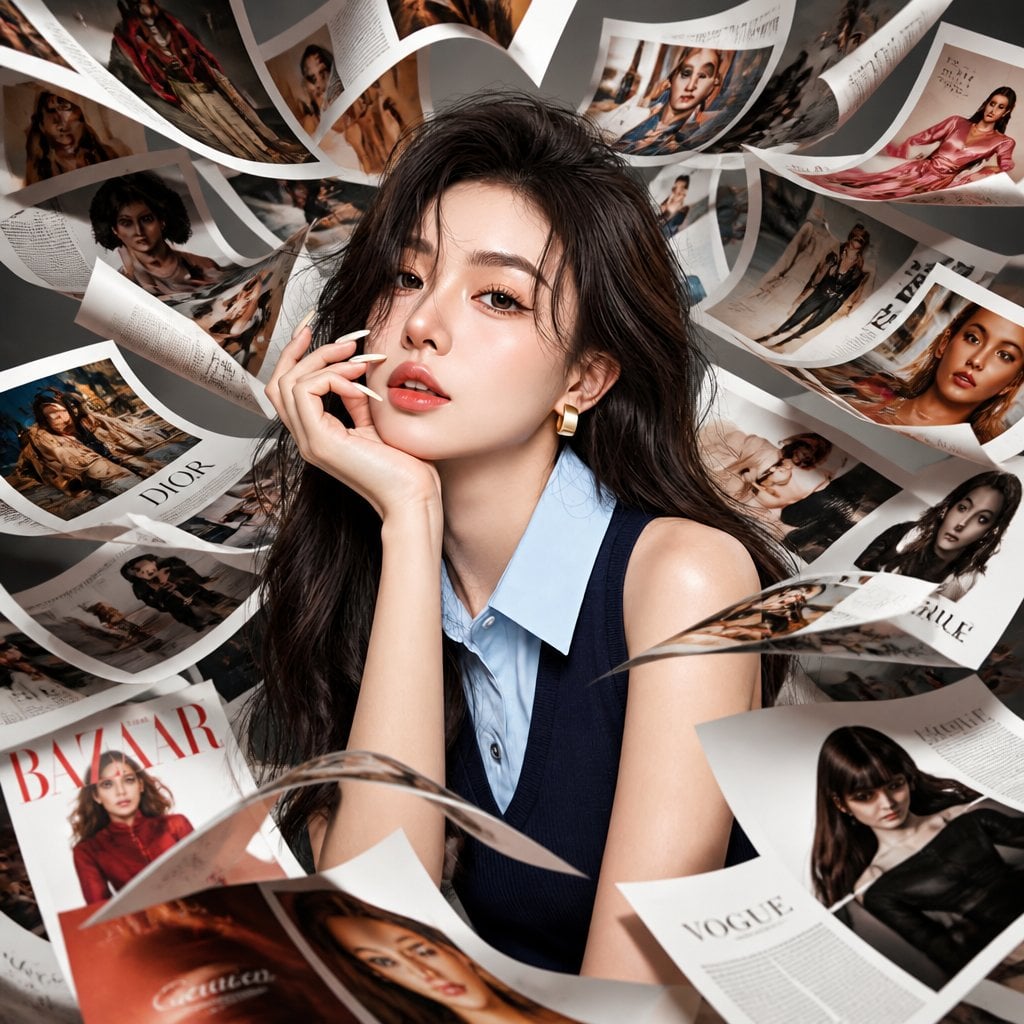
Korean Model Floating Magazine Pages Campaign
Mirror Selfie Chibi Characters Pixar Style
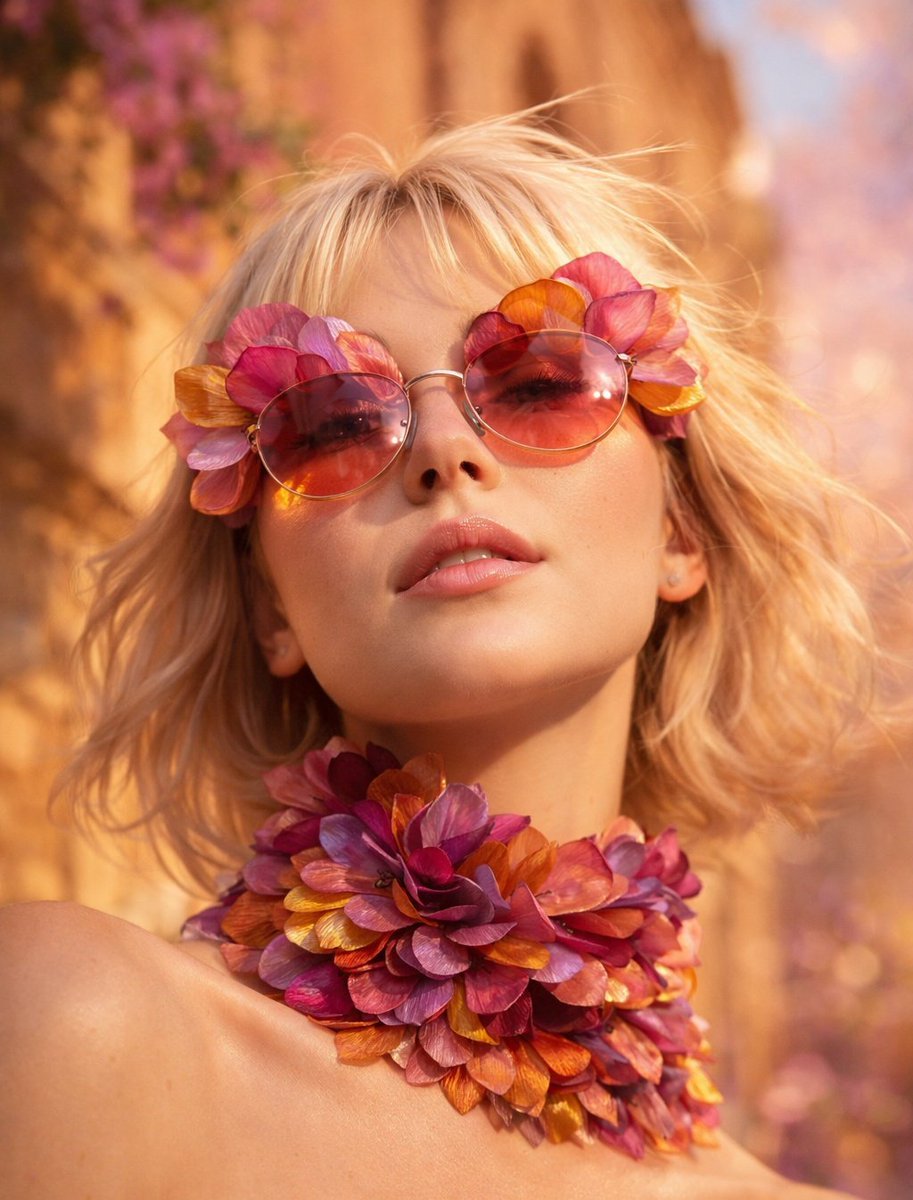
Flower Petal Sunglasses Couture Portrait

Fashion Portrait Colored Smoke Studio
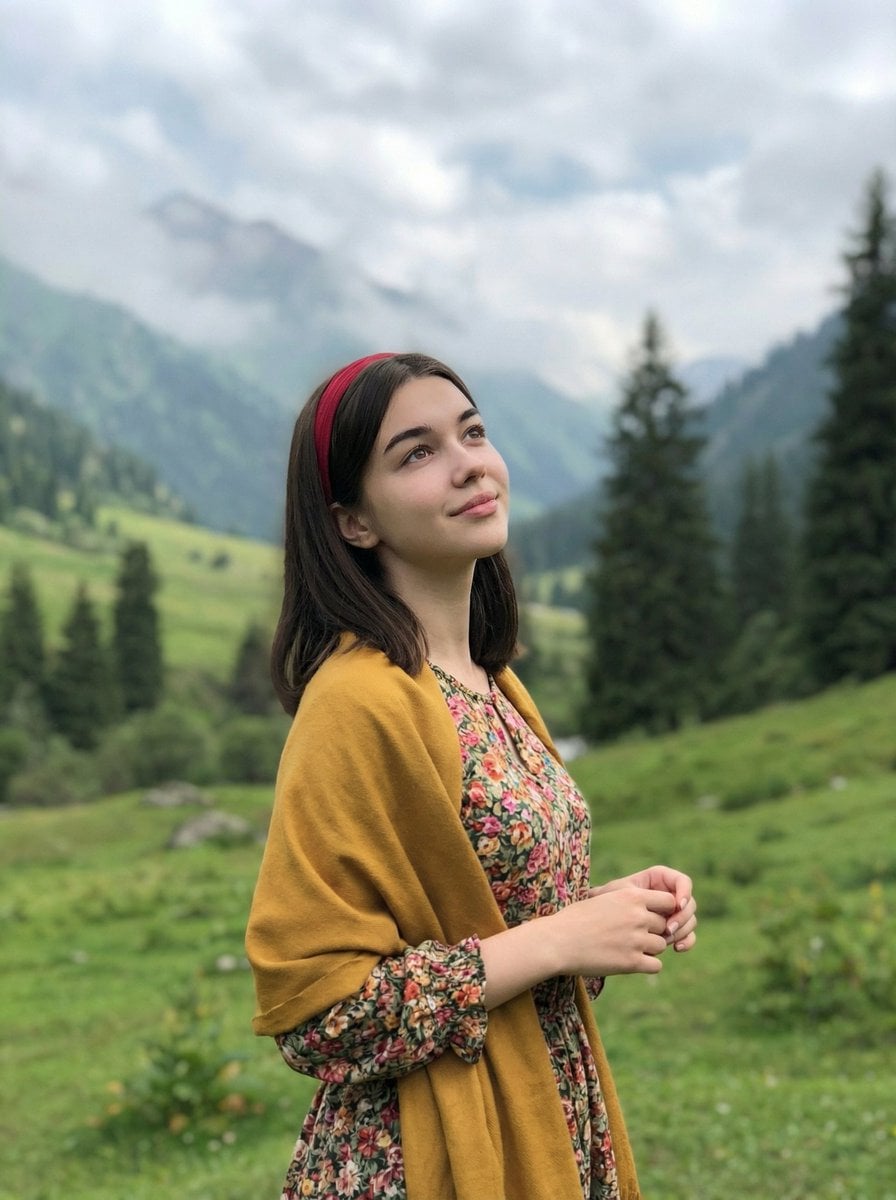
Mountain Valley Lifestyle Portrait
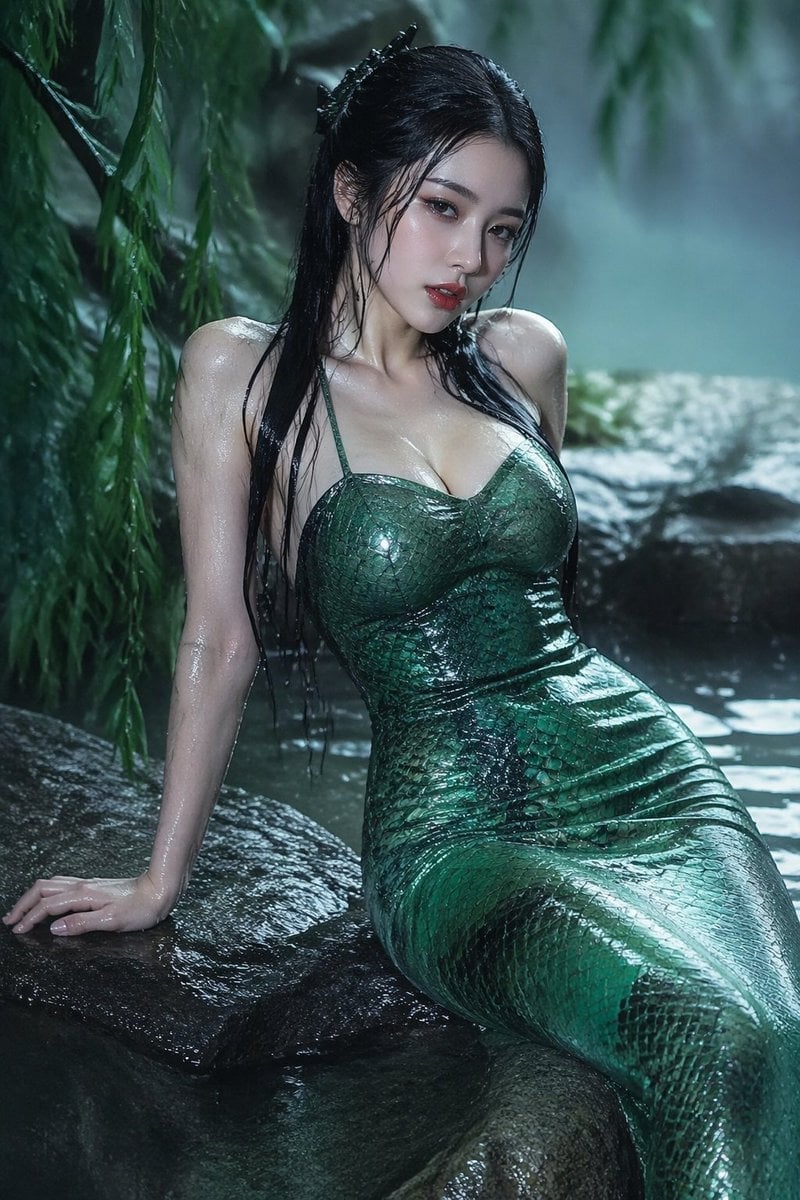
青蛇小青写真大片,绿色紧身蛇鳞裙,湿发红唇,妖娆妩媚
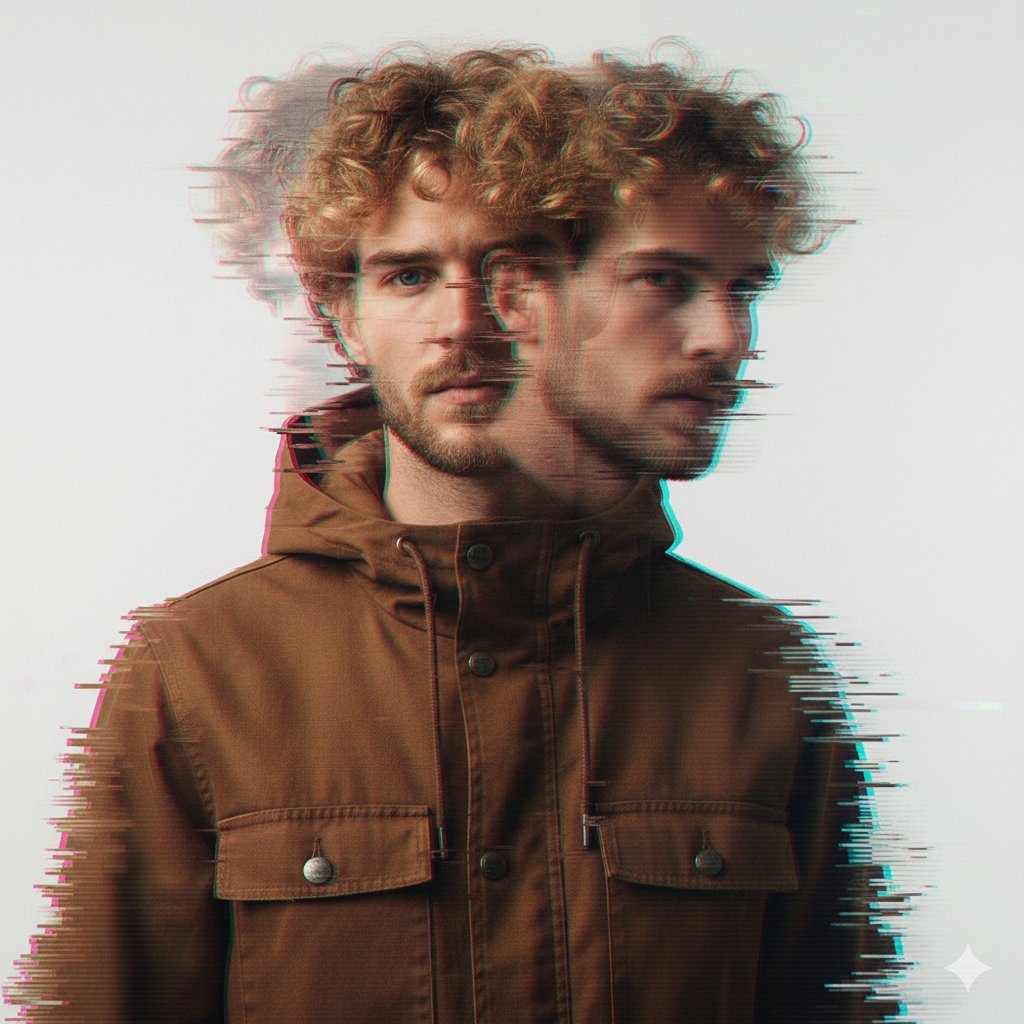
A double exposure, long exposure editorial photograph of a man Use image

Portrait of a young woman in her early 20s walking calmly on a beautiful
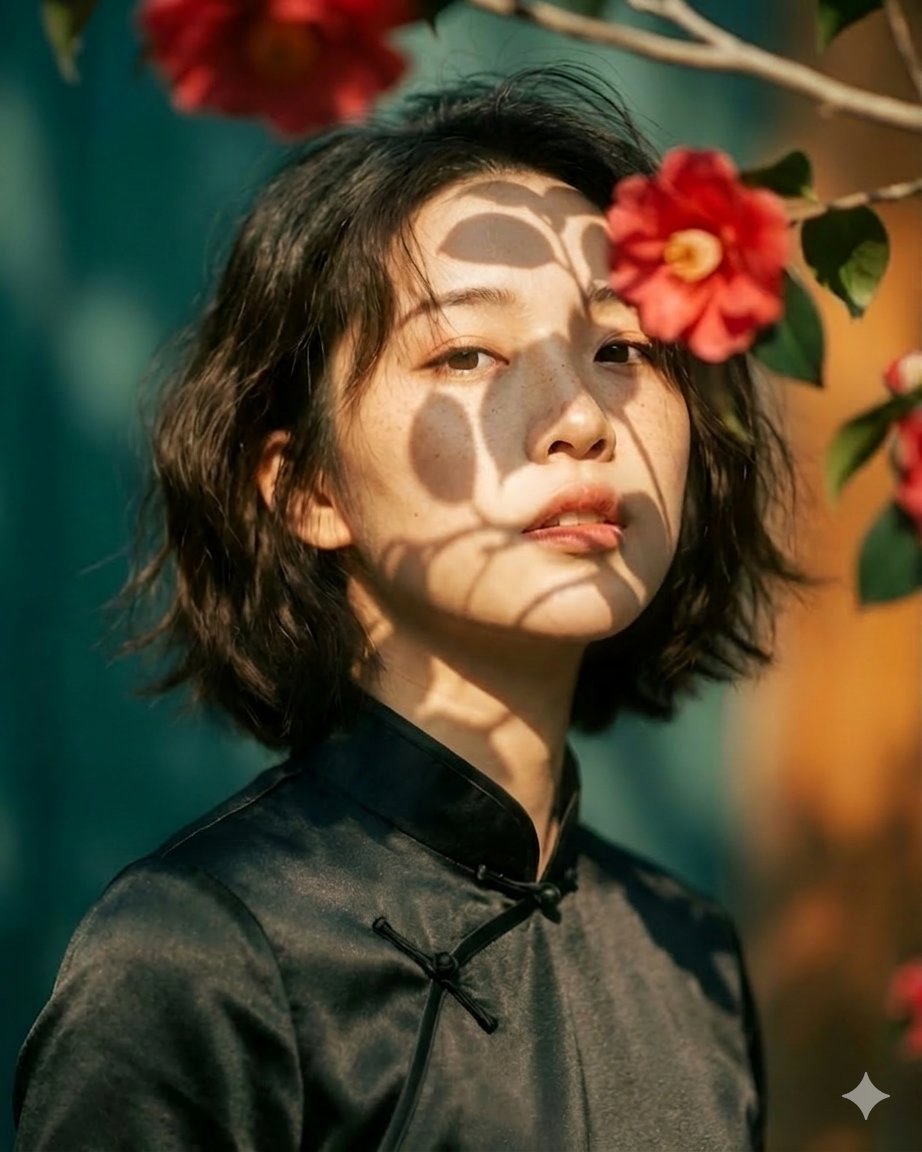
Artistic portrait of an elegant Asian woman wearing a black silk
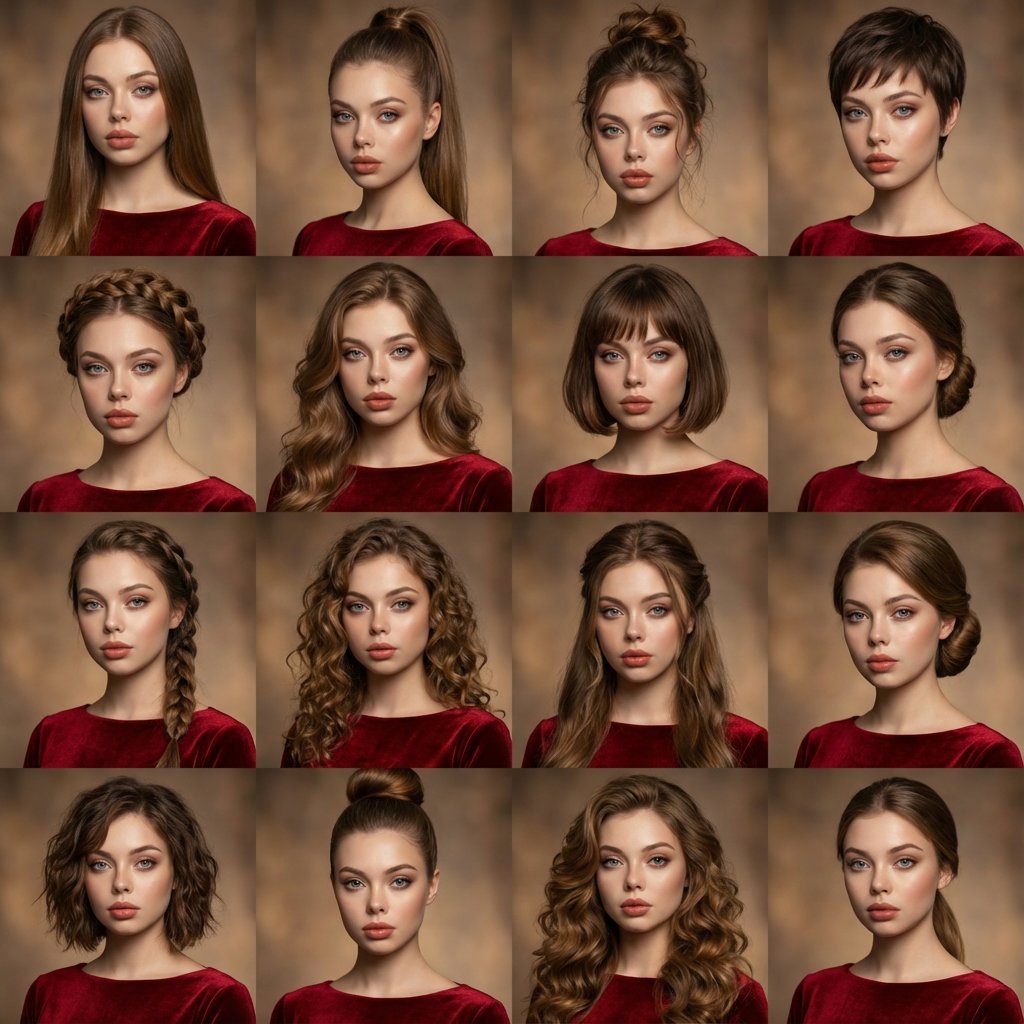
A high-quality photo collage featuring the same person with identical
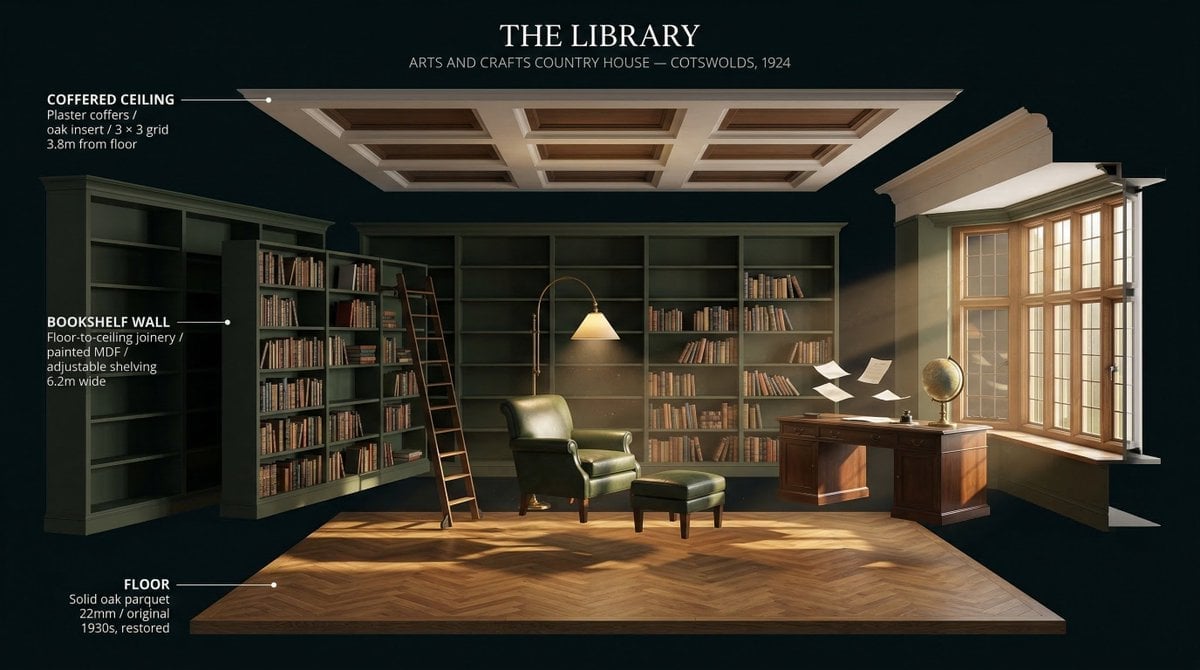
LIGHTING each element still lit by its original source, windows casting
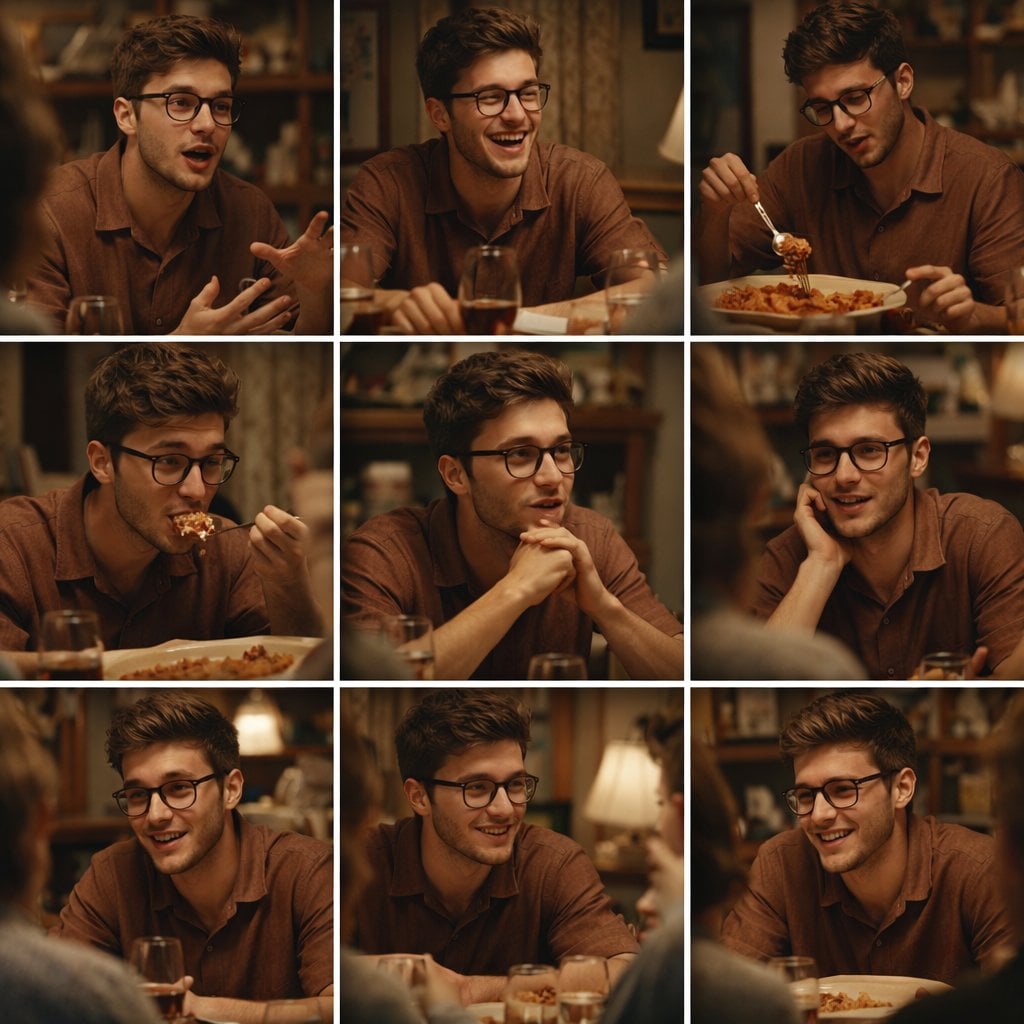
A 3x3 grid storyboard contact sheet comprised of nine candid, cinematic
Make it yours
Miniature Beauty Campaign Photography works as-is. These are the safest ways to change it without losing the look.
Change one field
Copy a single group, rewrite it, and generate again so you can see what that field is doing.
Keep the frame, change the subject
Hold the composition and light of Miniature Beauty Campaign Photography, then swap wardrobe, props or the person for a new take.
| If the result… | Why | Fix |
|---|---|---|
| The result drifts from the preview | Too many fields changed at once. | Reuse Miniature Beauty Campaign Photography as-is first, then change one group — subject, light, or setting. |
| The model over-stylizes the scene | The prose prompt leaves finish and camera underspecified. | Add one camera or lighting sentence and stay on GPT Image 2. |
More GPT Image 2 templates
Other prompts made for GPT Image 2.

Six VTuber Japanese Logo Sheet

Realistic Portrait of Woman and Deer

The Vista Modular Condo Poster

AI Model Routing Comparison Infographic

2.5D Anime Art Board

Isometric Productivity Desk Scene

New York Double Exposure Poster

Four-Panel AI Landscape Comparison

Japanese Tatami Lifestyle Magazine Cover

NESCAFÉ Coffee Map Poster
More image prompts
Fresh picks from across the catalog.
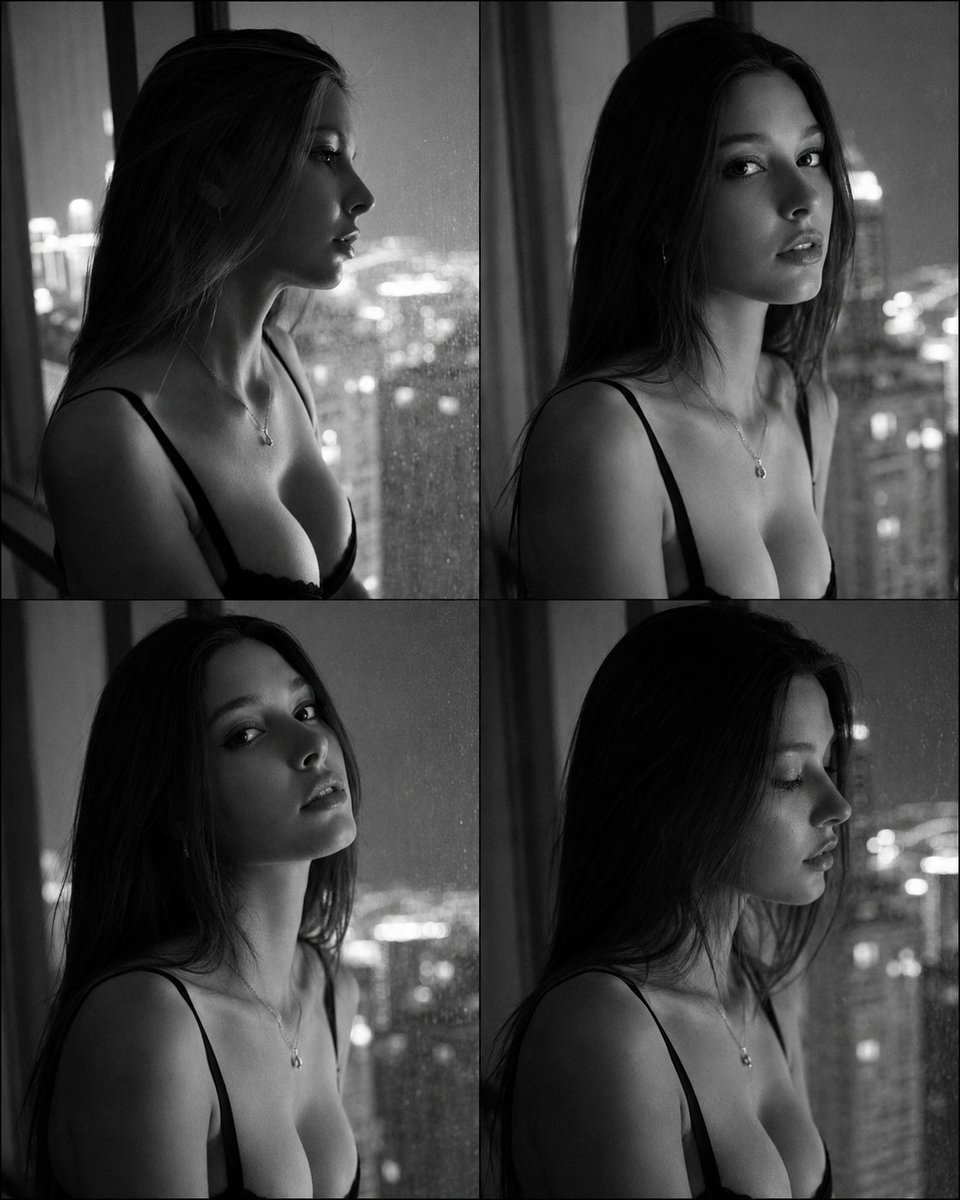
Fashion Casting Contact Sheet Portrait
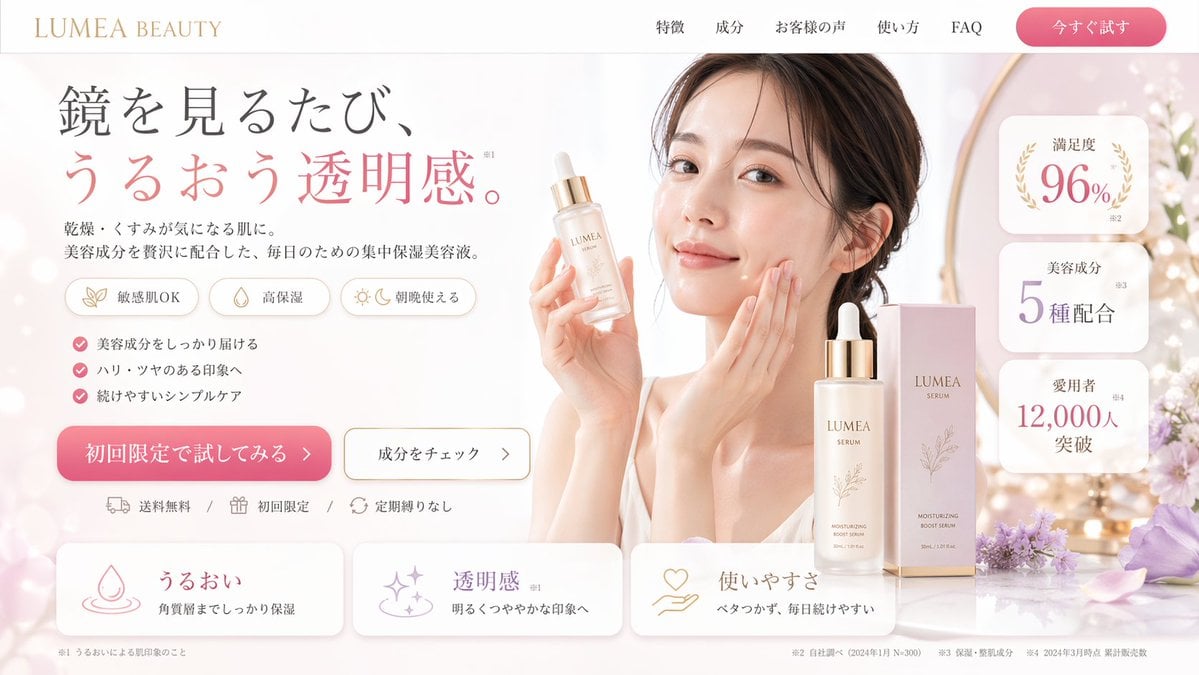
Beauty Landing Page Hero Section
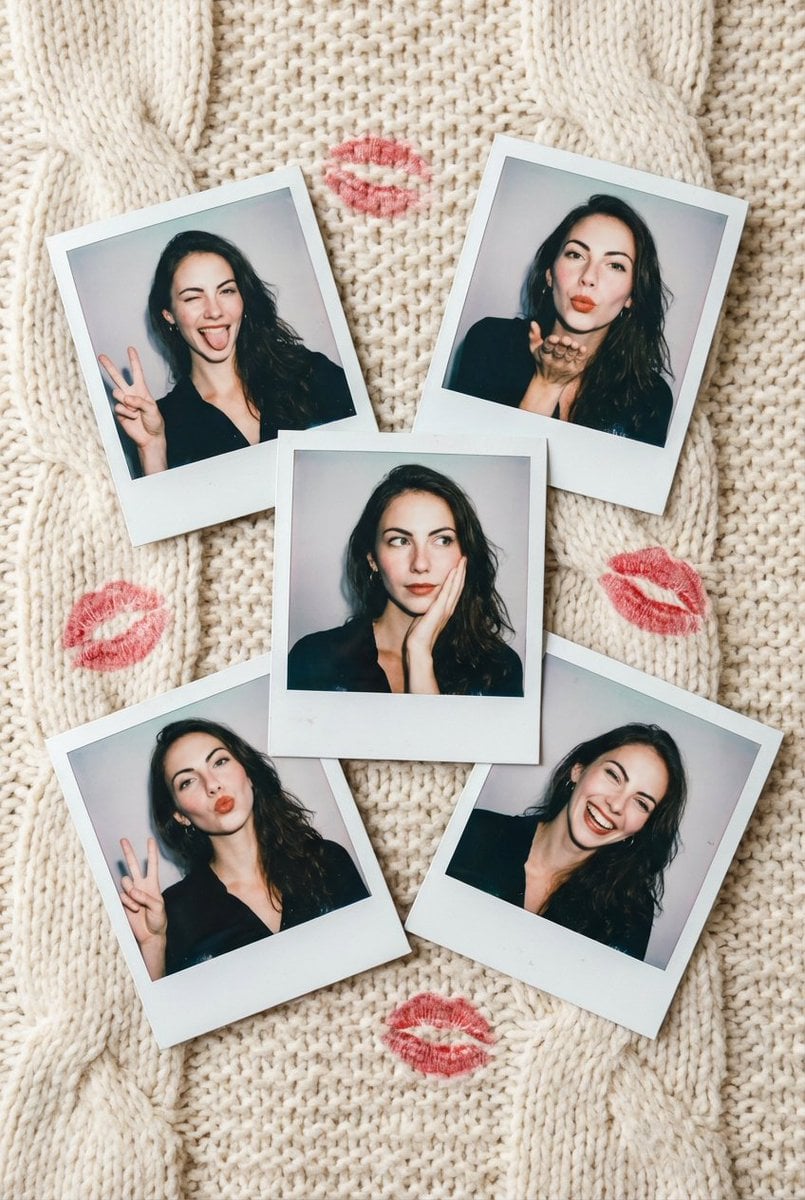
Vintage Polaroid Photo Collection Prompt
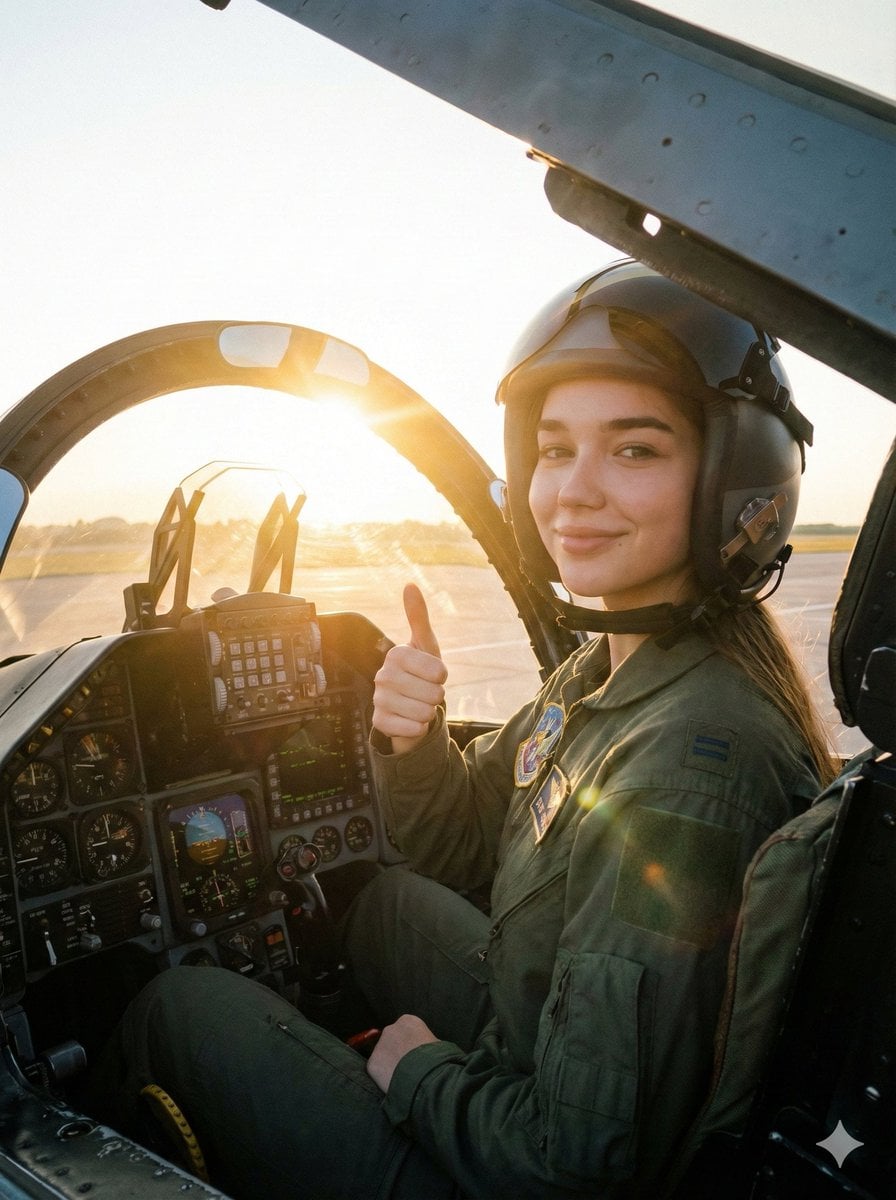
Cinematic Female Fighter Pilot Portrait at Sunset
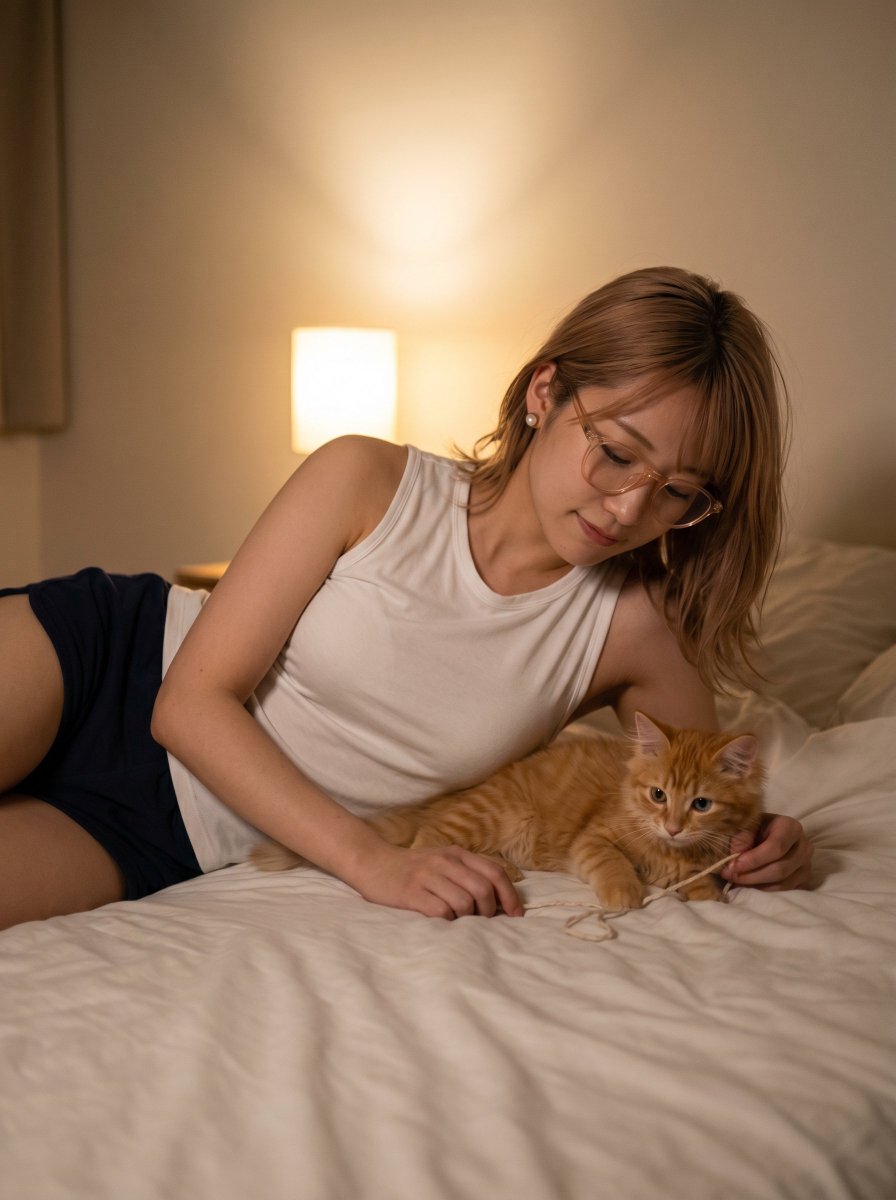
Cozy Bedtime Woman With Ginger Kitten
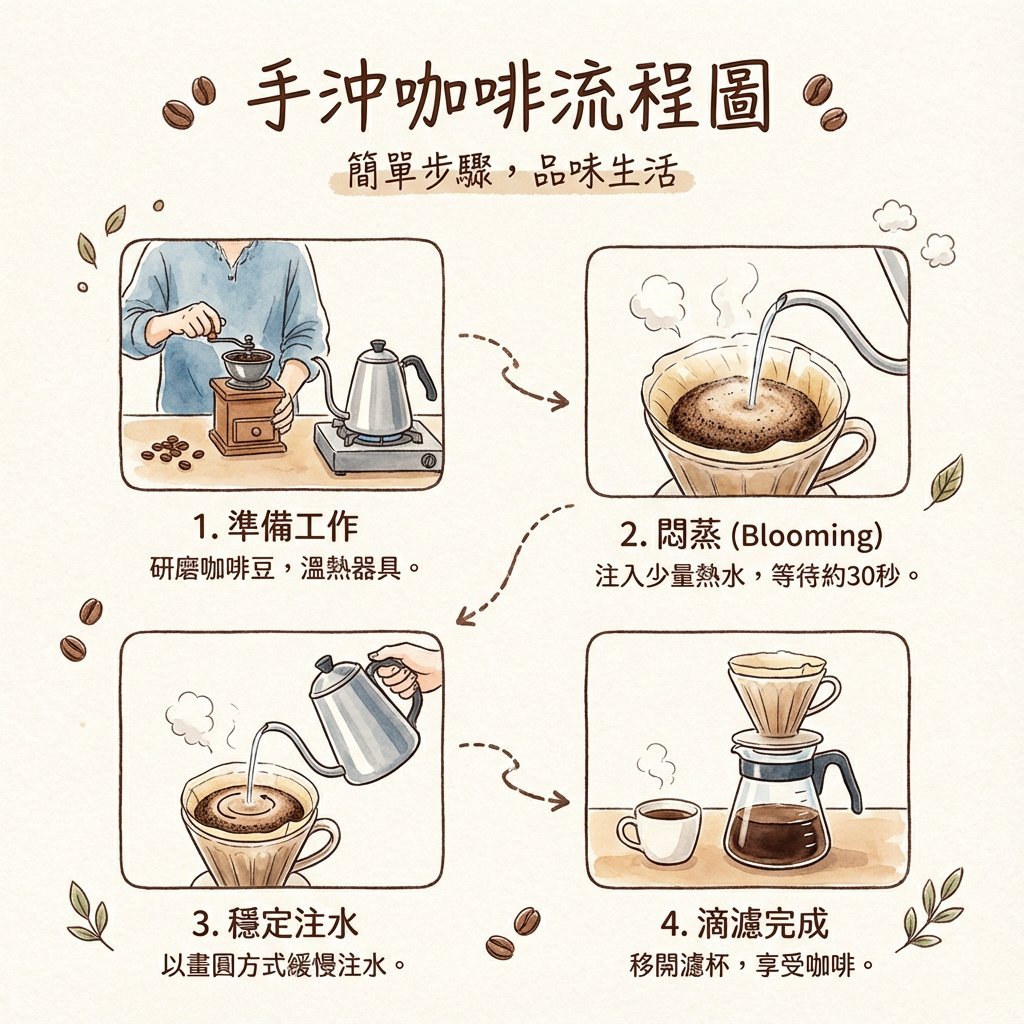
Hand drip coffee flowchart in Japanese magazine style
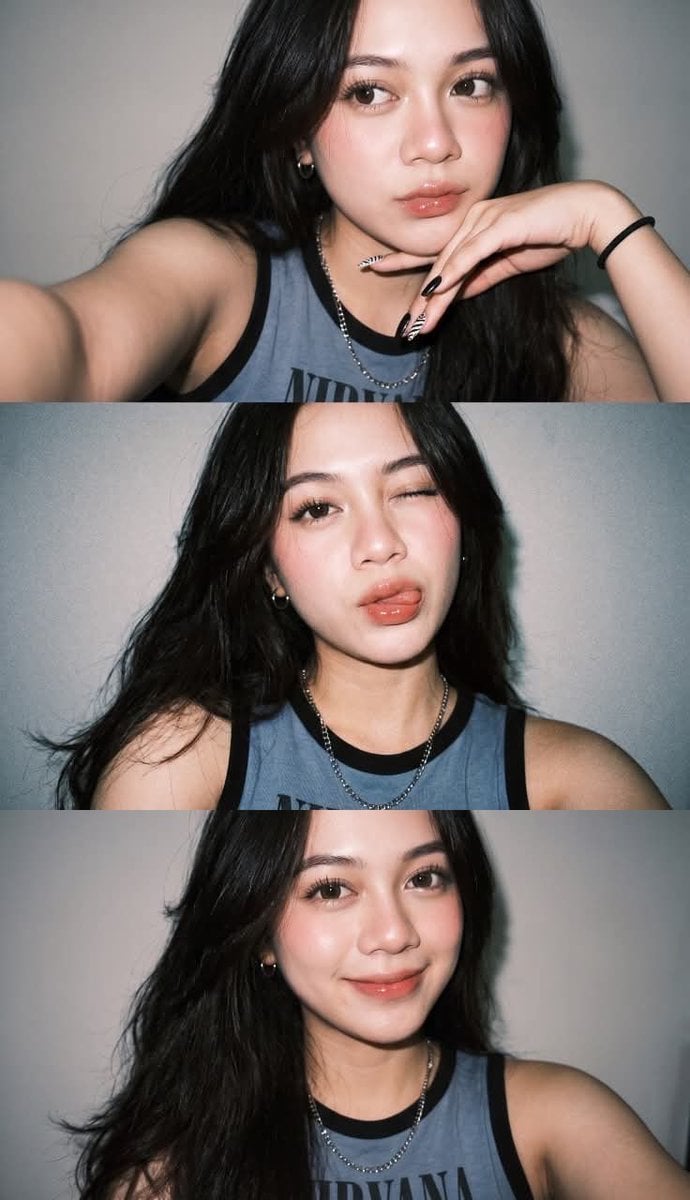
Ultra-Realistic Night Flash Selfie
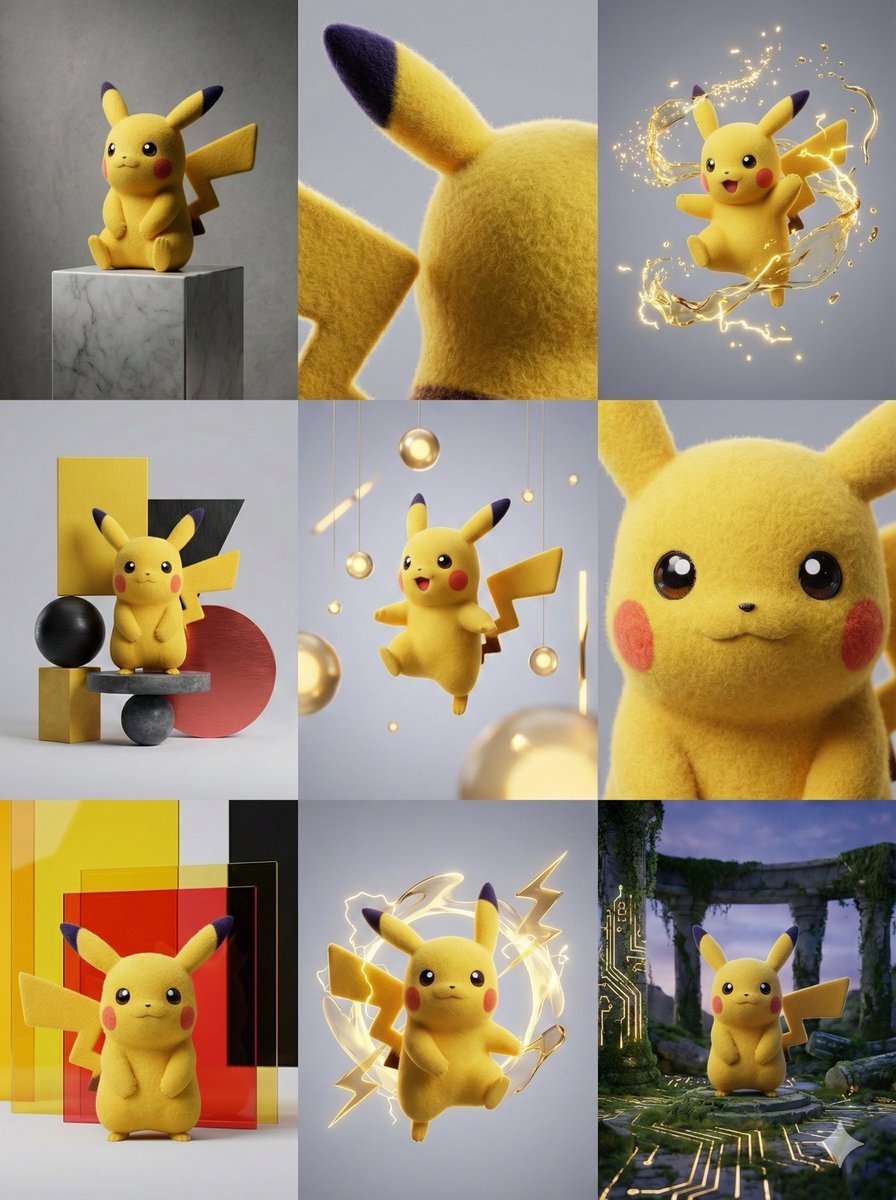
3x3 Grid Visual Concept Presentation

HIX.AI Slide Update Banner
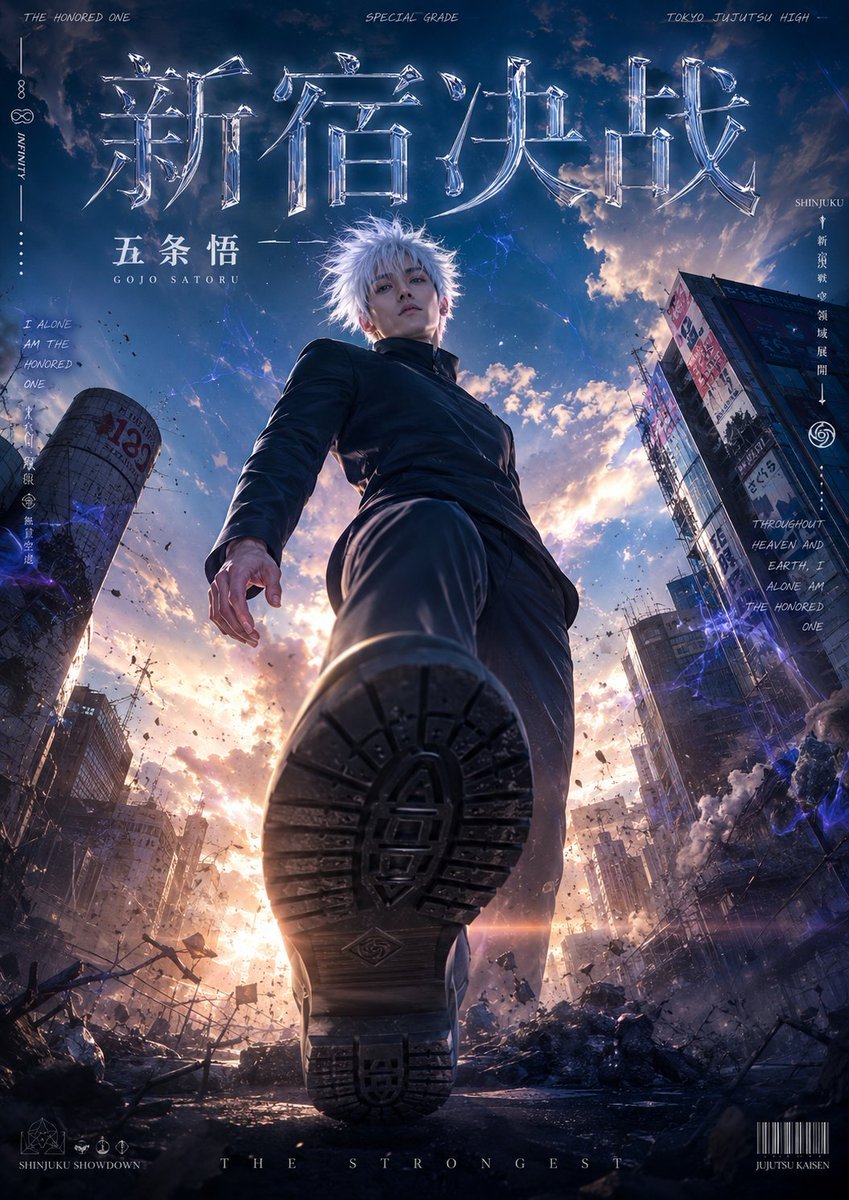
Live-Action Anime Movie Poster
Browse template categories
Miniature Beauty Campaign Photography questions
How do I use the Miniature Beauty Campaign Photography template?
Add your photo if the template asks for one, edit the prompt if you like — the template's model and format are already selected — and press Generate. Your version opens in PicX Studio.
Can I customize the Miniature Beauty Campaign Photography template?
Yes. You can change the subject, setting, lighting, mood, format, and available model controls before creating your image.
Is the Miniature Beauty Campaign Photography template free?
Opening and editing this template is free. Generating uses credits, shown on the Generate button when you are signed in.
Which AI model should I use?
Start with GPT Image 2, which is the model associated with this template. You can compare another compatible model for a different finish.
Looking for something else? Browse all templates.

Your photo, any look
Thousands of ready templates for every top image and video model, from one credit balance.