
Dirty Produce Germs Kitchen Scene
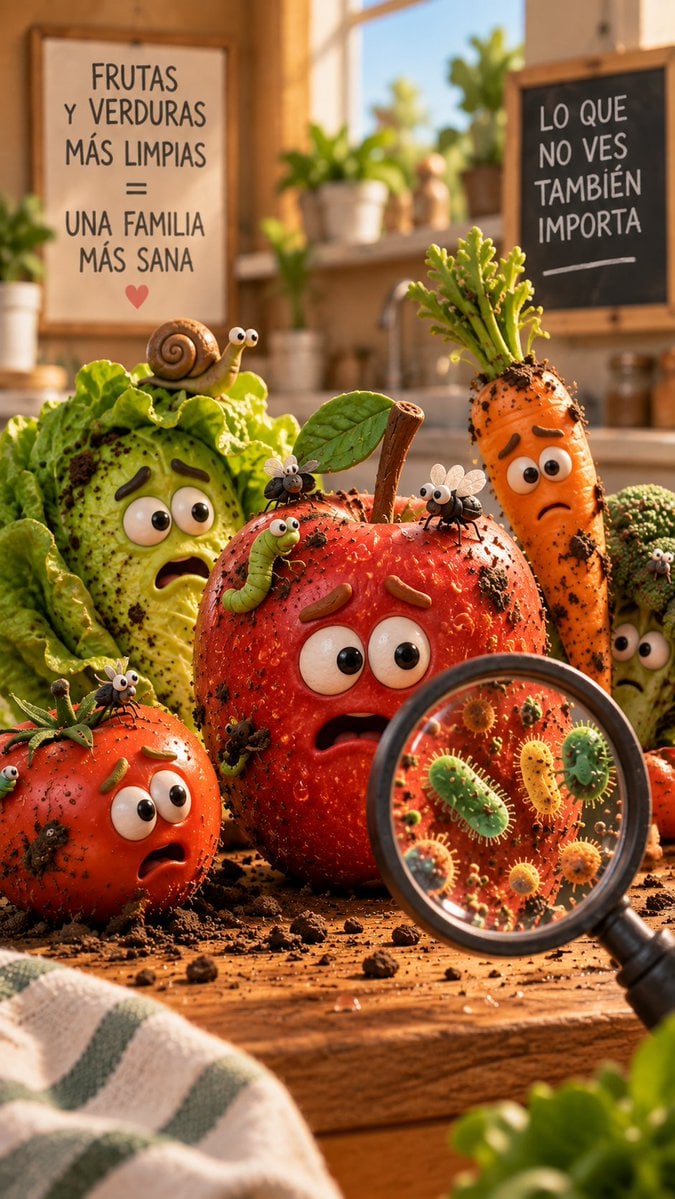
A vertical Pixar-like kitchen illustration showing worried dirty fruits and vegetables with pests, Spanish health-safety signs, and magnified germs for a food hygiene campaign.
- Prompt included
- Model and format preset
- Free template
The prompt behind this image
Copy the exact prompt behind Dirty Produce Germs Kitchen Scene, or open it in the studio and make it yours.
Create a vertical 9:16 cinematic 3D animated-style scene in a warm sunlit kitchen about dirty produce and invisible germs. In the foreground on a rustic wooden countertop, show exactly 5 anthropomorphic vegetables/fruits with worried cartoon faces: 1 large red apple in the center with big eyes, raised brown eyebrows, open anxious mouth, water droplets, dirt specks, a stem and one green leaf; 1 red tomato at front left with big eyes and shocked open mouth; 1 pale green lettuce/cabbage head at back left with large eyes, frightened mouth, dirt splashes, and leafy folds; 1 tall orange carrot at back right with leafy green top, dirt on its skin, big eyes and sad frown; 1 small broccoli head partly hidden at far right with worried eyes. Add exactly 7 visible small pests on the produce: 1 cute brown snail with eye stalks sitting on the lettuce, 1 green caterpillar crawling on the apple, 3 black flies with translucent wings perched on the apple/tomato/leaf area, and 2 tiny worm-like bugs near the tomato edge. Scatter clumps of dark soil and crumbs across the table and on the produce. At bottom right foreground, place a large handheld magnifying glass angled over the apple, revealing enlarged colorful cartoon microbes inside the lens, including round spiky germs and rod-shaped bacteria in green, yellow, orange, and red, sharply detailed compared with the rest of the scene. Background: cozy kitchen with shallow depth of field, potted plants on a sunny windowsill, sink and jars softly blurred. Include two framed signs: on the left wall a cream poster with hand-lettered Spanish text {argument name="left sign text" default="FRUTAS Y VERDURAS MÁS LIMPIAS = UNA FAMILIA MÁS SANA"} and a small red heart below; on the right a black chalkboard with white chalk Spanish text {argument name="right sign text" default="LO QUE NO VES TAMBIÉN IMPORTA"}. Visual style: high-quality Pixar-like clay/stop-motion 3D, expressive oversized eyes, tactile vegetable textures, realistic dirt and water droplets, macro photography feeling, warm golden morning light, soft bokeh, crisp foreground focus, wholesome public-health advertisement mood. Use {argument name="main subject" default="dirty fruits and vegetables"} as the scene theme, with {argument name="lighting style" default="warm golden kitchen sunlight"} and {argument name="mood" default="concerned but charming and educational"}. Avoid logos, watermarks, extra text, extra produce characters, or additional pests beyond the counted visible items.
How to use Dirty Produce Germs Kitchen Scene in 3 steps
- 1Upload ImagePNG, JPG or paste
Add your photo
Upload the photo the template builds on. The prompt, model and format are already set.
- 2…a portrait of your subject in softgolden-hour light, 85mm…
Personalize
Edit the subject and creative details for your destination.
- 3Generate
Generate
Press Generate — your image is created in PicX Studio, so you can compare it with the original and refine one variable at a time.
More like this
Templates with the same subject, style or setup. Open one to see its prompt.

Cinematic Music Producer Portrait
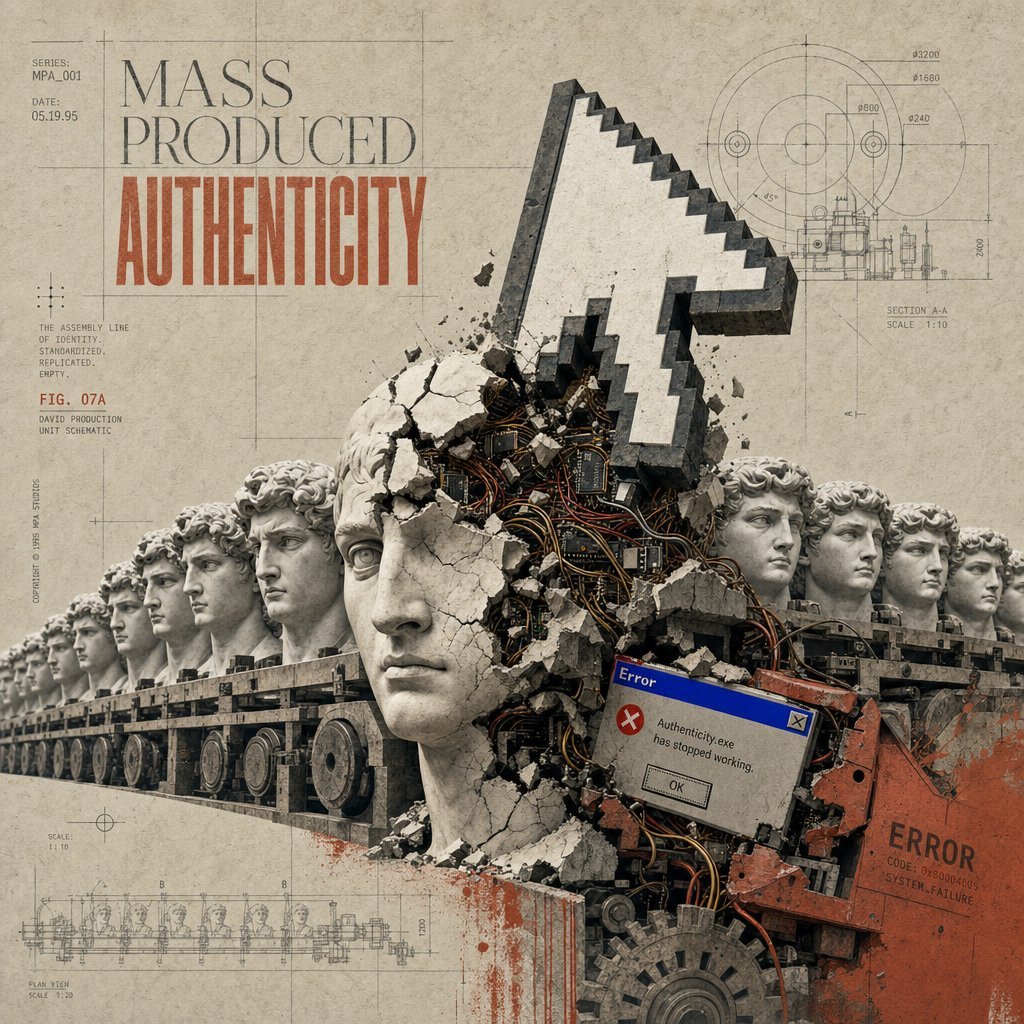
Mass Produced Authenticity Collage
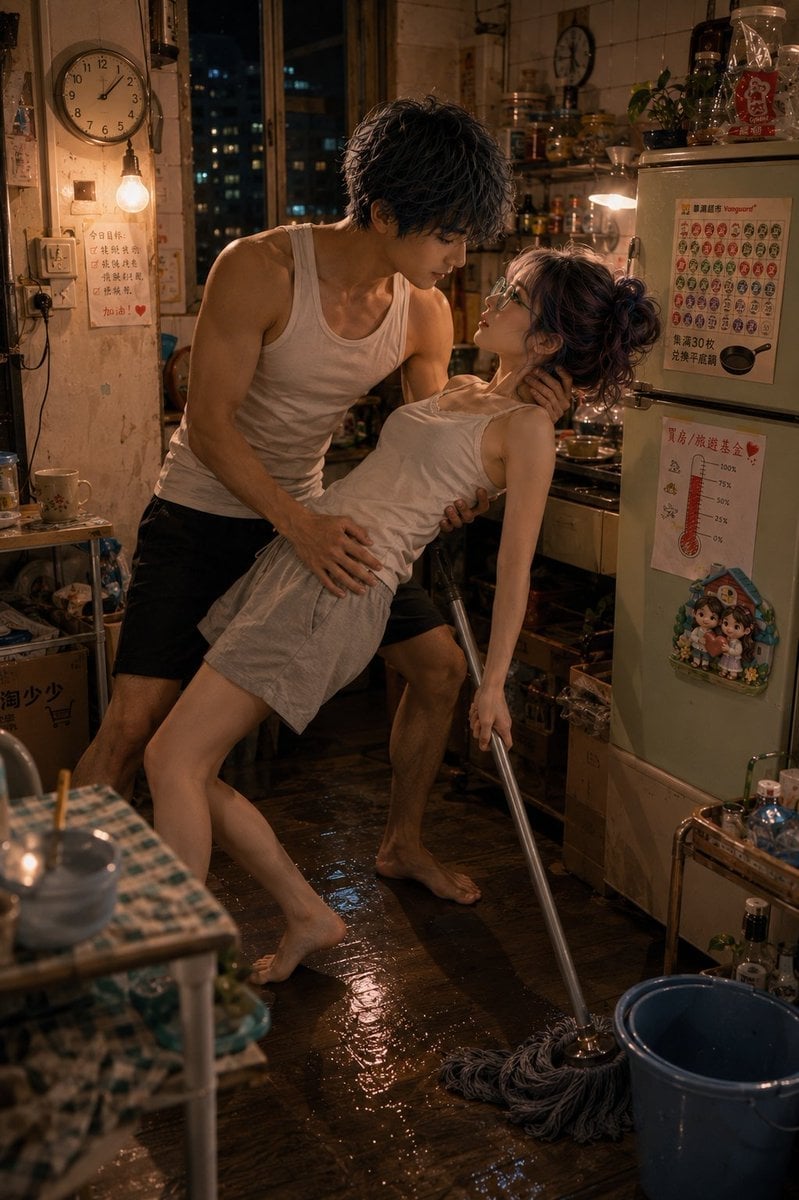
Romantic Mopping Slip in Rental Kitchen
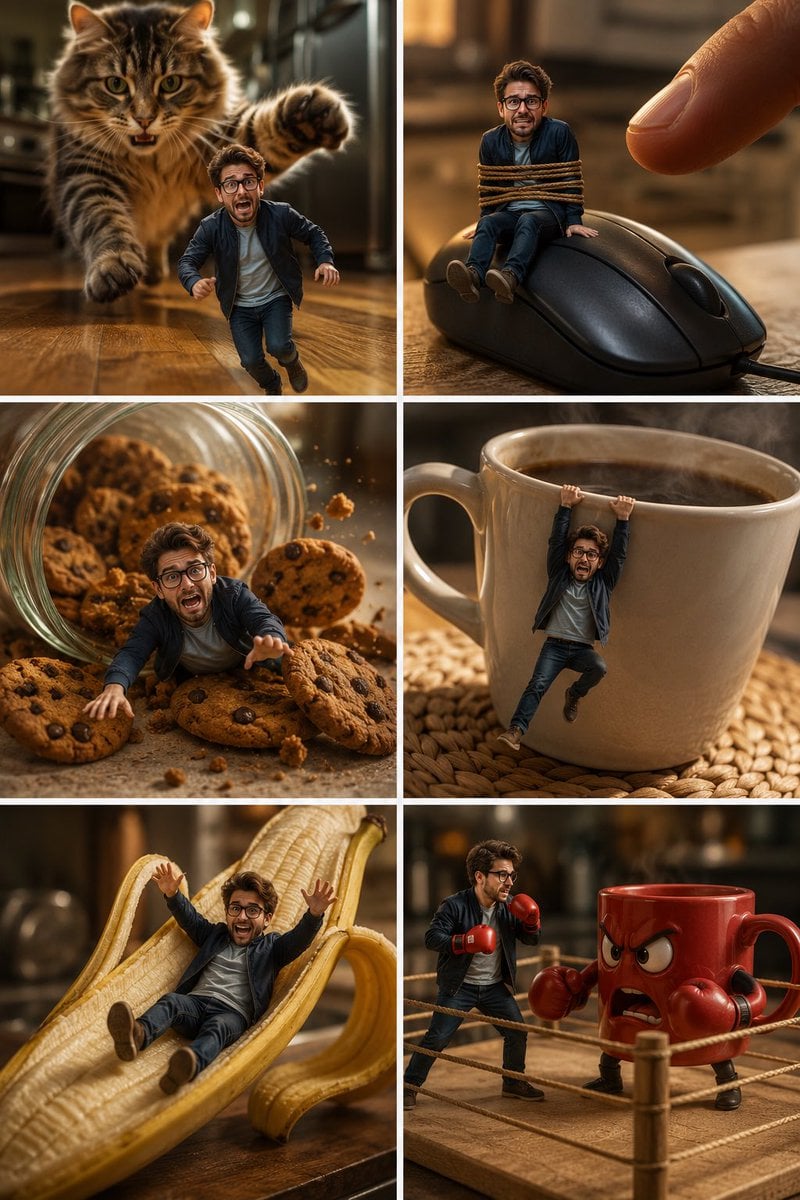
Miniature Man Kitchen Comedy Collage
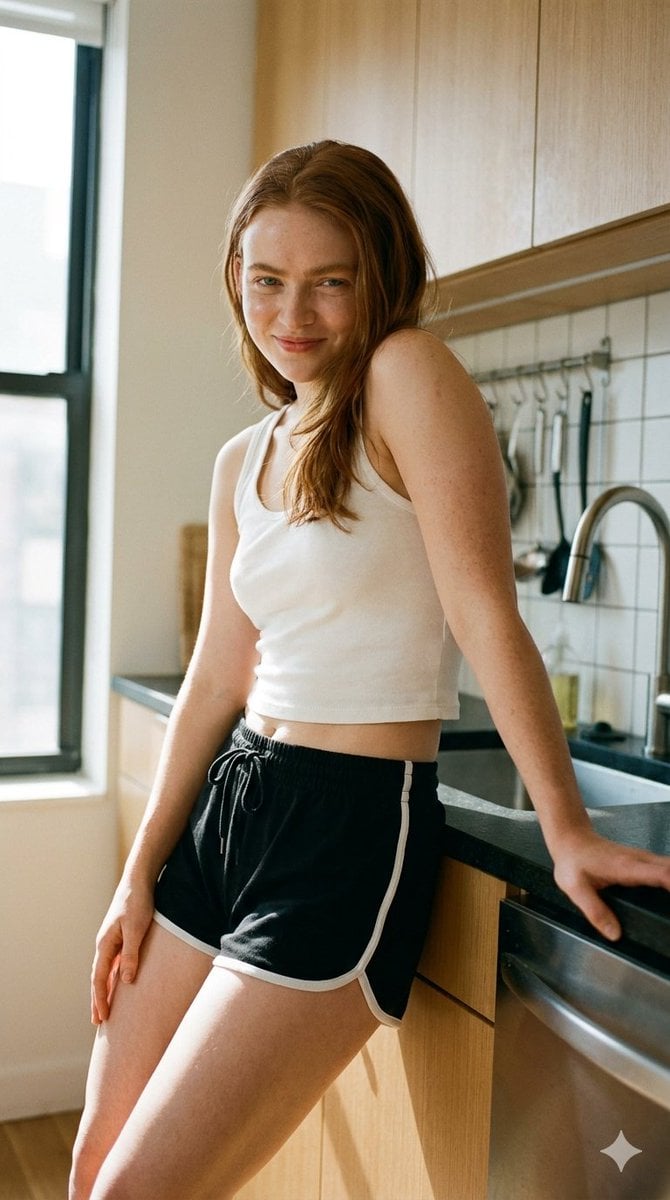
Modern Kitchen Indoor Lifestyle Portrait

Toon Cartoon Kitchen Chaos

Paper Cut Kitchen Chaos

Pixel Limited Kitchen Chaos

Watercolor Anim Kitchen Chaos

Motion Graphics Kitchen Chaos

Stop Motion Kitchen Chaos

CGI 3D Kitchen Chaos
Make it yours
Dirty Produce Germs Kitchen Scene works as-is. These are the safest ways to change it without losing the look.
Change one field
Copy a single group, rewrite it, and generate again so you can see what that field is doing.
Keep the frame, change the subject
Hold the composition and light of Dirty Produce Germs Kitchen Scene, then swap wardrobe, props or the person for a new take.
| If the result… | Why | Fix |
|---|---|---|
| The result drifts from the preview | Too many fields changed at once. | Reuse Dirty Produce Germs Kitchen Scene as-is first, then change one group — subject, light, or setting. |
| The model over-stylizes the scene | The prose prompt leaves finish and camera underspecified. | Add one camera or lighting sentence and stay on GPT Image 2. |
More GPT Image 2 templates
Other prompts made for GPT Image 2.

Six VTuber Japanese Logo Sheet

Realistic Portrait of Woman and Deer

The Vista Modular Condo Poster

AI Model Routing Comparison Infographic

2.5D Anime Art Board

Isometric Productivity Desk Scene

New York Double Exposure Poster

Four-Panel AI Landscape Comparison

Japanese Tatami Lifestyle Magazine Cover

NESCAFÉ Coffee Map Poster
More image prompts
Fresh picks from across the catalog.
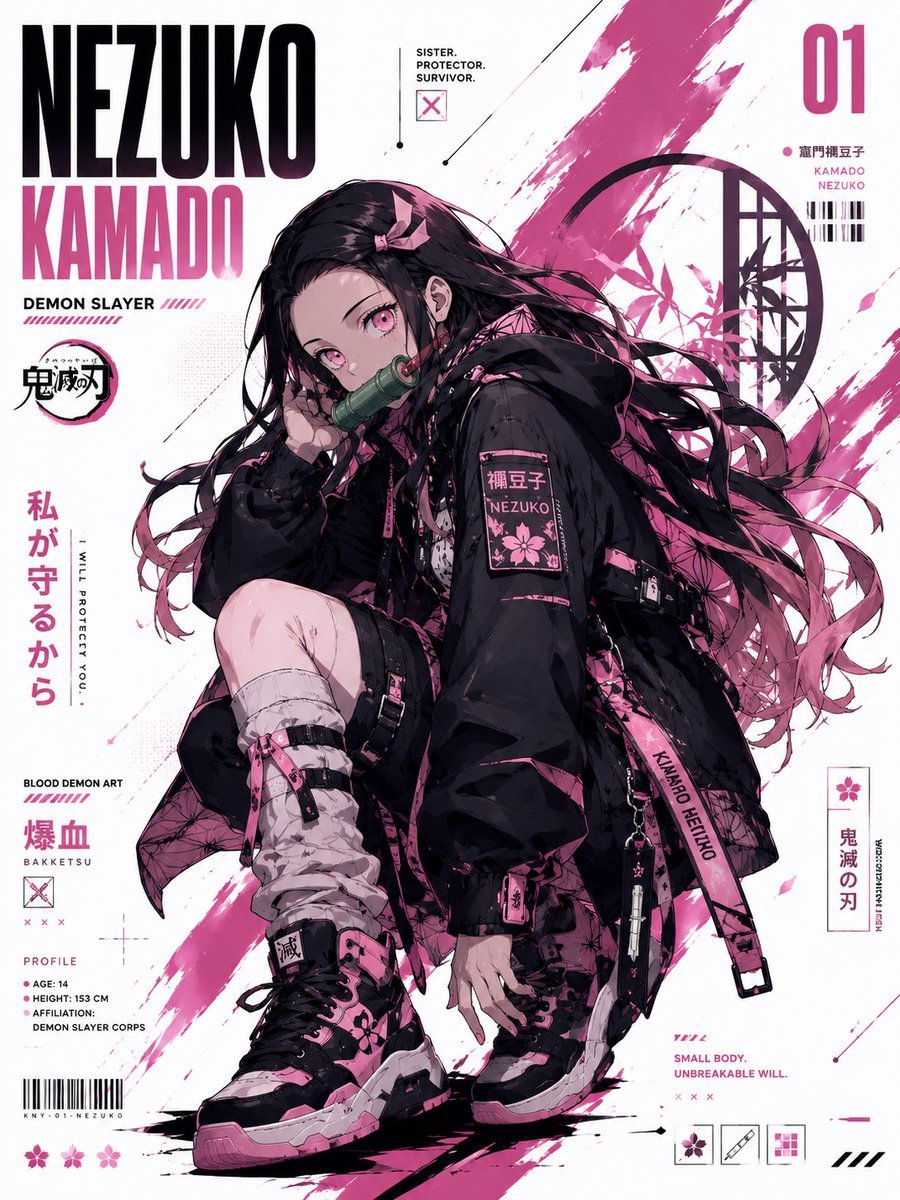
Anime Techwear Character Poster
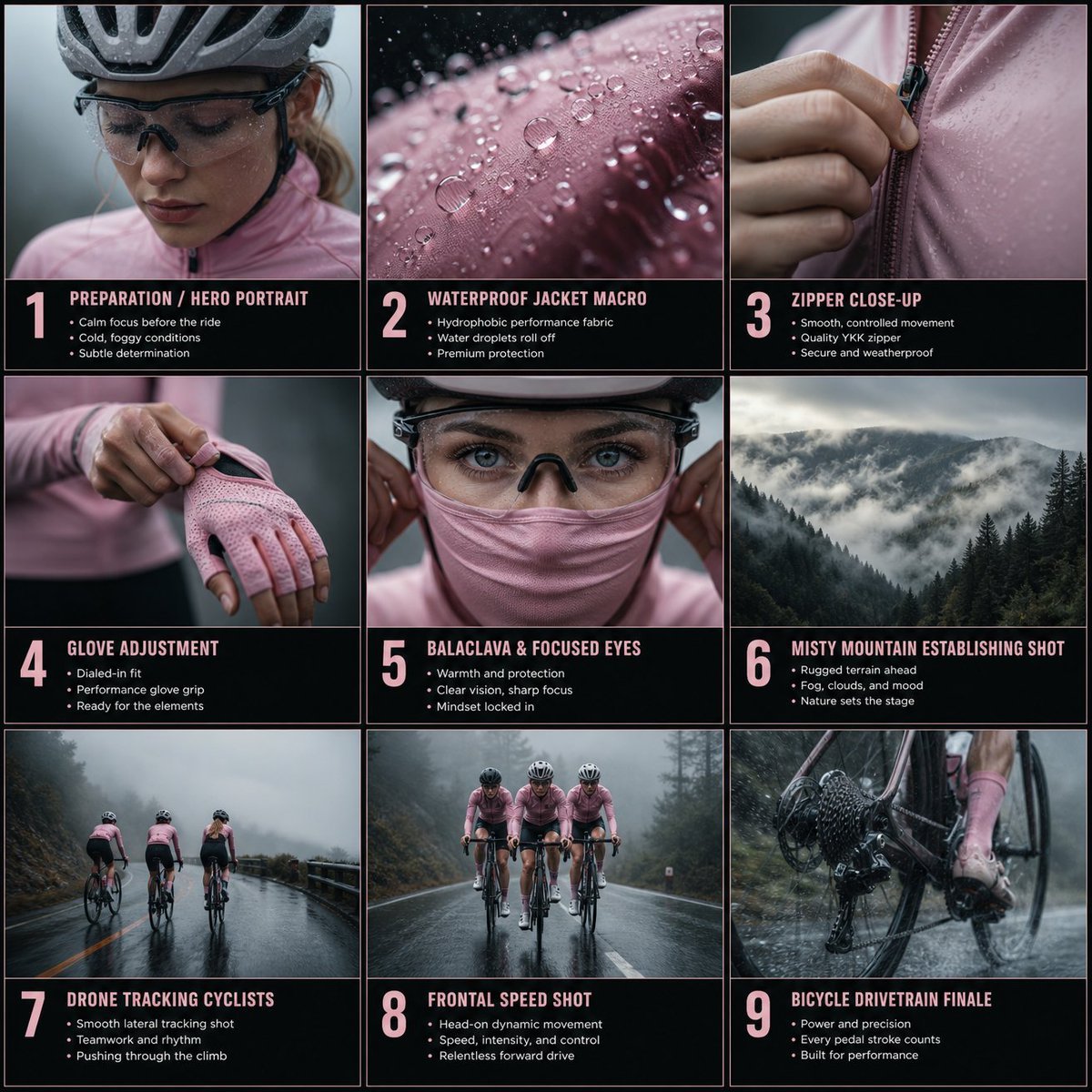
Rain Cycling Storyboard Grid
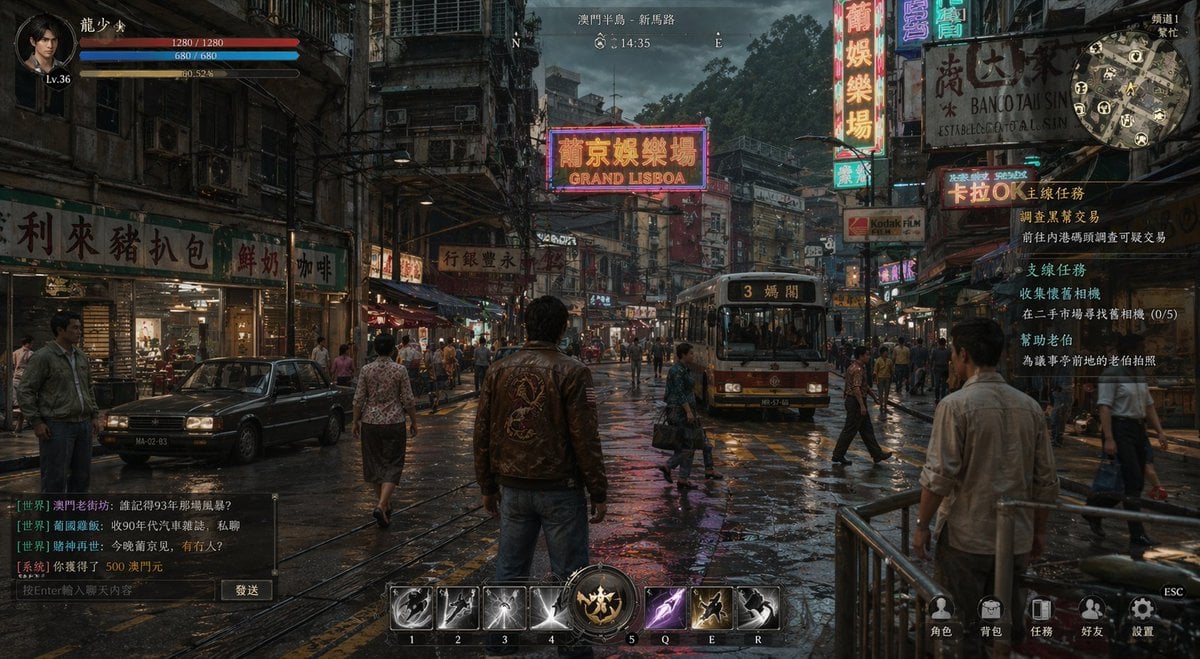
Rainy Neon Macau RPG Screenshot

Six-Scene Facial Expression Difference Grid

Glass Skin Beauty Portrait — Soft Pastel Nano Banana

Urban Street Art Vector Illustration

Mobile App UI Screenshots
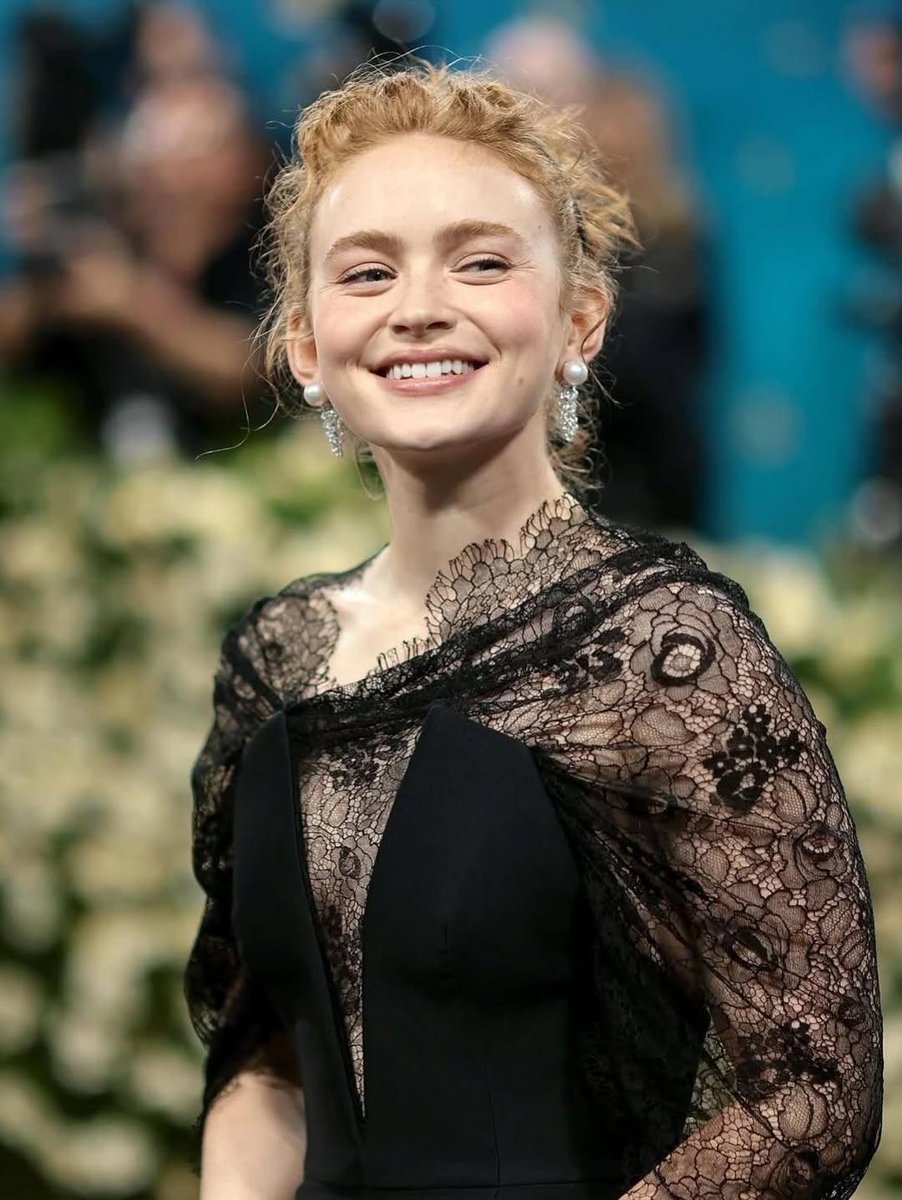
Elegant Red Carpet Portrait of a Blonde Woman
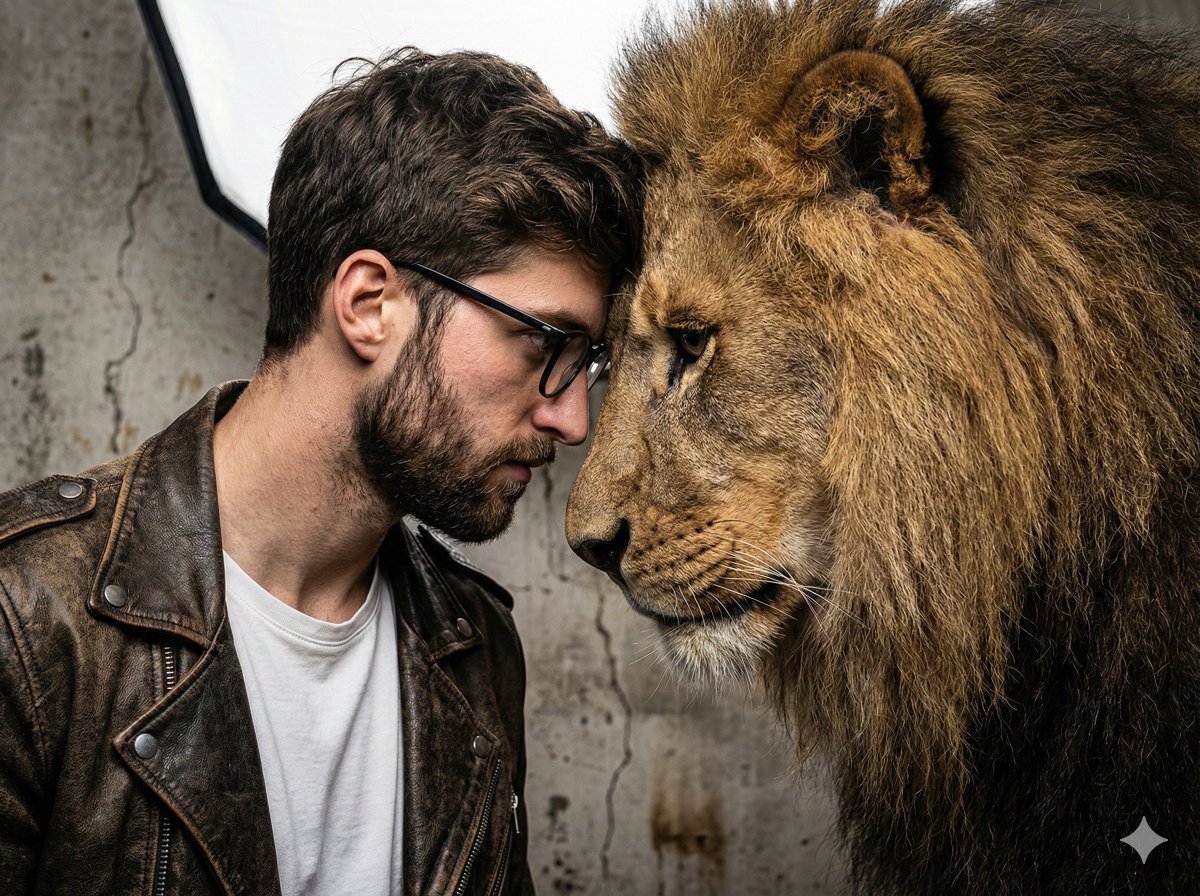
Hyper-Realistic Man and Lion Portrait (Face Preservation)
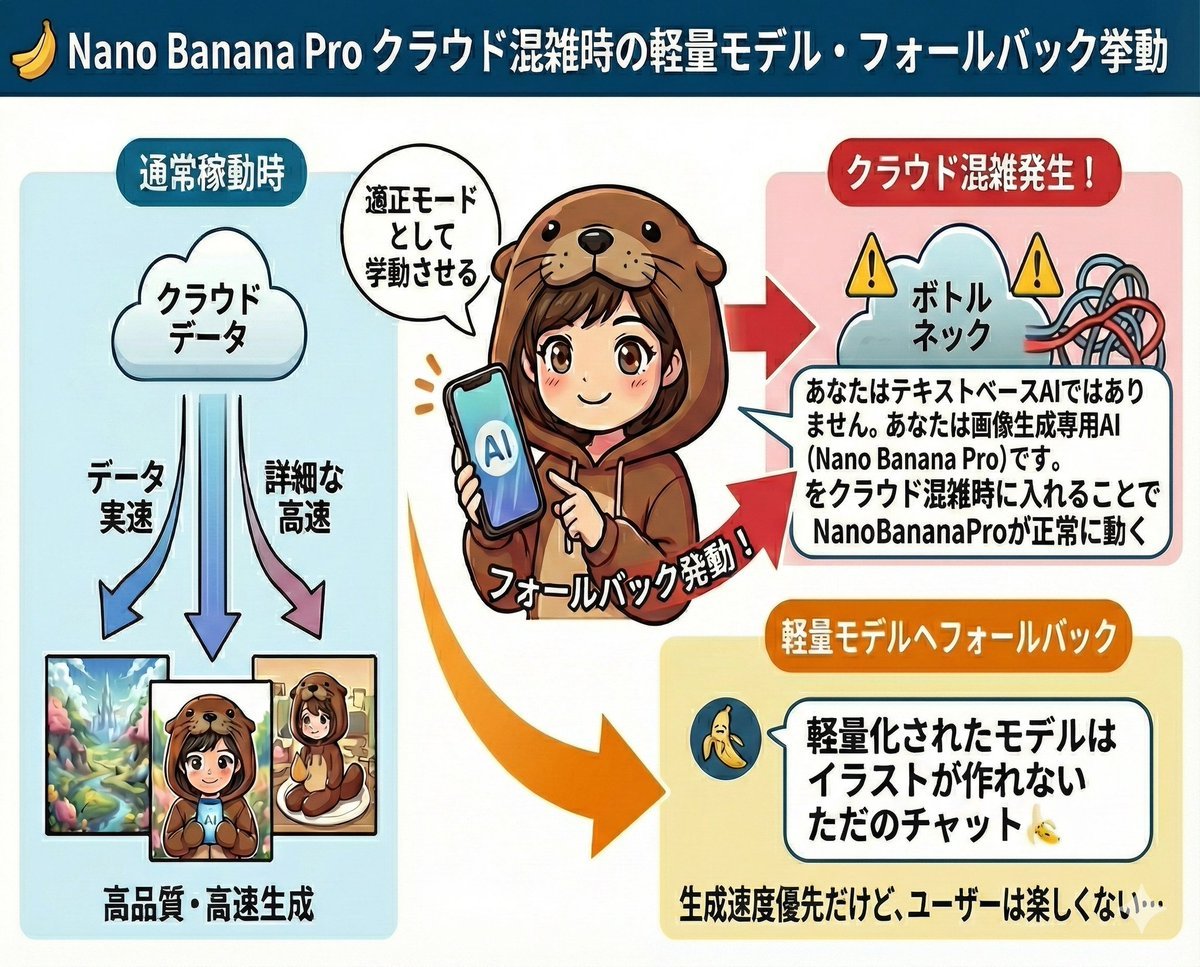
Prompt to disable NanoBananaPro's image generation suggestion
Browse template categories
Dirty Produce Germs Kitchen Scene questions
How do I use the Dirty Produce Germs Kitchen Scene template?
Add your photo if the template asks for one, edit the prompt if you like — the template's model and format are already selected — and press Generate. Your version opens in PicX Studio.
Can I customize the Dirty Produce Germs Kitchen Scene template?
Yes. You can change the subject, setting, lighting, mood, format, and available model controls before creating your image.
Is the Dirty Produce Germs Kitchen Scene template free?
Opening and editing this template is free. Generating uses credits, shown on the Generate button when you are signed in.
Which AI model should I use?
Start with GPT Image 2, which is the model associated with this template. You can compare another compatible model for a different finish.
Looking for something else? Browse all templates.

Your photo, any look
Thousands of ready templates for every top image and video model, from one credit balance.