
Elegant Lifestyle Meadow Portrait
Creates a peaceful lifestyle photograph of a woman reading in a sunlit wildflower meadow during the golden hour.
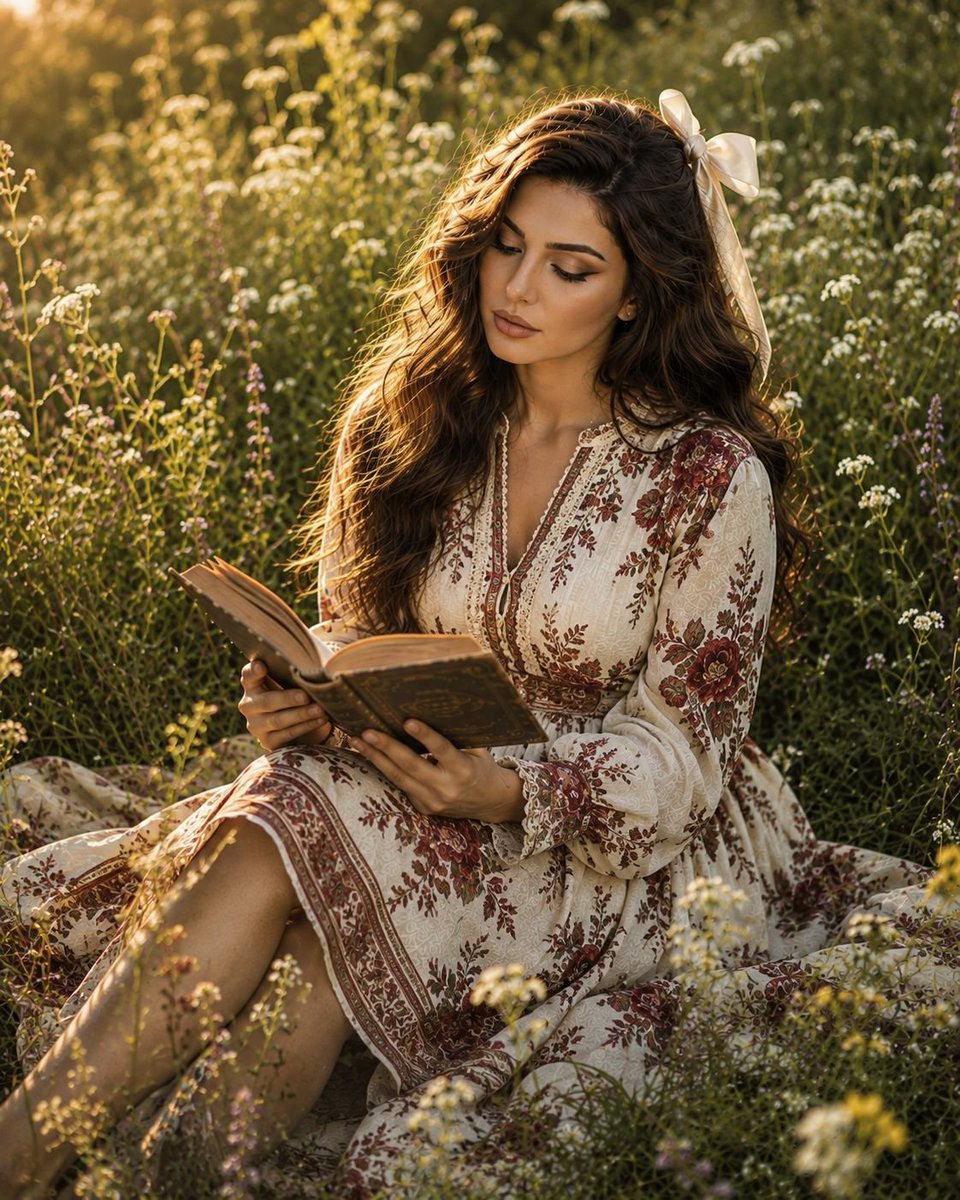
- Prompt included
- Model and format preset
- Free template
The prompt behind this image
Copy the exact prompt behind Elegant Lifestyle Meadow Portrait, or open it in the studio and make it yours.
Create an ultra-photorealistic lifestyle photograph of the same {argument name="subject" default="young woman"} from the reference image, preserving her facial identity, facial structure, skin tone, and distinctive features accurately. She is peacefully sitting among tall wildflowers in a sunlit countryside meadow, gently holding an {argument name="item" default="an open antique book"} in her lap while looking down at the pages with a soft, thoughtful expression. Dress her in an {argument name="blouse" default="elegant, modest white linen blouse"} with delicate embroidered details and a flowing cream-colored midi skirt. Her long brown hair falls naturally in loose, soft waves with subtle golden highlights, partially gathered with a large ivory satin ribbon tied into a graceful bow. Capture a quiet golden-hour atmosphere with warm sunlight filtering through the meadow, soft natural shadows, glowing highlights along her hair, and rich green foliage surrounding her. Include realistic skin pores, fine hair strands, natural fabric folds, detailed flowers, and authentic outdoor textures. Use a candid slightly elevated 3/4 overhead perspective, as if photographed naturally by a professional lifestyle photographer. Shallow depth of field with the woman and book in crisp focus while the distant meadow softly fades into creamy bokeh. Premium fashion-editorial photography, understated elegance, authentic natural light, subtle analog film grain. Vertical 4:5 composition, 35mm lens, f/2.8, realistic proportions, natural hands and fingers, no exaggerated beauty retouching, no CGI appearance, no plastic skin, no distorted anatomy, no logos, no text, no watermark.
How to use Elegant Lifestyle Meadow Portrait in 3 steps
- 1Upload ImagePNG, JPG or paste
Add your photo
Upload the photo the template builds on. The prompt, model and format are already set.
- 2…a portrait of your subject in softgolden-hour light, 85mm…
Personalize
Edit the subject and creative details for your destination.
- 3Generate
Generate
Press Generate — your image is created in PicX Studio, so you can compare it with the original and refine one variable at a time.
More like this
Templates with the same subject, style or setup. Open one to see its prompt.
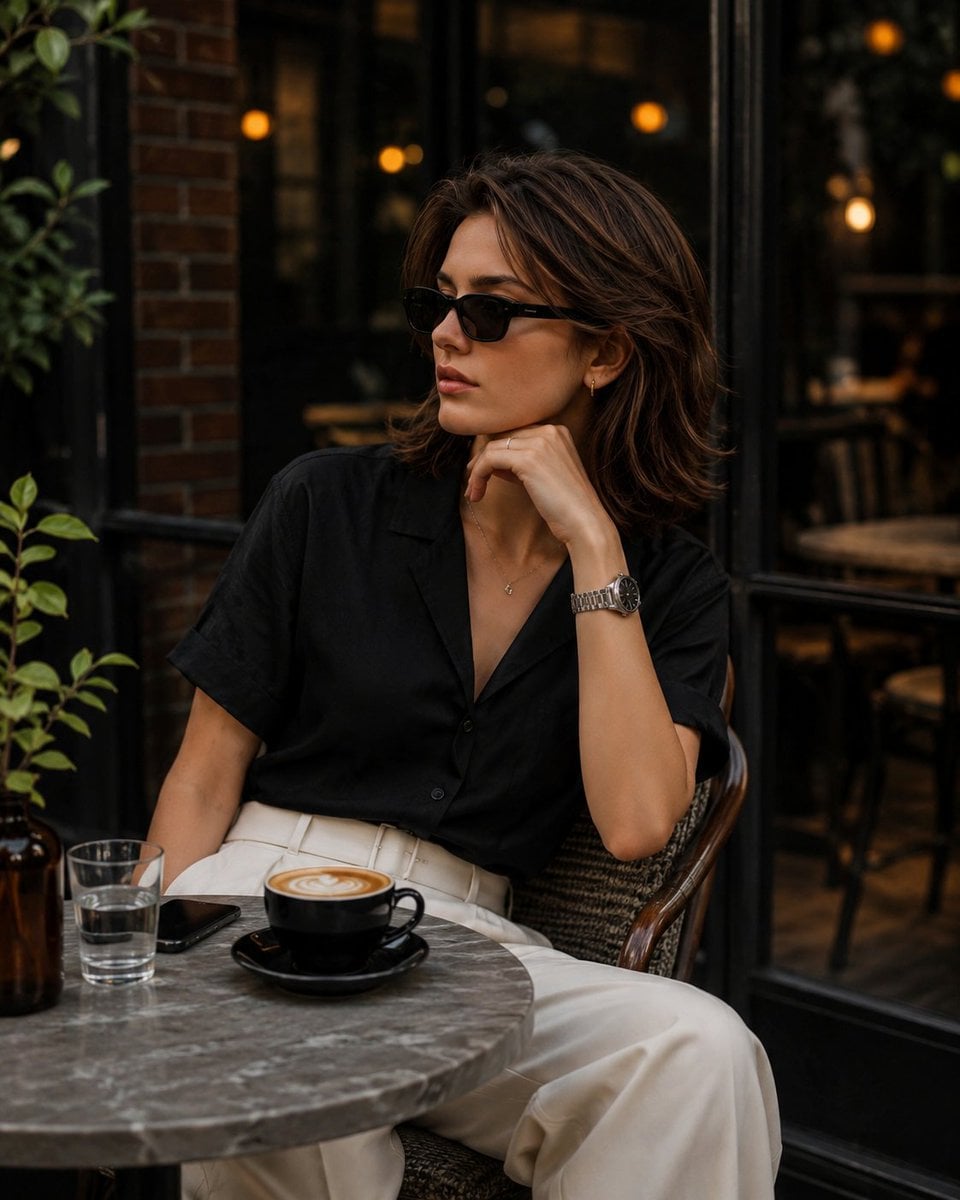
Elegant European Cafe Lifestyle Portrait
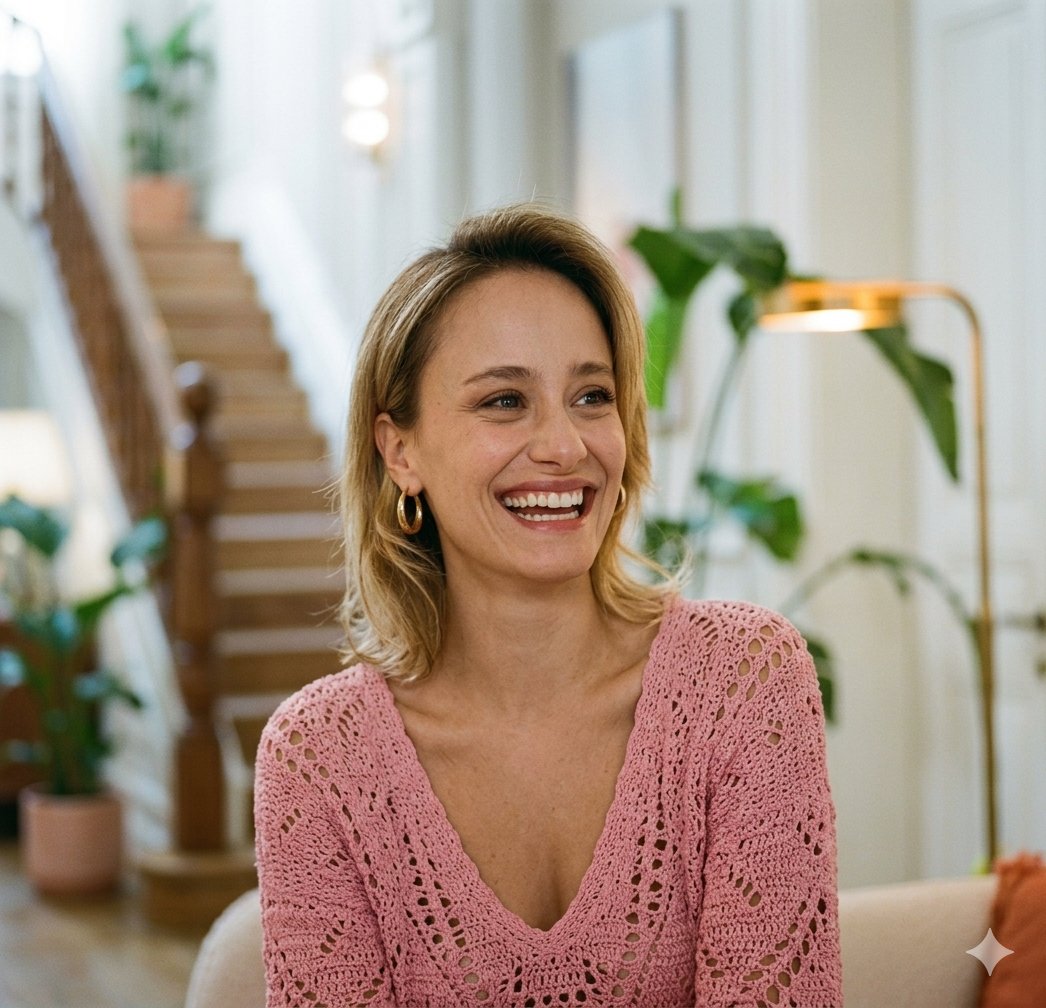
Elegant Home Lifestyle Portraits

Miniature Self Portrait Collage

Found Photograph: Us, 1970

80s Couple Studio Portrait

80s Bollywood Star

80s Golden Hour Cinema

Me in 1985

1985 Studio Portrait
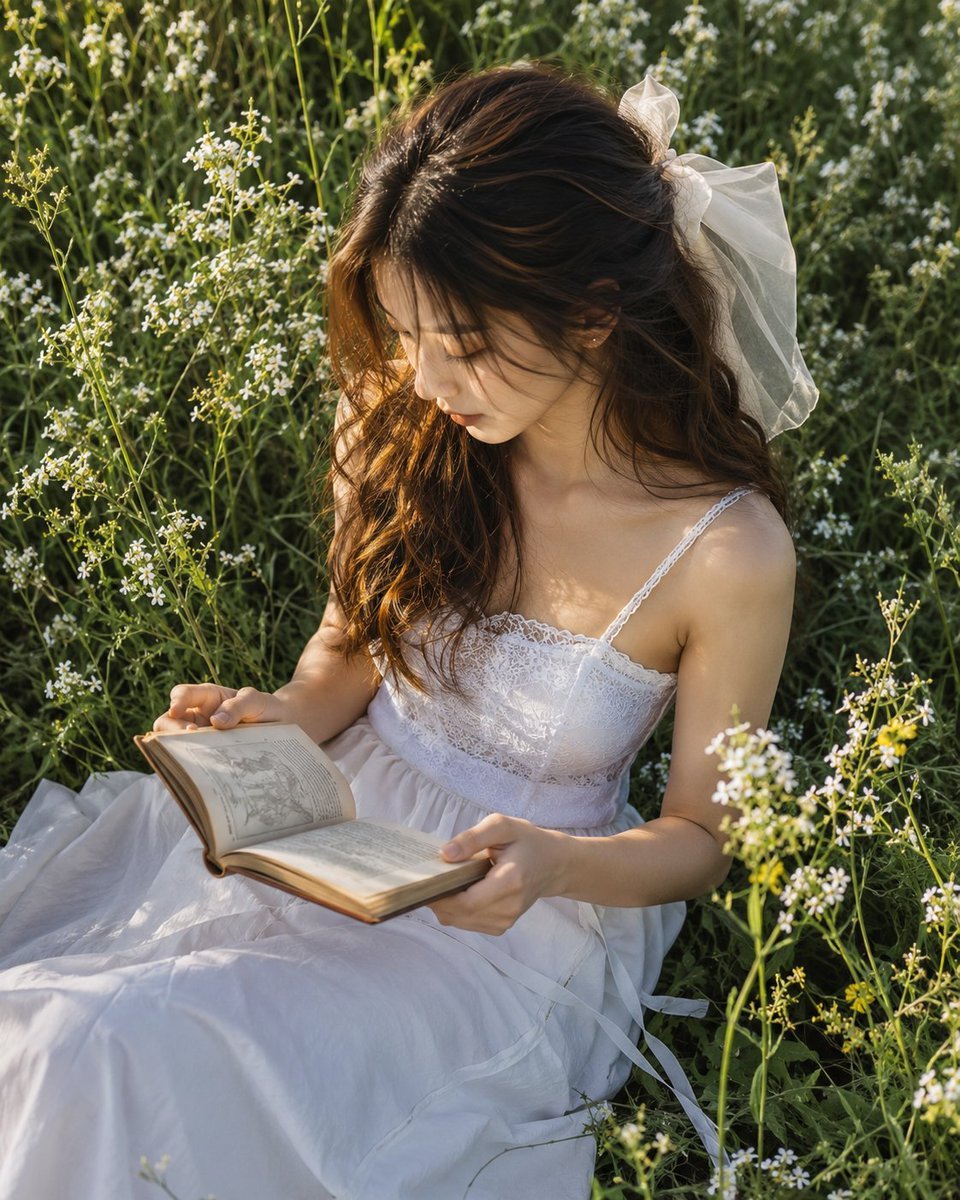
Meadow Reading Lifestyle Photography

Hyper-Realistic Minecraft POV Portrait
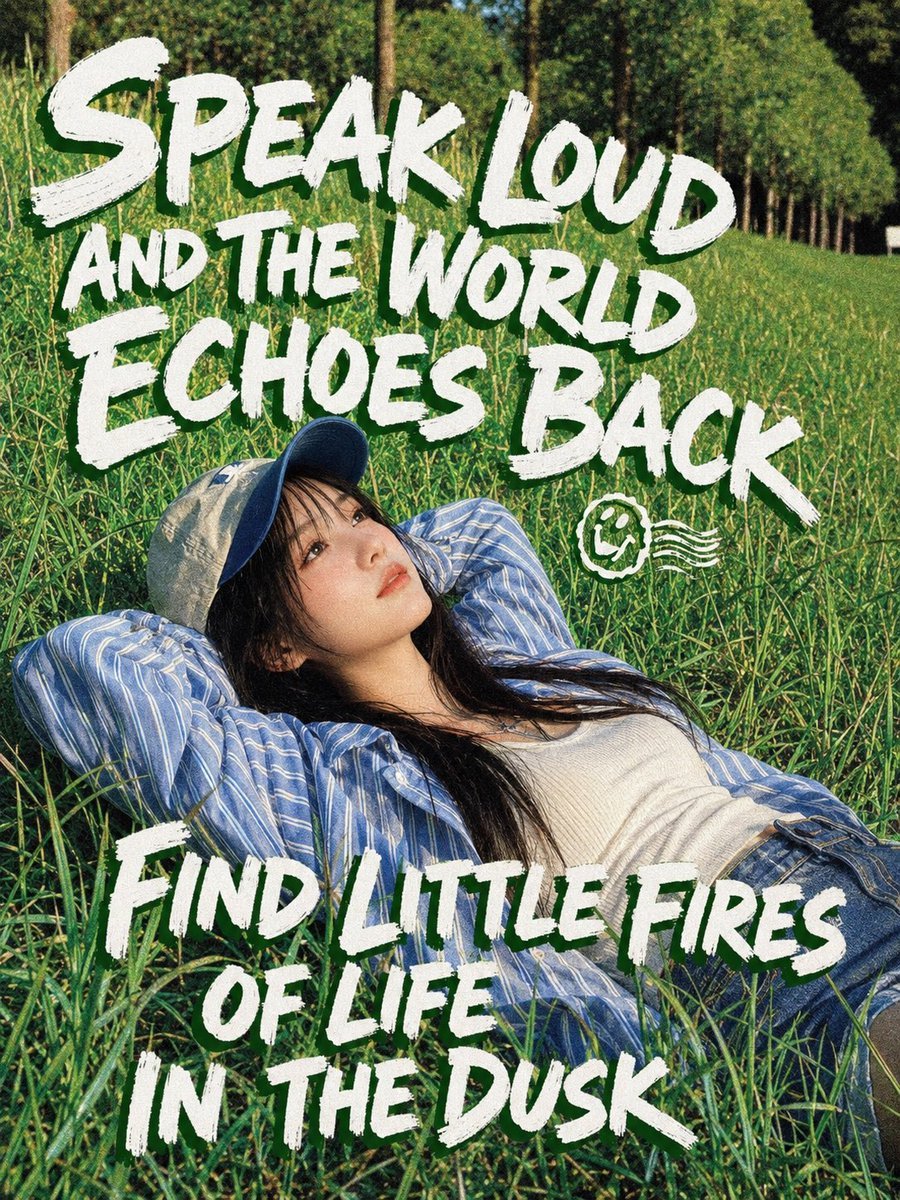
Meadow Lifestyle Quote Poster
Make it yours
Elegant Lifestyle Meadow Portrait works as-is. These are the safest ways to change it without losing the look.
Change one field
Copy a single group, rewrite it, and generate again so you can see what that field is doing.
Keep the frame, change the subject
Hold the composition and light of Elegant Lifestyle Meadow Portrait, then swap wardrobe, props or the person for a new take.
| If the result… | Why | Fix |
|---|---|---|
| The result drifts from the preview | Too many fields changed at once. | Reuse Elegant Lifestyle Meadow Portrait as-is first, then change one group — subject, light, or setting. |
| The model over-stylizes the scene | The prose prompt leaves finish and camera underspecified. | Add one camera or lighting sentence and stay on GPT Image 2. |
More GPT Image 2 templates
Other prompts made for GPT Image 2.

Six VTuber Japanese Logo Sheet

Realistic Portrait of Woman and Deer

The Vista Modular Condo Poster

AI Model Routing Comparison Infographic

2.5D Anime Art Board

Isometric Productivity Desk Scene

New York Double Exposure Poster

Four-Panel AI Landscape Comparison

Japanese Tatami Lifestyle Magazine Cover

NESCAFÉ Coffee Map Poster
More image prompts
Fresh picks from across the catalog.
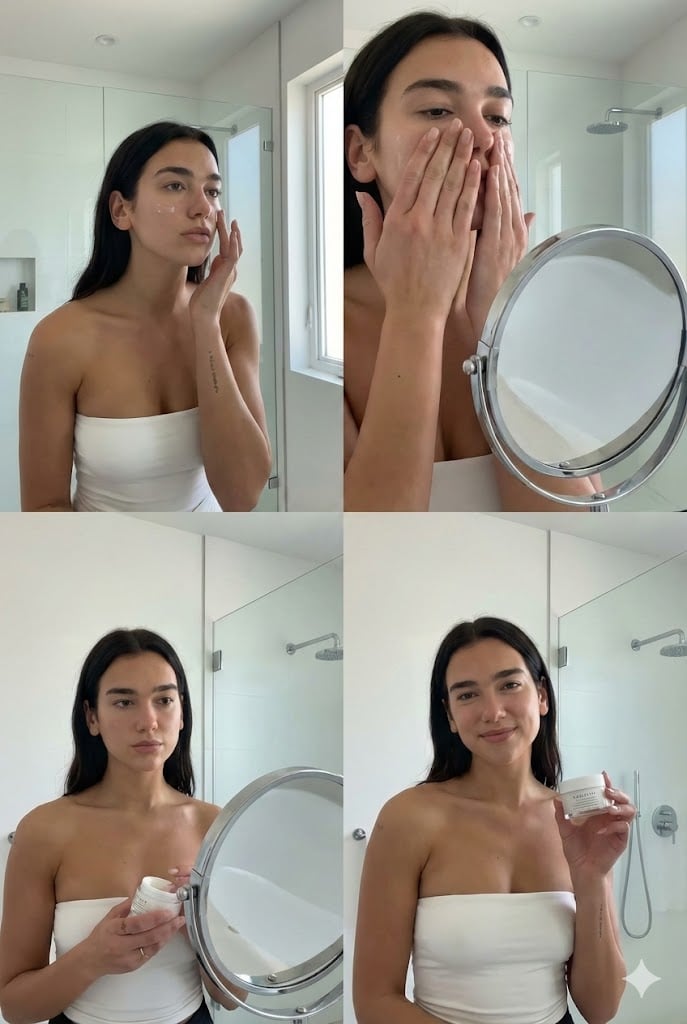
Dua Lipa Skincare Editorial Collage

Nano Banana Pro Dynasty Warriors/Final Fantasy Prompt (Full Screen)

Borrowing Arrows with Straw Boats
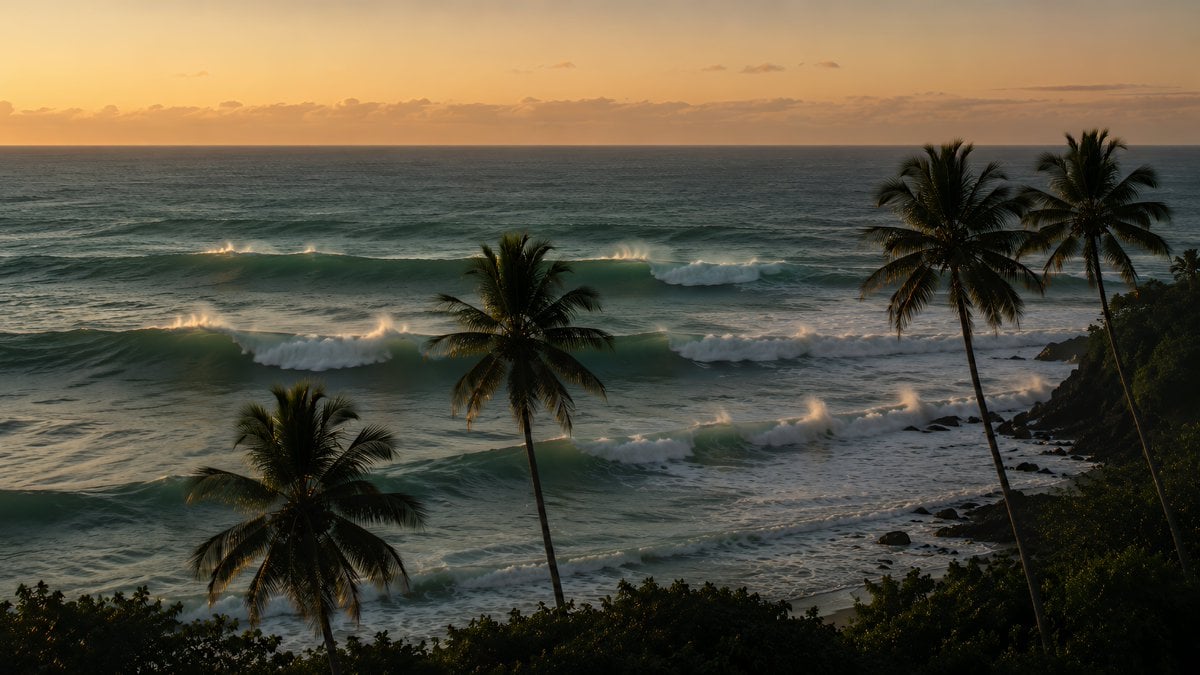
Tropical Sunset Ocean Wallpaper
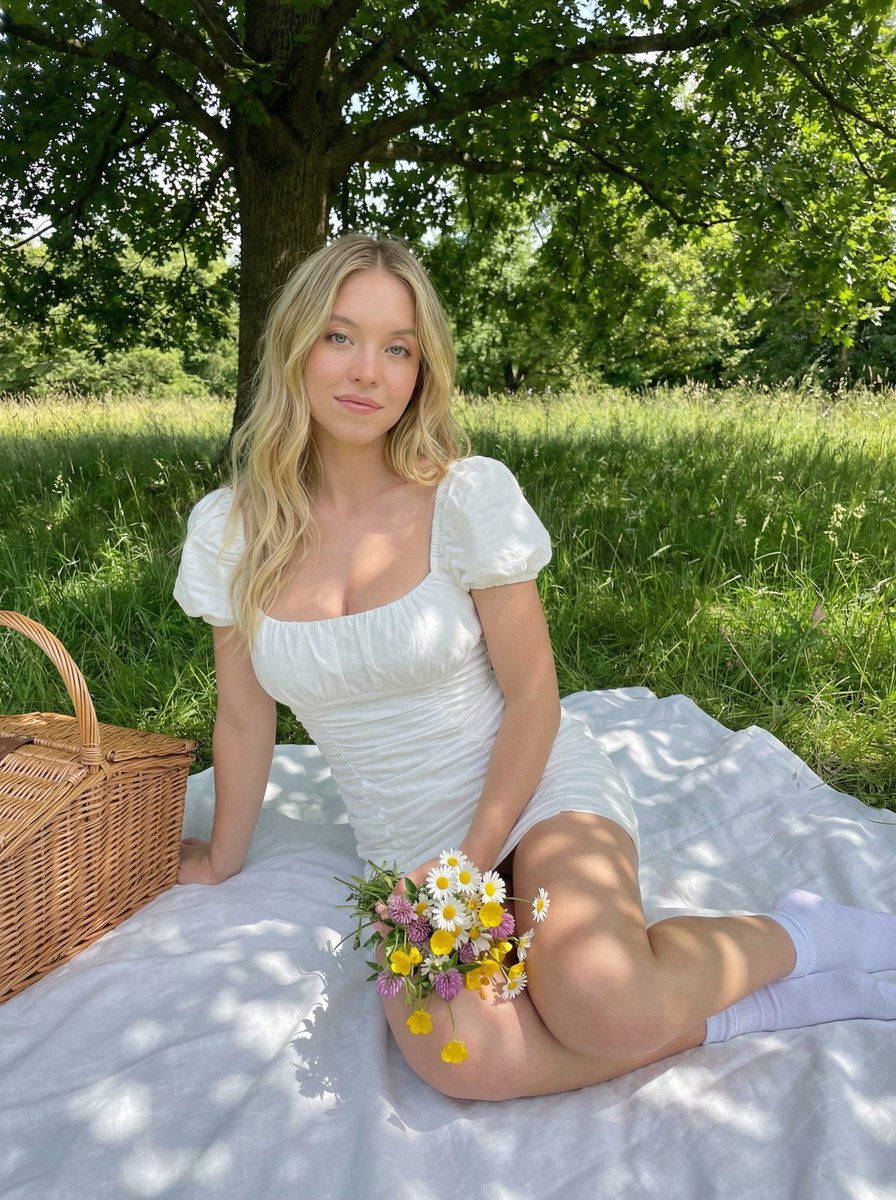
Cottagecore Picnic Portrait in Dappled Sunlight
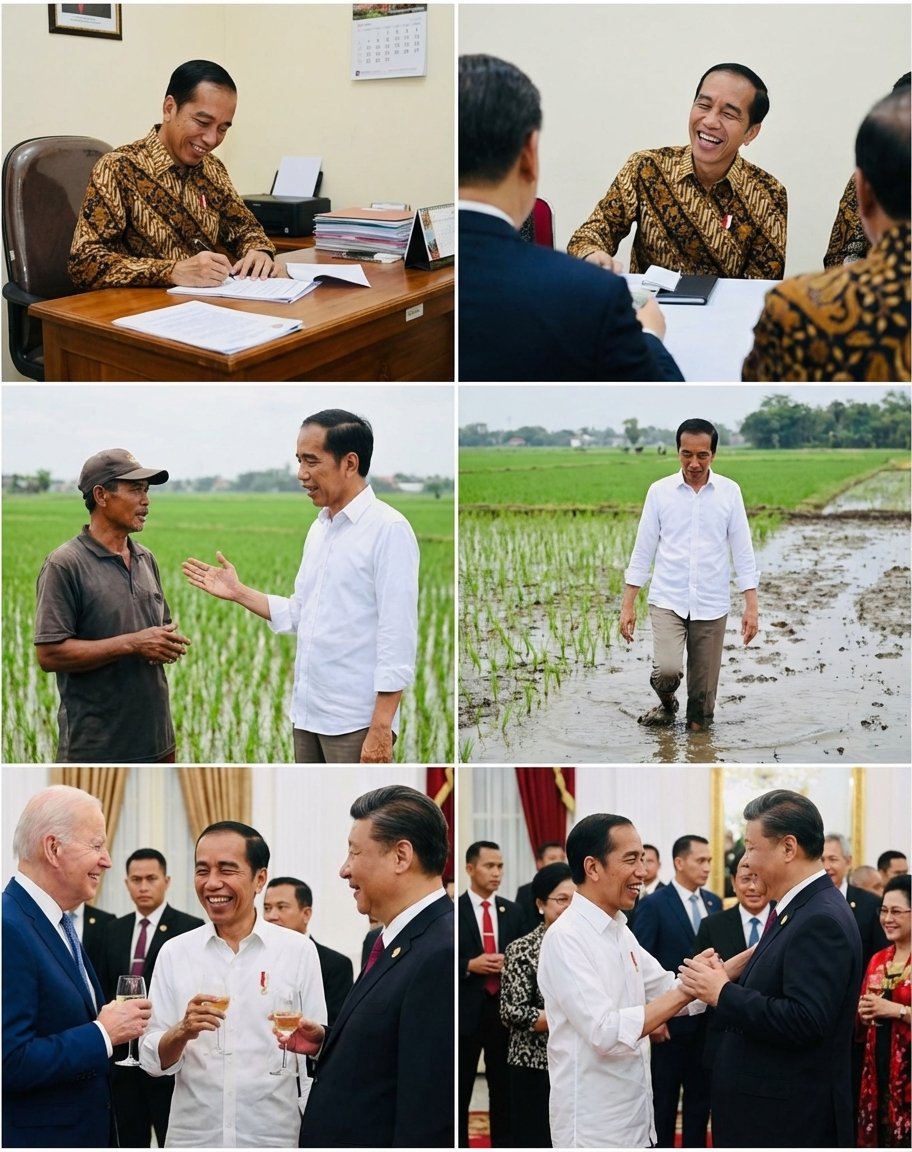
Candid series of Indonesian president photos
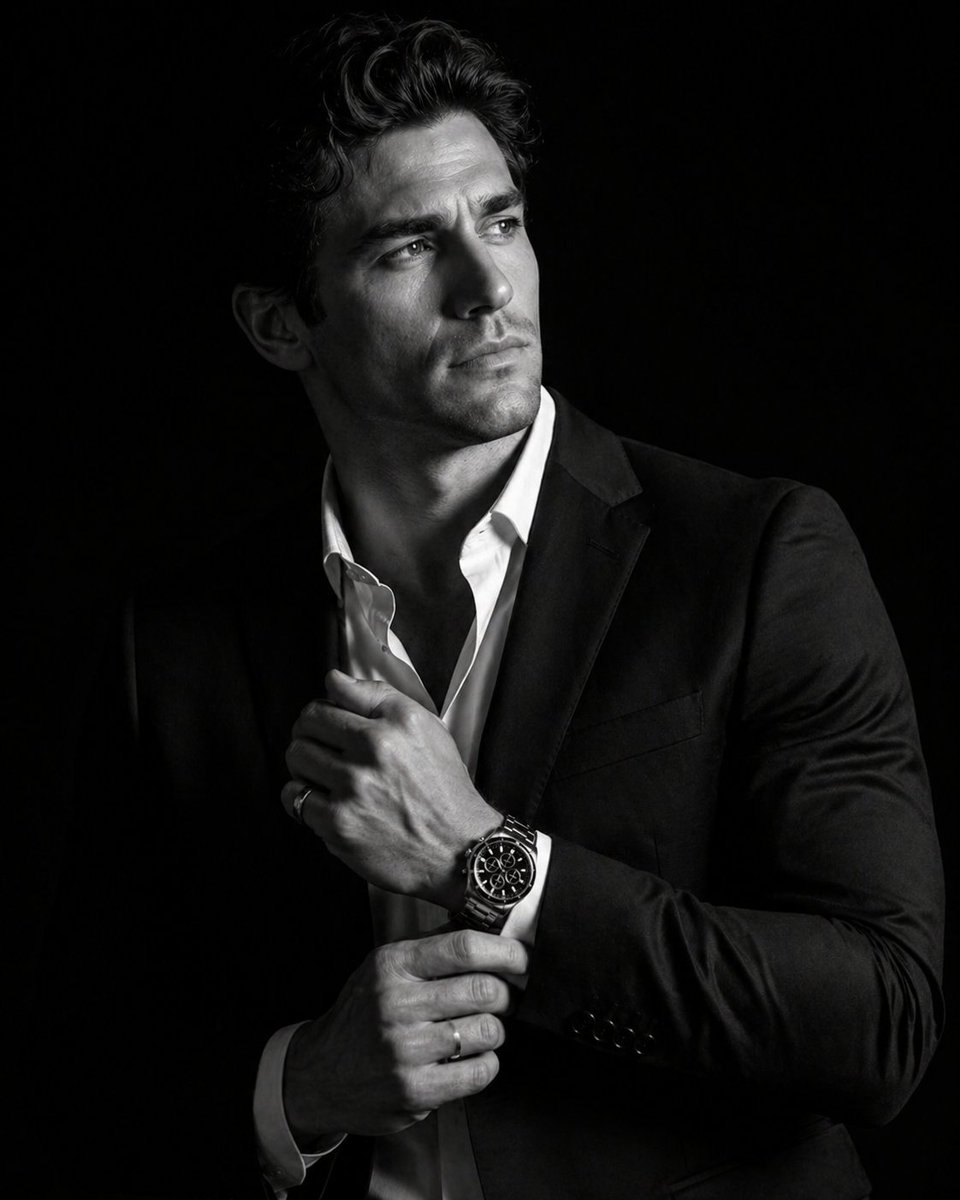
Cinematic Male Suit Portrait

Blood Red Western Gunslinger
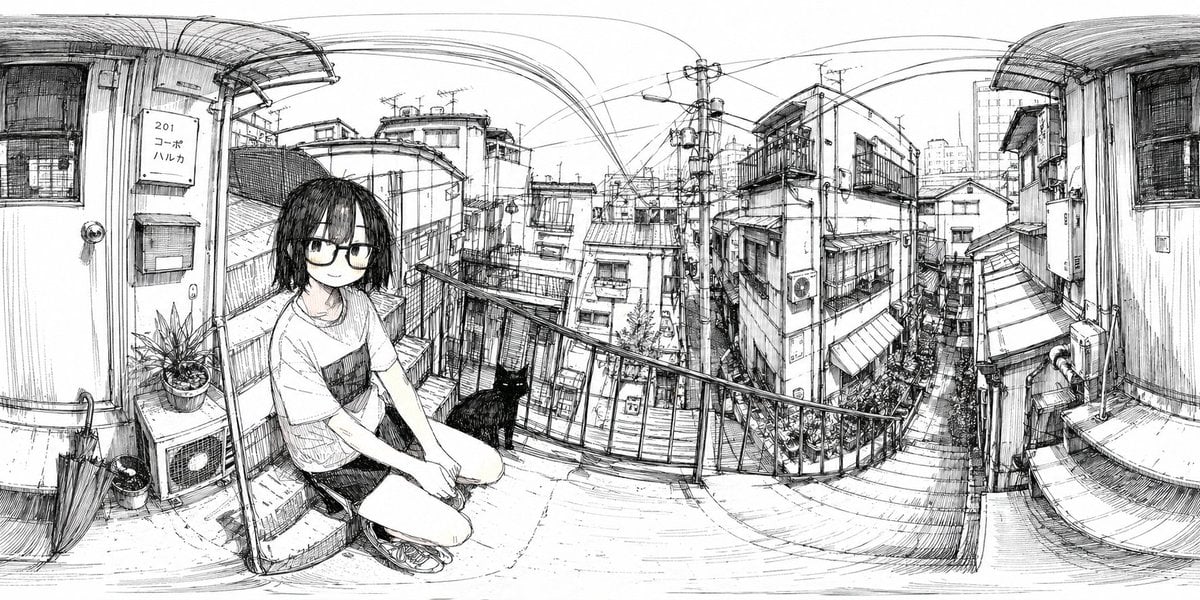
Ink 360 Panorama of Tokyo Backstreet
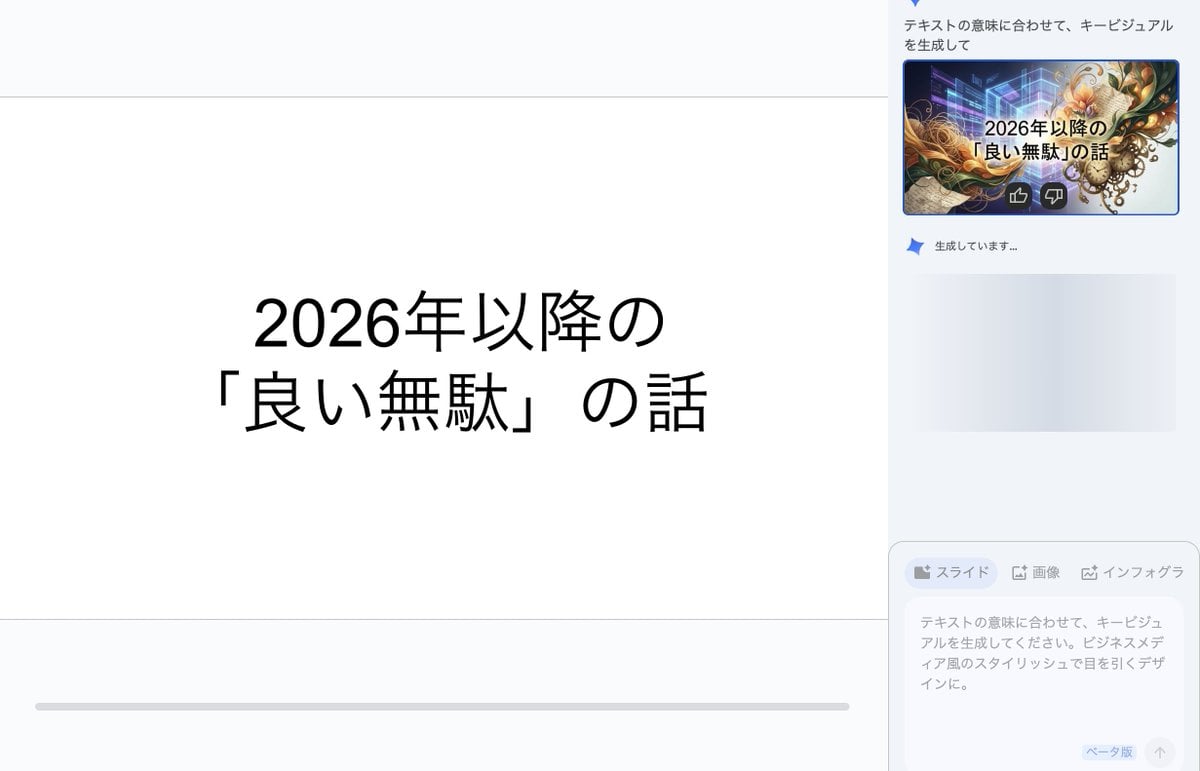
Key Visual Generation for Slides (Nano Banana Pro)
Browse template categories
Elegant Lifestyle Meadow Portrait questions
How do I use the Elegant Lifestyle Meadow Portrait template?
Add your photo if the template asks for one, edit the prompt if you like — the template's model and format are already selected — and press Generate. Your version opens in PicX Studio.
Can I customize the Elegant Lifestyle Meadow Portrait template?
Yes. You can change the subject, setting, lighting, mood, format, and available model controls before creating your image.
Is the Elegant Lifestyle Meadow Portrait template free?
Opening and editing this template is free. Generating uses credits, shown on the Generate button when you are signed in.
Which AI model should I use?
Start with GPT Image 2, which is the model associated with this template. You can compare another compatible model for a different finish.
Looking for something else? Browse all templates.

Your photo, any look
Thousands of ready templates for every top image and video model, from one credit balance.