How do I use the South Asian Woman in Monsoon Rain Sequence template?
Choose the primary action to open PicX Studio with the available template settings. Review the model and format, personalize the creative direction, and generate when ready.
A cinematic prompt designed to generate a four-panel vertical collage of a joyful South Asian woman experiencing a heavy monsoon rain in a lush countryside sett
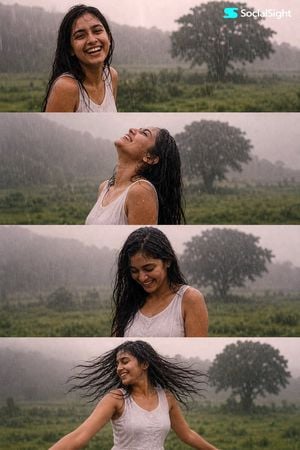
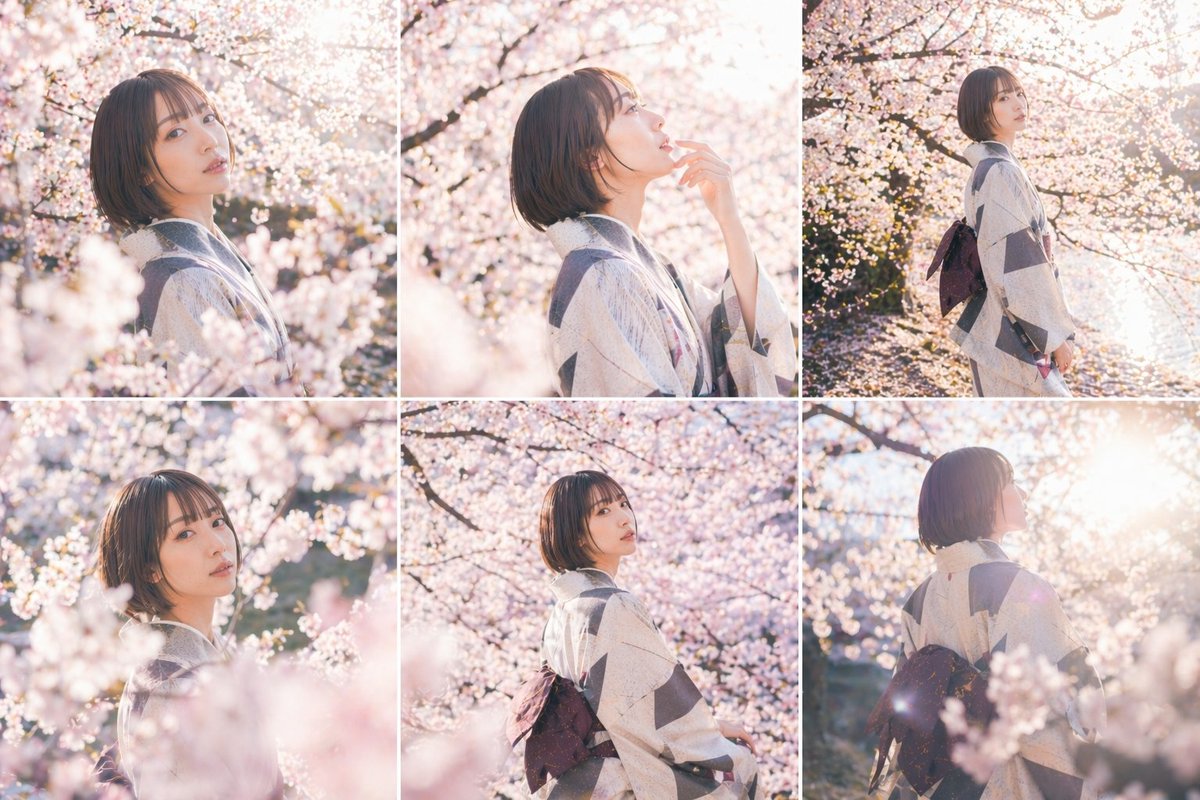
A cinematic four panel photo sequence of a joyful young {argument name="ethnicity" default="South Asian"} woman enjoying heavy {argument name="weather" default="monsoon rain"} in a {argument name="setting" default="lush green countryside"}. She has long wet black hair and wears a simple sleeveless white dress. In each horizontal frame she expresses pure happiness differently: first laughing toward the camera, second leaning her head back with eyes closed as rain falls across her face, third looking down shyly while smiling, and fourth spinning freely with her wet hair flying through the air and arms relaxed.\n\nThe background features a soft-focus green meadow, a large distant tree, misty rainy atmosphere, and hazy gray skies. Strong visible rainfall, soaked hair and clothing, natural candid body language, nostalgic romantic mood, muted green and gray color palette, soft diffused daylight, slight film grain, vintage 1990s Indian cinema aesthetic, dreamy analog photography, shallow depth of field, gentle motion blur, realistic skin texture, emotional storytelling, authentic monsoon atmosphere.\n\nComposition: four horizontal cinematic stills stacked vertically, same woman and location in every frame, consistent wardrobe and lighting, 3:4 vertical collage, film-still photography, realistic and natural.
Choose the primary action to open PicX Studio with the available template settings. Review the model and format, personalize the creative direction, and generate when ready.
Yes. You can change the subject, setting, lighting, mood, format, and available model controls before creating your image.
This template is free to open and customize. Generation usage is shown in PicX Studio before you create.
Start with GPT Image 2, which is the model associated with this template. You can compare another compatible model for a different finish.
Follow a topic to a crawlable collection of related PicX Studio templates.