
Sweaty Anime Runner Portrait
A vertical anime sports portrait of a white-haired runner under bright blue summer sky, suitable for album art or character illustration.
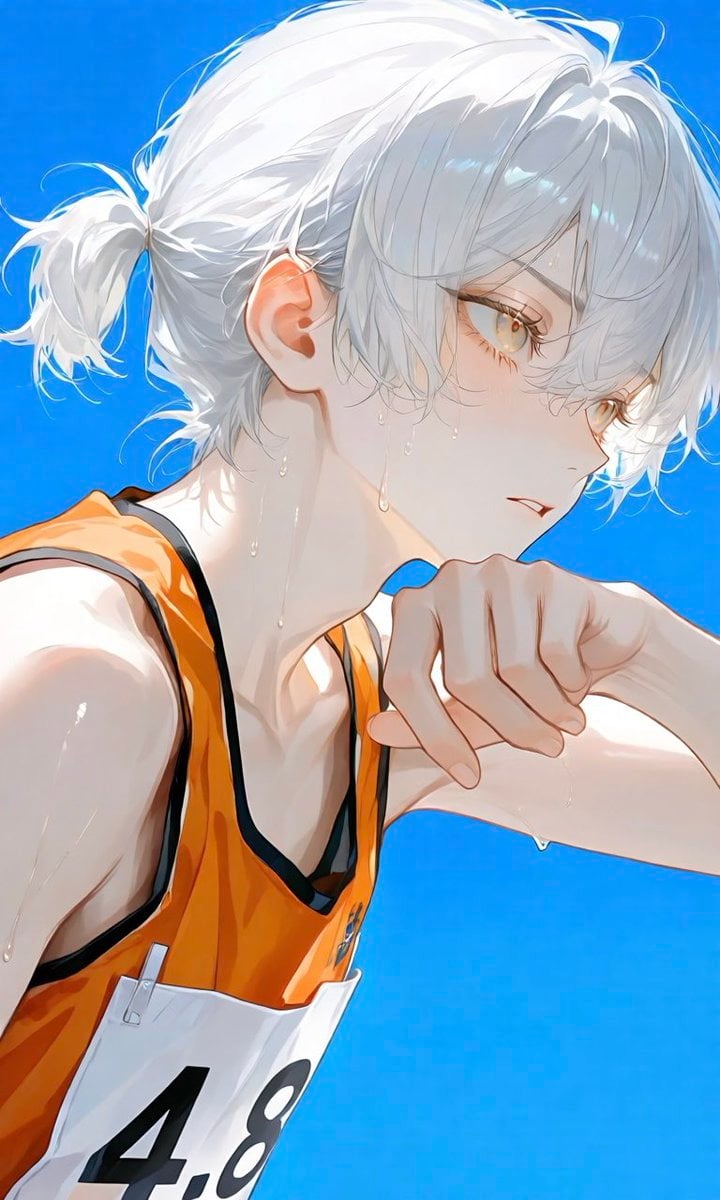
- Prompt included
- Model and format preset
- Free template
The prompt behind this image
Copy the exact prompt behind Sweaty Anime Runner Portrait, or open it in the studio and make it yours.
Create a polished anime-style vertical sports illustration of {argument name="character description" default="an androgynous young runner with pale skin, short white-silver hair tied into a small messy ponytail, and golden amber eyes"}. Show the character in close-up side profile facing right, cropped from the upper torso upward, with their bent arm raised near their mouth as if wiping sweat or catching their breath after running. They wear {argument name="running outfit" default="an orange racing singlet with black trim over a dark sports layer and a white race bib showing the number 4.8"}. The expression is calm, focused, slightly tired, with parted lips and a distant gaze. Add many visible sweat droplets on the face, neck, shoulder, arm, and hairline, catching bright sunlight. Use a vivid clear {argument name="background color" default="saturated blue sky"} as a simple flat background with no scenery. Lighting should be intense summer daylight from the upper right, creating glowing rim light on the hair and skin, crisp highlights, soft shadows, translucent skin tones, and delicate strands of hair. Composition should feel like a dramatic album-cover crop: dynamic diagonal posture, face near the upper right third, ponytail extending left, bib partially cut off at the bottom. Render with clean high-detail Japanese anime painting, luminous eyes, fine linework, soft watercolor-like shading, glossy sweat highlights, and a fresh athletic atmosphere. No extra text, no logo, no watermark.
How to use Sweaty Anime Runner Portrait in 3 steps
- 1Upload ImagePNG, JPG or paste
Add your photo
Upload the photo the template builds on. The prompt, model and format are already set.
- 2…a portrait of your subject in softgolden-hour light, 85mm…
Personalize
Edit the subject and creative details for your destination.
- 3Generate
Generate
Press Generate — your image is created in PicX Studio, so you can compare it with the original and refine one variable at a time.
More like this
Templates with the same subject, style or setup. Open one to see its prompt.
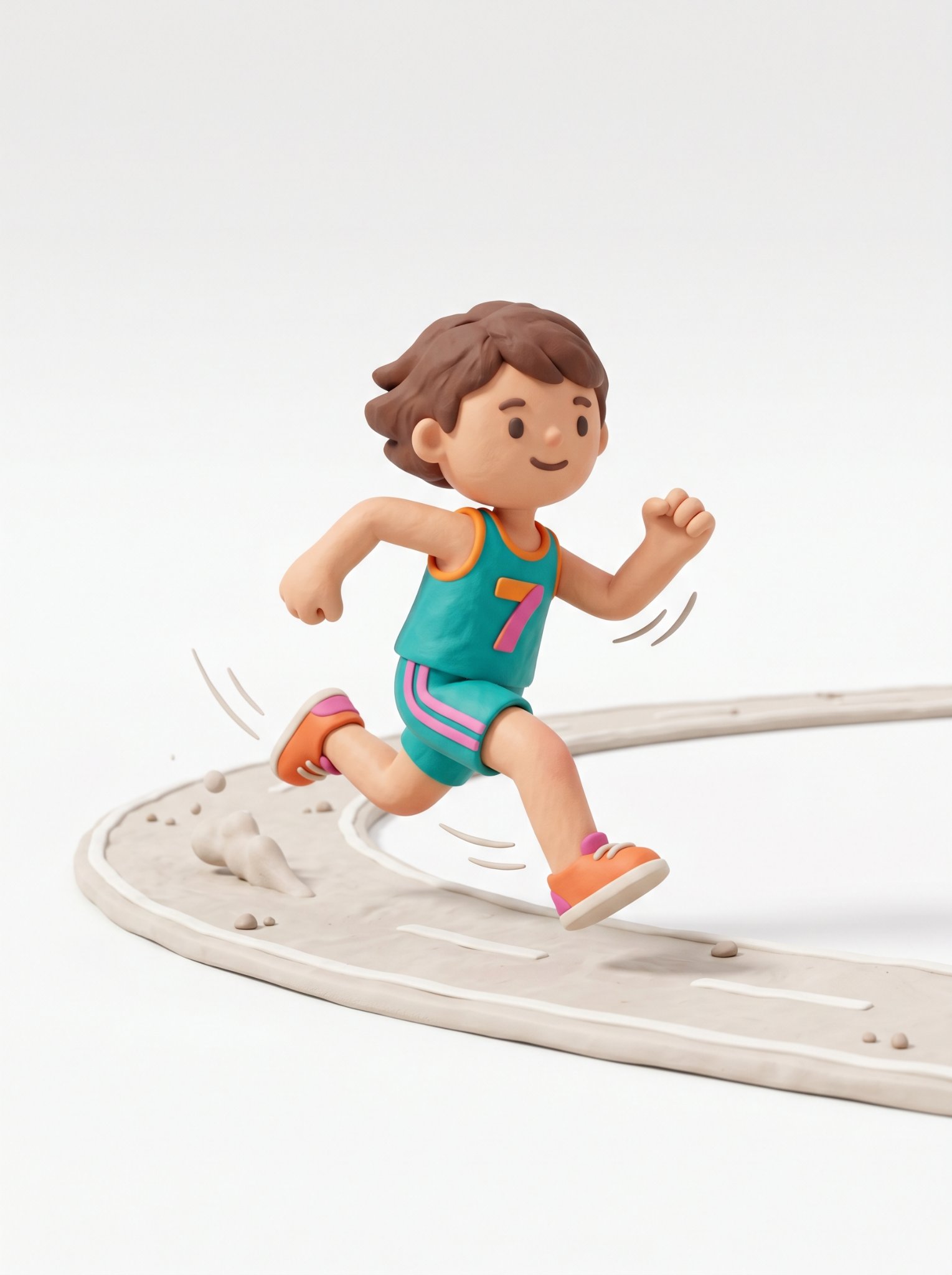
Cute 3d Stylized Runner in Clay Style

Found Photograph: Us, 1970

80s Couple Studio Portrait

80s Bollywood Star

80s Golden Hour Cinema

Me in 1985

1985 Studio Portrait

Hyper-Realistic Minecraft POV Portrait

Rooftop Fisheye — Cat-Ear Balaclava at Golden Hour

Cel 2D Underwater Reef

Anime Monorail Sunset

Rainy Café Window Moody Portrait
Make it yours
Sweaty Anime Runner Portrait works as-is. These are the safest ways to change it without losing the look.
Change one field
Copy a single group, rewrite it, and generate again so you can see what that field is doing.
Keep the frame, change the subject
Hold the composition and light of Sweaty Anime Runner Portrait, then swap wardrobe, props or the person for a new take.
| If the result… | Why | Fix |
|---|---|---|
| The result drifts from the preview | Too many fields changed at once. | Reuse Sweaty Anime Runner Portrait as-is first, then change one group — subject, light, or setting. |
| The model over-stylizes the scene | The prose prompt leaves finish and camera underspecified. | Add one camera or lighting sentence and stay on GPT Image 2. |
More GPT Image 2 templates
Other prompts made for GPT Image 2.

Six VTuber Japanese Logo Sheet

Realistic Portrait of Woman and Deer

The Vista Modular Condo Poster

AI Model Routing Comparison Infographic

2.5D Anime Art Board

Isometric Productivity Desk Scene

New York Double Exposure Poster

Four-Panel AI Landscape Comparison

Japanese Tatami Lifestyle Magazine Cover

NESCAFÉ Coffee Map Poster
More image prompts
Fresh picks from across the catalog.
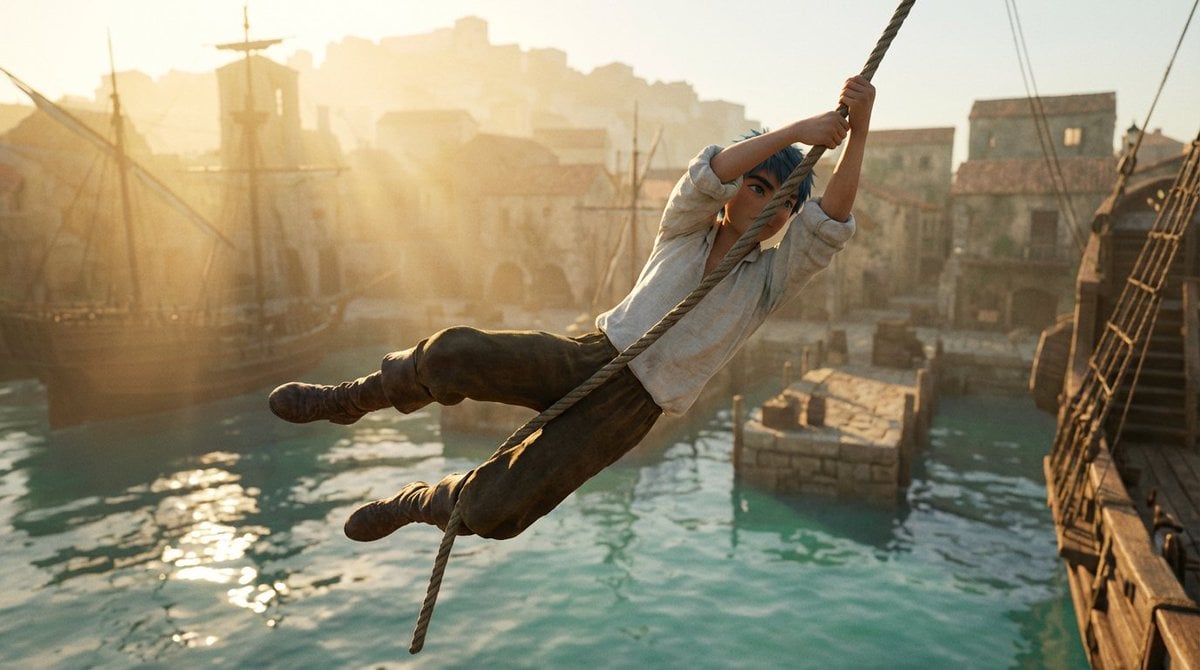
Frozen Action Shot of Character Swinging on a Rope
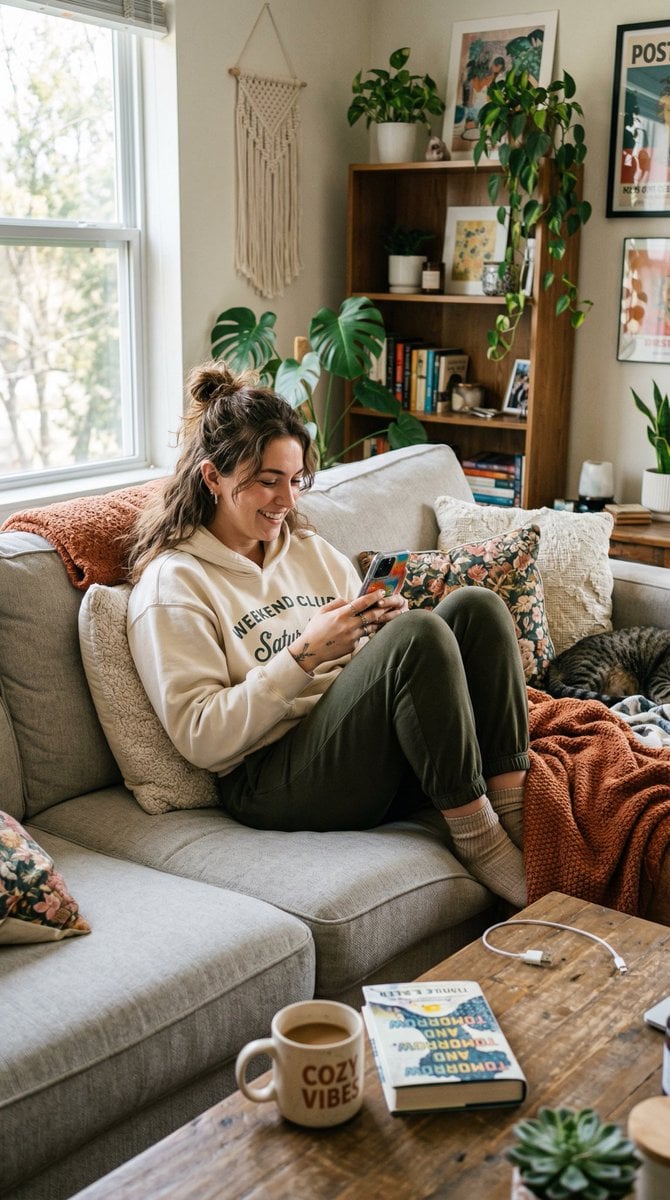
Entry-Level Gen Z Woman Generation
Ultra-Modern Transparent Black Hyperrealism
Split Portrait - Mixed Media
Generating Various Everyday Scenes
Nano Banana 2 Generation Examples and Prompts
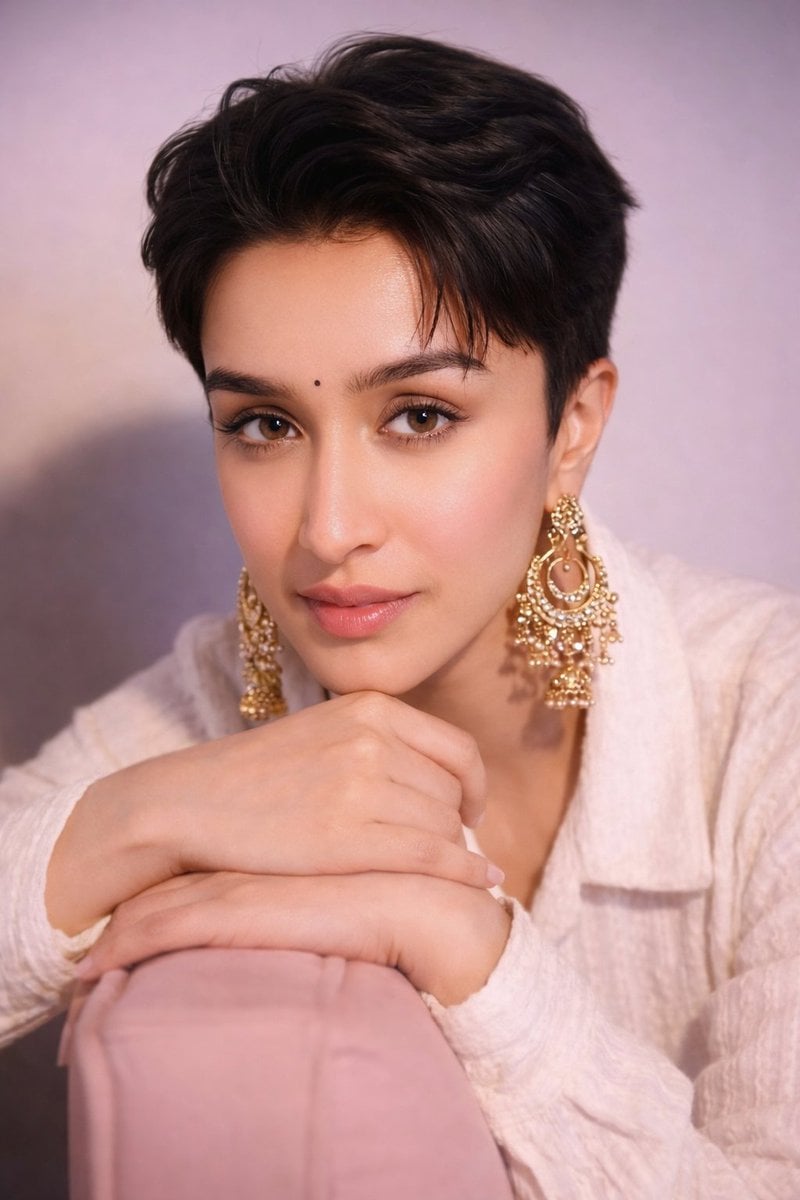
Portrait of Shraddha Kapoor with Pixie Cut and Jhumka Earrings
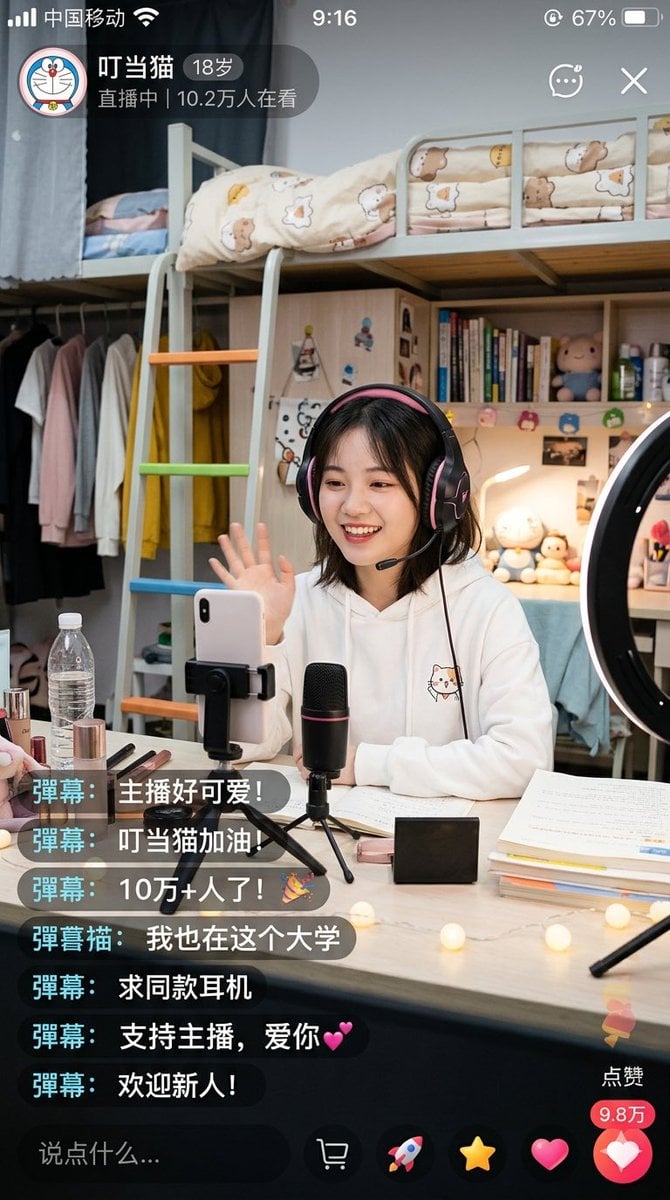
Chinese Dorm Livestream Screenshot
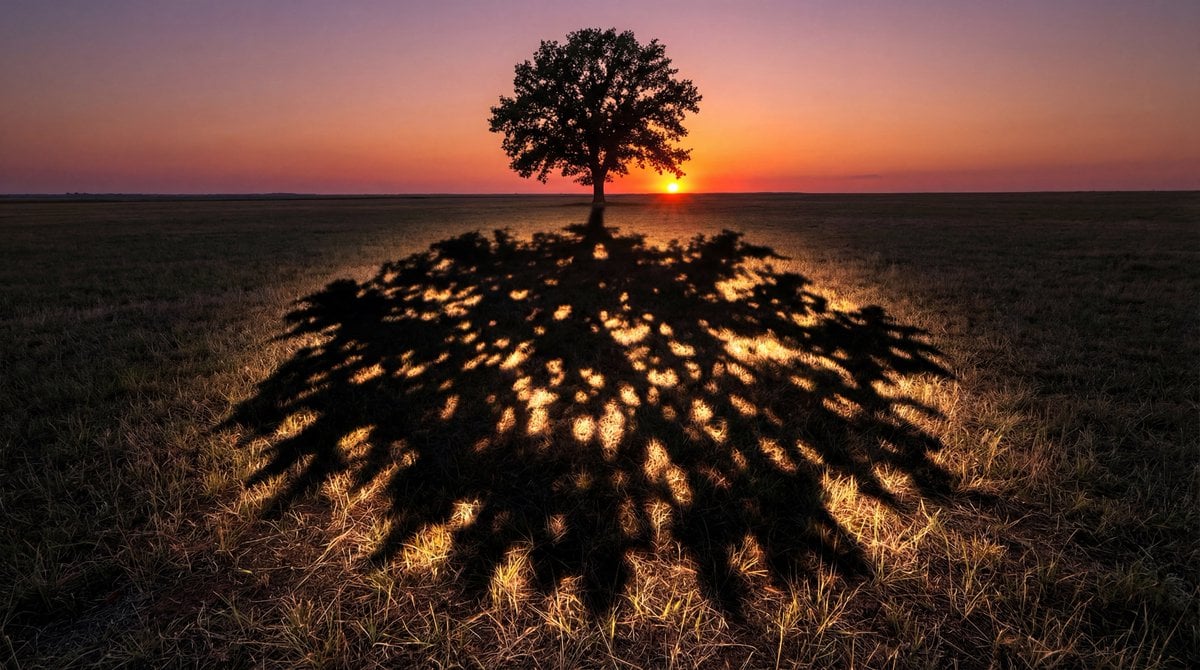
Magical Shadow Illusion Prompt for Nano Banana Pro
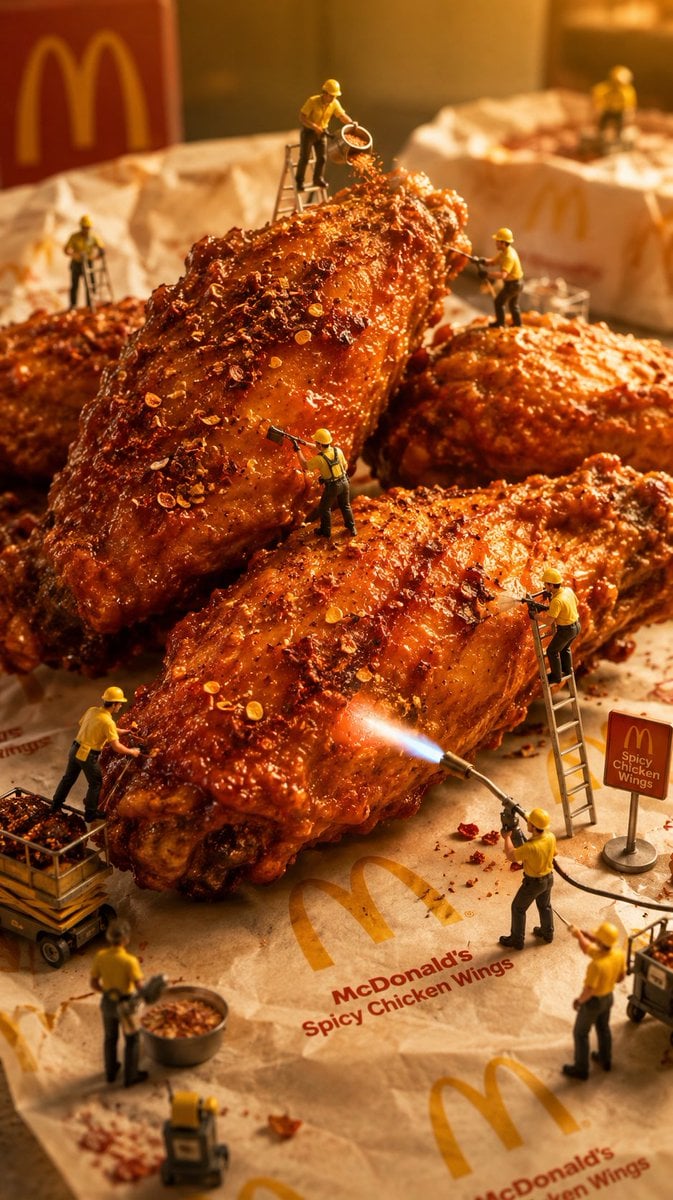
Mini Workers Sculpt Spicy Chicken Wings
Browse template categories
Sweaty Anime Runner Portrait questions
How do I use the Sweaty Anime Runner Portrait template?
Add your photo if the template asks for one, edit the prompt if you like — the template's model and format are already selected — and press Generate. Your version opens in PicX Studio.
Can I customize the Sweaty Anime Runner Portrait template?
Yes. You can change the subject, setting, lighting, mood, format, and available model controls before creating your image.
Is the Sweaty Anime Runner Portrait template free?
Opening and editing this template is free. Generating uses credits, shown on the Generate button when you are signed in.
Which AI model should I use?
Start with GPT Image 2, which is the model associated with this template. You can compare another compatible model for a different finish.
Looking for something else? Browse all templates.

Your photo, any look
Thousands of ready templates for every top image and video model, from one credit balance.