
Croissant Ghibli Reference Sheet
A structured prompt for generating a warm illustrated croissant-making reference sheet with ingredients, tools, process steps, palette, and a finished pastry showcase.
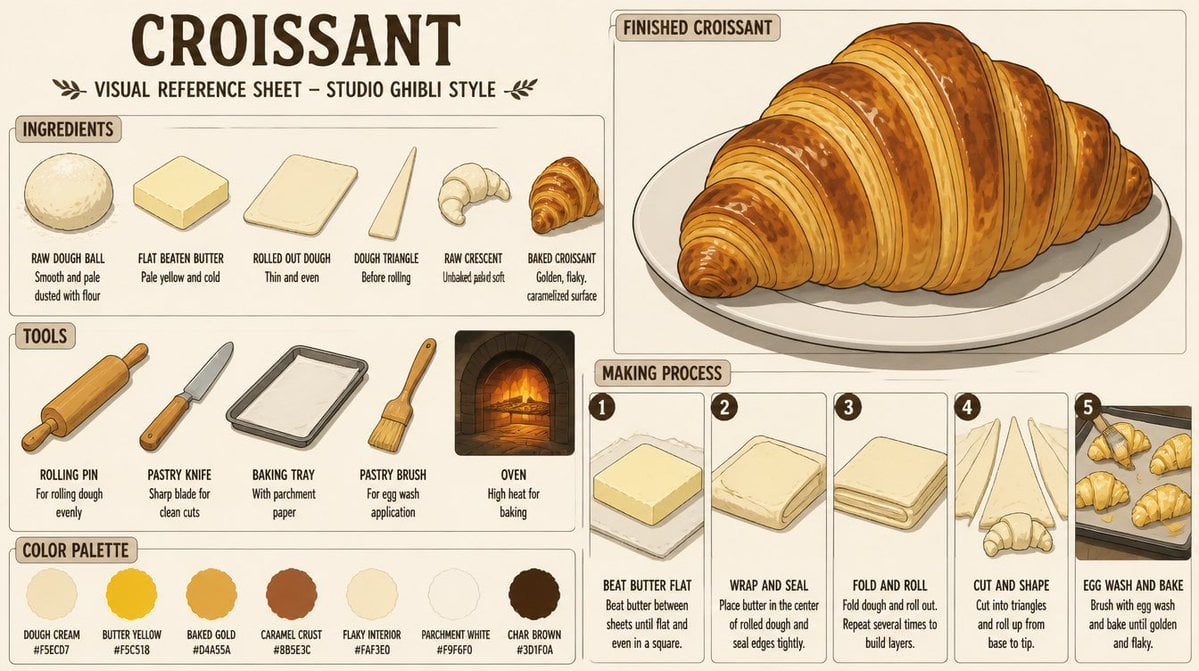
- Prompt included
- Model and format preset
- Free template
The prompt behind this image
Copy the exact prompt behind Croissant Ghibli Reference Sheet, or open it in the studio and make it yours.
Goal: Create a detailed vintage illustrated visual reference sheet for {argument name="food subject" default="Croissant"} in a warm hand-drawn {argument name="art style" default="Studio Ghibli style"}, like a pastry-making guide from an old cookbook. Canvas: Wide horizontal 16:9 composition on warm cream parchment paper, with thin brown rounded panel borders, muted sepia ink outlines, soft watercolor shading, and cozy bakery lighting. Use an off-white background with subtle paper texture. Header: Large bold hand-lettered title at the top left reading “{argument name="headline text" default="CROISSANT"}”. Beneath it, smaller uppercase subtitle: “VISUAL REFERENCE SHEET – STUDIO GHIBLI STYLE”, flanked by small decorative leaf sprigs. Layout: Divide the sheet into 5 main areas: 1 large ingredients panel on the upper left, 1 tools panel on the lower left, 1 color palette strip along the bottom left, 1 large finished croissant showcase panel on the upper right, and 1 making process panel with 5 numbered steps on the lower right. Ingredients panel: Label the panel “INGREDIENTS”. Show exactly 6 ingredient illustrations arranged left to right, each with a bold uppercase label and a short note: 1) raw dough ball, smooth and pale, dusted with flour; 2) flat beaten butter, pale yellow and cold; 3) rolled out dough, thin and even rectangular sheet; 4) dough triangle, before rolling; 5) raw crescent, unbaked and pale soft; 6) baked croissant, golden and flaky with caramelized surface. Tools panel: Label the panel “TOOLS”. Show exactly 5 tools arranged left to right: 1) wooden rolling pin, captioned for rolling dough evenly; 2) pastry knife with wooden handle, captioned sharp blade for clean cuts; 3) metal baking tray lined with parchment paper; 4) pastry brush with wooden handle, captioned for egg wash application; 5) brick oven with glowing fire, captioned high heat for baking. Finished croissant panel: Label it “FINISHED CROISSANT”. Show one large finished croissant on a white oval plate, angled slightly from lower left to upper right. The croissant is oversized, glossy, golden brown, crescent-shaped, with many visible laminated layers, darker caramelized ridges, flaky cracks, toasted spots, and a soft shadow on the plate. Making process panel: Label it “MAKING PROCESS”. Include exactly 5 vertical numbered cards from left to right, each with a dark circular number badge and a small illustration above text: 1) “BEAT BUTTER FLAT” showing a square block of butter on parchment, note that butter is beaten between sheets until flat and even in a square; 2) “WRAP AND SEAL” showing dough folded around butter, note to place butter in the center of rolled dough and seal edges tightly; 3) “FOLD AND ROLL” showing a folded laminated dough stack, note to fold dough and roll out and repeat several times to build layers; 4) “CUT AND SHAPE” showing long dough triangles and a raw crescent, note to cut into triangles and roll up from base to tip; 5) “EGG WASH AND BAKE” showing several croissants on a baking tray, note to brush with egg wash and bake until golden and flaky. Color palette strip: Label it “COLOR PALETTE”. Show exactly 7 circular color swatches with names and hex codes: 1) Dough Cream #F5ECD7, 2) Butter Yellow #F5C518, 3) Baked Gold #D4A55A, 4) Caramel Crust #8B5E3C, 5) Flaky Interior #FAF3E0, 6) Parchment White #F9F6F0, 7) Char Brown #3D1F0A. Typography and style: Use bold condensed hand-drawn uppercase lettering for labels, smaller neat handwritten captions, dark chocolate-brown ink, rounded cream label tabs, and consistent old-fashioned bakery reference-sheet design. Keep all illustrations charming, clean, and readable, with soft painterly shadows and warm amber highlights. Constraints: Include no people, no photorealism, no modern UI elements, no watermark, and no extra sections beyond the described 5 main areas. Keep all visible English text legible and spelled correctly.
How to use Croissant Ghibli Reference Sheet in 3 steps
- 1Upload ImagePNG, JPG or paste
Add your photo
Upload the photo the template builds on. The prompt, model and format are already set.
- 2…a portrait of your subject in softgolden-hour light, 85mm…
Personalize
Edit the subject and creative details for your destination.
- 3Generate
Generate
Press Generate — your image is created in PicX Studio, so you can compare it with the original and refine one variable at a time.
More like this
Templates with the same subject, style or setup. Open one to see its prompt.
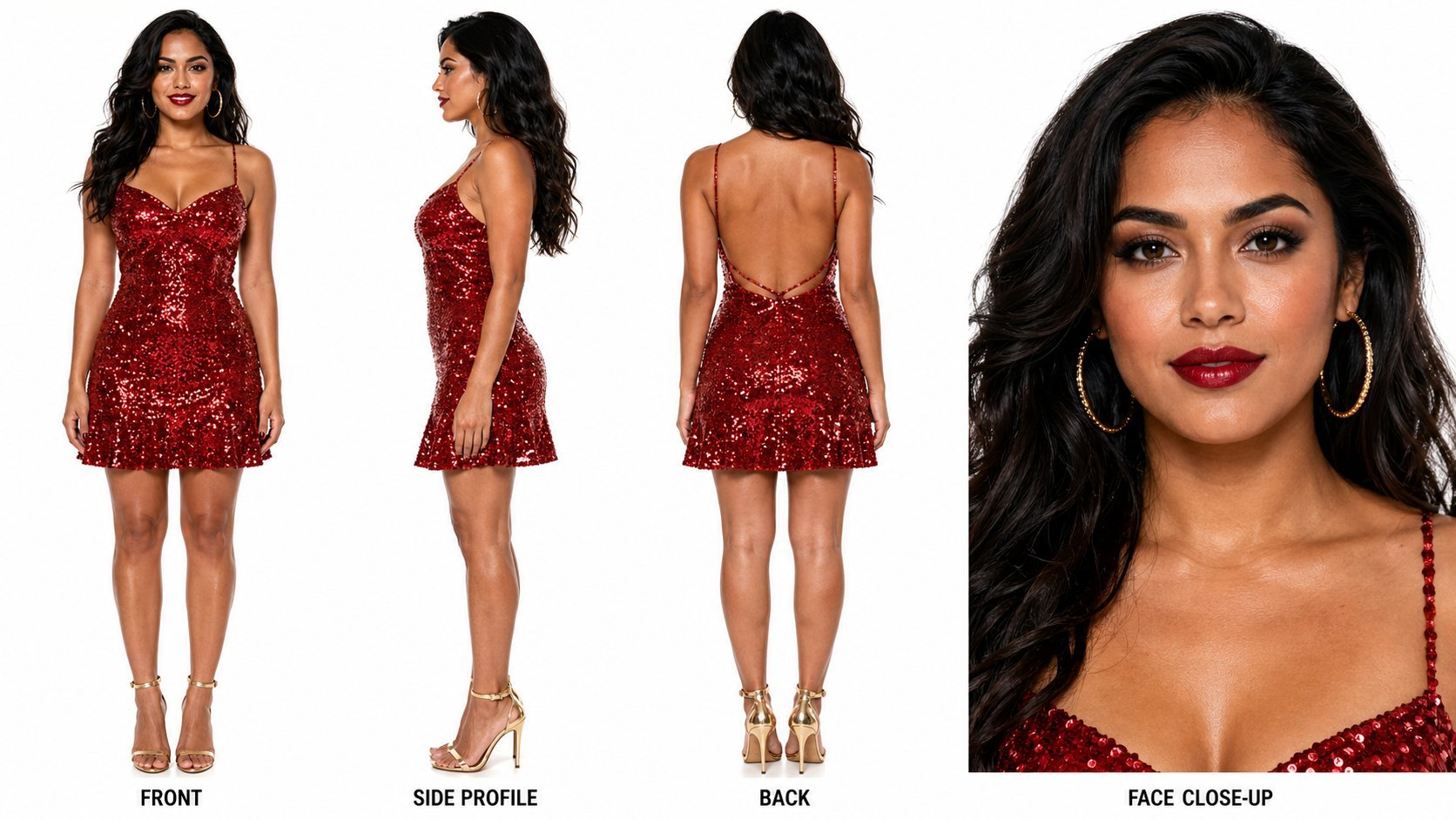
Dancer Character - Four View Reference Sheet
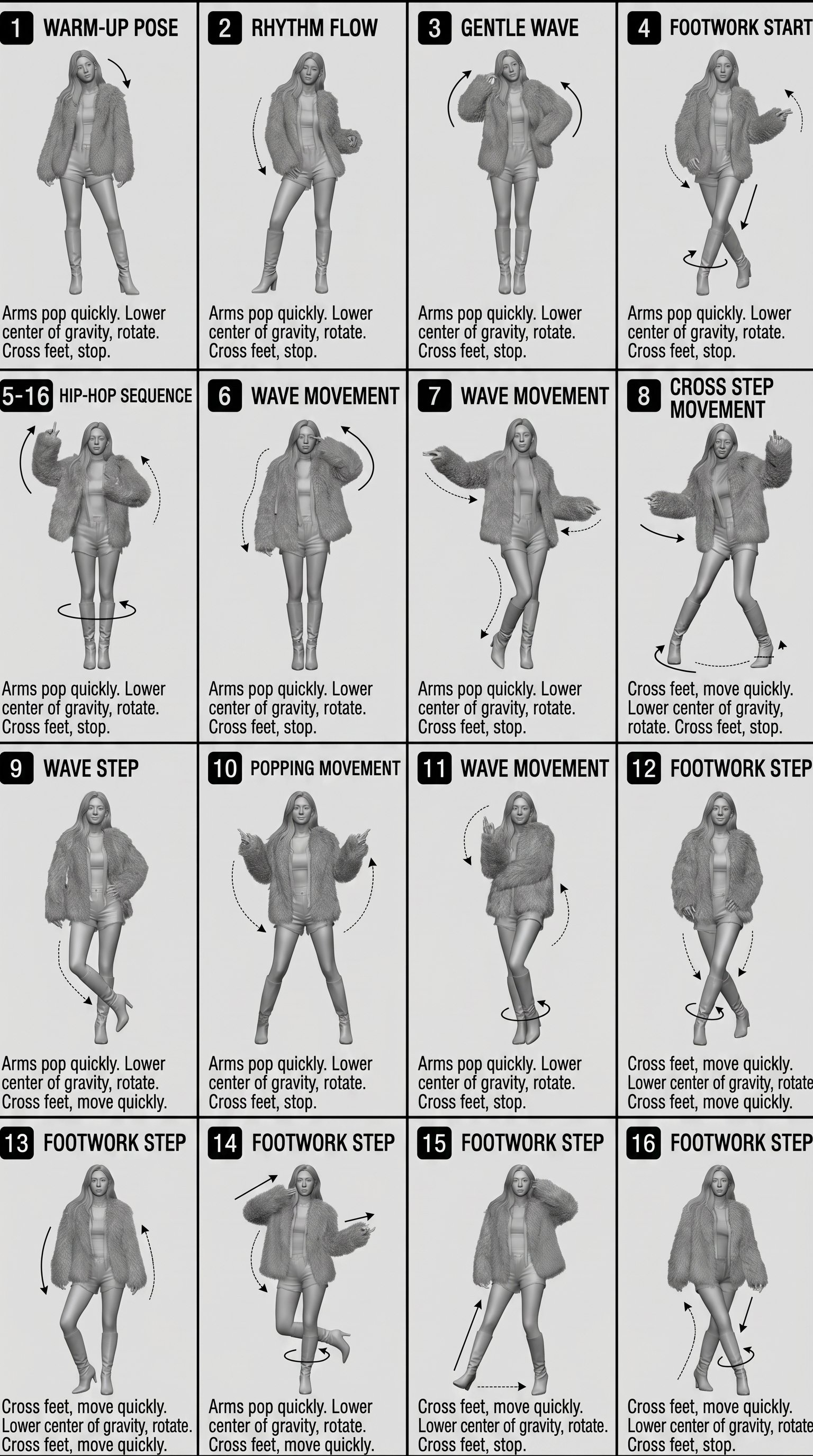
Movement Sheet - Dance Reference (Seedance 2.0)
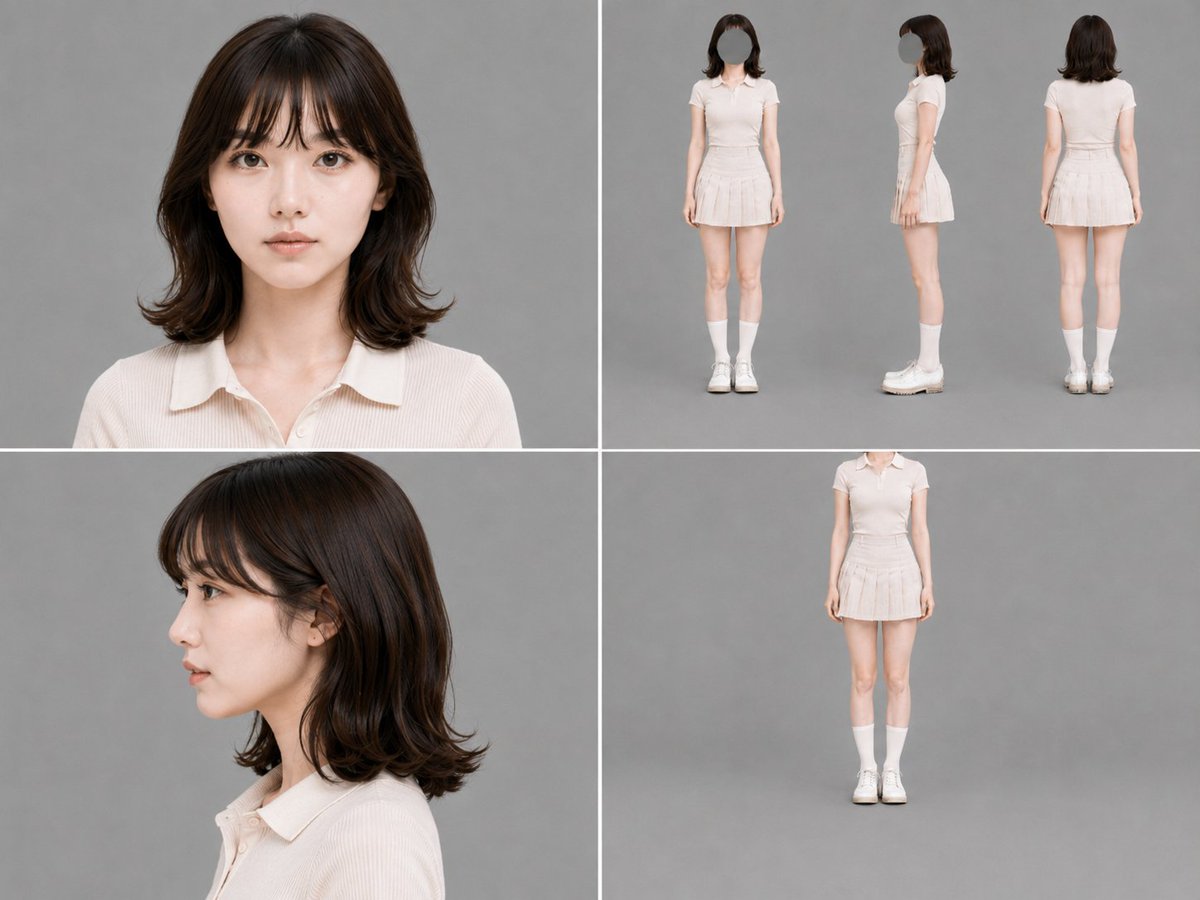
Gray Studio Character Reference Sheet
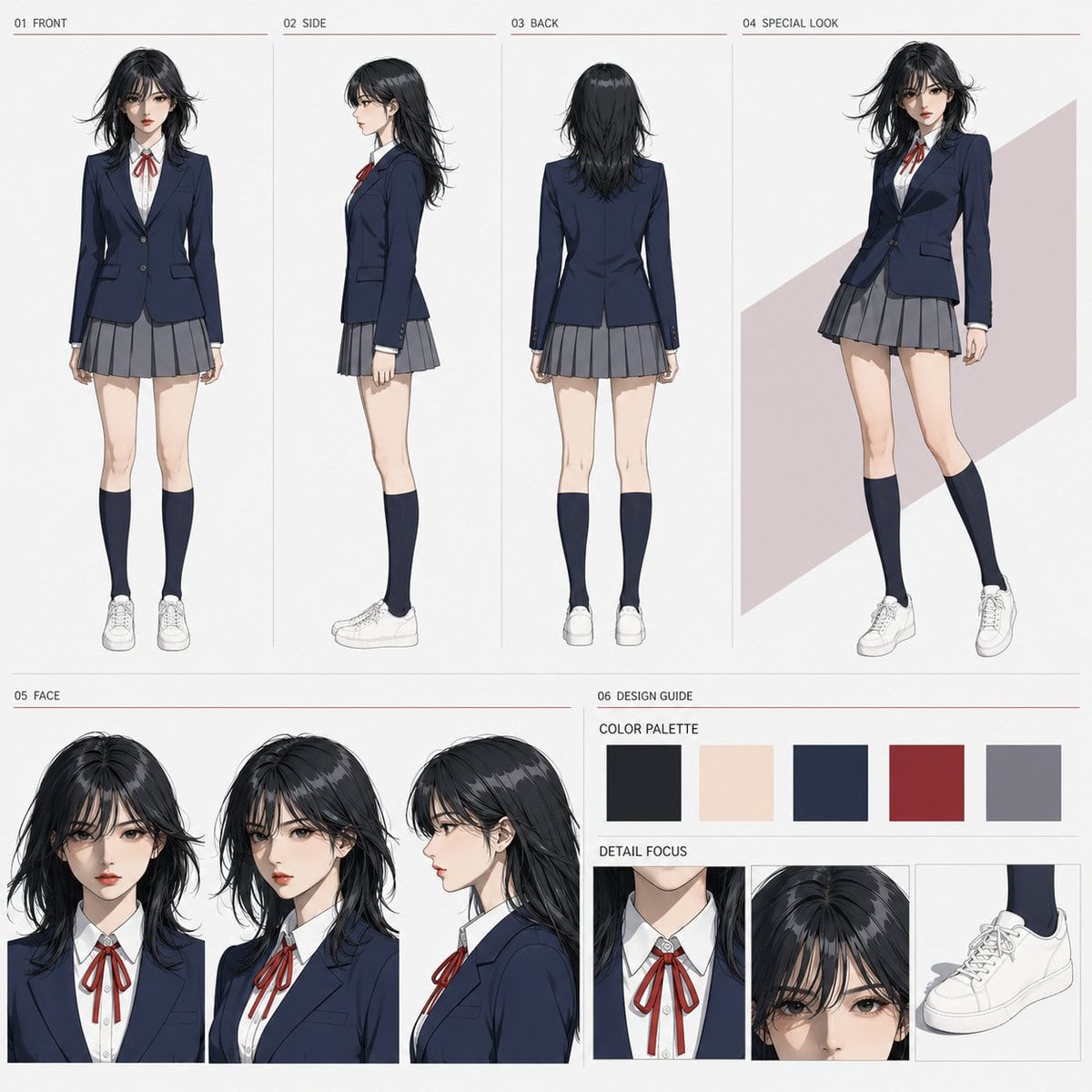
Anime Character Sheet Reference Prompt
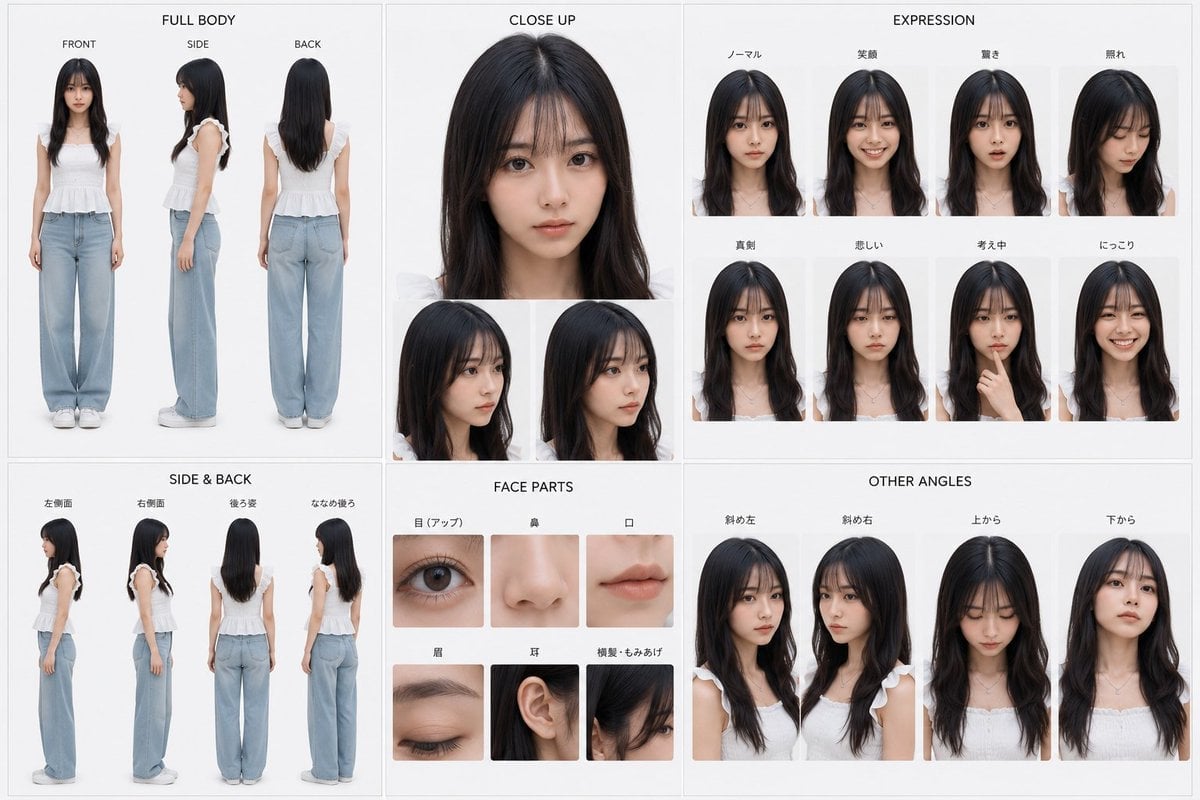
Photoreal Character Reference Sheet
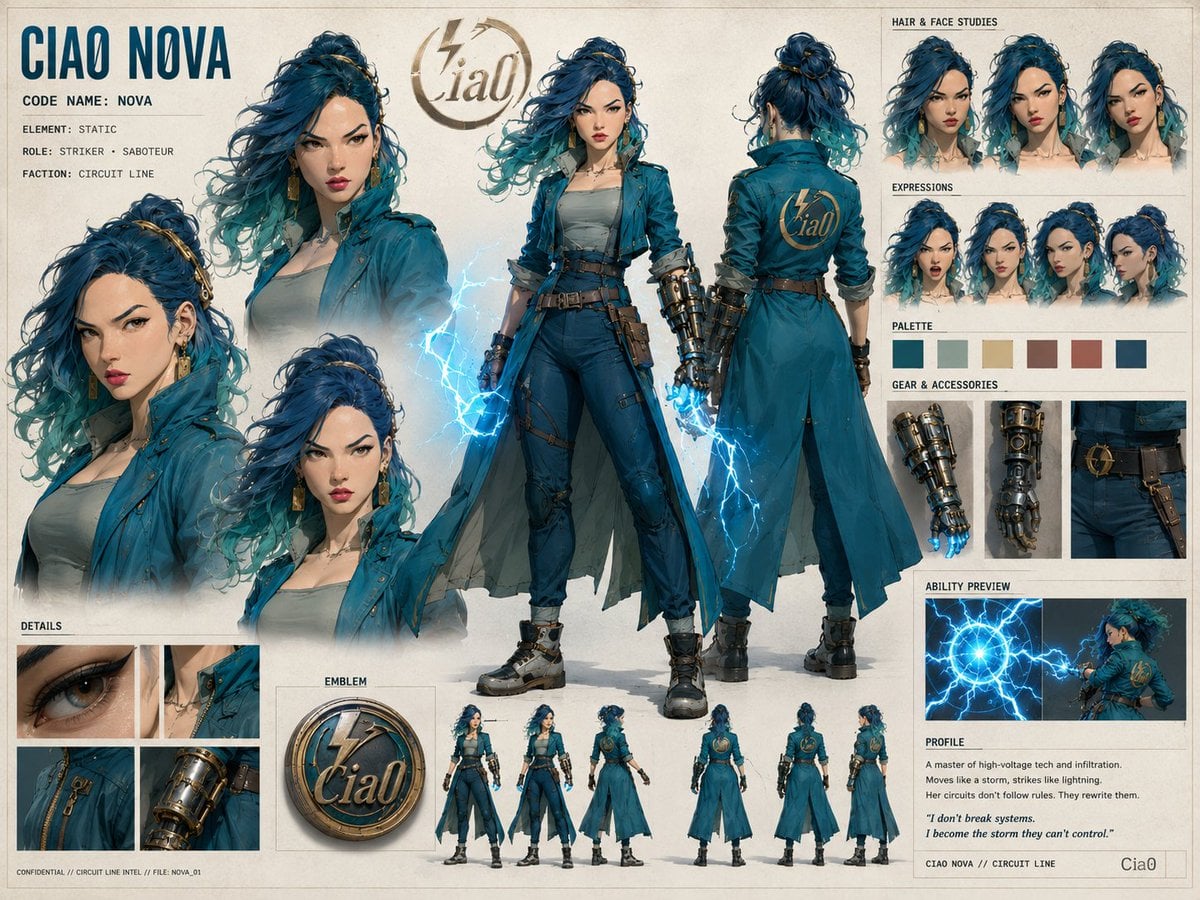
Ciao Nova Character Reference Sheet

Ghibli Final Takeoff Field
Ghibli Rainy Tram Interior
Ghibli Star Observatory

Ghibli Tiny House On Back

Ghibli Lantern River Festival

Ghibli Whale Bone Beach
Make it yours
Croissant Ghibli Reference Sheet works as-is. These are the safest ways to change it without losing the look.
Change one field
Copy a single group, rewrite it, and generate again so you can see what that field is doing.
Keep the frame, change the subject
Hold the composition and light of Croissant Ghibli Reference Sheet, then swap wardrobe, props or the person for a new take.
| If the result… | Why | Fix |
|---|---|---|
| The result drifts from the preview | Too many fields changed at once. | Reuse Croissant Ghibli Reference Sheet as-is first, then change one group — subject, light, or setting. |
| The model over-stylizes the scene | The prose prompt leaves finish and camera underspecified. | Add one camera or lighting sentence and stay on GPT Image 2. |
More GPT Image 2 templates
Other prompts made for GPT Image 2.

Six VTuber Japanese Logo Sheet

Realistic Portrait of Woman and Deer

The Vista Modular Condo Poster

AI Model Routing Comparison Infographic

2.5D Anime Art Board

Isometric Productivity Desk Scene

New York Double Exposure Poster

Four-Panel AI Landscape Comparison

Japanese Tatami Lifestyle Magazine Cover

NESCAFÉ Coffee Map Poster
More image prompts
Fresh picks from across the catalog.
YouTube Dark Mode Desktop UI Mockup

Six Japanese Train Logo Variations

Rag Doll Banana T-Rex Monster
Authentic Magazine Spread Photography
Split-Screen Time Travel Scene
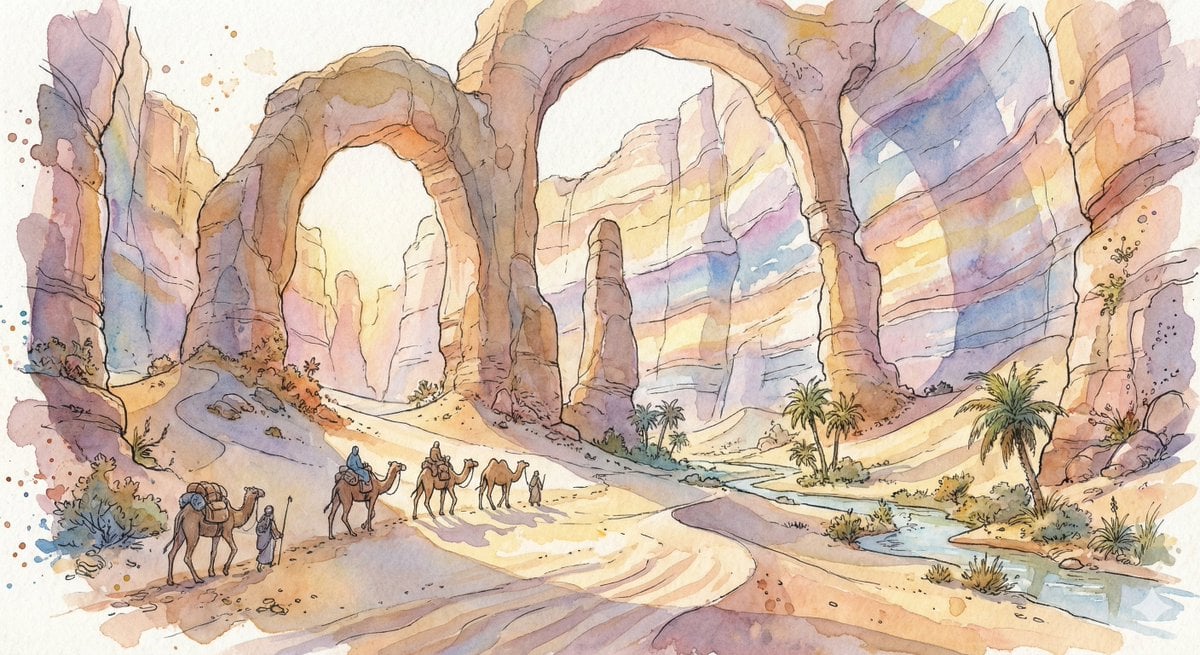
Fantasy Watercolor Illustration of an Immense Desert Canyon
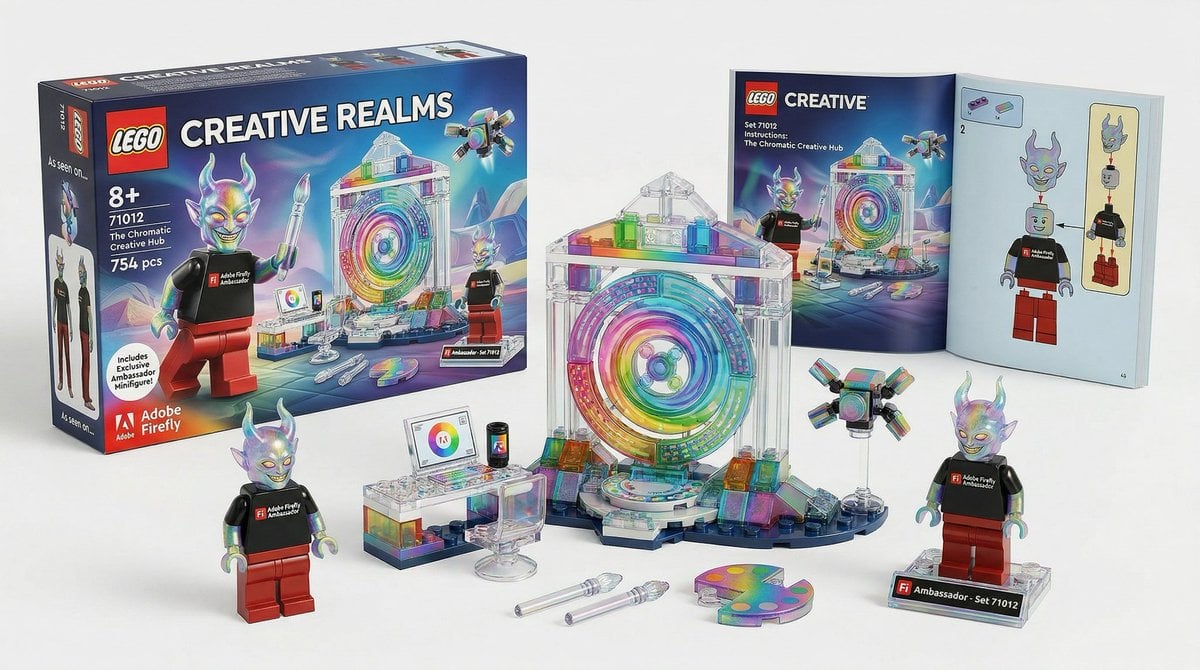
Lego Set Design Prompt Template
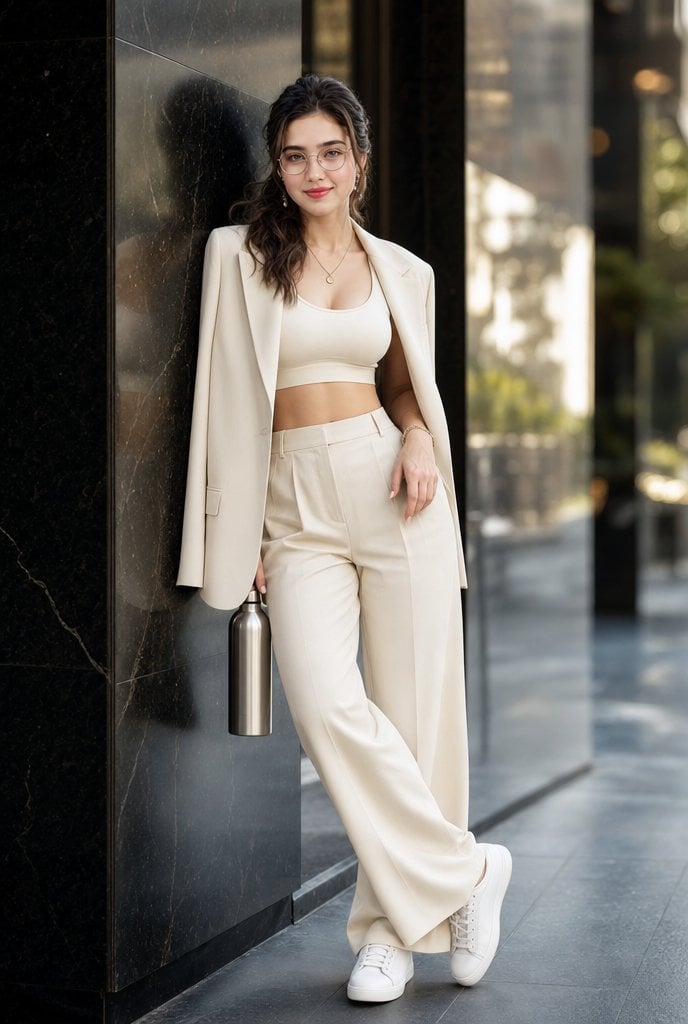
Cream Monochrome Urban Fashion Portrait
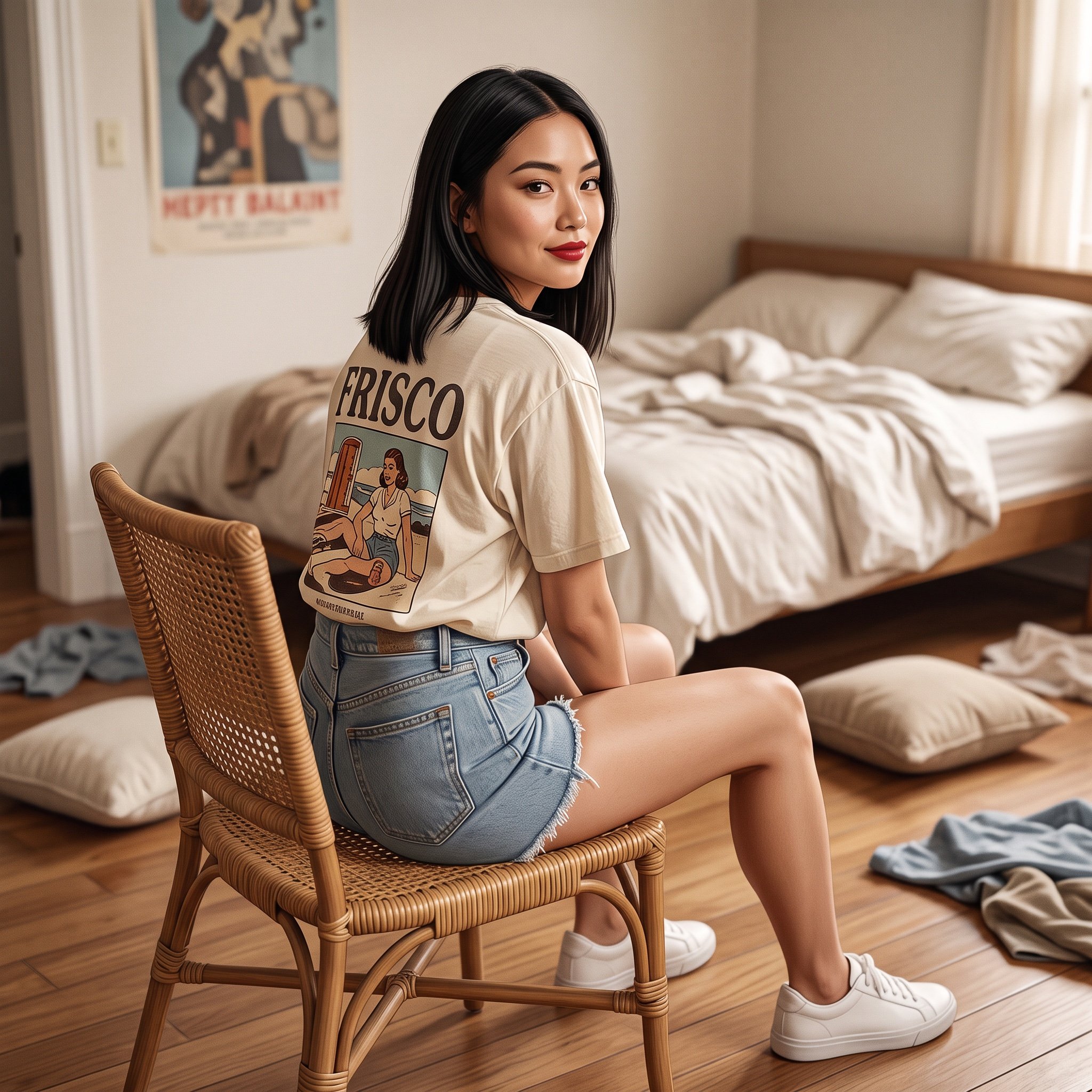
Photorealistic Frisco T-Shirt Lifestyle Portrait Prompt
Photorealistic Architectural Edit: Couple in Window
Browse template categories
Croissant Ghibli Reference Sheet questions
How do I use the Croissant Ghibli Reference Sheet template?
Add your photo if the template asks for one, edit the prompt if you like — the template's model and format are already selected — and press Generate. Your version opens in PicX Studio.
Can I customize the Croissant Ghibli Reference Sheet template?
Yes. You can change the subject, setting, lighting, mood, format, and available model controls before creating your image.
Is the Croissant Ghibli Reference Sheet template free?
Opening and editing this template is free. Generating uses credits, shown on the Generate button when you are signed in.
Which AI model should I use?
Start with GPT Image 2, which is the model associated with this template. You can compare another compatible model for a different finish.
Looking for something else? Browse all templates.

Your photo, any look
Thousands of ready templates for every top image and video model, from one credit balance.