How do I use the Ultra Realistic Cinematic Male Portrait template?
Choose the primary action to open PicX Studio with the available template settings. Review the model and format, personalize the creative direction, and generate when ready.
A cinematic, high-resolution portrait prompt designed for generating realistic male characters with specific clothing and lighting requirements, emphasizing fac
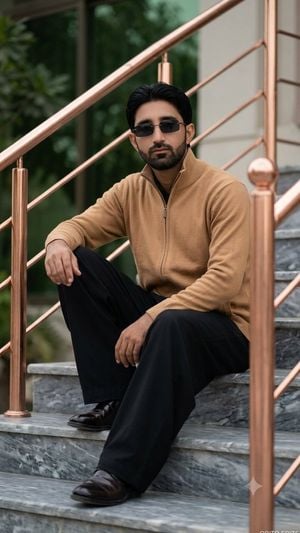
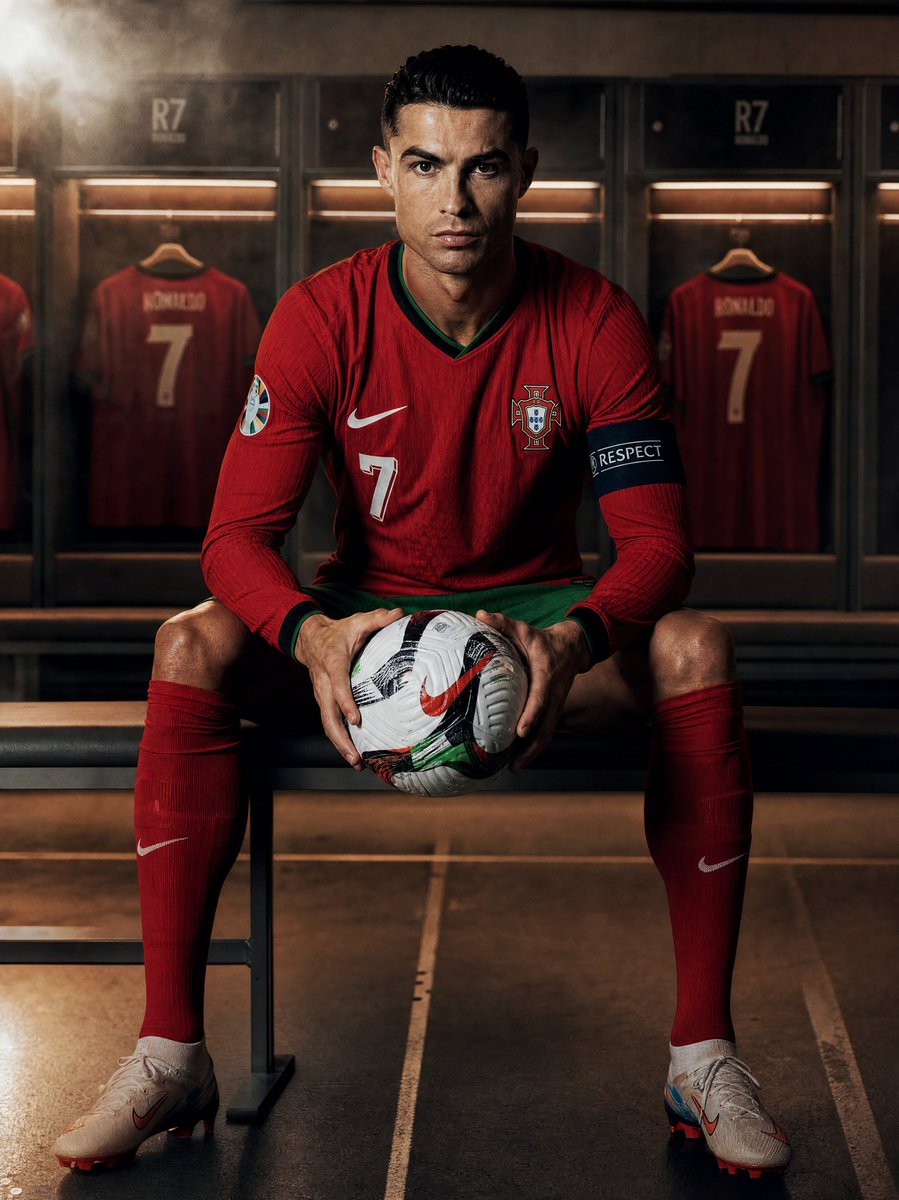
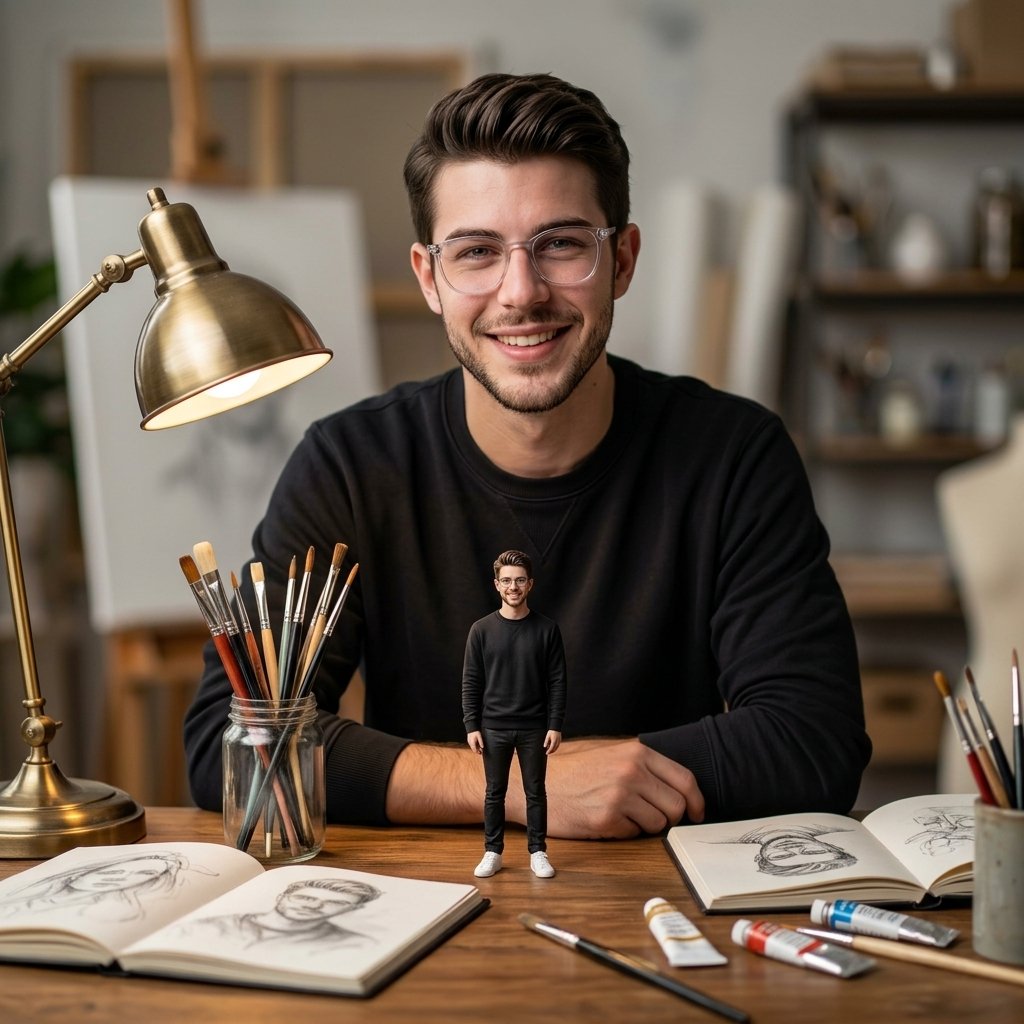
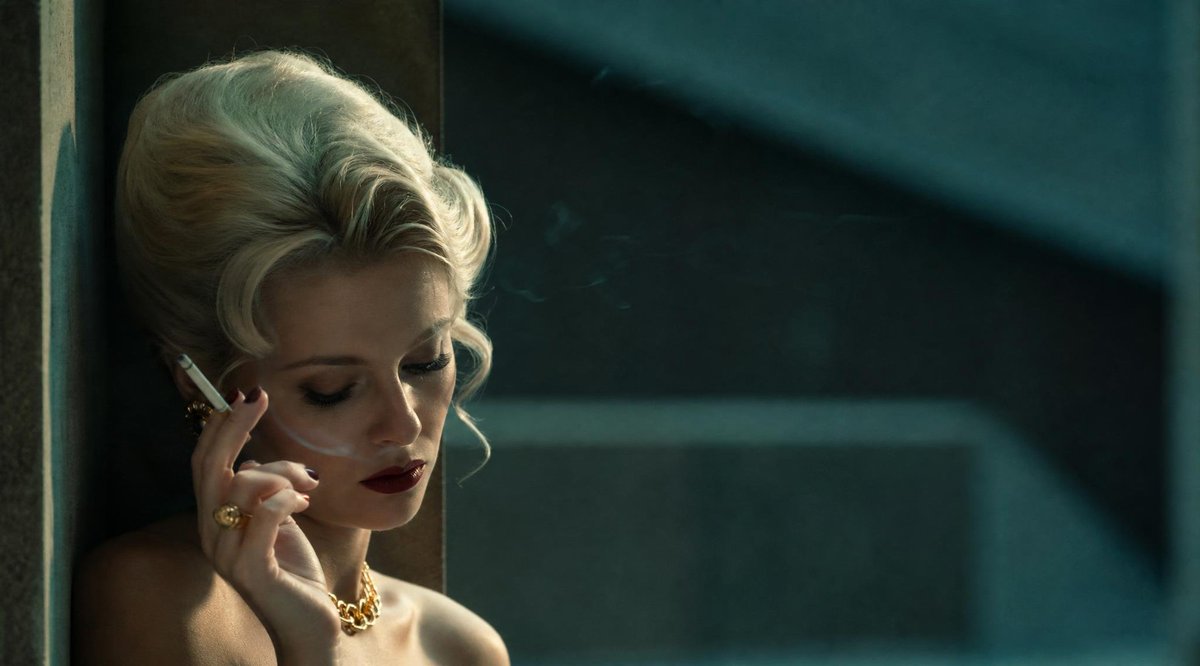
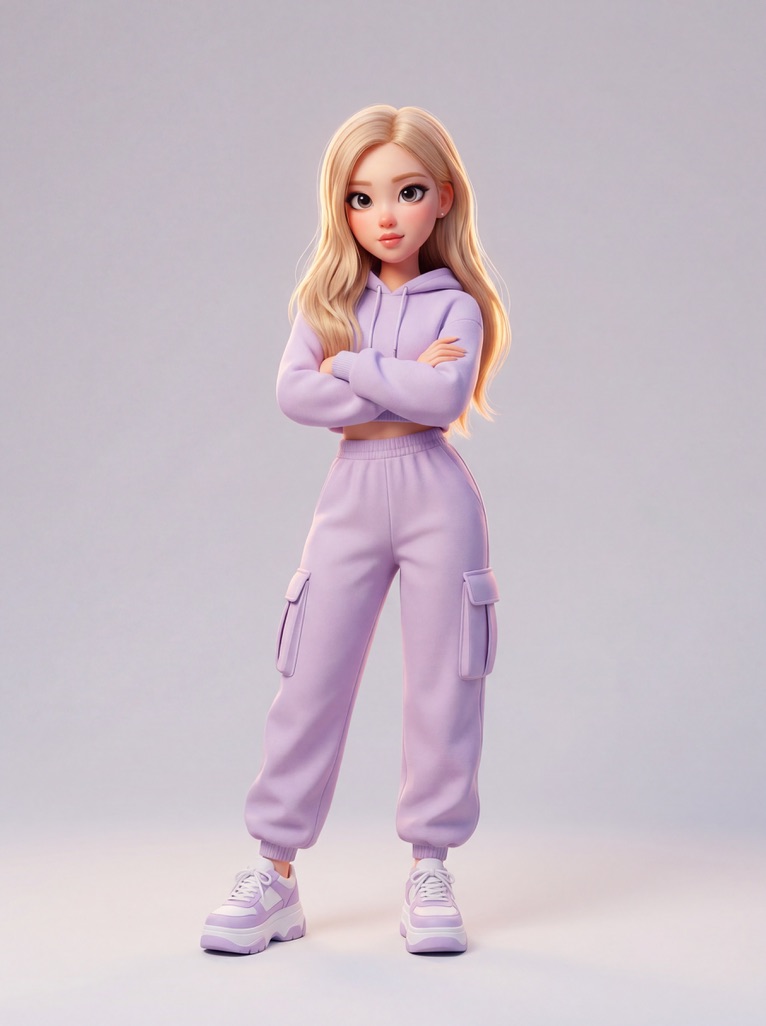
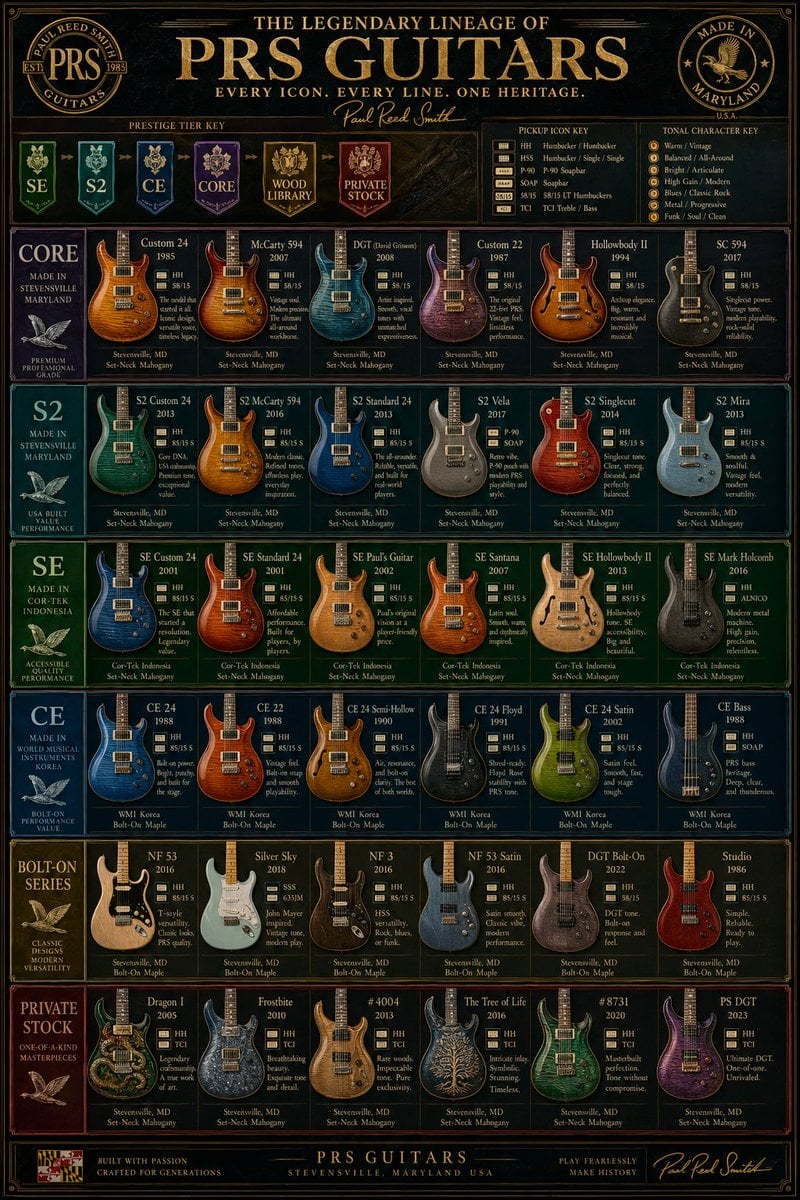
Use the uploaded image as the only facial reference and preserve 100% facial identity, hairstyle, beard, skin tone, and natural skin texture. AN ULTRA REALISTIC HIGH RESOLUTION CINEMATIC PORTRAIT FROM THE REFERENCE PHOTO, SIGNATURE: OBITO EDITS. He wears a zipper up long collar {argument name="sweater color" default="camel Colore"} sweater, wide-leg {argument name="trousers color" default="black"} trousers, polished dark shoes and rimless rectangular black sunglasses. Sitting on grey marble steps with {argument name="railing material" default="Copper rose-gold"} railings, Soft, diffused
Choose the primary action to open PicX Studio with the available template settings. Review the model and format, personalize the creative direction, and generate when ready.
Yes. You can change the subject, setting, lighting, mood, format, and available model controls before creating your image.
This template is free to open and customize. Generation usage is shown in PicX Studio before you create.
Start with GPT Image 2, which is the model associated with this template. You can compare another compatible model for a different finish.
Follow a topic to a crawlable collection of related PicX Studio templates.