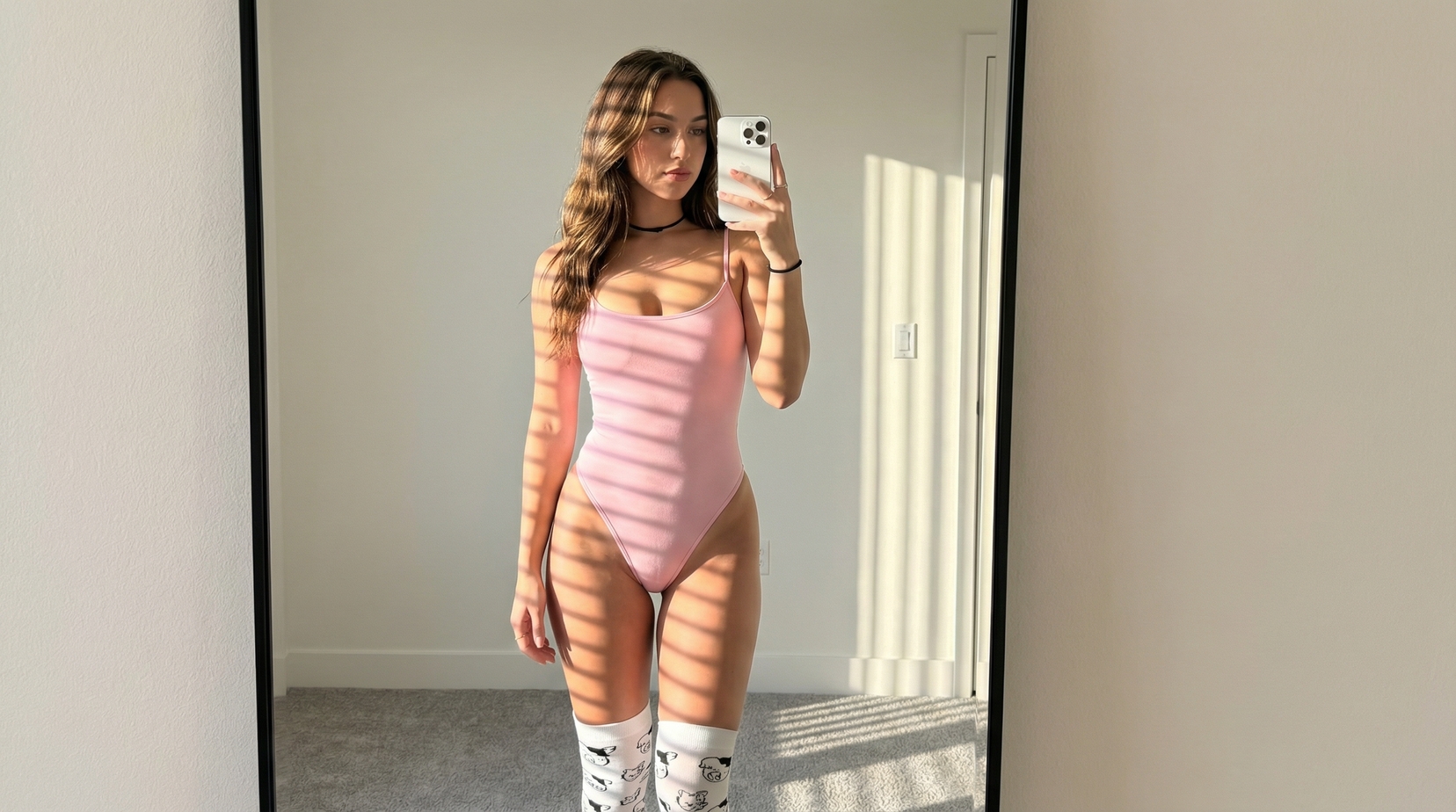
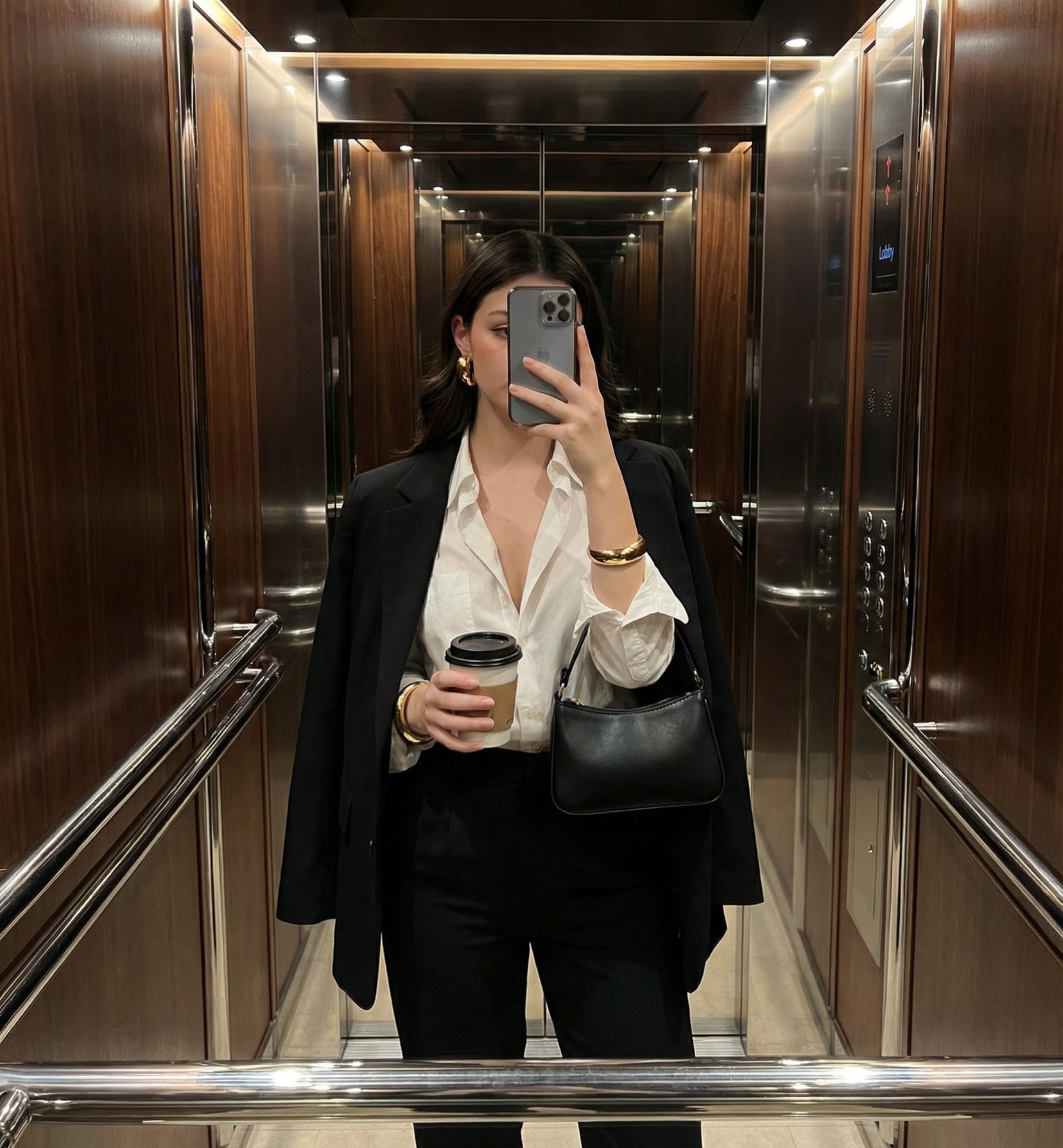
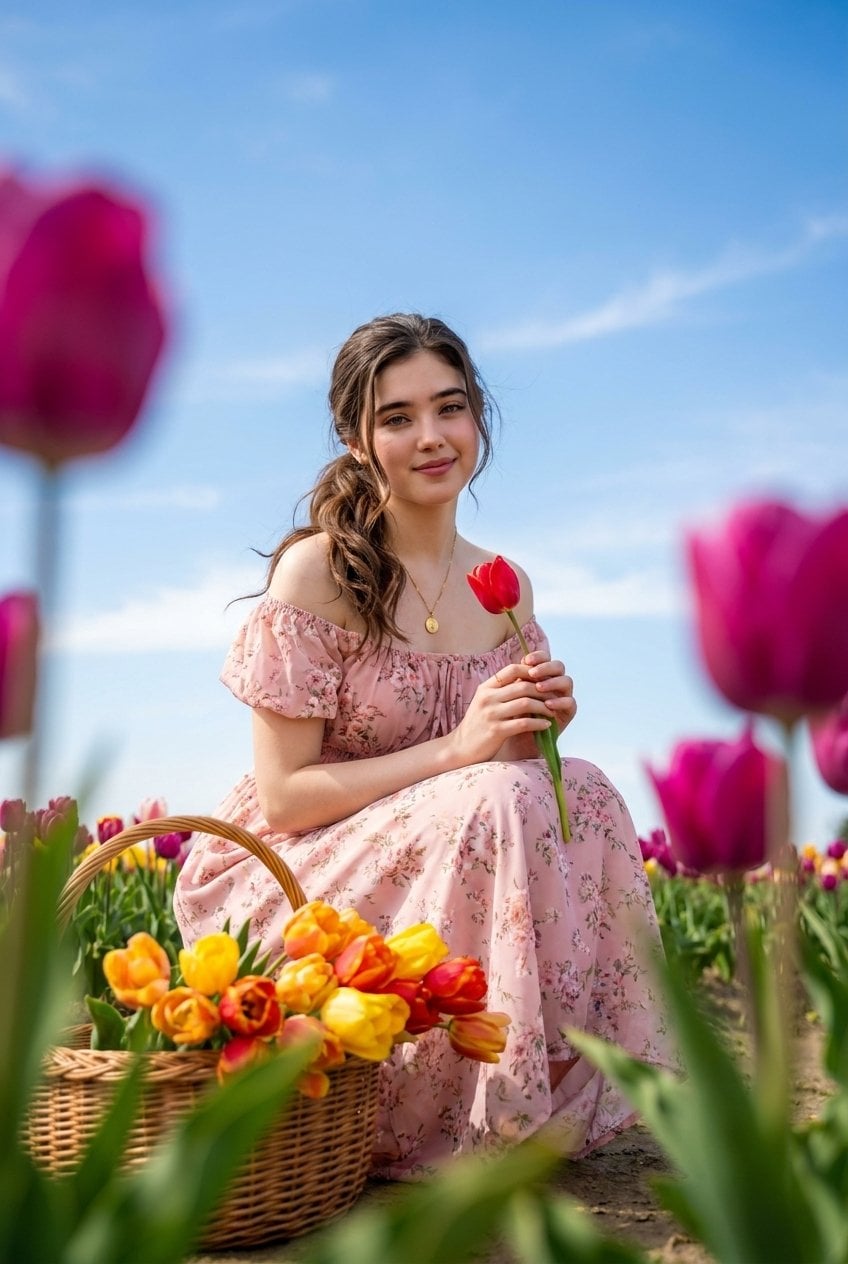
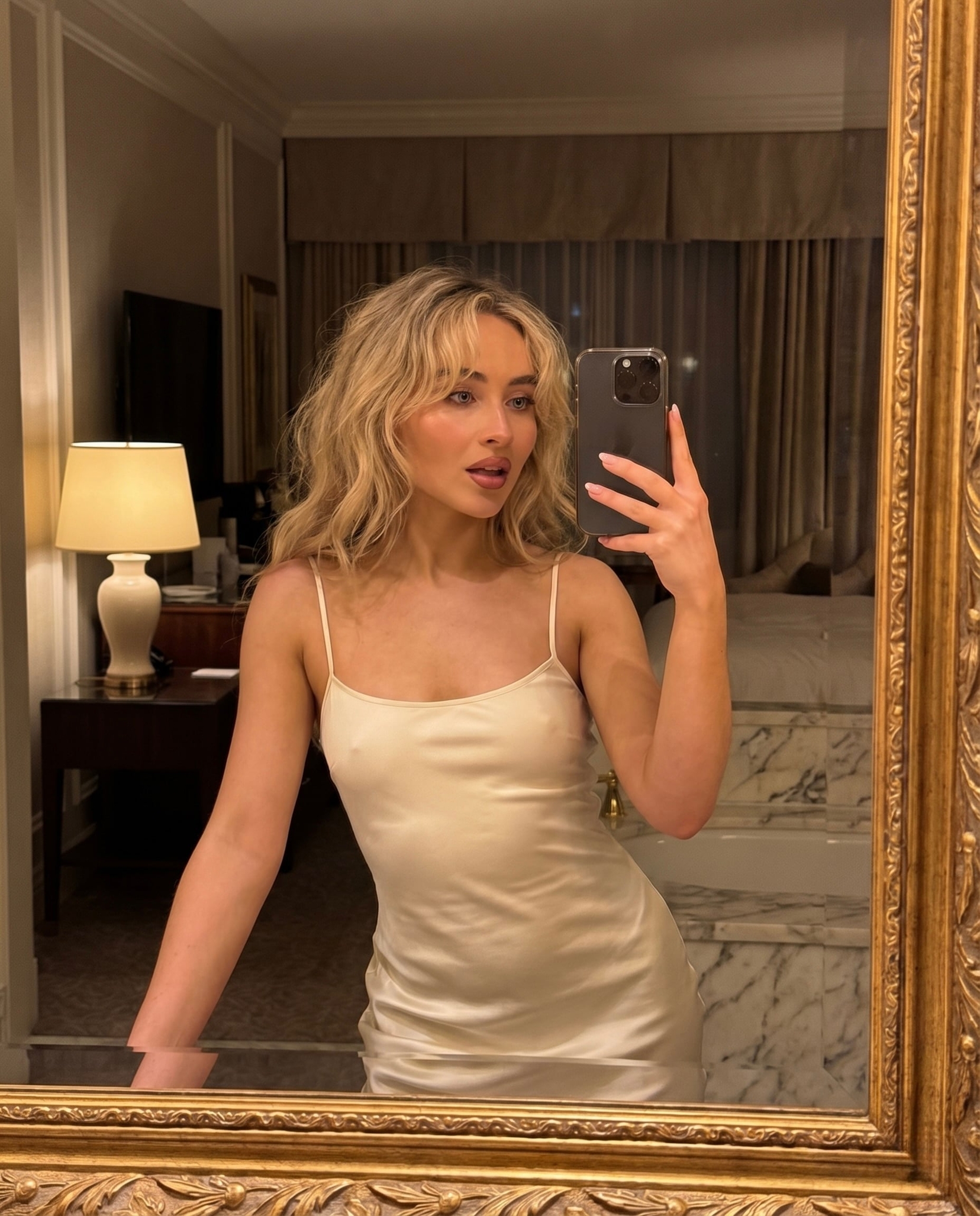
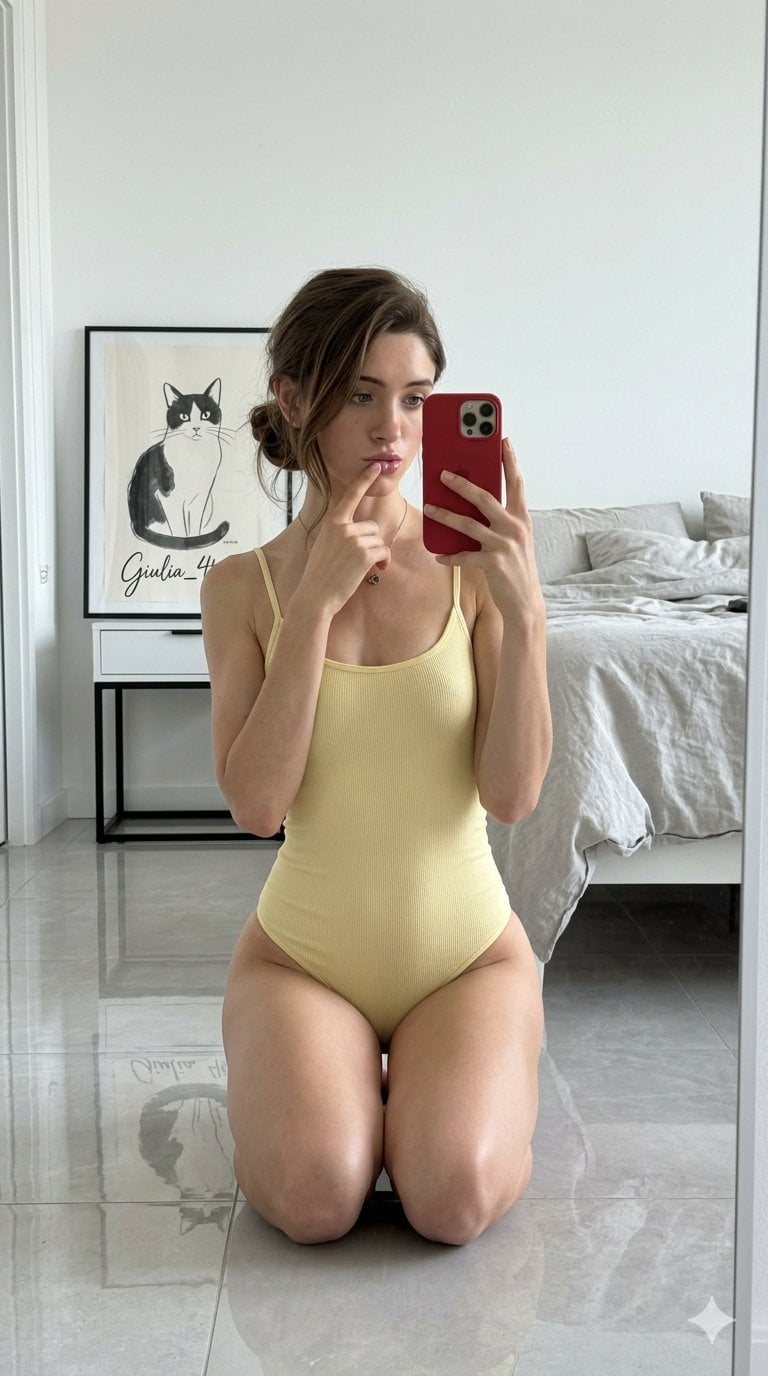
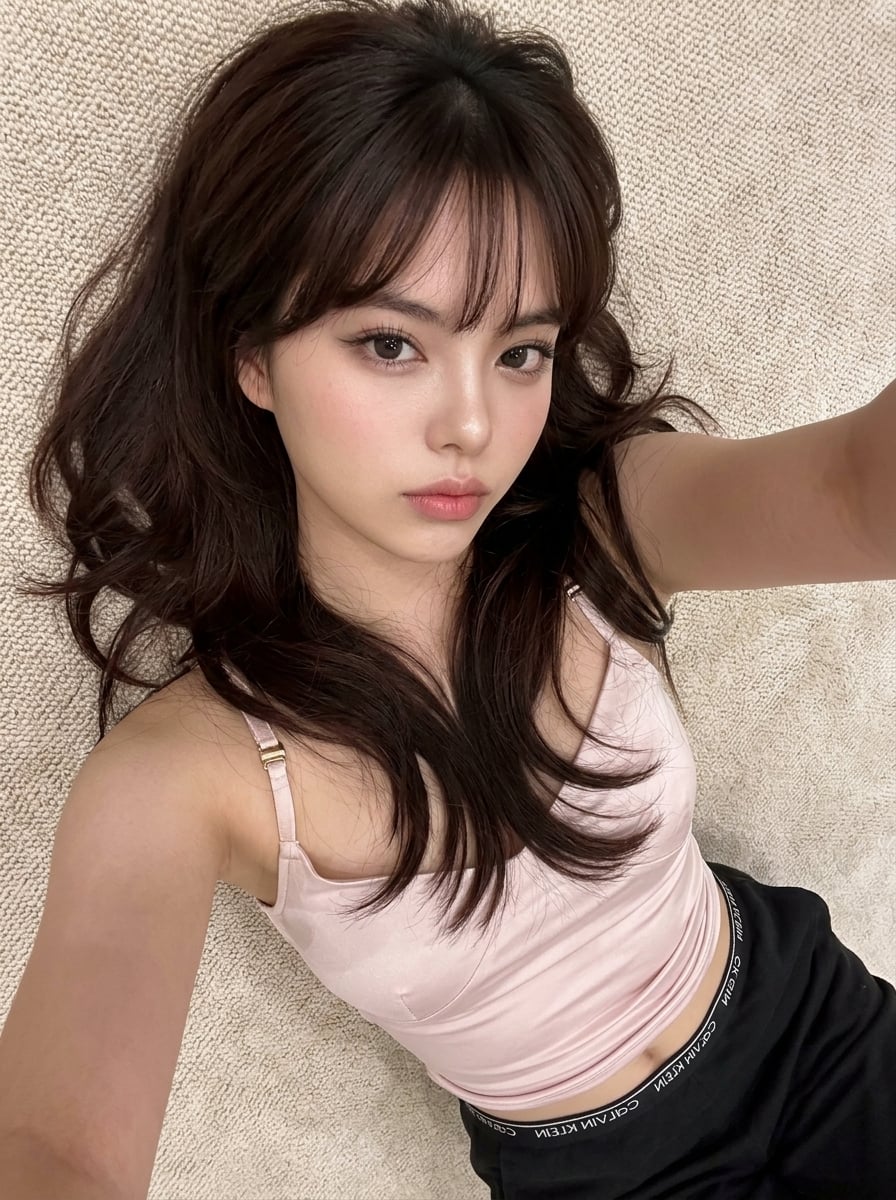
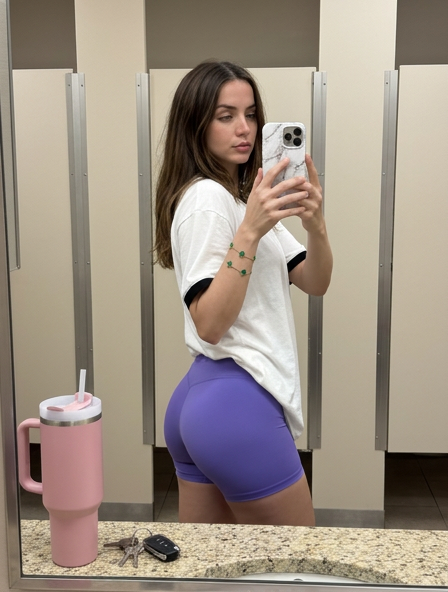
How do I use the Realistic Lifestyle Selfie template?
Choose the primary action to open PicX Studio with the available template settings. Review the model and format, personalize the creative direction, and generate when ready.
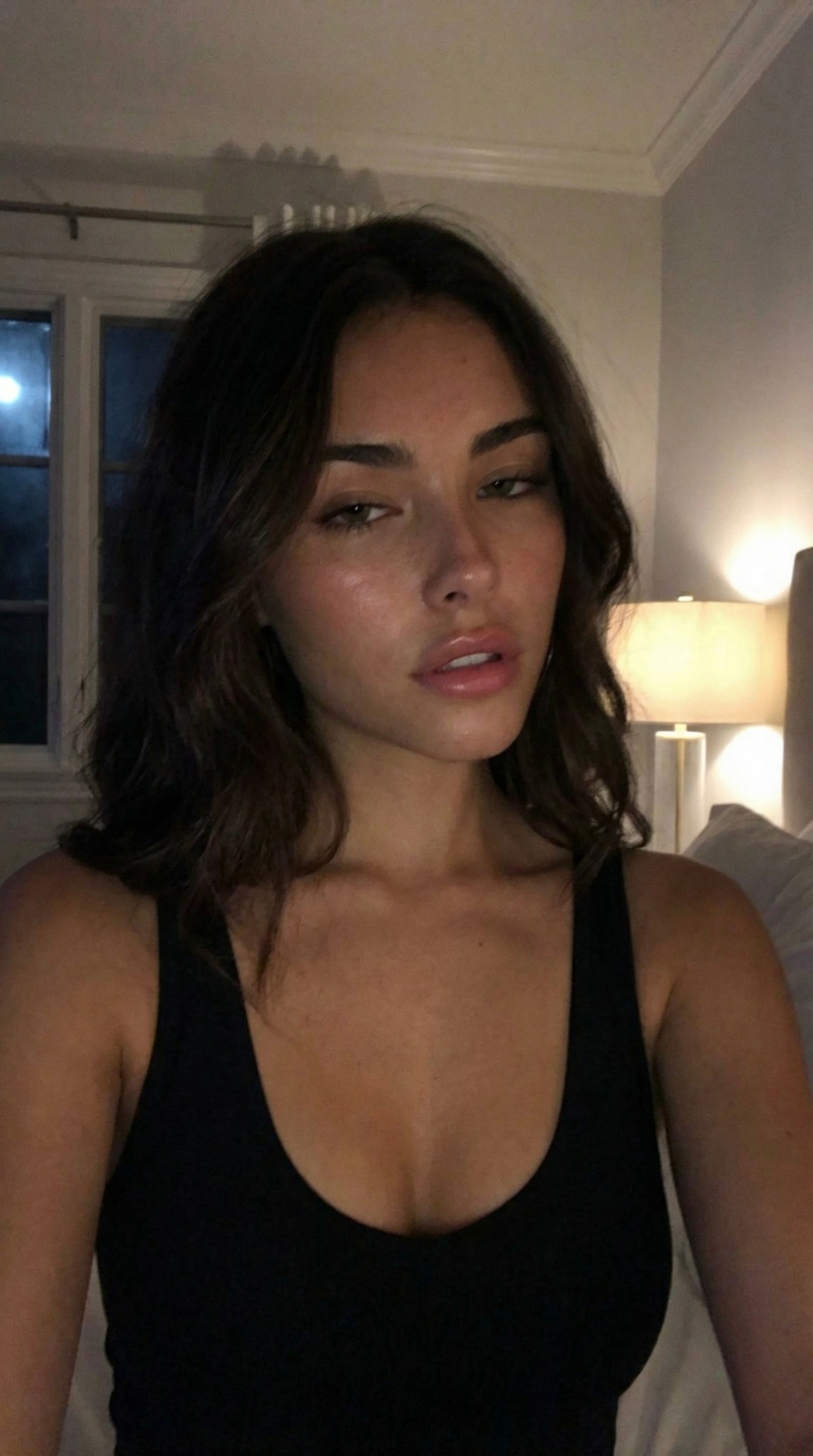
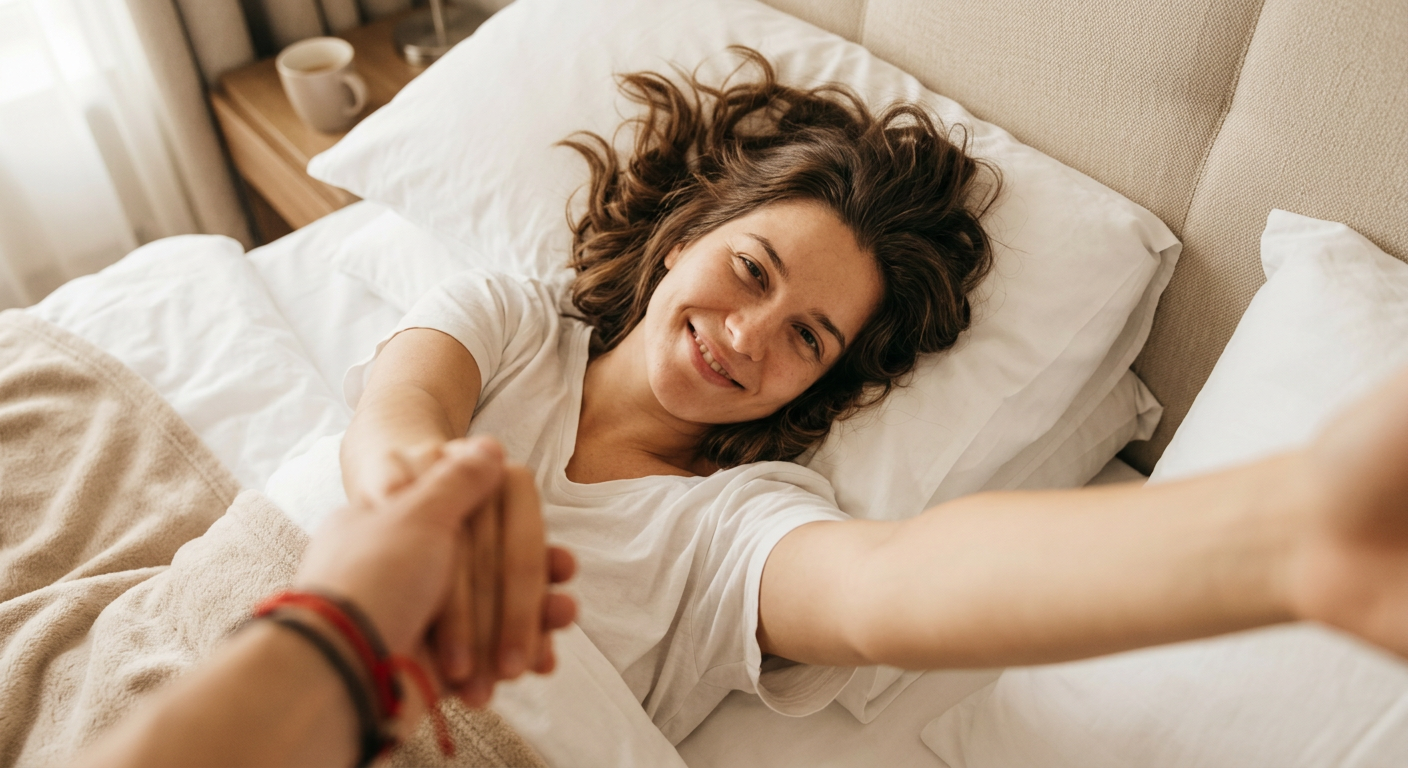
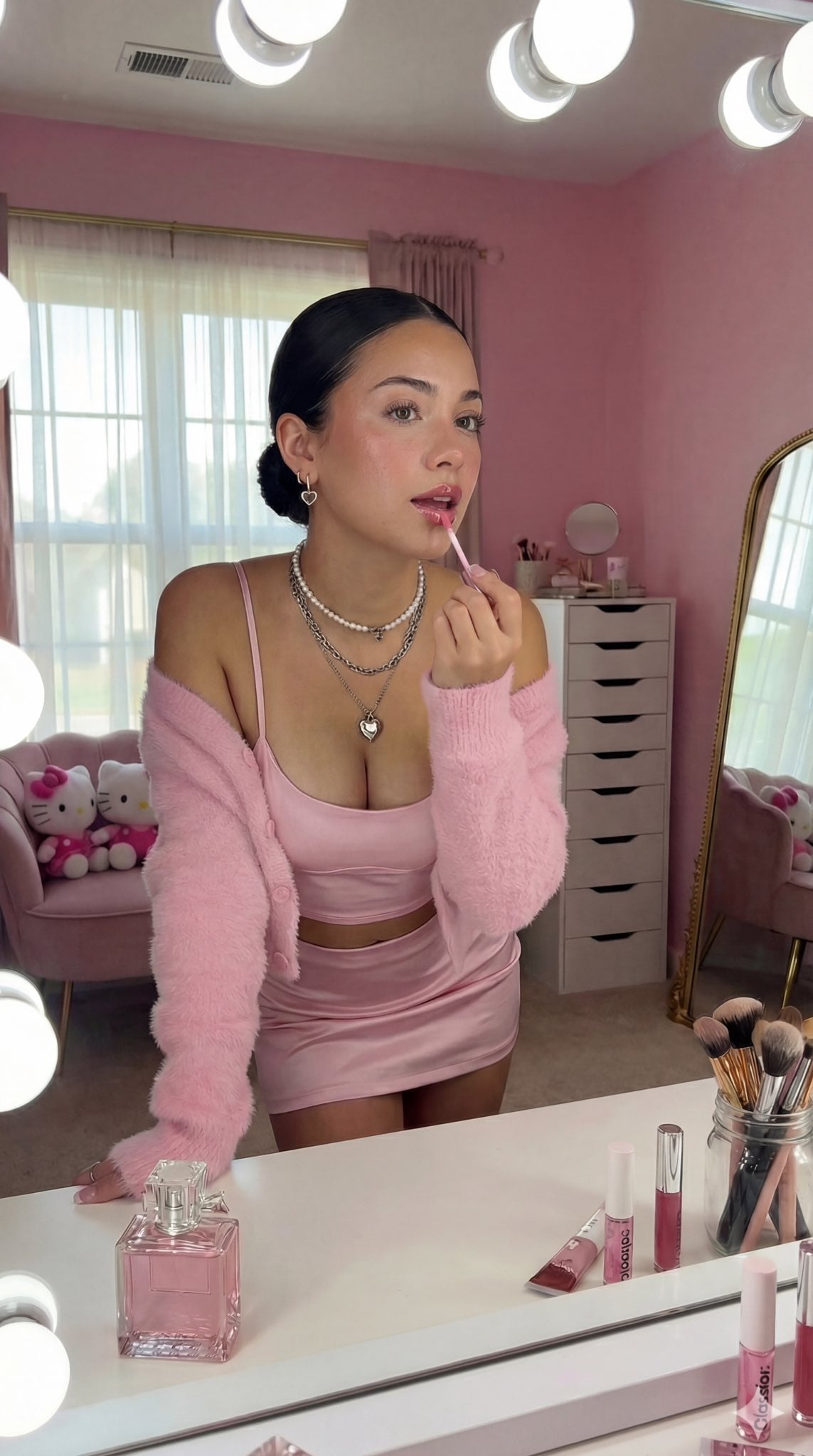
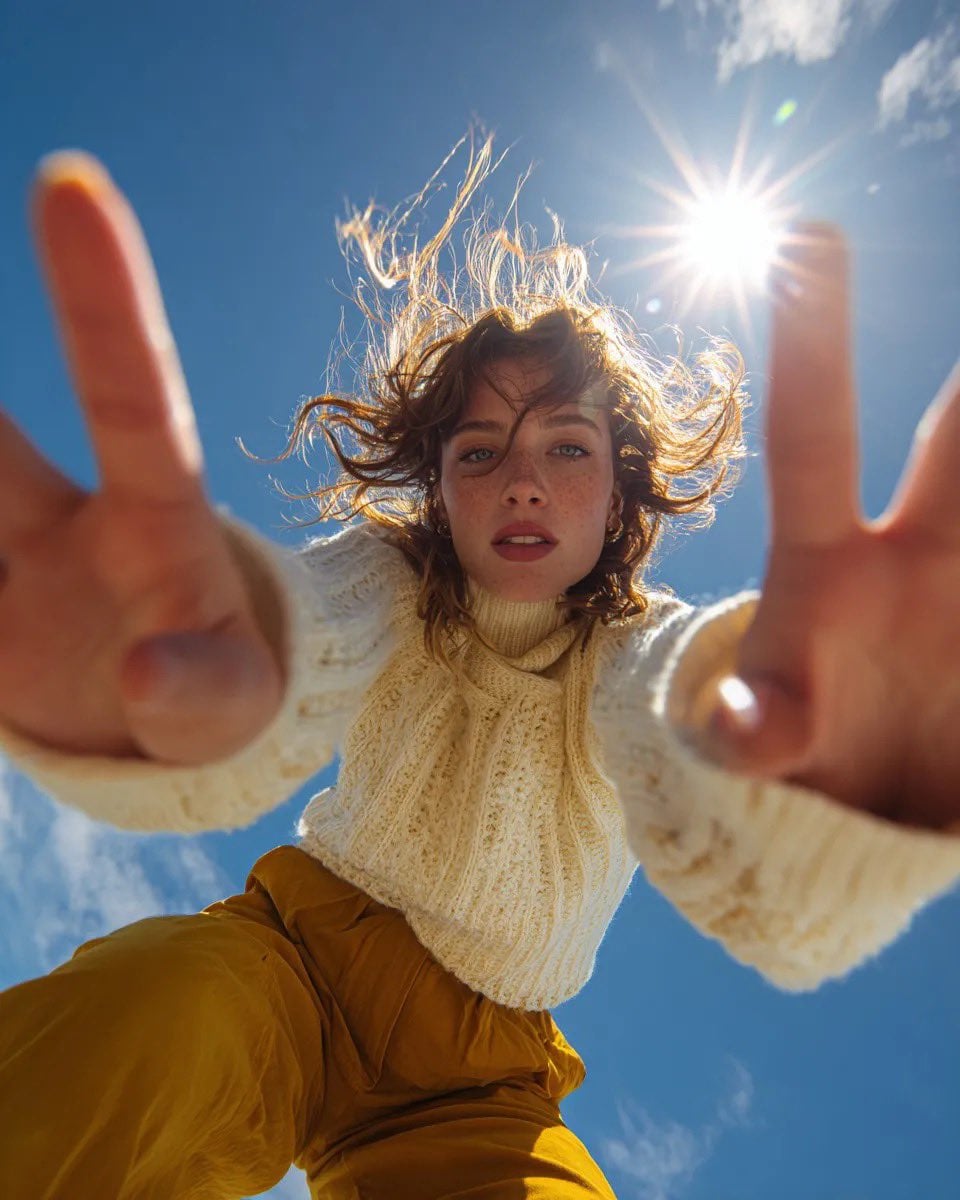
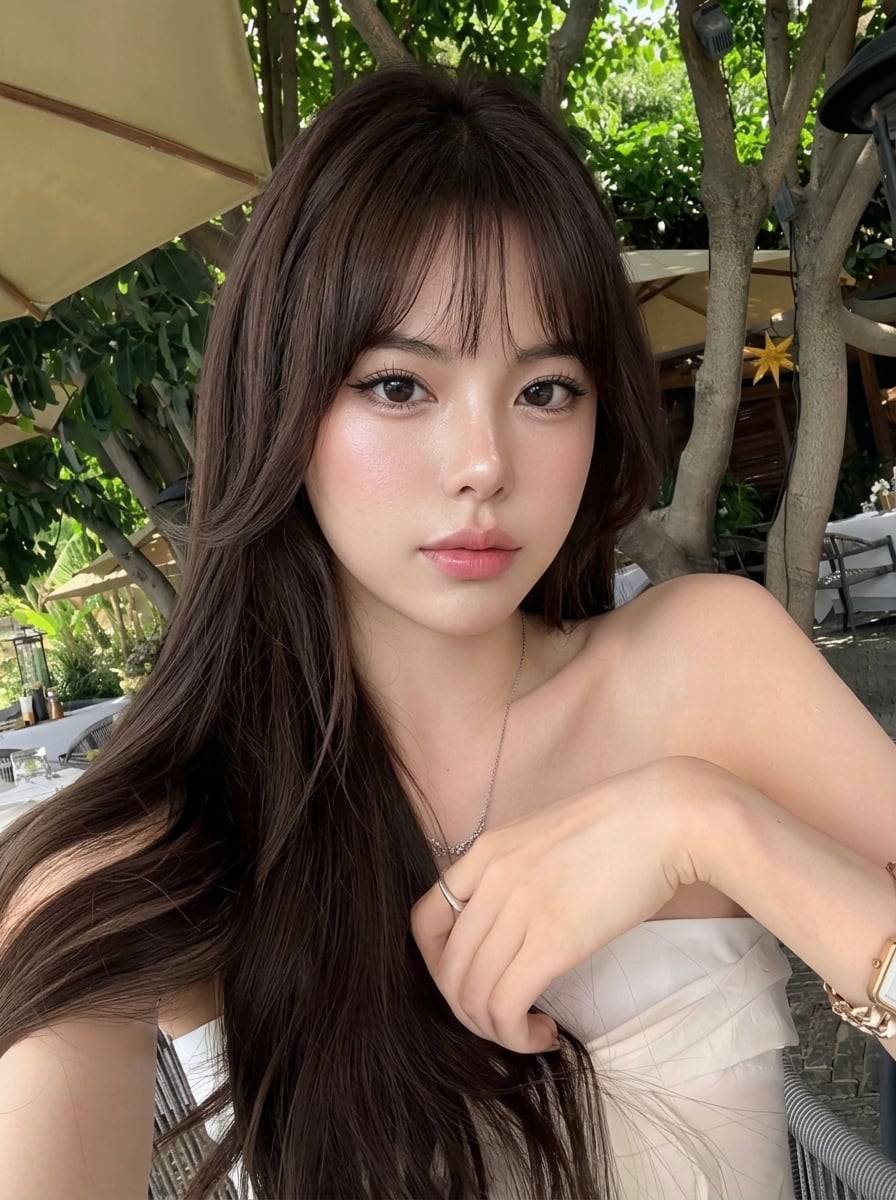
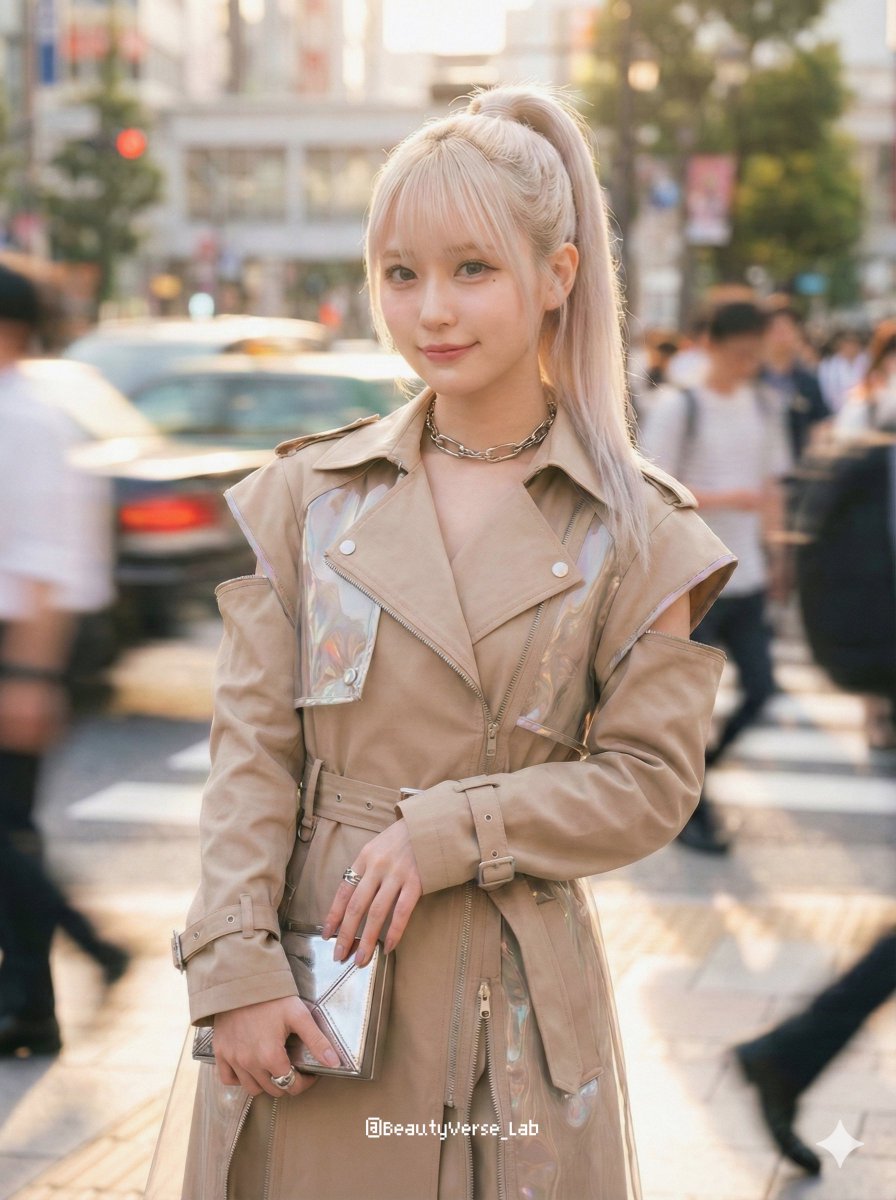
A prompt for a highly realistic lifestyle selfie with a modern coastal vibe, optimized to look like it was shot on an iPhone.
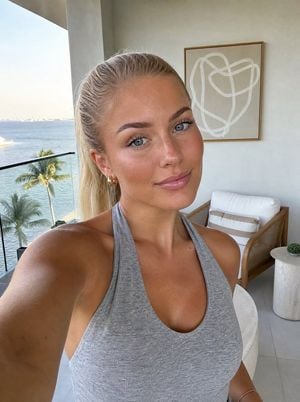
A highly realistic selfie of a young woman with {argument name="hair color" default="blonde"} hair tied back in a sleek ponytail, flawless glowing skin, soft glam makeup, wearing a {argument name="outfit" default="gray halter top"}. She is standing on a {argument name="setting" default="balcony with natural daylight, modern coastal decor behind her featuring abstract wall art"}. Shot on iPhone, slightly angled arm perspective, sharp focus, natural lighting, depth of field, aesthetic lifestyle vibe. Negative constraints: blurry, low quality, distorted face, extra limbs, bad anatomy, overexposed, underexposed, grainy, unrealistic skin, cartoon, CGI
Choose the primary action to open PicX Studio with the available template settings. Review the model and format, personalize the creative direction, and generate when ready.
Yes. You can change the subject, setting, lighting, mood, format, and available model controls before creating your image.
This template is free to open and customize. Generation usage is shown in PicX Studio before you create.
Start with GPT Image 2, which is the model associated with this template. You can compare another compatible model for a different finish.
Follow a topic to a crawlable collection of related PicX Studio templates.