
Cyberpunk Vocalist Character Sheet
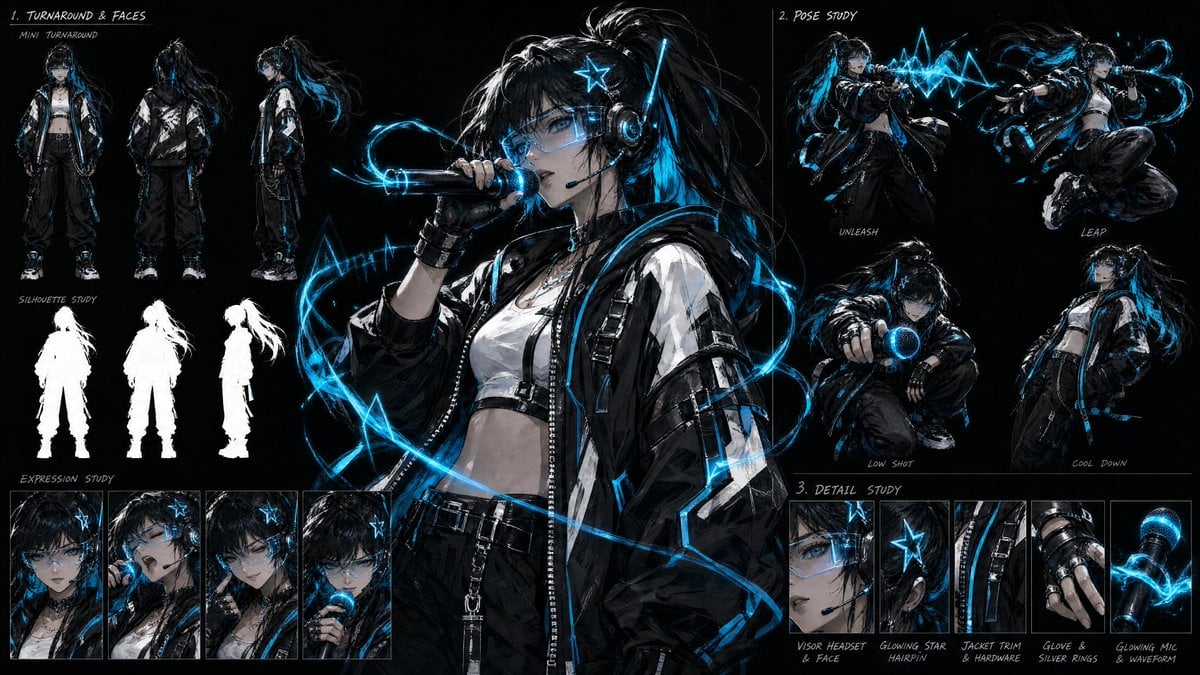
A detailed prompt for generating a dark anime cyberpunk singer character design sheet with turnaround views, pose studies, expressions, and close-up costume details.
- Prompt included
- Model and format preset
- Free template
The prompt behind this image
Copy the exact prompt behind Cyberpunk Vocalist Character Sheet, or open it in the studio and make it yours.
Goal: Create a dark anime cyberpunk character design sheet for {argument name="character name" default="a futuristic female vocalist"}, centered on a striking idol/singer with glowing electric-blue music effects, rendered as high-detail concept art on a black background. Canvas: Wide horizontal 16:9 character sheet, black paper texture background, thin gray divider lines separating studies, white handwritten annotation labels, high contrast lighting, cyan-blue glow accents. Main subject: A young anime-style female vocalist with {argument name="hair color" default="black hair with vivid cyan-blue streaks"}, long messy high ponytail, wet/shaggy layered bangs, pale skin, sharp blue eyes, and a cool intense expression. She wears a transparent visor headset over one eye, a glowing blue star hairpin, over-ear tech headphones, black fingerless gloves, a black choker, a white cropped top, an oversized glossy black-and-white streetwear jacket with straps and zipper hardware, loose black cargo pants, belt chains, and chunky sneakers. She holds a futuristic microphone near her mouth, with bright cyan soundwave ribbons and angular waveform shapes spiraling around her body. Layout: Place one large central full-color hero illustration occupying the middle-left and center, showing the singer from thighs up, facing slightly left, singing into the glowing microphone. Surround her with exactly 3 labeled study sections: 1. Turnaround & Faces: In the upper-left, include exactly 3 mini turnaround full-body poses labeled as front view, back view, and side view. Beneath them include exactly 3 white silhouette studies matching the same front, back, and side profile. Along the bottom-left, include exactly 4 expression portrait panels: neutral serious face, singing with mouth open, downward cool gaze, and close-up singing into the microphone. 2. Pose Study: In the upper-right, include exactly 4 dynamic full-body/action pose drawings: “UNLEASH” with the singer blasting a jagged blue waveform from the microphone, “LEAP” with her airborne and twisting while performing, “LOW SHOT” crouched and pointing the glowing microphone forward, and “COOL DOWN” standing relaxed with hands in pockets and jacket hanging loose. 3. Detail Study: Along the lower-right, include exactly 5 close-up detail panels labeled: “VISOR HEADSET & FACE,” “GLOWING STAR HAIRPIN,” “JACKET TRIM & HARDWARE,” “GLOVE & SILVER RINGS,” and “GLOWING MIC & WAVEFORM.” Visual style: Gritty semi-realistic anime concept art, painterly brush texture, crisp ink-like highlights, dramatic rim lighting, glossy black fabrics, luminous cyan electric effects, sketchbook production-sheet presentation, hand-drawn white lettering. Use the accent color {argument name="glow color" default="electric cyan blue"} throughout the soundwaves, headset lights, hair streaks, microphone grille, and star hairpin. Text content: Use handwritten white English labels exactly as visible: “1. TURNAROUND & FACES,” “MINI TURNAROUND,” “SILHOUETTE STUDY,” “EXPRESSION STUDY,” “2. POSE STUDY,” “UNLEASH,” “LEAP,” “LOW SHOT,” “COOL DOWN,” “3. DETAIL STUDY,” “VISOR HEADSET & FACE,” “GLOWING STAR HAIRPIN,” “JACKET TRIM & HARDWARE,” “GLOVE & SILVER RINGS,” and “GLOWING MIC & WAVEFORM.” Constraints: Keep the background black, avoid a clean white model-sheet look, do not add extra characters, logos, watermarks, or unrelated props. Maintain exactly 3 mini turnaround poses, 3 silhouettes, 4 expression portraits, 4 pose-study drawings, and 5 detail panels.
How to use Cyberpunk Vocalist Character Sheet in 3 steps
- 1Upload ImagePNG, JPG or paste
Add your photo
Upload the photo the template builds on. The prompt, model and format are already set.
- 2…a portrait of your subject in softgolden-hour light, 85mm…
Personalize
Edit the subject and creative details for your destination.
- 3Generate
Generate
Press Generate — your image is created in PicX Studio, so you can compare it with the original and refine one variable at a time.
More like this
Templates with the same subject, style or setup. Open one to see its prompt.
Rainy Night Android Cyberpunk Portrait
Korean Idol Partial Shadow Editorial Portrait
Cinematic Sci-Fi Interface Side Profile
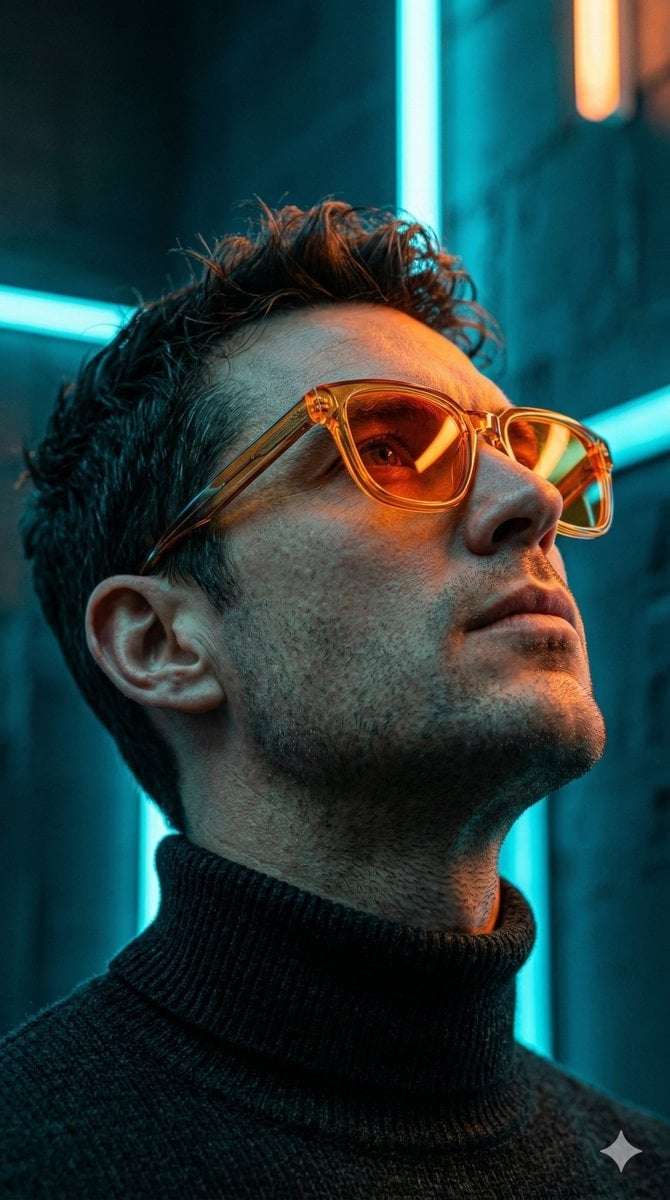
Cyberpunk Neon Profile Fashion Portrait
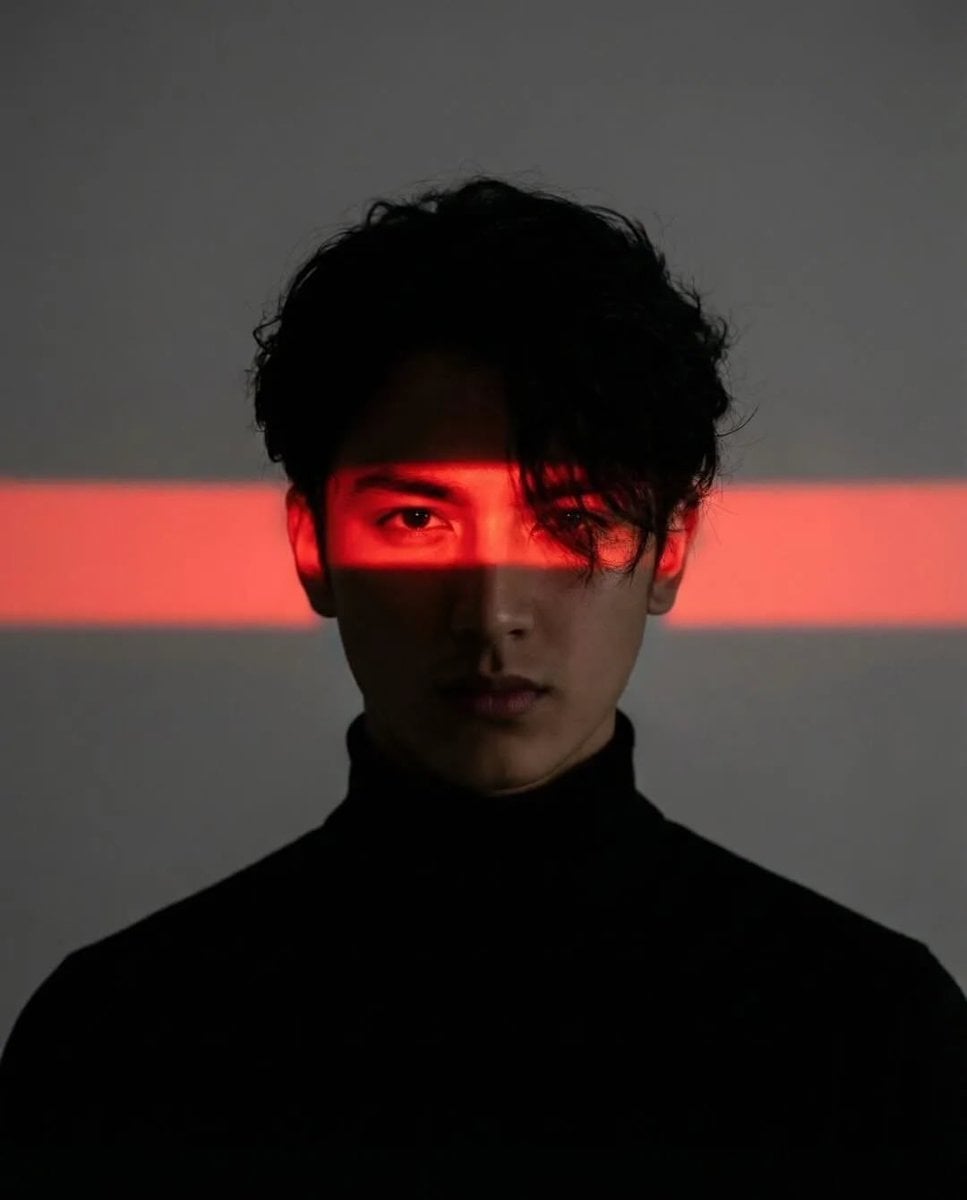
Cinematic Neon Light Strip Studio Portrait
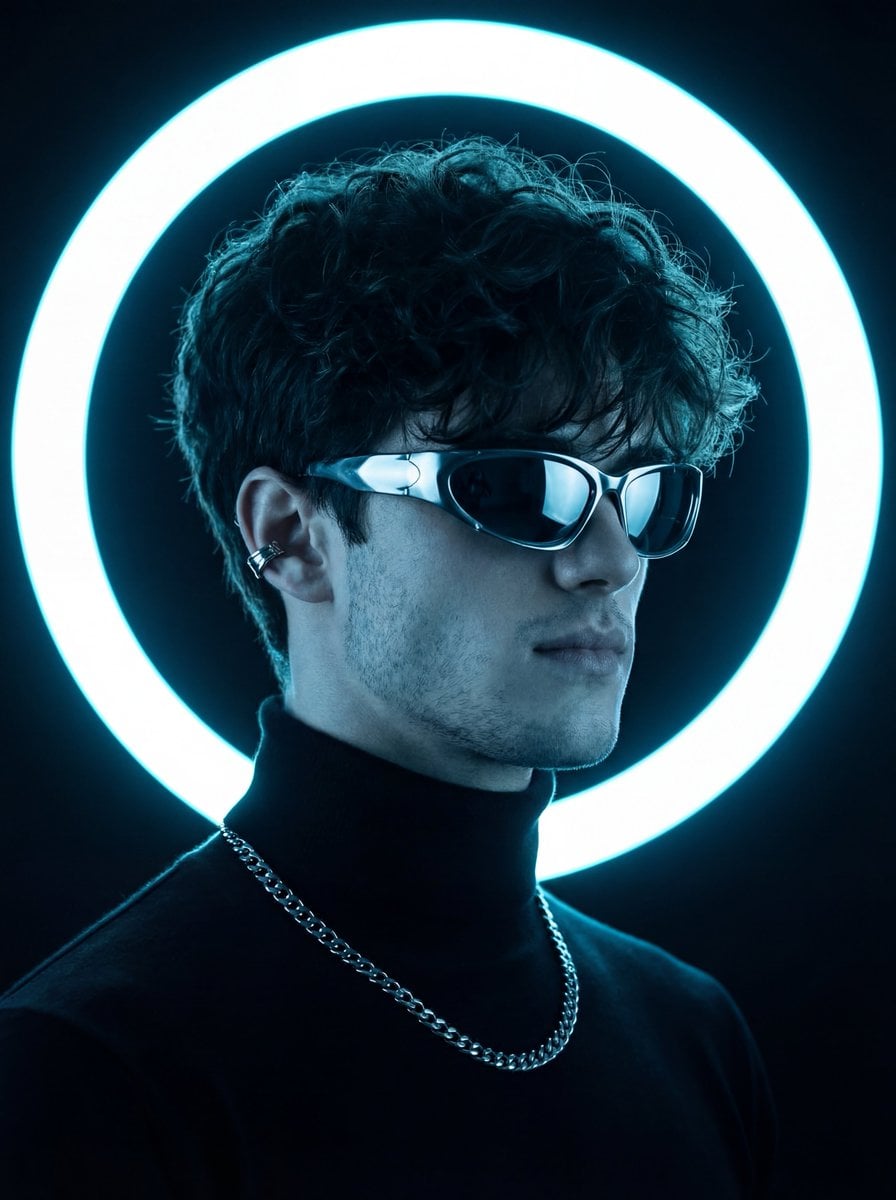
Futuristic Studio Neon Ring Minimalist Portrait
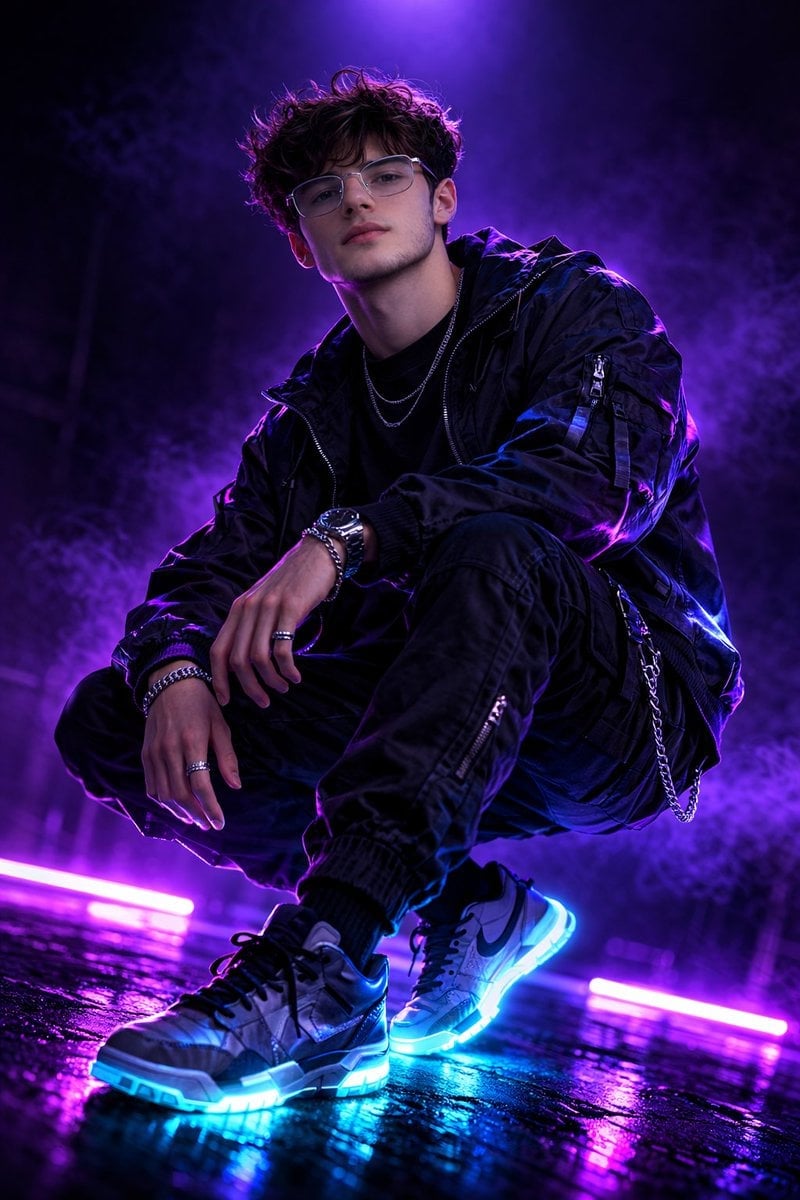
Neon Violet Streetwear Fashion Portrait
Neon Night Crosswalk Candid Portrait
Red Futuristic Sport Motorcycle POV
Rainy Night Android Cyberpunk Portrait
Cinematic Sci-Fi Commander Side Profile Portrait
Low-Angle Cyberpunk Neon Profile Portrait
Make it yours
Cyberpunk Vocalist Character Sheet works as-is. These are the safest ways to change it without losing the look.
Change one field
Copy a single group, rewrite it, and generate again so you can see what that field is doing.
Keep the frame, change the subject
Hold the composition and light of Cyberpunk Vocalist Character Sheet, then swap wardrobe, props or the person for a new take.
| If the result… | Why | Fix |
|---|---|---|
| The result drifts from the preview | Too many fields changed at once. | Reuse Cyberpunk Vocalist Character Sheet as-is first, then change one group — subject, light, or setting. |
| The model over-stylizes the scene | The prose prompt leaves finish and camera underspecified. | Add one camera or lighting sentence and stay on GPT Image 2. |
More GPT Image 2 templates
Other prompts made for GPT Image 2.

Six VTuber Japanese Logo Sheet

Realistic Portrait of Woman and Deer

The Vista Modular Condo Poster

AI Model Routing Comparison Infographic

2.5D Anime Art Board

Isometric Productivity Desk Scene

New York Double Exposure Poster

Four-Panel AI Landscape Comparison

Japanese Tatami Lifestyle Magazine Cover

NESCAFÉ Coffee Map Poster
More image prompts
Fresh picks from across the catalog.
Extreme Close-Up Fashion Beauty Portrait

Double Exposure in Nano Banana Pro
Dramatic Cinematic Portrait of a Rugged Young Man
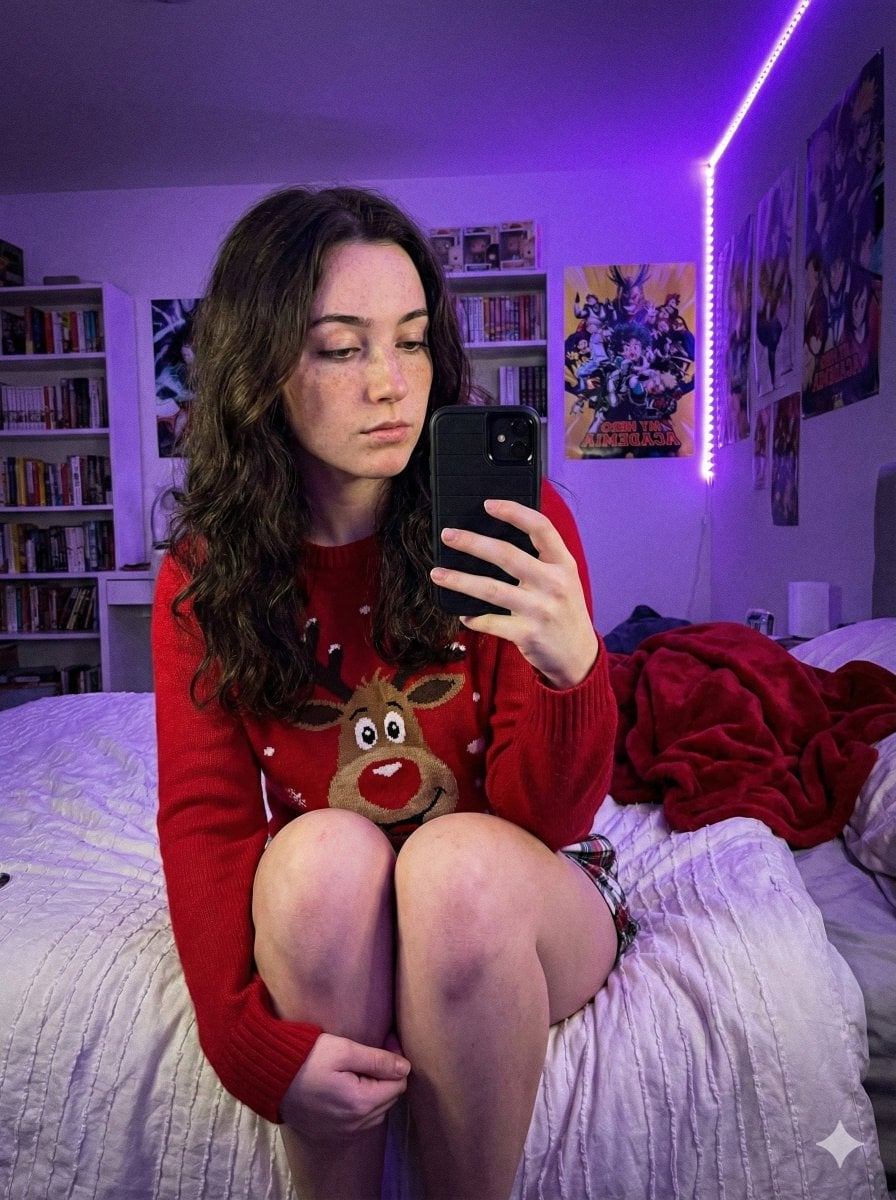
Low-Light Smartphone Selfie in Gen Z Bedroom
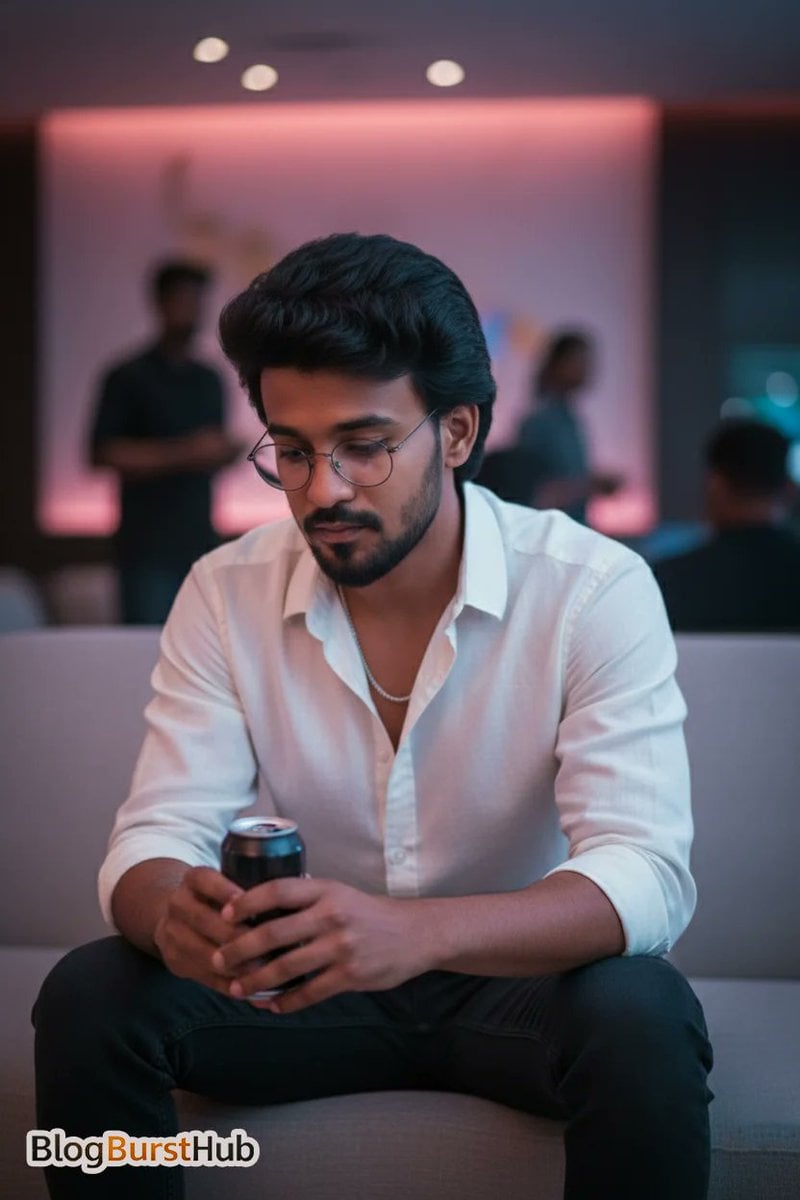
Stunning Night Time Portrait Photo Prompt

Flat Vector Office Team Illustration
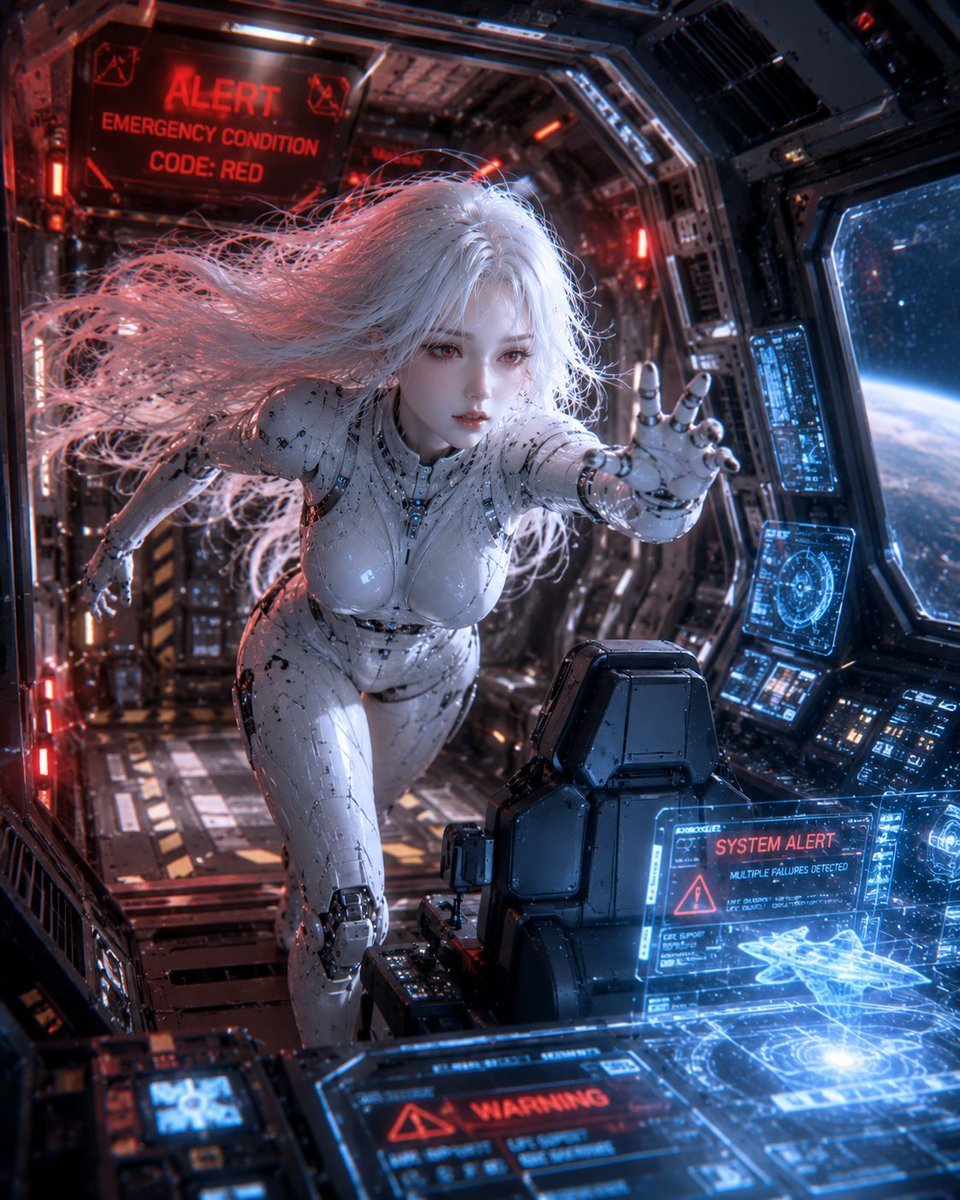
Spaceship Female Android

Baseball Garlic Pepper Chips Bag
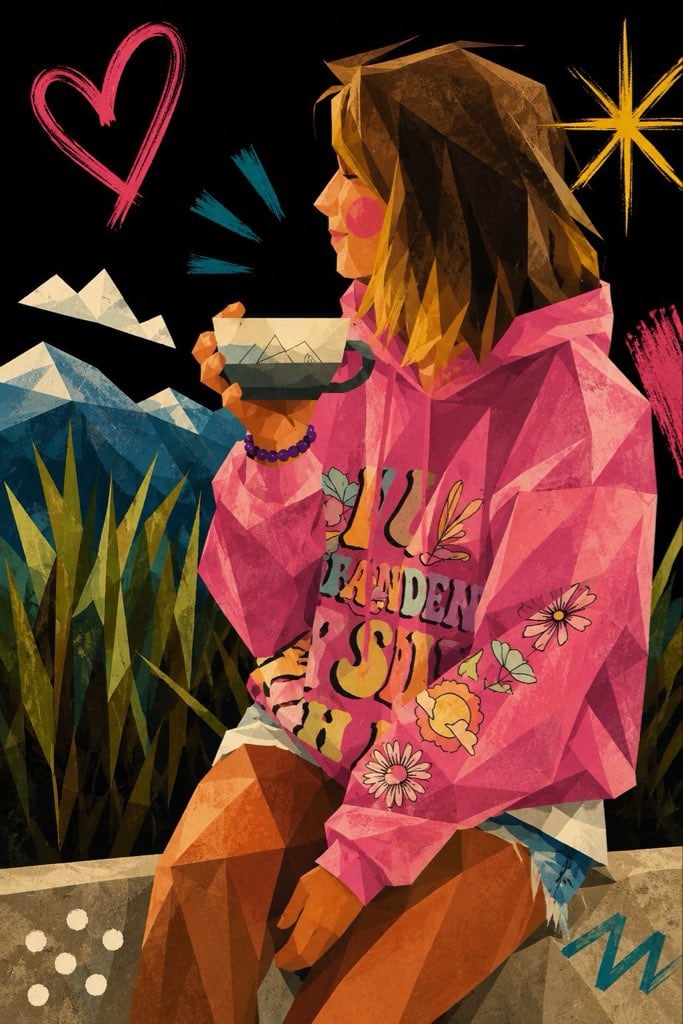
Cubist Minimalist Fashion Portrait
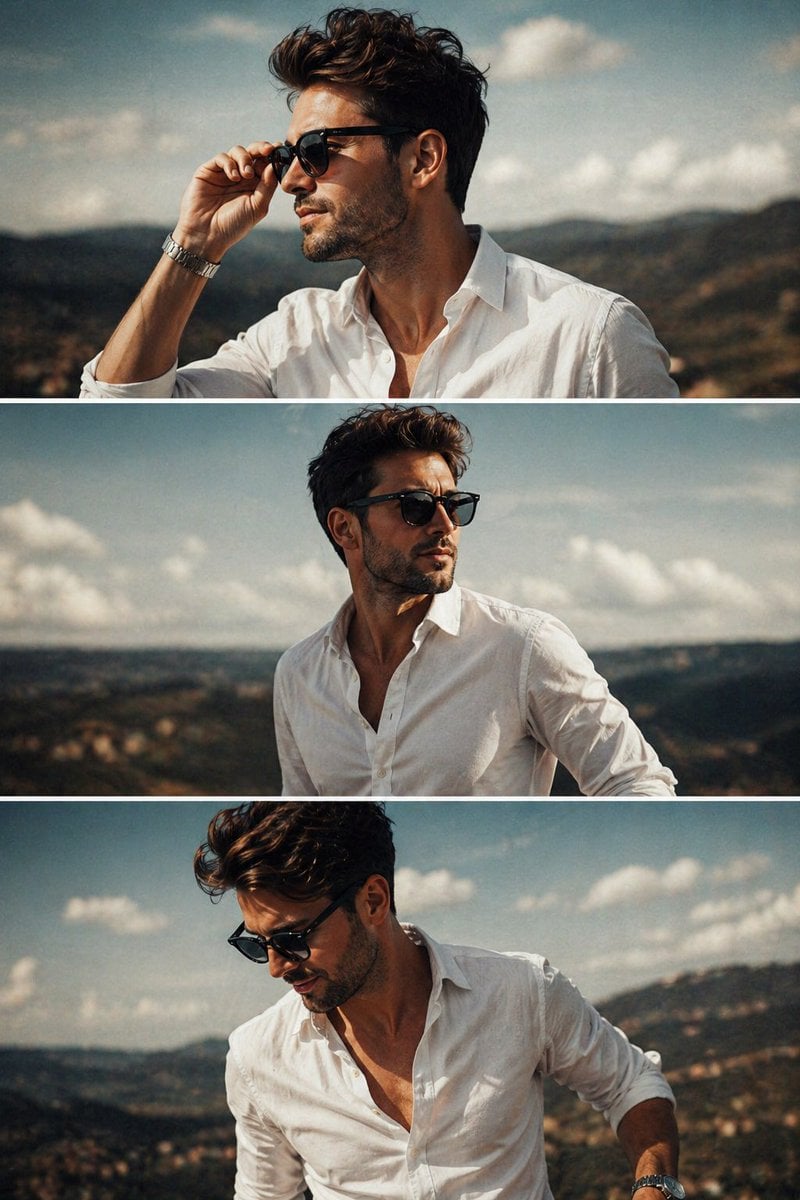
Cinematic Fashion Triptych
Browse template categories
Cyberpunk Vocalist Character Sheet questions
How do I use the Cyberpunk Vocalist Character Sheet template?
Add your photo if the template asks for one, edit the prompt if you like — the template's model and format are already selected — and press Generate. Your version opens in PicX Studio.
Can I customize the Cyberpunk Vocalist Character Sheet template?
Yes. You can change the subject, setting, lighting, mood, format, and available model controls before creating your image.
Is the Cyberpunk Vocalist Character Sheet template free?
Opening and editing this template is free. Generating uses credits, shown on the Generate button when you are signed in.
Which AI model should I use?
Start with GPT Image 2, which is the model associated with this template. You can compare another compatible model for a different finish.
Looking for something else? Browse all templates.

Your photo, any look
Thousands of ready templates for every top image and video model, from one credit balance.