
Ancient Chinese Aesthetic Portrait
A detailed prompt for generating high-end oriental fashion portraits featuring a 'glancing back over the shoulder' pose, traditional silk clothing, and intricate enamel headwear.
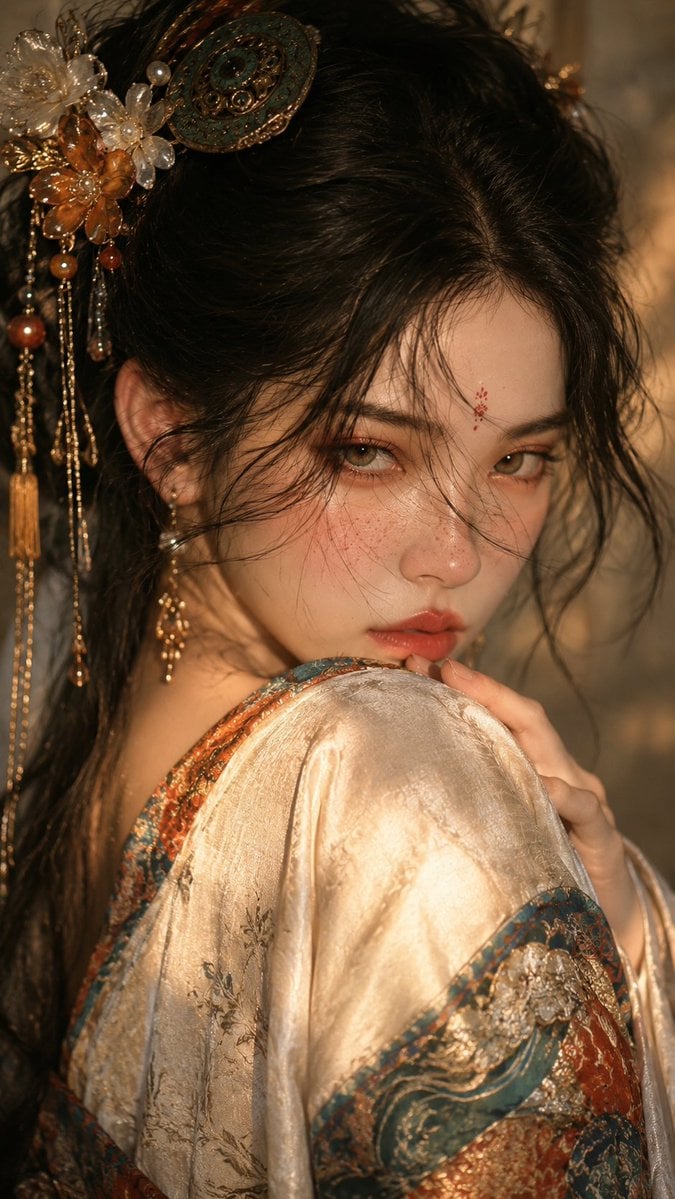
- Prompt included
- Model and format preset
- Free template
The prompt behind this image
Copy the exact prompt behind Ancient Chinese Aesthetic Portrait, or open it in the studio and make it yours.
创作一幅{argument name="画幅比例" default="9:16"}竖版古风时尚人物肖像,一位成年年轻女性以近景半身构图出现在画面中,身体大幅朝左前方转开,肩部与背部先进入画面,脸部从肩头上方强烈回望镜头,形成明显的“肩头回眸”姿势。镜头距离较近,焦点锁定眼睛、鼻梁、嘴唇与肩头,人物的手轻轻搭在肩膀或衣料边缘,指尖自然弯曲,强化含蓄而有张力的姿态。她拥有白皙细腻的肌肤、浅灰绿或浅琥珀色眼睛、柔雾橘棕眼妆、自然泛红的下眼睑、鼻梁与两颊细小雀斑、柔软豆沙蜜桃唇,额心点缀小巧红色花钿。发型为高盘发或半盘发,黑发松散挽起,配以华美中式头饰:鎏金结构、青绿珐琅、珠饰、花朵、流苏与细簪,鬓边与额前保留大量卷曲碎发和细发拂面。服装以{argument name="服装材质" default="米白旧丝绸与带青绿橙红纹样的古风织锦"}为主,肩部包裹宽松衣料。光线采用柔和暖金色侧前光,面部与肩头形成温润高光,背景极简、柔化、低对比,整体介于写实摄影与细腻绘画之间,气质冷静、华美、克制、带神秘感,不要影楼古装感。
How to use Ancient Chinese Aesthetic Portrait in 3 steps
- 1
Open
The prompt is already in the box next to the preview, with the template's model and format selected.
- 2…a portrait of your subject in softgolden-hour light, 85mm…
Personalize
Edit the subject and creative details for your destination.
- 3Generate
Generate
Press Generate — your image is created in PicX Studio, so you can compare it with the original and refine one variable at a time.
More like this
Templates with the same subject, style or setup. Open one to see its prompt.
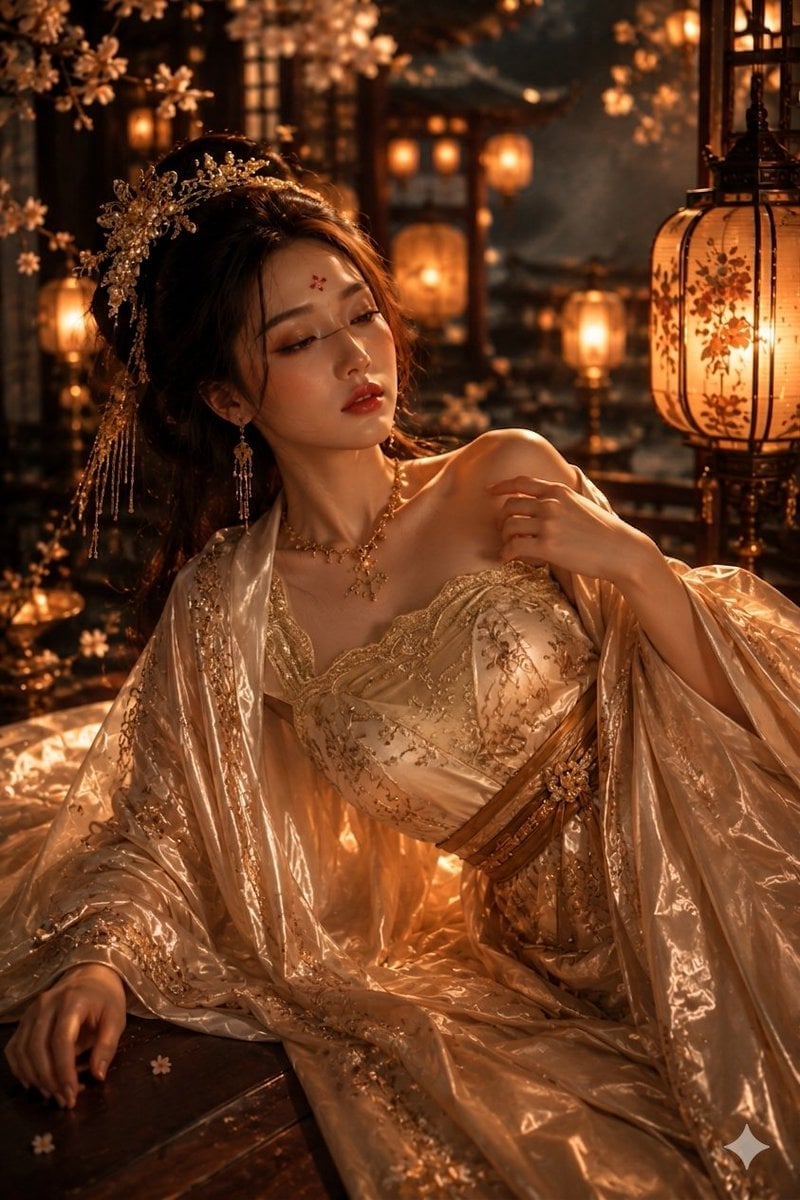
Ancient Chinese Empress Palace Portrait

Found Photograph: Us, 1970

80s Couple Studio Portrait

80s Bollywood Star

80s Golden Hour Cinema

Me in 1985

1985 Studio Portrait

Hyper-Realistic Minecraft POV Portrait
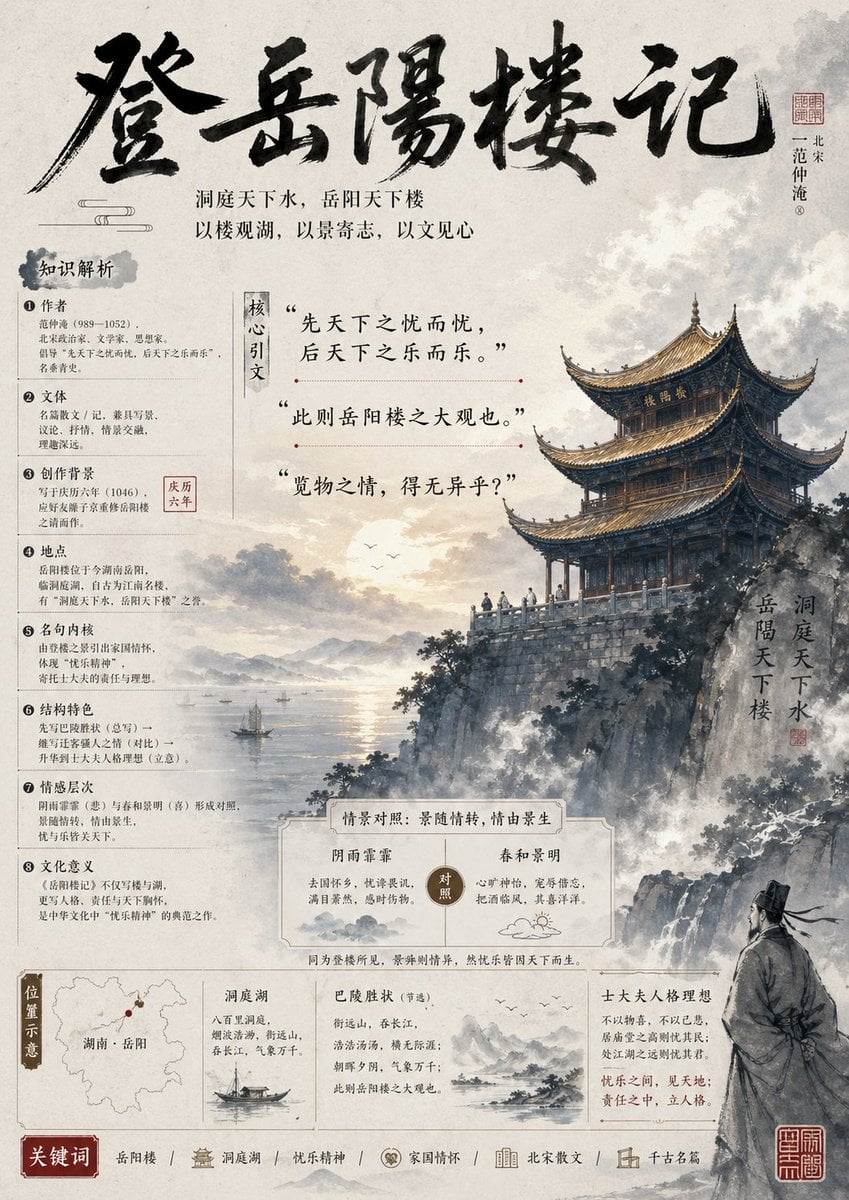
Ancient Chinese Literature PPT Poster

Rooftop Fisheye — Cat-Ear Balaclava at Golden Hour
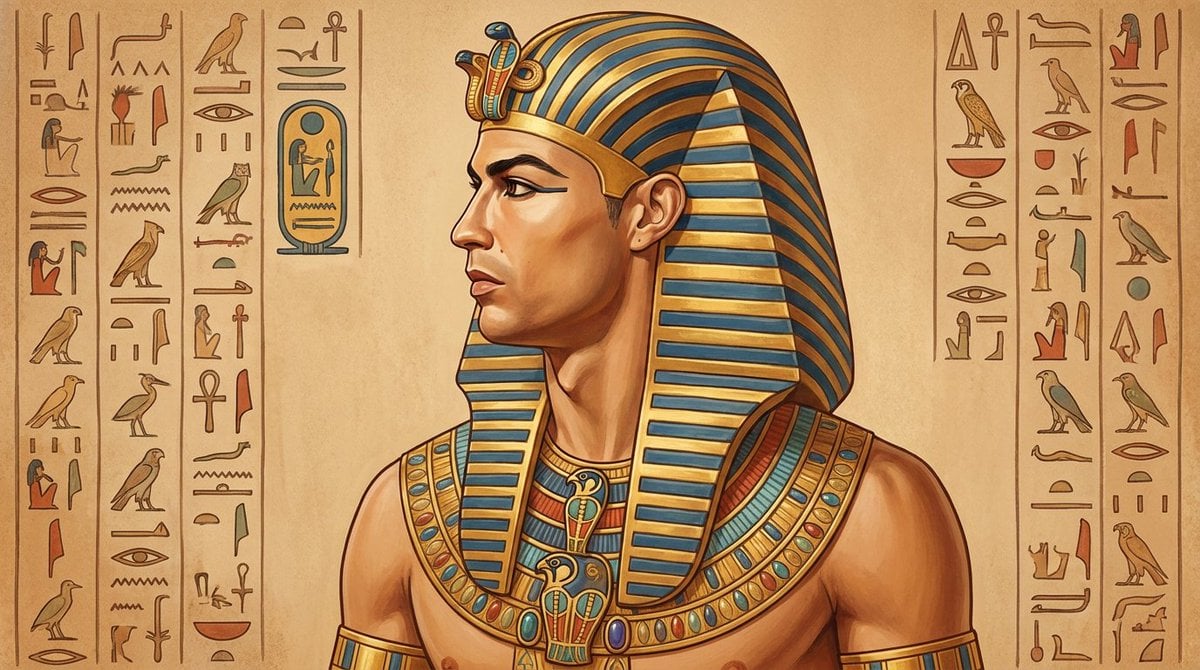
Ancient Egyptian Profile Portrait
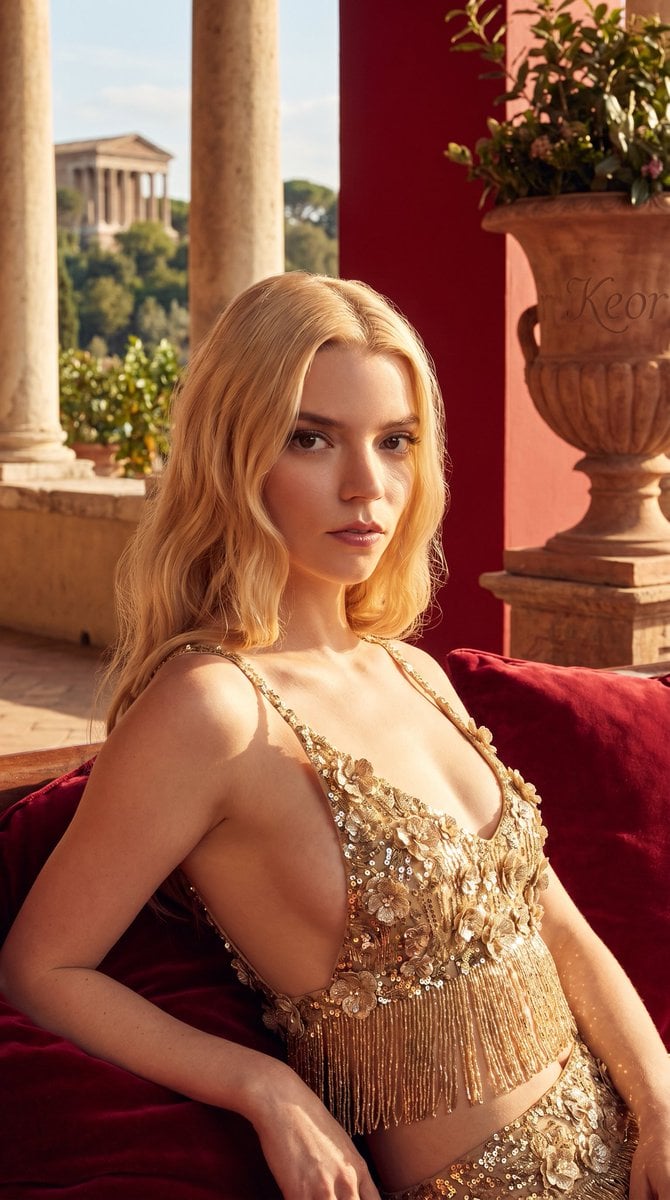
Ancient Roman terrace fashion portrait
Make it yours
Ancient Chinese Aesthetic Portrait works as-is. These are the safest ways to change it without losing the look.
Change one field
Copy a single group, rewrite it, and generate again so you can see what that field is doing.
Keep the frame, change the subject
Hold the composition and light of Ancient Chinese Aesthetic Portrait, then swap wardrobe, props or the person for a new take.
| If the result… | Why | Fix |
|---|---|---|
| The result drifts from the preview | Too many fields changed at once. | Reuse Ancient Chinese Aesthetic Portrait as-is first, then change one group — subject, light, or setting. |
| The model over-stylizes the scene | The prose prompt leaves finish and camera underspecified. | Add one camera or lighting sentence and stay on GPT Image 2. |
More GPT Image 2 templates
Other prompts made for GPT Image 2.

Six VTuber Japanese Logo Sheet

Realistic Portrait of Woman and Deer

The Vista Modular Condo Poster

AI Model Routing Comparison Infographic

2.5D Anime Art Board

Isometric Productivity Desk Scene

New York Double Exposure Poster

Four-Panel AI Landscape Comparison

Japanese Tatami Lifestyle Magazine Cover

NESCAFÉ Coffee Map Poster
More image prompts
Fresh picks from across the catalog.
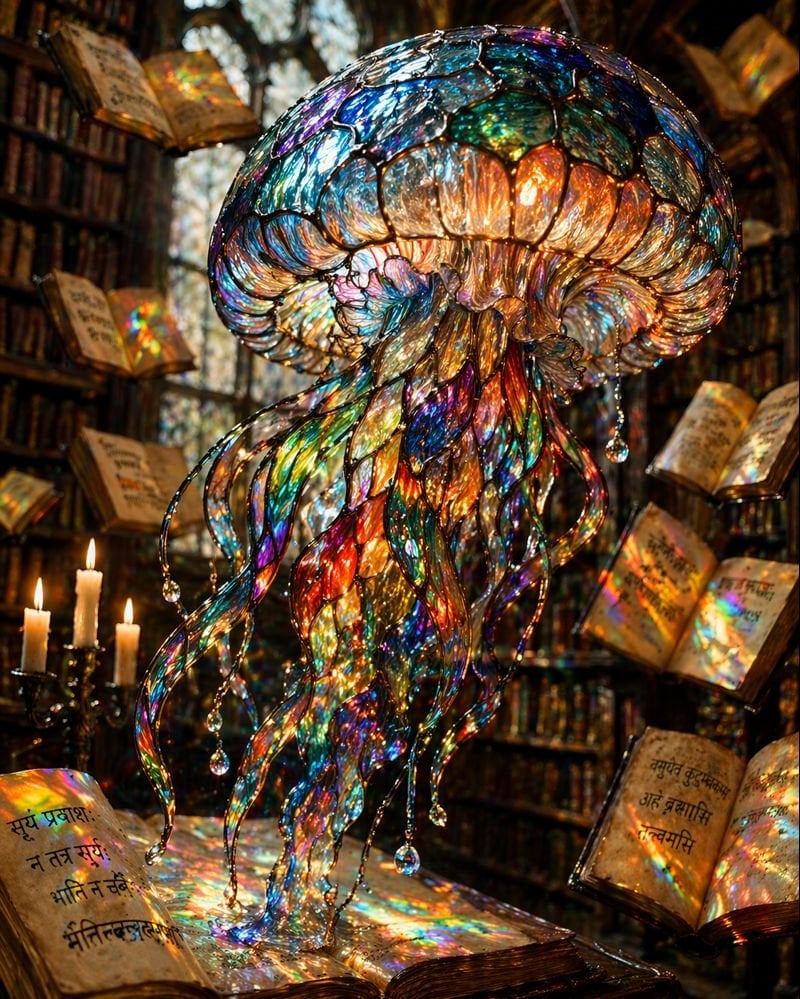
Macro Stained Glass Jellyfish
Nano Banana Pro prompt for a photorealistic image of a woman in a cafe
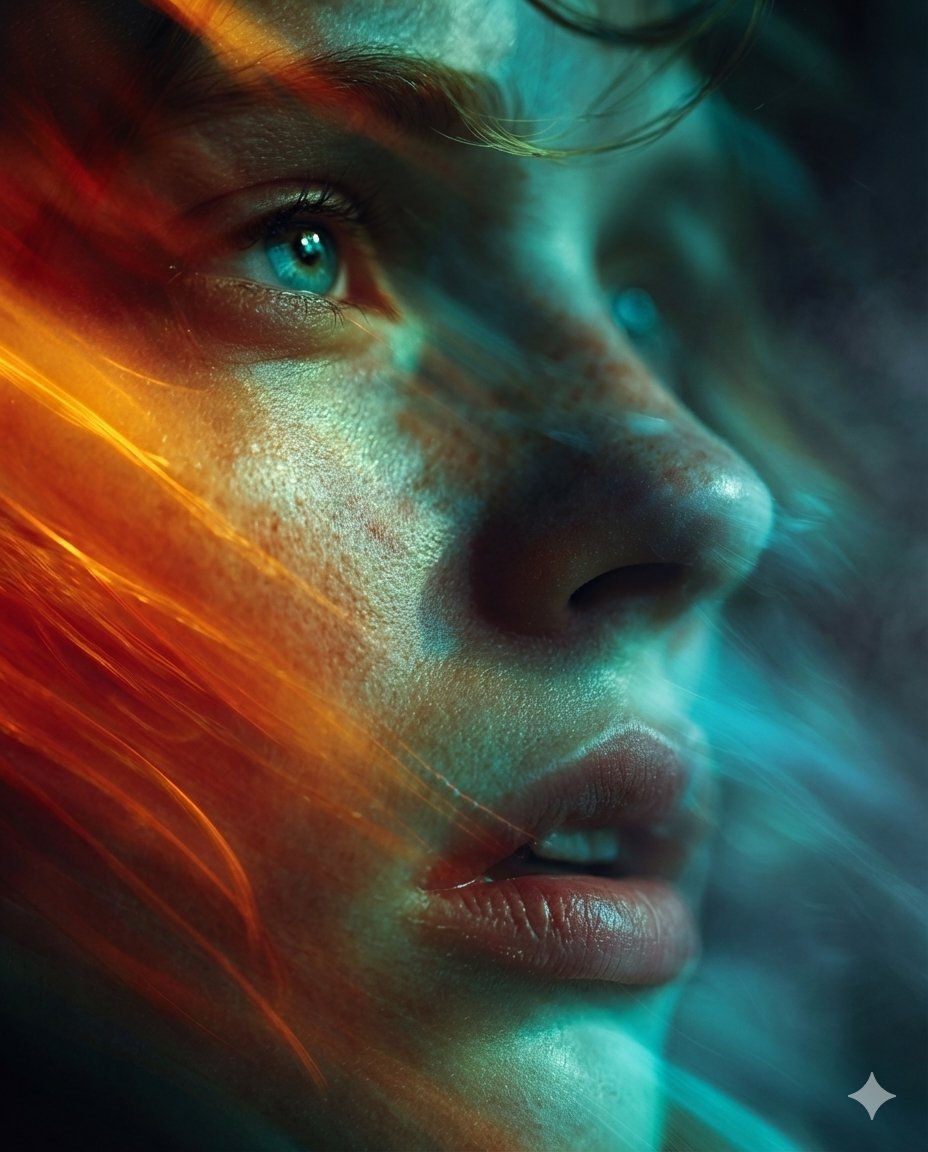
Cyber-Cinematic Split Lighting Portrait Prompt
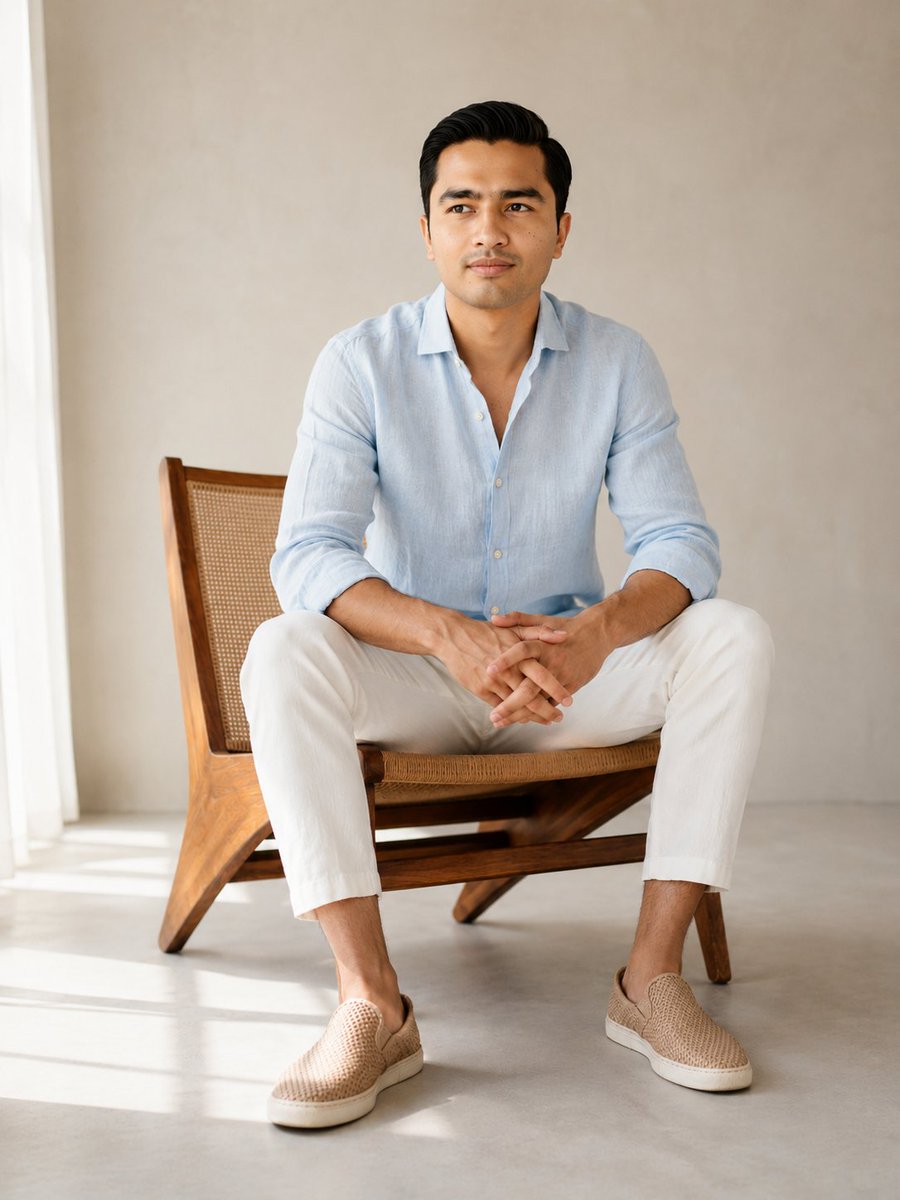
Editorial Male Portrait in Minimalist Studio
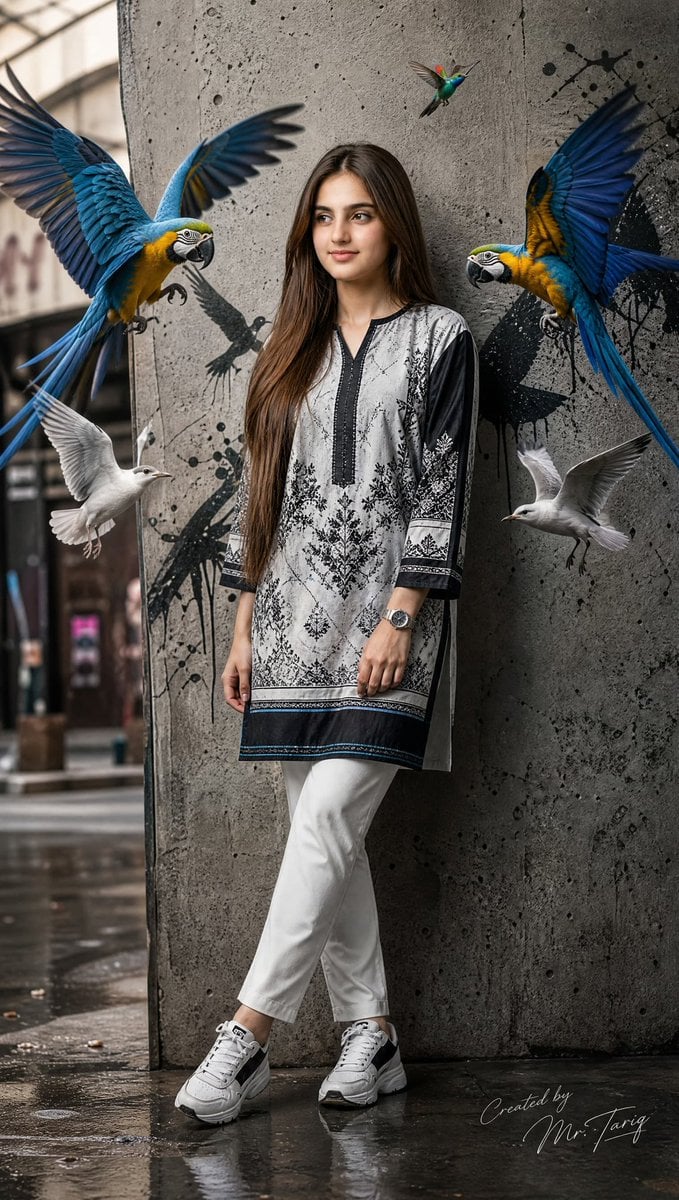
Pakistani Street Fashion with Birds
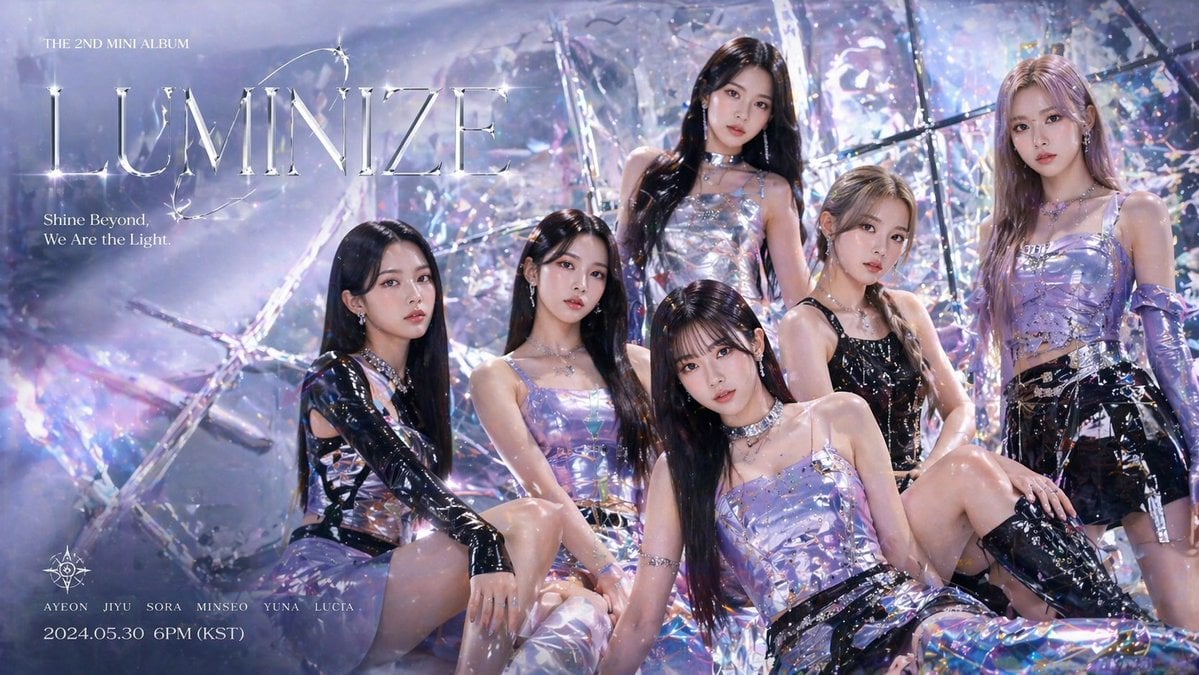
GPT-Image-2 Creative Prompt List

F1 VIP fan hyper-realistic selfie edit
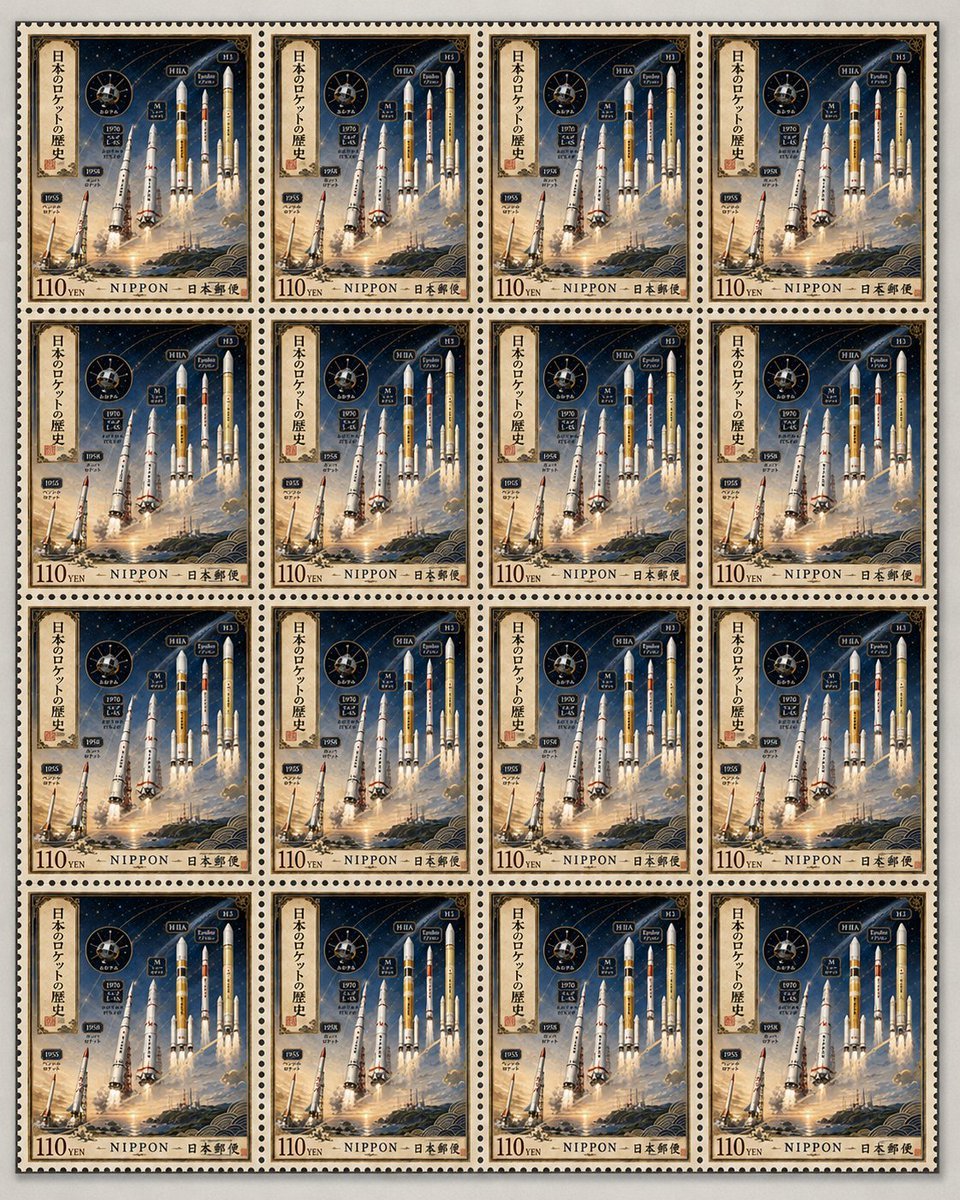
Fictional Japanese Rocket Stamp Sheet
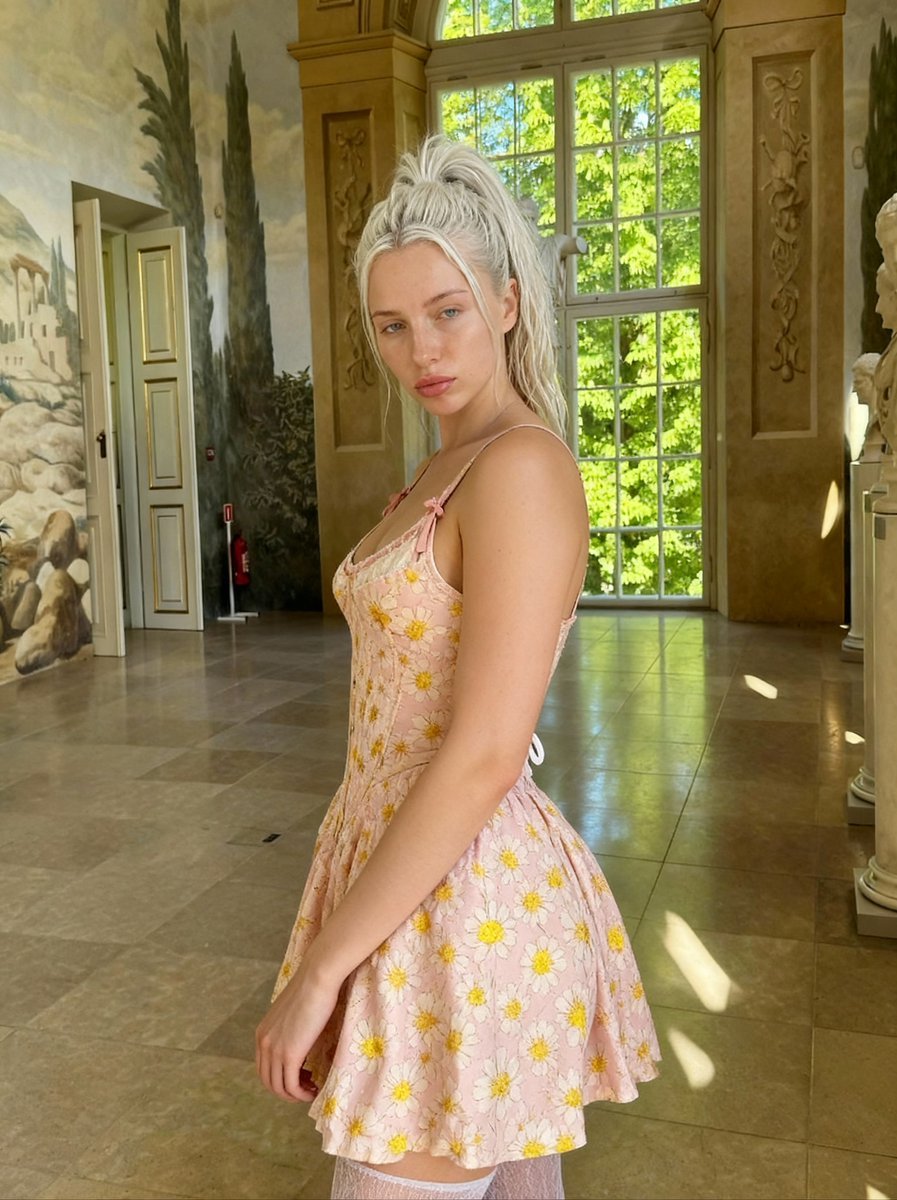
Renaissance Painting Style Portrait in an Italian Palazzo
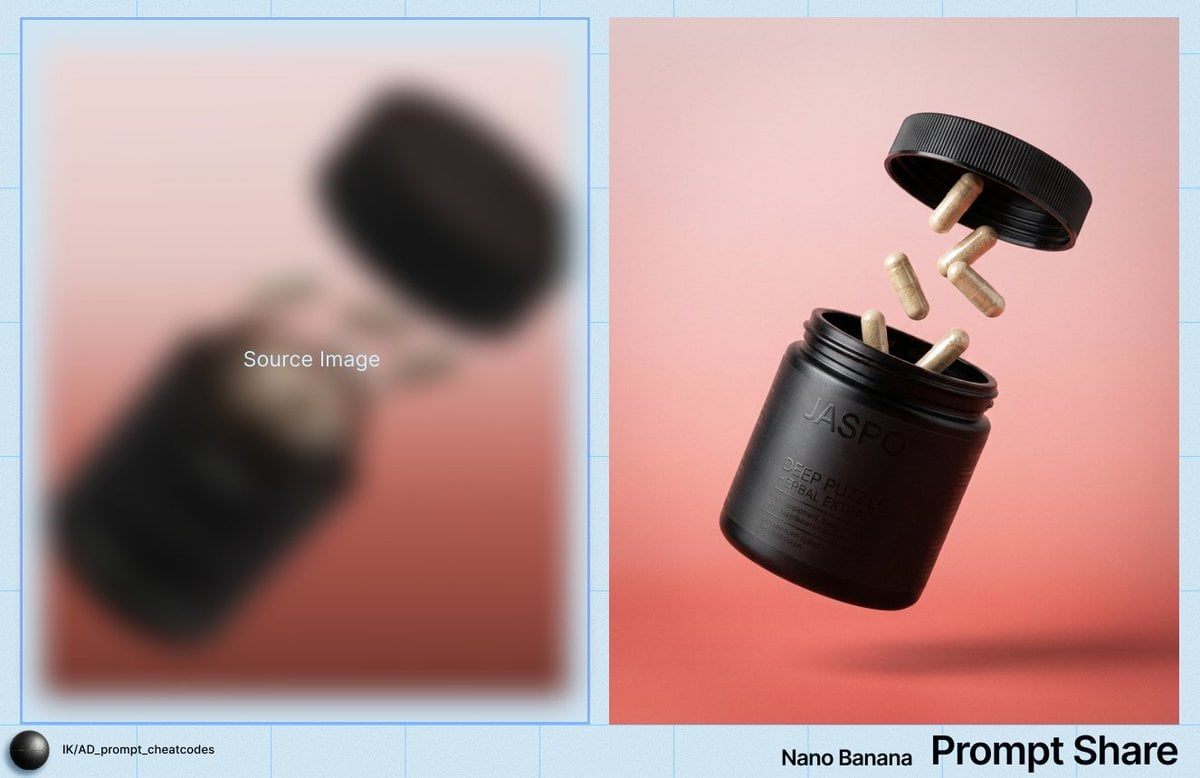
Commercial Product Shot of Levitating Supplement Jar and Capsules
Browse template categories
Ancient Chinese Aesthetic Portrait questions
How do I use the Ancient Chinese Aesthetic Portrait template?
Add your photo if the template asks for one, edit the prompt if you like — the template's model and format are already selected — and press Generate. Your version opens in PicX Studio.
Can I customize the Ancient Chinese Aesthetic Portrait template?
Yes. You can change the subject, setting, lighting, mood, format, and available model controls before creating your image.
Is the Ancient Chinese Aesthetic Portrait template free?
Opening and editing this template is free. Generating uses credits, shown on the Generate button when you are signed in.
Which AI model should I use?
Start with GPT Image 2, which is the model associated with this template. You can compare another compatible model for a different finish.
Looking for something else? Browse all templates.

Your photo, any look
Thousands of ready templates for every top image and video model, from one credit balance.