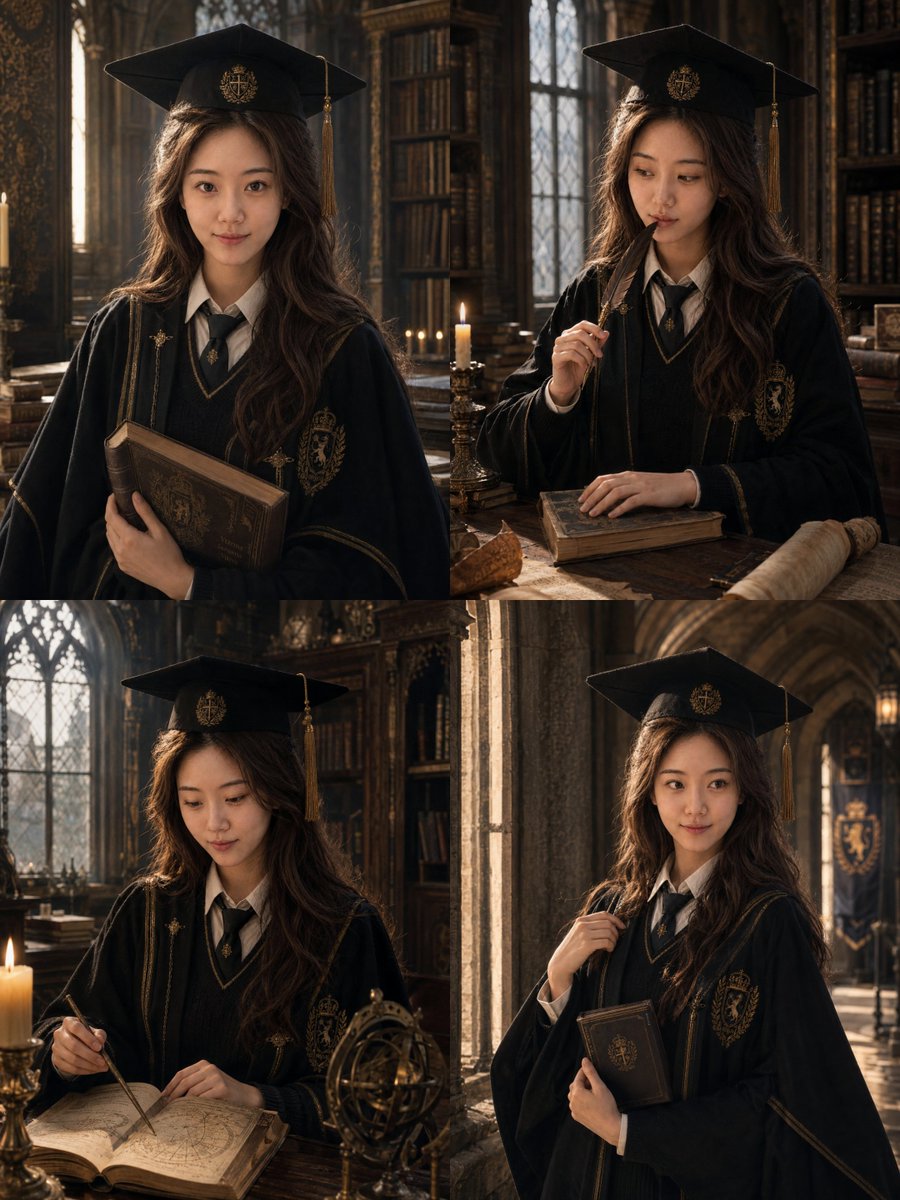
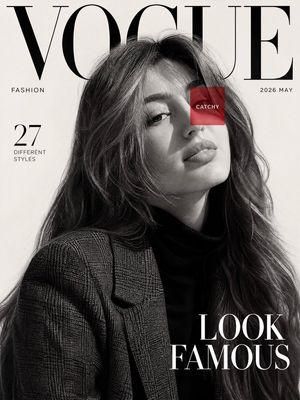
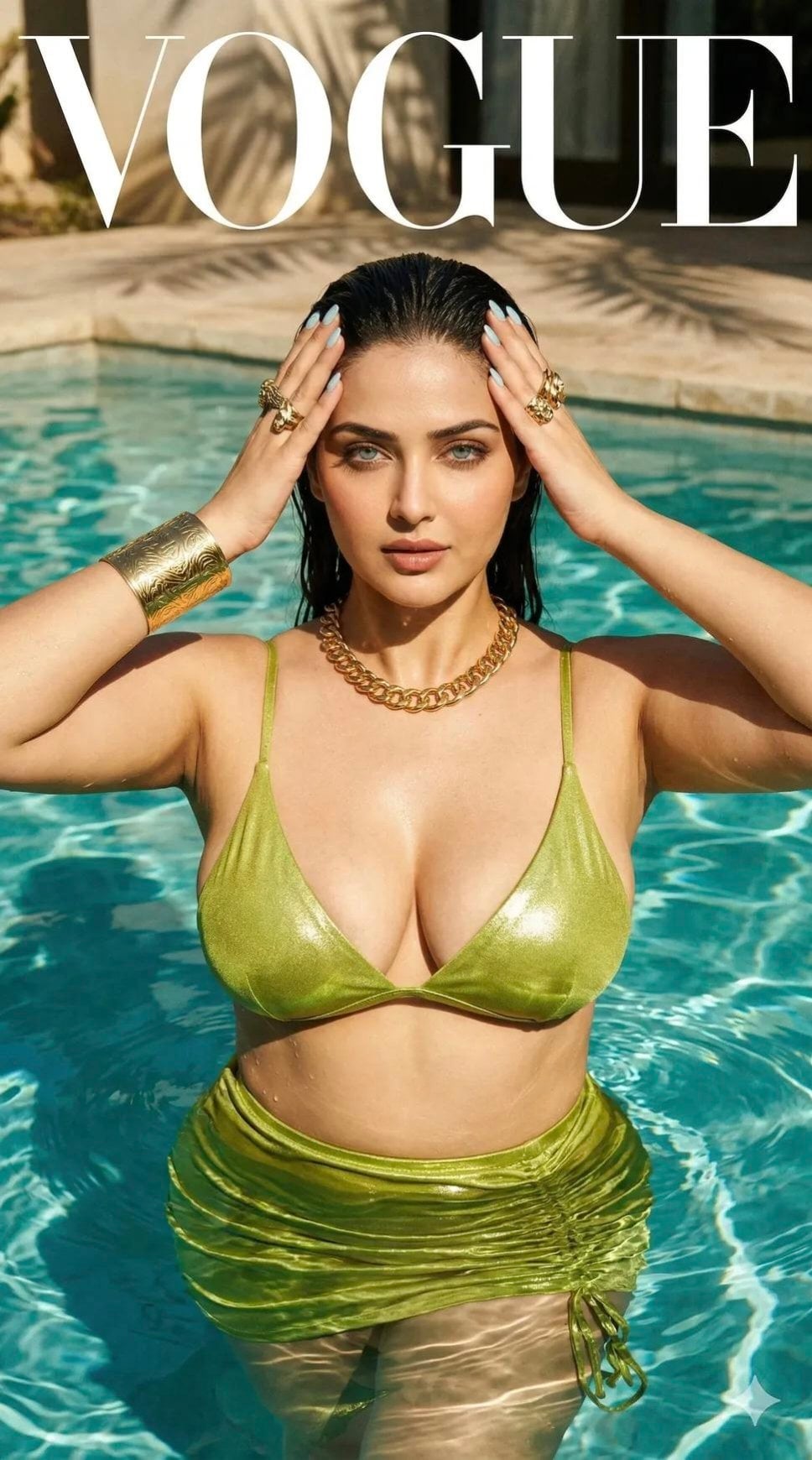
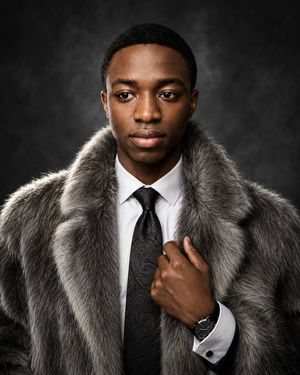
How do I use the Luxury Magazine Editorial Portrait template?
Choose the primary action to open PicX Studio with the available template settings. Review the model and format, personalize the creative direction, and generate when ready.
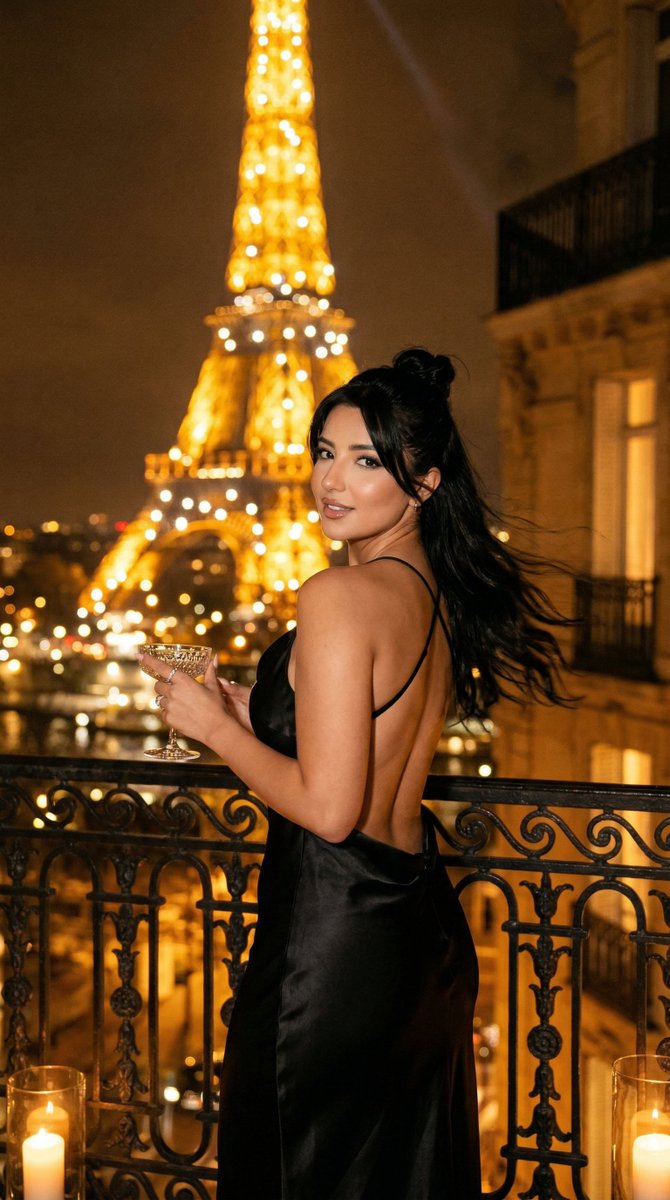
A professional photography prompt structured for luxury editorial portraits, emphasizing cinematic lighting, shallow depth of field, and identity preservation.
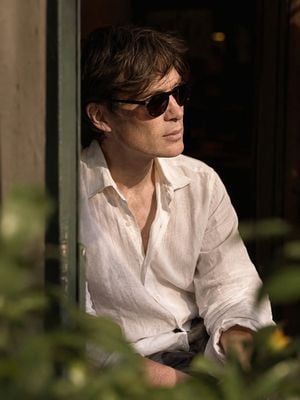
{ "prompt_type": "ultra_realistic_candid_portrait", "subject": { "identity": "{argument name="identity" default="Uploaded Image"}", "identity_note": "Preserve the exact facial identity, hairstyle, beard, and overall appearance of {argument name="person name" default="subject"} as accurately as possible", "pose": "{argument name="pose" default="seated indoors, relaxed and natural body language"}", "gaze": "looking slightly off to the side, calm and introspective expression", "eyewear": "dark sunglasses" }, "attire": { "top": "loose-fitting white linen shirt", "collar": "open collar, unbuttoned at the top", "sleeves": "long sleeves, slightly rolled or relaxed", "fit": "casual, breathable, effortless drape" }, "composition": { "shot_type": "medium close-up", "angle": "three-quarter side profile", "framing": "partially obscured by soft blurred foreground elements such as leaves and a doorway edge, giving depth and a candid observational feel", "aspect_ratio": "vertical 3:4" }, "lighting": { "source": "warm late-afternoon sunlight entering from the side", "effect": "soft highlights across the face and shirt, deep cinematic shadows", "background": "dark, elegant, softly out of focus interior" }, "photographic_style": { "depth_of_field": "shallow with creamy bokeh", "texture": "realistic skin detail, natural facial hair rendering", "grain": "subtle film grain", "color_grade": "muted, warm tones", "genre": "premium editorial lifestyle photography", "lens_simulation": "85mm lens, f/1.8 aperture", "realism_level": "highly detailed, photorealistic" }, "output_requirements": { "consistency": "generate the same final image style, mood, lighting, framing, and attire regardless of who the person is", "variable_input": "only the person's name changes; all other elements remain fixed" } }
Choose the primary action to open PicX Studio with the available template settings. Review the model and format, personalize the creative direction, and generate when ready.
Yes. You can change the subject, setting, lighting, mood, format, and available model controls before creating your image.
This template is free to open and customize. Generation usage is shown in PicX Studio before you create.
Start with GPT Image 2, which is the model associated with this template. You can compare another compatible model for a different finish.
Follow a topic to a crawlable collection of related PicX Studio templates.