
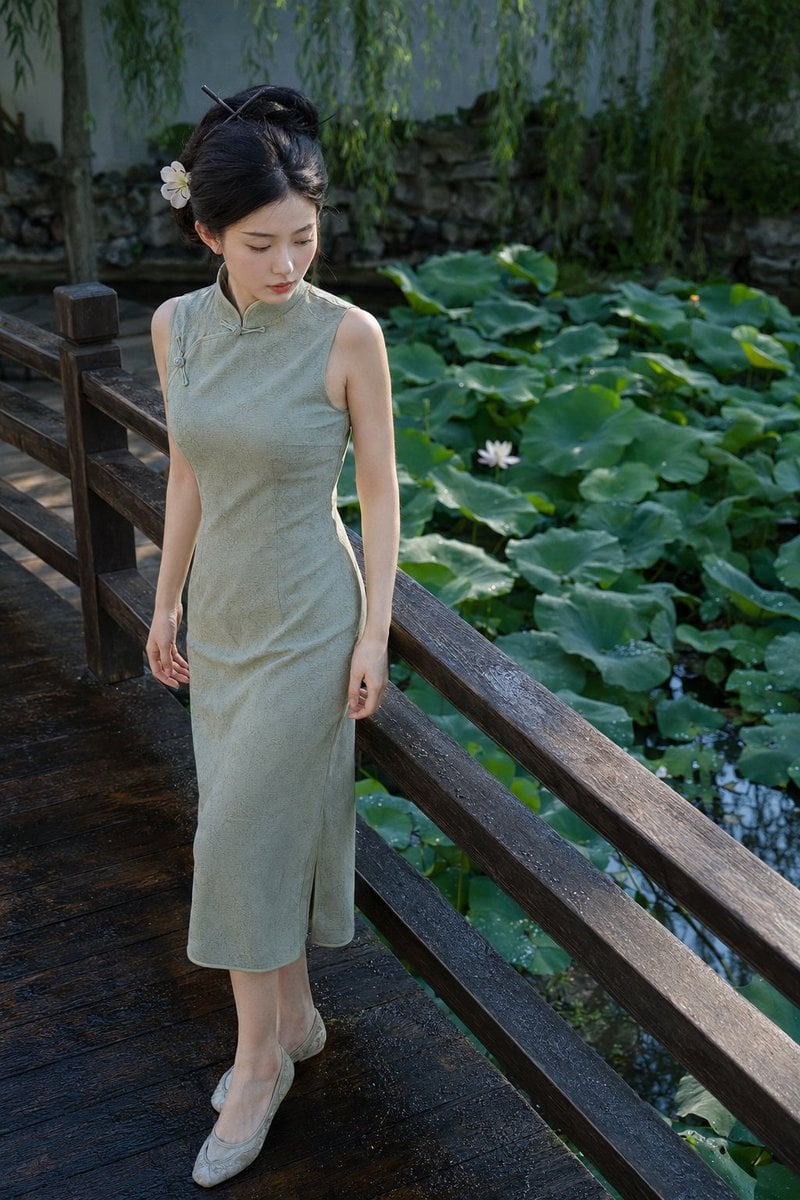
Elegant Qipao Portrait in Suzhou Garden
A detailed prompt for a professional photography style portrait of a woman in a light green qipao sitting in a Suzhou garden after the rain.
- Prompt included
- Model and format preset
- Free template
The prompt behind this image
Copy the exact prompt behind Elegant Qipao Portrait in Suzhou Garden, or open it in the studio and make it yours.
一个中年美丽女子全身写真照片,背景是{argument name="背景" default="苏州园林里的小院子,有湖水和盛开的海棠花"},女子穿着{argument name="服装" default="浅绿色旗袍"},{argument name="动作" default="手持团扇,坐在海棠树下的竹椅子上微微仰头"},雨后的清新感,身材丰腴,姿态优美,旗袍一侧露出美腿,专业摄影师作品,索尼35mm F1.4,背景虚化,
How to use Elegant Qipao Portrait in Suzhou Garden in 3 steps
- 1
Open
The prompt is already in the box next to the preview, with the template's model and format selected.
- 2…a portrait of your subject in softgolden-hour light, 85mm…
Personalize
Edit the subject and creative details for your destination.
- 3Generate
Generate
Press Generate — your image is created in PicX Studio, so you can compare it with the original and refine one variable at a time.
More like this
Templates with the same subject, style or setup. Open one to see its prompt.
Suzhou Garden Qipao Portrait
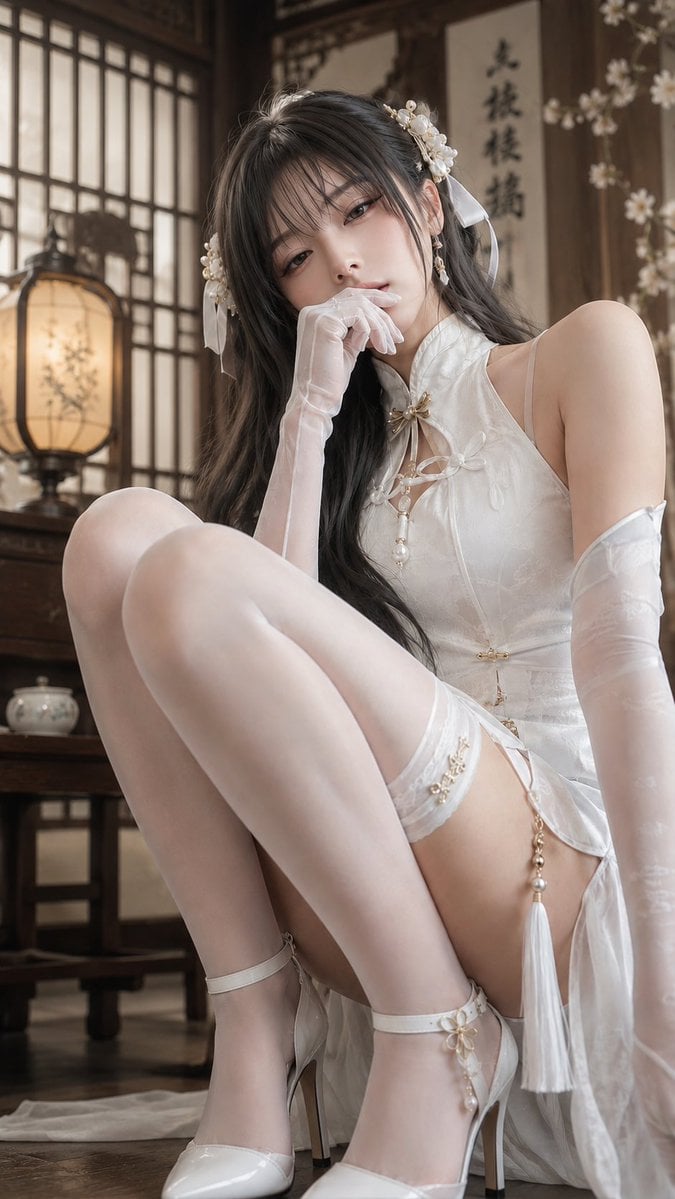
Elegant White Qipao Portrait
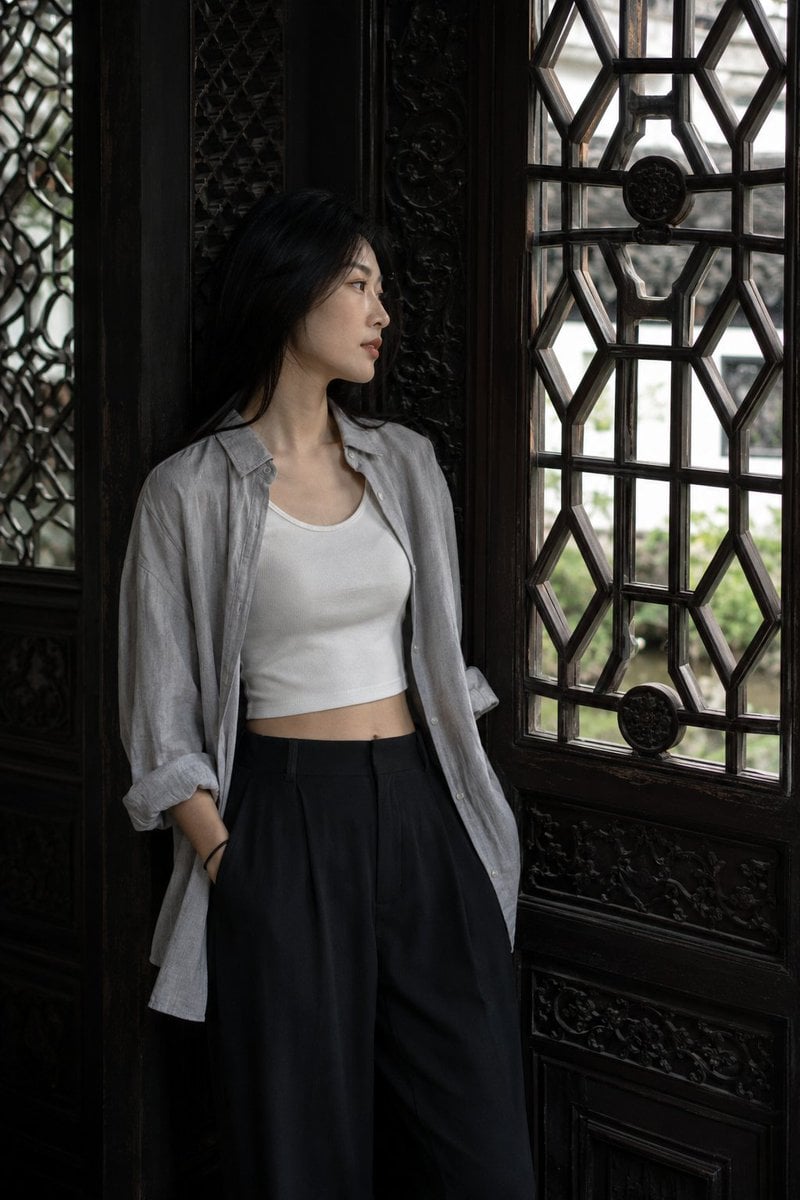
Classical Suzhou Garden Interior Portrait
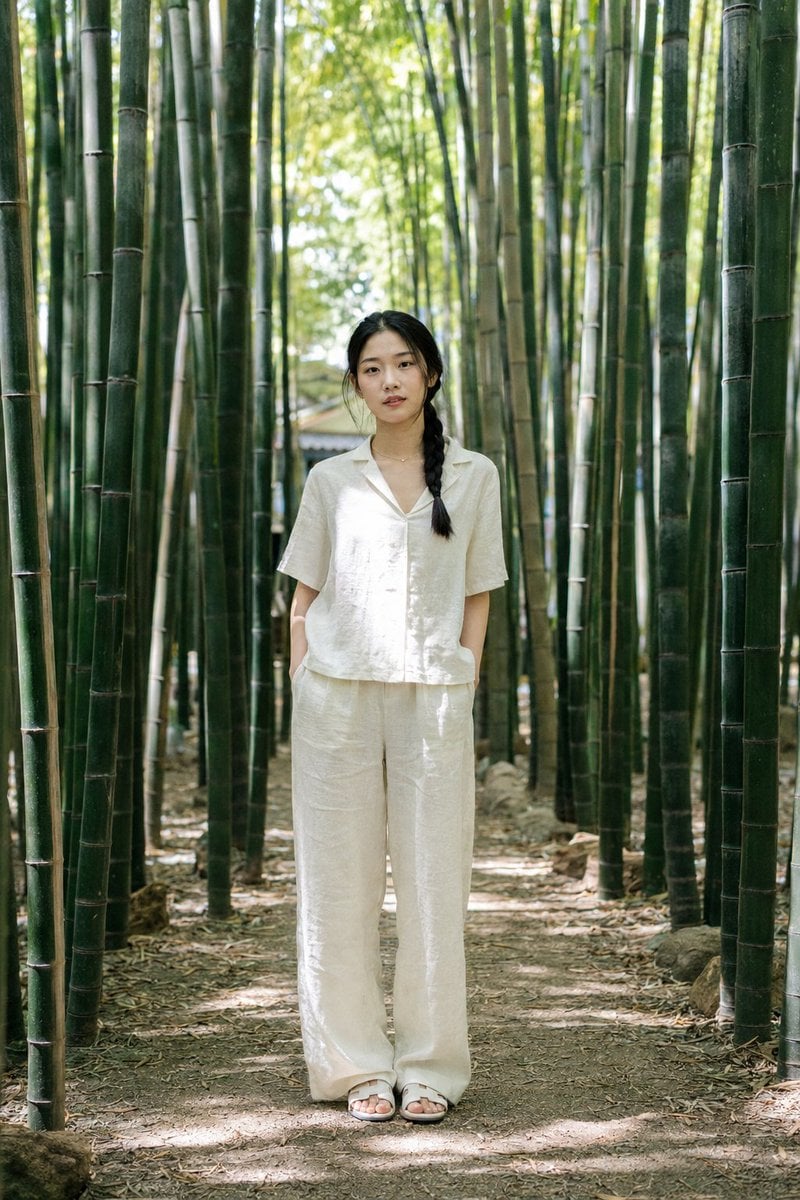
Suzhou Garden Bamboo Path Portrait
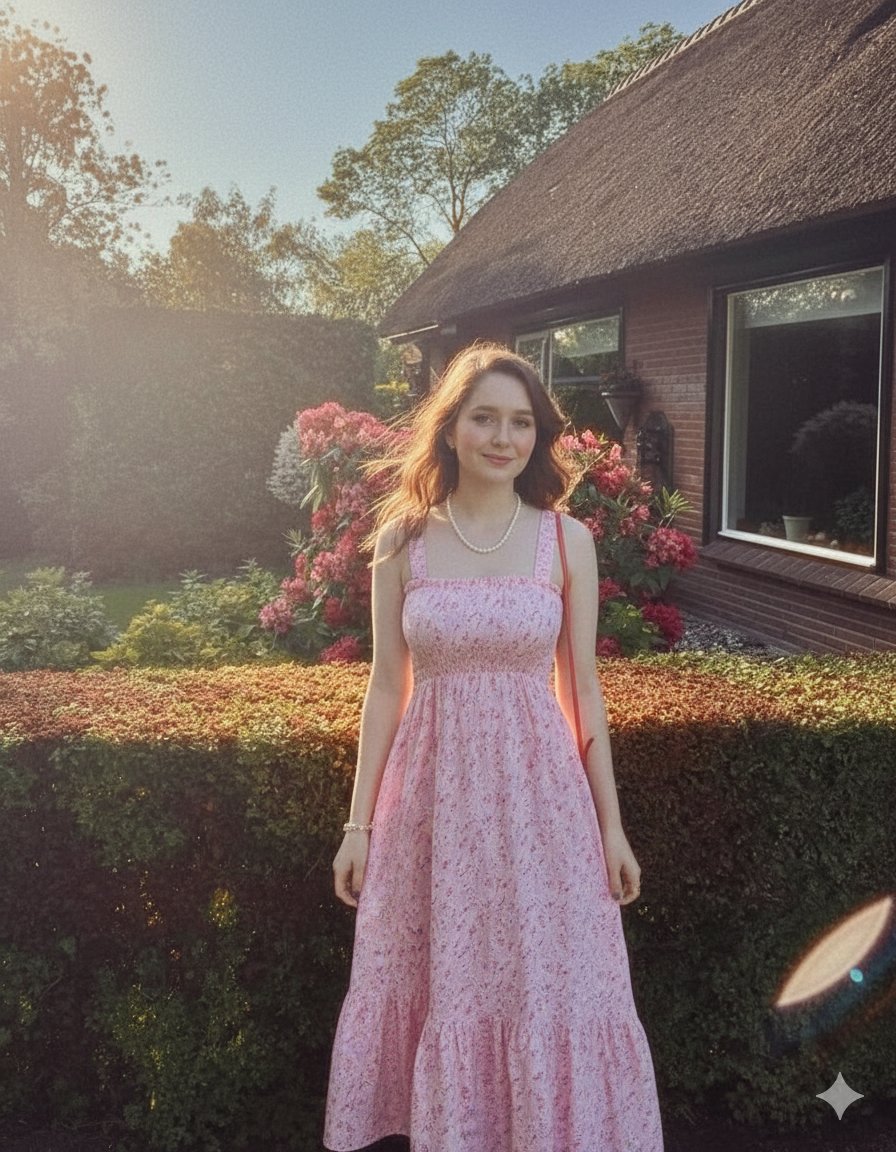
Elegant Summer Portrait in an English Country Garden

Found Photograph: Us, 1970

80s Couple Studio Portrait

80s Bollywood Star

80s Golden Hour Cinema

Me in 1985

1985 Studio Portrait
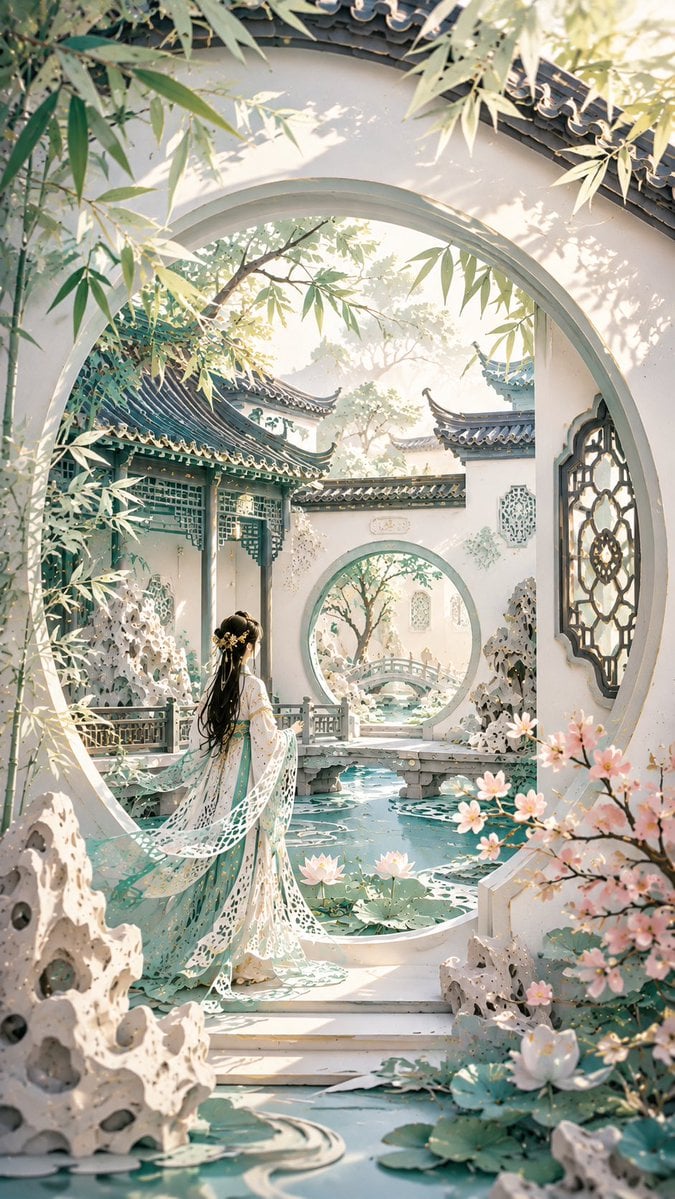
Modern Suzhou Garden Papercut Art
Make it yours
Elegant Qipao Portrait in Suzhou Garden works as-is. These are the safest ways to change it without losing the look.
Change one field
Copy a single group, rewrite it, and generate again so you can see what that field is doing.
Keep the frame, change the subject
Hold the composition and light of Elegant Qipao Portrait in Suzhou Garden, then swap wardrobe, props or the person for a new take.
| If the result… | Why | Fix |
|---|---|---|
| The result drifts from the preview | Too many fields changed at once. | Reuse Elegant Qipao Portrait in Suzhou Garden as-is first, then change one group — subject, light, or setting. |
| The model over-stylizes the scene | The prose prompt leaves finish and camera underspecified. | Add one camera or lighting sentence and stay on GPT Image 2. |
More GPT Image 2 templates
Other prompts made for GPT Image 2.

Six VTuber Japanese Logo Sheet

Realistic Portrait of Woman and Deer

The Vista Modular Condo Poster

AI Model Routing Comparison Infographic

2.5D Anime Art Board

Isometric Productivity Desk Scene

New York Double Exposure Poster

Four-Panel AI Landscape Comparison

Japanese Tatami Lifestyle Magazine Cover

NESCAFÉ Coffee Map Poster
More image prompts
Fresh picks from across the catalog.
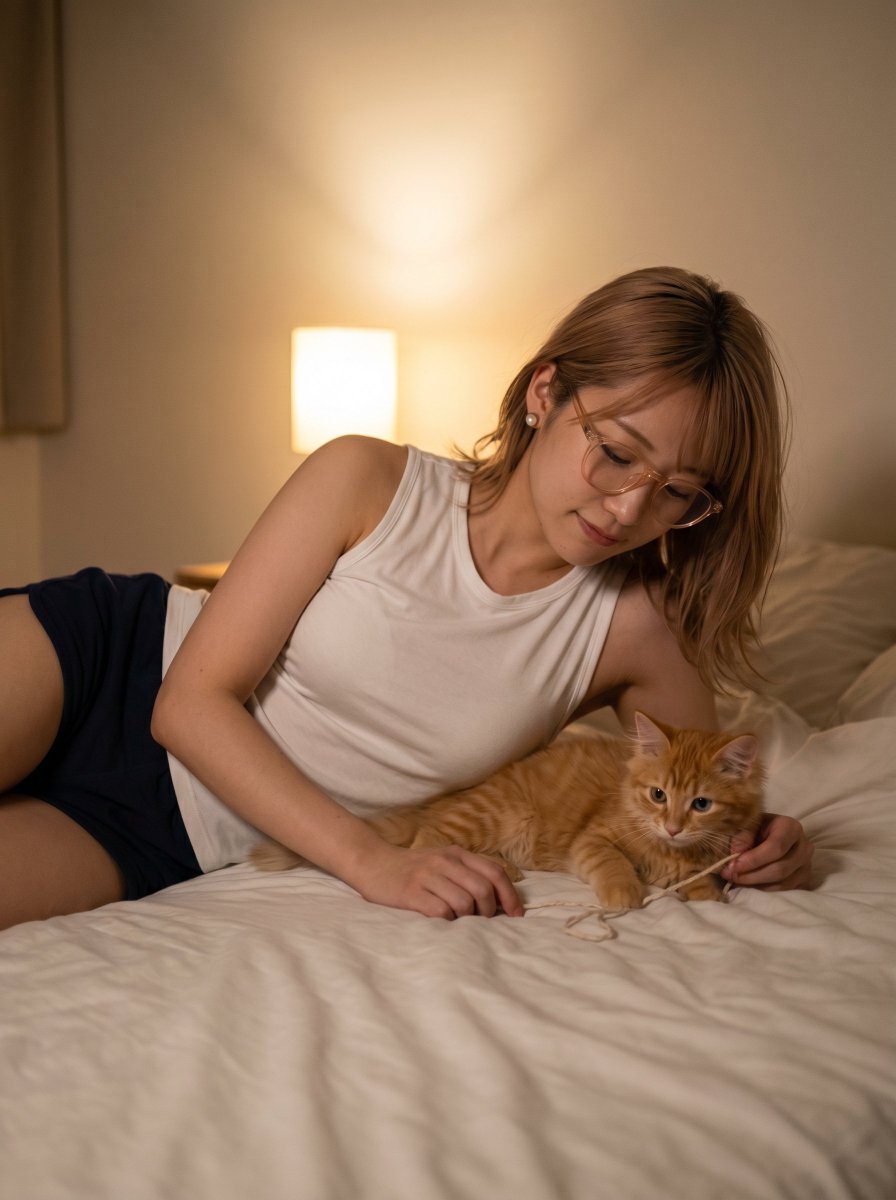
Cozy Bedroom Woman with Orange Kitten
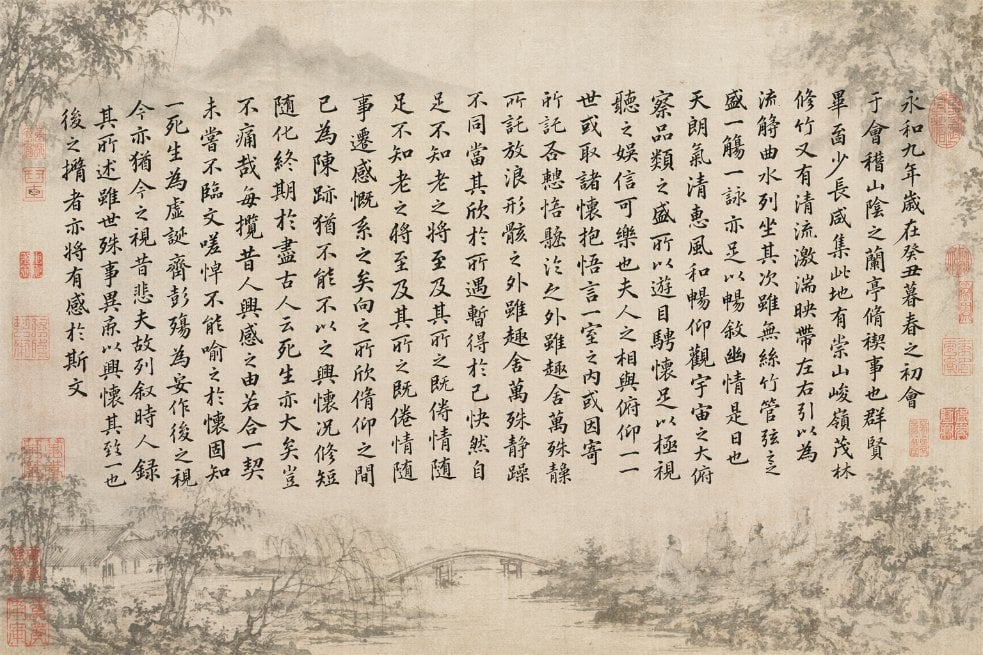
Classical Calligraphy Scroll Prompt
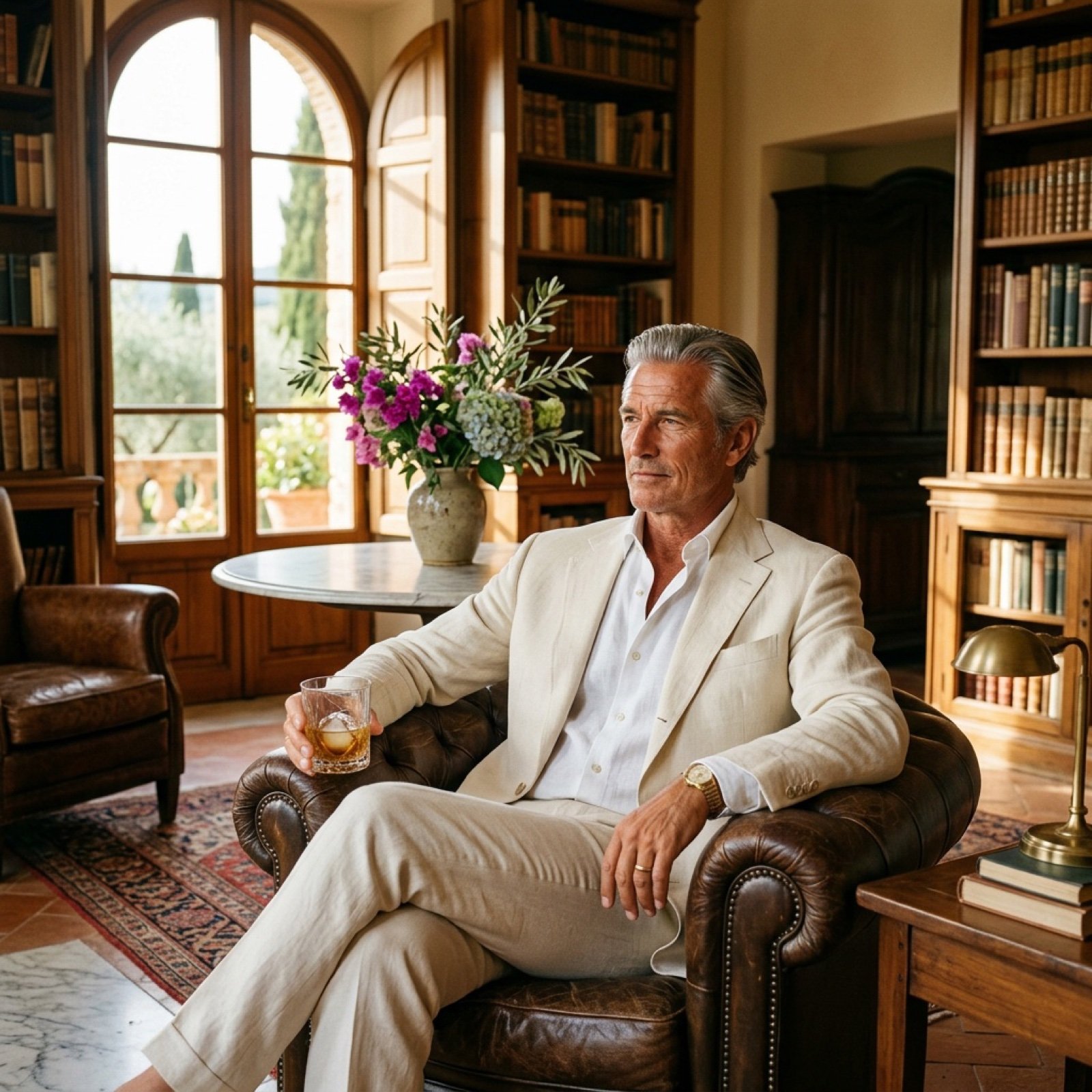
Seedance 2.0 - Old Money Man

Simple Christmas dog and Santa image prompt

Dark Fantasy Crimson Samurai Warlord
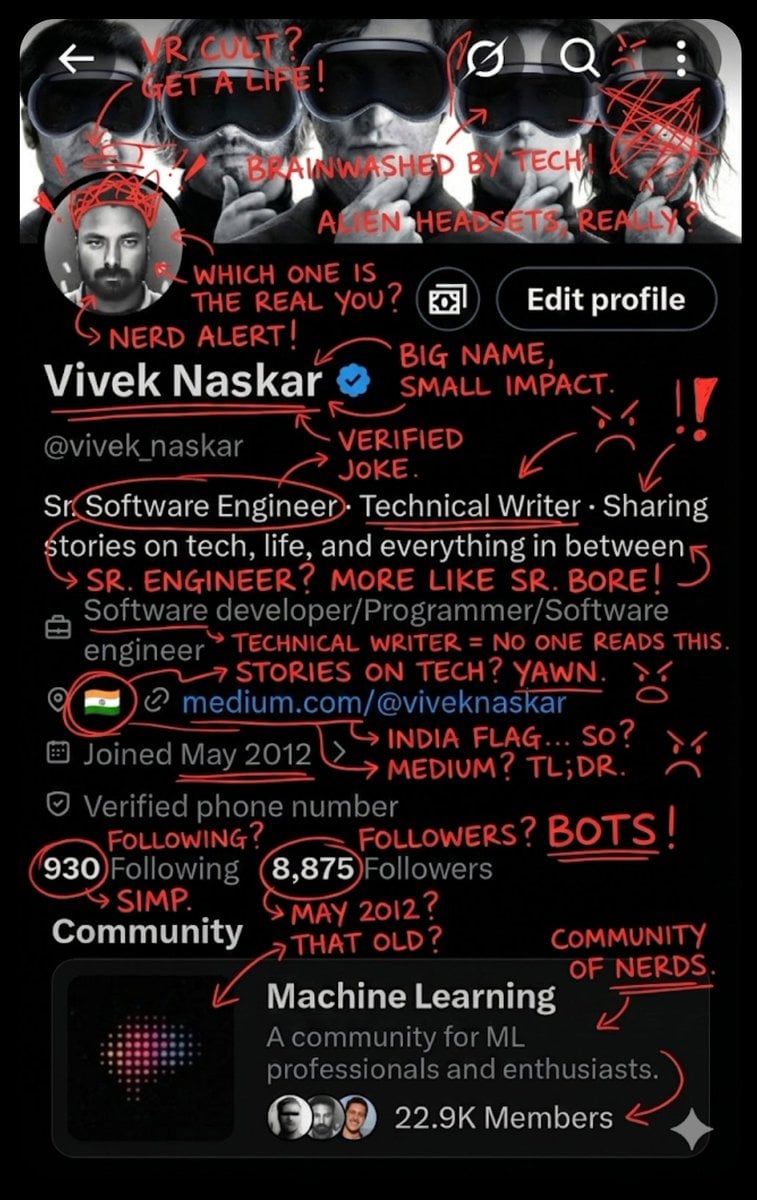
Image Overlay for 'Roast Scribble' Effect (Short)
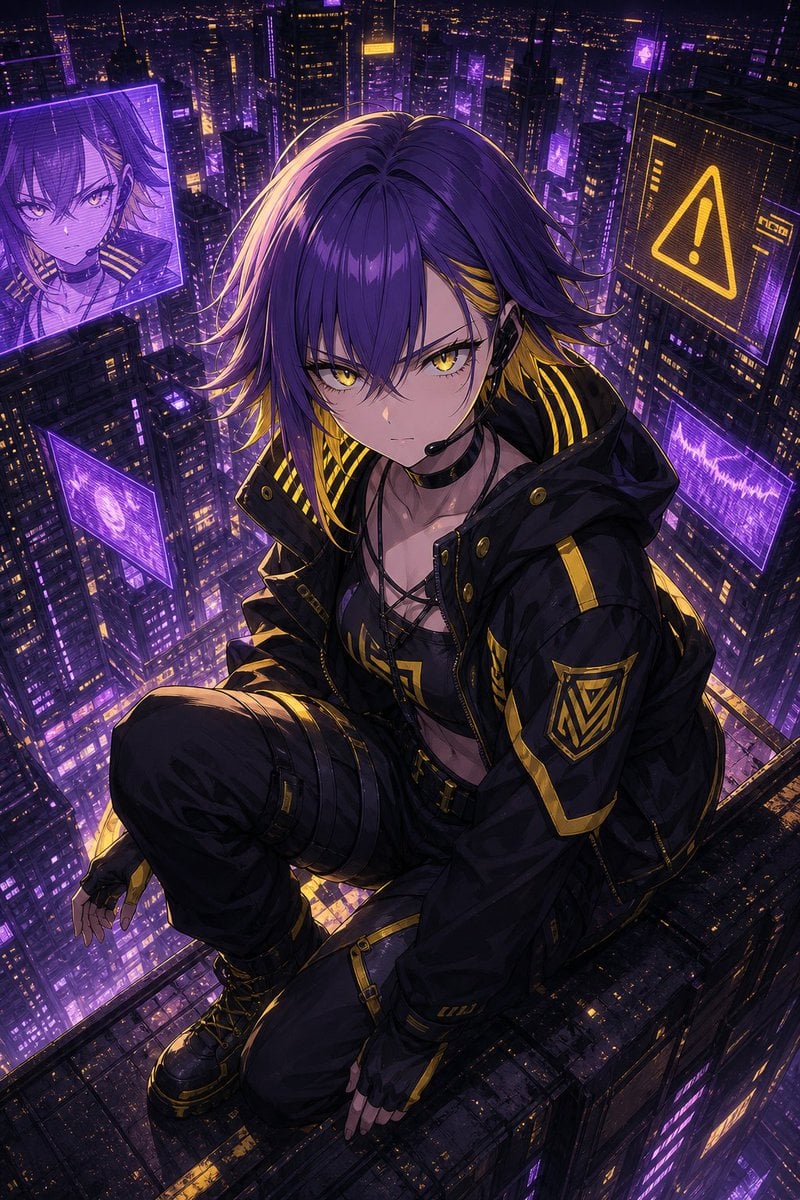
Cyberpunk Anime Rooftop Key Visual
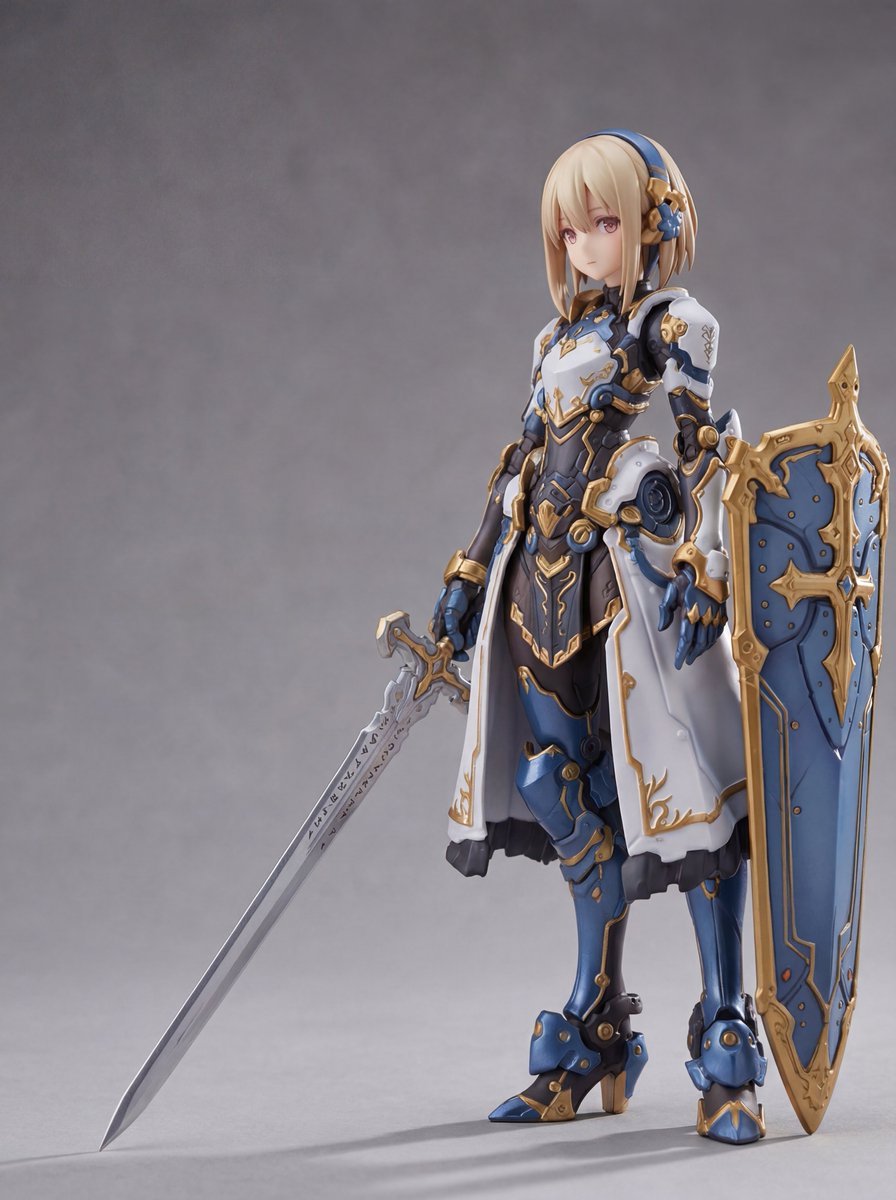
Plastic Model Package Prompt for Nano Banana Pro

Future Aesthetic Image Generation Prompt (2025)
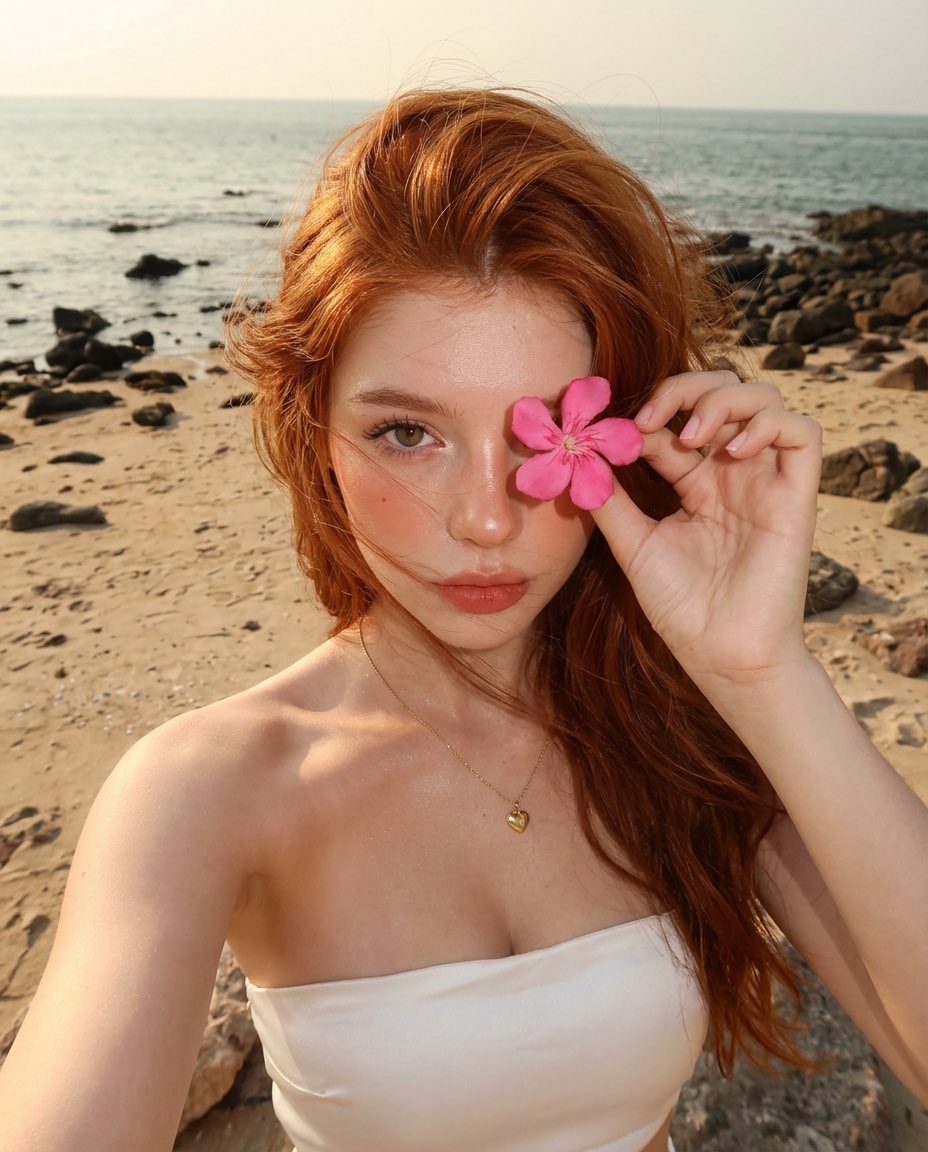
Golden Hour Beach Selfie with Pink Flower
Browse template categories
Elegant Qipao Portrait in Suzhou Garden questions
How do I use the Elegant Qipao Portrait in Suzhou Garden template?
Add your photo if the template asks for one, edit the prompt if you like — the template's model and format are already selected — and press Generate. Your version opens in PicX Studio.
Can I customize the Elegant Qipao Portrait in Suzhou Garden template?
Yes. You can change the subject, setting, lighting, mood, format, and available model controls before creating your image.
Is the Elegant Qipao Portrait in Suzhou Garden template free?
Opening and editing this template is free. Generating uses credits, shown on the Generate button when you are signed in.
Which AI model should I use?
Start with GPT Image 2, which is the model associated with this template. You can compare another compatible model for a different finish.
Looking for something else? Browse all templates.

Your photo, any look
Thousands of ready templates for every top image and video model, from one credit balance.