How do I use the Sunlit Cafe Popsicle Portrait template?
Choose the primary action to open PicX Studio with the available template settings. Review the model and format, personalize the creative direction, and generate when ready.
A photorealistic vertical portrait prompt for generating a softly lit young woman with braids and glasses enjoying a popsicle at a wooden cafe table.
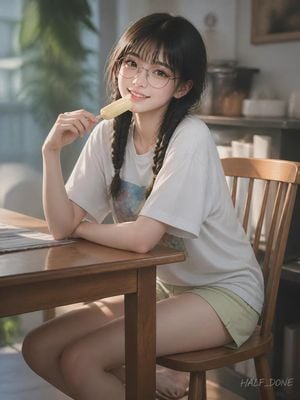
Create a warm, photorealistic lifestyle portrait of a young East Asian woman named {argument name="character name" default="Half Done"} sitting sideways on a wooden chair at a wooden table in a softly lit cafe or sunroom. She has long dark brown to black hair in two loose braids, wispy straight bangs, fair skin, round thin metal eyeglasses, large natural eyes, and a gentle smiling expression as she looks directly at the viewer. She is holding a pale yellow popsicle in one hand near her mouth, with her other arm relaxed on the tabletop. Her outfit is a loose oversized {argument name="shirt color" default="white"} T-shirt with a subtle pastel graphic on the chest and light sage green shorts. The composition is a vertical 3:4 portrait, waist-to-knees framing, with her seated at the right side of the table and her legs angled toward the lower left. The setting includes exactly 5 main visible furniture and decor elements: a wooden table, a wooden chair, a softly blurred window on the left, a leafy green houseplant near the window, and shelves or kitchenware in the background. Use golden-hour sunlight streaming from the left, soft haze, shallow depth of field, creamy bokeh, realistic skin texture, delicate highlights on the glasses, natural shadows, and a calm nostalgic atmosphere. Add a small handwritten-style watermark reading {argument name="watermark text" default="HALF_DONE"} in the lower right corner. Avoid anime styling, exaggerated features, extra people, extra hands, distorted glasses, or cluttered text.
Choose the primary action to open PicX Studio with the available template settings. Review the model and format, personalize the creative direction, and generate when ready.
Yes. You can change the subject, setting, lighting, mood, format, and available model controls before creating your image.
This template is free to open and customize. Generation usage is shown in PicX Studio before you create.
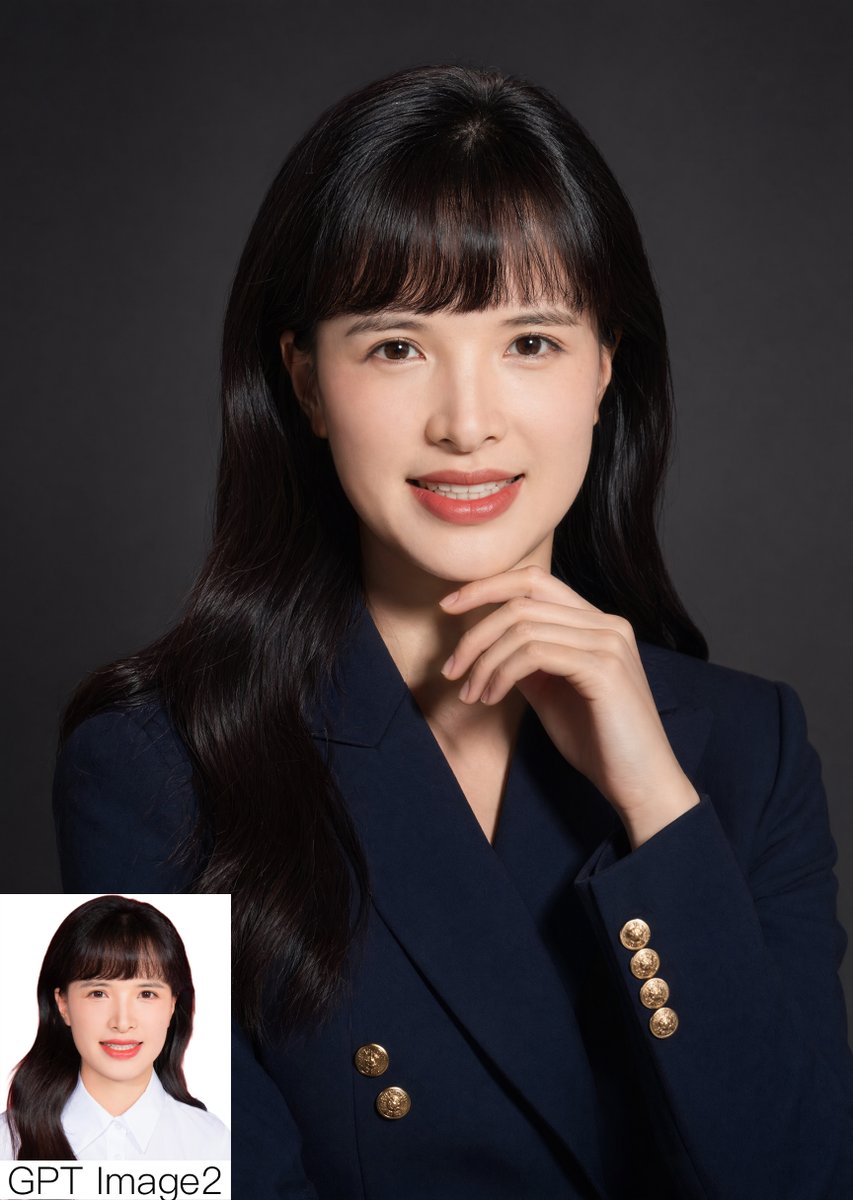
Start with GPT Image 2, which is the model associated with this template. You can compare another compatible model for a different finish.
Follow a topic to a crawlable collection of related PicX Studio templates.