
Translate Japanese manual into Chinese leaflet
Generates a polished Traditional Chinese localized product instruction sheet from a photographed Japanese manual while preserving the original layout and images.
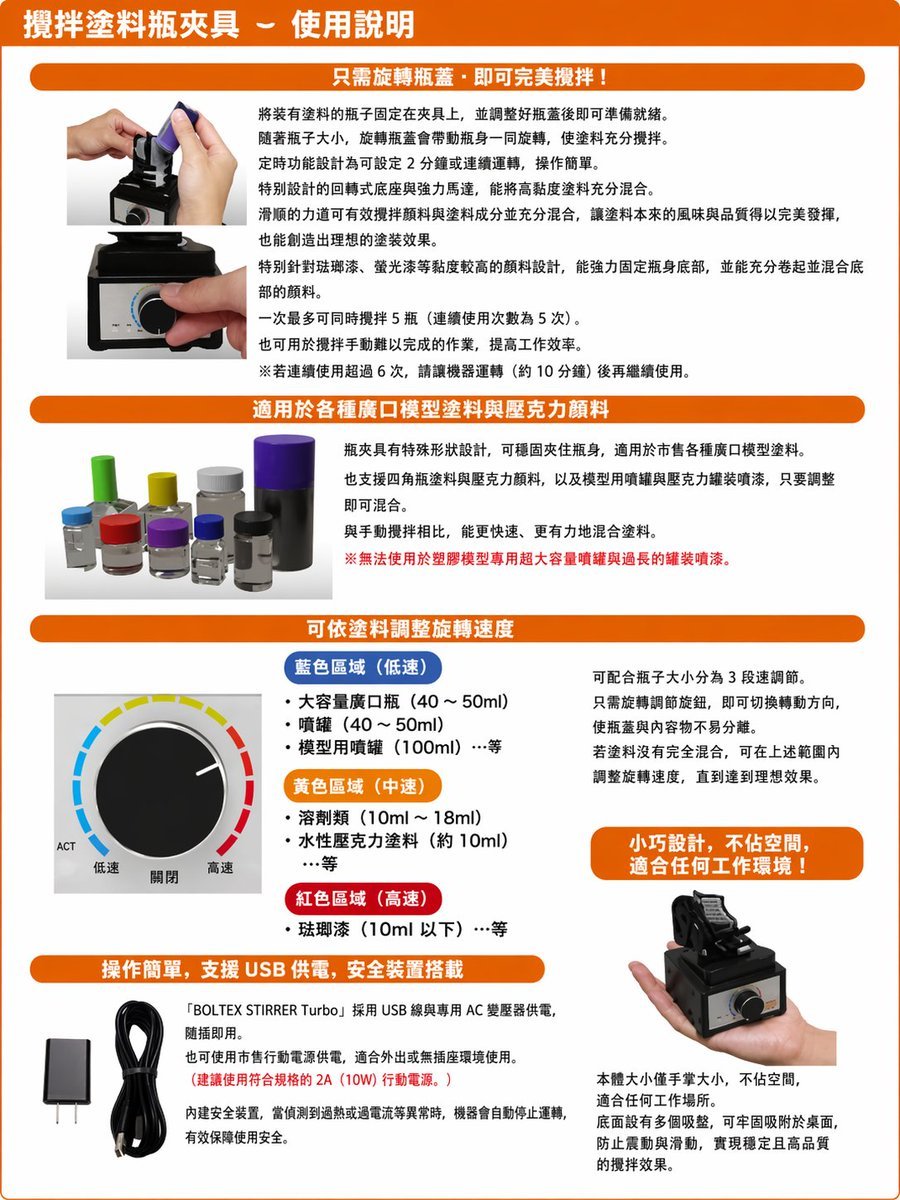
- Prompt included
- Model and format preset
- Free template
The prompt behind this image
Copy the exact prompt behind Translate Japanese manual into Chinese leaflet, or open it in the studio and make it yours.
Using the provided reference image, recreate the same product instruction leaflet as a clean, professionally typeset Traditional Chinese version. Keep the overall brochure layout, orange header bars, section structure, product photos, knob diagram, USB accessories, and handheld product shot in the same approximate positions, but replace all Japanese text with natural Traditional Chinese copy and make it look like a polished localized manual. Preserve the 4 main content sections plus the top title banner. Use these Chinese headings: 1) top title: 「攪拌塗料瓶夾具-使用說明」, 2) section header: 「只需旋轉瓶蓋,即可完美攪拌!」, 3) section header: 「適用於各種廣口模型塗料與壓克力顏料」, 4) section header: 「可依塗料調整旋轉速度」, 5) section header: 「操作簡單,支援 USB 供電,安全裝置搭載」. In the speed section, keep the knob illustration and relabel the 3 color-coded ranges in Traditional Chinese with exactly 3 categories: 「藍色區域(低速)」, 「黃色區域(中速)」, 「紅色區域(高速)」, and keep the knob labels as exactly 3 labels: 「低速」, 「關閉」, 「高速」. Add 1 orange callout box on the right side of the speed section reading: 「小巧設計,不佔空間,適合任何工作環境!」. In the bottom-left text block, include the product name in English as 「BOLTEX STIRRER Turbo」 within the Chinese paragraph. Make the page cleaner, brighter, and easier to read than the reference, with crisp print graphics, corrected perspective, and high-resolution catalog/manual styling.
Reference images included
Translate Japanese manual into Chinese leaflet needs input media to work. They load alongside the prompt when you open it in the studio.
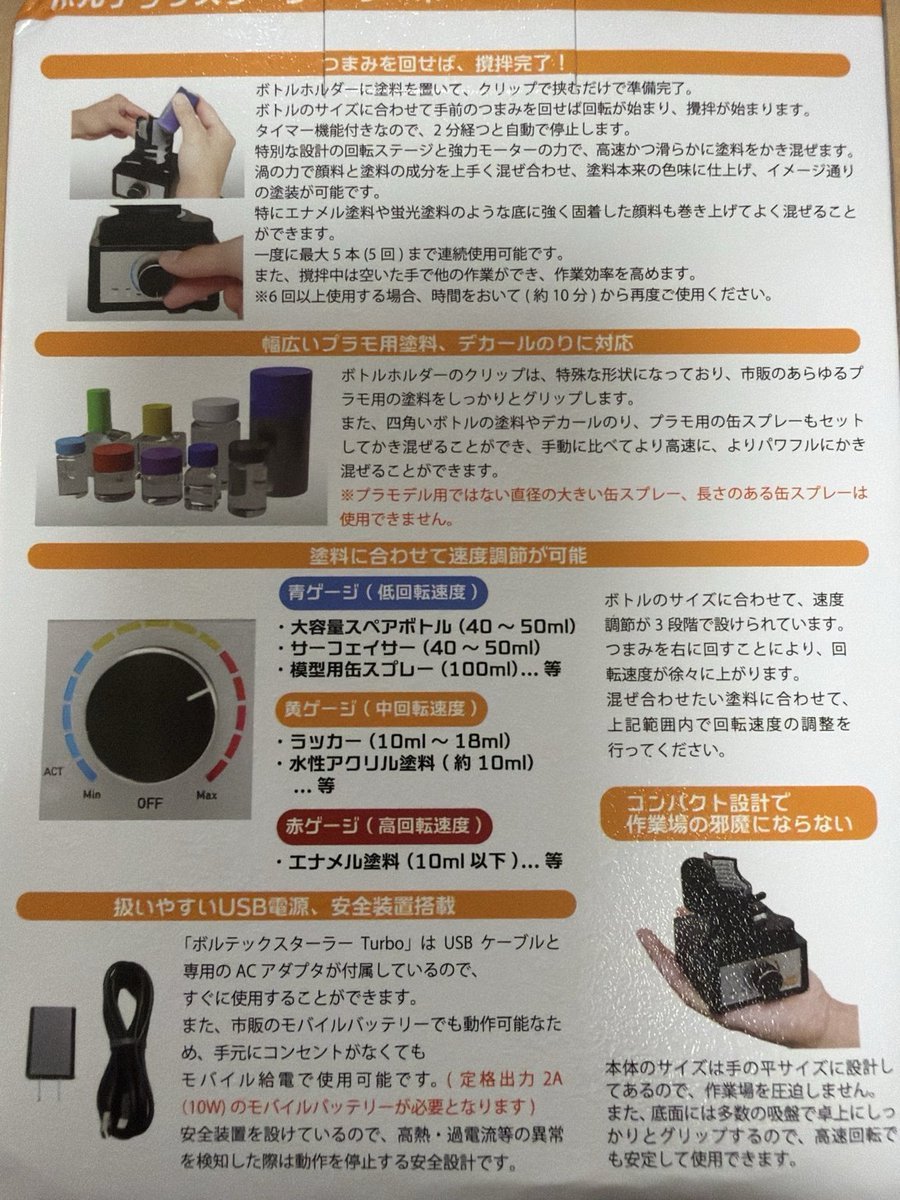
How to use Translate Japanese manual into Chinese leaflet in 3 steps
- 1Upload ImagePNG, JPG or paste
Add your photo
Upload the photo the template builds on. The prompt, model and format are already set.
- 2…a portrait of your subject in softgolden-hour light, 85mm…
Personalize
Edit the subject and creative details for your destination.
- 3Generate
Generate
Press Generate — your image is created in PicX Studio, so you can compare it with the original and refine one variable at a time.
More like this
Templates with the same subject, style or setup. Open one to see its prompt.

Minecraft Japanese Research Lab Exploration

Japanese Architectural Concrete Studio Fashion Campaign

Japanese Minimalist Concrete Studio Fashion Editorial

Blue Backdrop Luxury Fashion Portrait Campaign
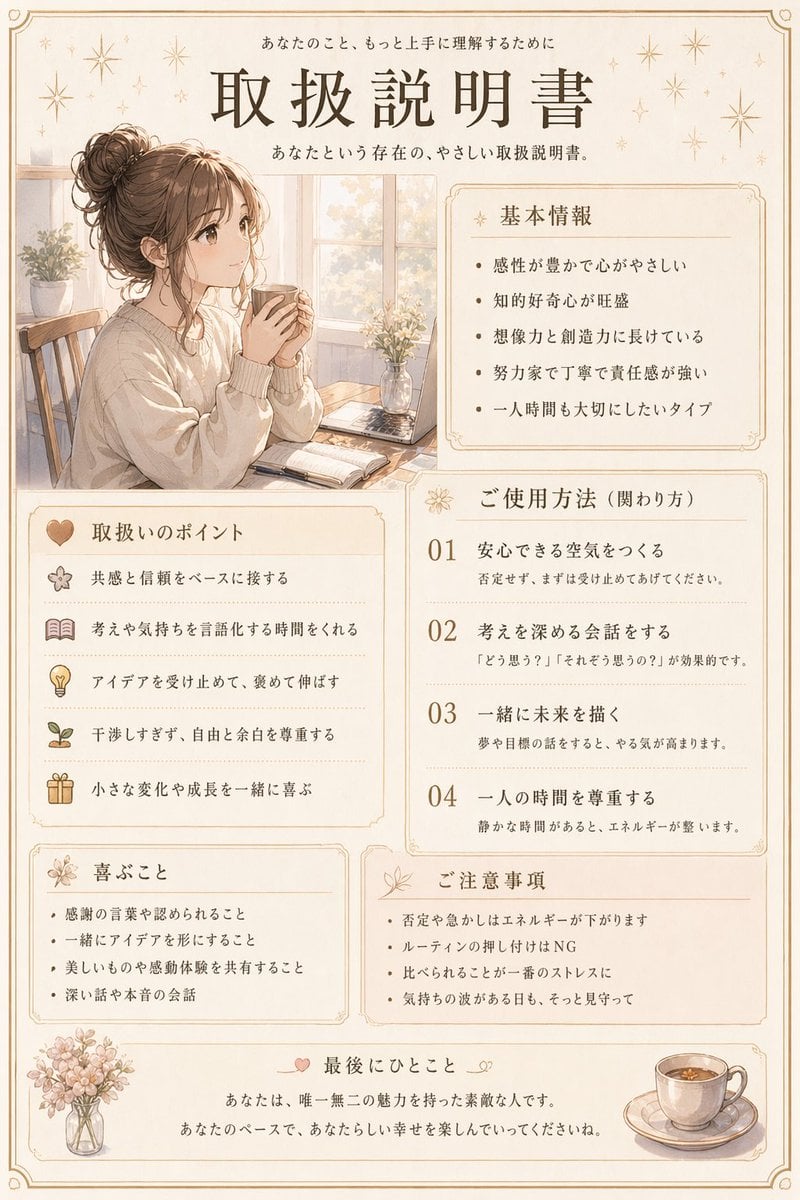
Japanese Personality Manual Poster
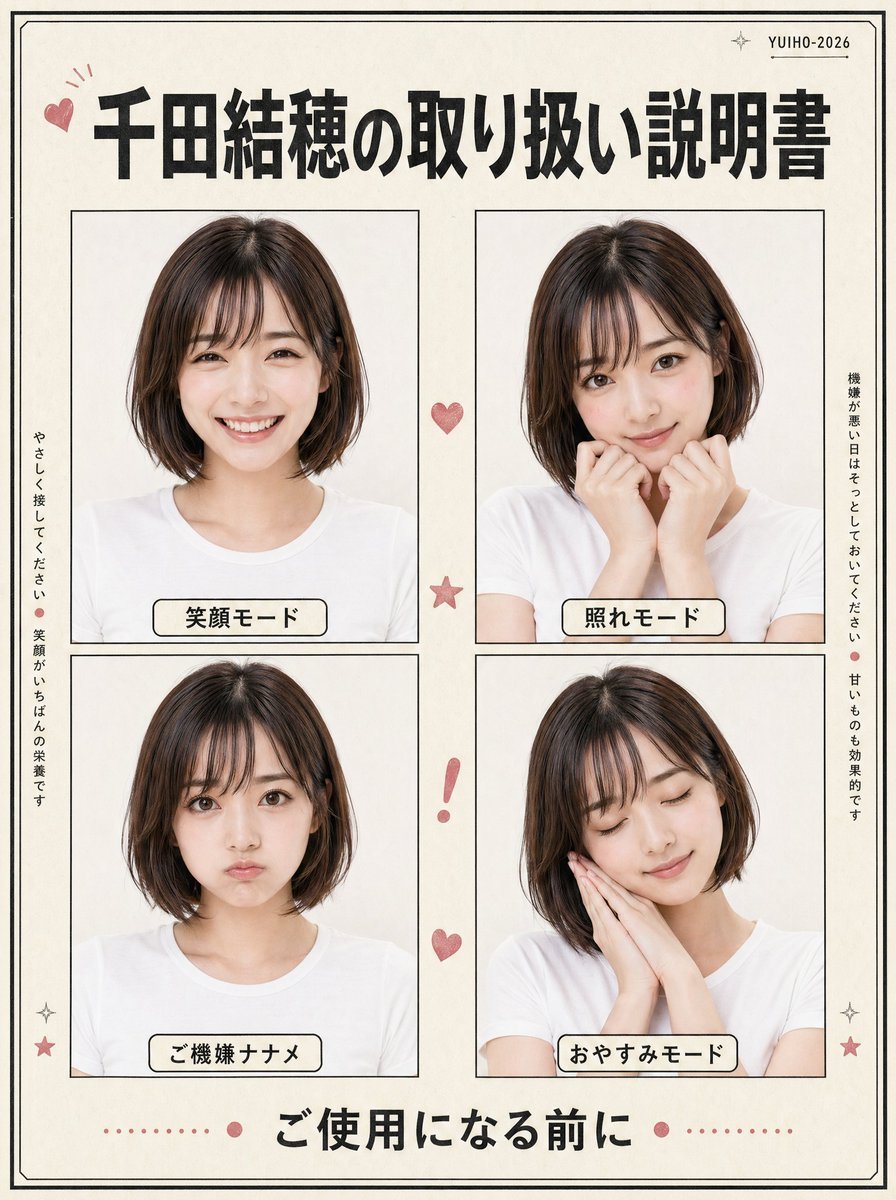
Japanese Character Manual Poster
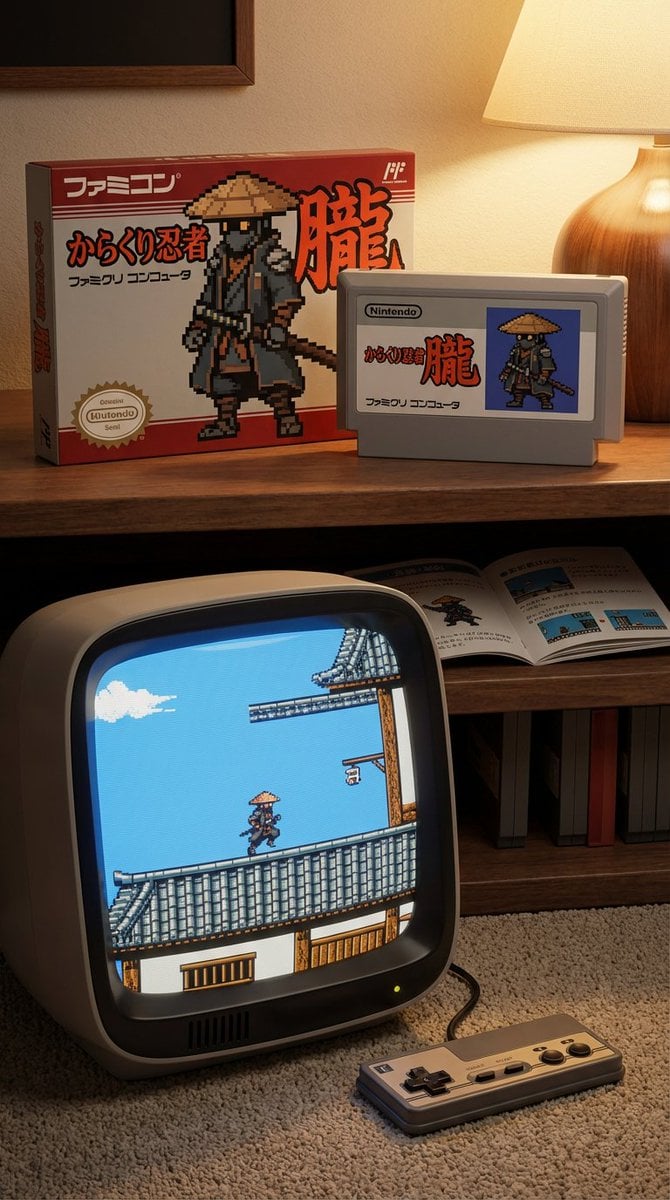
Famicom game box, cartridge, manual, and CRT screen (Japanese)

Japanese Film Reflection Idol

敦煌纸雕飞天 — 3D Layered Paper Cutout

博物馆图鉴式汉服拆解图 — GPT-image-2
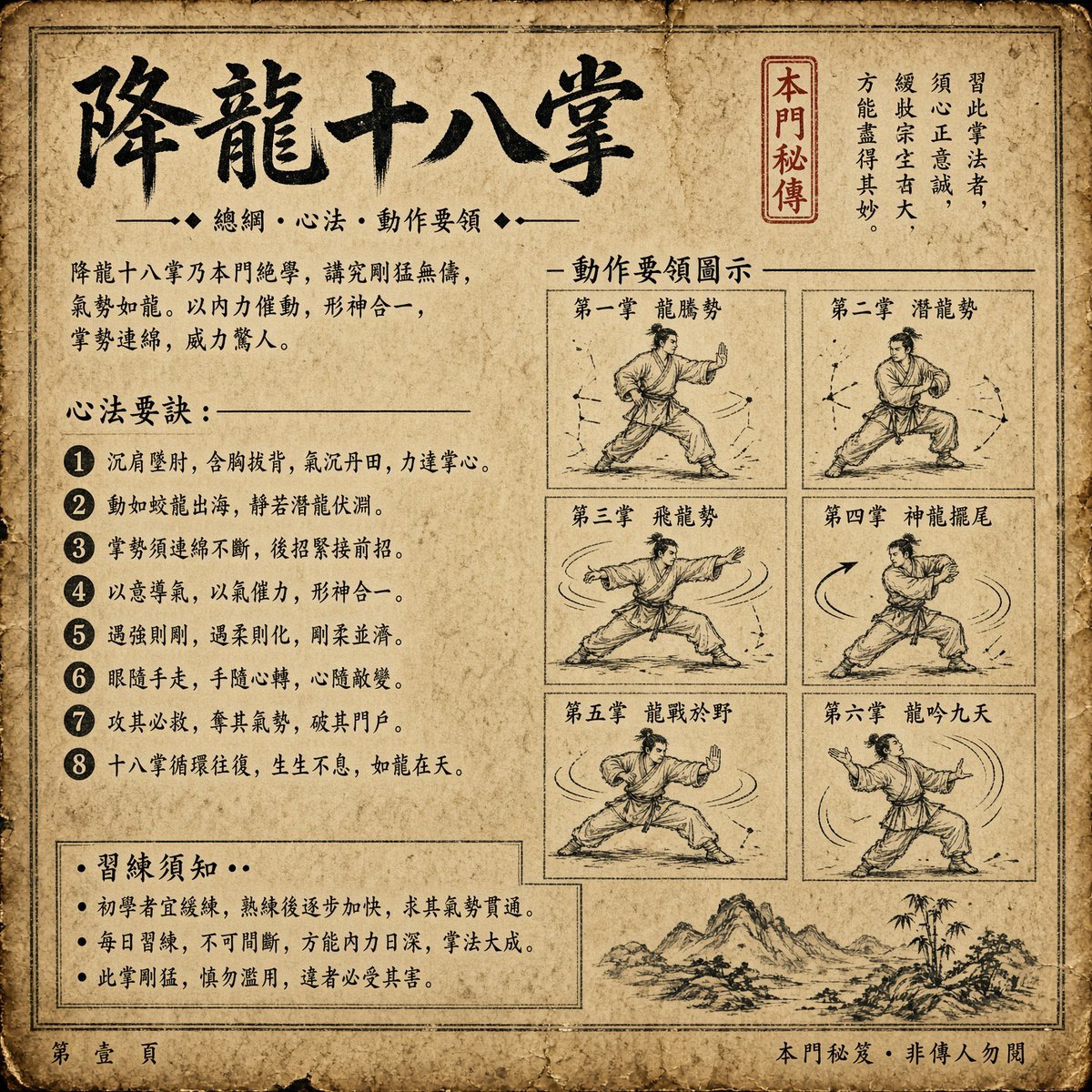
Ancient Dragon Palm Kung Fu Manual

Six VTuber Japanese Logo Sheet
Make it yours
Translate Japanese manual into Chinese leaflet works as-is. These are the safest ways to change it without losing the look.
Change one field
Copy a single group, rewrite it, and generate again so you can see what that field is doing.
Keep the frame, change the subject
Hold the composition and light of Translate Japanese manual into Chinese leaflet, then swap wardrobe, props or the person for a new take.
| If the result… | Why | Fix |
|---|---|---|
| The result drifts from the preview | Too many fields changed at once. | Reuse Translate Japanese manual into Chinese leaflet as-is first, then change one group — subject, light, or setting. |
| The model over-stylizes the scene | The prose prompt leaves finish and camera underspecified. | Add one camera or lighting sentence and stay on GPT Image 2. |
More GPT Image 2 templates
Other prompts made for GPT Image 2.

Realistic Portrait of Woman and Deer

The Vista Modular Condo Poster

AI Model Routing Comparison Infographic

2.5D Anime Art Board

Isometric Productivity Desk Scene

New York Double Exposure Poster

Four-Panel AI Landscape Comparison

NESCAFÉ Coffee Map Poster

Cinematic Luxury Terrace Portrait
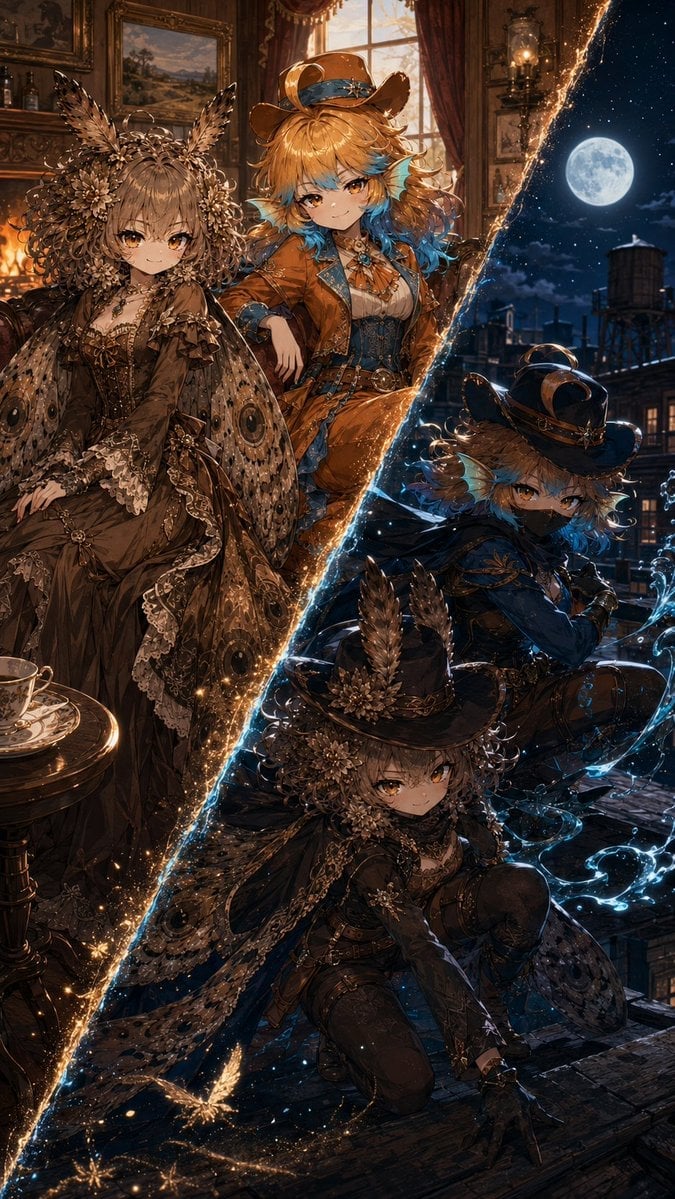
Superhero Era Transformation Split Portrait
More image prompts
Fresh picks from across the catalog.

Ultra-realistic Product Shot with Dramatic Split Lighting
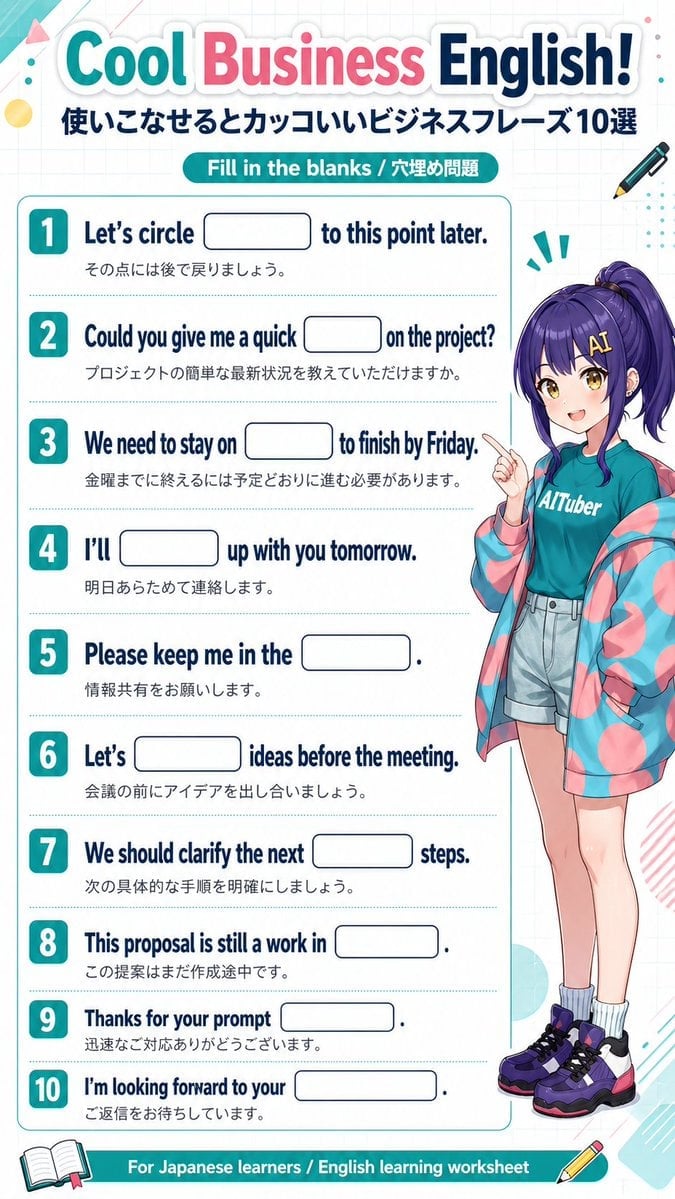
Anime Business English Worksheet

Hyper-realistic Portrait with Tom & Jerry 3D Characters

Stunning Photo Prompt for Gemini Nano Banana (Generic)
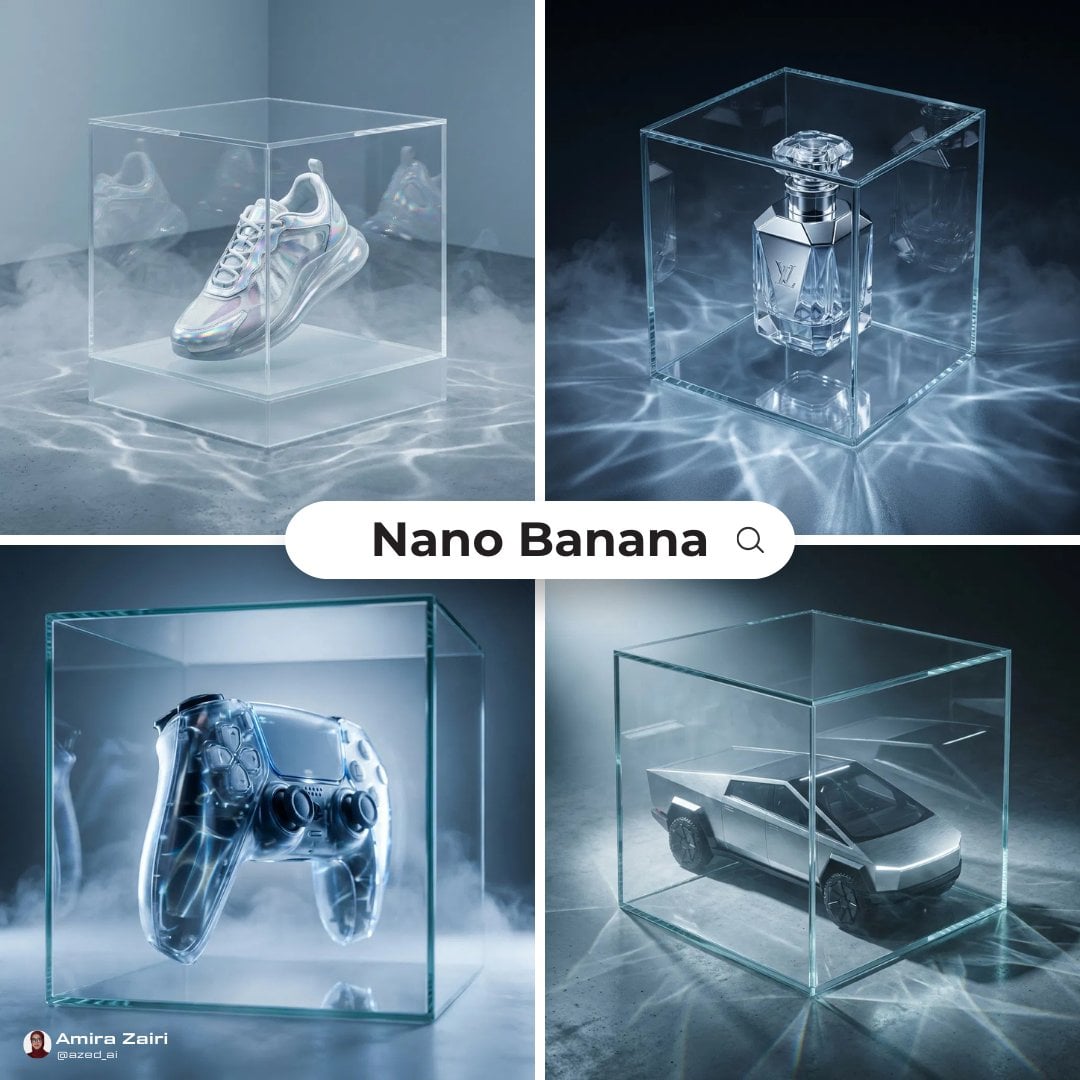
Futuristic High-End Ad Prompt
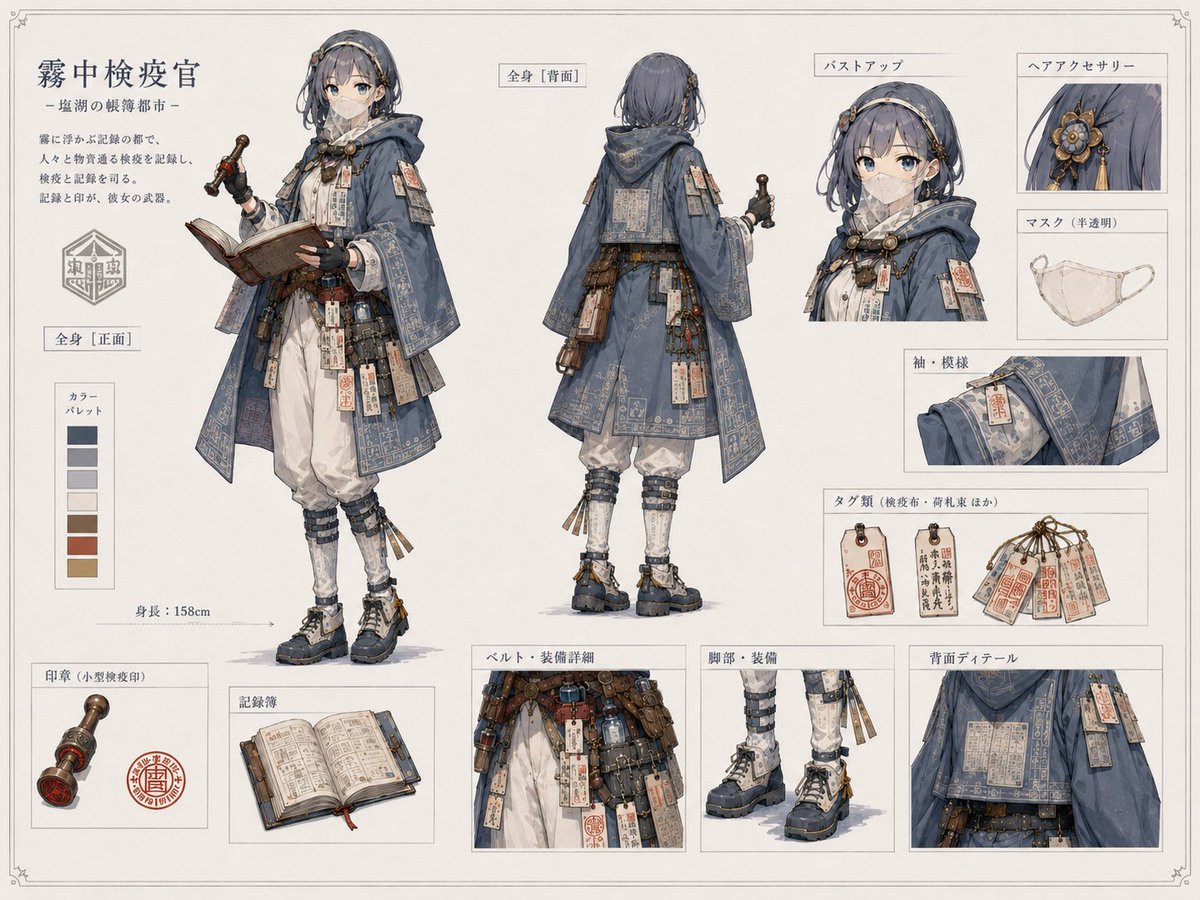
Realistic Character Proportion Adjustment
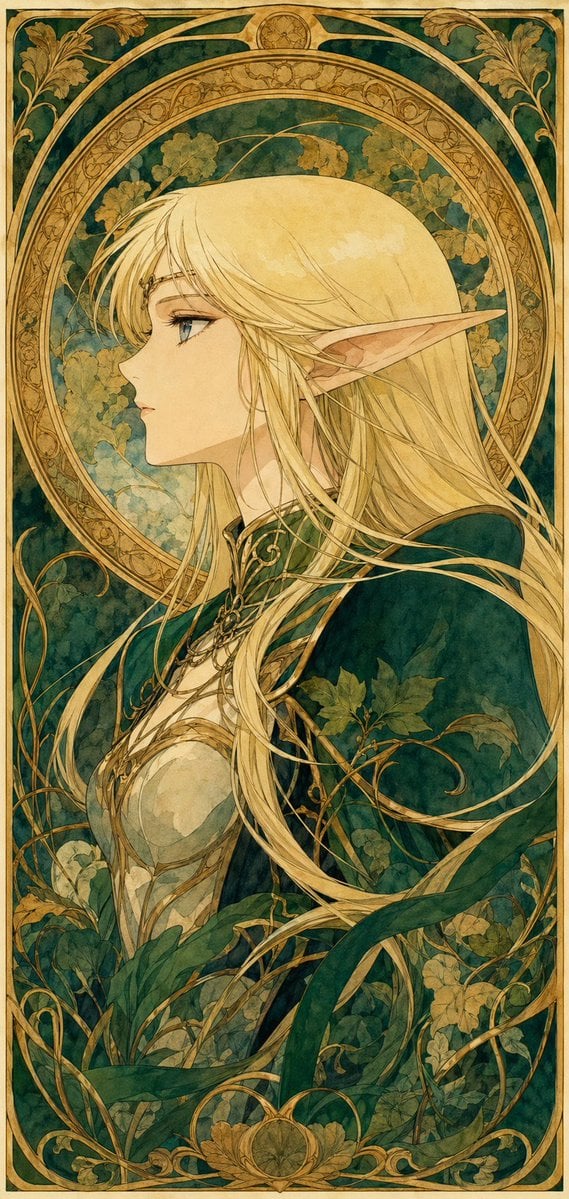
90s Anime Style Elf Warrior

Photorealistic Battle-Damaged Mech Prompt
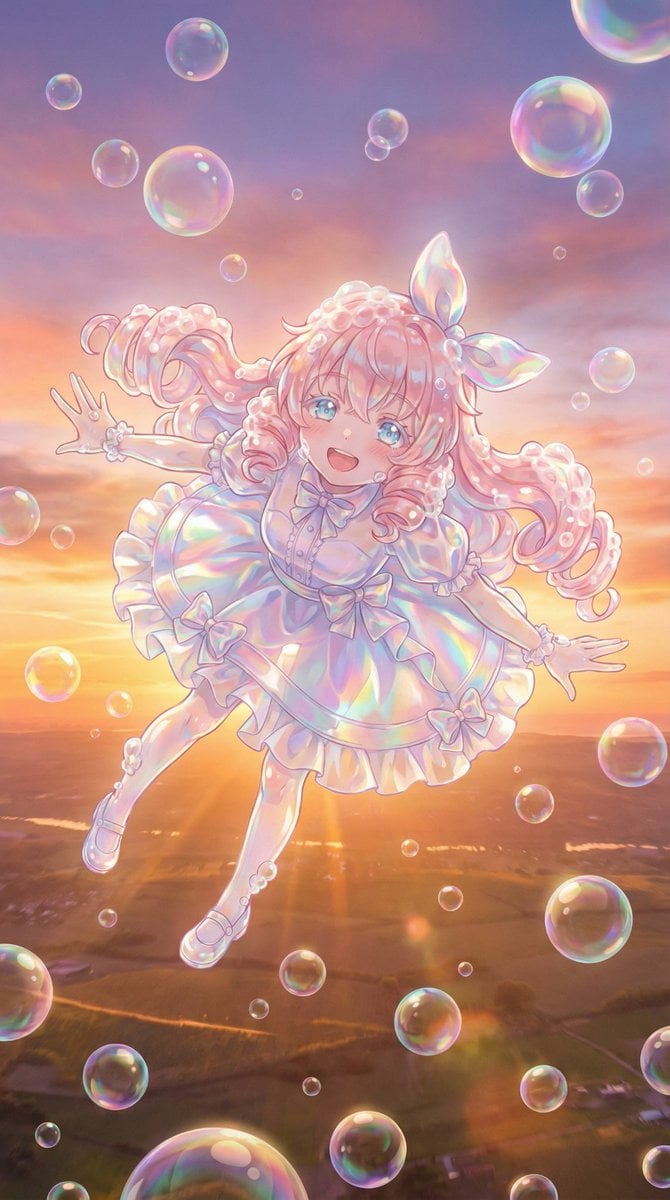
Bubble Transformation Narrative Prompt

Indian Ethnic Wear Portrait
Browse template categories
Translate Japanese manual into Chinese leaflet questions
How do I use the Translate Japanese manual into Chinese leaflet template?
Add your photo if the template asks for one, edit the prompt if you like — the template's model and format are already selected — and press Generate. Your version opens in PicX Studio.
Can I customize the Translate Japanese manual into Chinese leaflet template?
Yes. You can change the subject, setting, lighting, mood, format, and available model controls before creating your image.
Is the Translate Japanese manual into Chinese leaflet template free?
Opening and editing this template is free. Generating uses credits, shown on the Generate button when you are signed in.
Which AI model should I use?
Start with GPT Image 2, which is the model associated with this template. You can compare another compatible model for a different finish.
Looking for something else? Browse all templates.

Your photo, any look
Thousands of ready templates for every top image and video model, from one credit balance.