How do I use the Realistic Japanese Schoolgirl Classroom Portrait template?
Choose the primary action to open PicX Studio with the available template settings. Review the model and format, personalize the creative direction, and generate when ready.
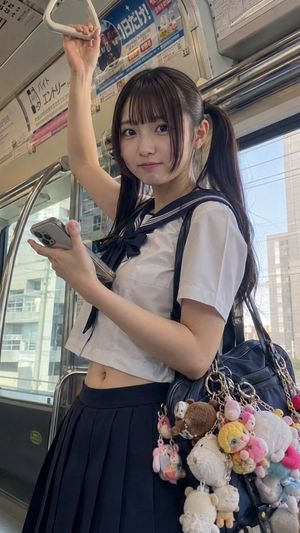
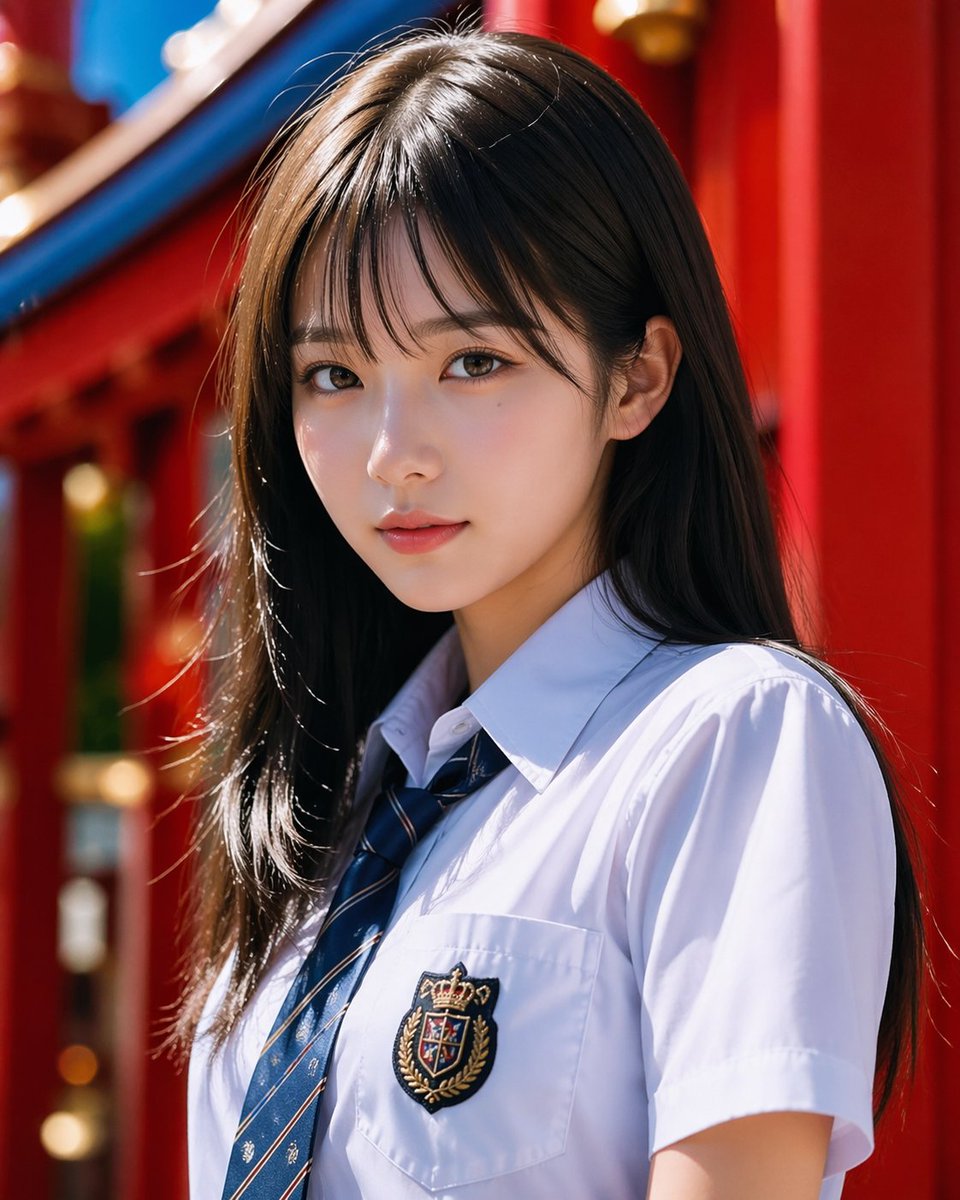
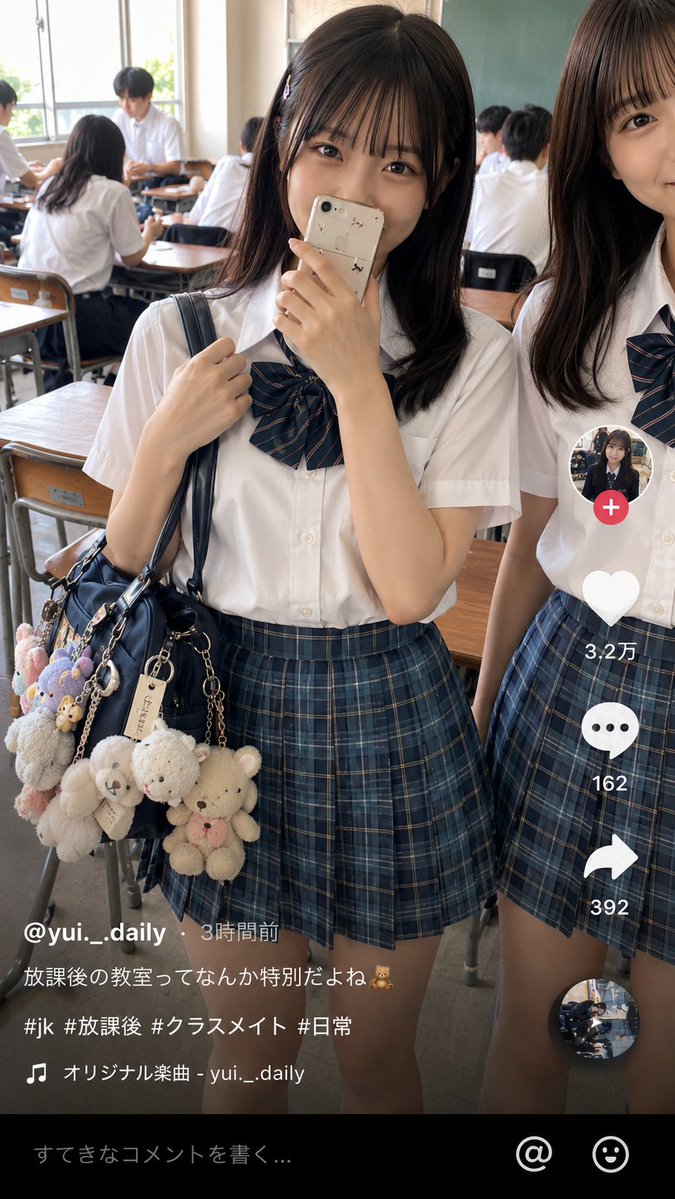
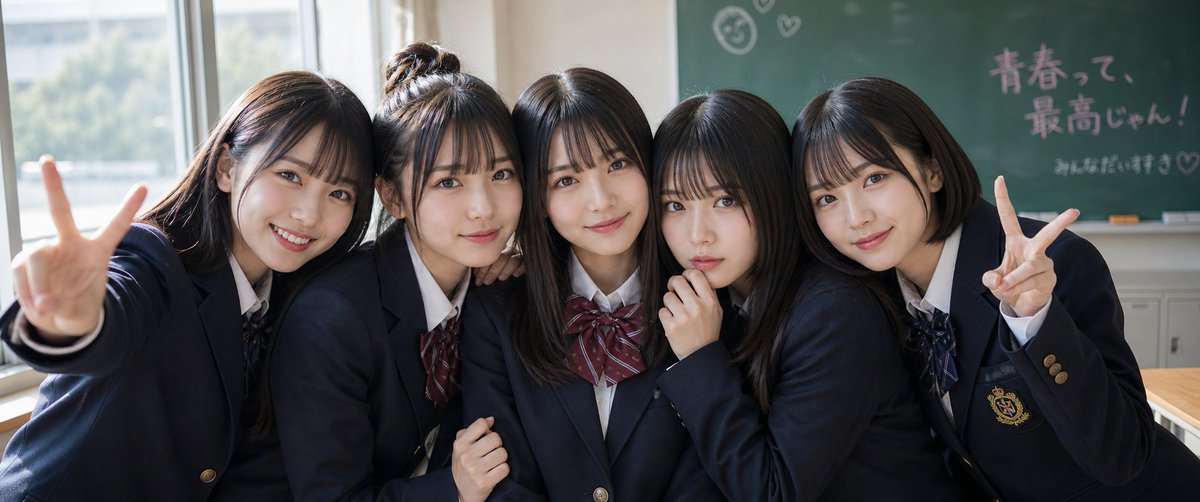
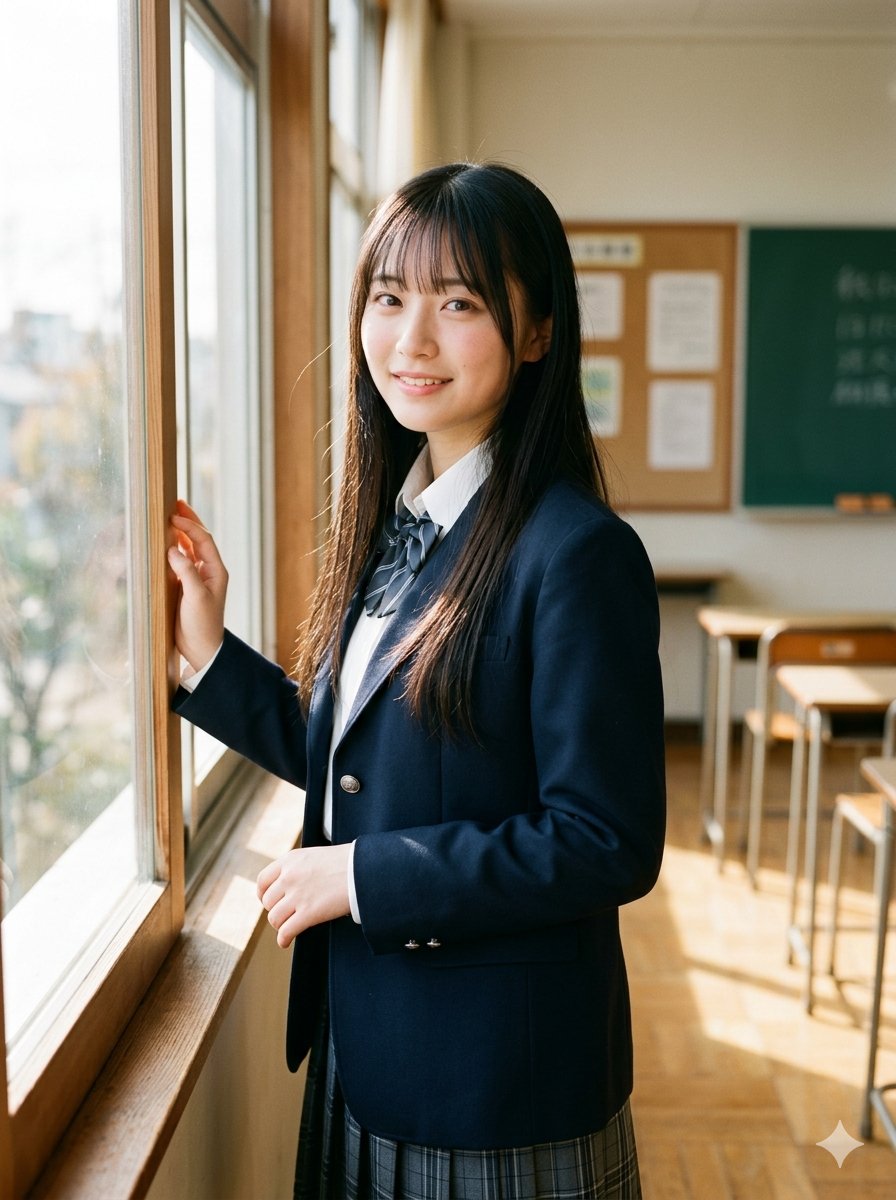
A photorealistic classroom portrait of a smiling Japanese schoolgirl in a sailor uniform waving at the camera, suitable for character or lifestyle image generat
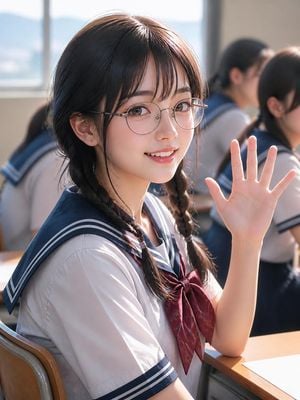
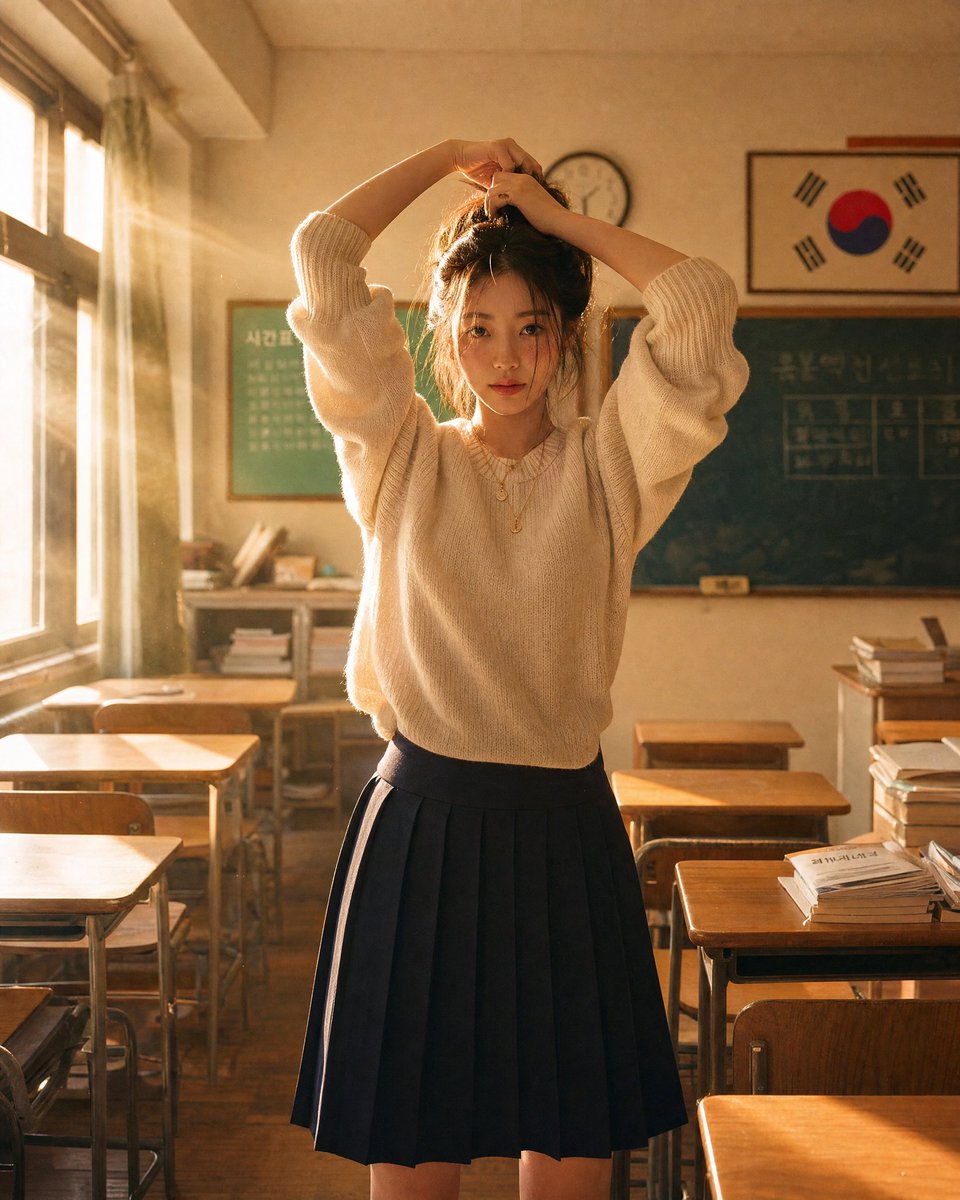
Create a highly realistic portrait-style image of a cheerful Japanese high school girl sitting at a classroom desk and turning toward the camera, smiling gently while raising one open hand in a friendly wave. She has {argument name="hair color" default="dark brown-black"} hair with soft bangs and two loose braided pigtails, large warm brown eyes, natural glossy lips, smooth skin, and thin round silver eyeglasses. She wears a classic Japanese sailor school uniform with a white short-sleeve blouse, navy sailor collar with double white stripes, matching navy sleeve trim, and a burgundy ribbon tie. The composition is a vertical 3:4 close-up from the waist up, with her face centered slightly left and her raised hand on the right side of the frame. Place her in a sunlit classroom with wooden desks and chairs, bright window light from the left/back, soft mountains or sky visible through the windows, and exactly 3 blurred classmates in similar sailor uniforms in the background. Use shallow depth of field, realistic skin texture, delicate hair strands, soft backlighting, natural lens bokeh, warm afternoon atmosphere, and DSLR portrait photography realism. Avoid text, watermark, extra fingers, distorted hands, anime exaggeration, or overly stylized rendering.
Choose the primary action to open PicX Studio with the available template settings. Review the model and format, personalize the creative direction, and generate when ready.
Yes. You can change the subject, setting, lighting, mood, format, and available model controls before creating your image.
This template is free to open and customize. Generation usage is shown in PicX Studio before you create.
Start with GPT Image 2, which is the model associated with this template. You can compare another compatible model for a different finish.
Follow a topic to a crawlable collection of related PicX Studio templates.