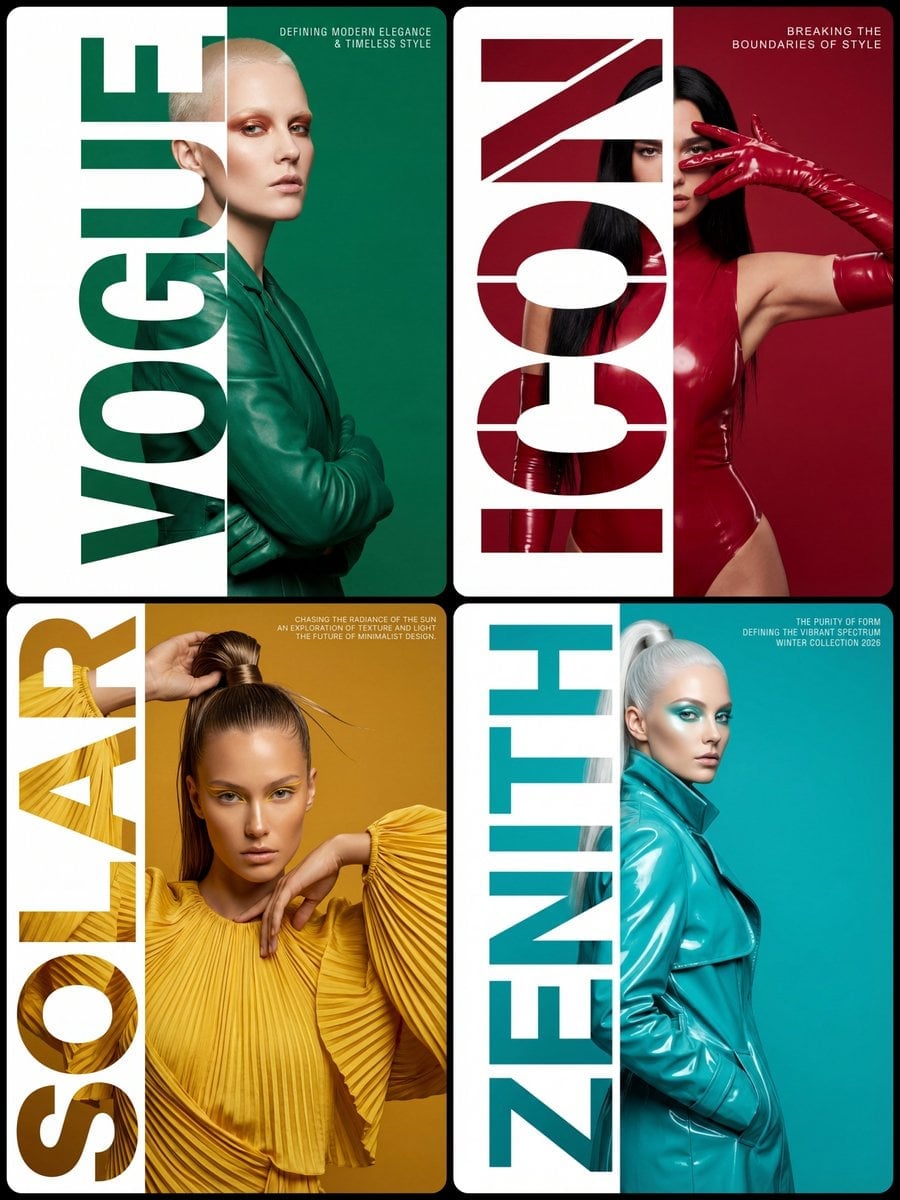
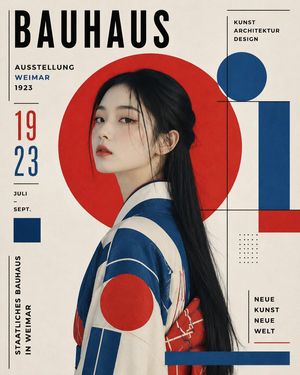
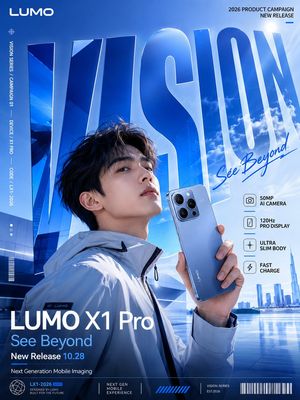
How do I use the Japanese Glamour Typography Poster template?
Choose the primary action to open PicX Studio with the available template settings. Review the model and format, personalize the creative direction, and generate when ready.
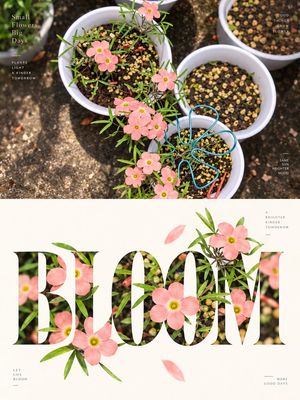
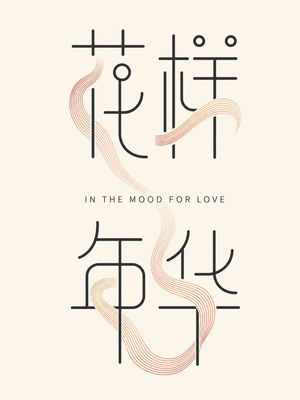
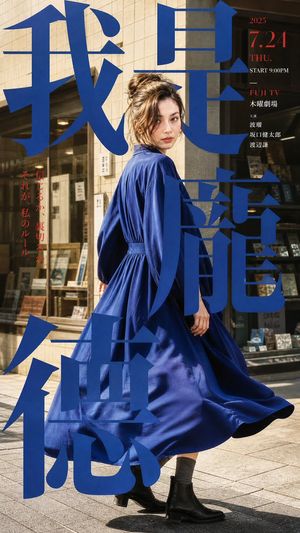
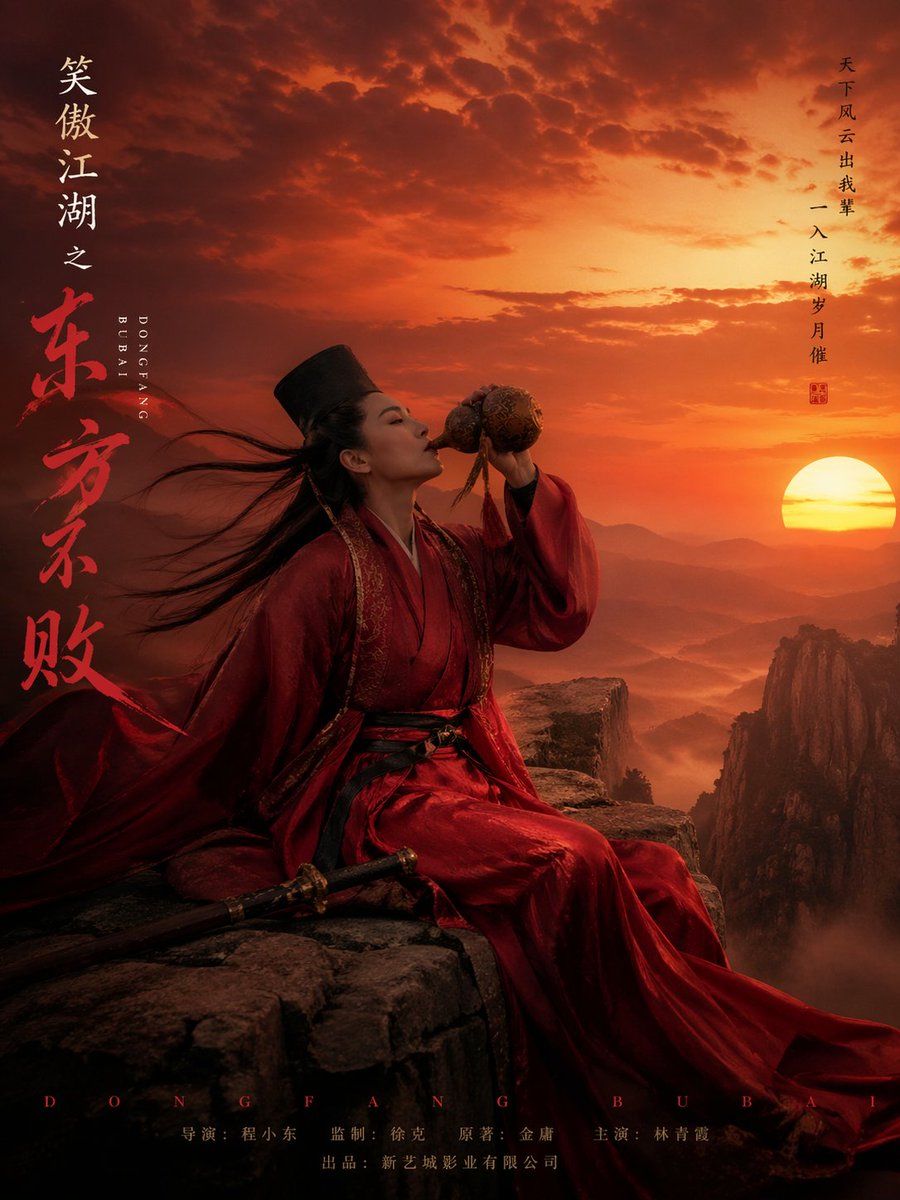
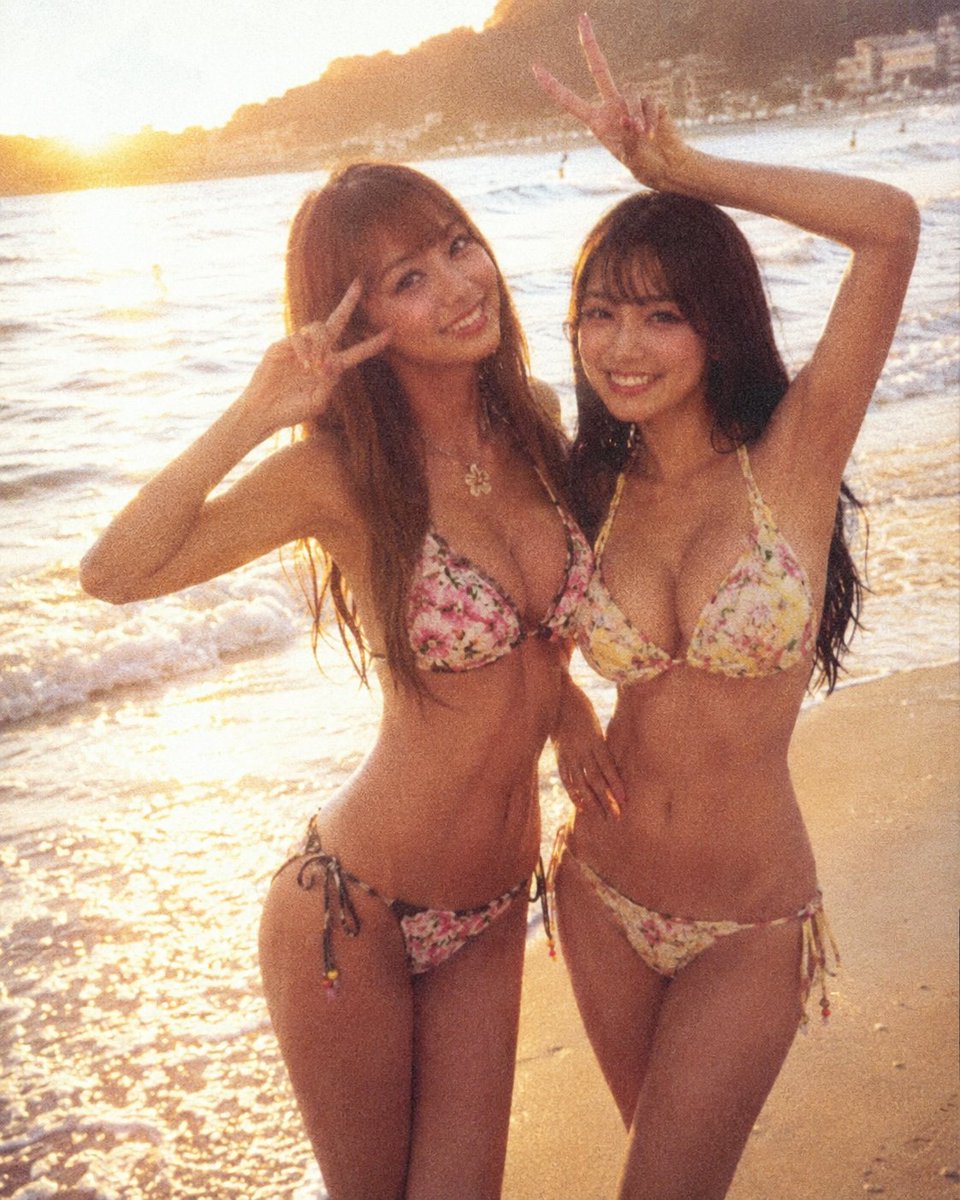
Generates a realistic studio portrait poster with bold distressed Japanese typography for an editorial fan-art or magazine-cover style image.

Create a clean editorial poster portrait of a beautiful Japanese woman, {argument name="character name" default="Anri Okita"}, standing centered against an off-white studio background, facing the camera with a soft confident smile. She has shoulder-length wavy dark brown hair parted to one side, pale luminous skin, subtle natural makeup, small hoop earrings, and a delicate necklace with a tiny circular pendant. She wears a ribbed dusty-rose camisole with thin straps and high-waisted light beige jeans, hands held behind her back, cropped from head to upper thighs. Use a mostly monochrome black-and-white photographic look with only the camisole softly colorized in muted rose and the jeans lightly warm beige. Behind her, place oversized bold Japanese typography in distressed black ink: exactly 4 large visible characters total, with one giant brush-calligraphy character on the left reading {argument name="left calligraphy character" default="沖"}, two huge block characters on the right reading {argument name="right top and bottom characters" default="田 杏梨"}, and one small printed signature at bottom left reading {argument name="small signature text" default="沖田"}. The typography should be partially hidden behind the figure, with rough ink texture, grunge speckles, and strong graphic contrast. Composition: square 4:3-ish poster crop, minimal background, sharp realistic portrait lighting, high-end magazine cover aesthetic, no extra props, no watermark, no additional text.
Choose the primary action to open PicX Studio with the available template settings. Review the model and format, personalize the creative direction, and generate when ready.
Yes. You can change the subject, setting, lighting, mood, format, and available model controls before creating your image.
This template is free to open and customize. Generation usage is shown in PicX Studio before you create.
Start with GPT Image 2, which is the model associated with this template. You can compare another compatible model for a different finish.
Follow a topic to a crawlable collection of related PicX Studio templates.