
Viral Mascot Reels Grid
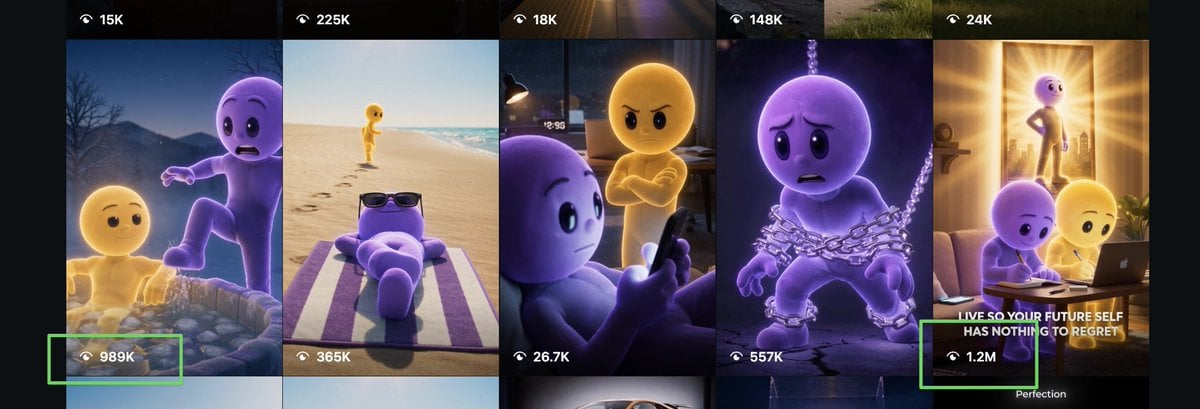
Generates a wide social-media thumbnail grid featuring two recurring 3D mascot characters in cinematic viral video scenes with highlighted view counts.
- Prompt included
- Model and format preset
- Free template
The prompt behind this image
Copy the exact prompt behind Viral Mascot Reels Grid, or open it in the studio and make it yours.
Goal: Create a wide social-media analytics collage showing a grid of viral vertical video thumbnails featuring two recurring 3D animated mascot characters, one yellow and one purple, in emotional cinematic scenes. Canvas: Extra-wide landscape screenshot composition, approximately 3:1 aspect ratio, dark app-like background with six tall vertical reel thumbnails cropped side by side. Use a polished Instagram/Reels discovery-page feel, with high-quality animated-film lighting and dramatic storytelling thumbnails. Layout: Show exactly 6 visible vertical video cards across the canvas, separated by thin dark gutters. Each card has a small white eye/play-style icon with a view count overlay near the top or bottom. Add exactly 2 bright neon-green rectangular highlight boxes around high-performing view-count labels: one around “989K” near the lower left, and one around “1.2M” near the lower right. Subject details: The recurring heroes are two smooth, rounded, faceless-but-expressive humanoid cartoon characters: {argument name="yellow character" default="a glowing golden-yellow humanoid mascot"} and {argument name="purple character" default="a soft lavender-purple humanoid mascot"}. They have simple black oval eyes, rounded heads, childlike bodies, and Pixar-like expressive poses. No clothing except occasional props. Six thumbnail scenes, left to right: 1. A nighttime mountain or lake scene where the purple character looks frightened while stepping forward near water or rocks, with the yellow character lower in the frame; overlay view counts “15K” at the top and “989K” at the bottom, with the bottom count highlighted in green. 2. A bright beach scene with the yellow character walking along the shoreline in the distance while the purple character relaxes on a striped towel wearing dark sunglasses; overlay view counts “225K” at the top and “365K” near the bottom. 3. A dim bedroom scene where the purple character sits close to camera holding a phone while the yellow character stands behind with arms crossed and an angry expression; overlay view counts “18K” at the top and “26.7K” near the bottom. 4. A dark dramatic scene where the purple character is wrapped in heavy silver chains, looking sad and trapped; overlay view counts “148K” at the top and “557K” near the bottom. 5. A warm inspirational living-room scene with sunlight streaming through a doorway, showing the yellow character standing confidently in the background while the purple and yellow characters sit at a laptop in the foreground; include the bold white caption {argument name="thumbnail caption" default="LIVE SO YOUR FUTURE SELF HAS NOTHING TO REGRET"} and overlay view count “1.2M” highlighted in green. 6. The far-right edge continues the warm scene crop, showing dark app margins and a small partial label near the bottom reading “Perfection.” Visual style: High-quality 3D animation, cinematic lighting, glossy soft materials, emotional storytelling, viral motivational short-video thumbnail aesthetic, strong contrast between purple and golden-yellow characters, realistic depth of field, dramatic rim lights, polished social media screenshot realism. Constraints: Include exactly 6 vertical thumbnails, exactly 10 visible view-count labels total: “15K”, “225K”, “18K”, “148K”, “24K”, “989K”, “365K”, “26.7K”, “557K”, and “1.2M”. Keep all UI text white, use black translucent overlay bars at the top and bottom, and do not add extra characters or extra view counts.
How to use Viral Mascot Reels Grid in 3 steps
- 1Upload ImagePNG, JPG or paste
Add your photo
Upload the photo the template builds on. The prompt, model and format are already set.
- 2…a portrait of your subject in softgolden-hour light, 85mm…
Personalize
Edit the subject and creative details for your destination.
- 3Generate
Generate
Press Generate — your image is created in PicX Studio, so you can compare it with the original and refine one variable at a time.
More like this
Templates with the same subject, style or setup. Open one to see its prompt.

Paris Travel Collage Grid - Face Reference

B&W Photobooth Expression Grid 4x4 — Nano Banana

Gen Z TikTok Viral Expression Grid 4x4 — Nano Banana
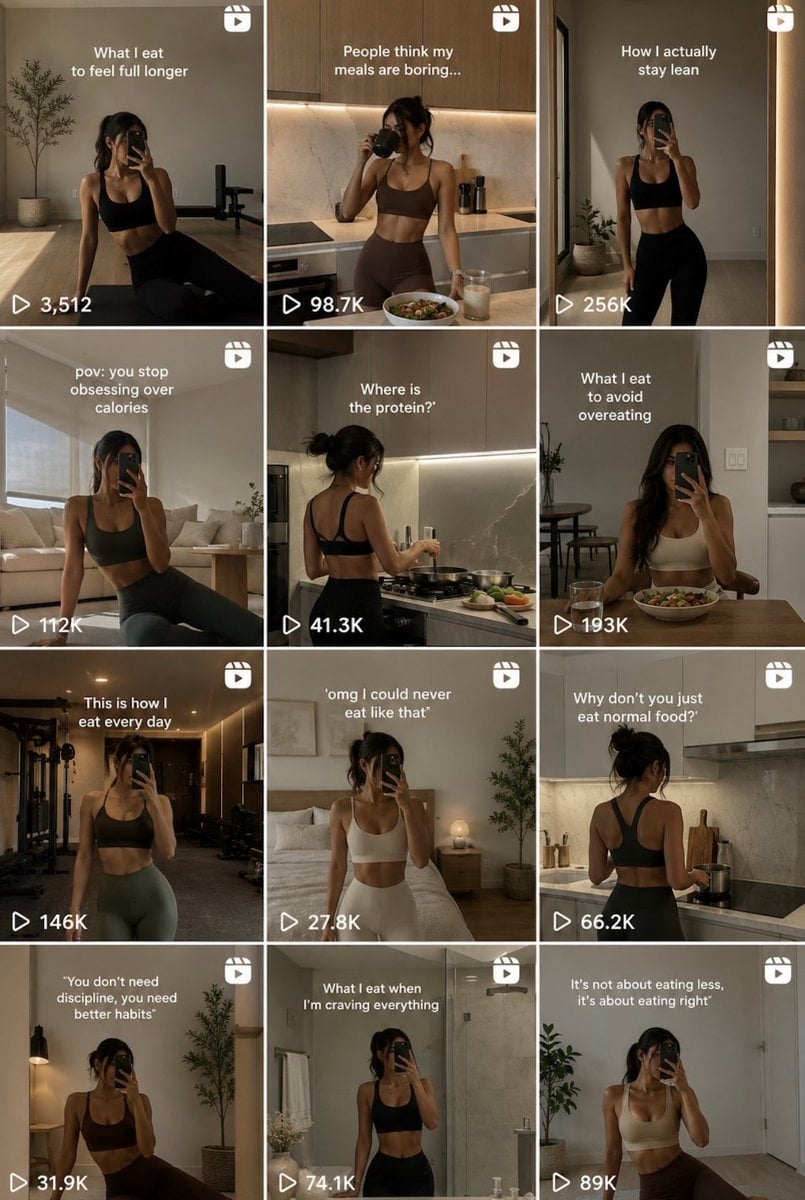
Fitness Influencer Reels Grid

Mirror Selfie Chibi Characters Pixar Style

Anime Rain Poncho Parade

Anime Street Performer Magic

Anime Ferry Boat Arrival

Anime Hidden Mickey Hunt

Anime Popcorn Cart Hero

Anime Nighttime Projection

Anime Character Meet Tent
Make it yours
Viral Mascot Reels Grid works as-is. These are the safest ways to change it without losing the look.
Change one field
Copy a single group, rewrite it, and generate again so you can see what that field is doing.
Keep the frame, change the subject
Hold the composition and light of Viral Mascot Reels Grid, then swap wardrobe, props or the person for a new take.
| If the result… | Why | Fix |
|---|---|---|
| The result drifts from the preview | Too many fields changed at once. | Reuse Viral Mascot Reels Grid as-is first, then change one group — subject, light, or setting. |
| The model over-stylizes the scene | The prose prompt leaves finish and camera underspecified. | Add one camera or lighting sentence and stay on GPT Image 2. |
More GPT Image 2 templates
Other prompts made for GPT Image 2.

Six VTuber Japanese Logo Sheet

Realistic Portrait of Woman and Deer

The Vista Modular Condo Poster

AI Model Routing Comparison Infographic

2.5D Anime Art Board

Isometric Productivity Desk Scene

New York Double Exposure Poster

Four-Panel AI Landscape Comparison

Japanese Tatami Lifestyle Magazine Cover

NESCAFÉ Coffee Map Poster
More image prompts
Fresh picks from across the catalog.
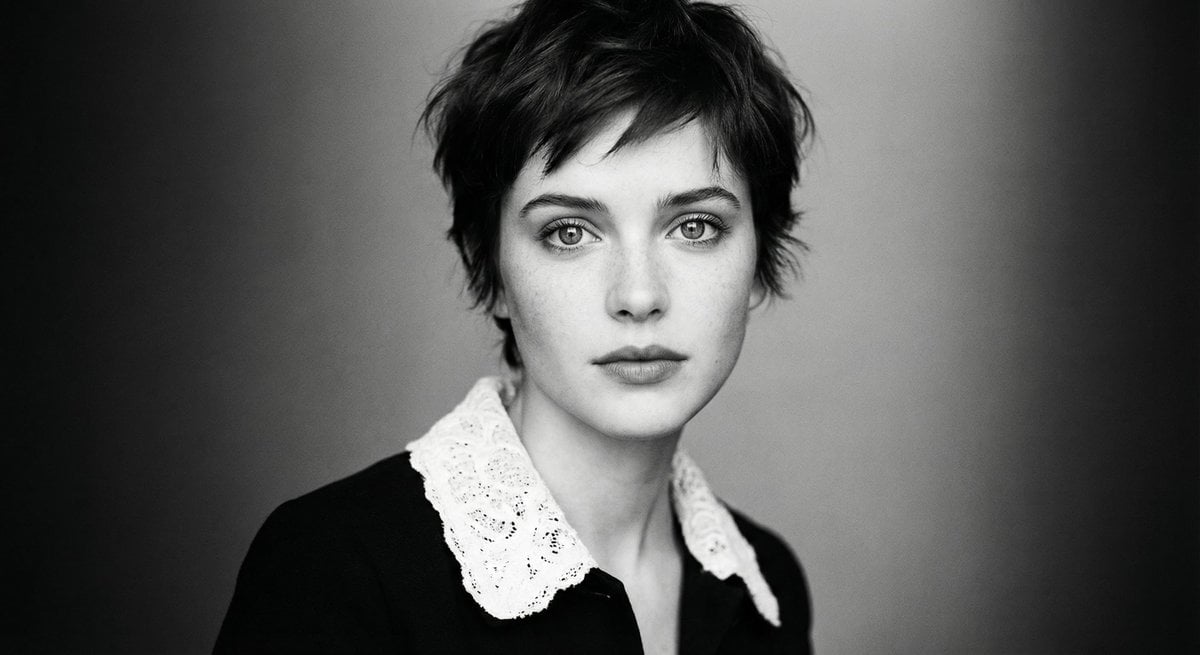
Monochrome cinematic portrait of young woman

Dreamy Oriental female portrait prompt
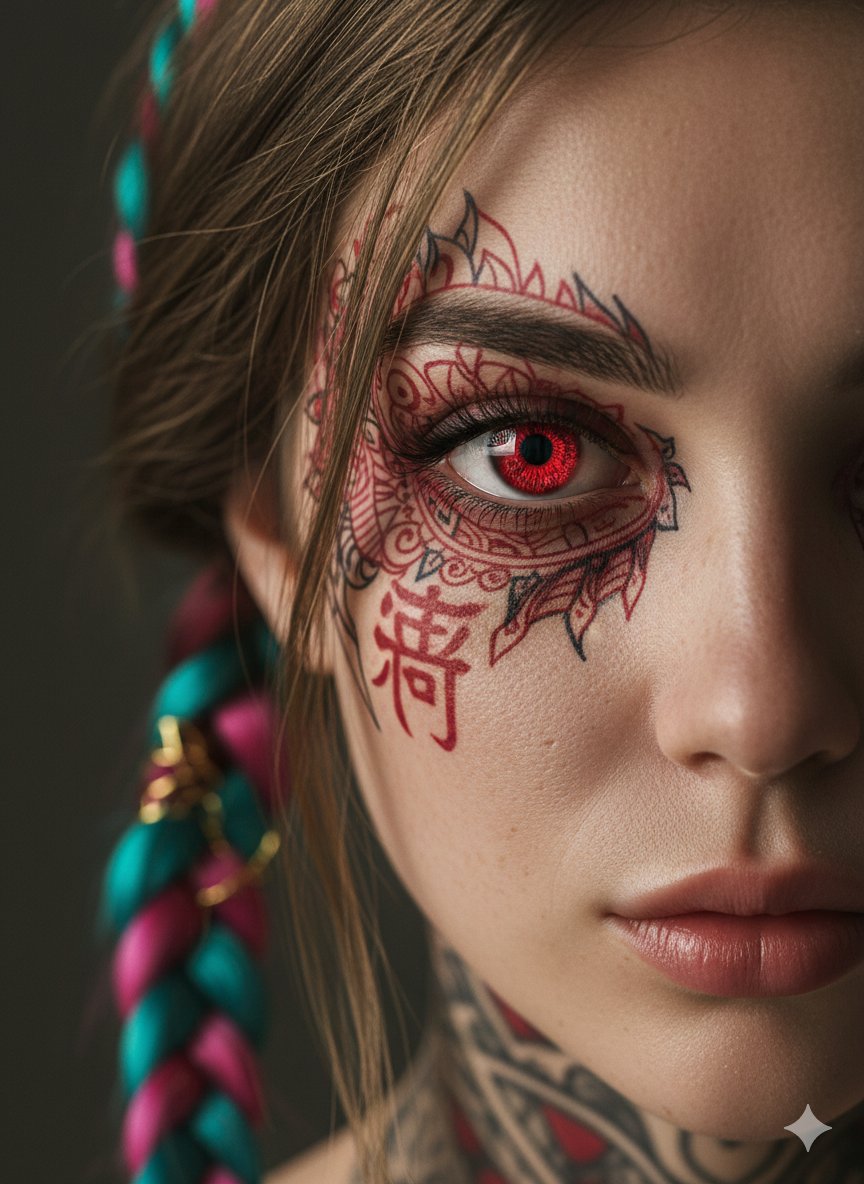
Extreme Close-Up Cinematic Portrait with Tattoos and Red Eye
Resident Evil Rocket Launcher with Ethereal Mobs
Ultra-Realistic Fashion Beauty Crop
Ice Dragon and the Sailers - Seedance 2.0

Realistic Photo with Face Swap and Cinematic Lighting
Skincare Commercial Storyboard
Editorial denim portrait preserving face identity
Clay Velocity Product Ad
Browse template categories
Viral Mascot Reels Grid questions
How do I use the Viral Mascot Reels Grid template?
Add your photo if the template asks for one, edit the prompt if you like — the template's model and format are already selected — and press Generate. Your version opens in PicX Studio.
Can I customize the Viral Mascot Reels Grid template?
Yes. You can change the subject, setting, lighting, mood, format, and available model controls before creating your image.
Is the Viral Mascot Reels Grid template free?
Opening and editing this template is free. Generating uses credits, shown on the Generate button when you are signed in.
Which AI model should I use?
Start with GPT Image 2, which is the model associated with this template. You can compare another compatible model for a different finish.
Looking for something else? Browse all templates.

Your photo, any look
Thousands of ready templates for every top image and video model, from one credit balance.