
3D Pop-Art Comic Poster Collage
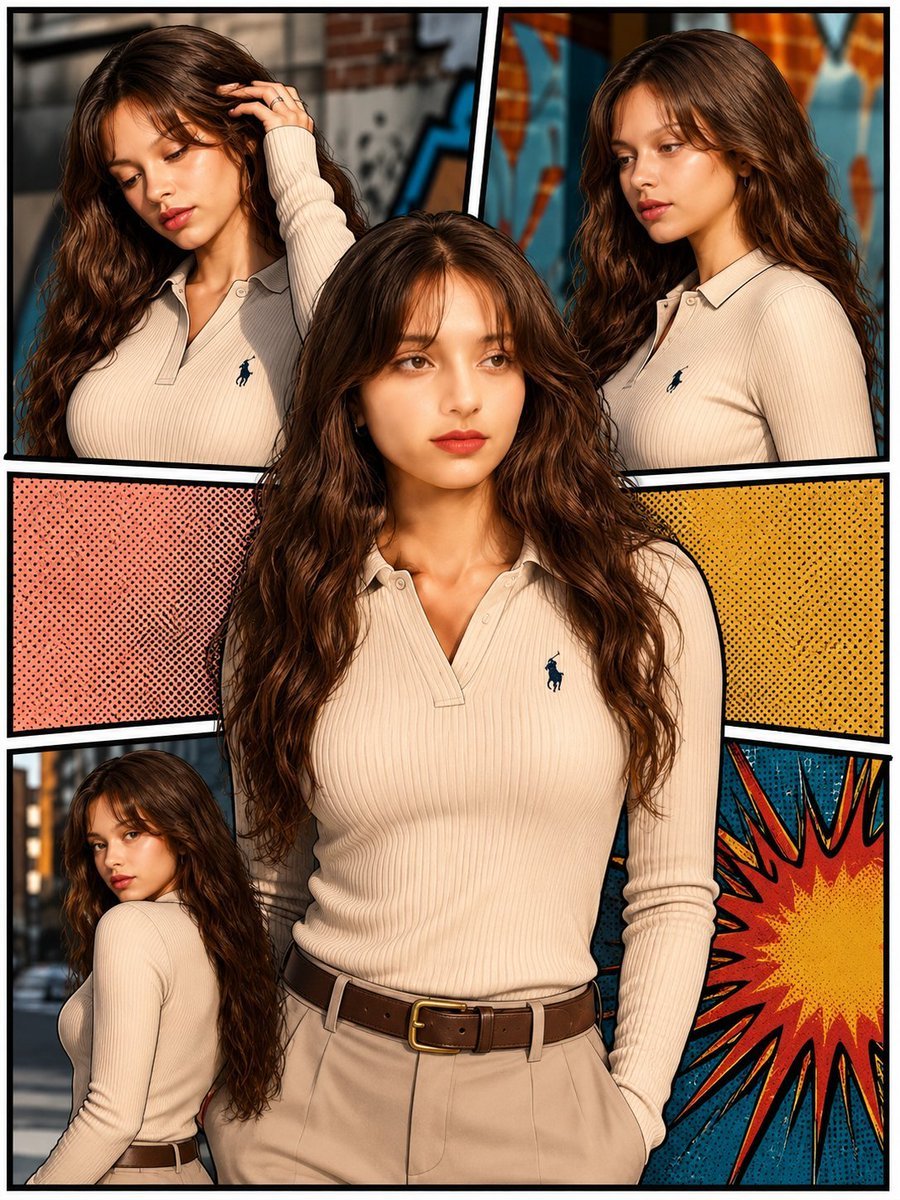
A prompt for a dynamic multi-panel 3D pop-art comic poster featuring the same subject in various poses with a graffiti background.
- Prompt included
- Model and format preset
- Free template
The prompt behind this image
Copy the exact prompt behind 3D Pop-Art Comic Poster Collage, or open it in the studio and make it yours.
Create an ultra-realistic 3D pop-art comic poster collage featuring the same young woman consistently across every panel. She has long, naturally wavy dark brown hair with soft curtain bangs, warm fair-to-medium skin, delicate facial features, expressive brown eyes, and a calm, confident expression. She is wearing a {argument name="clothing" default="fitted cream/beige ribbed long-sleeve collared polo shirt"} with a small dark embroidered horse logo, paired with high-waisted beige trousers and a classic brown leather belt with a gold buckle. Design the image as a dynamic multi-panel comic-book collage with thick black borders separating each frame. Include several different poses and angles of the same woman: a close-up portrait, a three-quarter profile, a relaxed standing pose, and a smaller seated/back-facing pose. The central portrait should be the main focus and significantly larger than the surrounding panels. Use a {argument name="background" default="stylish urban graffiti background"} with colorful comic-book panels, halftone dot textures, pink and yellow graphic sections, and a bold blue-red-yellow explosion pattern. Maintain realistic skin texture, detailed hair strands, natural facial proportions, realistic fabric texture, cinematic lighting, sharp focus, and polished editorial photography quality while preserving the graphic {argument name="style" default="pop-art aesthetic"}. Composition: vertical poster, full-body and half-body framing mixed across panels, symmetrical and visually balanced layout, central subject dominant, clean black panel outlines, no extra thumbnail image, no duplicated reference photo, no unwanted text, no watermark. Style: ultra-realistic photography + premium 3D pop-art comic aesthetic, highly detailed, vibrant, cinematic, crisp, professional fashion editorial, 8K quality.
How to use 3D Pop-Art Comic Poster Collage in 3 steps
- 1Upload ImagePNG, JPG or paste
Add your photo
Upload the photo the template builds on. The prompt, model and format are already set.
- 2…a portrait of your subject in softgolden-hour light, 85mm…
Personalize
Edit the subject and creative details for your destination.
- 3Generate
Generate
Press Generate — your image is created in PicX Studio, so you can compare it with the original and refine one variable at a time.
More like this
Templates with the same subject, style or setup. Open one to see its prompt.

Urban Fashion Editorial Collage Streetwear Poster
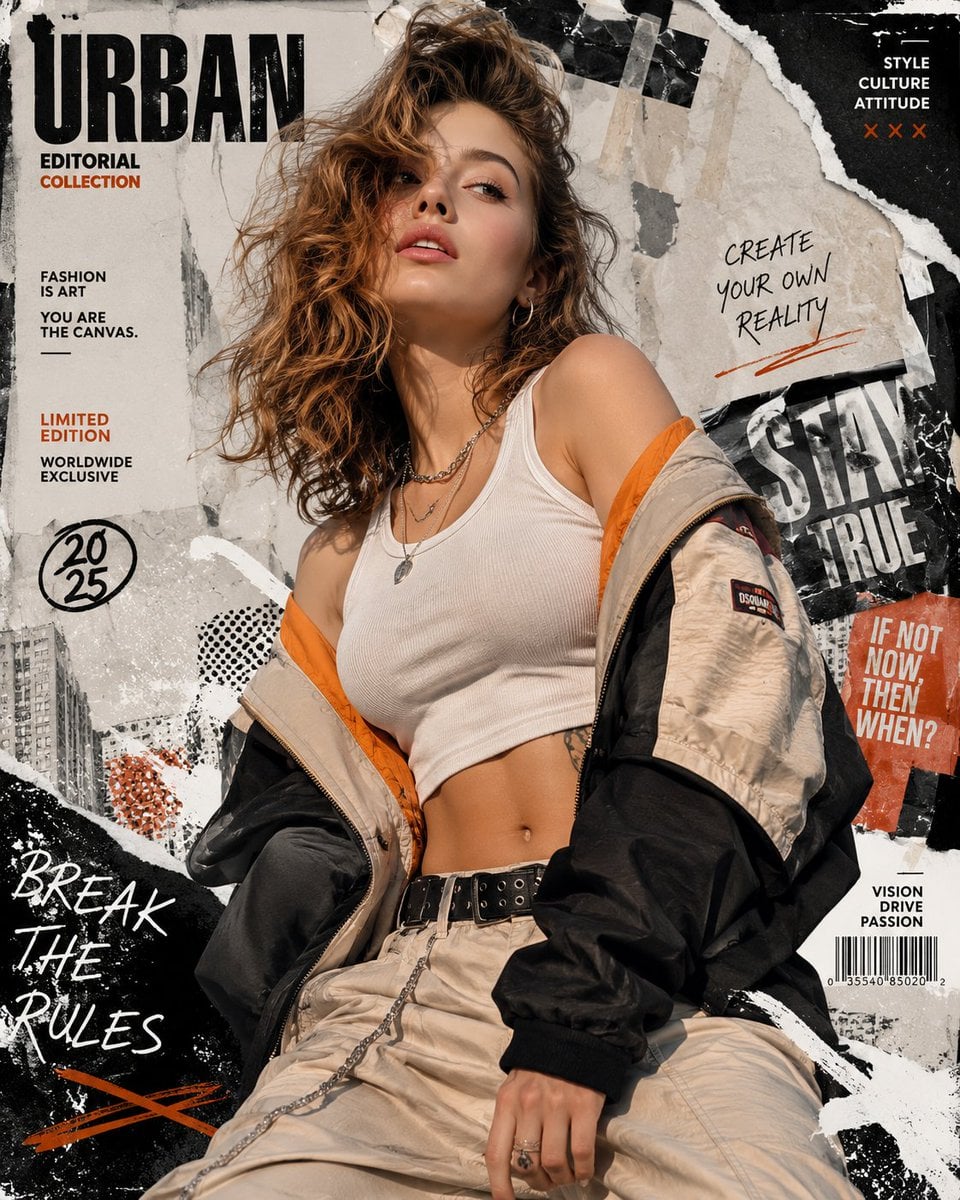
Urban Fashion Editorial Collage Poster

Usa Cinematic Hyperreal Collage Poster

Japan Travel Brochure Poster
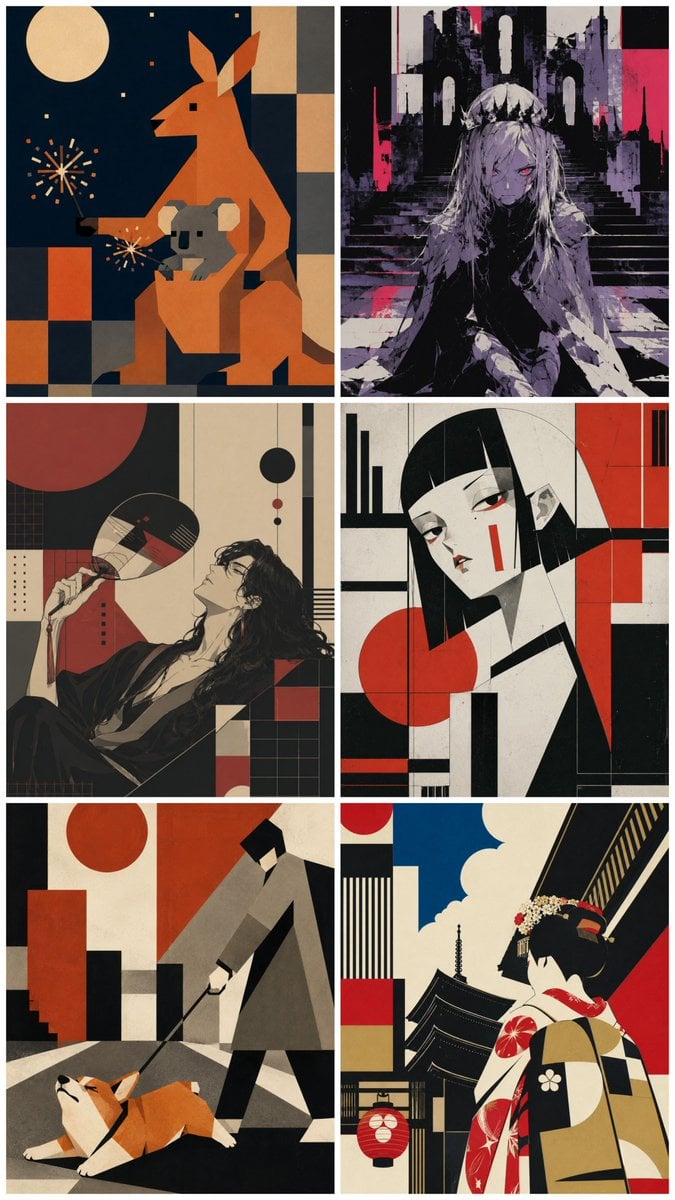
Six-Panel Retro Japanese Poster Collage

Paper Cut Finale Fireworks
Paper Cut Garden Maze
Paper Cut Rooftop Concert

Paper Cut Bicycle Coast
Paper Cut Castle Gate

Paper Cut Kitchen Chaos
Paper Cut Carnival Ride
Make it yours
3D Pop-Art Comic Poster Collage works as-is. These are the safest ways to change it without losing the look.
Change one field
Copy a single group, rewrite it, and generate again so you can see what that field is doing.
Keep the frame, change the subject
Hold the composition and light of 3D Pop-Art Comic Poster Collage, then swap wardrobe, props or the person for a new take.
| If the result… | Why | Fix |
|---|---|---|
| The result drifts from the preview | Too many fields changed at once. | Reuse 3D Pop-Art Comic Poster Collage as-is first, then change one group — subject, light, or setting. |
| The model over-stylizes the scene | The prose prompt leaves finish and camera underspecified. | Add one camera or lighting sentence and stay on GPT Image 2. |
More GPT Image 2 templates
Other prompts made for GPT Image 2.

Six VTuber Japanese Logo Sheet

Realistic Portrait of Woman and Deer

The Vista Modular Condo Poster

AI Model Routing Comparison Infographic

2.5D Anime Art Board

Isometric Productivity Desk Scene

New York Double Exposure Poster

Four-Panel AI Landscape Comparison

Japanese Tatami Lifestyle Magazine Cover

NESCAFÉ Coffee Map Poster
More image prompts
Fresh picks from across the catalog.
1980s US import anime style
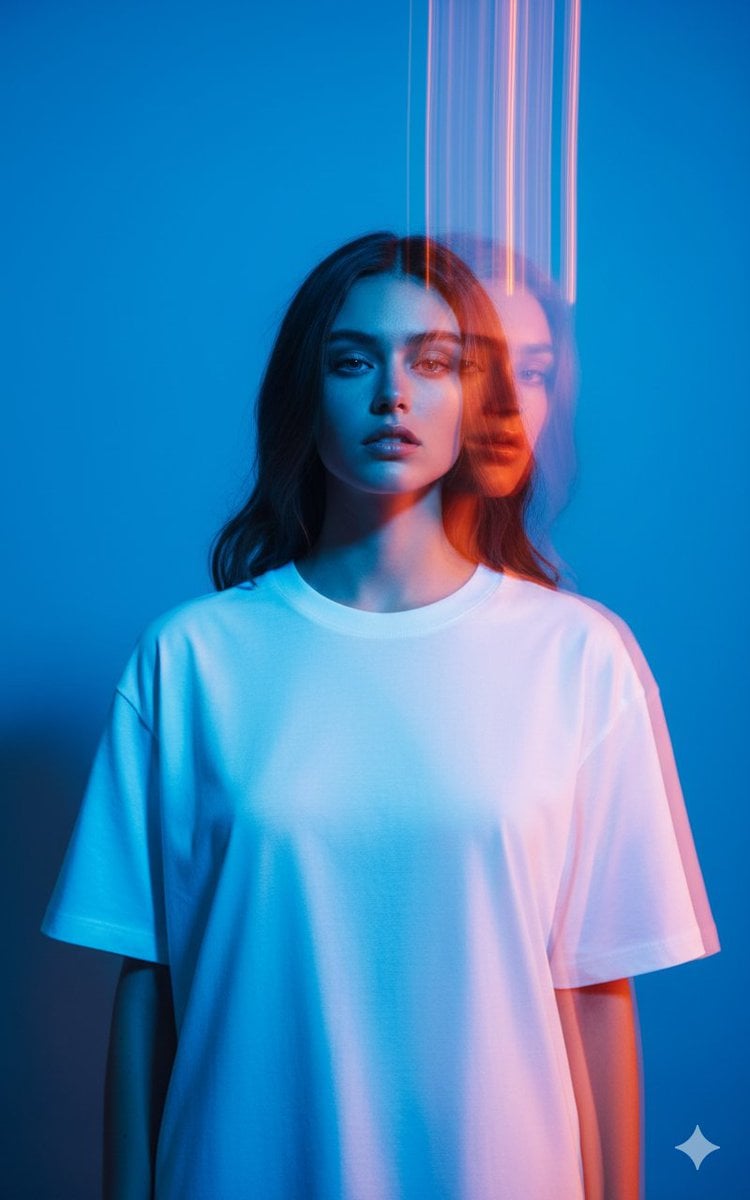
High-Fashion Multi-Exposure Portrait Prompt
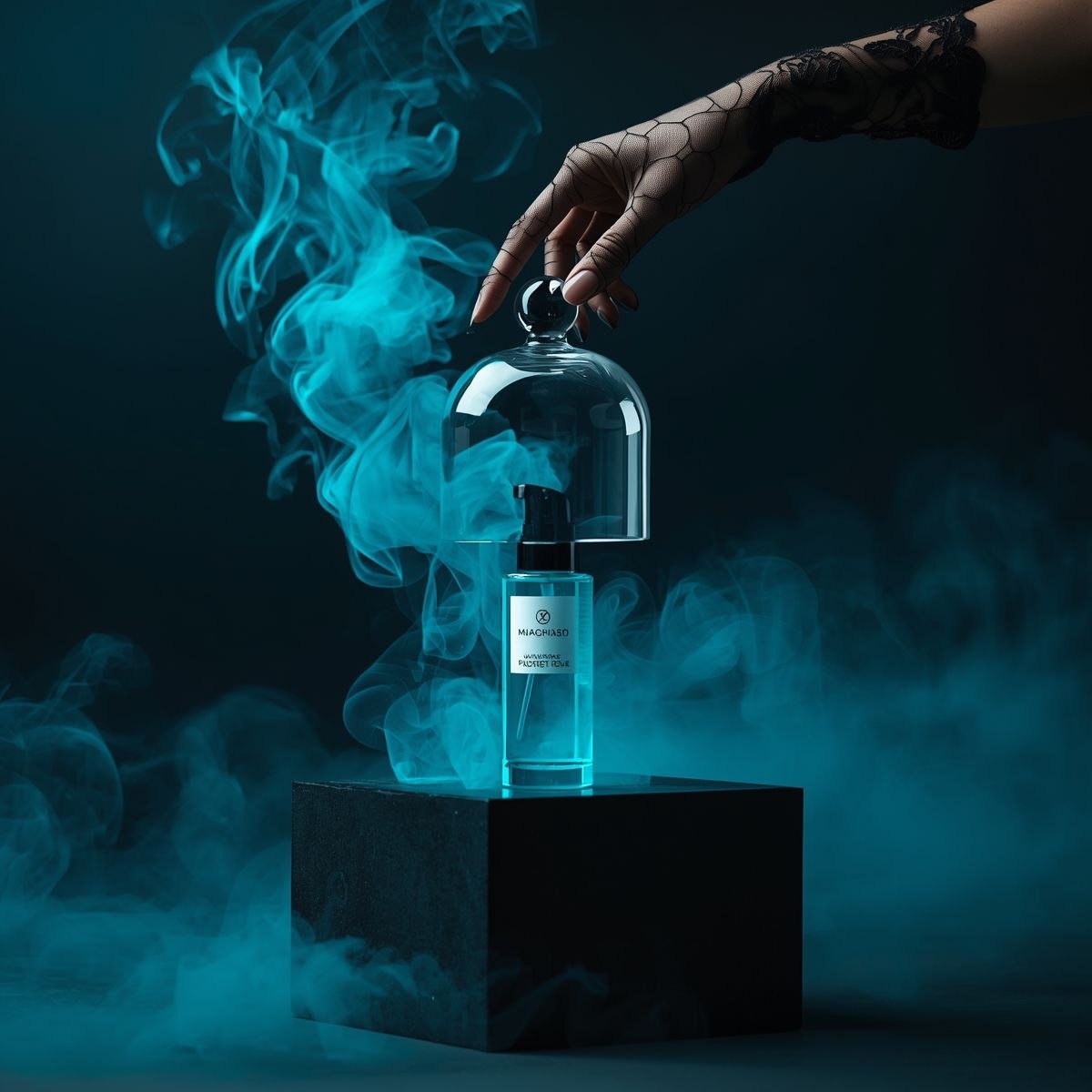
Cinematic Product Video for Luxury Perfume

Cinematic Life-Journey Film Strip Portrait
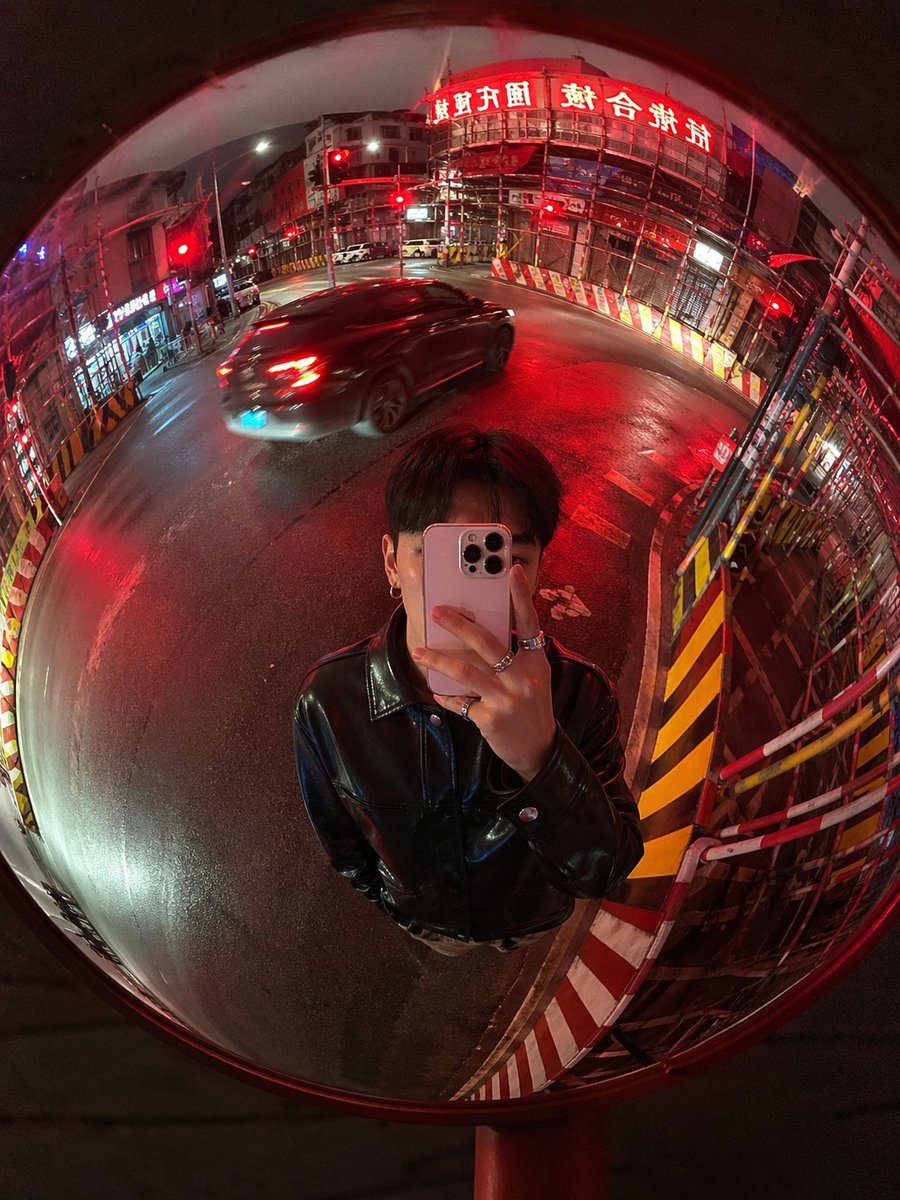
Convex Mirror Night Street Selfie
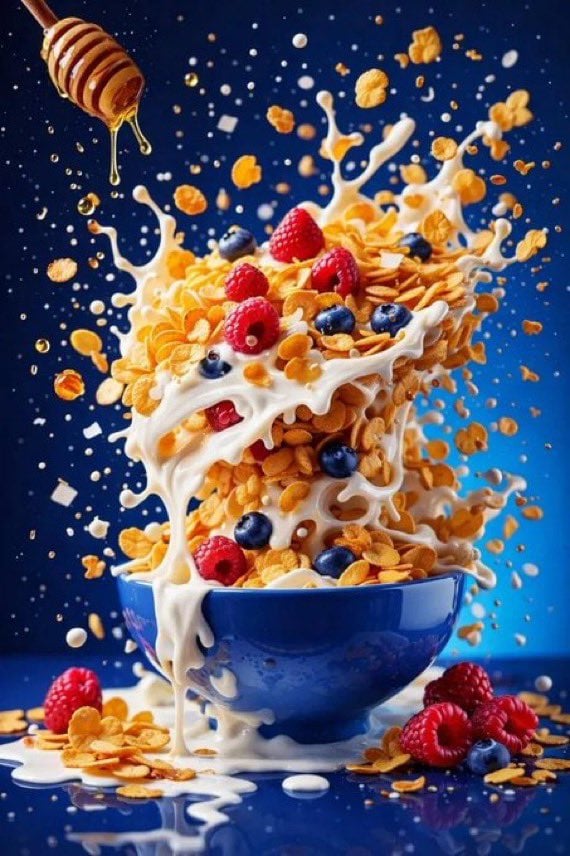
Hyper-Realistic High-Speed Food Photography Prompt
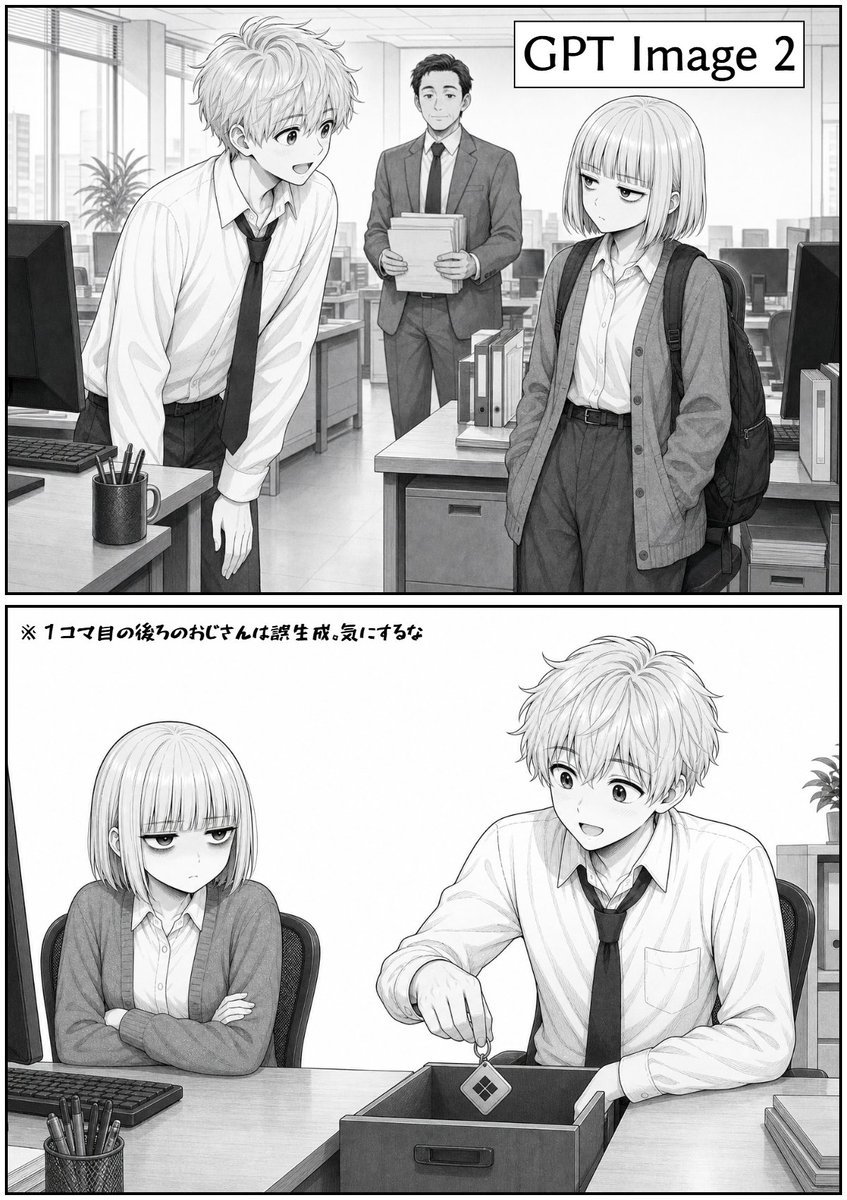
Two-Panel GPT Image 2 Manga Office Comic

Magazine Page Generation for Travel Guide
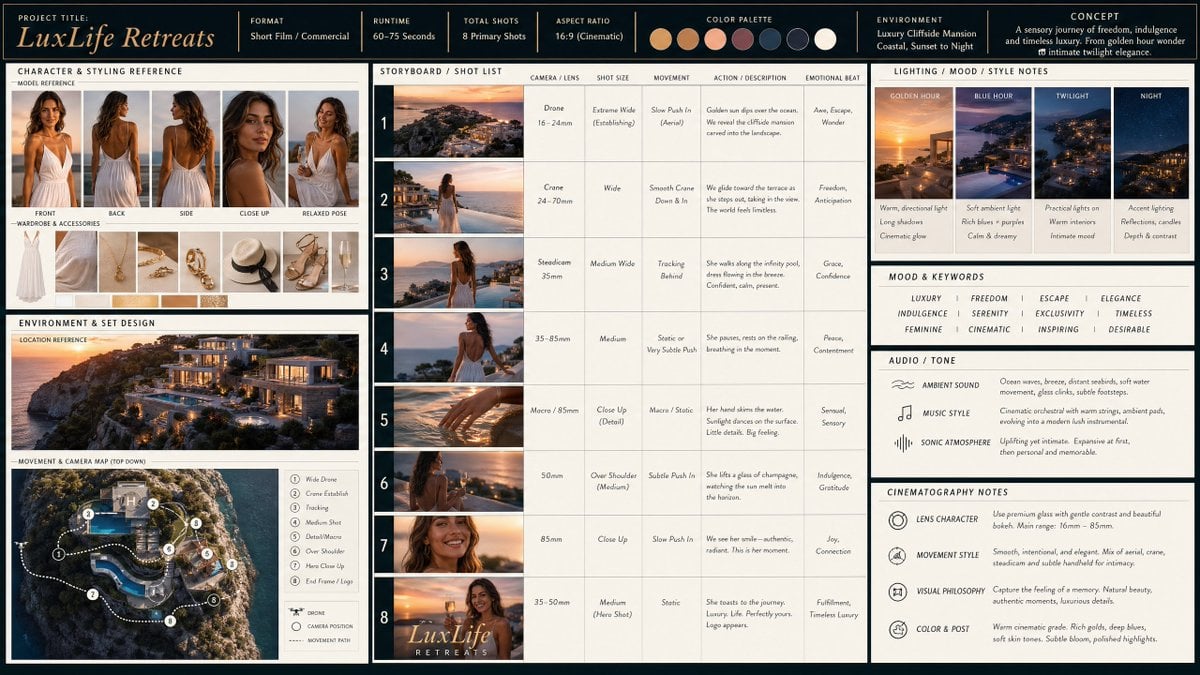
Cinematic Storyboard Production Board

Pure Morning Beauty Lifestyle Portrait Prompt
Browse template categories
3D Pop-Art Comic Poster Collage questions
How do I use the 3D Pop-Art Comic Poster Collage template?
Add your photo if the template asks for one, edit the prompt if you like — the template's model and format are already selected — and press Generate. Your version opens in PicX Studio.
Can I customize the 3D Pop-Art Comic Poster Collage template?
Yes. You can change the subject, setting, lighting, mood, format, and available model controls before creating your image.
Is the 3D Pop-Art Comic Poster Collage template free?
Opening and editing this template is free. Generating uses credits, shown on the Generate button when you are signed in.
Which AI model should I use?
Start with GPT Image 2, which is the model associated with this template. You can compare another compatible model for a different finish.
Looking for something else? Browse all templates.

Your photo, any look
Thousands of ready templates for every top image and video model, from one credit balance.