How do I use the Photorealistic Café Lifestyle Fashion Portrait template?
Choose the primary action to open PicX Studio with the available template settings. Review the model and format, personalize the creative direction, and generate when ready.
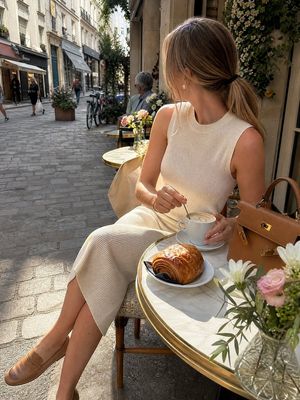
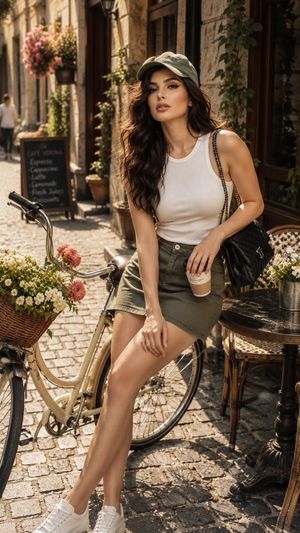
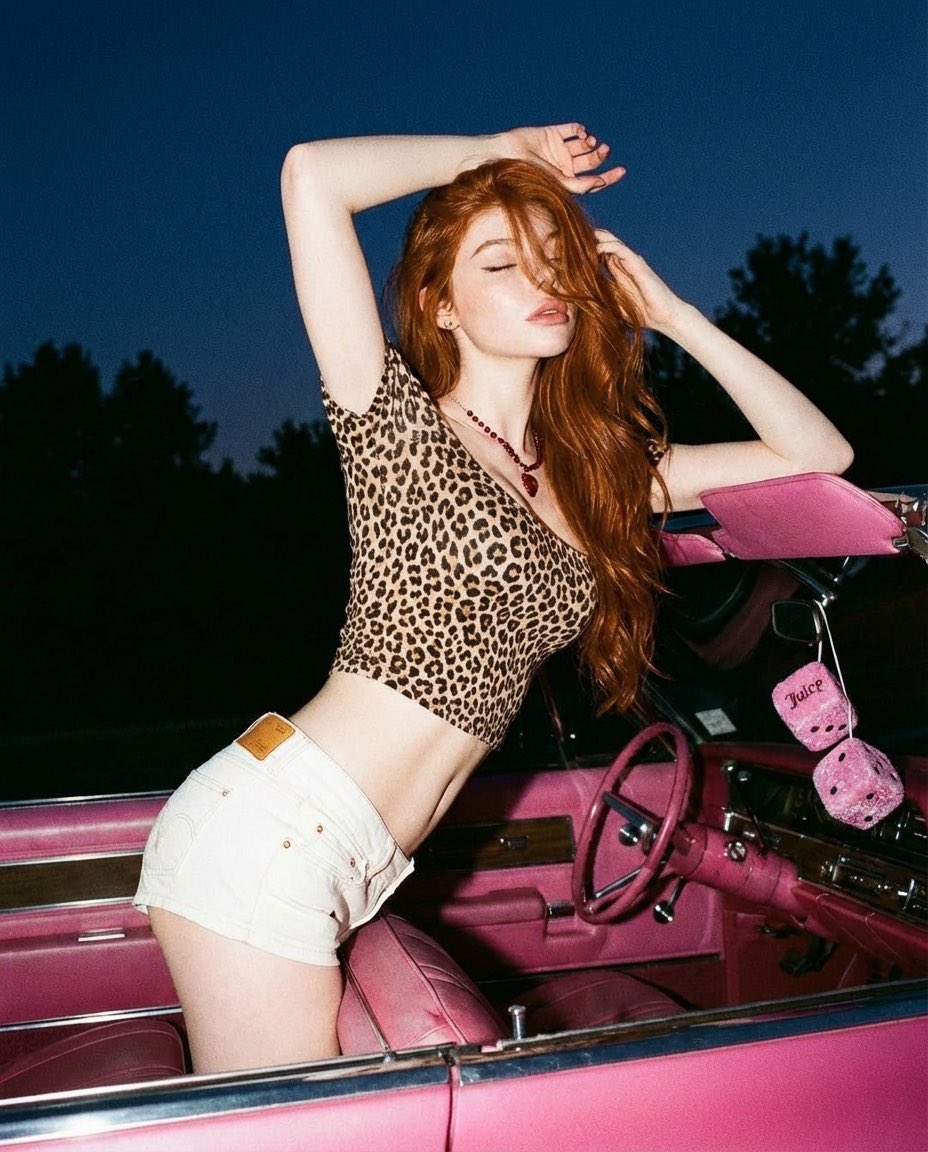
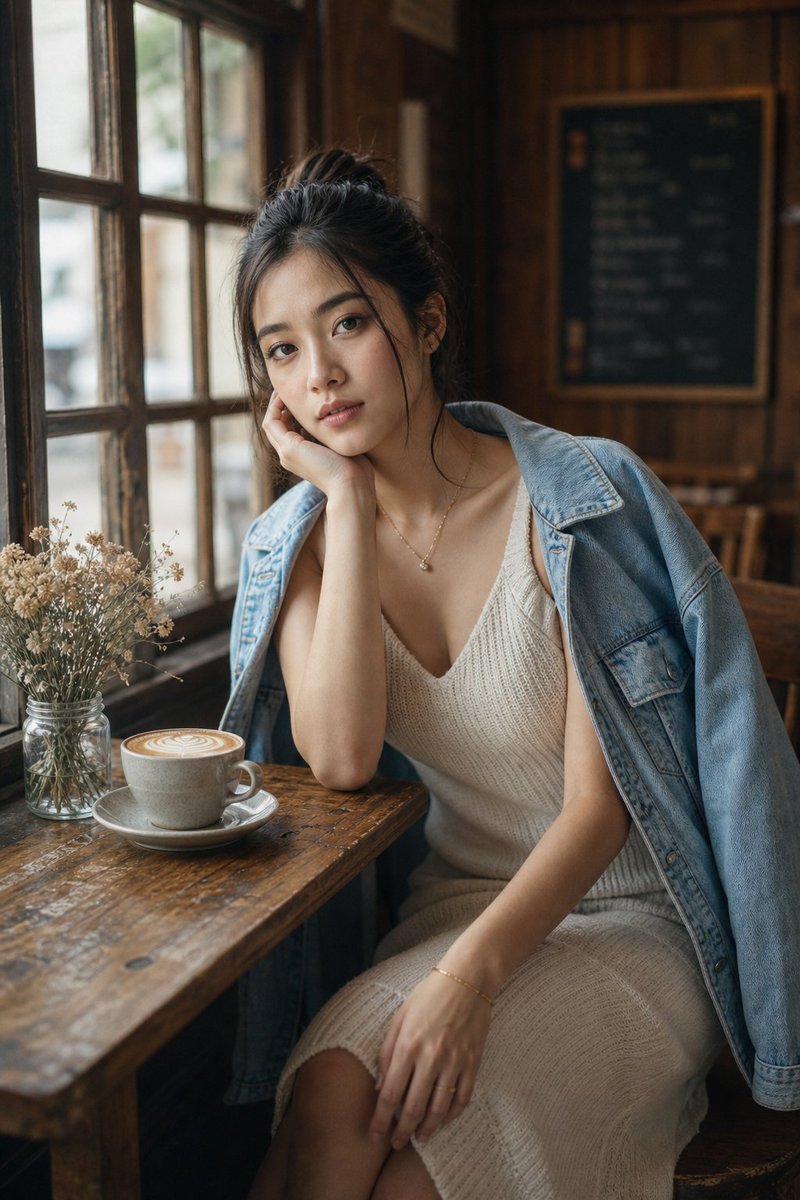
A high-end editorial fashion photography prompt for a lifestyle portrait of a woman in a minimalist cafe-style apartment during golden hour, featuring soft cine
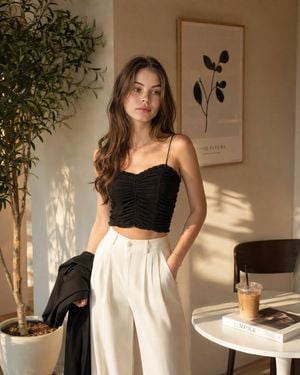
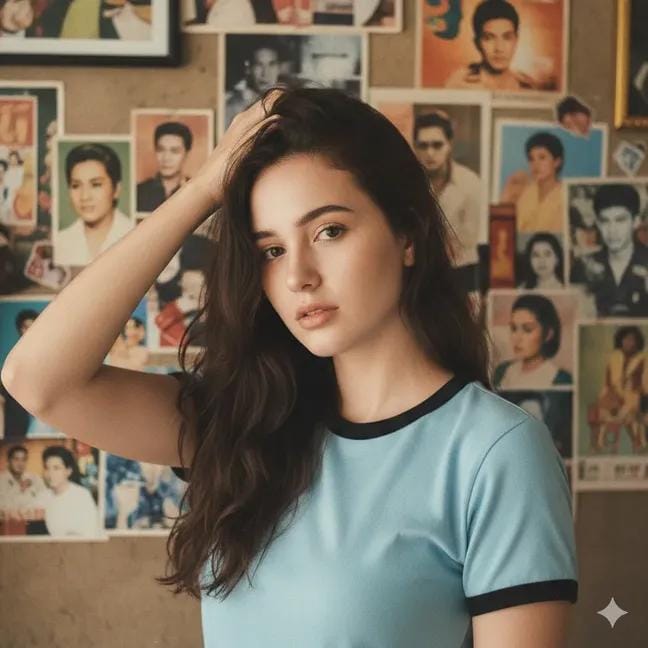
Photorealistic fashion portrait of a {argument name="subject" default="young woman"} standing indoors in a {argument name="setting" default="warm, minimalist café-inspired apartment"}. She has long, voluminous wavy dark brown hair cascading over her shoulders, soft natural makeup, subtle pink lips, and delicate facial features. She is looking slightly to the side with a calm, elegant expression. She wears a {argument name="outfit" default="fitted black ruched spaghetti-strap crop top with textured gathered fabric, paired with high-waisted cream-white pleated wide-leg trousers"}. A black lightweight jacket is casually draped over one arm. Minimal silver necklace with a tiny pendant and a delicate bracelet. Warm golden-hour sunlight streaming through a window, creating soft natural shadows and beautiful highlights across her hair and skin. Cream/beige walls, a tall green indoor plant on the left, framed minimalist botanical artwork on the wall, a small white table with an iced coffee and a fashion book on the right. Cozy sophisticated lifestyle aesthetic, clean composition, realistic fabric texture, natural skin texture, soft cinematic lighting, shallow depth of field, editorial fashion photography, premium Instagram aesthetic. Camera: vertical 4:5 composition, medium-full body shot, eye-level perspective, 50mm lens, f/2.0, soft background blur, highly detailed, photorealistic, natural proportions, realistic hands, realistic hair strands, subtle film grain, warm neutral color palette, high-end fashion editorial photography, 8K.
Choose the primary action to open PicX Studio with the available template settings. Review the model and format, personalize the creative direction, and generate when ready.
Yes. You can change the subject, setting, lighting, mood, format, and available model controls before creating your image.
This template is free to open and customize. Generation usage is shown in PicX Studio before you create.
Start with GPT Image 2, which is the model associated with this template. You can compare another compatible model for a different finish.
Follow a topic to a crawlable collection of related PicX Studio templates.