
DNA Nucleotides 3D Infographic
A detailed 3D educational biology infographic showing a labeled DNA double helix with nucleotide base pairs, hydrogen bonds, backbone, and emerging RNA.
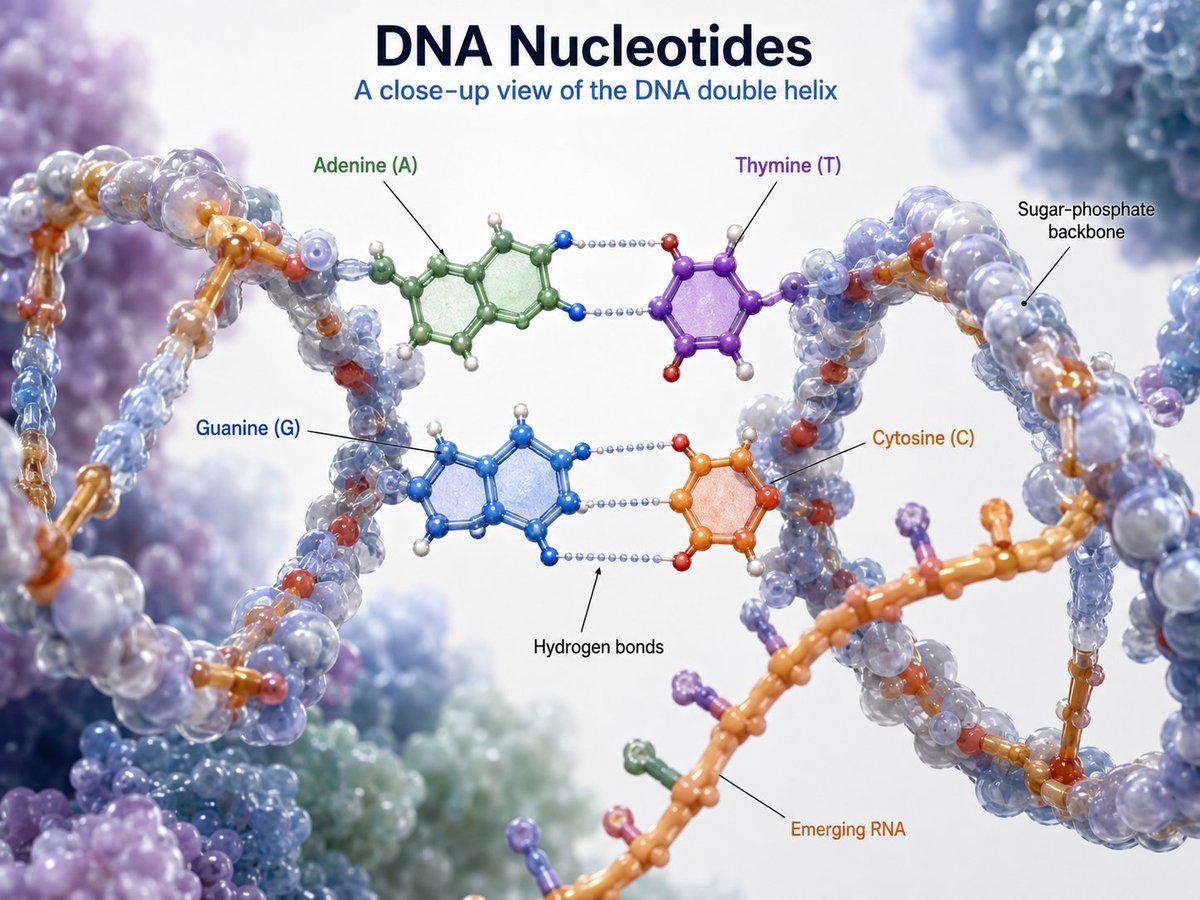
- Prompt included
- Model and format preset
- Free template
The prompt behind this image
Copy the exact prompt behind DNA Nucleotides 3D Infographic, or open it in the studio and make it yours.
Goal: Create a polished 3D scientific educational infographic titled {argument name="headline text" default="DNA Nucleotides"}, showing a close-up view of a DNA double helix with labeled nucleotide bases and molecular structure. Canvas: Landscape 4:3 composition, bright white laboratory-style background with soft depth-of-field molecular clusters in pale blue, lavender, mint, and purple around the edges. Use a clean, high-resolution textbook/medical visualization style with realistic glossy translucent spheres and rods, soft shadows, and shallow depth of field. Layout: Center the title at the top in large dark navy bold type, with the subtitle {argument name="subtitle text" default="A close-up view of the DNA double helix"} directly beneath in smaller medium-blue type. Fill the frame with a large twisting DNA double helix running from the left foreground through the center to the right side, with a second orange strand crossing diagonally through the lower right foreground. Keep the central base-pair region open and readable for labels. Subject details: Render the DNA as a molecular ball-and-stick model combined with translucent bead-like backbone surfaces. The sugar-phosphate backbone should be two twisting chains made of semi-transparent bluish-gray spheres with orange/gold connector rods and small red atoms. In the center, show exactly 4 labeled nucleotide bases: Adenine (A) in green at upper left center, Thymine (T) in purple at upper right center, Guanine (G) in blue at lower left center, and Cytosine (C) in orange at lower right center. Adenine pairs with Thymine across the top using dotted pale blue hydrogen bonds, and Guanine pairs with Cytosine below using three dotted pale blue hydrogen-bond rows. Molecular rings should be flat aromatic ring structures with small colored atom spheres and white hydrogen atoms. Text content and labels: Include exactly 7 callout labels with thin black pointer lines: “Adenine (A)” in green pointing to the green upper-left base; “Thymine (T)” in purple pointing to the purple upper-right base; “Guanine (G)” in blue pointing to the blue lower-left base; “Cytosine (C)” in orange pointing to the orange lower-right base; “Sugar-phosphate backbone” in black pointing to the right-side helical backbone; “Hydrogen bonds” in black pointing to the dotted bond lines between base pairs; and “Emerging RNA” in orange pointing to the orange strand crossing the lower foreground. Use crisp sans-serif typography and avoid crowding. Visual style: Hyper-detailed scientific 3D render, glossy translucent molecular beads, realistic refraction, soft bokeh background, professional biology textbook infographic, balanced educational clarity and cinematic depth. Constraints: Use exactly the 4 nucleotide labels and exactly the 3 structural labels listed above; do not add extra labels, icons, captions, legends, watermarks, or borders. Keep all text sharp and correctly spelled.
How to use DNA Nucleotides 3D Infographic in 3 steps
- 1Upload ImagePNG, JPG or paste
Add your photo
Upload the photo the template builds on. The prompt, model and format are already set.
- 2…a portrait of your subject in softgolden-hour light, 85mm…
Personalize
Edit the subject and creative details for your destination.
- 3Generate
Generate
Press Generate — your image is created in PicX Studio, so you can compare it with the original and refine one variable at a time.
More like this
Templates with the same subject, style or setup. Open one to see its prompt.

Japan Travel Brochure Poster

Isometric Process Educational Diorama

Isometric Vehicle Teardown Infographic Template

Gpt2 E Commerce Main Image Earbuds E Commerce Infographic

Gpt2 Infographic Edu Visual Alishan One Day Travel Poster

Gpt2 Infographic Edu Visual Ethnographic Plate for Tibetan Ceremonial Hat

Gpt2 Infographic Edu Visual Earth Signs Zodiac Character Poster

Gpt2 Infographic Edu Visual Water Signs Zodiac Character Poster

Gpt2 Infographic Edu Visual Ink Wash Tribute Poster for Chen Uen

Gpt2 Infographic Edu Visual Vintage Claude Shannon Infographic Poster

Gpt2 Infographic Edu Visual Taoist Three Souls Seven Po Poster

Gpt2 Infographic Edu Visual Biomimetic Skyray Aircraft Poster
Make it yours
DNA Nucleotides 3D Infographic works as-is. These are the safest ways to change it without losing the look.
Change one field
Copy a single group, rewrite it, and generate again so you can see what that field is doing.
Keep the frame, change the subject
Hold the composition and light of DNA Nucleotides 3D Infographic, then swap wardrobe, props or the person for a new take.
| If the result… | Why | Fix |
|---|---|---|
| The result drifts from the preview | Too many fields changed at once. | Reuse DNA Nucleotides 3D Infographic as-is first, then change one group — subject, light, or setting. |
| The model over-stylizes the scene | The prose prompt leaves finish and camera underspecified. | Add one camera or lighting sentence and stay on GPT Image 2. |
More GPT Image 2 templates
Other prompts made for GPT Image 2.

Six VTuber Japanese Logo Sheet

Realistic Portrait of Woman and Deer

The Vista Modular Condo Poster

AI Model Routing Comparison Infographic

2.5D Anime Art Board

Isometric Productivity Desk Scene

New York Double Exposure Poster

Four-Panel AI Landscape Comparison

Japanese Tatami Lifestyle Magazine Cover

NESCAFÉ Coffee Map Poster
More image prompts
Fresh picks from across the catalog.

GitHub Project Infographic Poster
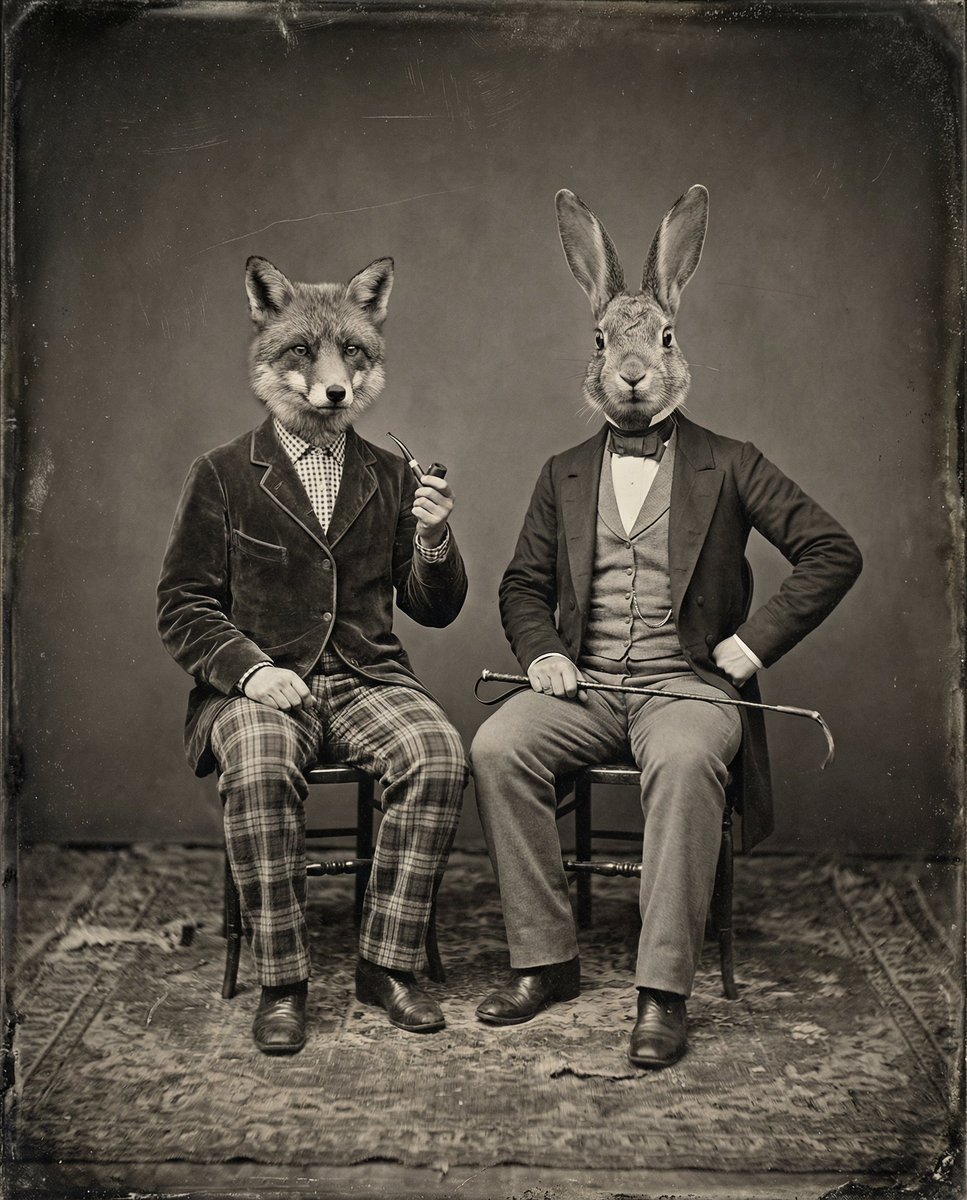
Vintage Sepia-Toned Portrait with Animal Heads
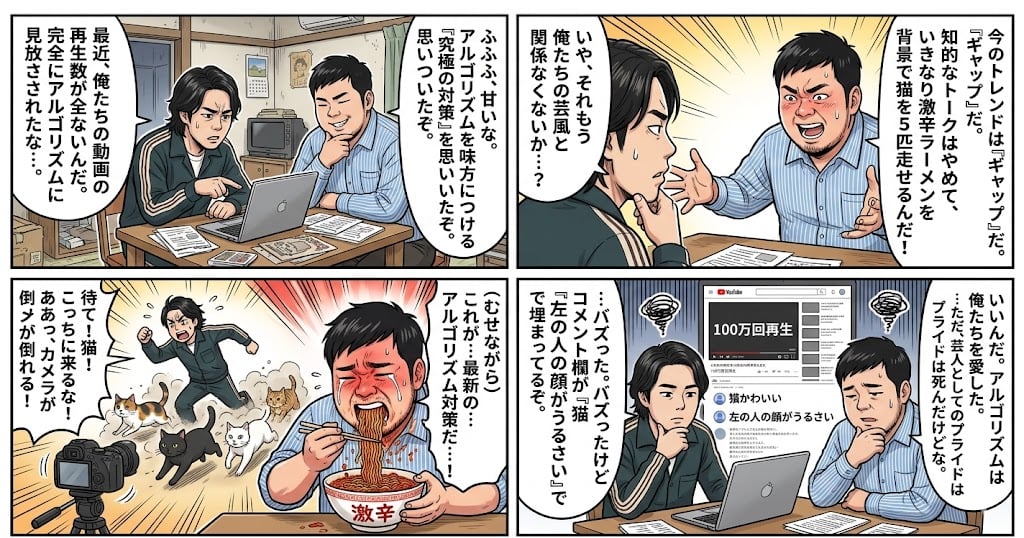
Nano Banana Pro 4-Panel Manga Prompt: The Formula for Buzz

Ultra-Realistic Corporate Lifestyle Portrait
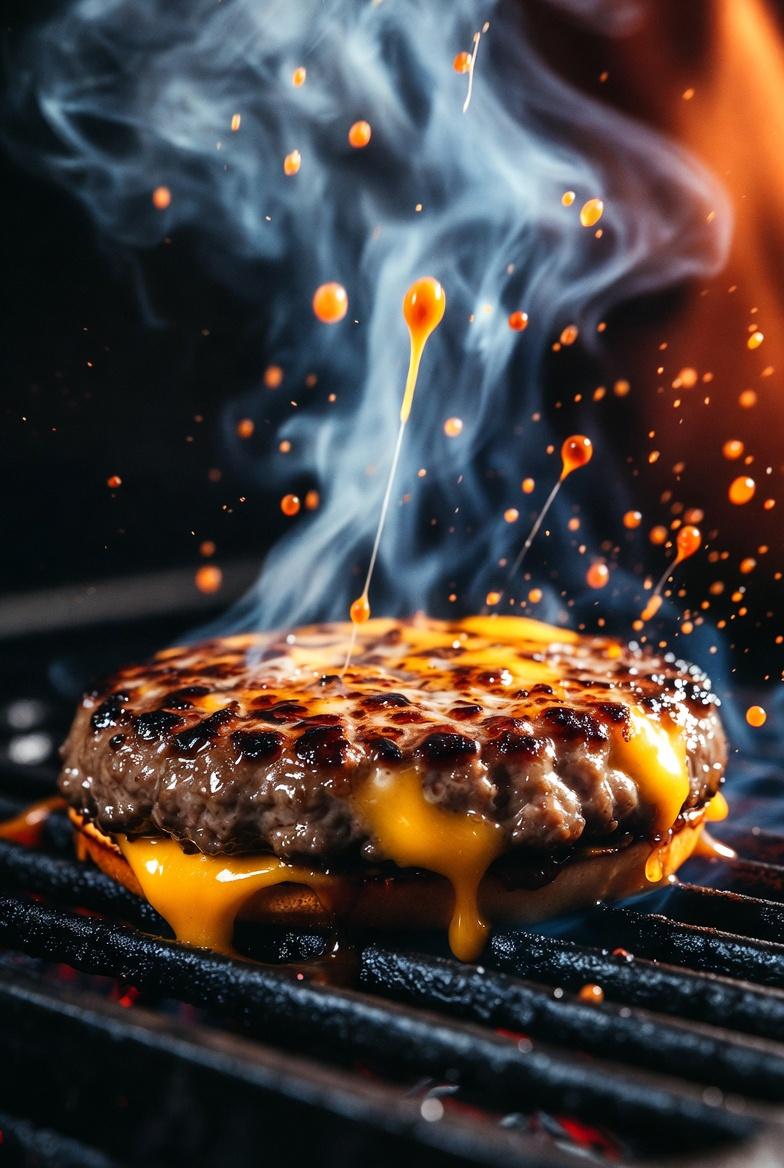
Cinematic Macro Shot of Sizzling Cheeseburger
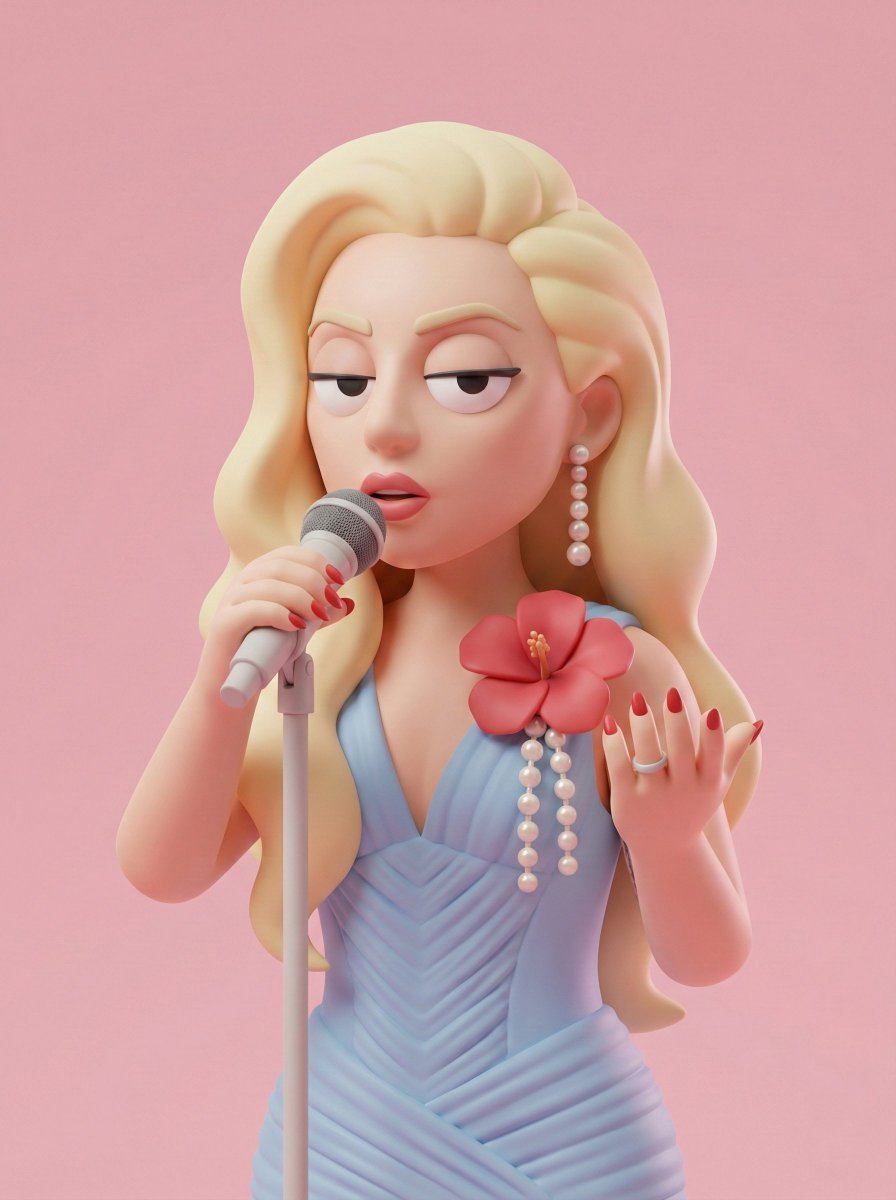
Stylized 3D Character Toy Render
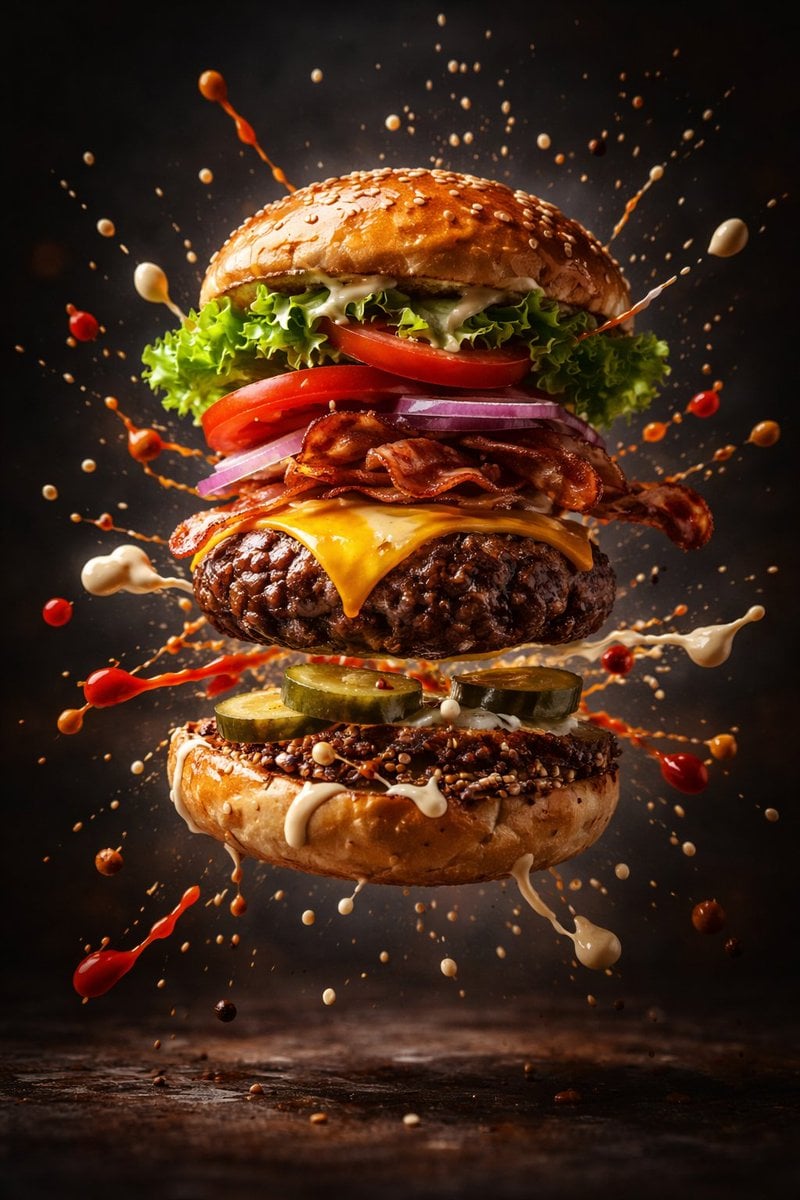
Cinematic Gourmet Burger Explosion Prompt (Code Style)

Ultra-Photoreal Candlelight Dinner Scene with Couple
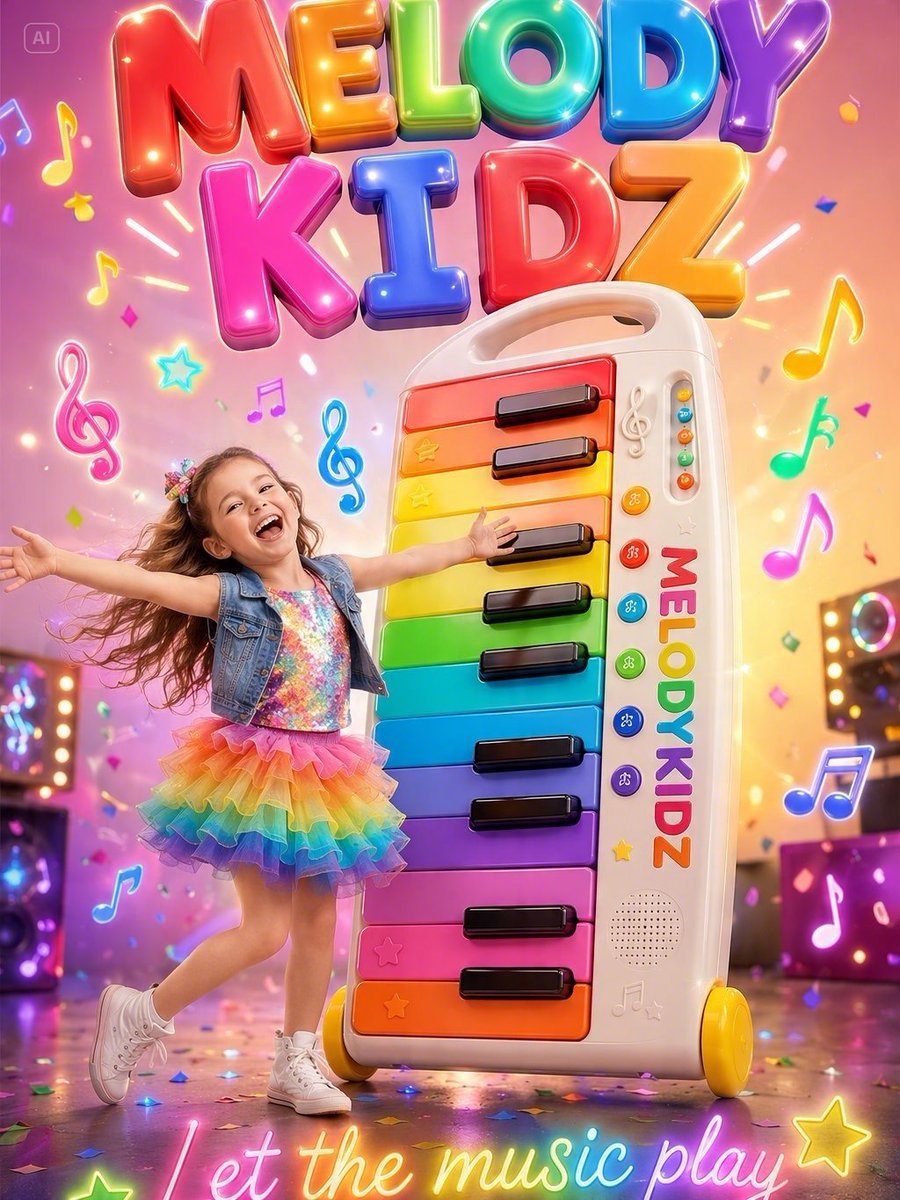
Musical Kids Toy Ad Poster
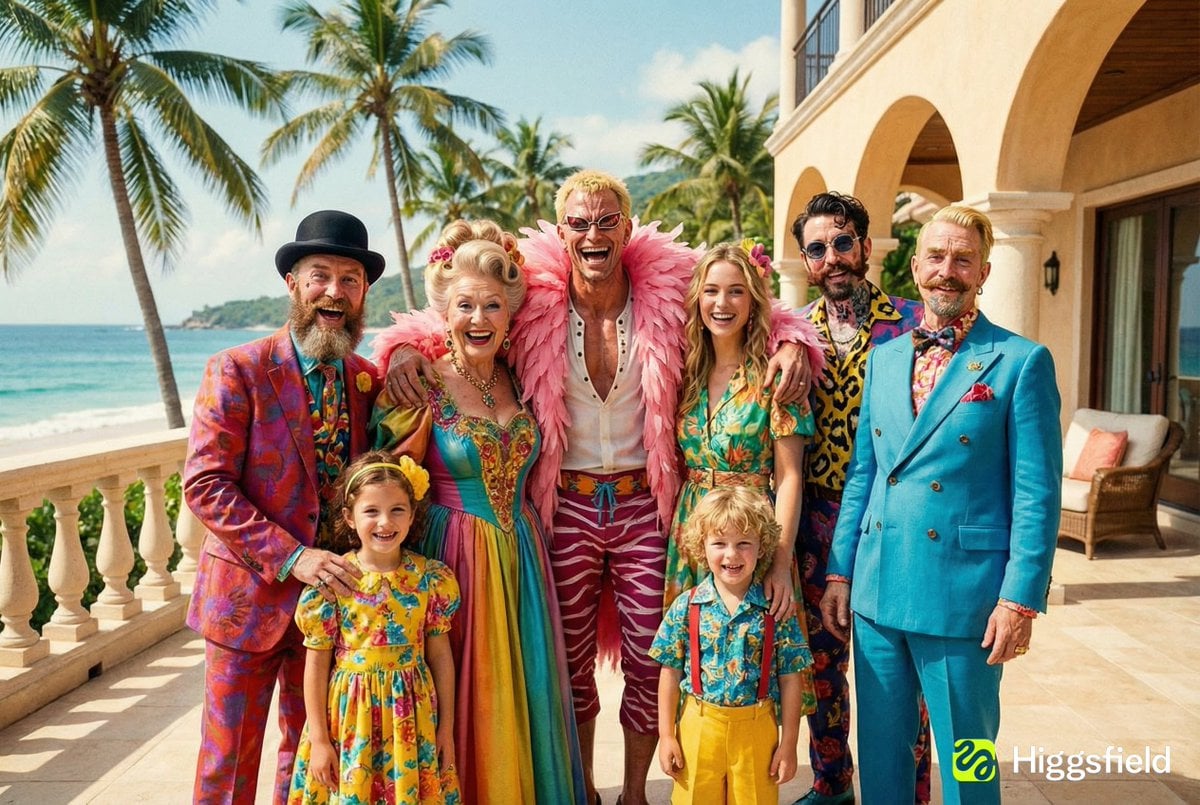
Family Photo Generation from Single Character Image
Browse template categories
DNA Nucleotides 3D Infographic questions
How do I use the DNA Nucleotides 3D Infographic template?
Add your photo if the template asks for one, edit the prompt if you like — the template's model and format are already selected — and press Generate. Your version opens in PicX Studio.
Can I customize the DNA Nucleotides 3D Infographic template?
Yes. You can change the subject, setting, lighting, mood, format, and available model controls before creating your image.
Is the DNA Nucleotides 3D Infographic template free?
Opening and editing this template is free. Generating uses credits, shown on the Generate button when you are signed in.
Which AI model should I use?
Start with GPT Image 2, which is the model associated with this template. You can compare another compatible model for a different finish.
Looking for something else? Browse all templates.

Your photo, any look
Thousands of ready templates for every top image and video model, from one credit balance.