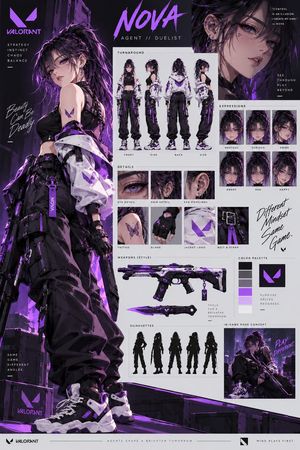
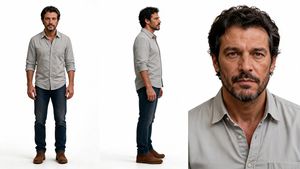
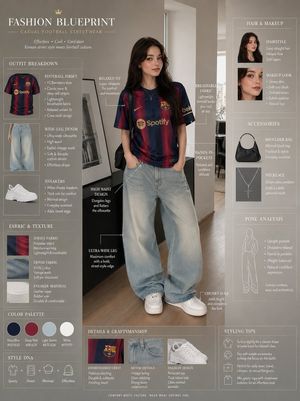
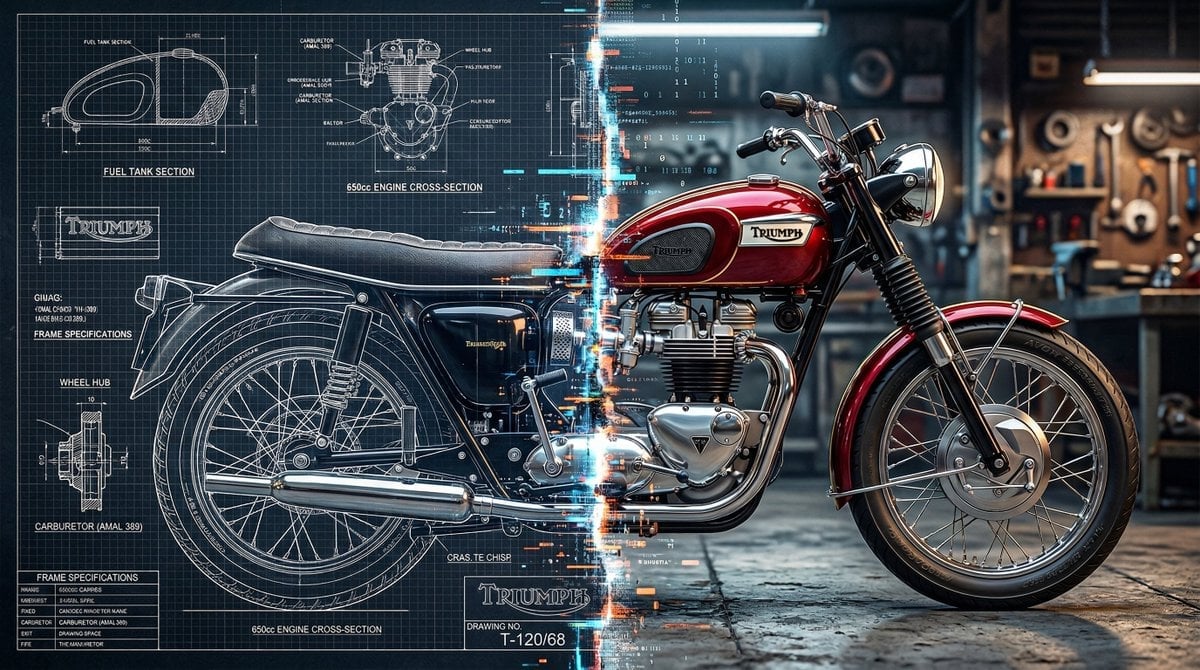
How do I use the Character Reference Sheet Concept Art template?
Choose the primary action to open PicX Studio with the available template settings. Review the model and format, personalize the creative direction, and generate when ready.
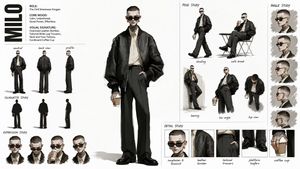
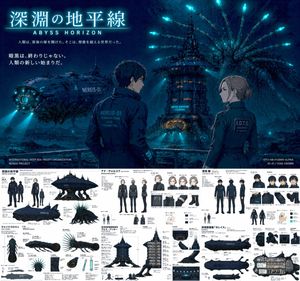
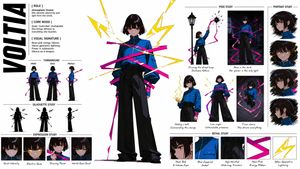
A comprehensive prompt for creating professional character reference sheets, including multi-angle drawings, facial expressions, and detailed equipment breakdow
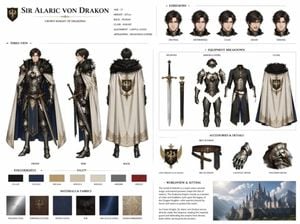
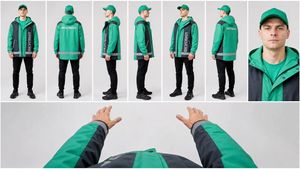
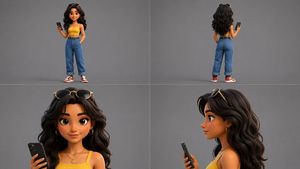
Based on this {argument name="subject" default="character"} and {argument name="setting" default="background"}, please create a character reference sheet similar to official design materials. - Include three-view drawings: front, side, and back - Add variations of the character's facial expressions - Break down and display detailed parts of the clothing and equipment - Add a color palette - Include a brief explanation of the worldview setting - Overall, use an organized layout (white background, illustration style) High resolution, professional concept art style.
Choose the primary action to open PicX Studio with the available template settings. Review the model and format, personalize the creative direction, and generate when ready.
Yes. You can change the subject, setting, lighting, mood, format, and available model controls before creating your image.
This template is free to open and customize. Generation usage is shown in PicX Studio before you create.
Start with GPT Image 2, which is the model associated with this template. You can compare another compatible model for a different finish.
Follow a topic to a crawlable collection of related PicX Studio templates.