
Clair de Lune Rococo Poster
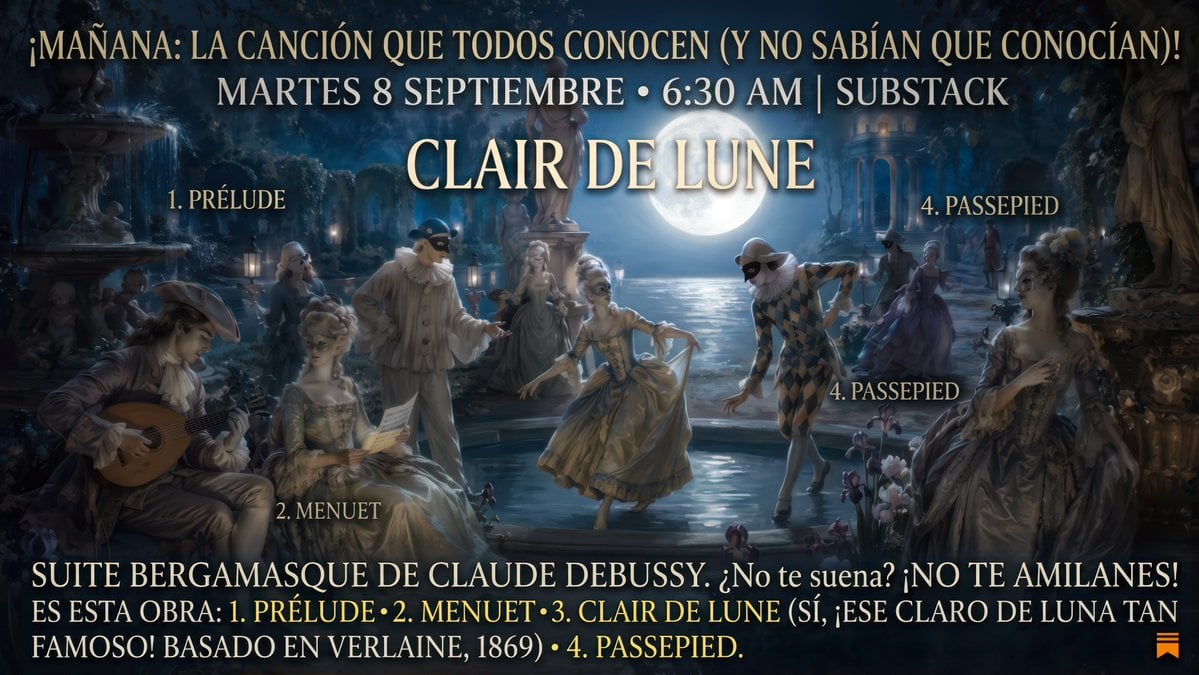
A wide cinematic Spanish promotional poster for a Substack article about Debussy’s Clair de Lune, set in a moonlit Rococo masquerade garden.
- Prompt included
- Model and format preset
- Free template
The prompt behind this image
Copy the exact prompt behind Clair de Lune Rococo Poster, or open it in the studio and make it yours.
Goal: Create a cinematic promotional poster for a classical-music Substack article about Debussy’s Suite bergamasque, with a moonlit Rococo masquerade garden scene and large Spanish typography. Canvas: Wide 16:9 landscape poster, approximately 1200×675 px, dark blue nocturne palette, high-detail painterly digital art with realistic lighting, soft mist, glowing moon, and elegant theatrical atmosphere. Main scene: A moonlit 18th-century French garden party beside reflective water. In the center background, a huge full moon rises over a lake or canal, casting silver-blue reflections. Include classical statues, fountains, stone balustrades, distant columns, lanterns, trees, flowers, and shadowy garden architecture. The mood should feel like Debussy’s “Clair de Lune”: dreamy, romantic, refined, slightly mysterious. Figures: Include exactly 8 visible Rococo/commedia dell’arte characters: 1 seated male musician at lower left playing a lute or guitar; 1 seated aristocratic woman beside him holding a paper or letter; 1 standing masked Pierrot-like figure in pale costume near left-center; 1 elegant woman in a gown in the center background; 1 dancing woman in a gold dress at center foreground; 1 Harlequin dancer in a diamond-pattern costume leaning forward at right-center; 1 distant woman in purple gown near the right background; 1 seated aristocratic woman at far right in an ornate dress. Use powdered wigs, masks, lace, satin gowns, and candlelit highlights. Typography style: Large uppercase serif lettering, cream/gold color with subtle glow and drop shadow, centered and layered over the image. Make the type look like an old theatrical poster or classical concert announcement. Keep text legible but integrated into the scene. Text content: Top headline in Spanish: {argument name="top headline" default="¡MAÑANA: LA CANCIÓN QUE TODOS CONOCEN (Y NO SABÍAN QUE CONOCÍAN)!"}. Below it, centered date line: {argument name="date line" default="MARTES 8 SEPTIEMBRE • 6:30 AM | SUBSTACK"}. Main title in very large letters at upper center: {argument name="main title" default="CLAIR DE LUNE"}. Bottom block in Spanish, spanning the width in two lines: {argument name="bottom text" default="SUITE BERGAMASQUE DE CLAUDE DEBUSSY: ¿No te suena? ¡NO TE AMILANES! ES ESTA OBRA: 1. PRÉLUDE • 2. MENUET • 3. CLAIR DE LUNE (SÍ, ¡ESE CLARO DE LUNA TAN FAMOSO! BASADO EN VERLAINE, 1869) • 4. PASSEPIED."} Movement labels: Add exactly 5 smaller cream serif labels placed inside the artwork: “1. PRÉLUDE” near the upper-left scene; “2. MENUET” near the lower-left seated woman; “3. CLAIR DE LUNE” implied by the main title only, do not add a separate small label; “4. PASSEPIED” near the upper-right; another “4. PASSEPIED” near the right-center Harlequin figure; plus a small orange Substack-like bookmark icon at the bottom-right corner. Constraints: Preserve the Spanish text exactly, including accents, punctuation, bullets, and vertical bar. No modern clothing, no contemporary objects except the tiny orange Substack-style icon. Avoid cartoon style; make it painterly, cinematic, elegant, and atmospheric.
How to use Clair de Lune Rococo Poster in 3 steps
- 1Upload ImagePNG, JPG or paste
Add your photo
Upload the photo the template builds on. The prompt, model and format are already set.
- 2…a portrait of your subject in softgolden-hour light, 85mm…
Personalize
Edit the subject and creative details for your destination.
- 3Generate
Generate
Press Generate — your image is created in PicX Studio, so you can compare it with the original and refine one variable at a time.
More like this
Templates with the same subject, style or setup. Open one to see its prompt.

Japan Travel Brochure Poster

Cartoon TV Show Poster Pack

Trendy Cafe Drink Promo Poster

Urban Fashion Editorial Collage Streetwear Poster

Premium Fashion Editorial Cover Layout System

Polo Ralph Lauren Luxury American Heritage Fashion Campaign

Monochrome Halftone Editorial Fashion Poster

Retro Mirror Luxury Fashion Campaign Poster

Luxury Fashion Campaign Typography Poster System

Premium Fashion Editorial Campaign Poster System

Ultra-Stylized High-Fashion Streetwear Poster

Urban Fashion Editorial Collage Poster
Make it yours
Clair de Lune Rococo Poster works as-is. These are the safest ways to change it without losing the look.
Change one field
Copy a single group, rewrite it, and generate again so you can see what that field is doing.
Keep the frame, change the subject
Hold the composition and light of Clair de Lune Rococo Poster, then swap wardrobe, props or the person for a new take.
| If the result… | Why | Fix |
|---|---|---|
| The result drifts from the preview | Too many fields changed at once. | Reuse Clair de Lune Rococo Poster as-is first, then change one group — subject, light, or setting. |
| The model over-stylizes the scene | The prose prompt leaves finish and camera underspecified. | Add one camera or lighting sentence and stay on GPT Image 2. |
More GPT Image 2 templates
Other prompts made for GPT Image 2.

Six VTuber Japanese Logo Sheet

Realistic Portrait of Woman and Deer

The Vista Modular Condo Poster

AI Model Routing Comparison Infographic

2.5D Anime Art Board

Isometric Productivity Desk Scene

New York Double Exposure Poster

Four-Panel AI Landscape Comparison

Japanese Tatami Lifestyle Magazine Cover

NESCAFÉ Coffee Map Poster
More image prompts
Fresh picks from across the catalog.
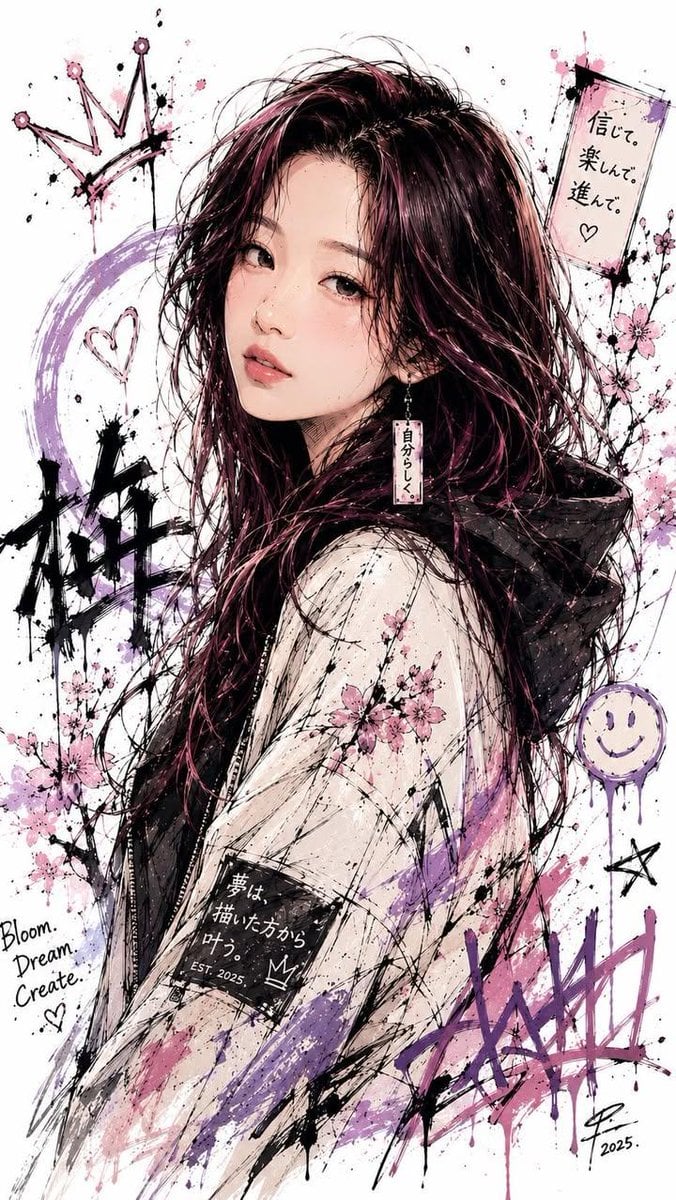
Japanese Ink Splatter Comic Illustration
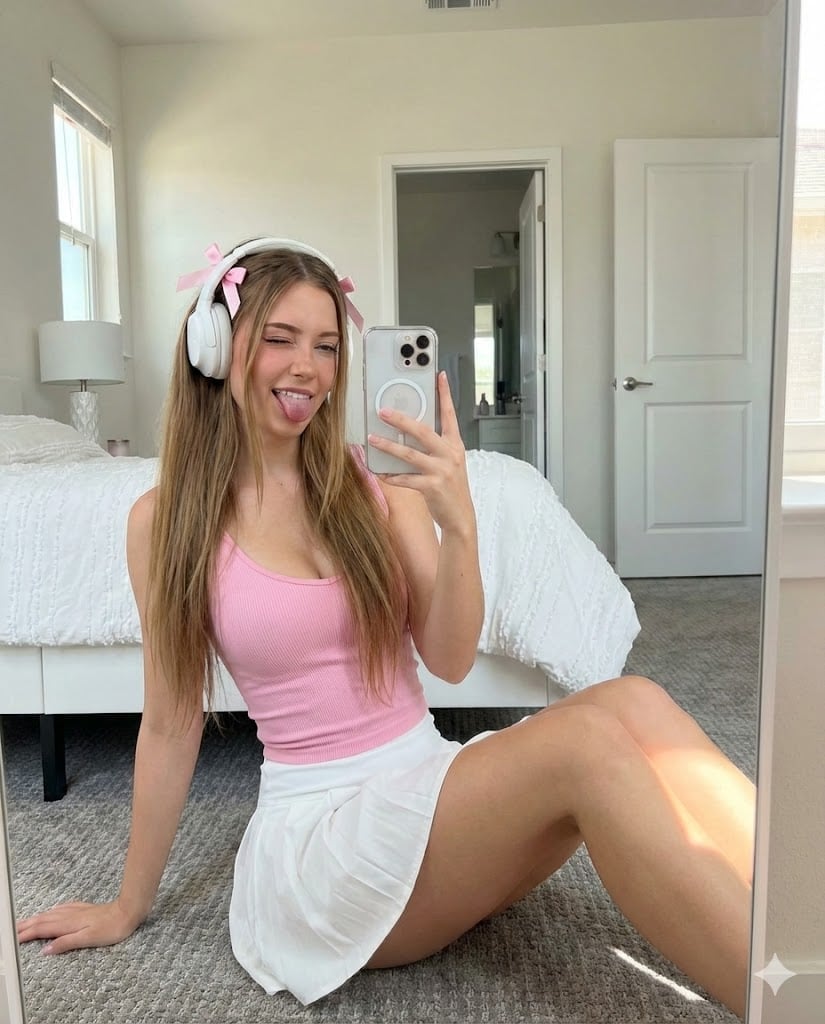
Playful Mirror Selfie in a Bedroom
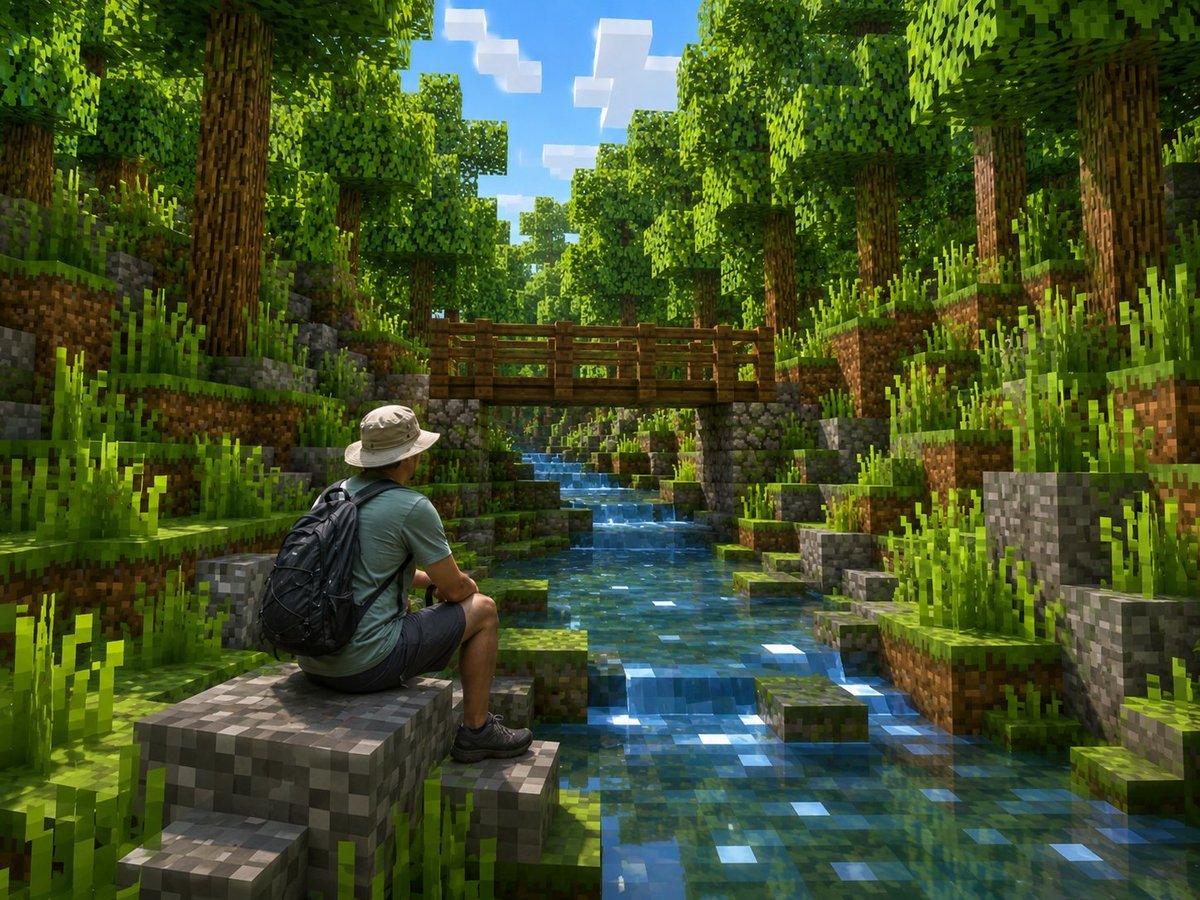
Real Hiker in Minecraft Forest
Immersive Cultivation Novel Livestream Prompt
Ultra-Realistic Futuristic Studio Photoshoot
Tropical Water Park Portrait with Thai Architecture
Amalfi Coast Vespa Cinematic Motion
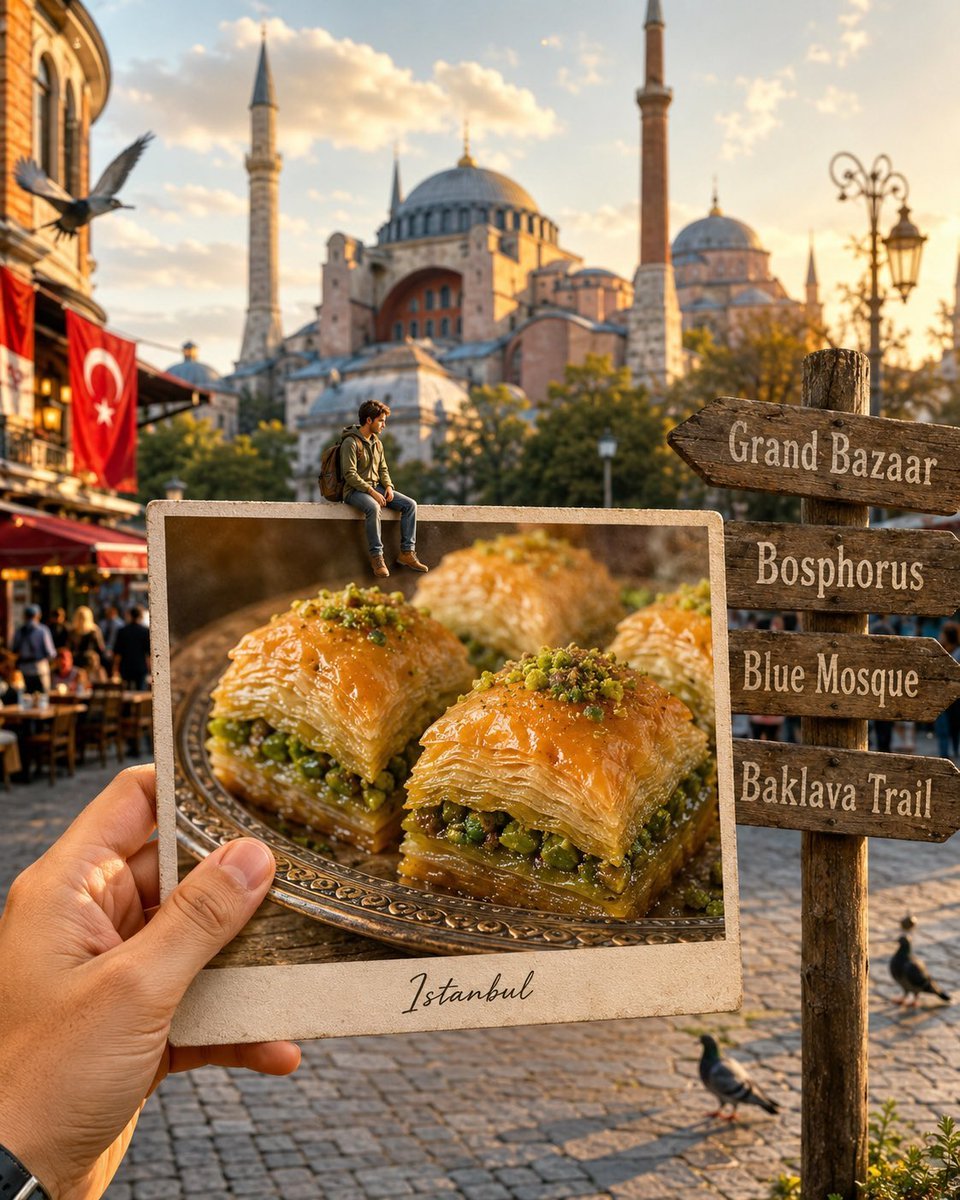
Hyper-realistic Travel Food Postcard
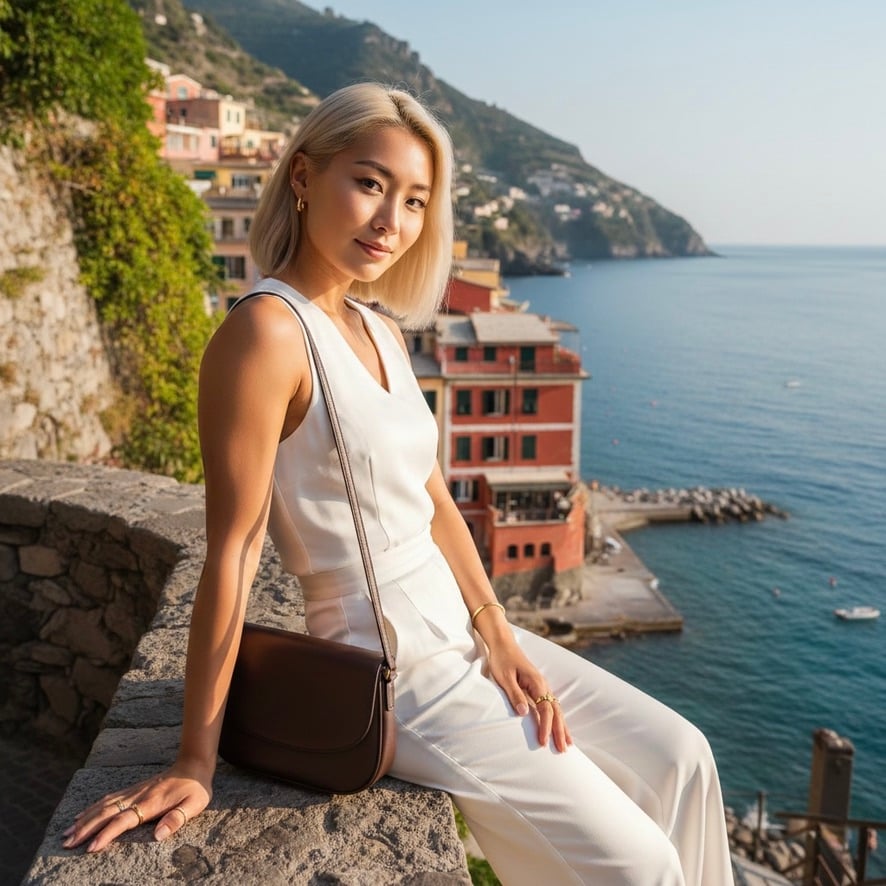
Quiet Luxury Mediterranean Vacation Portrait
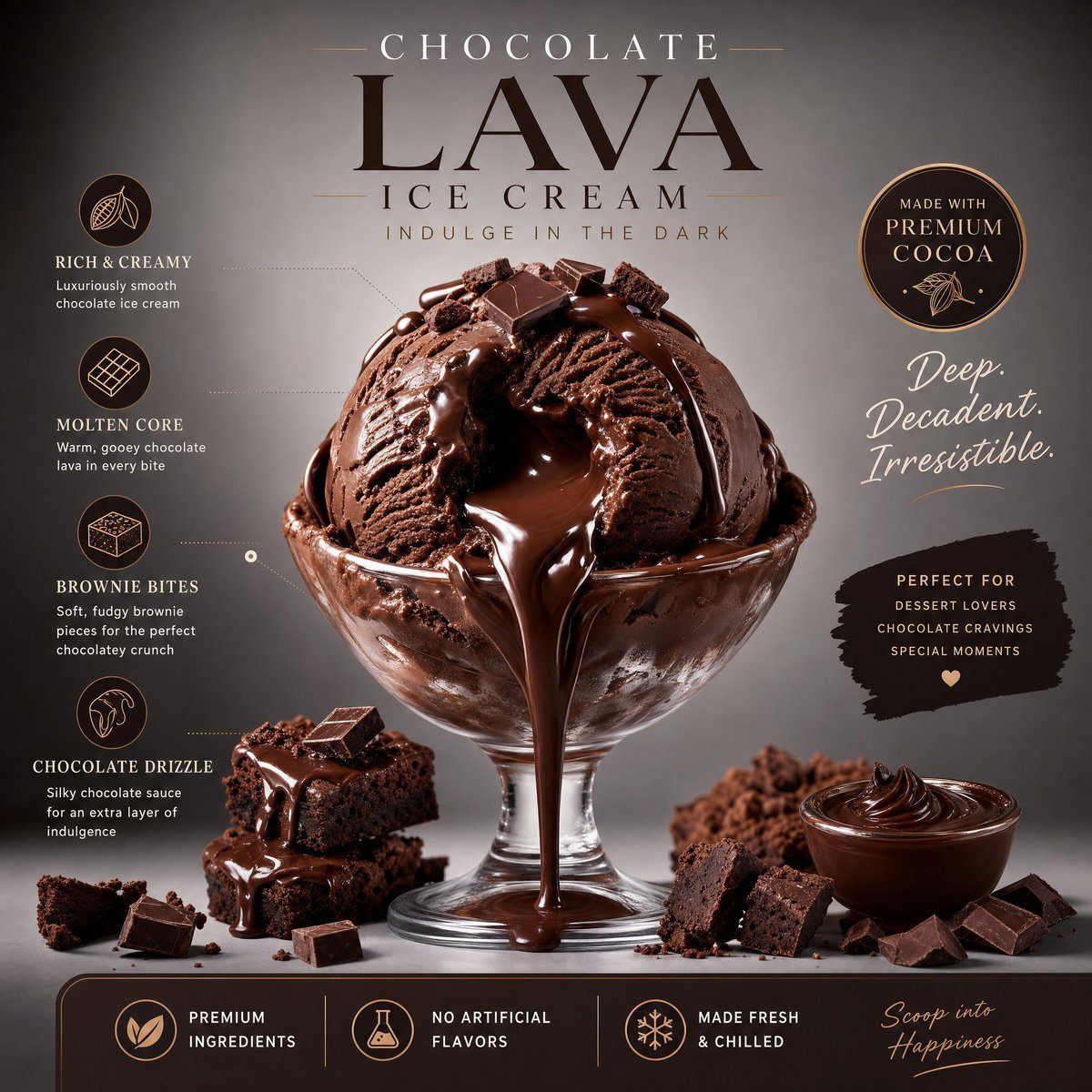
Luxury Chocolate Lava Ice Cream Ad
Browse template categories
Clair de Lune Rococo Poster questions
How do I use the Clair de Lune Rococo Poster template?
Add your photo if the template asks for one, edit the prompt if you like — the template's model and format are already selected — and press Generate. Your version opens in PicX Studio.
Can I customize the Clair de Lune Rococo Poster template?
Yes. You can change the subject, setting, lighting, mood, format, and available model controls before creating your image.
Is the Clair de Lune Rococo Poster template free?
Opening and editing this template is free. Generating uses credits, shown on the Generate button when you are signed in.
Which AI model should I use?
Start with GPT Image 2, which is the model associated with this template. You can compare another compatible model for a different finish.
Looking for something else? Browse all templates.

Your photo, any look
Thousands of ready templates for every top image and video model, from one credit balance.