
Minimal Luxury Perfume Product Shot
Generates a centered photorealistic luxury perfume bottle asset with a dark studio look for reusable product marketing visuals.
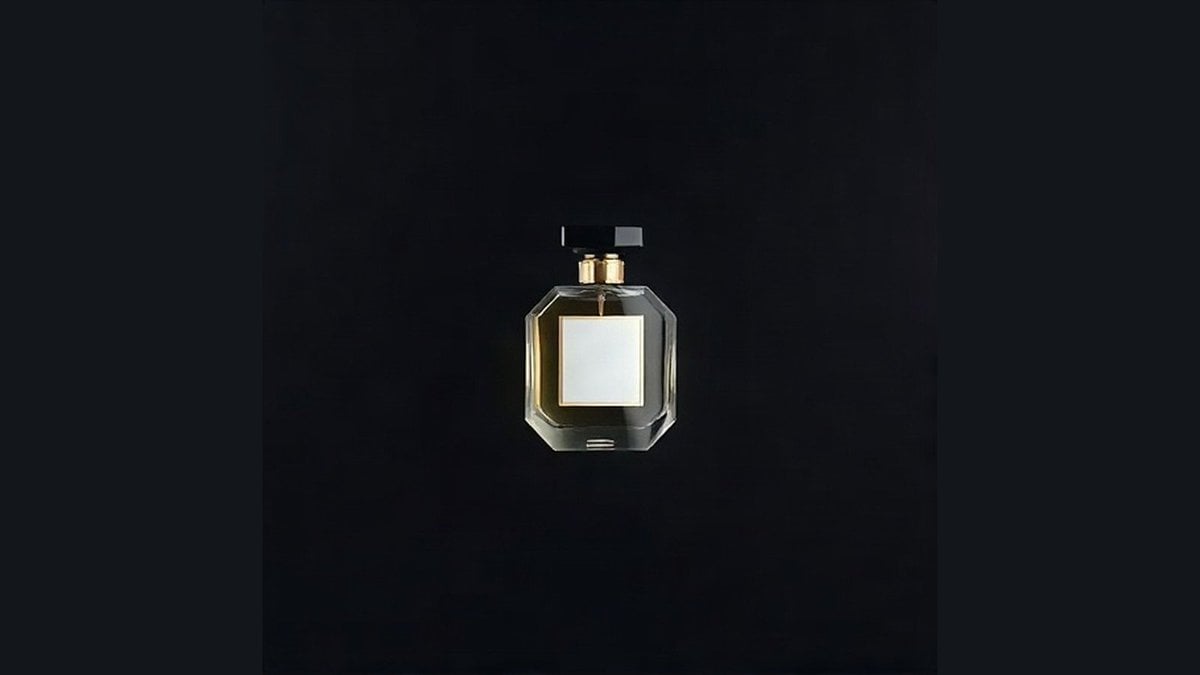
- Prompt included
- Model and format preset
- Free template
The prompt behind this image
Copy the exact prompt behind Minimal Luxury Perfume Product Shot, or open it in the studio and make it yours.
Create a minimalist luxury product shot of a single {argument name="product type" default="perfume bottle"} centered on a deep matte black background, with the product occupying only about 18% of the image height and surrounded by generous negative space. The bottle is a transparent faceted octagonal glass flacon with thick beveled edges, dark {argument name="liquid color" default="amber"} liquid inside, a blank square {argument name="label color" default="ivory white"} front label framed by a thin metallic gold border, two small gold collar pieces at the neck, and a short black rectangular spray cap extending horizontally. Use dramatic low-key studio lighting with subtle highlights on the glass edges, faint gold reflections, and almost no visible shadow. Keep the composition perfectly centered and symmetrical, premium fragrance-ad style, photorealistic, crisp glass refraction, no brand name, no extra text, no hands, no props, no surface line, isolated product feel suitable for background removal and reuse on websites, slides, and ads.
How to use Minimal Luxury Perfume Product Shot in 3 steps
- 1Upload ImagePNG, JPG or paste
Add your photo
Upload the photo the template builds on. The prompt, model and format are already set.
- 2…a portrait of your subject in softgolden-hour light, 85mm…
Personalize
Edit the subject and creative details for your destination.
- 3Generate
Generate
Press Generate — your image is created in PicX Studio, so you can compare it with the original and refine one variable at a time.
More like this
Templates with the same subject, style or setup. Open one to see its prompt.
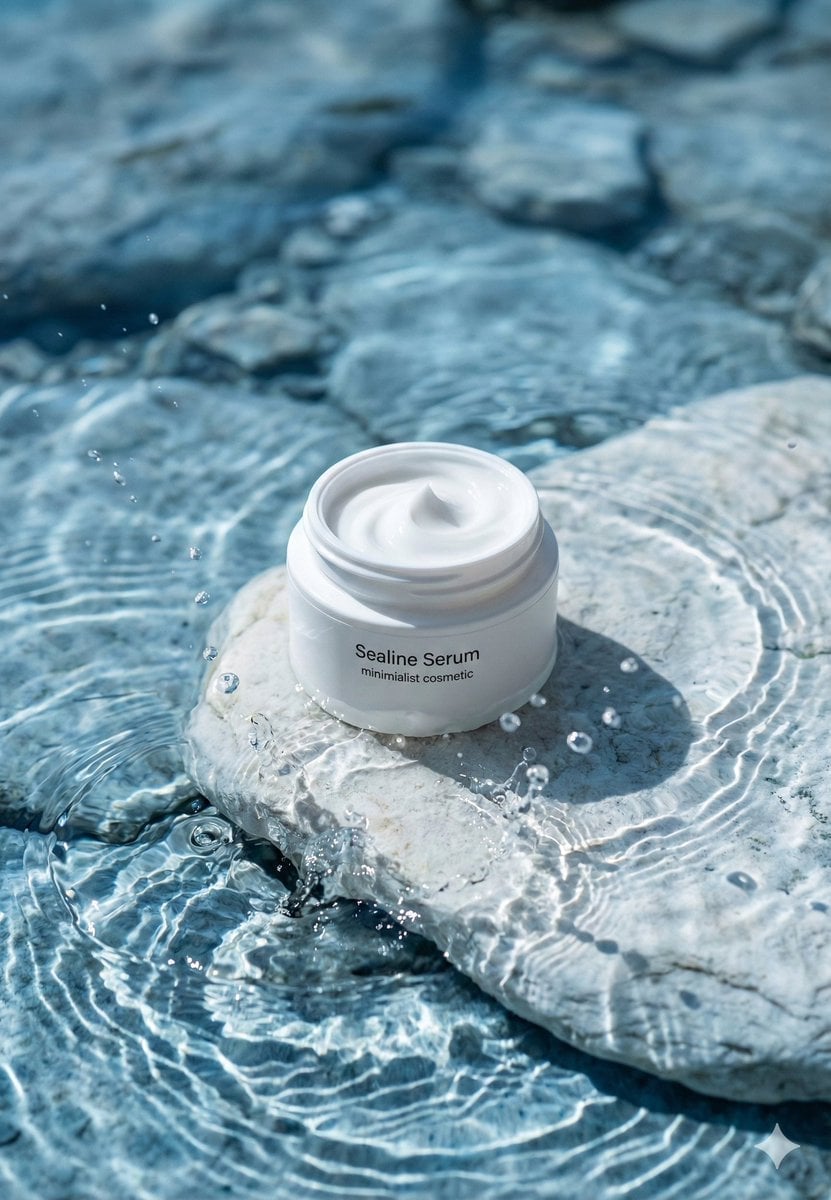
Minimalist Skincare Product Water Stone Still
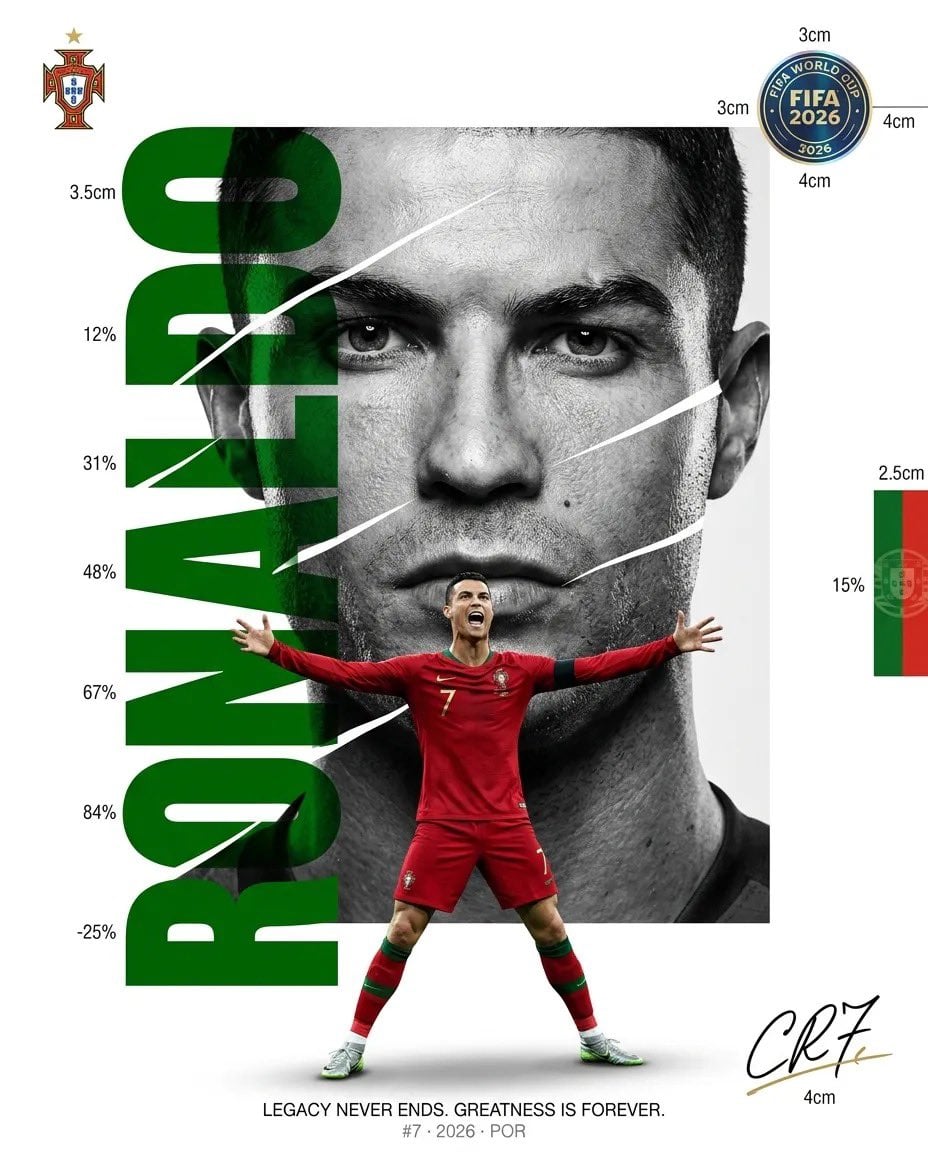
Luxury Sliced Wordmark Player Poster
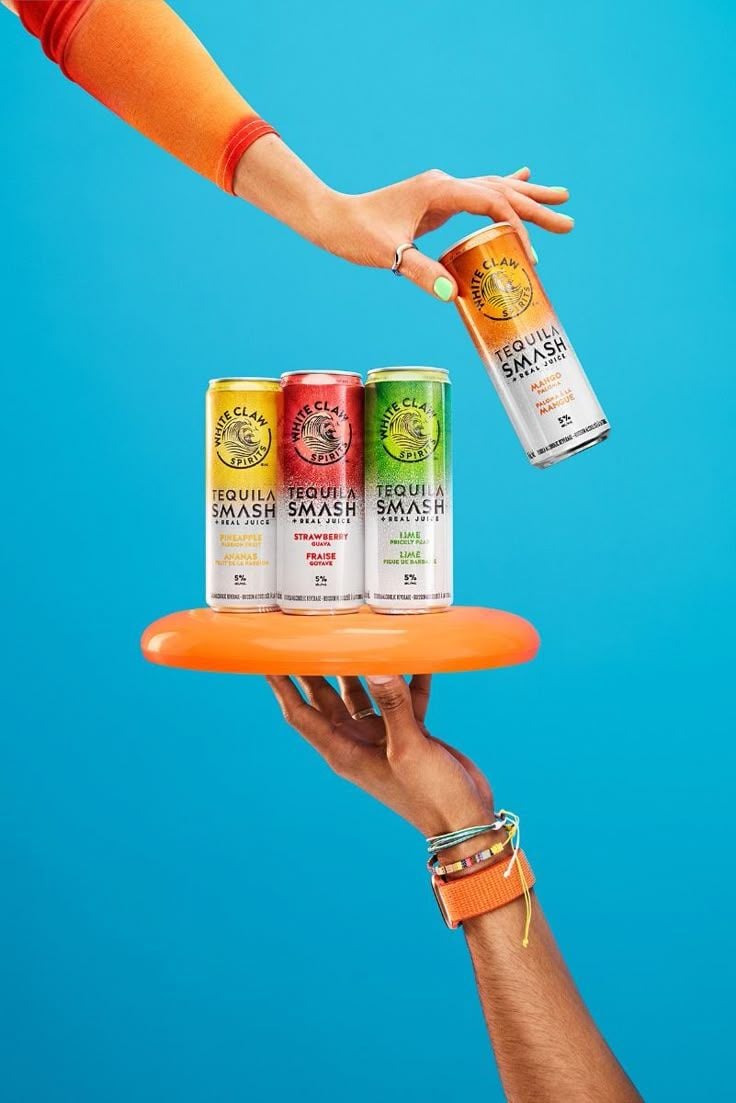
Vibrant Tequila Smash Product Showcase
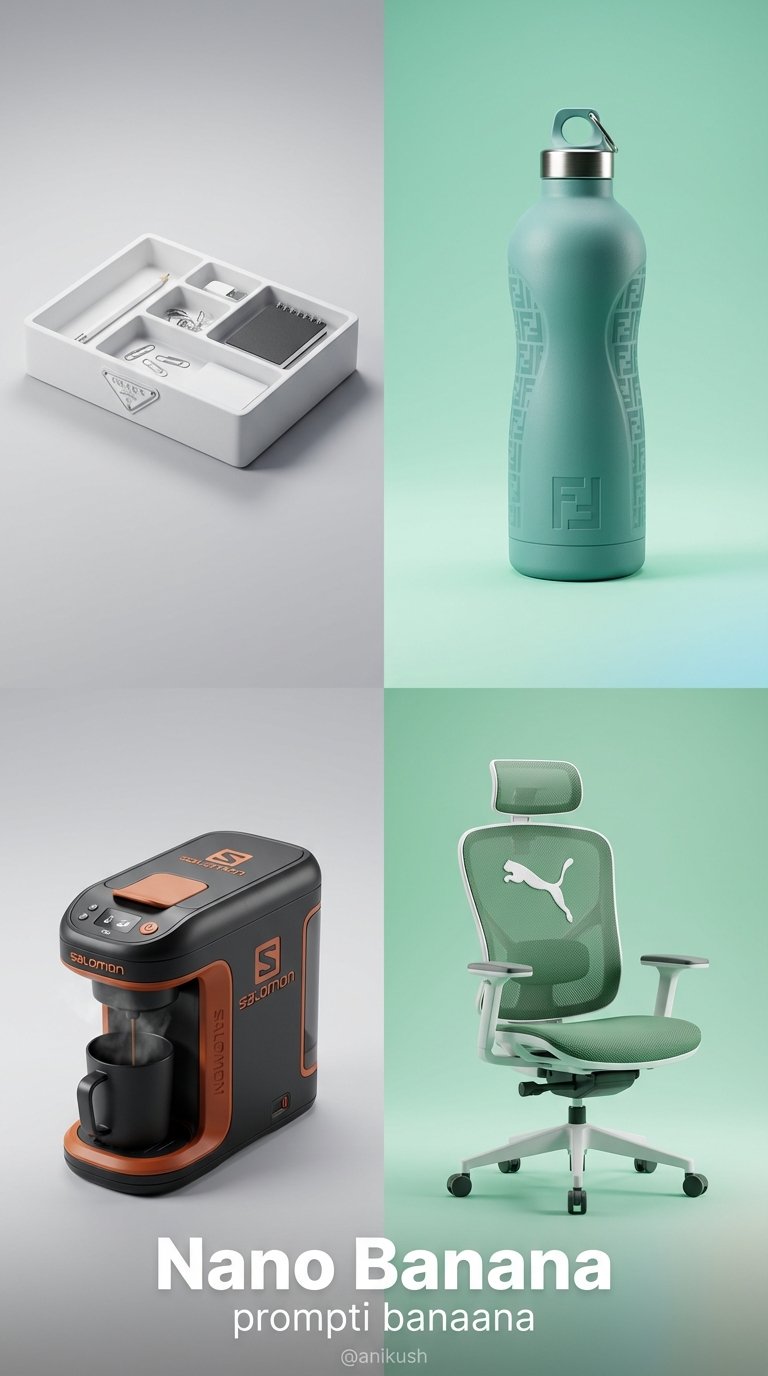
Minimalist Luxury Brand Concept
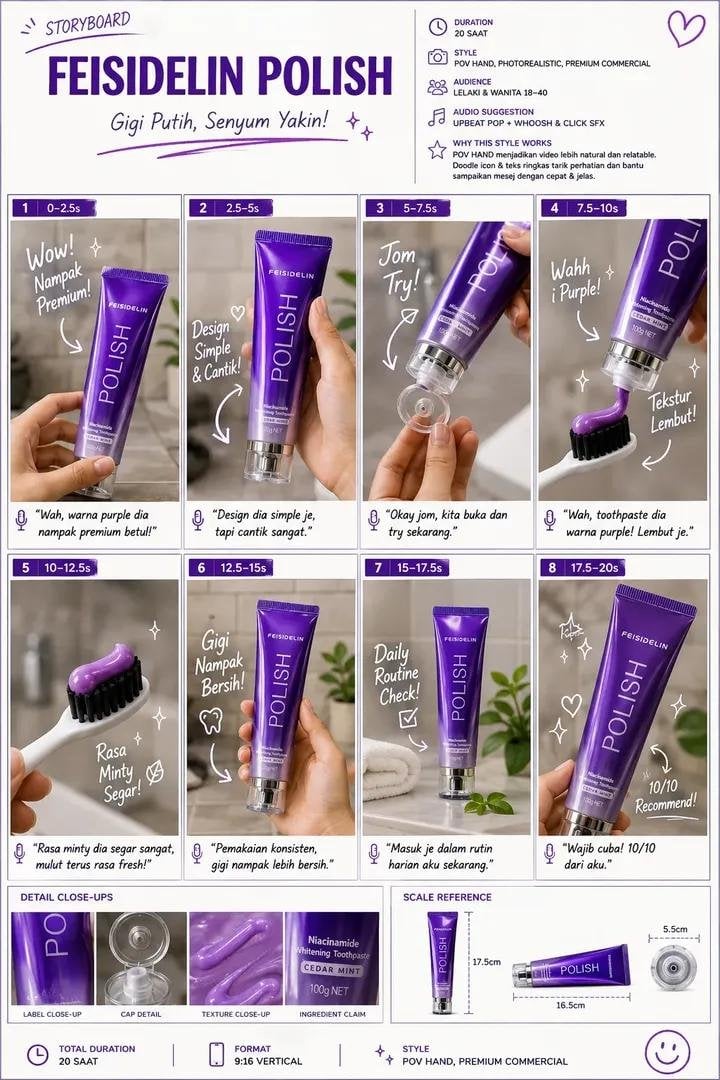
Luxury Toothpaste Commercial Storyboard
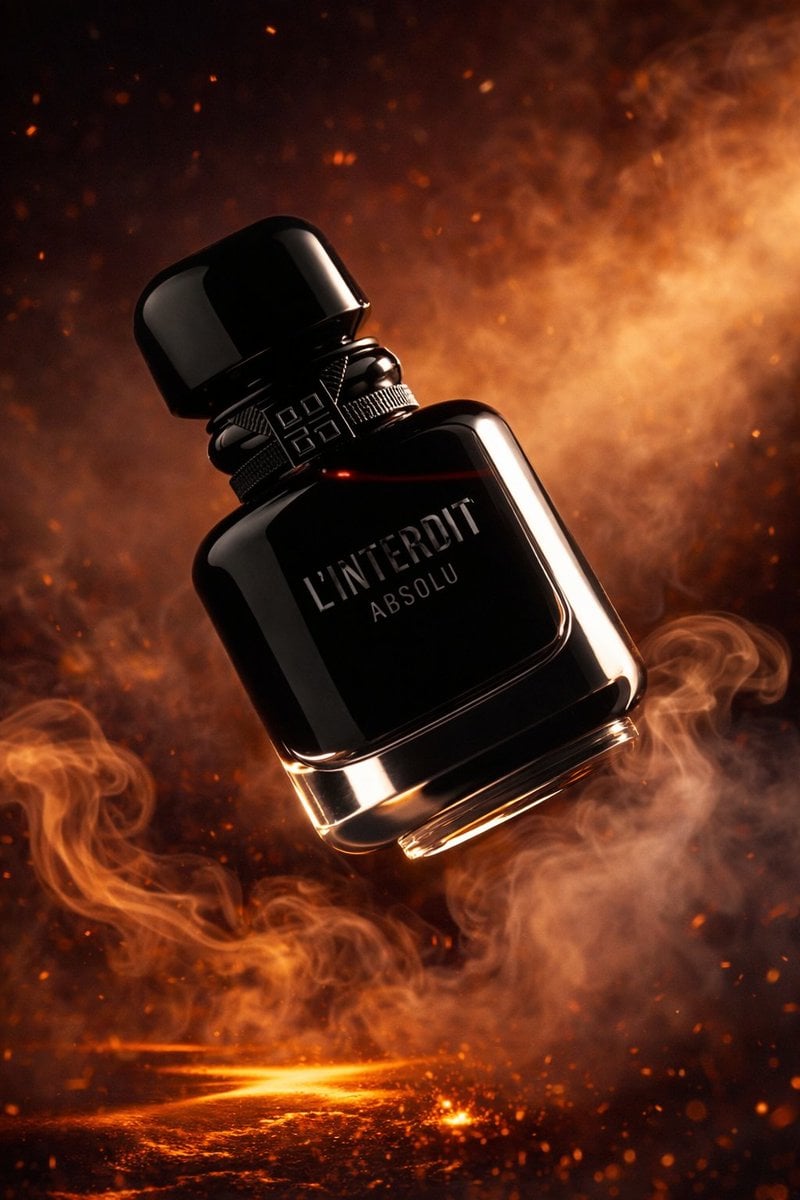
Luxury Perfume Bottle Product Shot
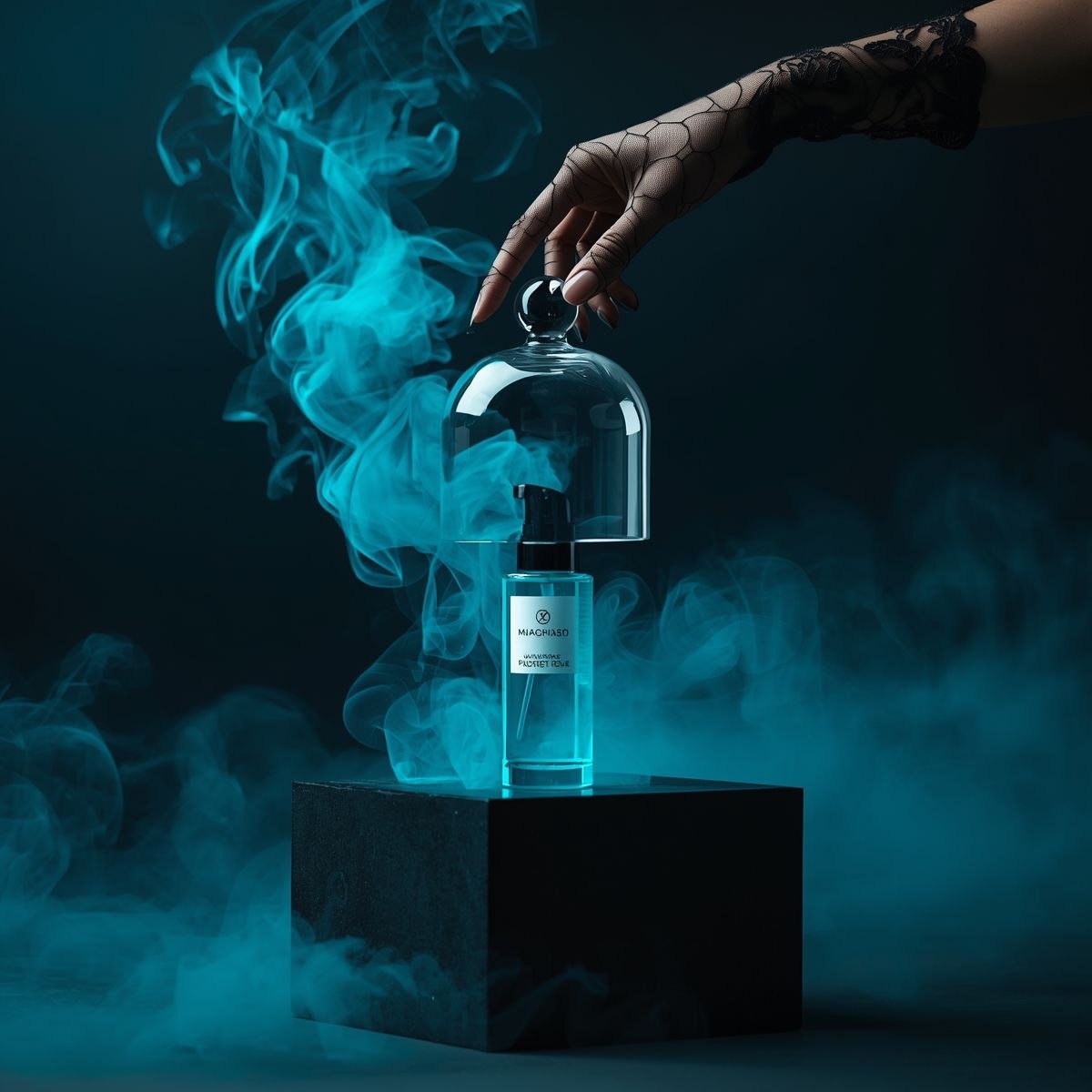
Cinematic Product Video for Luxury Perfume
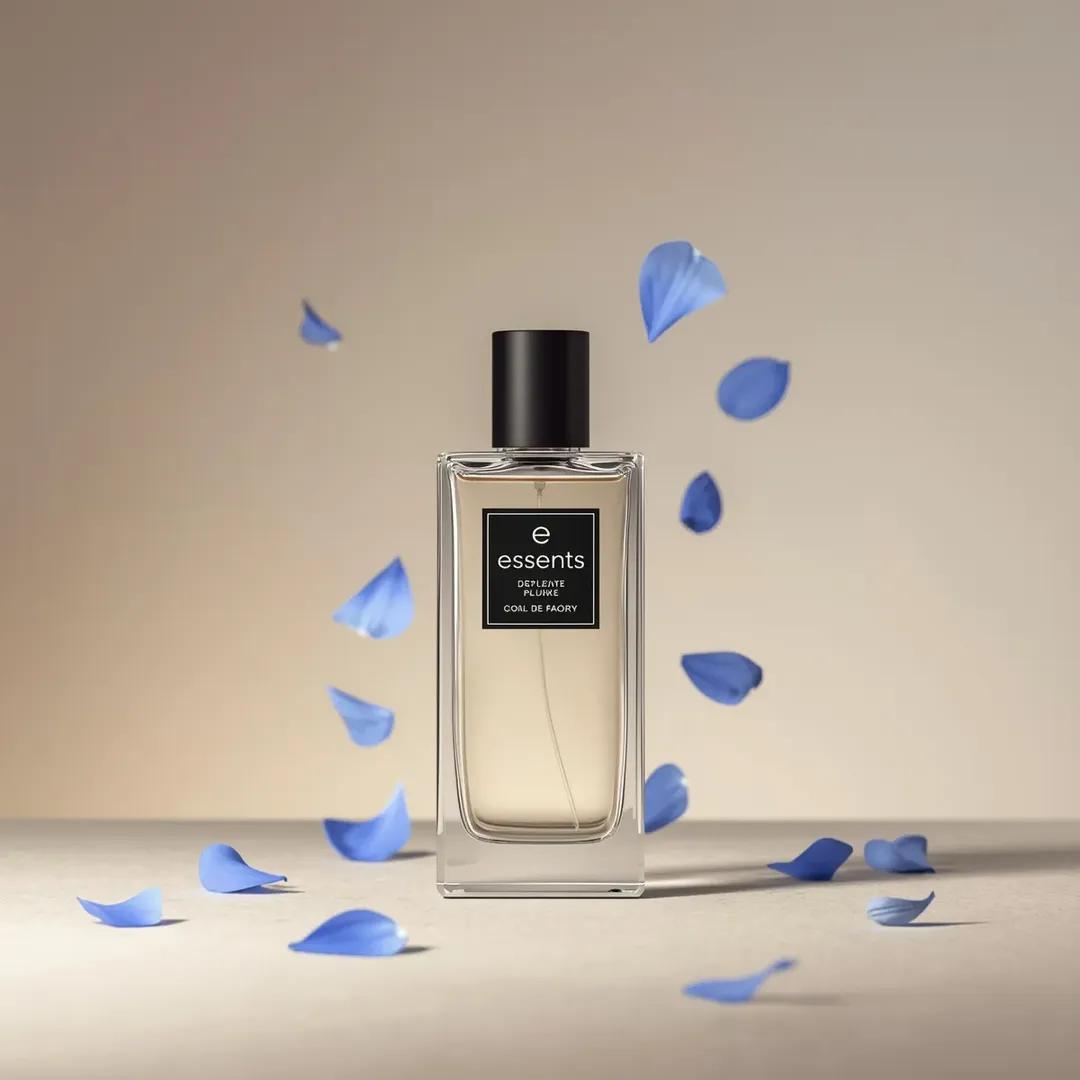
Luxury Perfume Bottle Product Shot Prompt
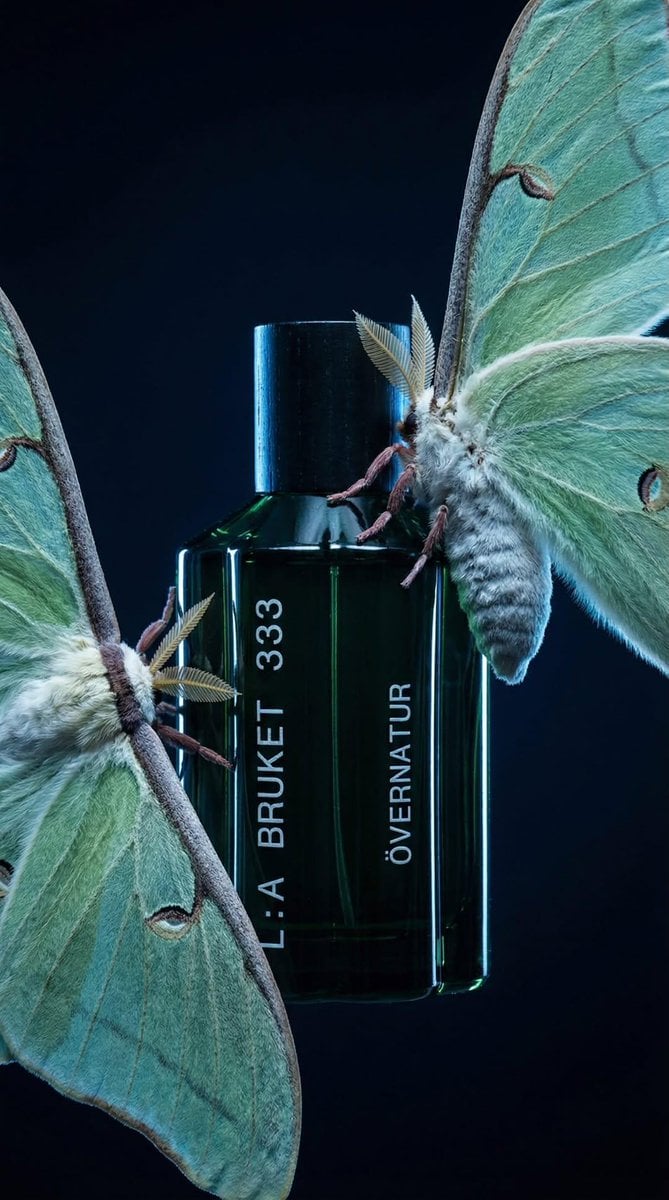
Luxury Perfume Bottle in Mystical Forest Product Shot
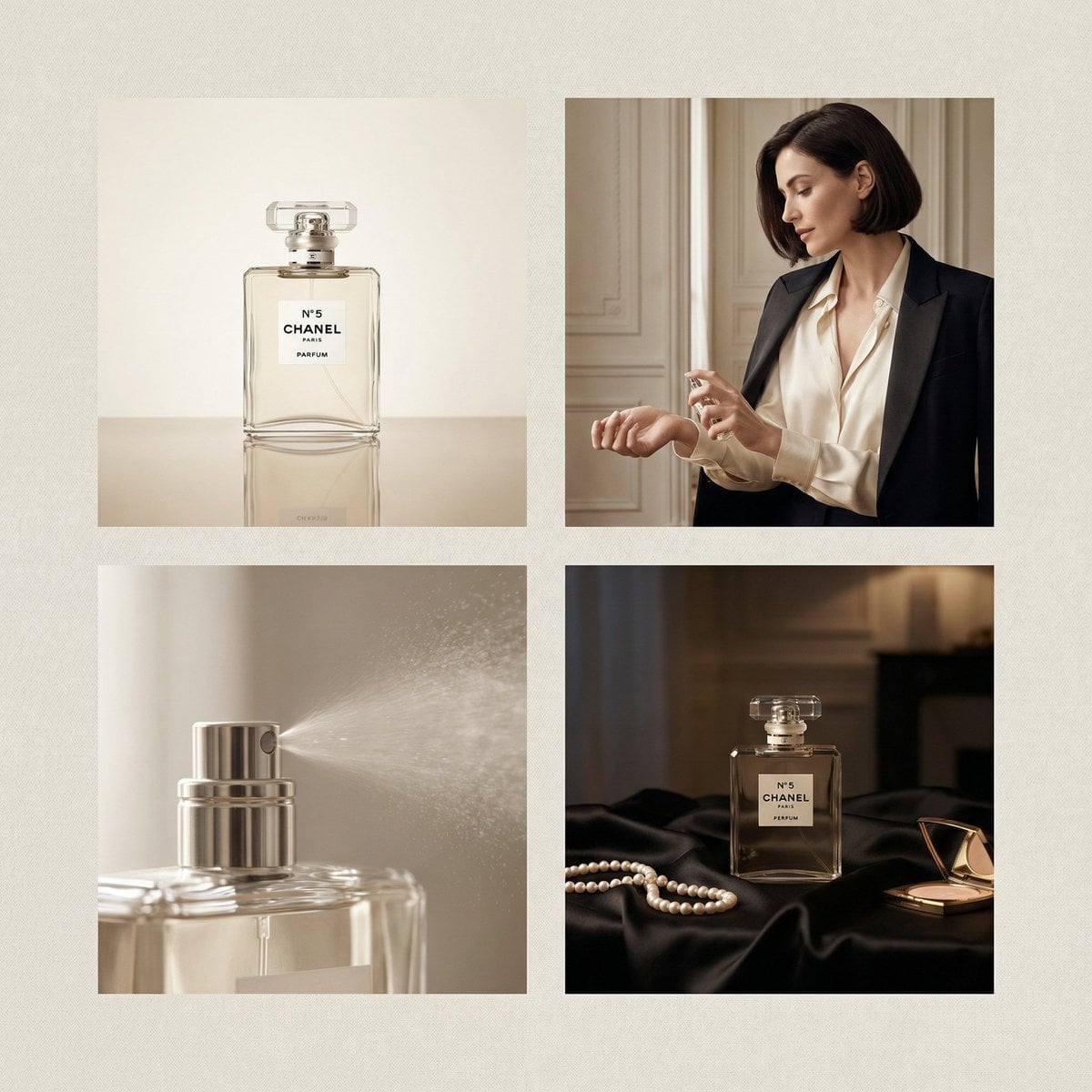
Chanel Perfume 2x2 Grid Luxury Campaign
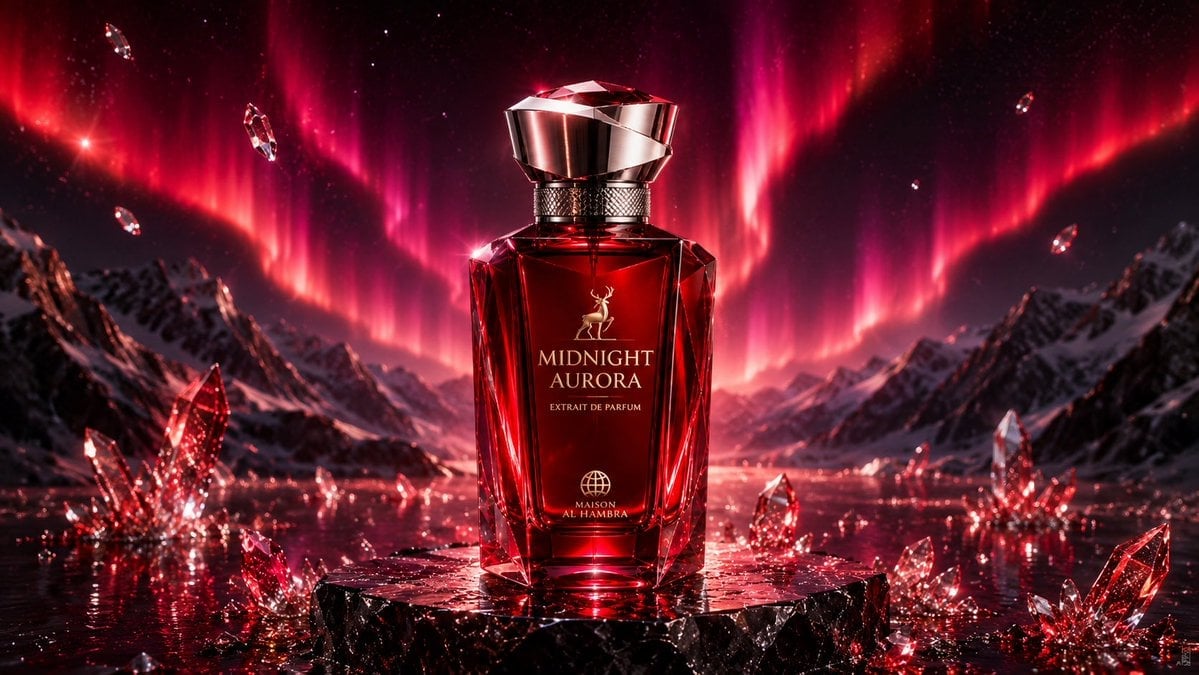
Midnight Aurora Luxury Perfume Ad
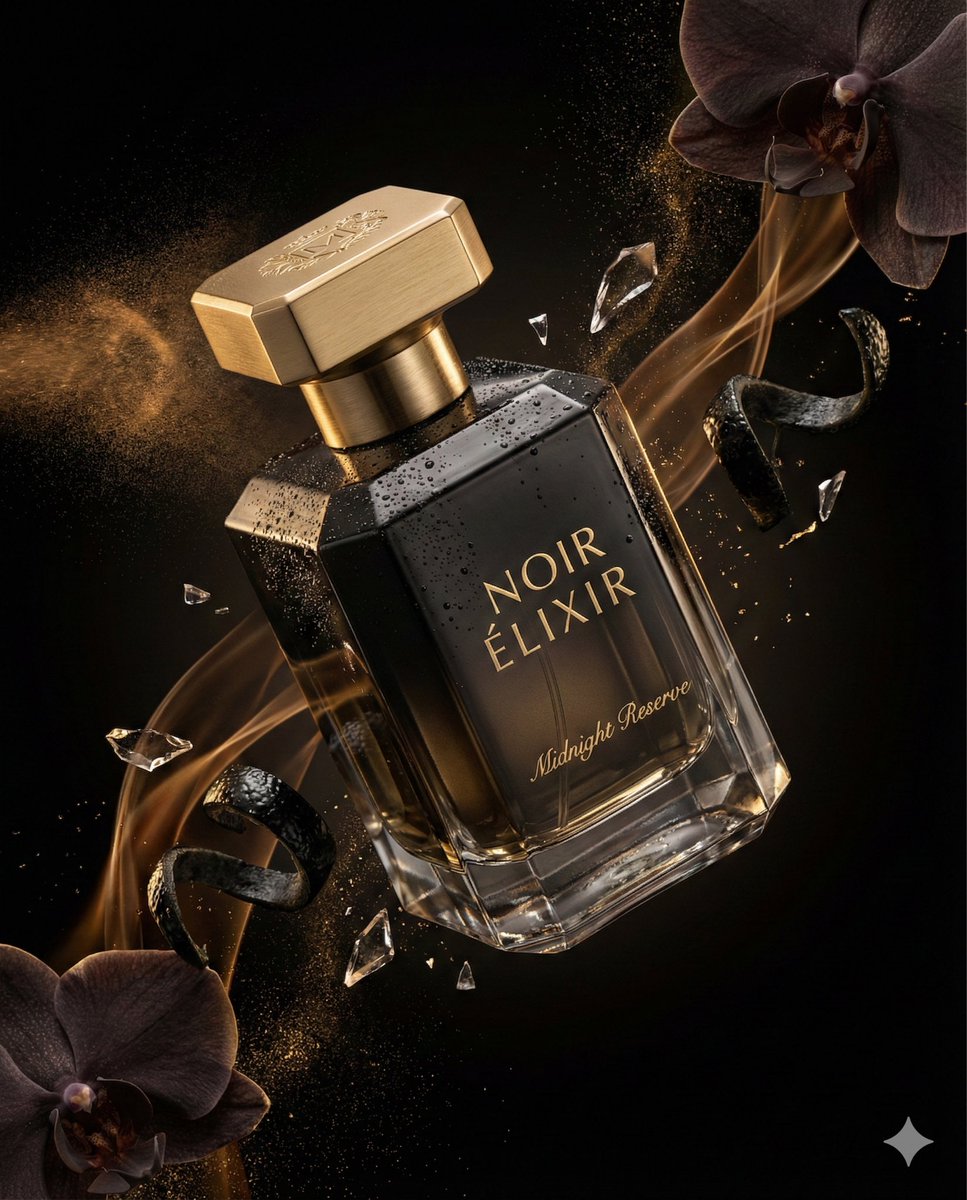
Luxury Perfume Advertising Photography
Make it yours
Minimal Luxury Perfume Product Shot works as-is. These are the safest ways to change it without losing the look.
Change one field
Copy a single group, rewrite it, and generate again so you can see what that field is doing.
Keep the frame, change the subject
Hold the composition and light of Minimal Luxury Perfume Product Shot, then swap wardrobe, props or the person for a new take.
| If the result… | Why | Fix |
|---|---|---|
| The result drifts from the preview | Too many fields changed at once. | Reuse Minimal Luxury Perfume Product Shot as-is first, then change one group — subject, light, or setting. |
| The model over-stylizes the scene | The prose prompt leaves finish and camera underspecified. | Add one camera or lighting sentence and stay on GPT Image 2. |
More GPT Image 2 templates
Other prompts made for GPT Image 2.

Six VTuber Japanese Logo Sheet

Realistic Portrait of Woman and Deer

The Vista Modular Condo Poster

AI Model Routing Comparison Infographic

2.5D Anime Art Board

Isometric Productivity Desk Scene

New York Double Exposure Poster

Four-Panel AI Landscape Comparison

Japanese Tatami Lifestyle Magazine Cover

NESCAFÉ Coffee Map Poster
More image prompts
Fresh picks from across the catalog.
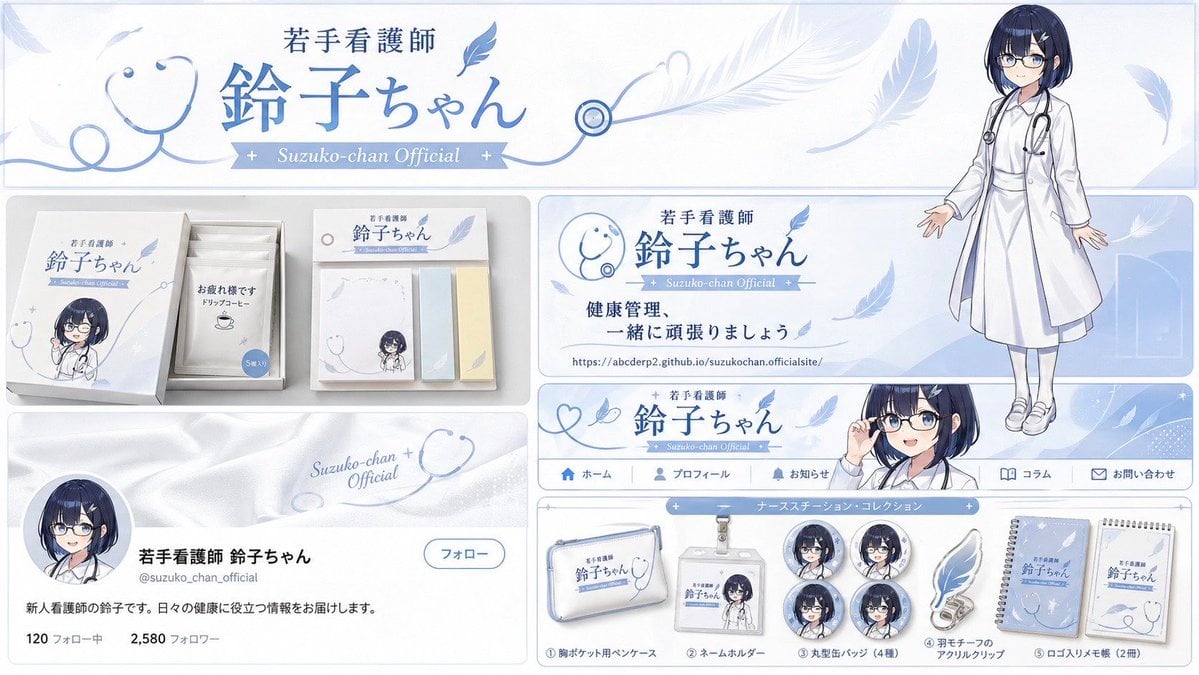
Brand Identity Design Board
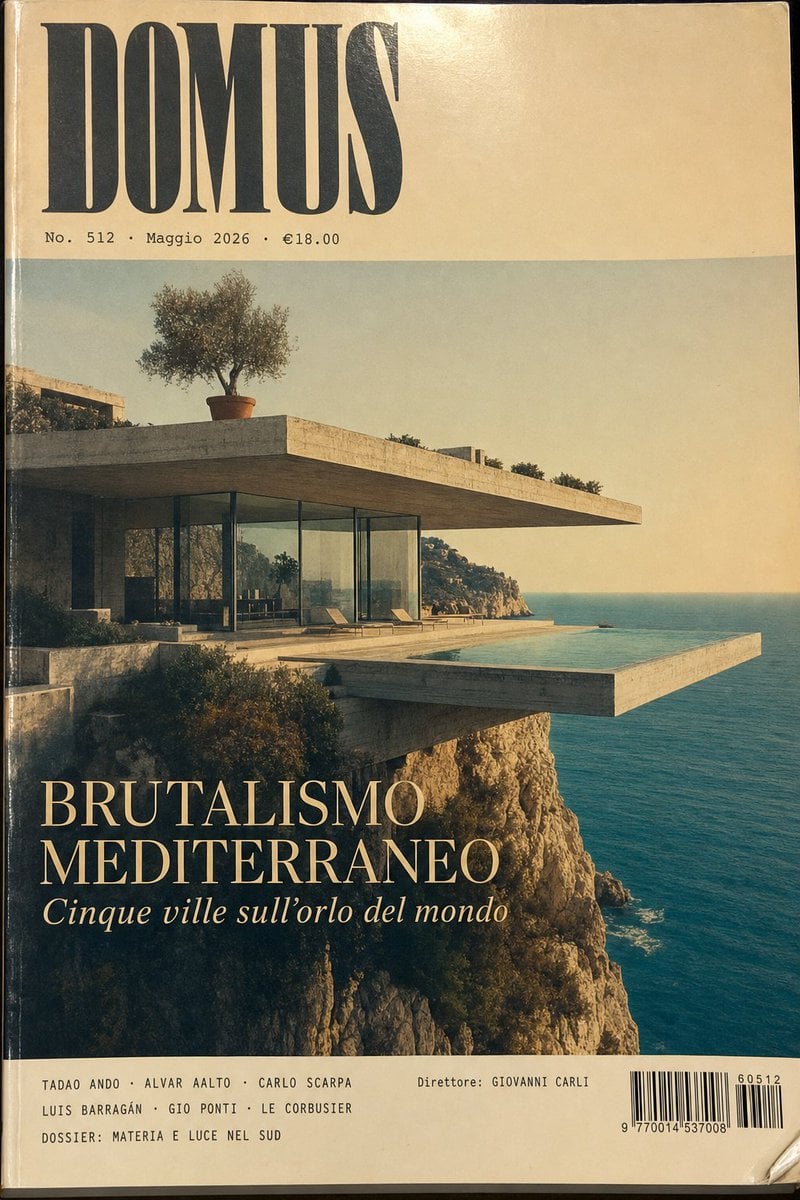
1970s Architecture Magazine Cover
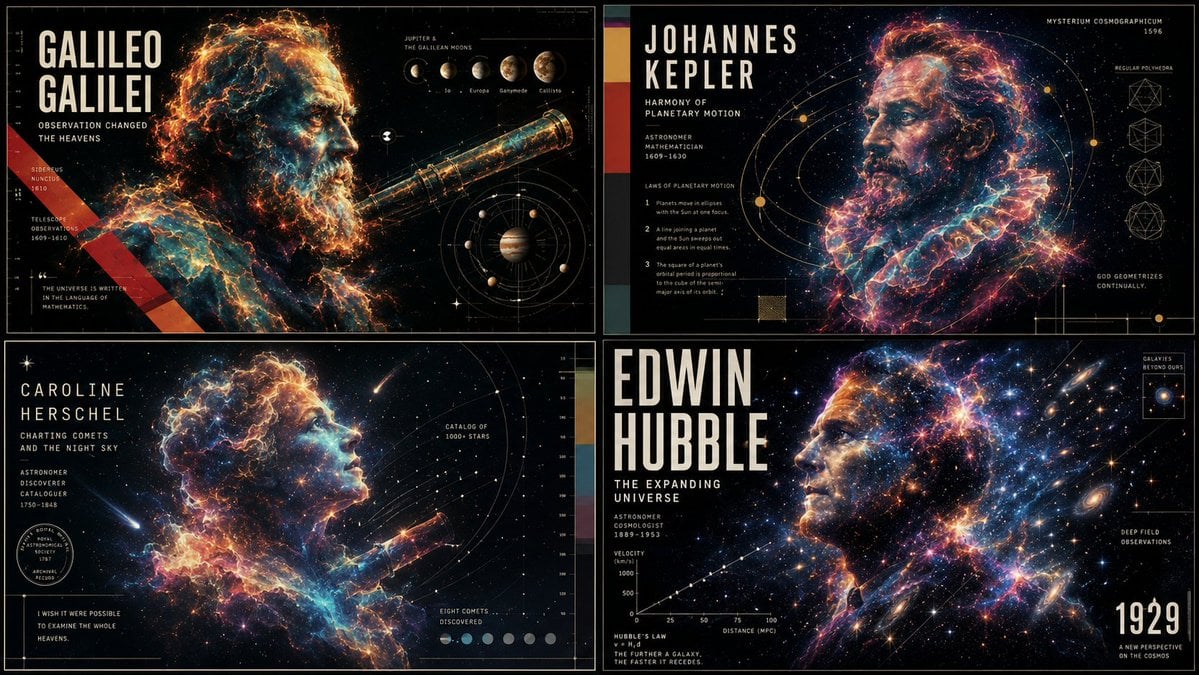
Ethereal Data Portrait for Astronomers
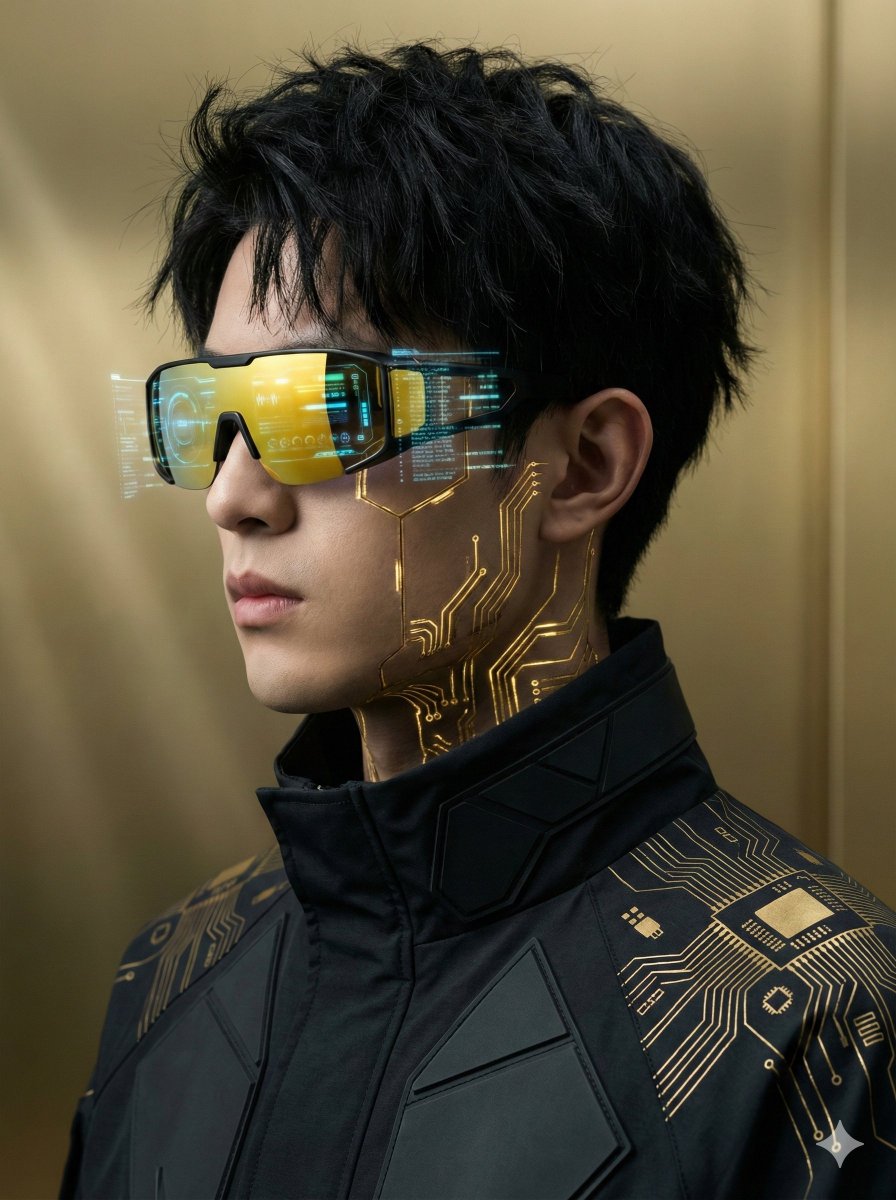
Futuristic Cyberpunk Portrait with Golden Circuitry
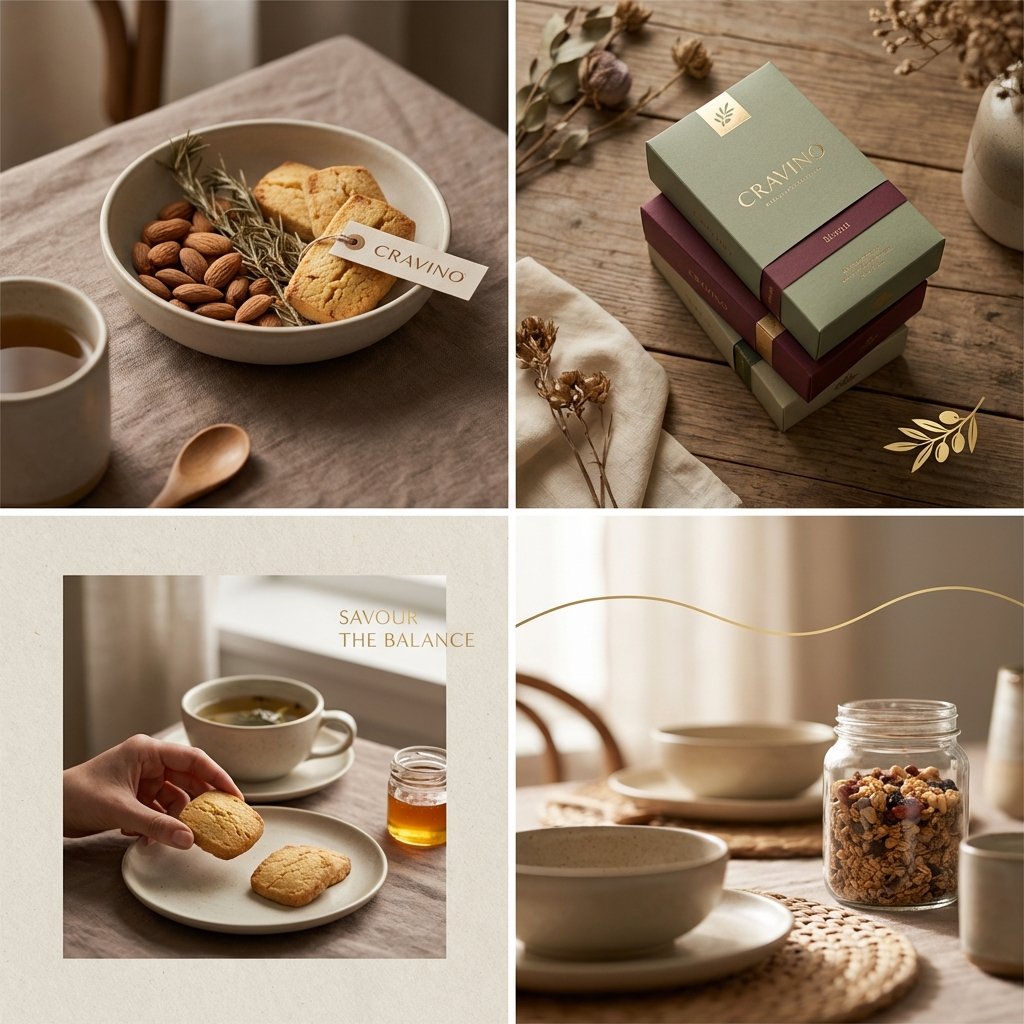
Editorial Background Visual Prompt for Premium Magazine Layouts
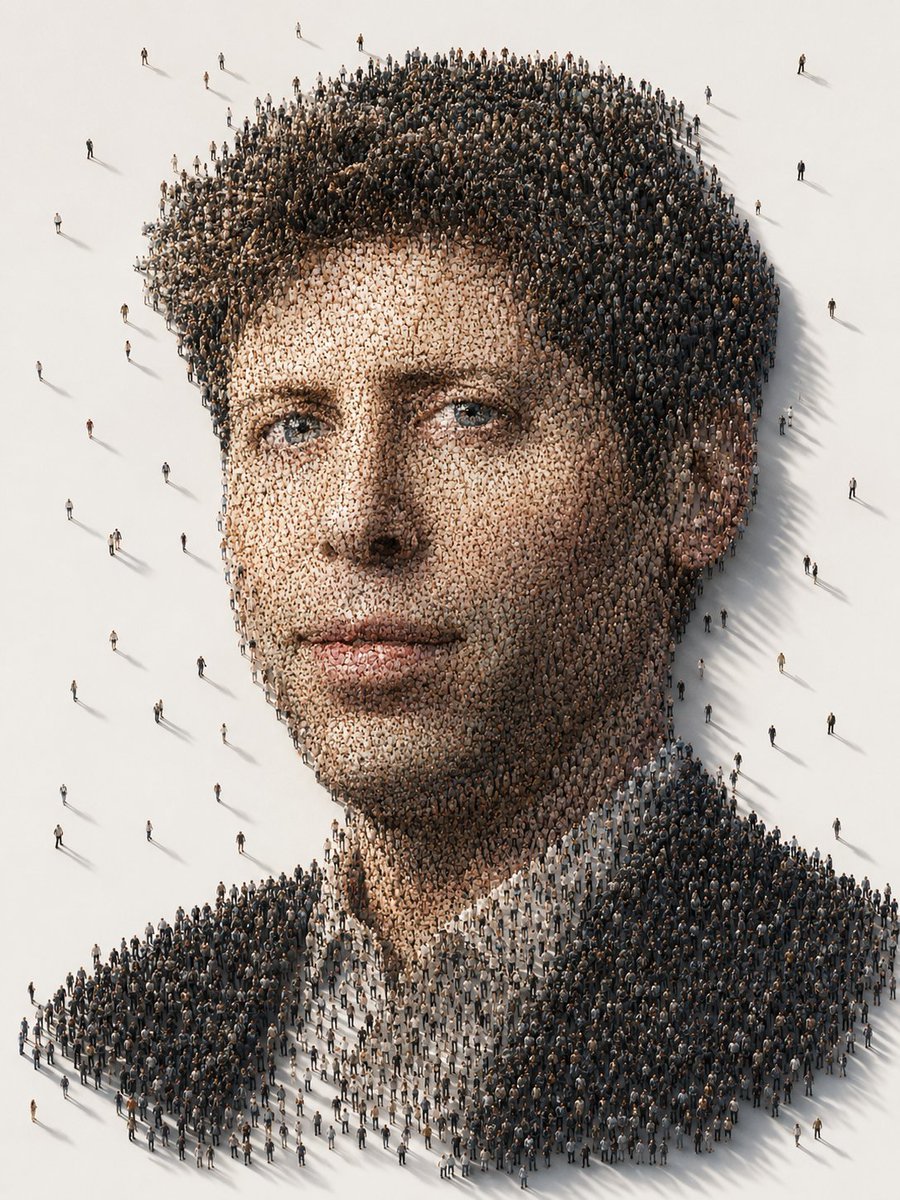
Conceptual Crowd Portrait Installation Art
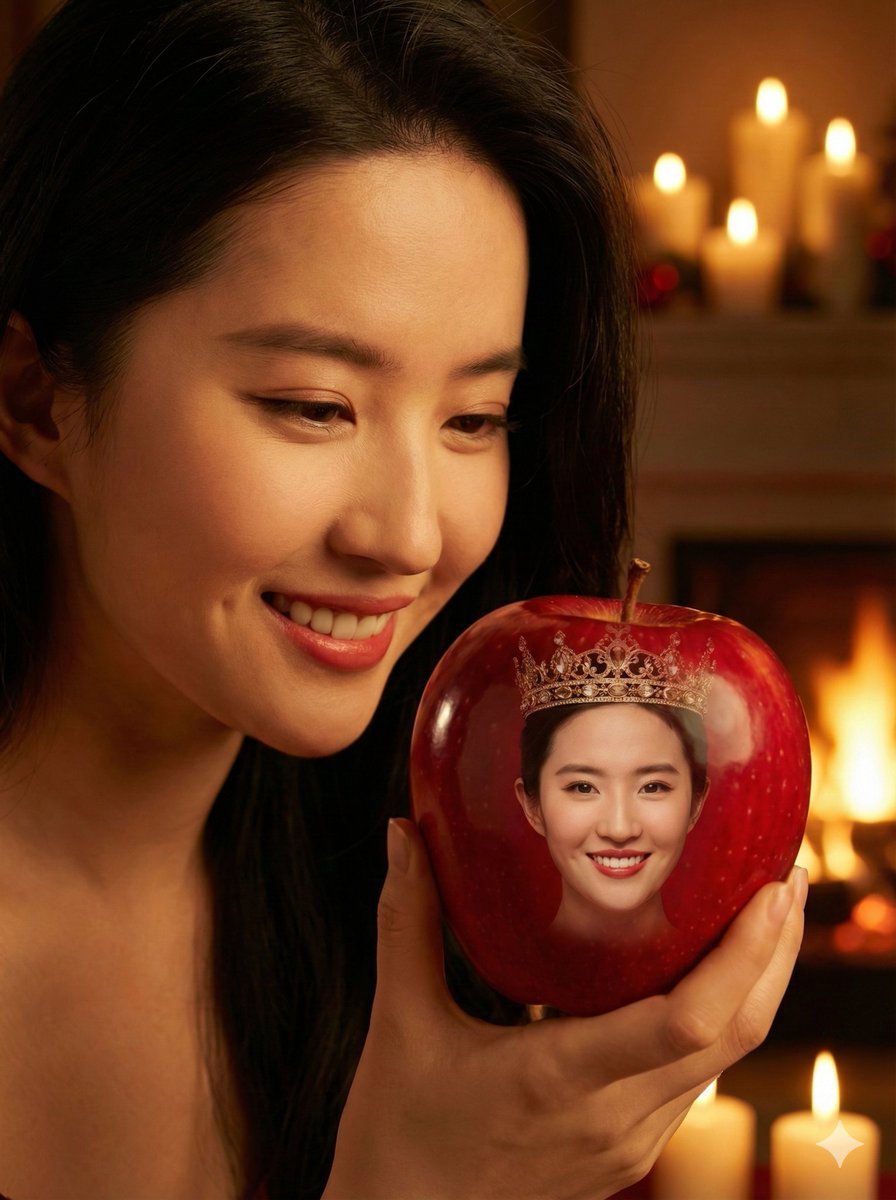
Cinematic Close-up of a Woman Holding a Magical Apple
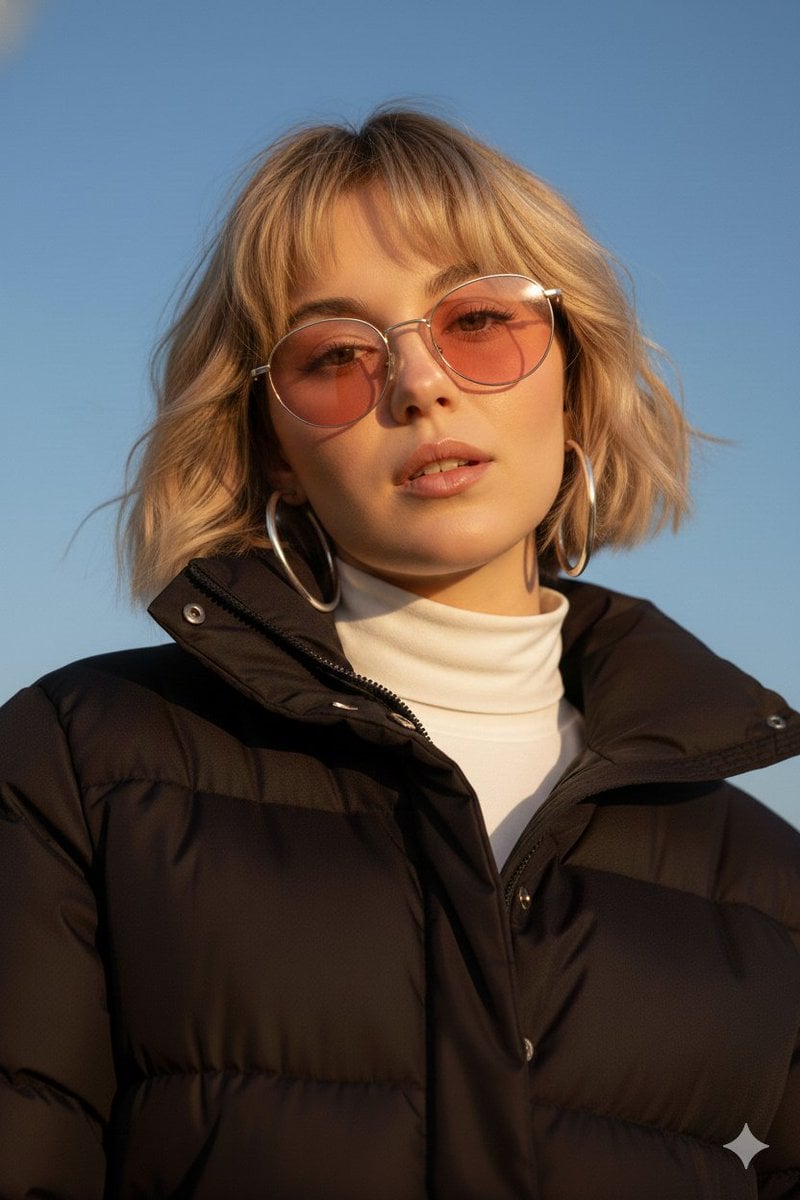
Cinematic Fashion Portrait Prompt
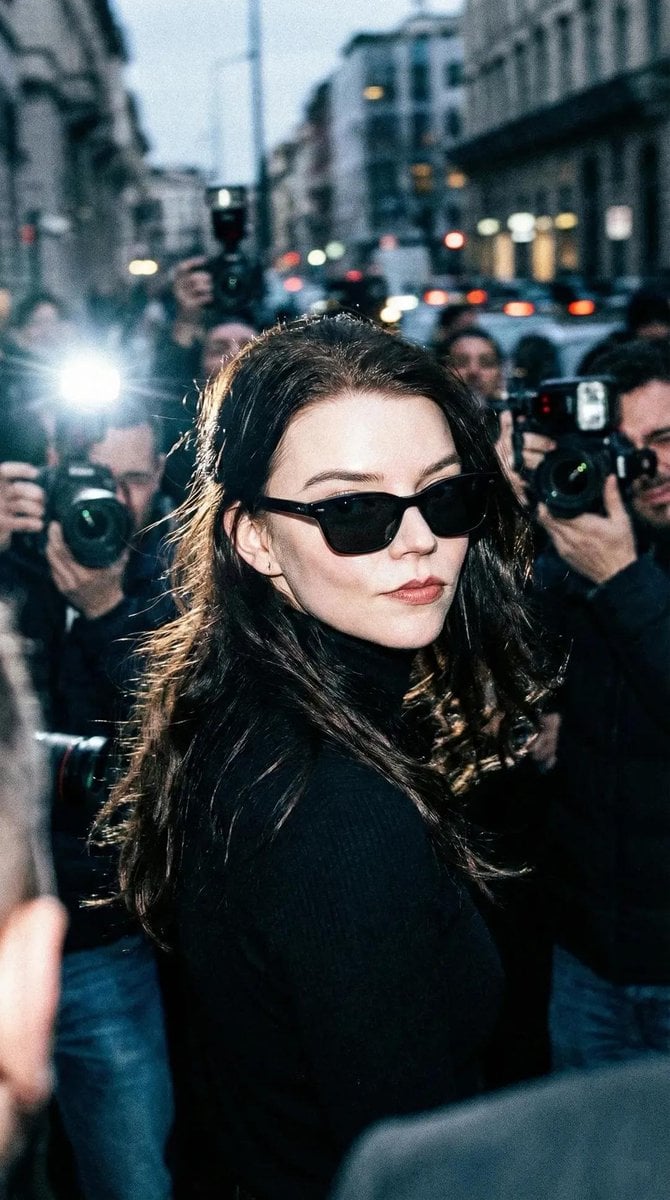
Unplanned Paparazzi-Style Portrait Prompt
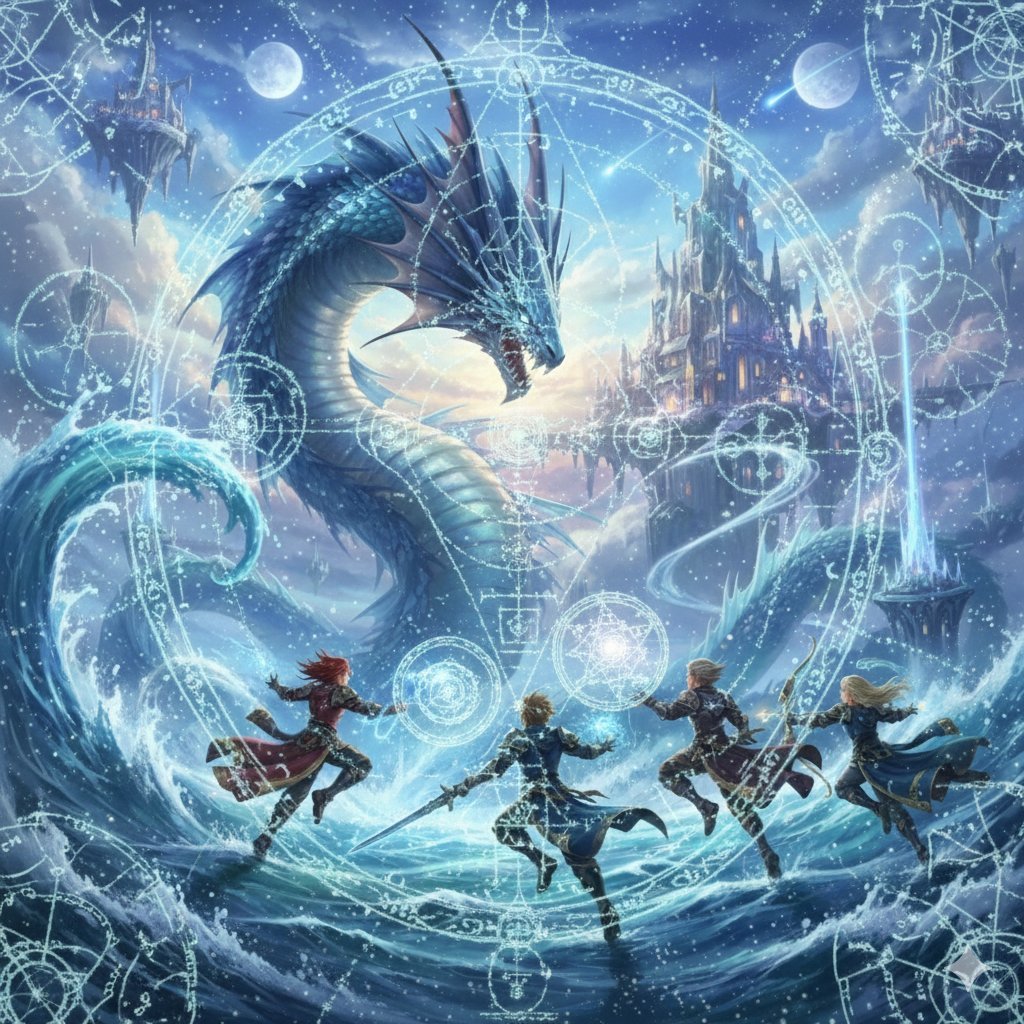
Final Fantasy Leviathan VS Player and Sacred Geometry
Browse template categories
Minimal Luxury Perfume Product Shot questions
How do I use the Minimal Luxury Perfume Product Shot template?
Add your photo if the template asks for one, edit the prompt if you like — the template's model and format are already selected — and press Generate. Your version opens in PicX Studio.
Can I customize the Minimal Luxury Perfume Product Shot template?
Yes. You can change the subject, setting, lighting, mood, format, and available model controls before creating your image.
Is the Minimal Luxury Perfume Product Shot template free?
Opening and editing this template is free. Generating uses credits, shown on the Generate button when you are signed in.
Which AI model should I use?
Start with GPT Image 2, which is the model associated with this template. You can compare another compatible model for a different finish.
Looking for something else? Browse all templates.

Your photo, any look
Thousands of ready templates for every top image and video model, from one credit balance.